Deals for every list.Start early, save early.Shop now

Skip to contentGo to Product Search
Main Content
Skip to contentGo to Product Search

Deals for every list.Start early, save early.Shop now

Main Content

Best Budget Android Tablet

Finding the best budget Android tablet means balancing price with the features you’ll use most. Compare affordable Android tablets by screen size, storage, battery life and app compatibility to narrow your options for browsing, streaming or everyday tasks without paying for extras you don’t need.

What to look for in a budget Android tablet

Finding the best budget Android tablet means balancing price with the features you need for streaming, browsing, studying, and everyday tasks.

1. Performance and Storage

Consider the processor and RAM to find an Android tablet that can handle your favorite apps and everyday multitasking. Check how much built-in storage is available and whether the tablet supports a microSD card for additional files and media.

2. Screen Size and Display Quality

A smaller screen can make a tablet easier to carry, while a larger display gives you more room for movies, reading, and schoolwork. Compare resolution and brightness to find a screen that suits how and where you plan to use it.

3. Battery Life and Charging

Look for battery life that fits your routine, keeping in mind that gaming, streaming, and higher screen brightness can drain the battery faster. Check charging compatibility and whether a power adapter is included when comparing overall costs.

4. Software Support and App Compatibility

Check the Android version and the manufacturer's policy for operating system upgrades and security updates. Make sure the tablet supports the apps you need, including access to the Google Play Store if that is how you plan to download them.

  1. 1

    About this product

    A versatile blue Android tablet with a 10" IPS display, 64GB storage, MediaTek G99, and keyboard folio.

    A versatile blue Android tablet with a 10" IPS display, 64GB storage, MediaTek G99, and keyboard folio.

    (0)
    $169.99 Your price for this item is $169.99
  2. 2

    About this product

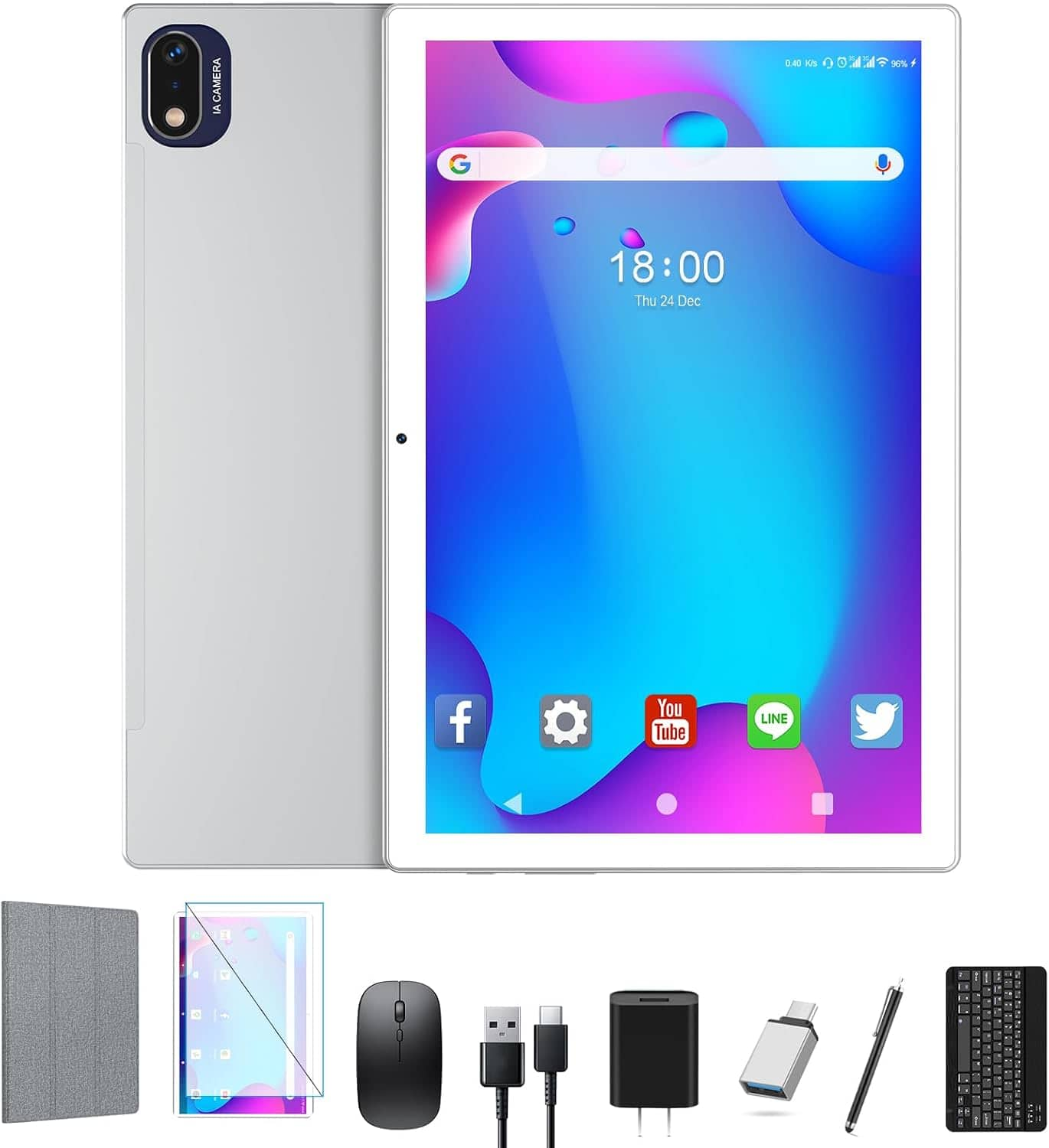
    A silver 10.1-inch Android tablet with HD display, 128GB storage, 5G WiFi, and included keyboard.

    A silver 10.1-inch Android tablet with HD display, 128GB storage, 5G WiFi, and included keyboard.

    (0)
    $99.99
    SAVE $136.00
    Your price for this item is $99.99
  3. 3

    About this product

    A black 10.1-inch Android tablet with 16GB RAM, 128GB storage, keyboard, and dual cameras.

    A black 10.1-inch Android tablet with 16GB RAM, 128GB storage, keyboard, and dual cameras.

    (7)
    $109.99
    SAVE $130.00
    Your price for this item is $109.99
  4. 4

    About this product

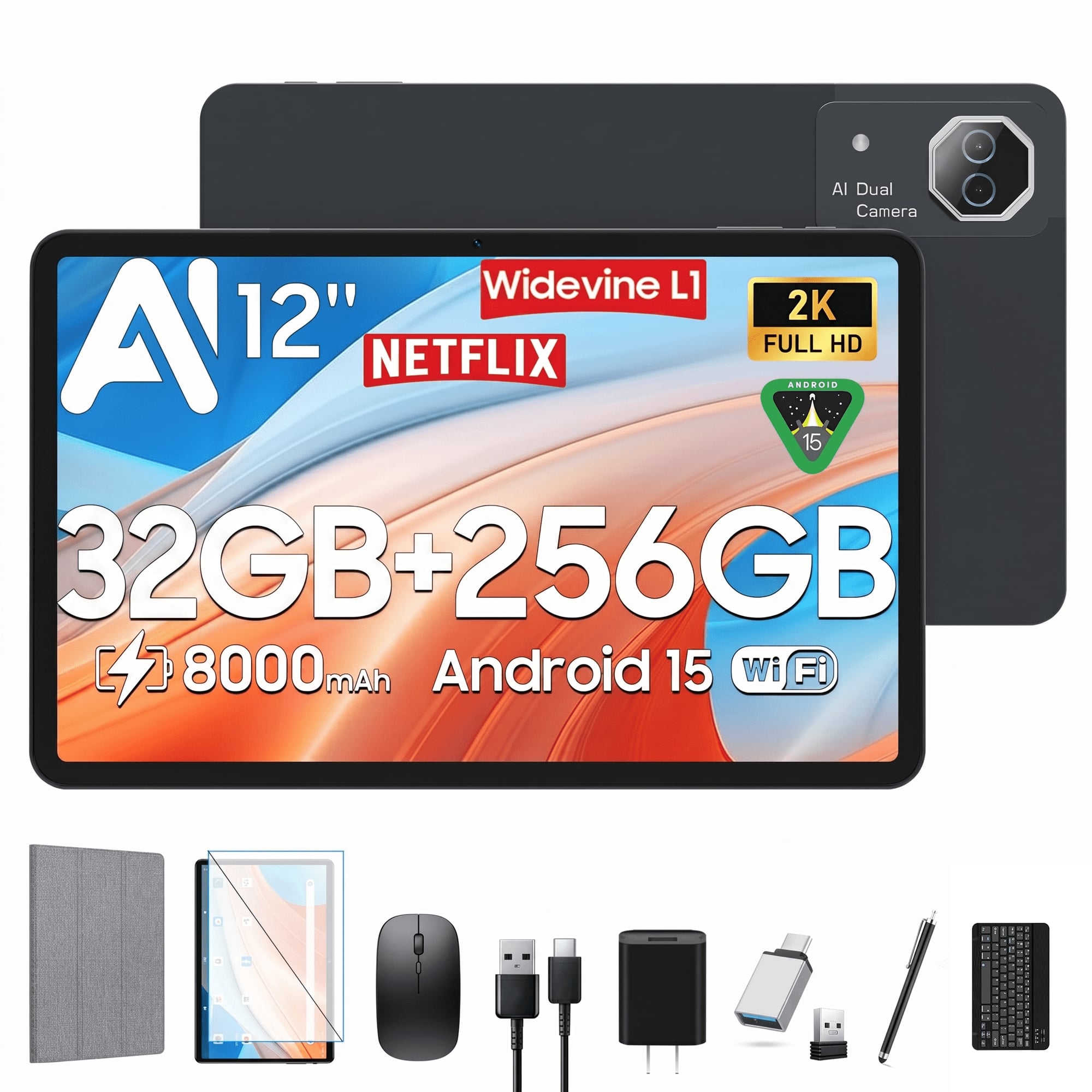
    A gray Android tablet with 256GB storage, 32GB RAM, Helio G99 processing, and 2K display.

    A gray Android tablet with 256GB storage, 32GB RAM, Helio G99 processing, and 2K display.

    (0)
    $185.99
    SAVE $214.00
    Your price for this item is $185.99
  5. 5

    About this product

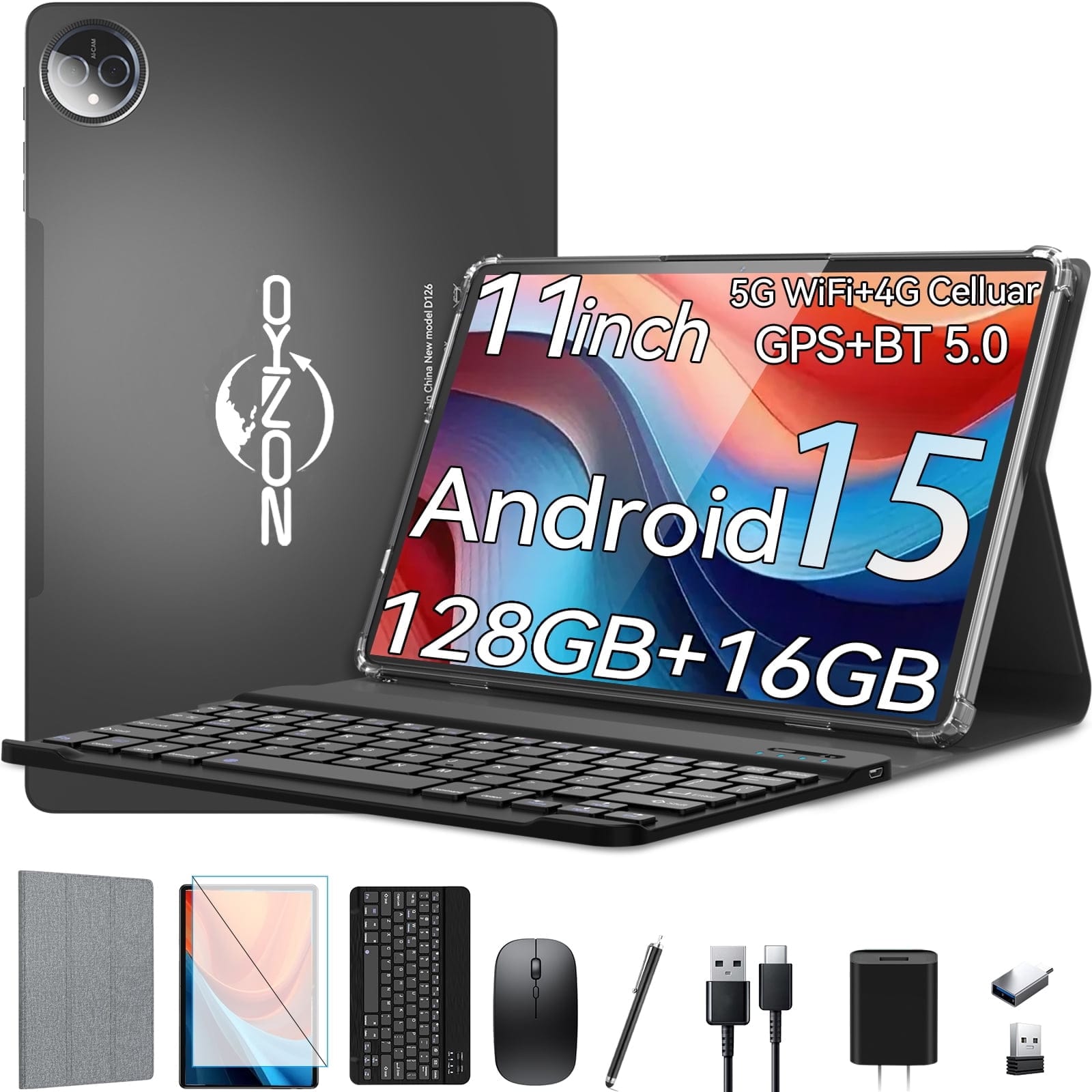
    A gray 2-in-1 Android 15 tablet with keyboard, 4G LTE, 16GB RAM, and 128GB storage.

    A gray 2-in-1 Android 15 tablet with keyboard, 4G LTE, 16GB RAM, and 128GB storage.

    (1)
    $129.99
    SAVE $140.00
    Your price for this item is $129.99
  6. 6

    About this product

    A silver 2-in-1 Android tablet with 16GB RAM, 128GB storage, keyboard, mouse, and octa-core processor.

    A silver 2-in-1 Android tablet with 16GB RAM, 128GB storage, keyboard, mouse, and octa-core processor.

    (0)
    $109.99
    SAVE $120.00
    Your price for this item is $109.99
  7. 7

    About this product

    A gray Android tablet with 128GB storage, 8GB RAM, octa-core processor, keyboard, and 5G Wi-Fi.

    A gray Android tablet with 128GB storage, 8GB RAM, octa-core processor, keyboard, and 5G Wi-Fi.

    (0)
    $104.99
    SAVE $115.00
    Your price for this item is $104.99
  8. 8

    About this product

    A silver 2-in-1 Android tablet with 14GB RAM, 128GB storage, octa-core processor, and keyboard included.

    A silver 2-in-1 Android tablet with 14GB RAM, 128GB storage, octa-core processor, and keyboard included.

    (0)
    $109.96
    SAVE $90.03
    Your price for this item is $109.96
  9. 9

    About this product

    A black Android tablet with octa-core processing, 128GB storage, 16GB memory, keyboard, and Gemini AI.

    A black Android tablet with octa-core processing, 128GB storage, 16GB memory, keyboard, and Gemini AI.

    (1)
    $119.99
    SAVE $120.00
    Your price for this item is $119.99
  10. 10

    About this product

    A silver 2-in-1 Android tablet with octa-core processing, 128GB storage, keyboard, cameras, and USB-C charging.

    A silver 2-in-1 Android tablet with octa-core processing, 128GB storage, keyboard, cameras, and USB-C charging.

    (1)
    $119.99
    SAVE $120.00
    Your price for this item is $119.99

Best Budget Android Tablet

The best budget Android tablet for everyday use balances a clear display, responsive performance, useful battery life, and software support that fits its owner’s needs. These tablets bring reading, streaming, casual gaming, video calls, and everyday browsing together on a screen that offers more room than a phone without the bulk of a traditional computer. A tablet can hold a recipe beside a mixing bowl, keep a student’s reading materials together, or make a long article easier to follow from the couch. The Android operating system supports a customizable home screen, notifications, accessibility settings, and a wide range of apps, although app compatibility and access to app stores can differ between devices. Screen size helps shape the experience: A compact tablet is easier to hold for a chapter or slip into a small bag, while a larger display gives documents, movies, and split-screen apps more breathing room. Size alone does not determine picture quality. Resolution affects how crisp small text appears, and viewing angles matter when two people share a video or a child watches with the tablet propped on a table. Brightness and screen reflections also influence readability beside a window or under overhead lighting. For frequent readers, adjustable text size and comfortable screen settings can be more useful than a larger display that feels awkward to hold. For entertainment, speaker placement and sound clarity affect whether dialogue remains easy to understand without headphones. A headphone connection or compatible wireless audio support adds flexibility in shared spaces. Video quality also depends on the streaming service, subscription, app, and device support, so a high-resolution screen does not automatically mean every service will play at its highest quality. The most satisfying everyday tablet experience comes from these details working together, whether the screen is showing an illustrated bedtime story, a cooking demonstration, or a familiar show during a commute. Touch responsiveness matters, too, especially when scrolling through long pages, typing messages, or moving pieces in a puzzle game.

Everyday performance depends on the combination of processor capability, memory, software, and the demands of the apps being used. Email, ebooks, web browsing, and video playback generally place different demands on a tablet than detailed games, large creative projects, or several active apps at once. Memory helps the device keep apps ready as someone moves between a browser, a document, and a video call; storage holds downloaded apps, photos, files, and offline entertainment. Those are different resources, and a large storage capacity does not necessarily make a tablet faster. Usable storage is also less than the advertised total because the operating system and preinstalled software occupy some space. Expandable storage, when supported, can provide room for compatible files such as downloaded photos and videos, but it may not support every app or replace internal storage for all tasks. Offline downloads are useful for travel and places with unreliable internet access, subject to each app’s download rules. At home, dependable Wi-Fi helps keep streams steady and calls clear, while cellular connectivity requires compatible hardware and service. Front-camera placement deserves attention for regular video calls: A camera positioned for landscape use can feel more natural when the tablet sits horizontally in a stand. Microphone quality and room lighting also affect how clearly someone comes through. Battery life varies with screen brightness, wireless connections, game intensity, and other activity, making a manufacturer’s stated runtime a reference rather than a promise for every routine. Charging connection, supported charging speed, and whether a power adapter is included influence how easily the tablet fits into an existing charging setup. Software support is another part of long-term usefulness. Security updates help address vulnerabilities, while operating system updates can affect features and future app compatibility. A stated support policy provides a clearer picture than the operating system version alone. For shared households, separate profiles and parental controls, where supported, can help organize different users’ apps, content access, and settings without turning one home screen into everyone’s catchall.

A tablet’s materials and physical design matter most during the ordinary moments between screen time. Metal housings can feel rigid and substantial, while plastic housings may help keep a device light; neither material alone guarantees protection against drops. Overall construction, weight distribution, and the shape of the edges influence how comfortable a tablet feels during an extended reading session. A slim device may travel easily, but a secure grip and a well-fitting case can make daily handling more comfortable. Cases need to match the tablet’s dimensions, camera placement, buttons, speakers, and charging port, rather than screen size alone. A folio stand can hold the display upright for a recipe or video call, while a keyboard case can make short emails and school assignments easier to type. Active pen support is device-specific, and a basic touch stylus does not provide the same features as a compatible active pen. Accessories also add weight, which matters when the tablet spends much of its time in a hand rather than on a desk. Routine care is straightforward: A soft, lint-free cloth helps remove fingerprints, and cleaning should follow the device manufacturer’s directions without allowing moisture into openings. Water resistance should never be assumed, making distance from sink splashes and spilled drinks sensible even when a tablet is used in the kitchen. For gifting, the recipient’s habits offer useful context. An enthusiastic reader may appreciate comfortable handling and adjustable text, a student may benefit from document access and keyboard compatibility, and a frequent traveler may value offline entertainment and an easy-to-pack shape. Accessibility features such as screen magnification, captions, and text-to-speech can make everyday activities more comfortable for many users. A gift also works best when it supports the recipient’s preferred apps and any existing accessories they plan to keep using. For a related selection of tablets suited to everyday routines, explore Best Tablet Under 250. A balanced combination of comfort, compatibility, and dependable everyday features gives a budget Android tablet a useful place in work breaks, family downtime, and personal projects.

FAQs