Top Rated Budget Video Cameras
Compare top-rated budget video cameras for everyday recording, vlogging, and creative projects. The selection includes digital cameras, camcorders, and creator kits, with HD and 4K recording options. Review each model’s video resolution, audio connections, and included accessories to find a setup that fits what you want to film and how much you want to spend.
What to look for in a budget video camera
Finding the best budget video camera starts with matching recording quality, ease of use and total cost to the videos you want to create.
1. Video Quality
2. Stabilization and Autofocus
3. Audio and Connectivity
4. Battery Life and Total Cost
-
1
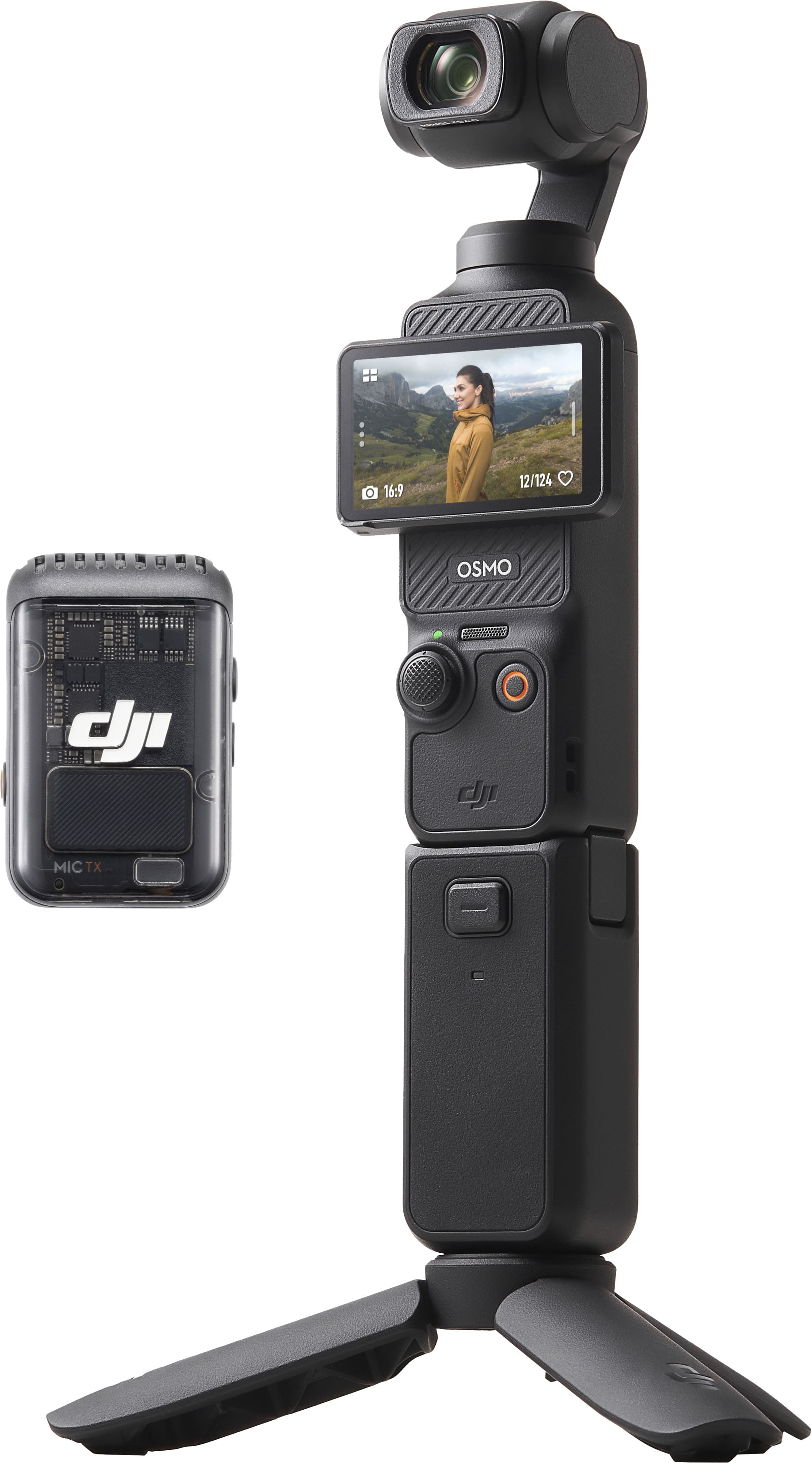
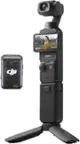
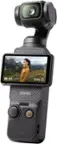
DJI - Osmo Pocket 3 Creator Combo 3-Axis Stabilized 4K Vlog Camera with Rotatable Touchscreen - Gray
About this product
A gray handheld camera with 4K/120fps video, 3-axis stabilization, and a rotatable touchscreen for creative control.
What customers like
(2,714)$549.00 Your price for this item is $549.00 -
2
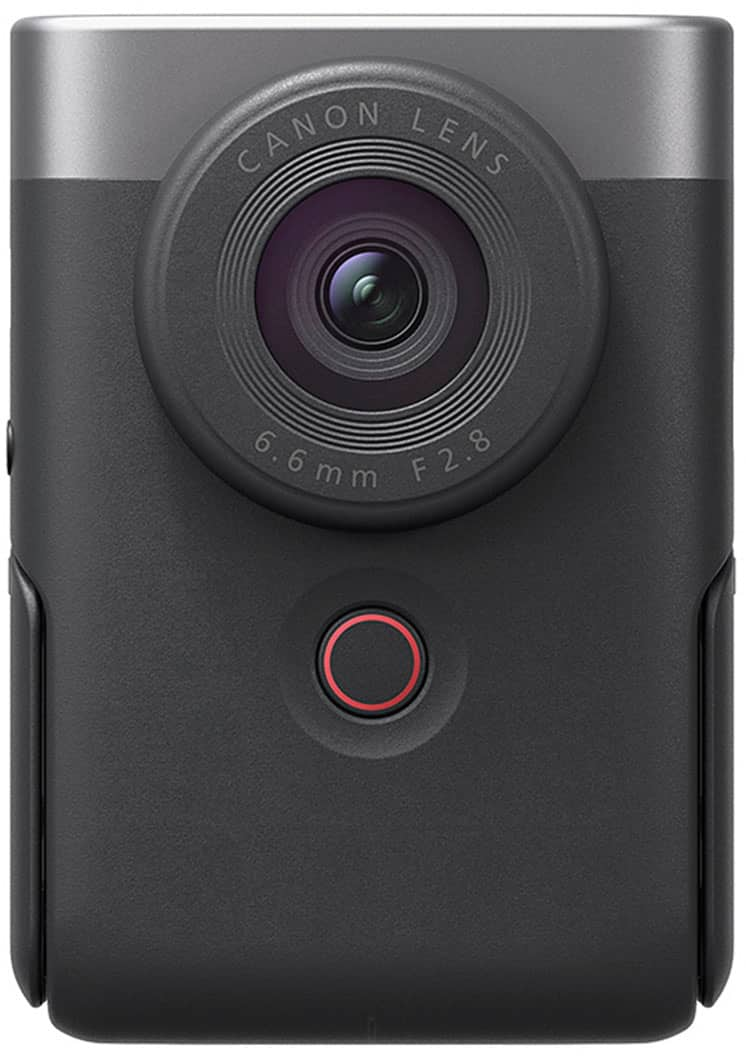
Canon - PowerShot V10 4K Video 20.9-Megapixel Digital Camera for Vloggers and Content Creators - Silver
About this product
A compact silver camera with 4K video, 20.9MP sensor, built-in stand, and touch screen for vlogging.
What customers like
(107)$299.00Your price for this item is $299.00SAVE $130.00 -
3

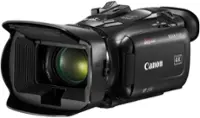
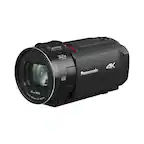
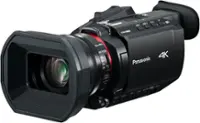
Canon - VIXIA HF G70 4K - Black
About this product
A compact black camcorder delivering 4K UHD video, 20x optical zoom, advanced autofocus, and livestreaming capabilities.
What customers like
(94)$1,349.00Your price for this item is $1,349.00SAVE $50.00 -
4

Vivitar - 4K Digital Camera with Enhanced Zoom - Black
About this product
A black bridge camera offering 64MP photos, 4K video, 70x optical zoom, and versatile shooting modes.
What customers like
(60)$189.99Your price for this item is $189.99SAVE $10.00 -
5

Canon - PowerShot V10 4K Video 20.9-Megapixel Digital Camera for Vloggers and Content Creators - Black
About this product
A compact black camera offering 4K video, stereo sound, built-in stand, and touch screen for content creation.
What customers like
(95)$299.00Your price for this item is $299.00SAVE $226.99 -
6

Minolta - MN4KP1 4K Video 16.0-Megapixel Waterproof Camcorder Bundle - Black
About this product
A compact black camcorder capturing 4K video and 16MP photos, with waterproof housing and Wi-Fi connectivity.
What customers like
(37)$99.00Your price for this item is $99.00SAVE $0.99 -
7

Vivitar - 4K Digital Camera with Enhanced Zoom - Silver/Black
About this product
A versatile silver and black camera capturing 64MP photos and 4K video with 60x optical zoom and autofocus.
What customers like
(60)$179.99 Your price for this item is $179.99 -
8

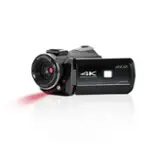
Minolta - MN4K40NV 4K Video 30-Megapixel Night Vision Camcorder - Black
About this product
A black camcorder capturing 4K video and 30MP photos with night vision, anti-shake, and touch screen.
What customers like
(35)$199.00Your price for this item is $199.00SAVE $0.99 -
9
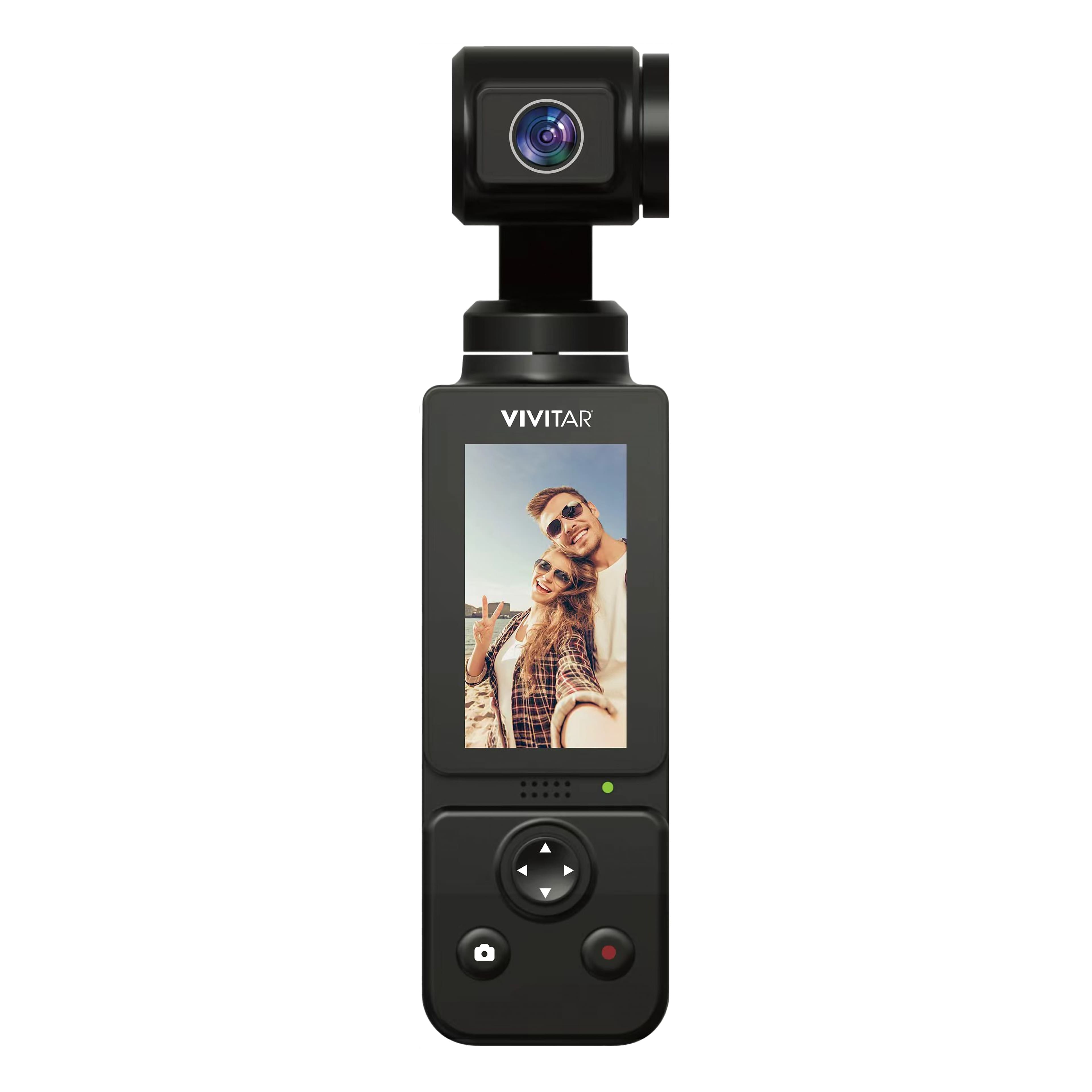
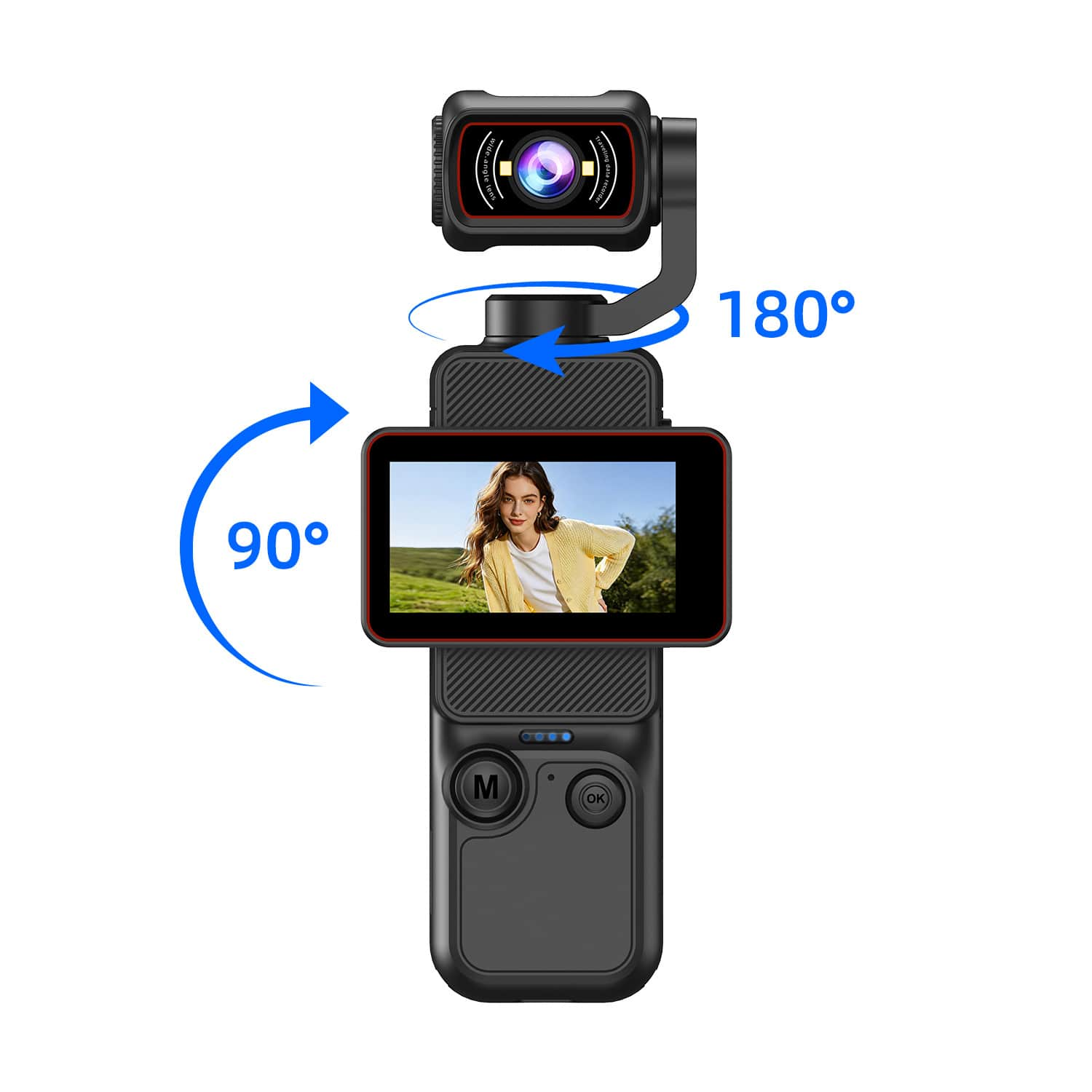
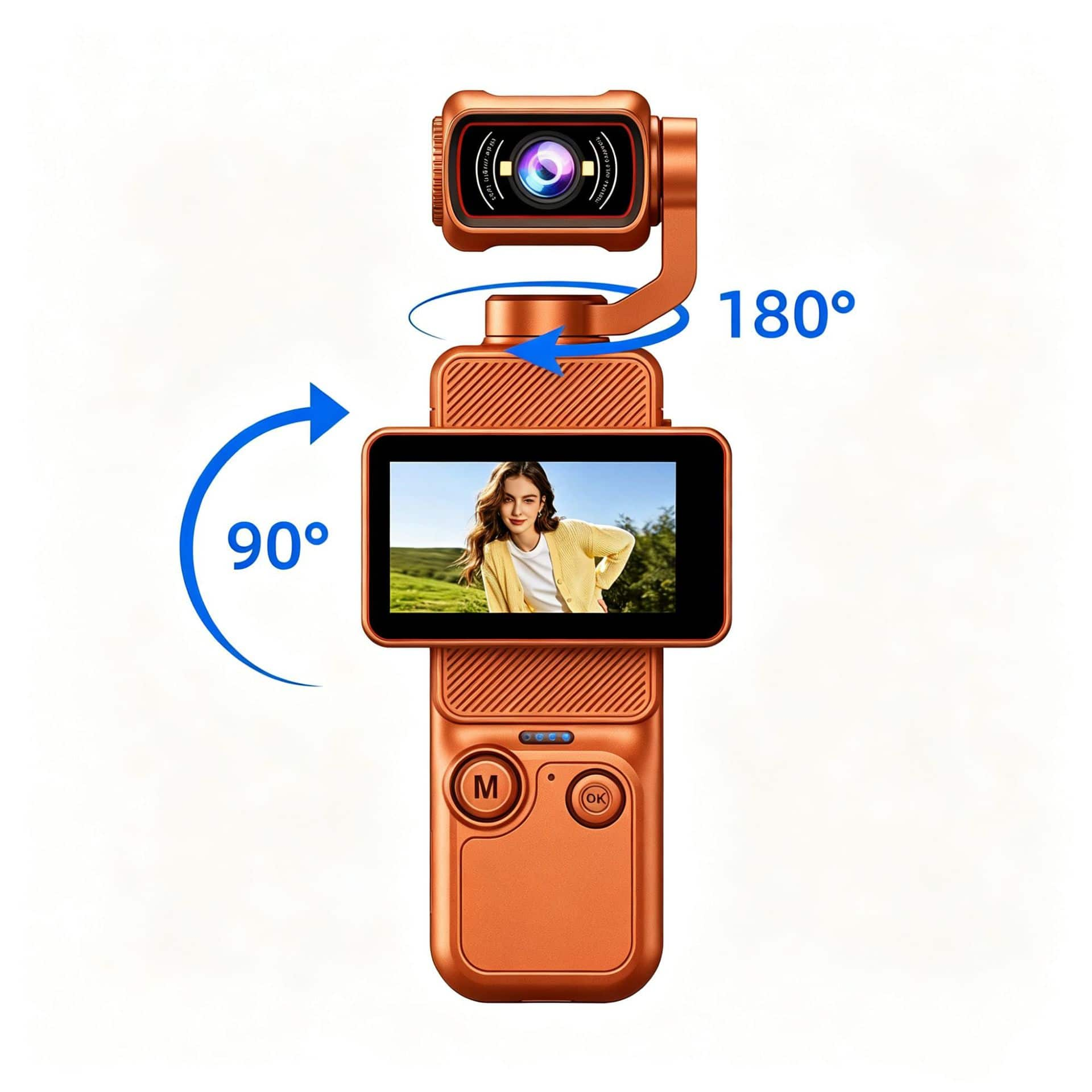
Vivitar - 3 Axis Pocket Camcorder - Black
About this product
A compact camcorder offering 4K video, 48MP photos, 10X zoom, and 3-axis gimbal stabilization.
(16)$199.99 Your price for this item is $199.99 -
10

Sony - Alpha 7 III Mirrorless 4K Video Camera Kit with SEL28702 Lens - Black
About this product
A versatile black mirrorless camera kit with 24MP full-frame sensor, 4K video, and standard zoom lens.
(14)$1,599.99Your price for this item is $1,599.99SAVE $600.00
Best Budget Video Camera
FAQs
A camcorder is designed primarily for video recording and typically includes a built-in zoom lens. A mirrorless camera supports both photography and video and usually accepts interchangeable lenses. The choice affects how you select lenses and access recording controls.
Frame rate is the number of individual frames recorded each second, expressed as frames per second, or fps. Common options include 24, 30, and 60 fps, though available settings vary by camera and recording mode. Check which frame rates your editing software and intended sharing platform support.
An external microphone input lets you connect a compatible microphone, while a headphone output lets you monitor audio during recording. Some cameras also support audio through USB or an accessory shoe. Connection types and microphone compatibility vary, so review the camera’s specifications before choosing audio accessories.
Many video cameras save footage to removable memory cards, while some use internal storage or support external recording devices. Check the camera’s supported card format and required speed rating, since recording modes can have different requirements. Footage can typically be transferred using a compatible card reader or a supported USB connection.
Depending on the camera, manual controls may include focus, shutter speed, aperture, white balance, and audio recording levels. Some cameras provide dedicated buttons or dials, while others place these settings in touchscreen menus. Review which settings can be adjusted during recording if you want hands-on control.