Best Chromebook For Steam Gaming
-
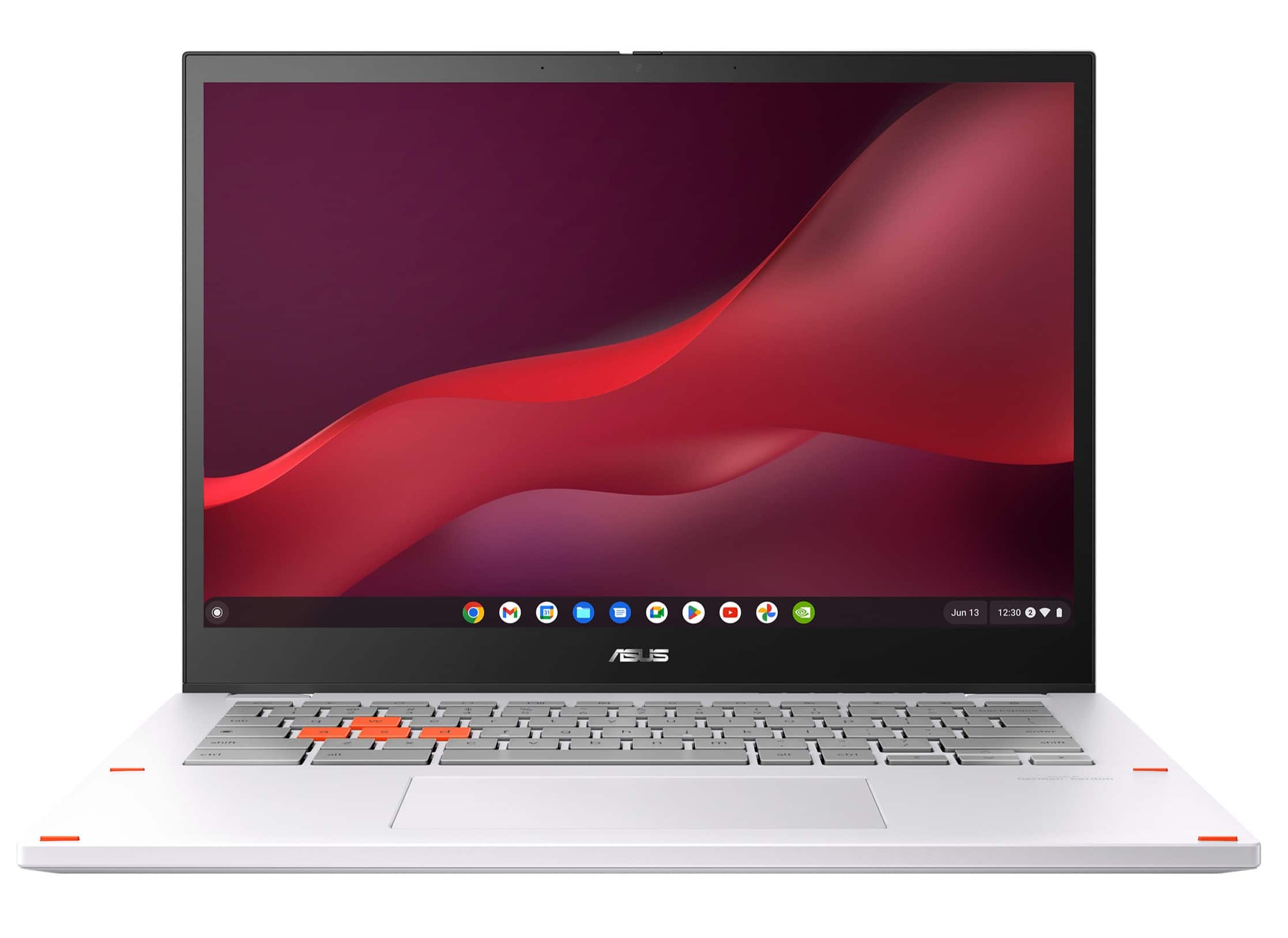
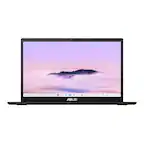
ASUS - Chromebook Vibe CX34 Flip 14" FHD Touch Chromebook Laptop - Intel Core i5 with 8GB Memory - 256GB SSD - Pearl White
SKU: JJG7VWX3W6See all Touchscreen ChromebooksProduct Description
A pearl white 2-in-1 Chromebook with Intel Core i5, 8GB RAM, 256GB SSD, and 144Hz touchscreen.Your price for this item is $684.99Save $115The previous price was $799.99 -
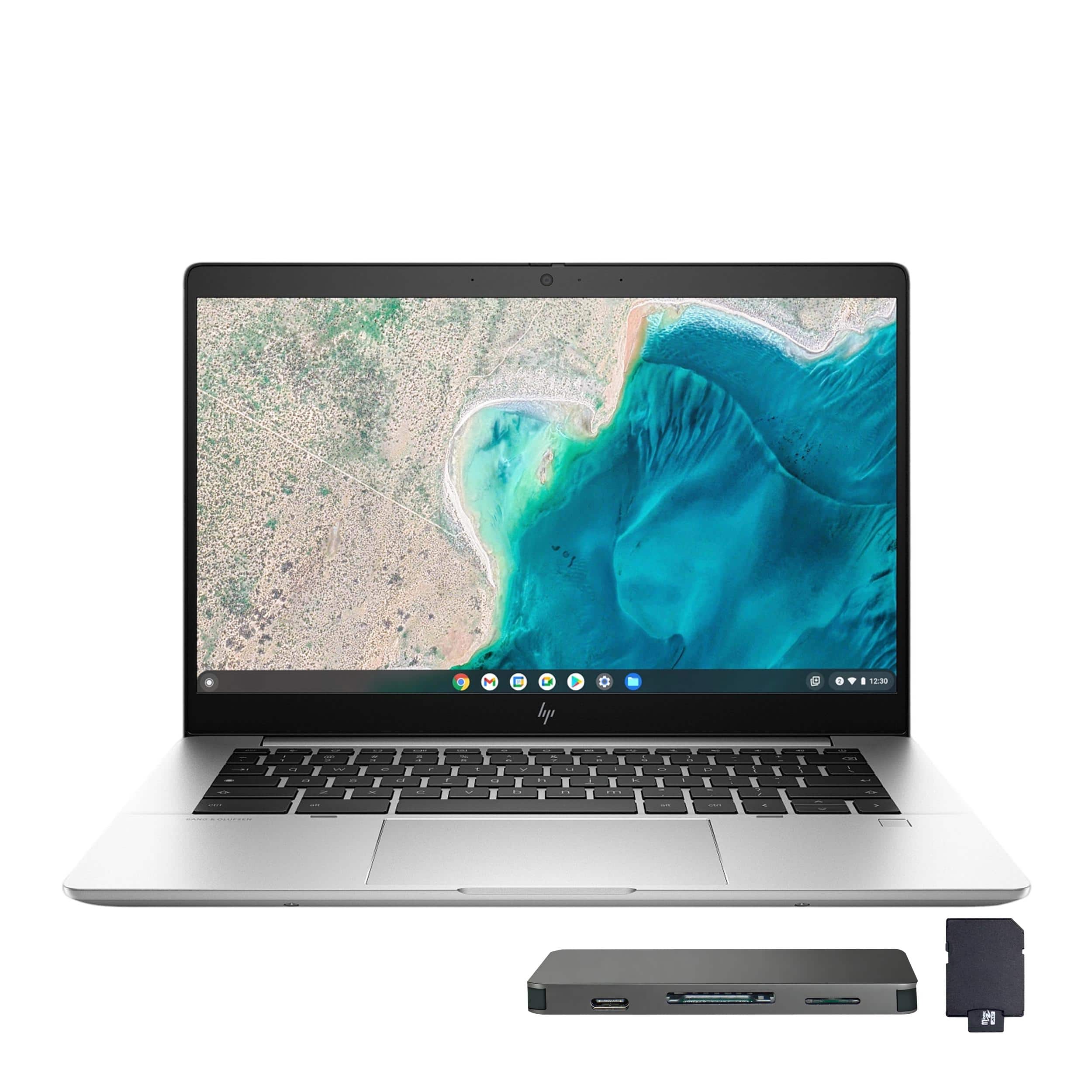
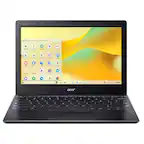
HP - Elite C640 G3 Chromebook 14" FHD Laptop,Intel i5-1245U,8GB LPDDR4X,256GB SSD+160GB Dock Set,Chrome OS - Silver
SKU: JJG2RTT8RCSee all ChromebooksProduct Description
A silver Chromebook featuring a 14" FHD display, Intel i5 processor, 8GB RAM, and 256GB SSD.Your price for this item is $399.00 -
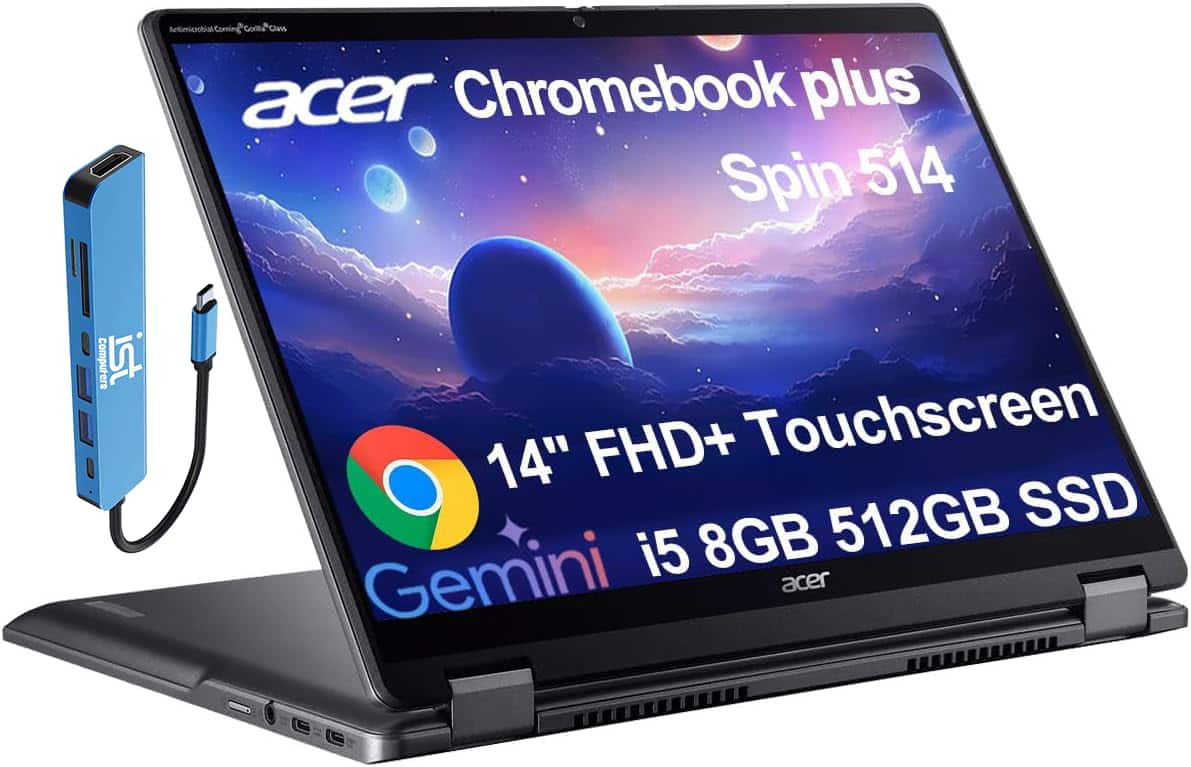
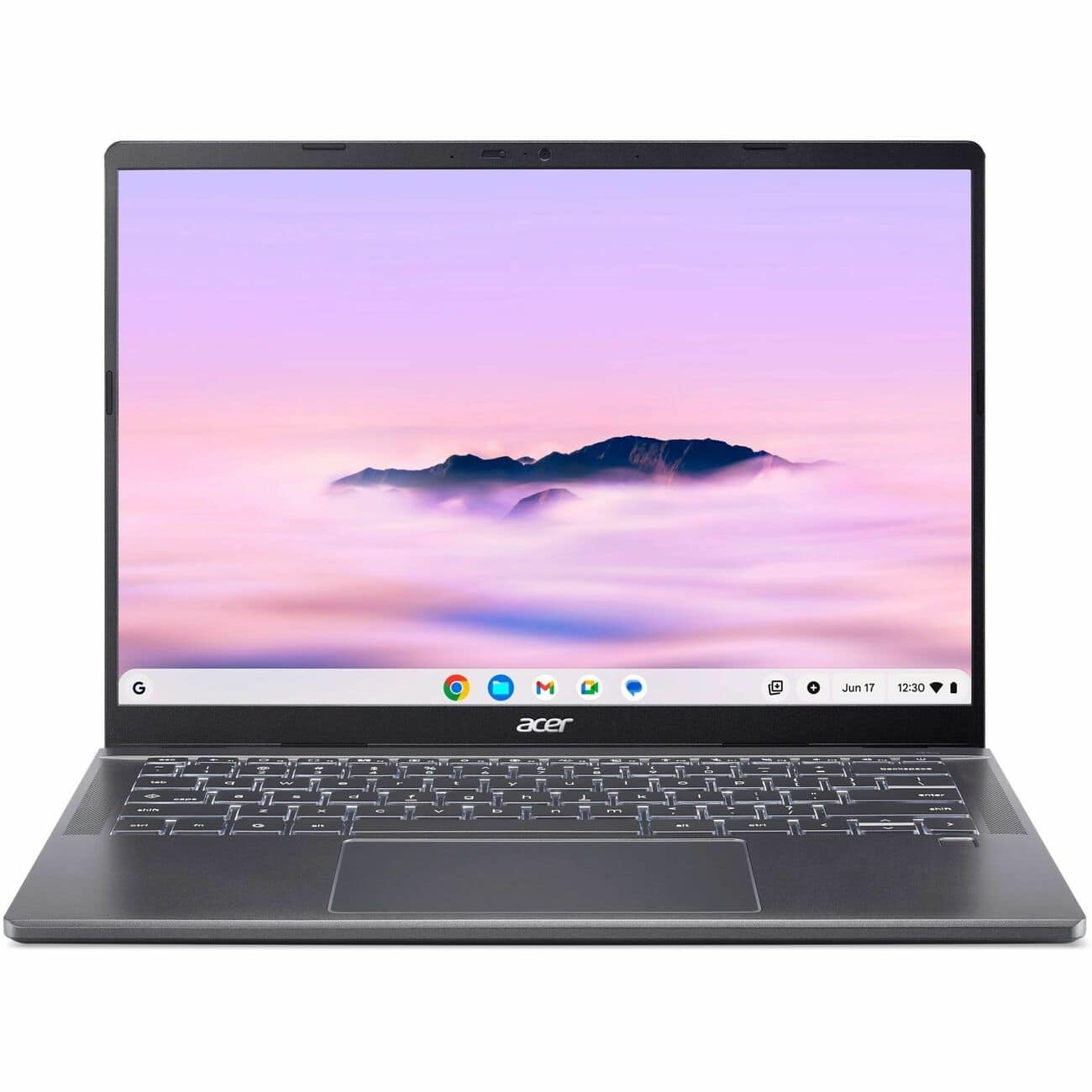
Acer - Chromebook Plus Spin 514 2-in-1 FHD+ Touchscreen Laptop - Intel Core i5-1334U - 8GB RAM - 512GB SSD - Google AI - IST HUB - Gray
SKU: J3GWQRF8KCSee all Touchscreen ChromebooksProduct Description
A versatile gray 2-in-1 Chromebook with Intel Core i5, 8GB RAM, 512GB SSD, and touchscreen.Your price for this item is $599.99Save $50The previous price was $649.99 -
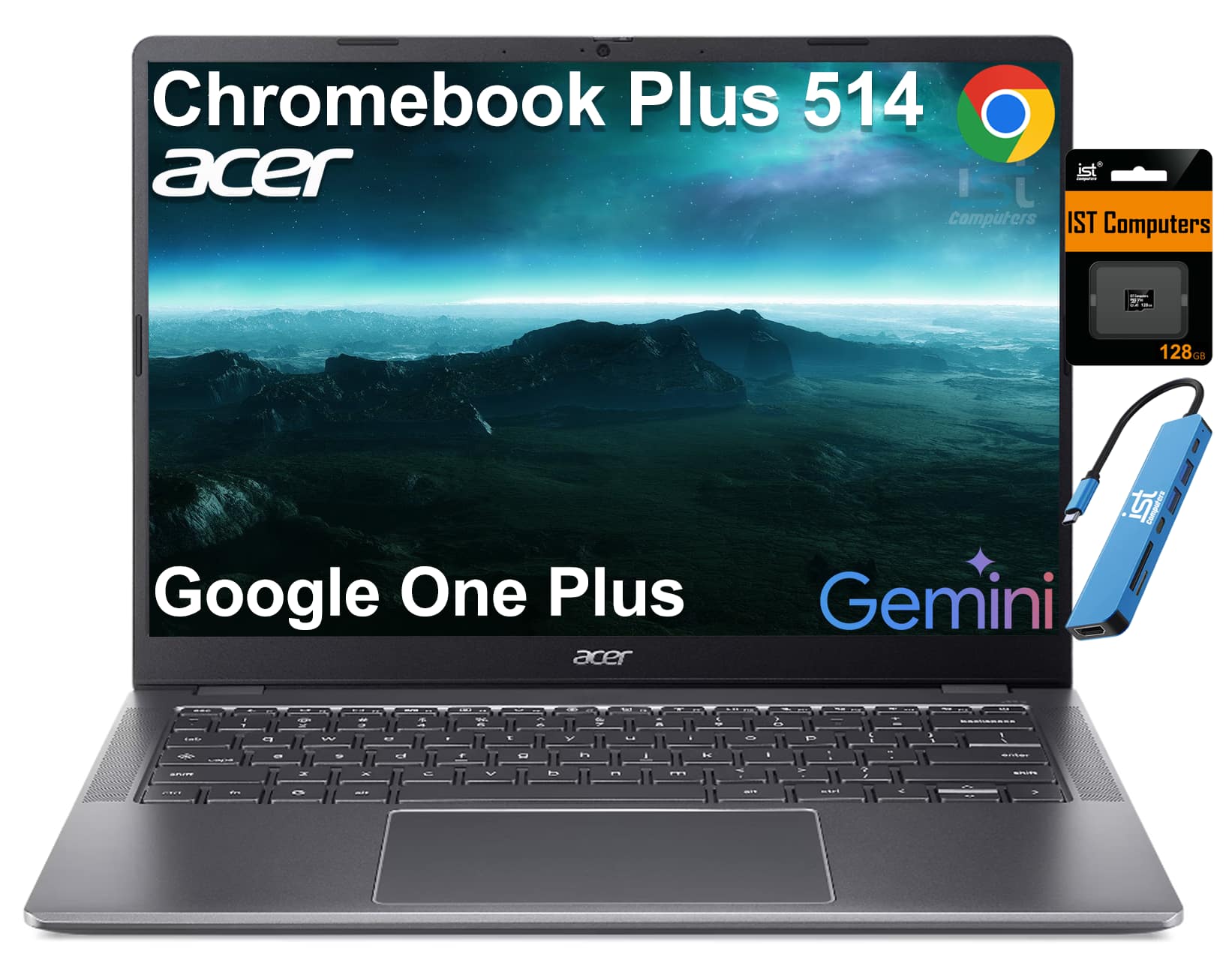
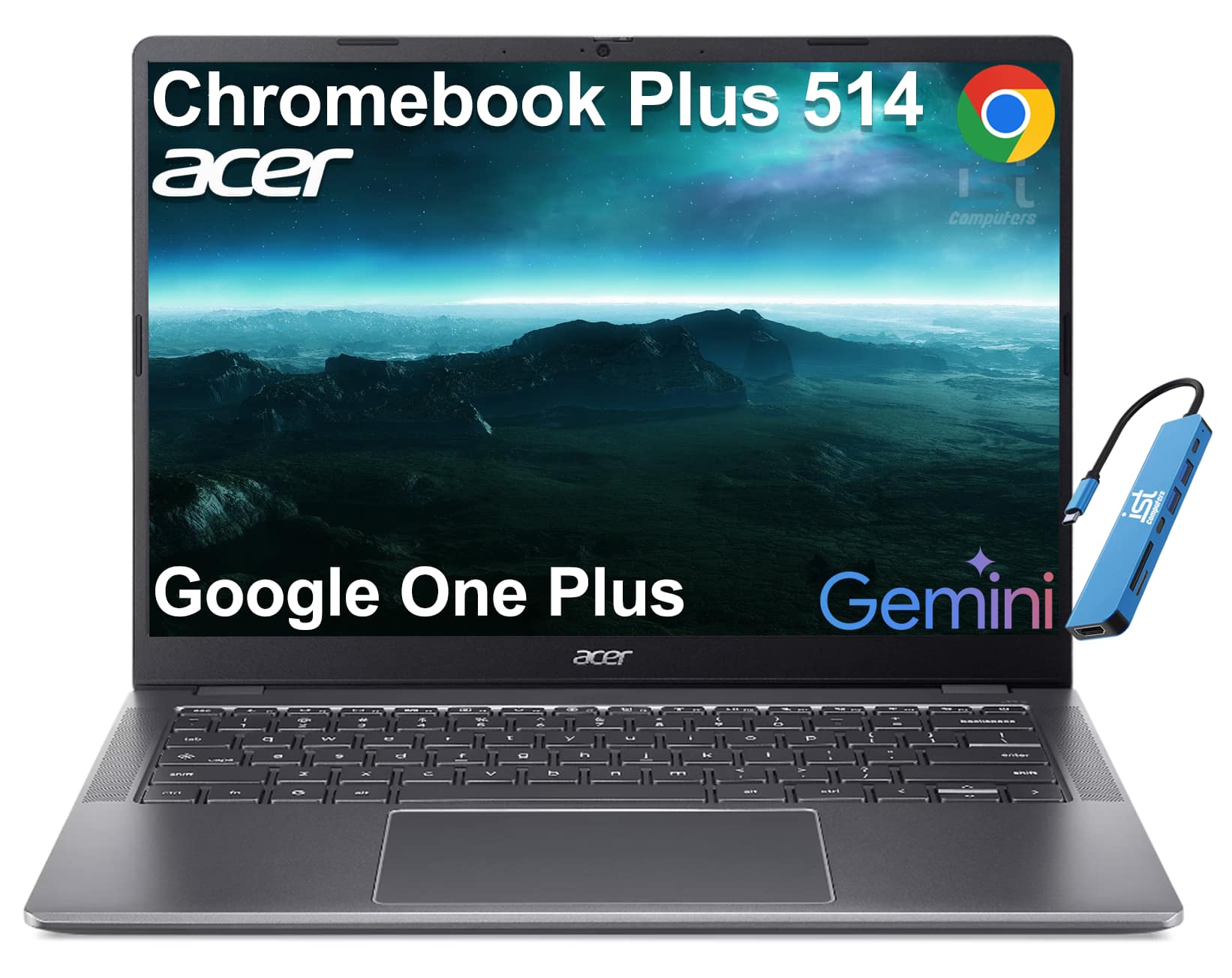
Acer - Chromebook Plus 514 14" FHD+ Touchscreen Laptop with Google AI - Intel Core 3 - 8GB RAM - 512GB+128GB SD - Backlit - Steel Gray
SKU: J3GWQRFYGWSee all ChromebooksProduct Description
A thin, military-grade Chromebook with 14" FHD+ touchscreen, Intel Core i3, 8GB RAM, and 640GB storage.Your price for this item is $529.99 -
Acer - Chromebook Plus 516 Laptop – 16" WUXGA Display - Intel i3-1315U – 8GB LPDDR5 – 128GB Storage– Wi-Fi 6E - Google AI - Steel Gray
SKU: JJ8V8H3CK9The Best!...I love this for my two home businesses. Chromebooks are the best! Dont shy away from them!...My Chromebook from Best Buy...easy to use...love the size... keyboard large enough to read...
See all ChromebooksProduct Description
A steel gray laptop featuring a 16" WUXGA display, Intel i3 processor, 8GB RAM, and Google AI.Your price for this item is $649.00 -
Ace - Chromebook Plus 714 CBE794-1 CBE794-1-73Q7 14" Chromebook - WUXGA - 120 Hz - Intel Core Ultra 7 155U - 16 GB - 256 GB SS - Iron
SKU: JJ8V8HGJTWSee all ChromebooksProduct Description
An iron-colored Chromebook featuring a 14" 120Hz WUXGA display, Intel Core Ultra 7, 16GB RAM, and 256GB SSD.Your price for this item is $1,204.79 -
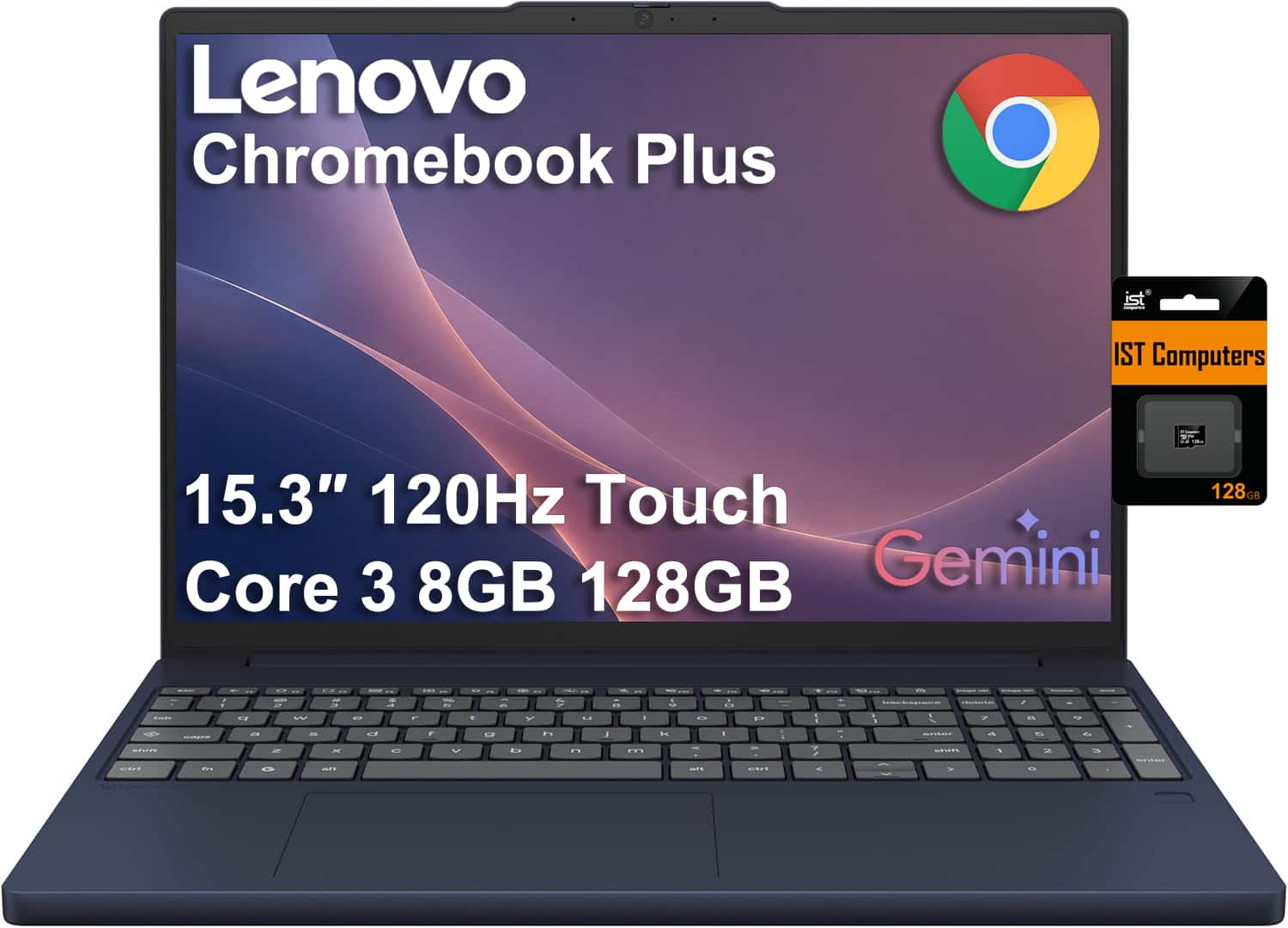
Lenovo - Chromebook Plus 15.3" FHD+ Touchscreen Laptop - Intel Core 3 Processor N355 2025 - 8GB RAM - 128GB+128GB SD - Chrome OS - Blue
SKU: J3GWT6QQ6XSee all Touchscreen ChromebooksProduct Description
A sleek cosmic blue touchscreen laptop with Intel Core processor, 8GB RAM, and 128GB storage plus SD card.Your price for this item is $549.99Save $270The previous price was $819.99 -
Acer - Chromebook Plus 514 14" FHD+ Touchscreen Laptop with Google AI - Intel Core 3 - 8GB RAM - 512GB Storage - Backlit - Steel Gray
SKU: J3GWQRFRYWSee all ChromebooksProduct Description
An Arctic Grey touchscreen laptop with Intel Core i3, 8GB RAM, 512GB SSD, and Chrome OS.Your price for this item is $529.99 -
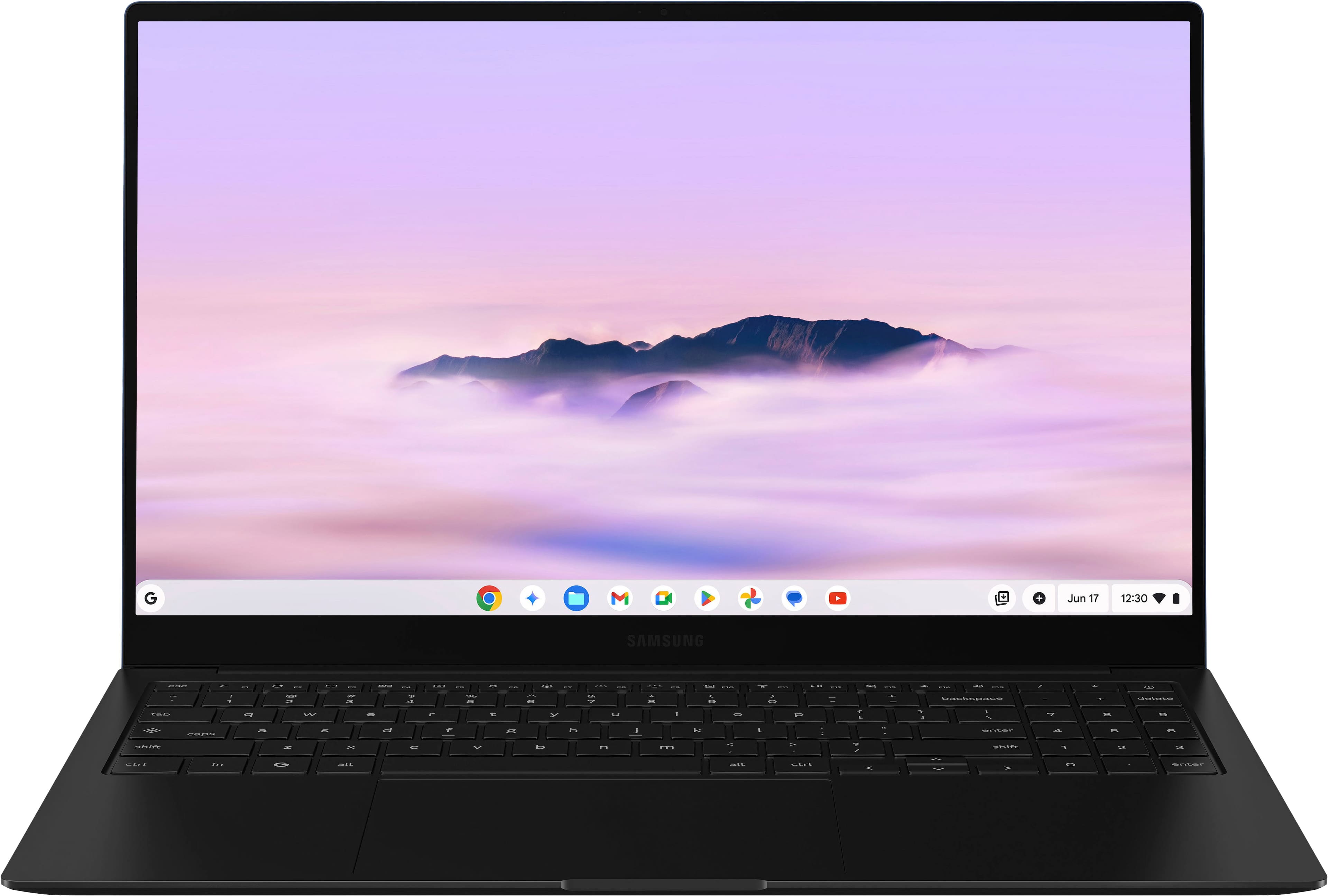
Samsung - Galaxy Chromebook Plus 15.6” with Google AI - AMOLED display – Intel Core 3 – 8GB Memory – 256GB Storage - Neptune Blue
SKU: J3ZYG24W5GGreat device and service from best buy, saved me $100 already...Great. Best and more faster than most of the other...Love this computer
See all ChromebooksProduct Description
A lightweight Neptune Blue Chromebook with AMOLED display, Intel Core 3, 8GB RAM, and Google AI.Your price for this item is $774.99 -
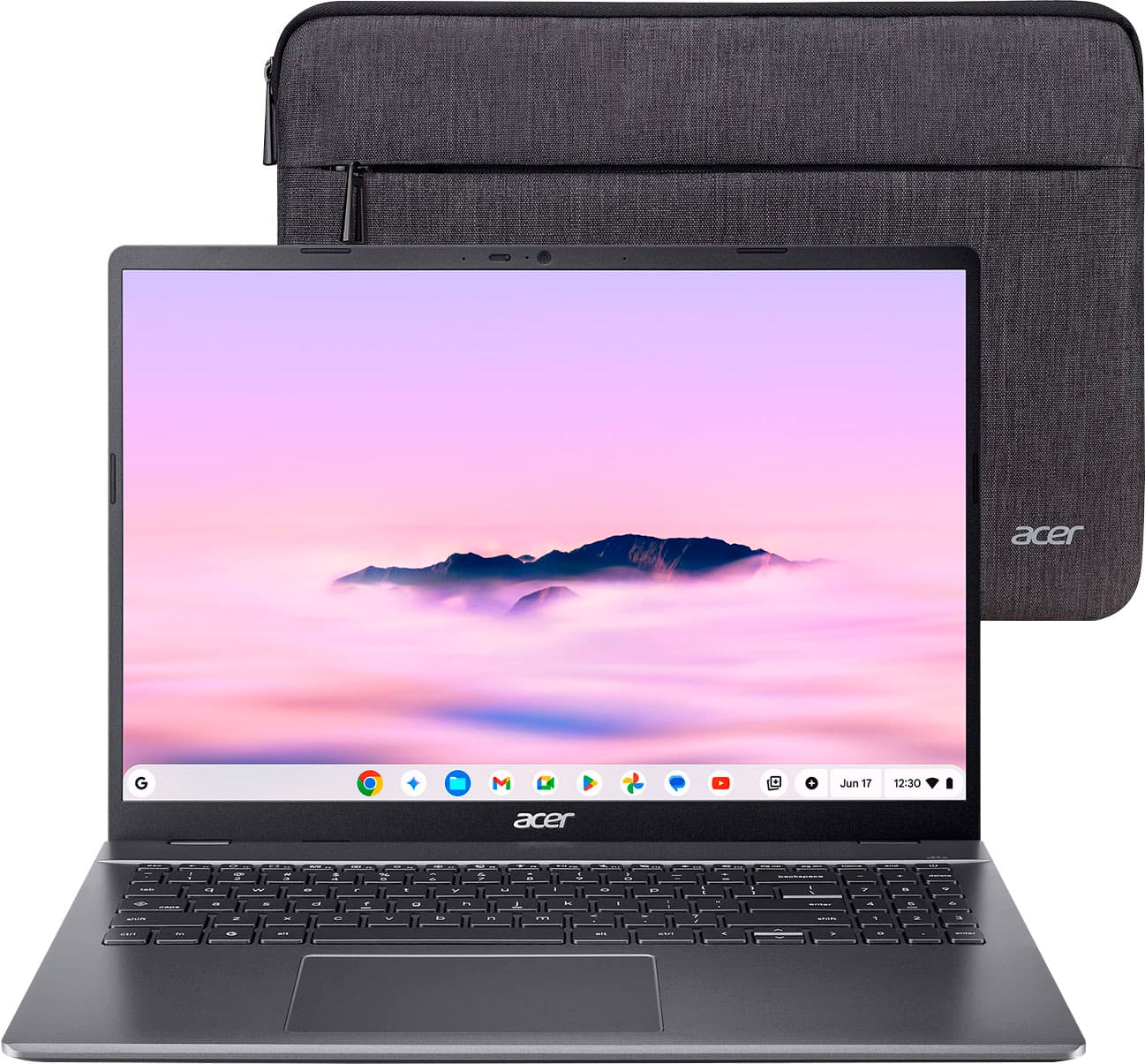
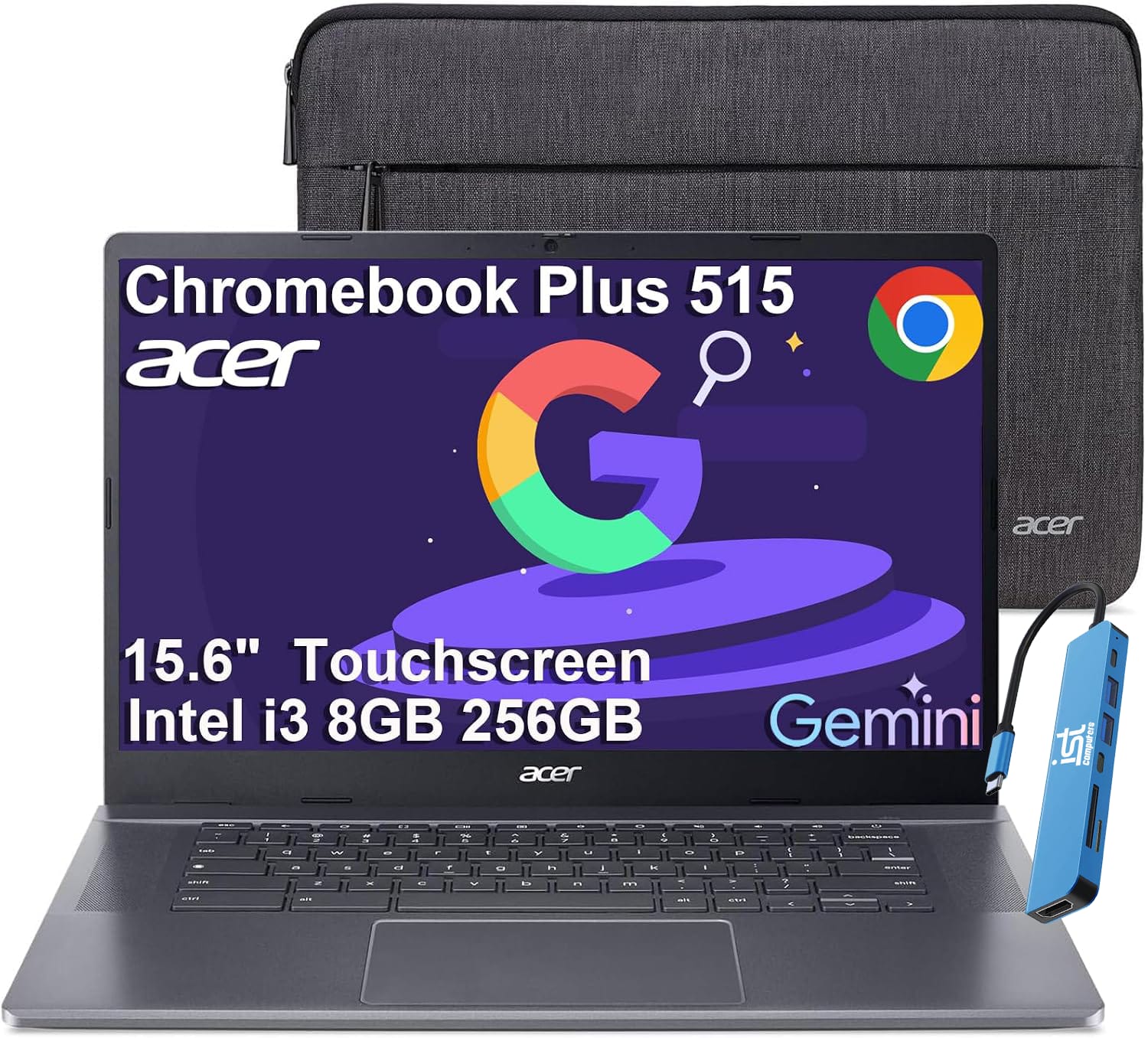
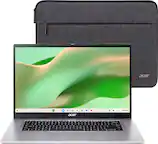
Acer - Chromebook Plus 515 15.6" FHD Touchscreen Laptop with Google AI - Intel Core i3-1305U - 8GB RAM - 256GB SSD - Chrome OS - Steel Gray
SKU: J3GWT6Q693See all Touchscreen ChromebooksProduct Description
A gray touchscreen laptop with Intel Core i3, 8GB RAM, 256GB SSD, and built-in Google AI tools.Your price for this item is $549.99Save $250The previous price was $799.99
Best Sellers





Related Pages





FAQ
Some Chromebooks can run Steam games natively, especially those that support Linux (Beta) and have compatible hardware. Look for Chromebooks with Intel Core processors, ample RAM, and support for Steam on Linux for the best experience.
For optimal Steam gaming, choose a Chromebook with a powerful processor (such as Intel Core i3 or higher), at least 8GB of RAM, a high-resolution display, and support for Linux apps. A spacious SSD and good graphics capabilities are also important.
Yes, most Steam games require enabling Linux (Beta) on your Chromebook. This allows you to install and run the Steam client and compatible Linux-based games.
Not all Steam games are compatible with Chromebooks. Many games designed for Windows may not run, but a wide selection of Linux-supported titles can be played. Always check a game's system requirements and compatibility before purchasing.
Yes, most Chromebooks support external gaming accessories such as controllers, mice, and keyboards via USB or Bluetooth. This can enhance your Steam gaming experience on compatible Chromebooks.