Best Chromebook For Teachers
Finding the best Chromebook for teachers starts with your daily classroom needs, from lesson planning and grading to video calls. Compare ChromeOS laptops by screen size, memory, battery life, and available ports, balancing portability with room to work comfortably. Before choosing, check compatibility with your school’s apps and teaching tools.
What to look for in a Chromebook for teachers
Find the best Chromebook for your teaching needs by considering classroom software compatibility, performance, portability, and connectivity.
1. Classroom Software Compatibility
2. Performance and Storage
3. Portability and Battery Life
4. Teaching Features and Connectivity
-
1

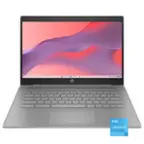
HP - Chromebook 11 G9 EE 11.6" Chromebook - Intel Celeron - 4 GB Memory - 32 GB eMMC - Black
About this product
A lightweight black Chromebook with Intel Celeron, 4GB RAM, 32GB eMMC storage, and Chrome OS.
(10)$365.67 Your price for this item is $365.67 -
2
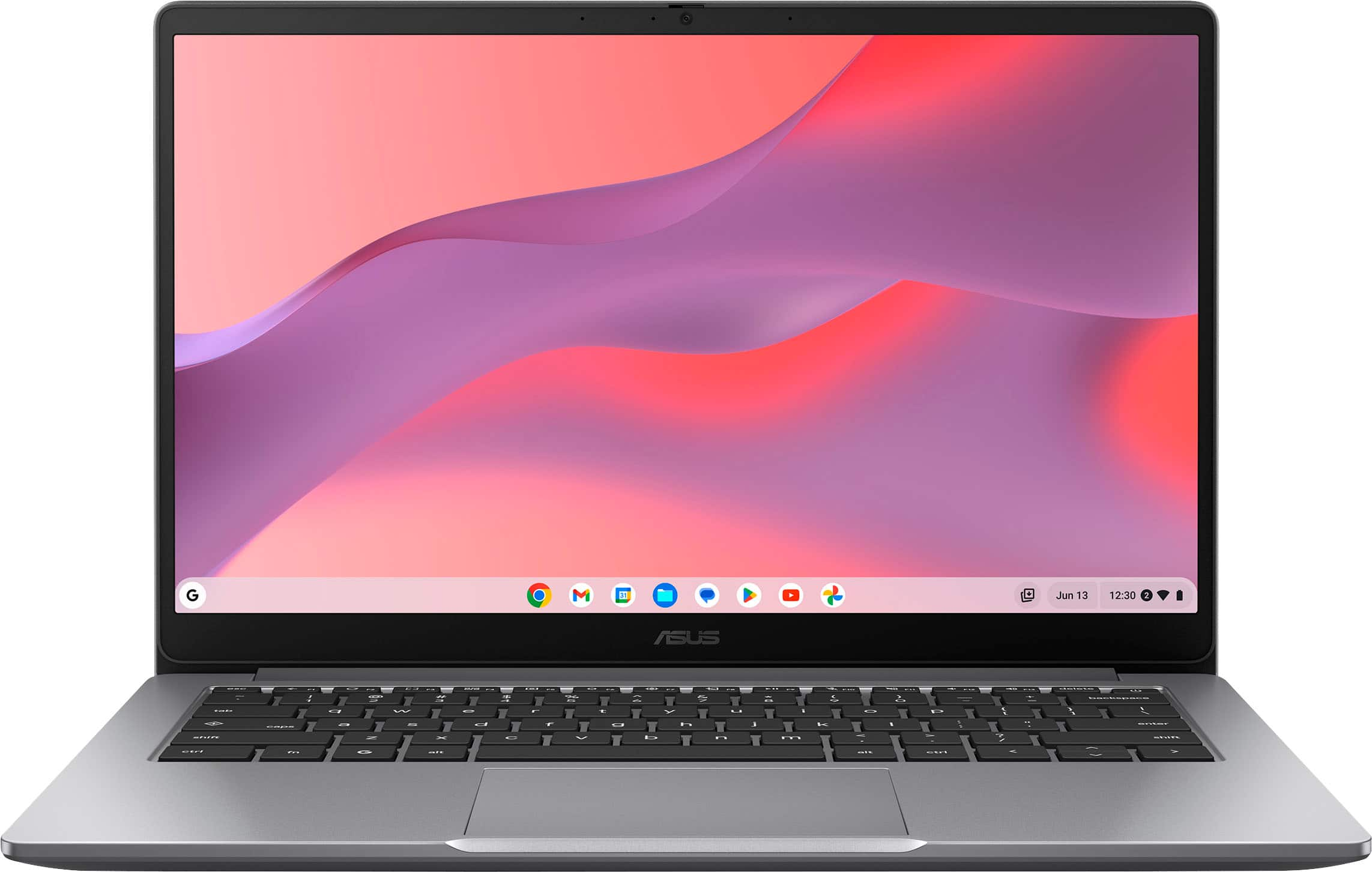
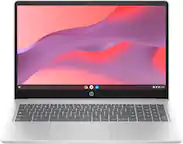
ASUS - CX14 14" FHD Chromebook Laptop - Intel Celeron - 4GB Memory - 64GB eMMC - Misty Grey
About this product
A lightweight misty grey Chromebook with Intel Celeron, 4GB RAM, 64GB eMMC, and FHD display.
What customers like
(426)$239.99Your price for this item is $239.99SAVE $10.00 -
3
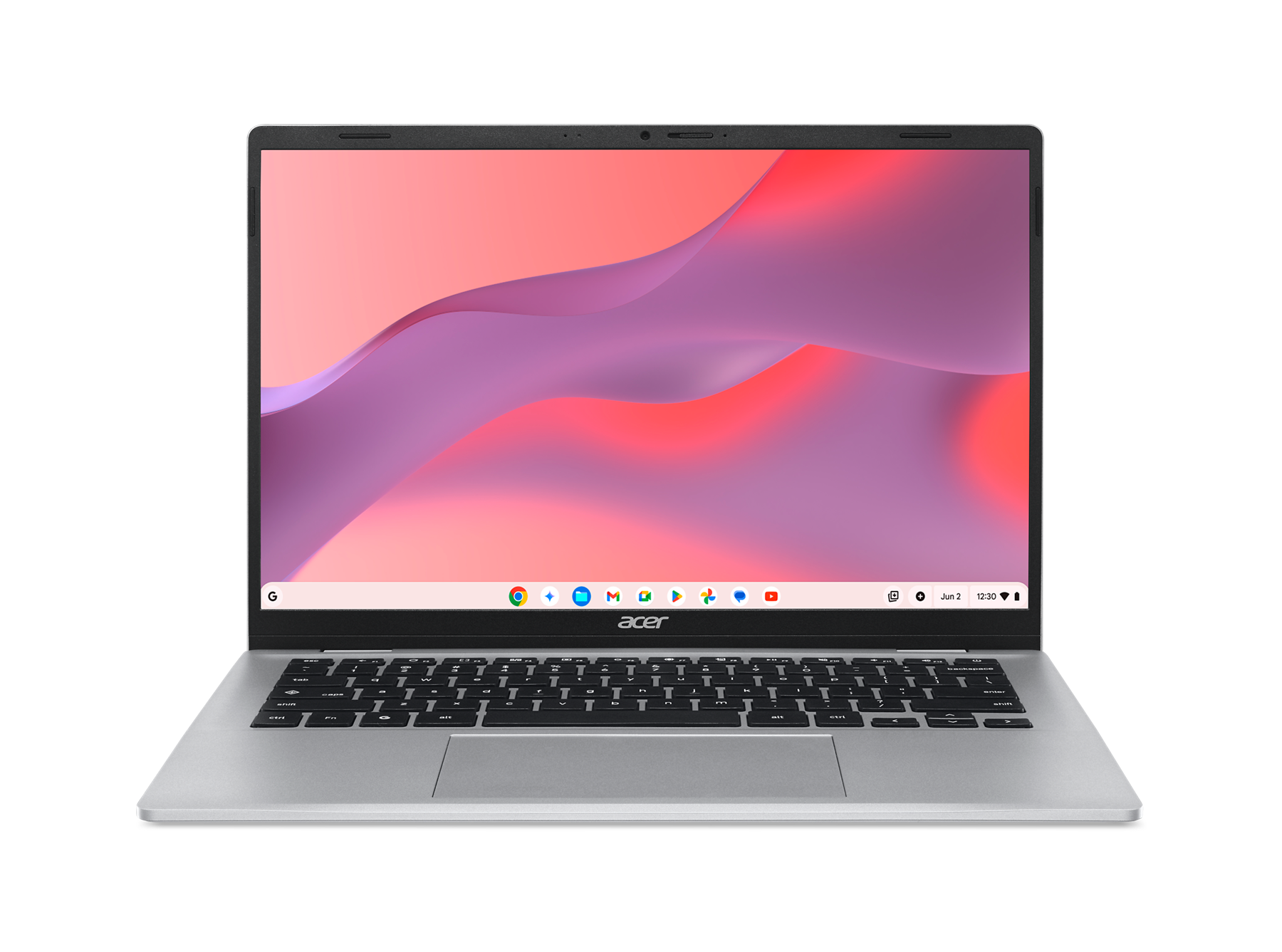
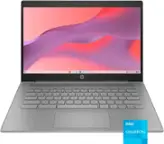
Acer - Chromebook 314 14" WUXGA Laptop, MediaTek Kompanio 540, 4GB LPDDR5X, 128GB eMMC, ChromeOS - CBOA314-2H-84ZG - Moonlight Silver
About this product
A silver Chromebook with WUXGA anti-glare display, MediaTek processor, 4GB memory, 128GB eMMC, and ChromeOS.
(0)$399.99 Your price for this item is $399.99 -
4
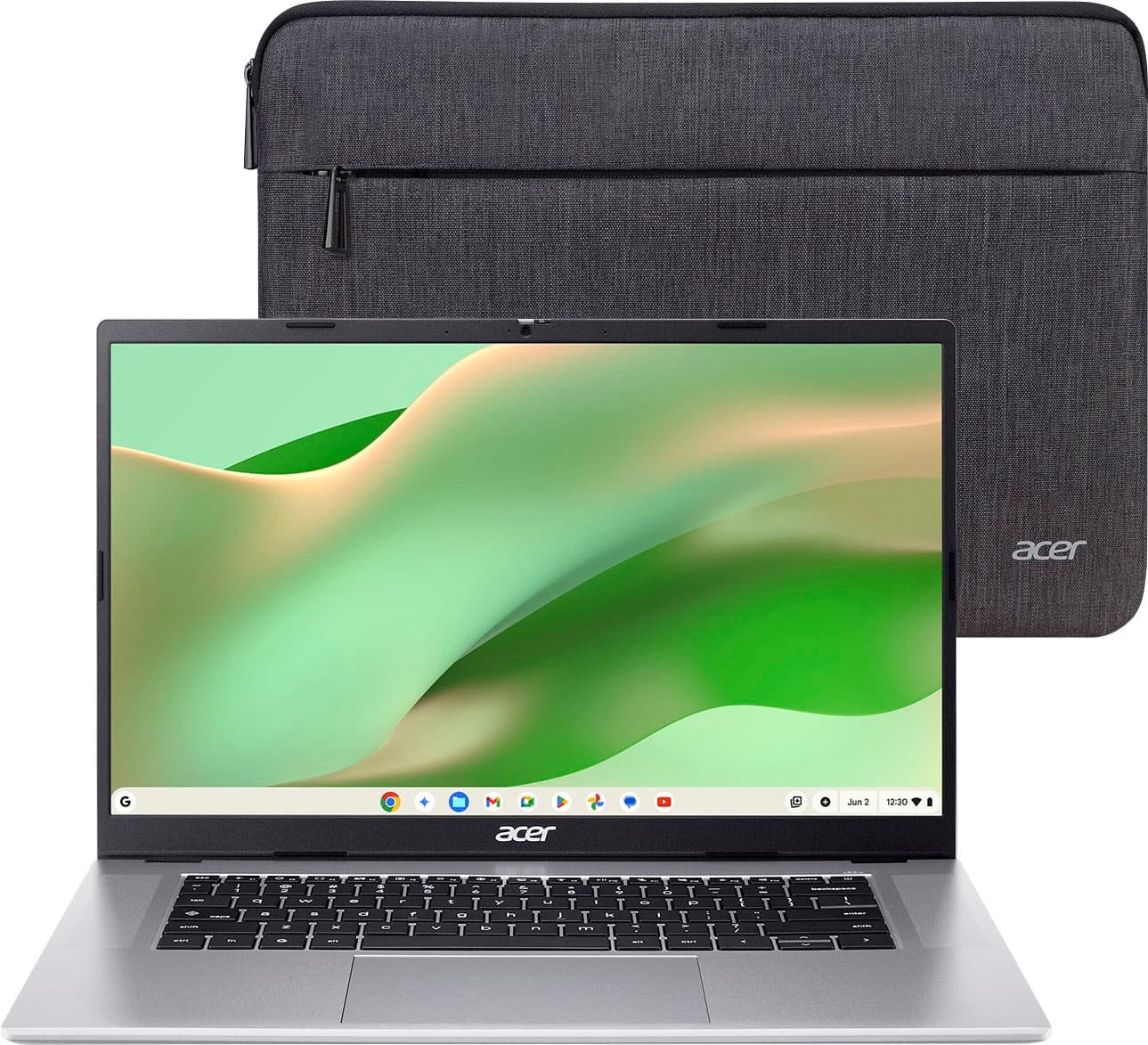
Acer - Chromebook 315 – 15.6" FHD Laptop with Google AI - MediaTek Kompanio 540 – 4GB Memory – 128GB Storage – Wi-Fi 6E - Silver
About this product
A silver laptop with a 15.6" FHD display, MediaTek processor, 4GB RAM, and Wi-Fi 6E connectivity.
What customers like
(52)$199.00Your price for this item is $199.00SAVE $180.00 -
5
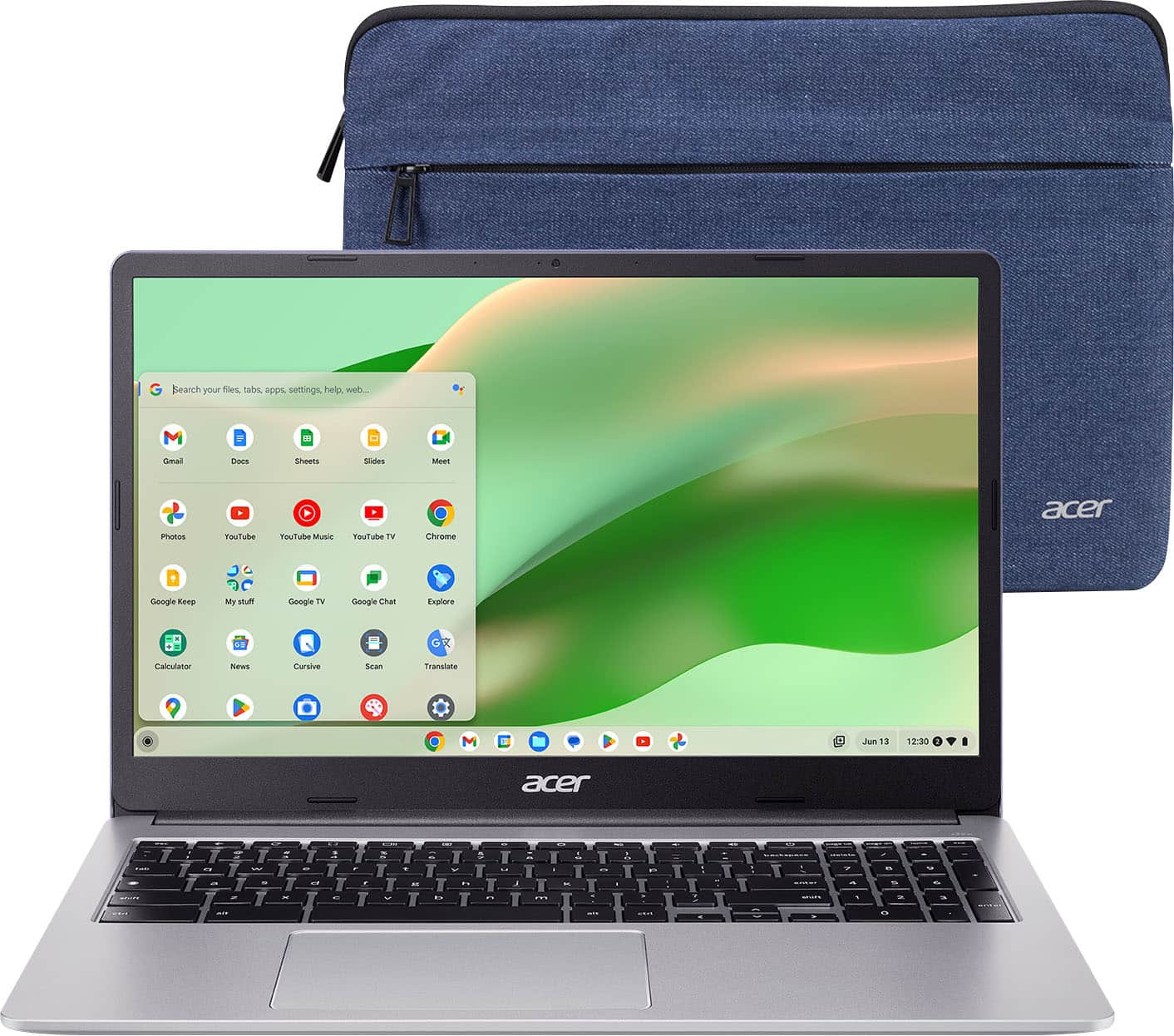
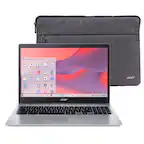
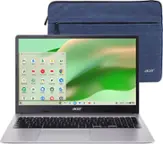
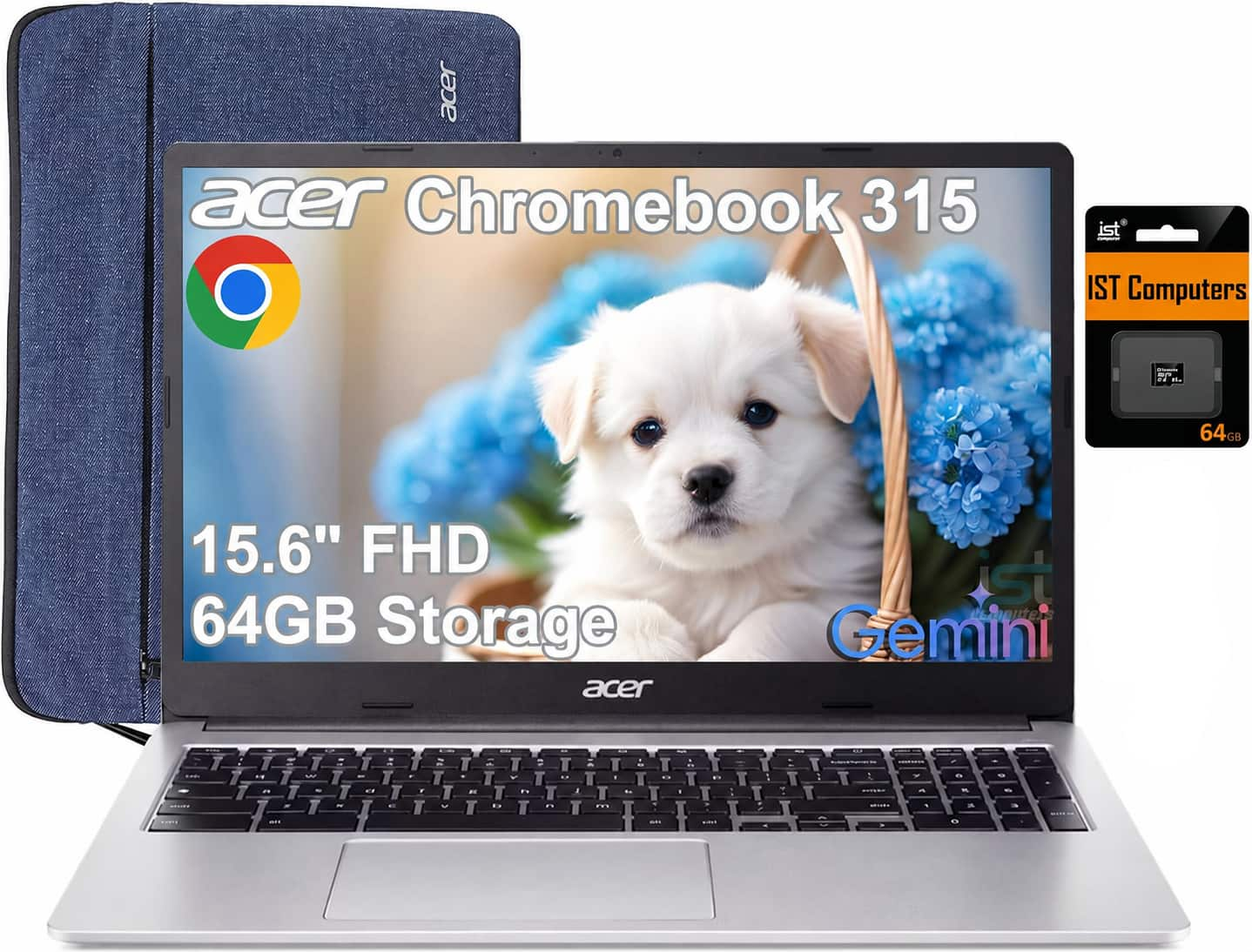
Acer - Chromebook 315 - 15.6" Full HD Laptop - Intel Celeron N4500 - 4GB LPDDR4X - 64GB eMMC - Protective Sleeve – - Silver
About this product
A slim, sparkly silver Chromebook with a 15.6" Full HD display, Intel Celeron processor, and Wi-Fi 6.
What customers like
(720)$238.00Your price for this item is $238.00SAVE $11.99 -
6

Dell - Chromebook 3120 11.6" Laptop Intel N-Series N100 4GB 64GB EMMC - Gray
About this product
A durable gray Chromebook with an 11.6" HD display, Intel N100 processor, 4GB RAM, and Wi-Fi 6.
(0)$424.59 Your price for this item is $424.59 -
7
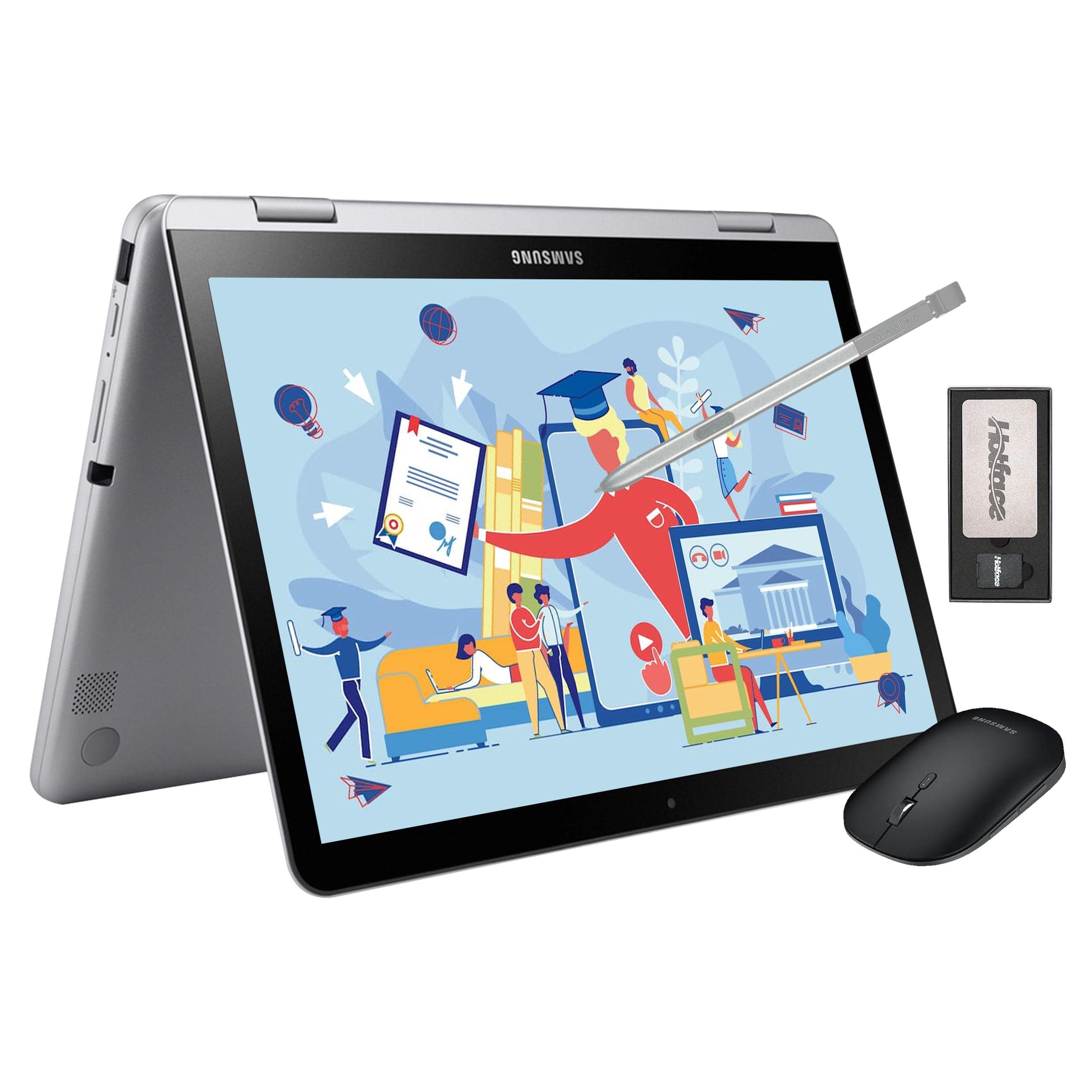
Samsung - 12.2" FHD 2-in-1 Touchscreen Chromebook Plus Laptop,Intel Dual-Core,4GB RAM,64GB eMMc,128GB Docking Set - Silver
About this product
A sleek silver 2-in-1 Chromebook with FHD touchscreen, Intel Dual-Core, stylus, and wireless mouse.
(1)$399.00 Your price for this item is $399.00 -
8

Dell - 11.6" 3120 64GB Chromebook CC6PF - Gray
About this product
A gray Chromebook featuring an Intel N100 processor, 4GB RAM, 64GB SSD, Wi-Fi 6, and webcam.
(0)$434.99 Your price for this item is $434.99 -
9
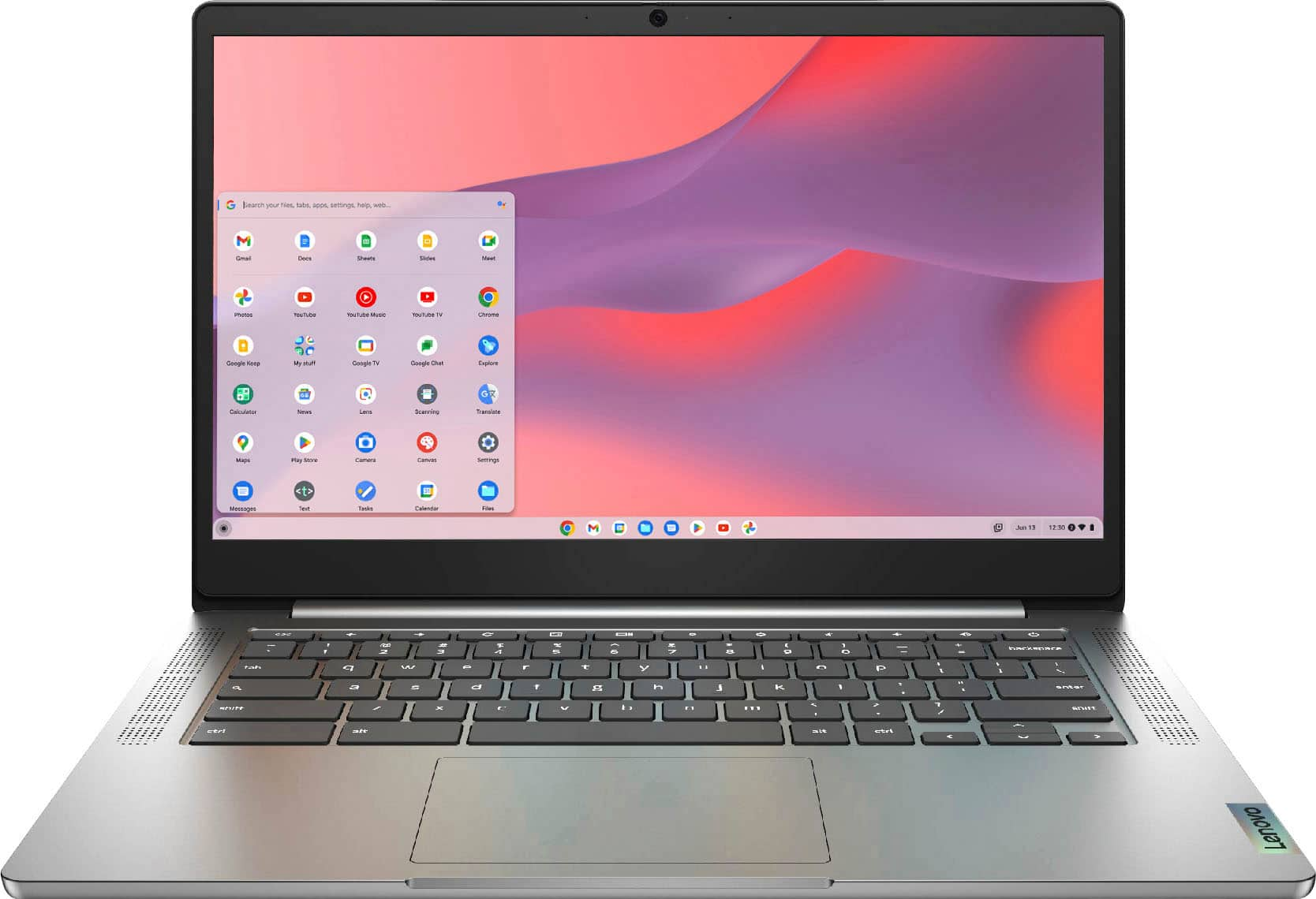
Lenovo - Chromebook 3 IdeaPad - 14" 2K Touchscreen Laptop - MediaTek MT Series MT8183 (2019) - 4GB Memory - 64GB Storage - Arctic Grey
About this product
A gray touchscreen Chromebook with 2K LCD, MediaTek processor, 4GB memory, 64GB storage, and Chrome OS.
What customers like
(1,298)$199.99Your price for this item is $199.99SAVE $119.01 -
10
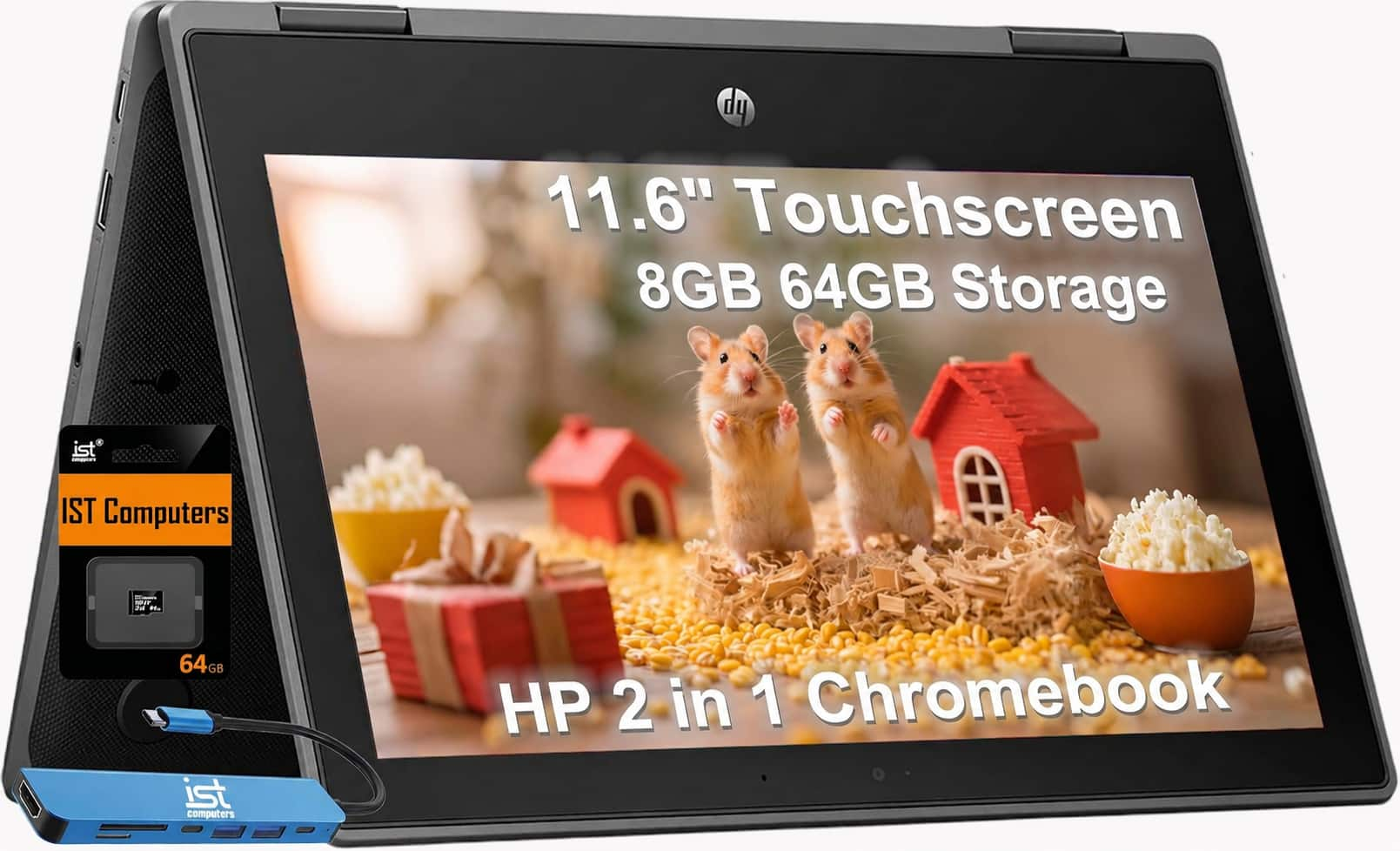
Bundle - HP - Chromebook Pro X360 Fortis 11.6" 2-in-1 Flip Touch Laptop - Intel Celeron - 8GB Memory - 64GB+64GB SD - Chrome OS
About this product
A rugged 2-in-1 touchscreen Chromebook with Intel Celeron processing, 8GB memory, 128GB storage, and Chrome OS.
(2)$449.99 Your price for this item is $449.99
Best Chromebook For Teachers
FAQs
Consider a comfortable keyboard, a built-in webcam and microphone for virtual meetings, and ports that match your classroom accessories. Check your school’s technology requirements and the Chromebook’s compatibility with your lesson-planning tools, learning management system and other required software.
Chromebooks support browser-based Google Workspace tools such as Docs, Sheets, Slides and Classroom. Teachers can also access Microsoft 365 web apps, though features may differ from the desktop versions. Access to certain services and features depends on your school’s account settings and subscription.
Chromebooks offer offline options for certain apps and files. For example, teachers can make supported Google Drive files available offline and enable offline editing for Docs, Sheets and Slides before disconnecting. Changes sync when the Chromebook reconnects to the internet, subject to school account settings.
Depending on the Chromebook and classroom display, you may be able to connect through HDMI or a USB-C port that supports video output. A compatible adapter may be needed. Wireless presentation is another option when the Chromebook, display equipment and school network support it.
A traditional Chromebook uses a laptop-style design, while a 2-in-1 can switch between laptop and tablet configurations using a convertible hinge or detachable keyboard. Touchscreen and compatible stylus support can provide options for handwritten notes and document annotation. Check stylus compatibility separately, since support and included accessories vary.