Best Desktop RAM For Gaming
-
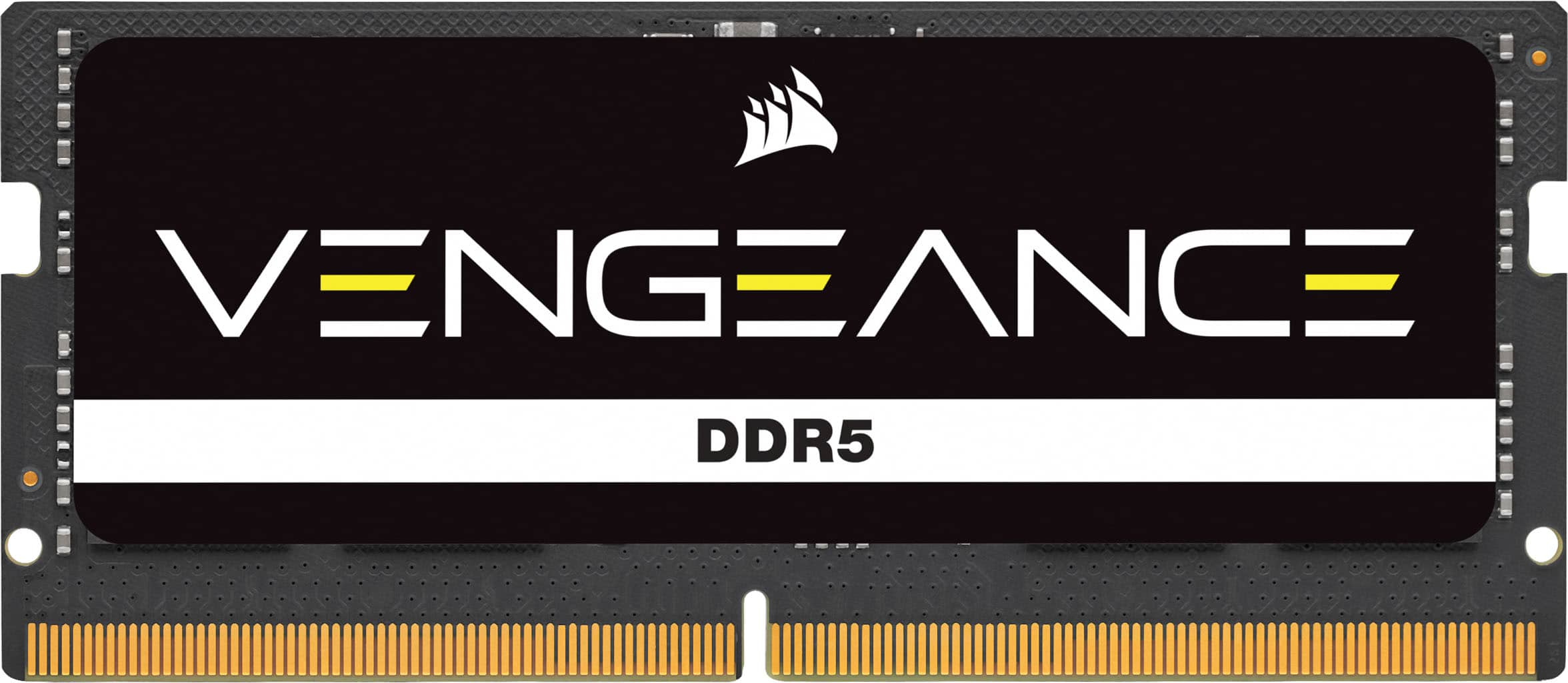
CORSAIR - VENGEANCE 32GB (1x32GB) DDR5 5600MHz C48 SODIMM Desktop Memory - Black
SKU: J39TSCQFQKSee all Computer Memory (RAM)Product Description
A high-performance black DDR5 desktop memory module with 32GB capacity, 5600MHz speed, and aluminum heatspreader.Your price for this item is $457.99 -
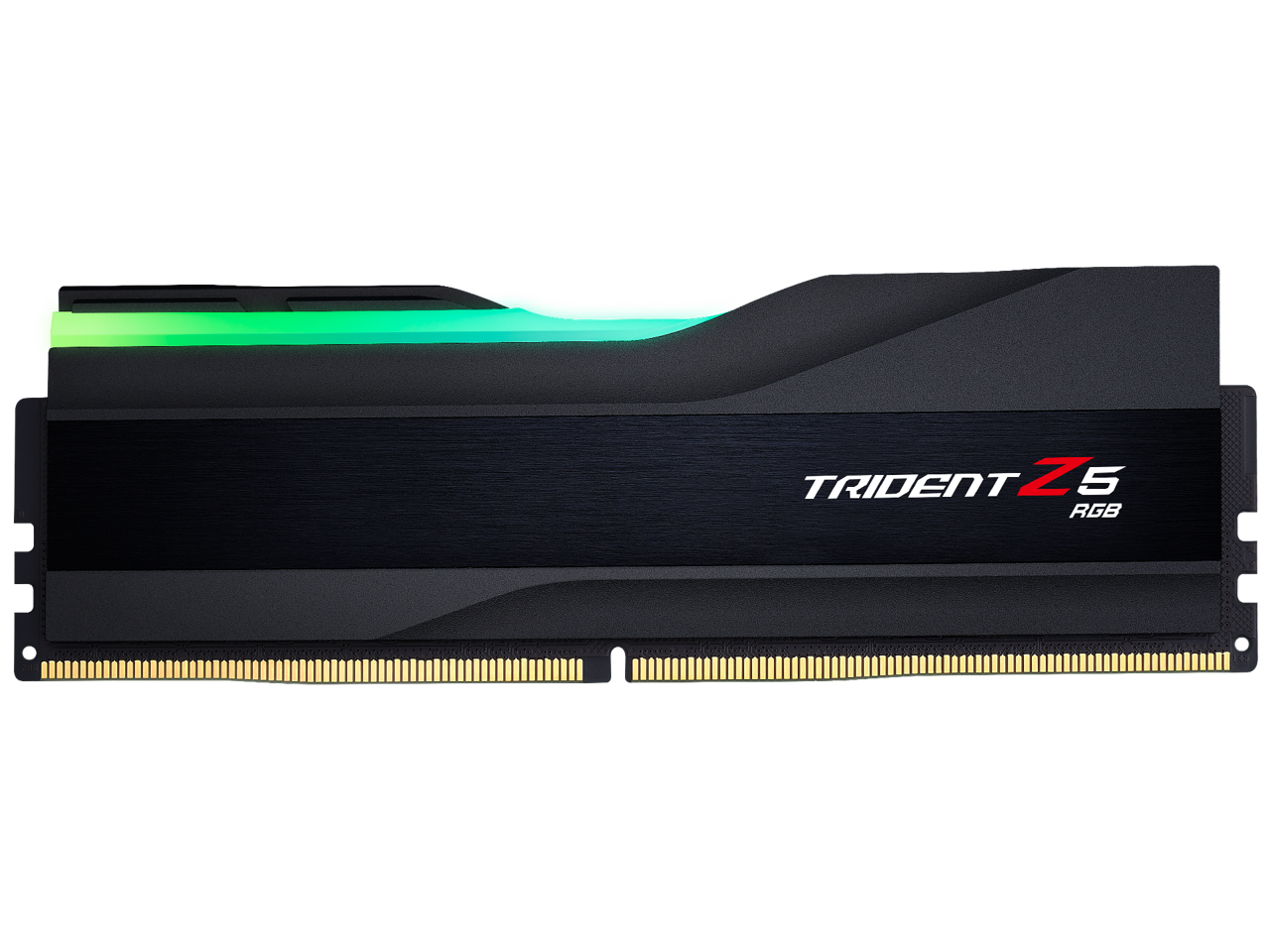
G.SKILL - Trident Z5 RGB Series 64GB 288-Pin PC RAM DDR5 6000 (PC5 48000) Desktop Memory Model F5-6000J3444F64GX1-TZ5RK - Black
SKU: J36V4SY8VKSee all Computer Memory (RAM)Product Description
A high-performance 64GB DDR5 desktop memory module in black with 6000MHz speed and RGB lighting.Your price for this item is $1,649.99Save $150The previous price was $1,799.99 -
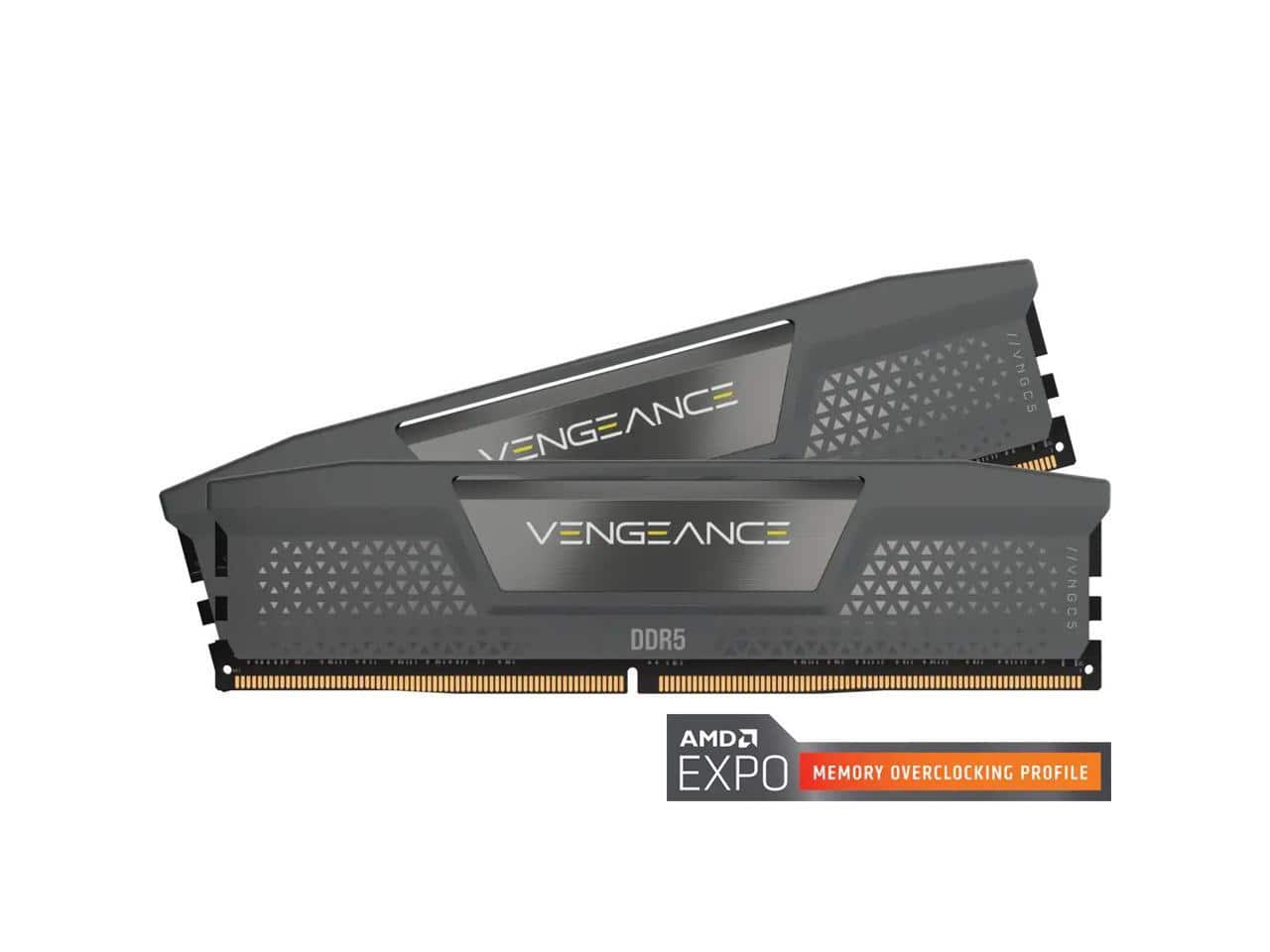
CORSAIR - Vengeance 32GB (2 x 16GB) 288-Pin PC RAM DDR5 6400 (PC5 51200) Desktop Memory Model CMK32GX5M2B6400Z30 - Black
SKU: J39TSCH6FVSee all Computer Memory (RAM)Product Description
A dual-channel 32GB DDR5 desktop memory kit in black, featuring 6400MHz speed and CL30 latency.Your price for this item is $614.99Save $25The previous price was $640.00 -
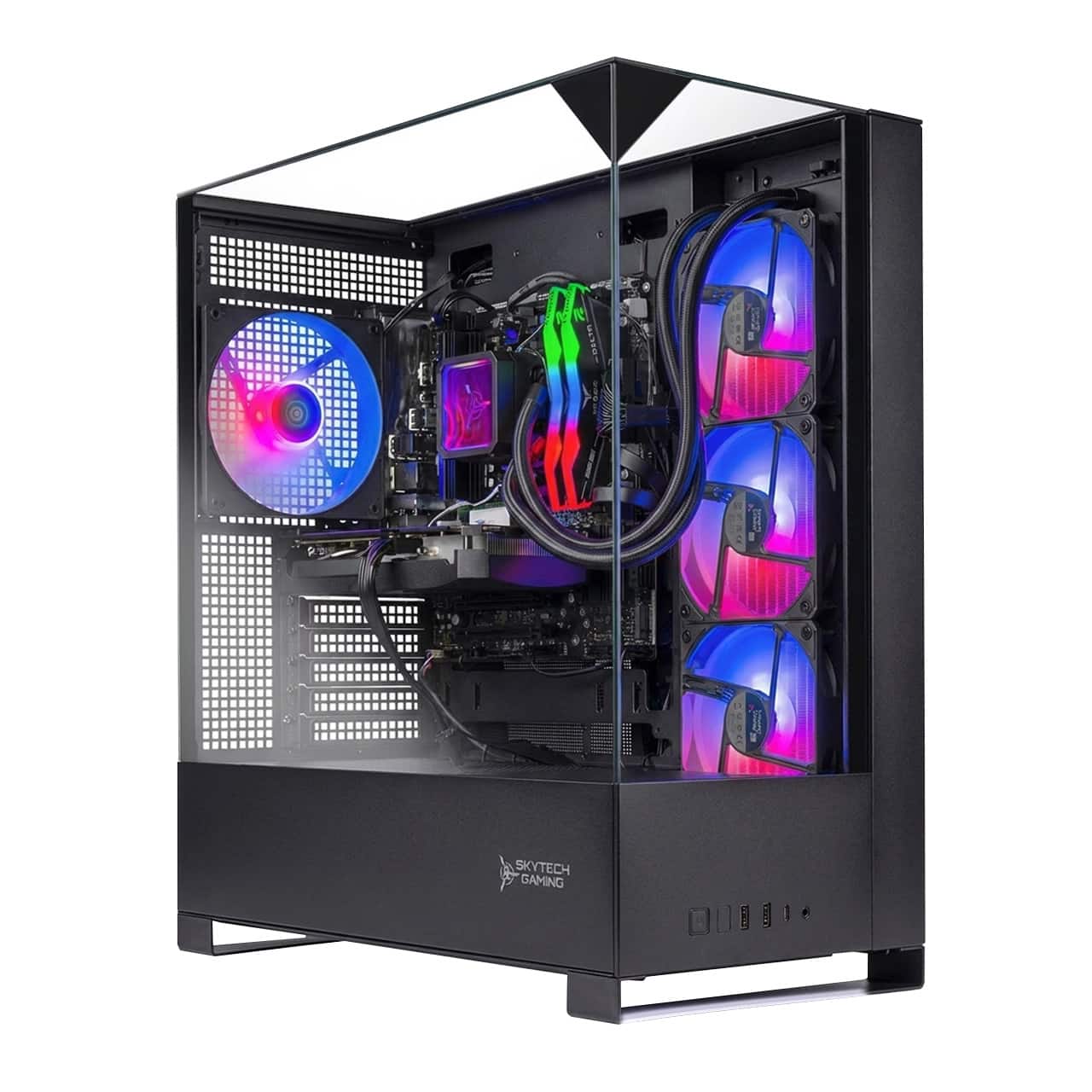
Skytech Gaming - Skytech KING95 - AMD Ryzen 9 9900X, 5070, 32GB 6000 MHz DDR5 RAM, 850W GOLD A3 PSU - Black
SKU: J3GWRTRH72See all Gaming DesktopsProduct Description
A powerful black gaming desktop featuring AMD Ryzen 9 9900X, RTX 5070, 32GB DDR5 RAM, and 2TB SSD.Your price for this item is $2,279.99Save $50The previous price was $2,329.99 -
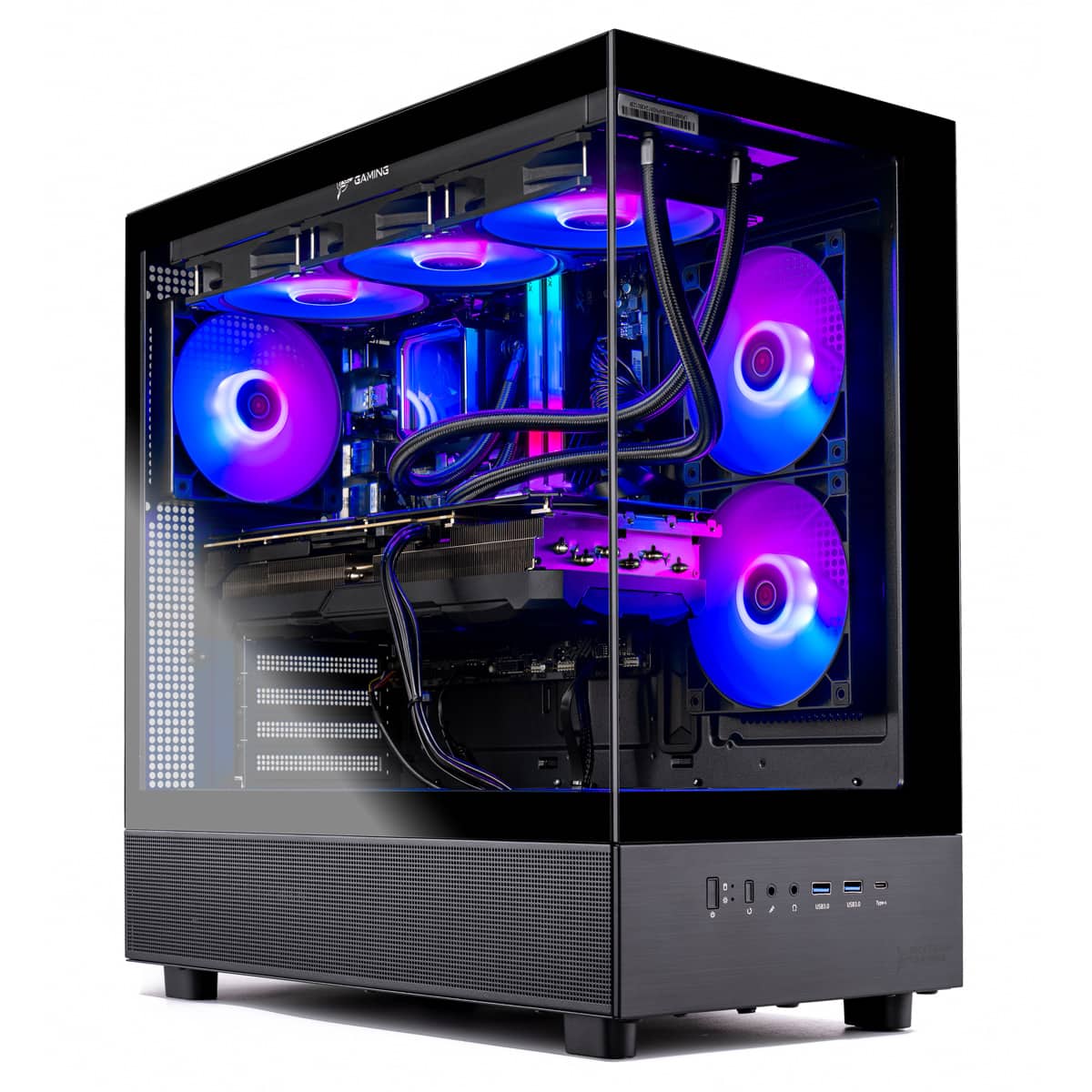
Skytech Gaming - Skytech SHADOW5 - AMD Ryzen 7 7800X3D, 5060 Ti 16G, 32GB 5600 MHz DDR5 RAM, 750W GOLD PSU - Black
SKU: J3GWRTR6LQSee all Gaming DesktopsProduct Description
A powerful black gaming desktop featuring AMD Ryzen 7, RTX 5060 Ti, 32GB DDR5 RAM, and 1TB SSD.Your price for this item is $1,899.99Save $30The previous price was $1,929.99 -
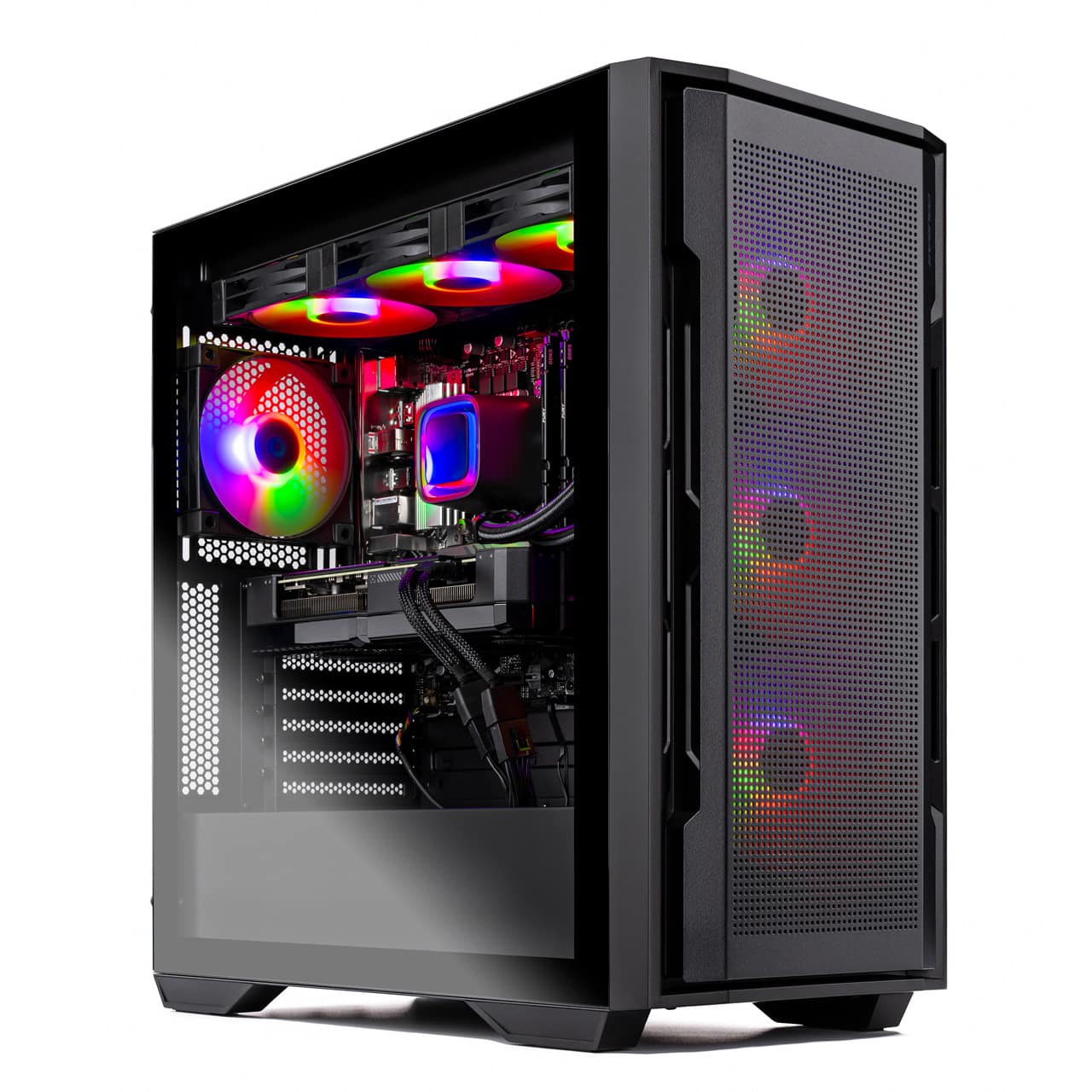
Skytech Gaming - Skytech AZURE3 - AMD Ryzen 7 7800X3D, 9070XT, 32GB 5600 MHz DDR5 RAM, 850W GOLD A3 PSU - Black
SKU: J3GWRTRZQ6See all Gaming DesktopsProduct Description
A powerful black gaming desktop featuring AMD Ryzen 7 7800X3D, RX 9070XT, 32GB DDR5 RAM, and 1TB SSD.Your price for this item is $2,079.99 -
Skytech Gaming - Skytech RAMPAGE2 - AMD Ryzen 9 9900X, 5070 Ti, 32GB 6000 MHz DDR5 RAM, 850W GOLD A3 PSU - Black
SKU: J3GWRTRHCRSee all Gaming DesktopsProduct Description
A powerful black gaming desktop featuring Ryzen 9 9900X, RTX 5070 Ti, 32GB DDR5, and 2TB SSD.Your price for this item is $2,629.99Save $20The previous price was $2,649.99 -
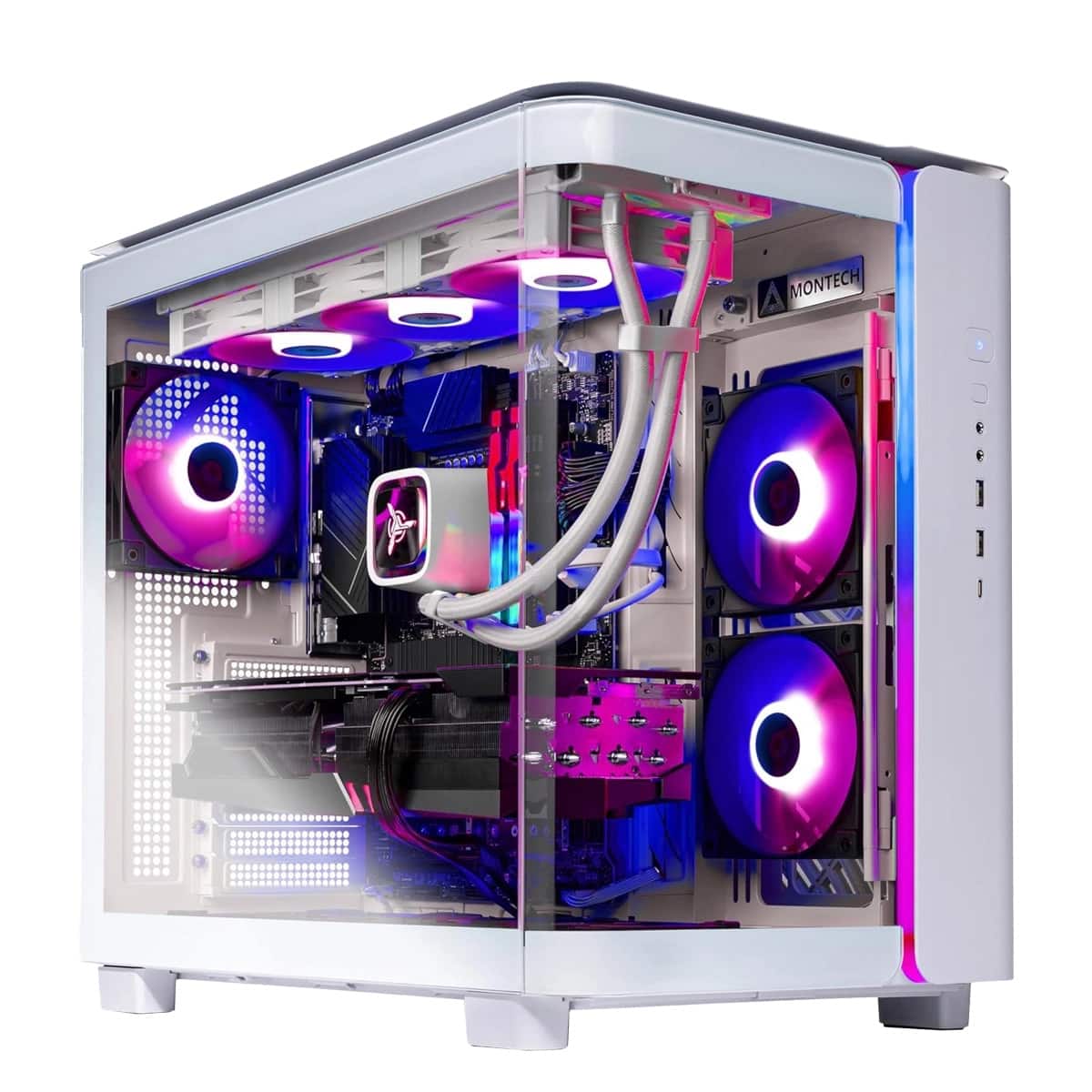
Skytech Gaming - Skytech KING95 - AMD Ryzen 7 7700X, 5060 Ti 16G, 32GB 5600 MHz DDR5 RAM, 750W GOLD PSU - White
SKU: J3GWRTRK7HSee all Gaming DesktopsProduct Description
A powerful white gaming desktop featuring AMD Ryzen 7, RTX 5060 Ti, 32GB DDR5 RAM, and 1TB SSD.Your price for this item is $1,779.99 -
Skytech Gaming - Skytech KING95 - AMD Ryzen 7 7800X3D, 9070XT, 32GB 5600 MHz DDR5 RAM, 850W GOLD A3 PSU - Black
SKU: J3GWRTRKGQSee all Gaming DesktopsProduct Description
A powerful black gaming desktop featuring AMD Ryzen 7 7800X3D, RX 9070XT, and 32GB DDR5 RAM.Your price for this item is $2,149.99 -
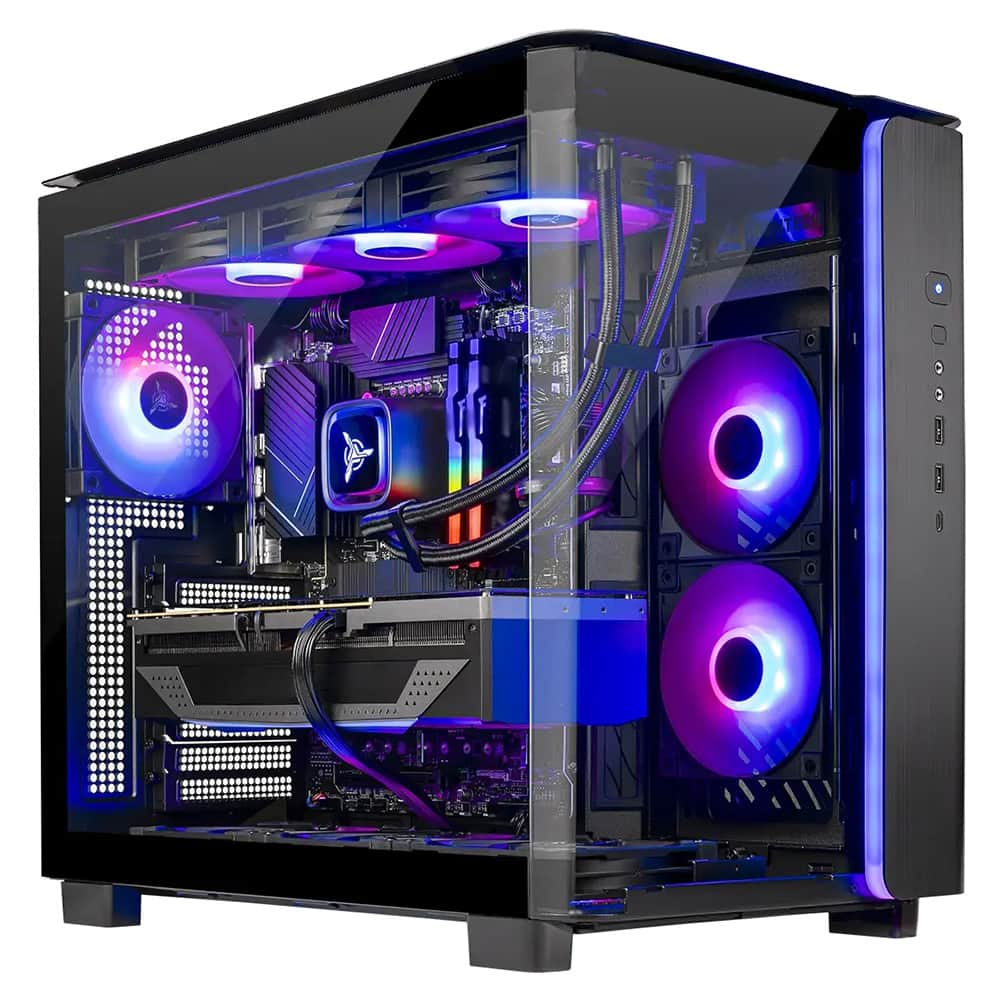
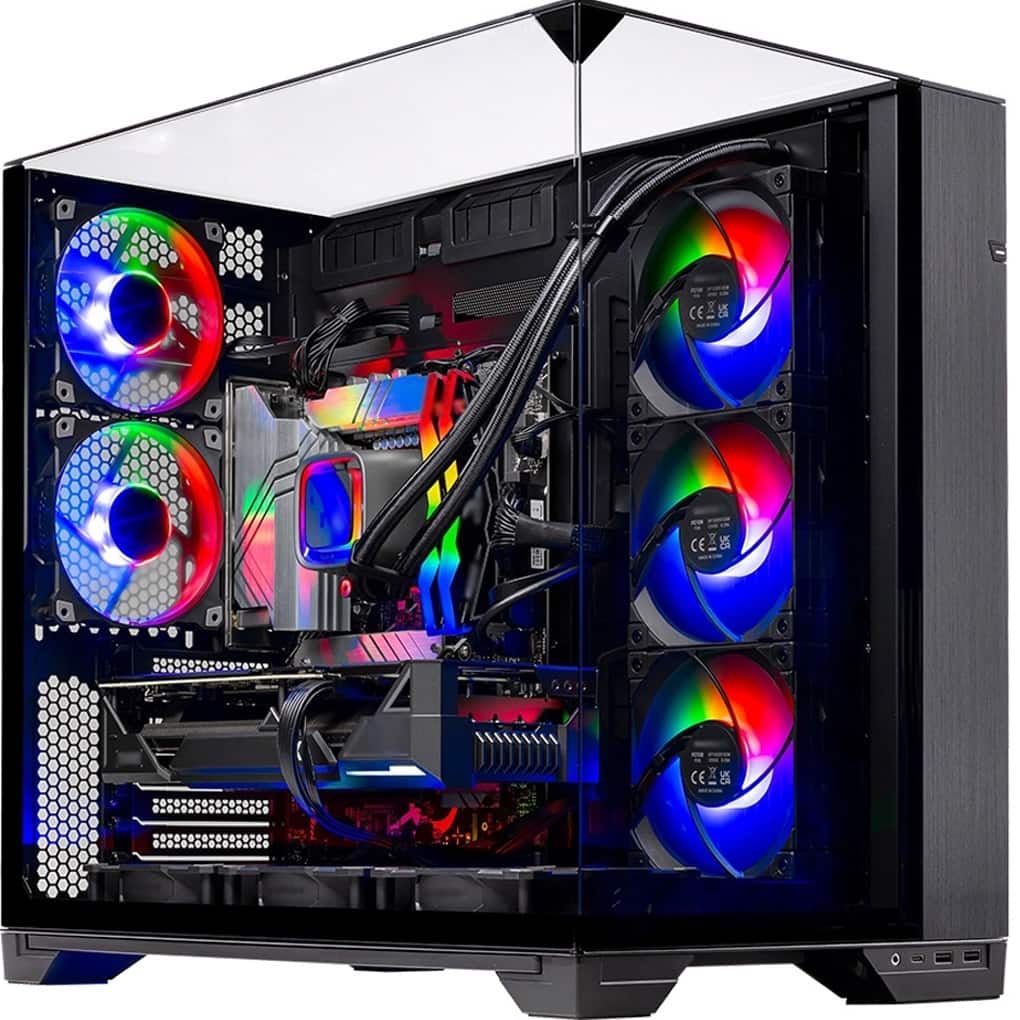
Skytech Gaming - Skytech O11V - AMD Ryzen 7 9800X3D, 5090, 32GB 6000 MHz DDR5 RAM, 1000W GOLD A3 PSU - Black
SKU: J3GWRTRHZKSee all Gaming DesktopsProduct Description
A powerful black gaming desktop featuring AMD Ryzen 7 9800X3D, RTX 5090, 32GB DDR5 RAM, and 2TB SSD.Your price for this item is $5,599.99
Best Sellers





Related Pages



FAQ
When choosing desktop RAM for gaming, consider the memory speed (measured in MHz), the RAM type (such as DDR4 or DDR5), and the overall capacity. Look for RAM with low latency and support for features like XMP profiles for easy overclocking. Additionally, some RAM modules come with heat spreaders or RGB lighting for enhanced aesthetics and performance.
RGB lighting on gaming RAM is purely cosmetic and does not impact the performance of your system. It is designed to enhance the visual appeal of your gaming setup, allowing you to customize lighting effects to match your style or other RGB components.
RAM speed can influence gaming performance, especially in memory-intensive games or when using integrated graphics. Faster RAM can lead to smoother gameplay and reduced load times in certain scenarios, but the overall impact may vary depending on your CPU and GPU. For most gamers, a balance between speed and capacity offers the best experience.
While it is possible to mix different brands or speeds of RAM, it is generally recommended to use identical modules for optimal compatibility and stability. Mixing RAM can sometimes lead to system instability or the modules running at the speed of the slowest stick. For the best gaming performance, use matched sets from the same brand and model.
Yes, many high-performance gaming RAM modules require you to enable XMP (Extreme Memory Profile) in your computer’s BIOS to run at their advertised speeds. Without enabling XMP, the RAM may default to lower speeds. Always check your motherboard’s compatibility and instructions for enabling XMP to ensure optimal performance.