Skip to contentGo to Product Search
Main Content
Skip to contentGo to Product Search
Main Content
Categories & Filters

Best Hotspot For Gaming

Finding the best hotspot for gaming means comparing network coverage, latency, and data limits—not just download speeds. Browse mobile hotspots and compare connection options to find a fit for your gaming setup, whether you play at home or on the go. Performance depends on your location, network congestion, and data plan, so check carrier coverage and plan restrictions before choosing.

Read More
Results
Main Results
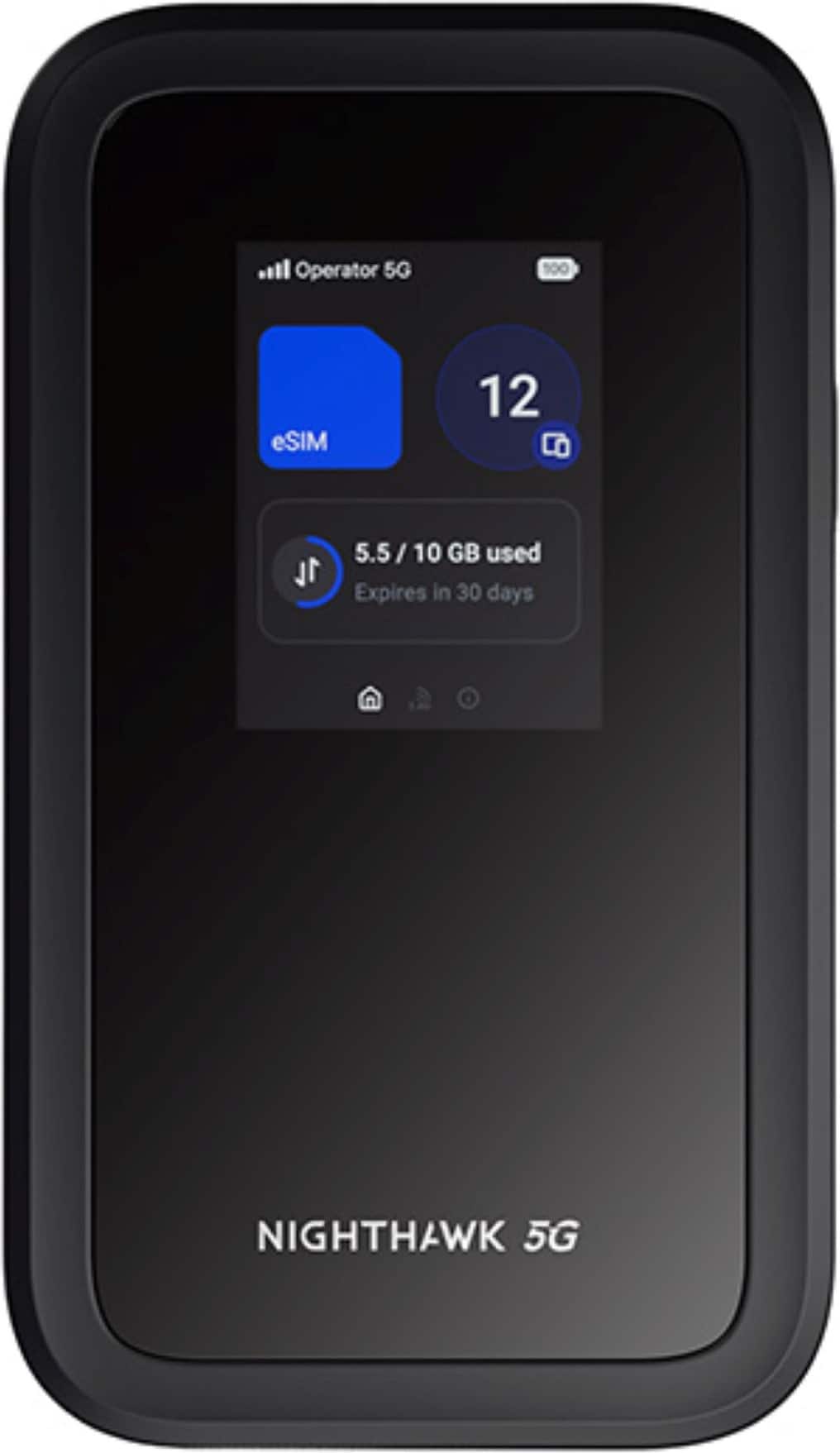
  1. NETGEAR - Nighthawk M7 5G Mobile Hotspot with eSIM, WiFi 7, Up to 3.6 Gbps, Unlocked, 140 Countries, 32 Devices - Black

    SKU: J2VY7Y52W3

    Great Travel Hotspot with killer Wifi-Offload feature

    Product Description

    A portable black hotspot offering ultra-fast 5G speeds and WiFi 7 connectivity for multiple devices.
    See all Mobile Hotspots
    Your price for this item is $499.99
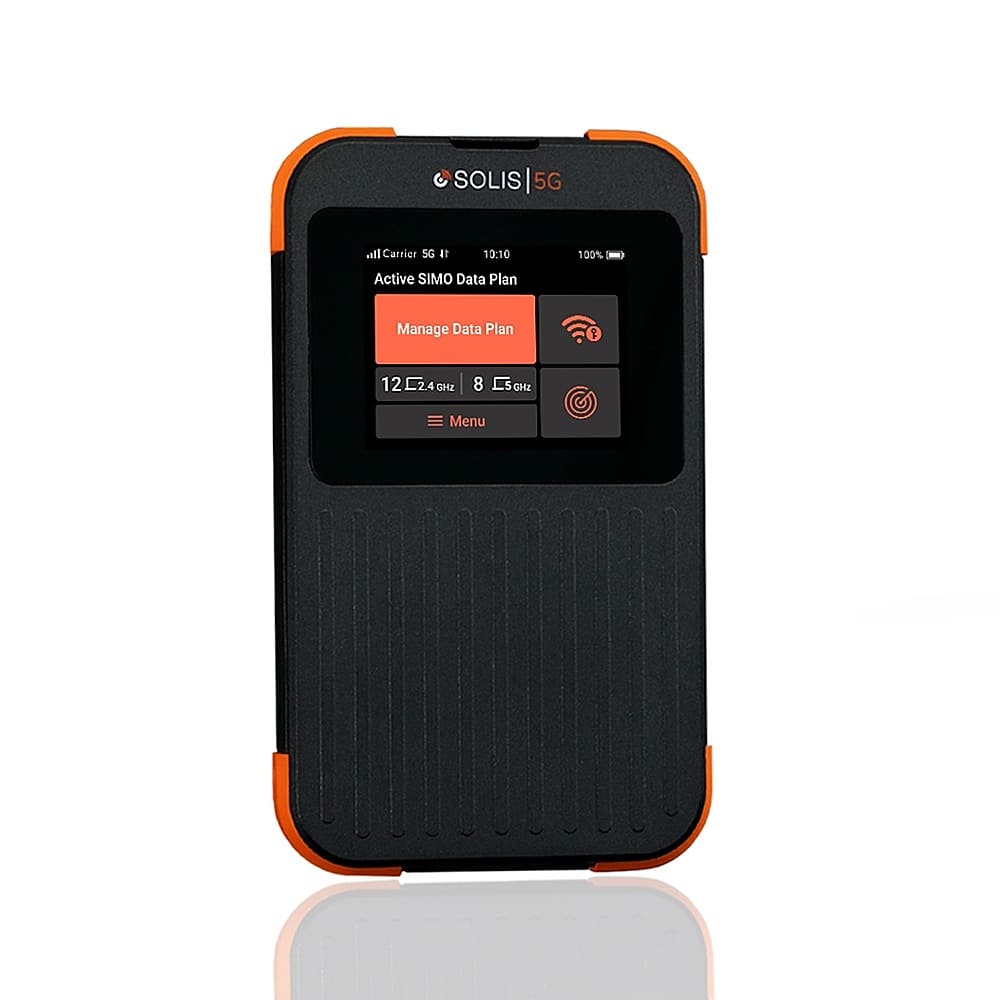
  2. Solis - 5G Mobile Wi-Fi Hotspot - Local & International Coverage Router with Lifetime Data Plan - Black / Orange

    SKU: CZYFLQF3T7

    Great connection...I love that it seeks the strongest signal regardless of carrier....There are subscription options, but pay as you go works best for me....This is great if you often work on the road...

    Product Description

    A rugged black and orange 5G Wi-Fi hotspot offering global coverage, Wi-Fi 6, and lifetime data.
    See all Mobile Hotspots
    Your price for this item is $299.99

Finding the best hotspot for gaming starts with looking beyond download speeds to the connection quality that keeps online play responsive. A mobile hotspot for gaming should offer reliable cellular reception, low latency and consistent performance on your carrier’s network, whether you’re connecting a gaming laptop, handheld gaming PC or console. Latency, often measured as ping, affects how quickly your actions reach the game server, while jitter and packet loss can contribute to uneven gameplay or interruptions. A 5G mobile hotspot can provide faster downloads and lower latency than a 4G LTE connection under favorable conditions, but actual results depend on coverage, network congestion, signal strength and distance from the game server. For competitive multiplayer games, prioritize a stable connection over advertised peak speeds. Look for a hotspot with support for your carrier’s 5G bands and dual-band Wi-Fi, then check coverage where you plan to play. Wi-Fi 6 support can help compatible devices share the local wireless connection more efficiently, while an Ethernet port or supported USB tethering option may reduce local wireless interference. These features cannot eliminate cellular network delays, but they can help you get more consistent performance from the connection available. The best portable Wi-Fi hotspot for gaming also needs a data plan and feature set that fit your playing habits. Online multiplayer gameplay generally uses less data than downloading full games, installing major updates or streaming games through a cloud gaming service, so review your monthly hotspot allowance before choosing a plan. Even plans advertised as unlimited may include limits on high-speed hotspot data, reduced speeds after a threshold or network management during busy periods. For gaming away from home, consider battery life, charging options, device size and the number of simultaneous connections supported. A dedicated mobile hotspot can be a practical alternative to using your phone’s hotspot for longer sessions, keeping your phone available while providing a separate connection for your gaming devices. If you plan to use a hotspot for console gaming, check whether the carrier’s network supports the multiplayer and voice-chat features you need; carrier-grade NAT can limit inbound connections and contribute to restrictive NAT types. Before relying on a mobile hotspot as your primary gaming internet connection, test it in your usual location and during the hours you typically play. Positioning it where cellular reception is strongest and pausing background downloads can help preserve bandwidth, making a well-matched hotspot a useful option for travel, temporary setups or backup internet.

FAQ

A dedicated mobile hotspot is a standalone device that shares a cellular internet connection with gaming consoles, laptops and other compatible devices. Unlike a smartphone hotspot, it uses separate hardware and typically requires its own cellular service or an eligible line on an existing plan.

Wi-Fi is the most common connection method. Some mobile hotspots also offer Ethernet or USB tethering, but support varies by hotspot and gaming device. Check the connection options on both devices, since a USB charging port does not necessarily support internet sharing.

5G refers to the cellular network technology a hotspot uses to access the internet. The 5 GHz designation refers to a Wi-Fi frequency band used to connect nearby devices to the hotspot. A hotspot may support both, but they describe separate connections.

Review the plan's hotspot data allowance, any restrictions after that allowance is reached, network management terms and roaming rules. Also check whether dedicated hotspot devices are supported, since smartphone hotspot benefits do not necessarily apply to standalone hotspots.

Online multiplayer, voice chat, cloud gaming, game downloads and software updates all use internet data. To manage cellular usage, review automatic download settings on your console or computer and use the hotspot's data tracking tools if available. You can also schedule downloads and updates for when your device is connected to home internet.