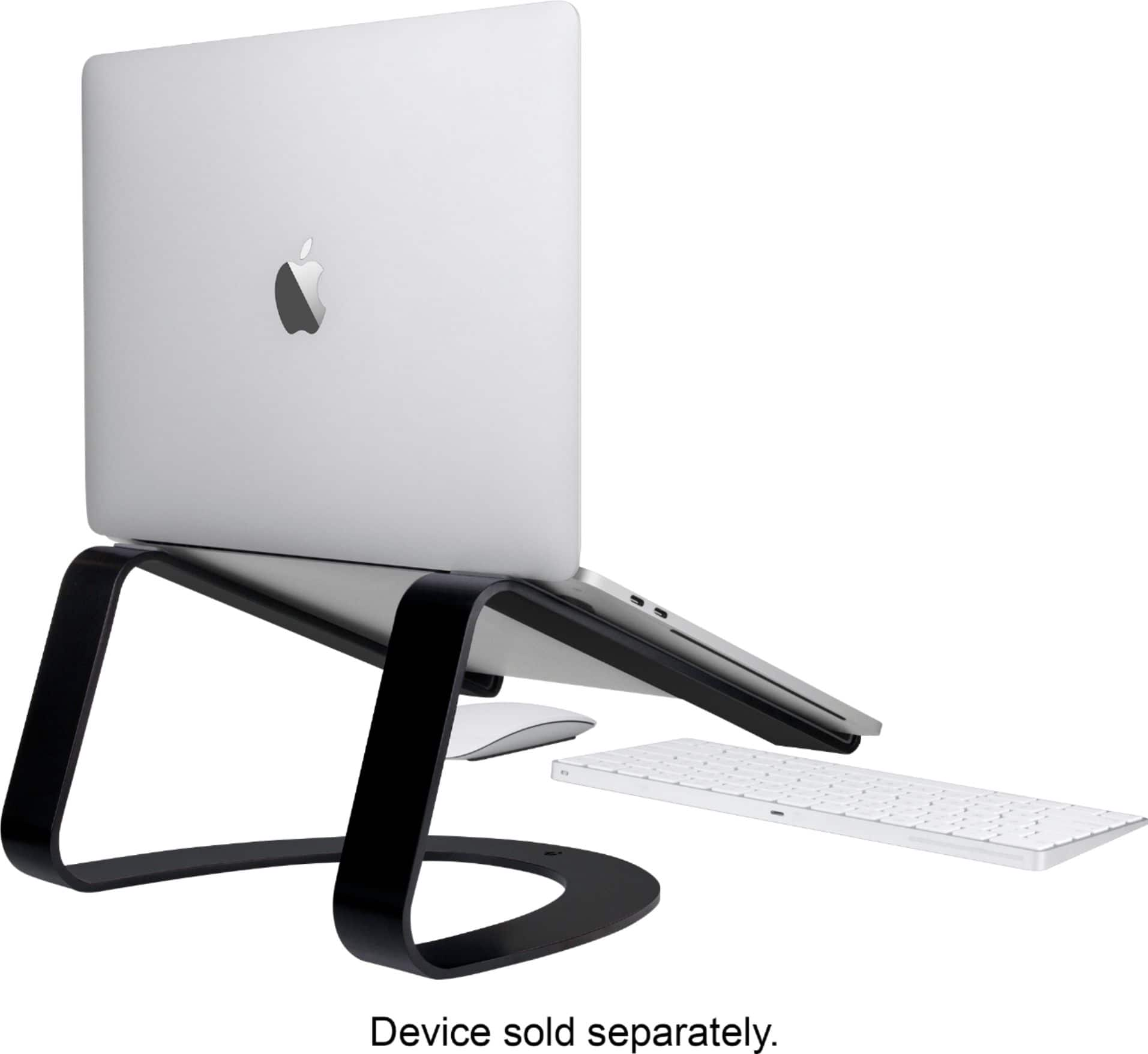
Top Rated Laptop Stand
Find the best laptop stand for your workspace by comparing laptop compatibility, stand dimensions, and viewing height. As you browse laptop stands and risers, consider how much desk space you have, whether you need height adjustment, and how often you’ll carry your stand between workspaces.
What to look for in a laptop stand
Finding the best laptop stand for your setup means considering fit, adjustability, stability, and how you plan to use it.
1. Laptop Compatibility
2. Height and Angle Adjustment
3. Stability and Airflow
4. Portability and Desk Space
-
1
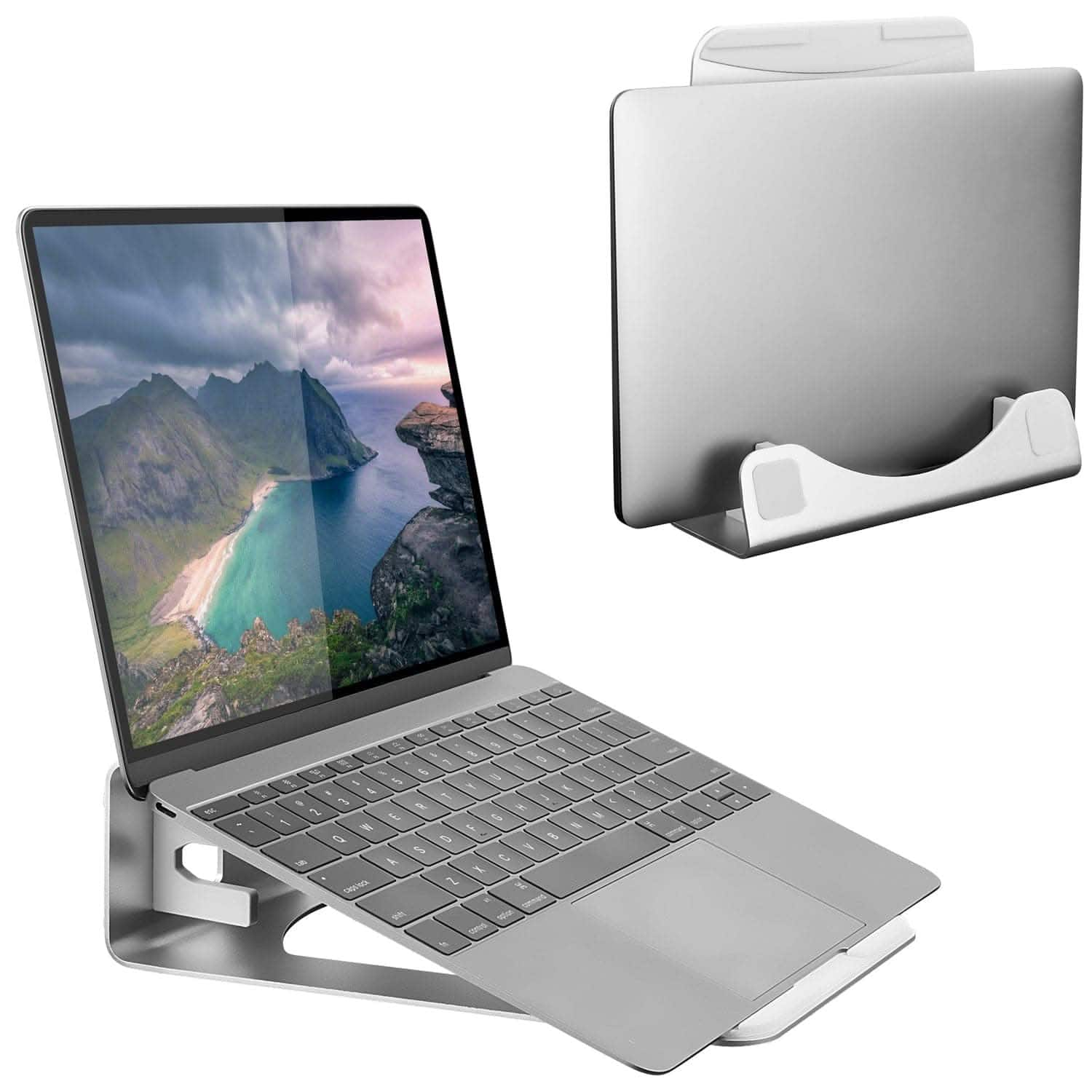
Mount-It! - Vertical Laptop Stand & Holder for Laptops with Open Cooling Design & Ergonomic Screen Elevation - Silver
About this product
A silver metal stand that elevates laptops vertically for improved cooling, organization, and ergonomic viewing.
(0)$45.59Your price for this item is $45.59SAVE $11.40 -
2
Acer - Laptop Stand with 360° Swivel, Adjustable Height & 0–180° Tilt Angle, Foldable Portable Laptop Riser for Desk - Gray
About this product
A gray carbon-steel laptop stand with 360° swivel, adjustable height, 180° tilt, and foldable portability.
(0)$39.99Your price for this item is $39.99SAVE $40.00 -
3
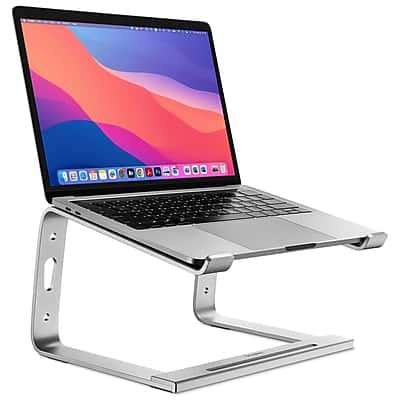
Staples TECH - 11.2 x 10.2 Aluminum Laptop Stand - Silver
About this product
A silver sand-blasted aluminum stand that elevates laptops for ergonomic comfort and improved cooling.
(2)$30.99 Your price for this item is $30.99 -
4
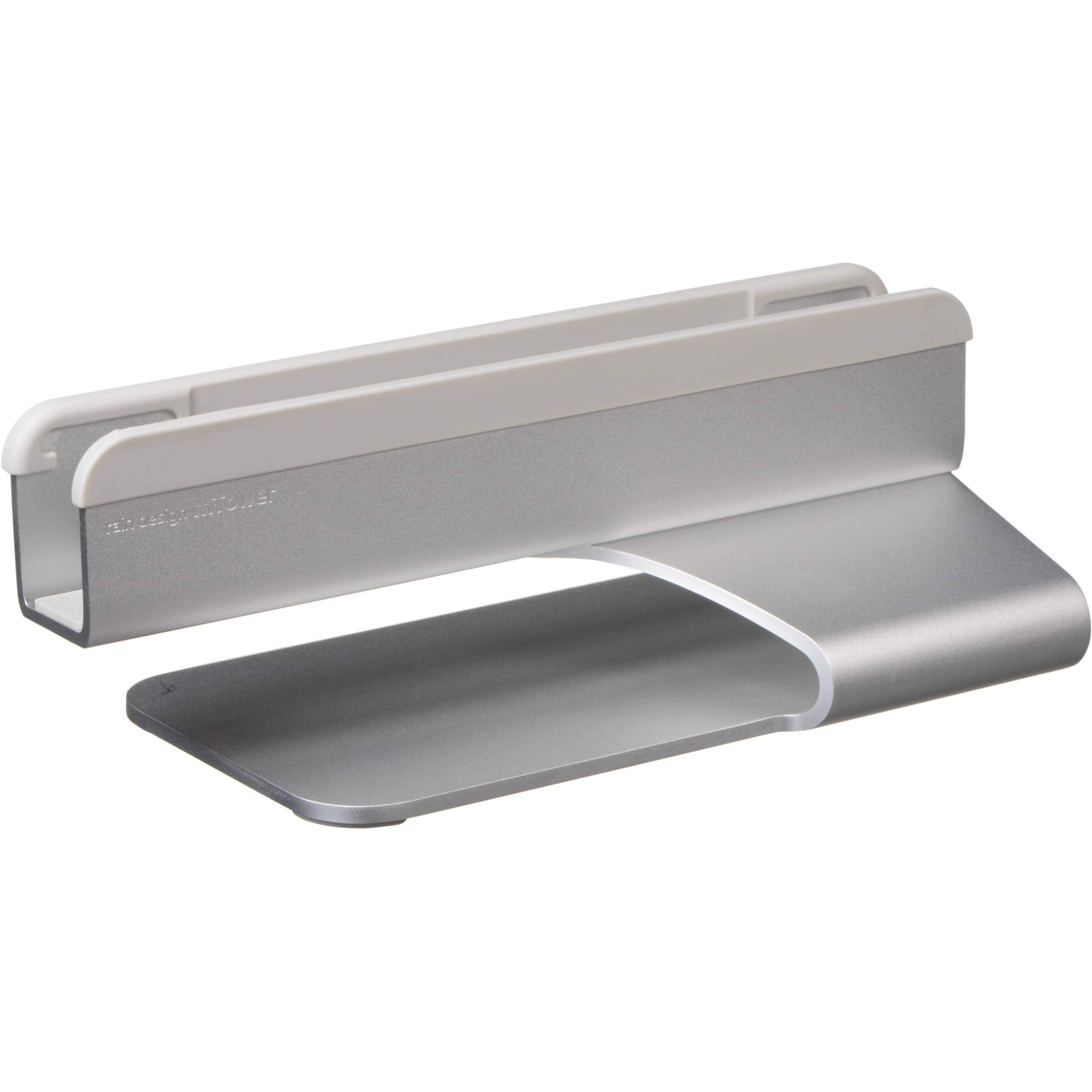
Rain Design - mTower Vertical Laptop Stand - Silver
About this product
An aluminum silver vertical stand that saves desk space, enhances airflow, and matches MacBook aesthetics.
(2)$66.09Your price for this item is $66.09SAVE $16.73 -
5

Uncaged Ergonomics - Ergonomics WorkEZ Best Laptop Stand & Lap Desk - Black
About this product
An adjustable black aluminum laptop stand with cooling, tilt panel, and removable mouse pad for ergonomic comfort.
(0)$49.99 Your price for this item is $49.99 -
6
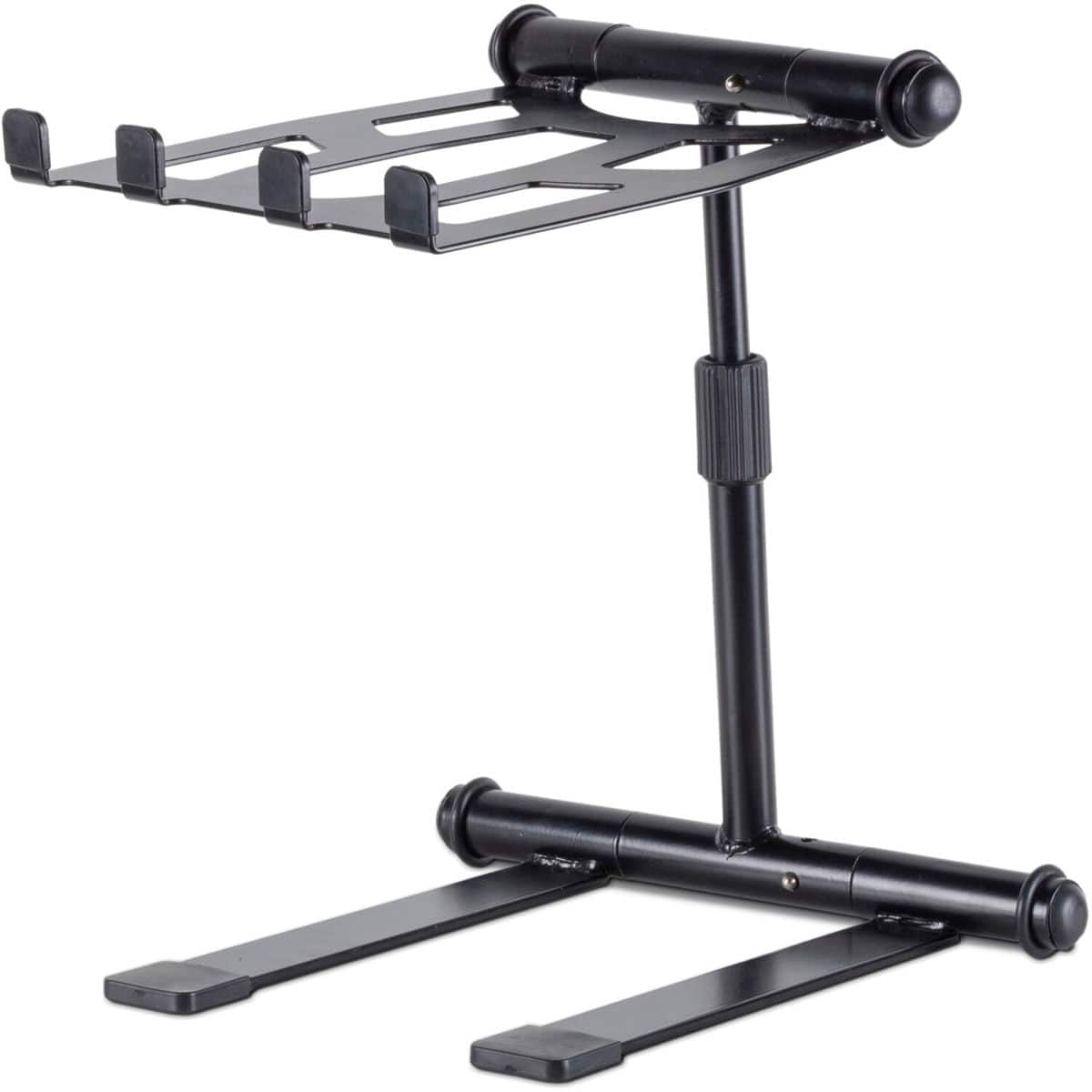
Headliner - Noho Laptop Stand - Black
About this product
A rugged black steel laptop stand with 360° rotation, adjustable height, and non-slip rubber pads.
(0)$49.99Your price for this item is $49.99SAVE $1.41 -
7
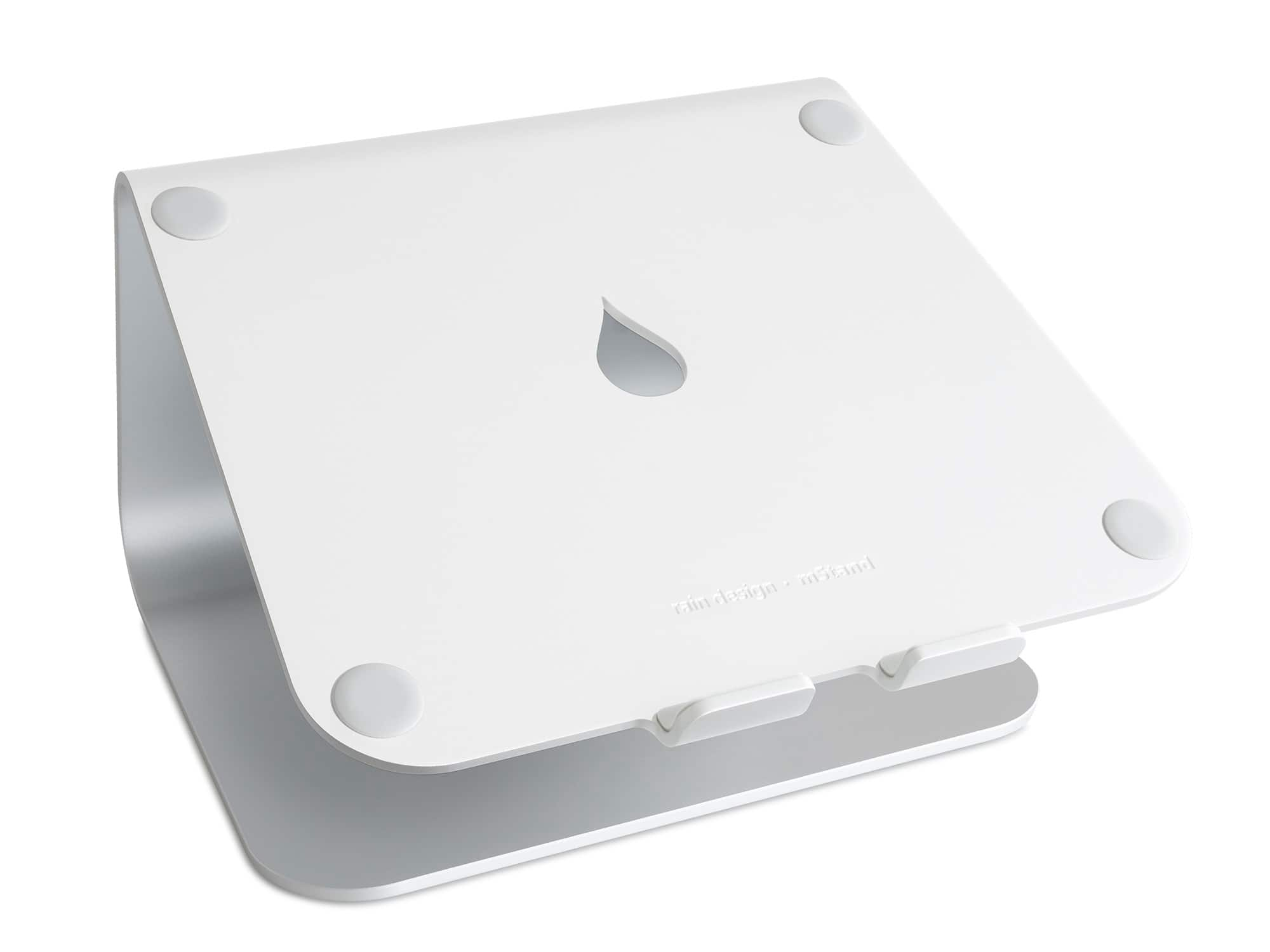
Rain Design - mStand Laptop Stand - Silver
About this product
A sturdy silver aluminum stand that elevates laptops for improved ergonomics and efficient cable management.
(2)$49.65Your price for this item is $49.65SAVE $0.25 -
8

Rain Design - mStand Laptop Stand - Black
About this product
A black aluminum stand that elevates laptops for better ergonomics, cooling, and cable management.
(2)$64.33 Your price for this item is $64.33 -
9
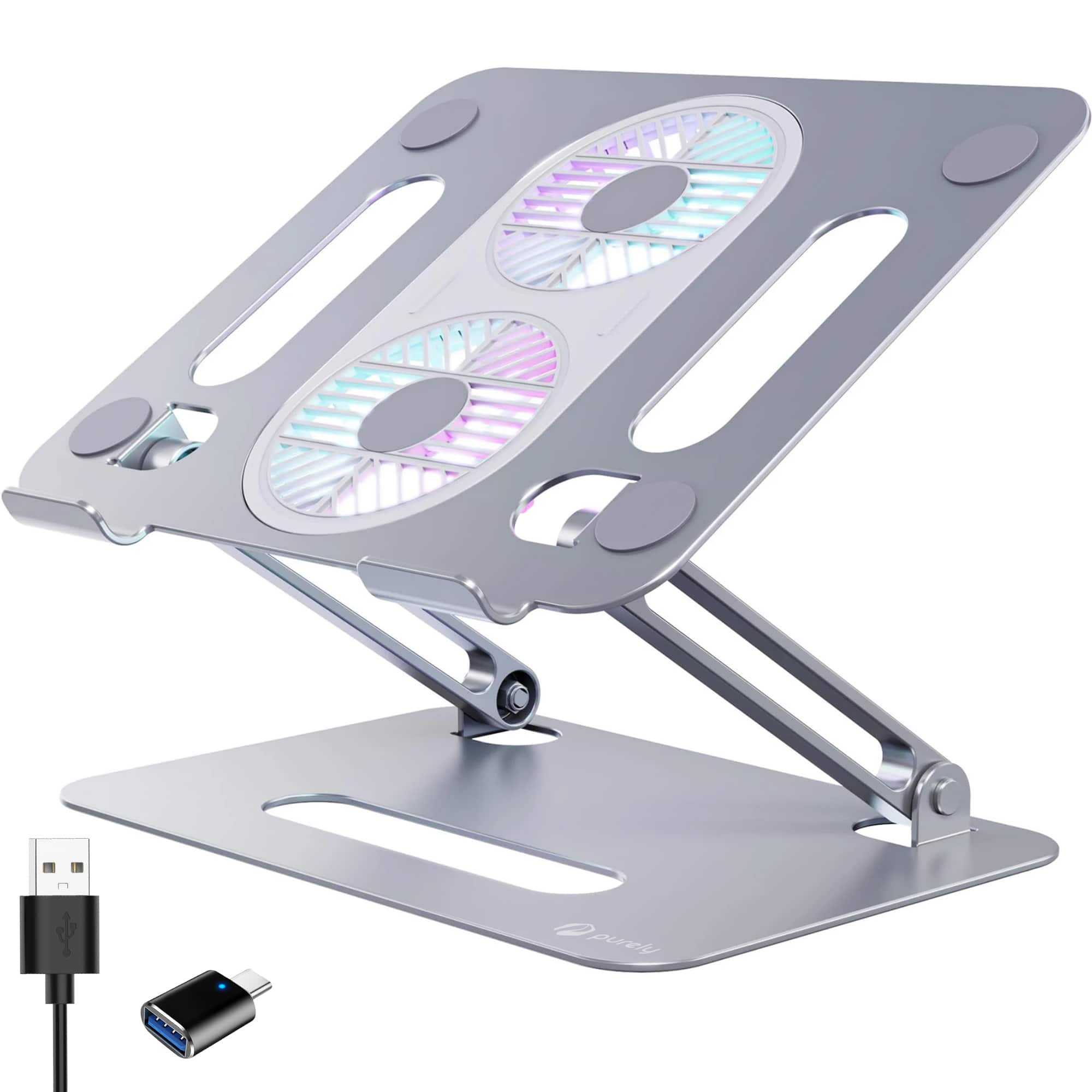
Purely - C50 Adjustable 18" Laptop Cooling Stand with USB Port - Silver
About this product
An adjustable silver aluminum laptop stand with dual cooling fans, USB port, and foldable, ergonomic design.
(0)$74.99 Your price for this item is $74.99 -
10
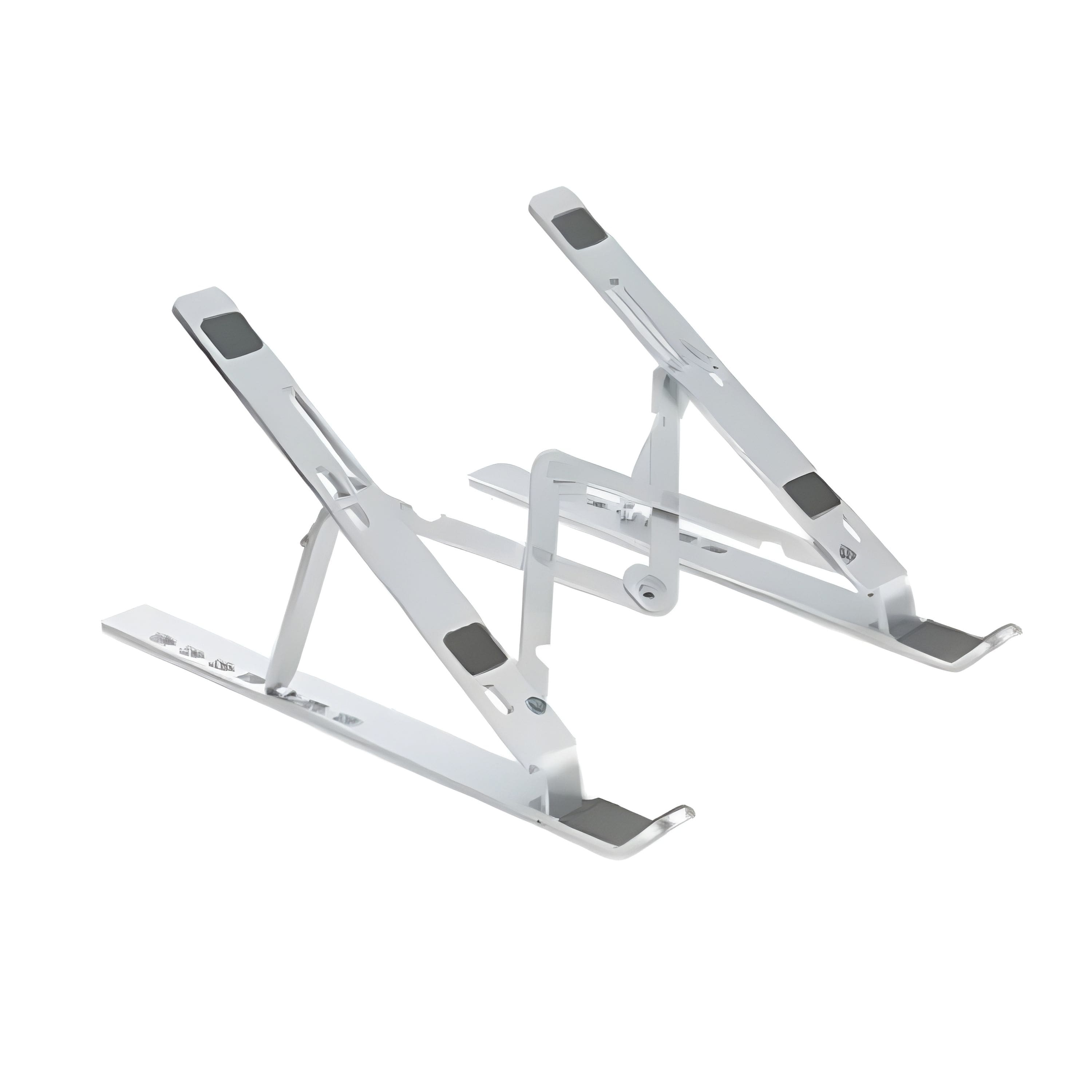
Kitcheniva - Adjustable Aluminum Laptop Stand Ergonomic Desk Riser - Silver
About this product
An ergonomic silver aluminum laptop stand that elevates your screen, improves ventilation, and folds for portability.
(0)$32.99 Your price for this item is $32.99
Top Rated Laptop Stand
FAQs
Compare the stand’s orientation, adjustment options, folding design, and cable-routing features. Think about whether you use your laptop’s built-in keyboard and screen or connect an external keyboard, mouse, and monitor.
A fixed laptop stand holds your laptop in a preset position. An adjustable laptop stand lets you change its position or tilt, depending on the design. Compare the adjustment controls and available configurations when choosing between these styles.
A vertical laptop stand holds a closed laptop upright, while an open-laptop stand supports the computer with its screen open. If you plan to use a closed laptop with an external display, check your computer’s requirements for closed-display operation.
A folding laptop stand has joints or collapsible sections that let you pack it away between uses. A stationary design typically stays assembled on your desk. Consider whether your routine involves changing workspaces or keeping a dedicated desk setup.
No. A laptop stand physically holds your computer, while a docking station provides connections for accessories such as monitors, keyboards, and storage devices. Some designs combine both functions, so check whether a stand includes connectivity features or serves only as a support.