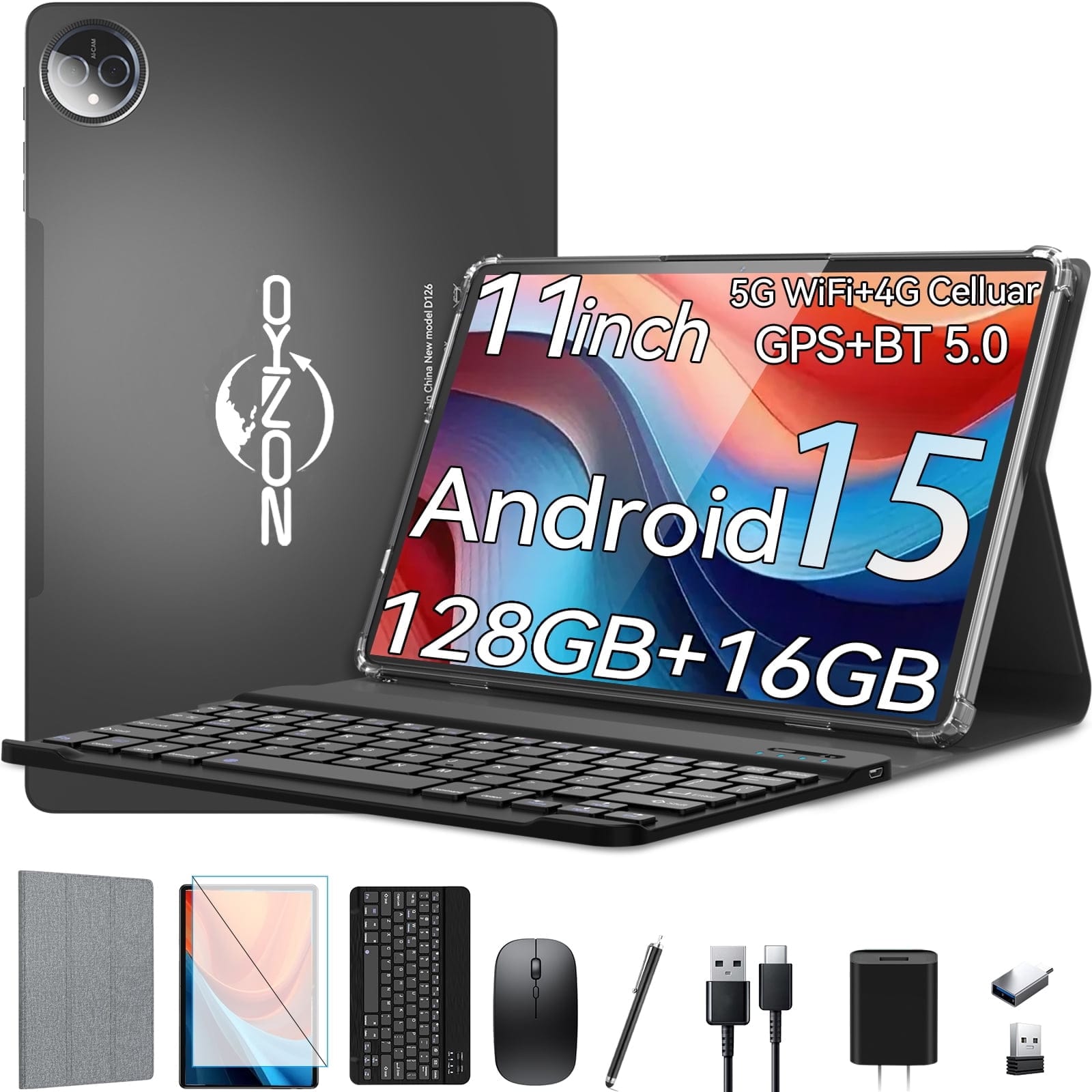
Top Rated Tablet For Zoom
The best tablet for Zoom depends on whether you’re joining work meetings, online classes, or casual video chats. Compare tablets by screen size, front-facing camera quality, microphones, and speakers, and weigh battery life if you’ll be calling away from an outlet. Before choosing, check Zoom’s current device and operating system requirements and consider how you’ll position the tablet for hands-free calls.
What to look for in a tablet for Zoom
The best tablet for Zoom should balance clear video and audio, reliable performance, and a comfortable setup for your meetings.
1. Camera and Audio Quality
2. Screen Size and Setup
3. App Compatibility and Performance
4. Connectivity and Battery Life
-
1
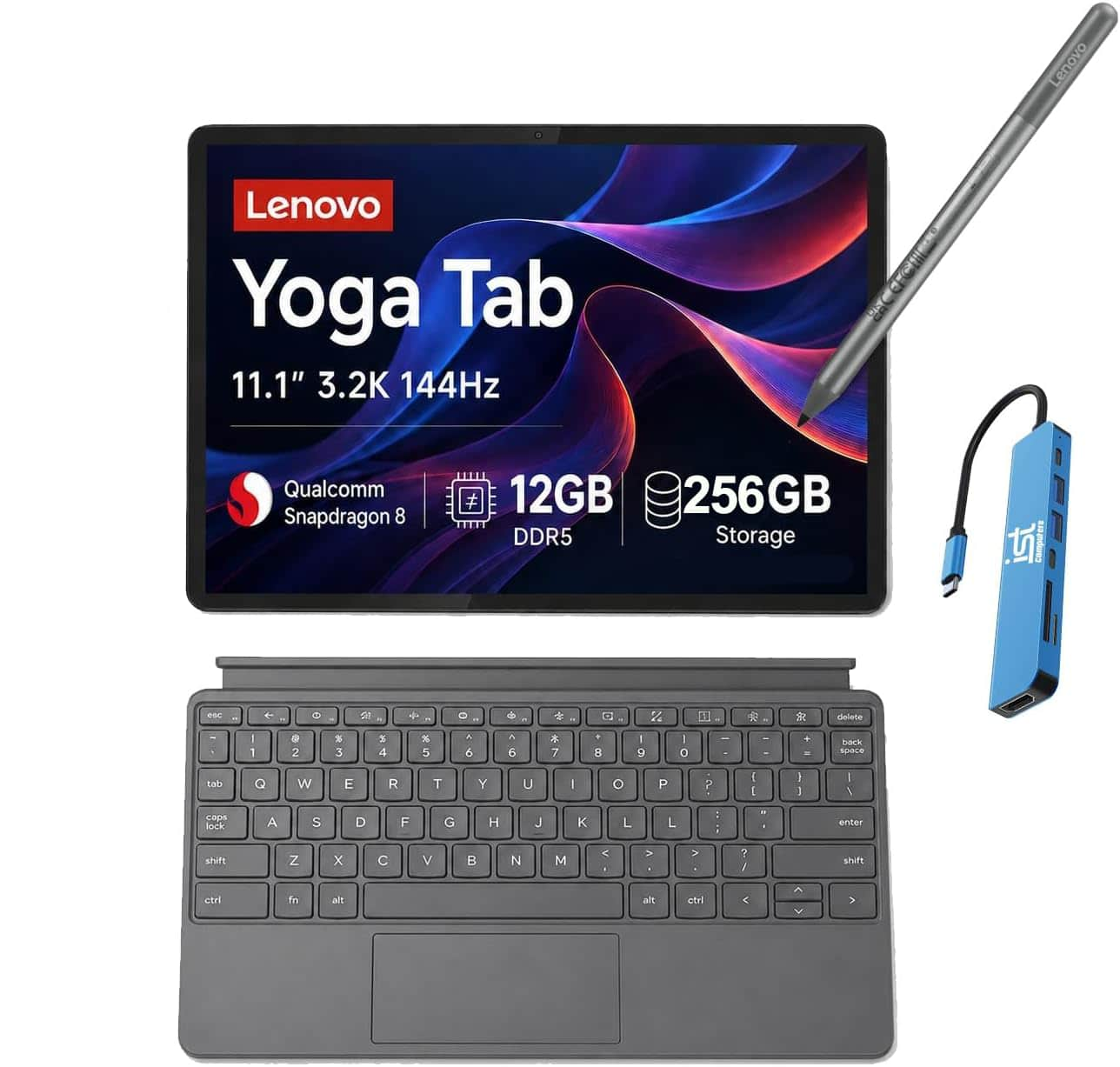
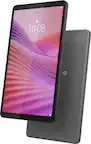
Lenovo - Yoga Tab - 11.1" 3.2K Tablet - 144Hz 98%DCI-P3 AI Tab - Qualcomm Snapdragon CPU - Pen - Keyboard - 12GB RAM - 256GB UFS - IST HUB - Luna Grey
About this product
A versatile Luna Grey tablet with 3.2K 144Hz display, Snapdragon 8 Gen 3, pen, and keyboard.
(0)$599.99 Your price for this item is $599.99 -
2
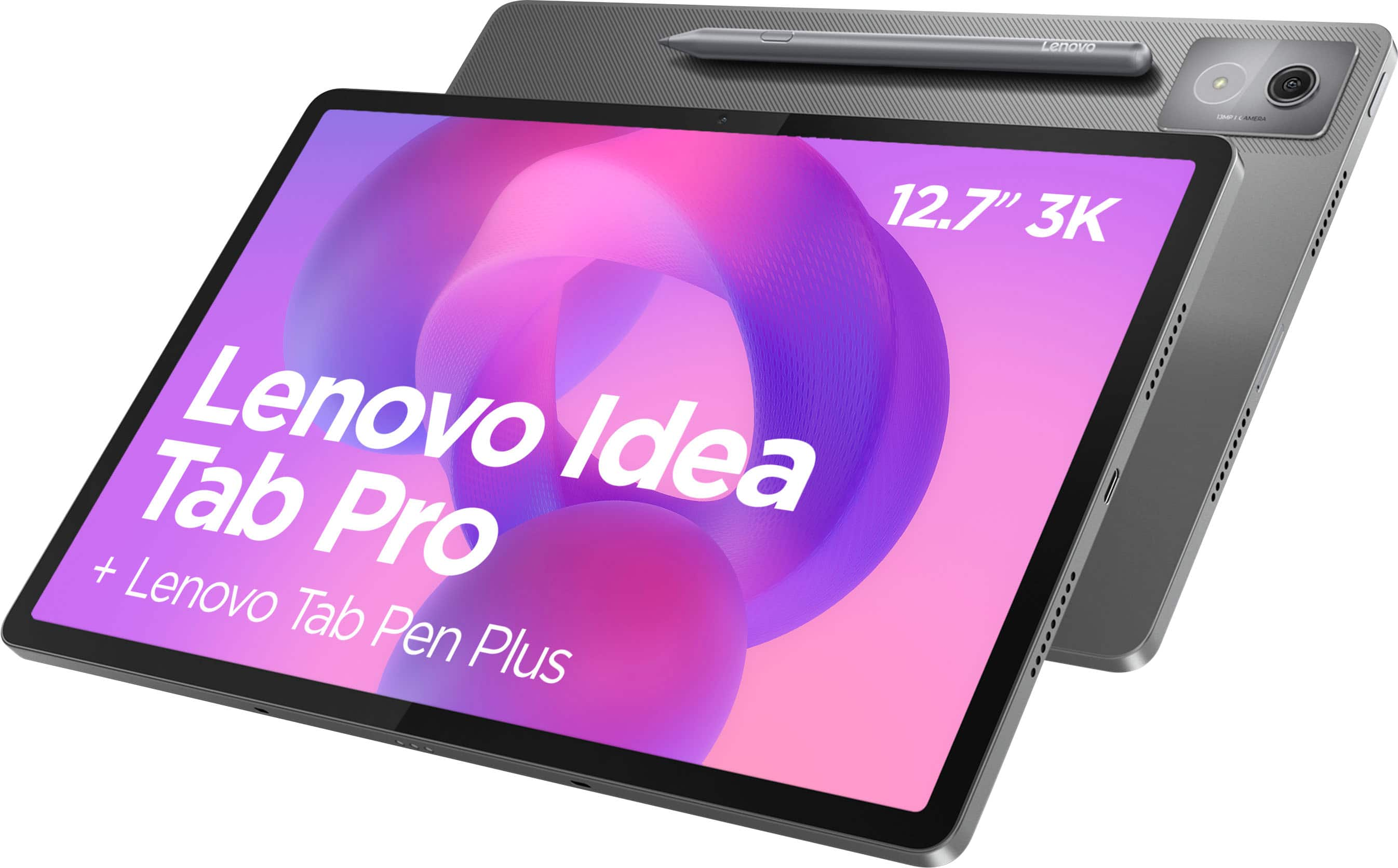
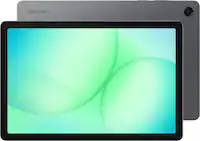
Lenovo - Idea Tab Pro - 12.7" 3K Tablet - 8GB RAM - 256GB UFS - with Tab Pen Plus - Luna Grey
About this product
A Luna Grey Android tablet featuring a 12.7" 3K display, 256GB storage, and Tab Pen Plus.
What customers like
(307)$399.00Your price for this item is $399.00SAVE $60.99 -
3
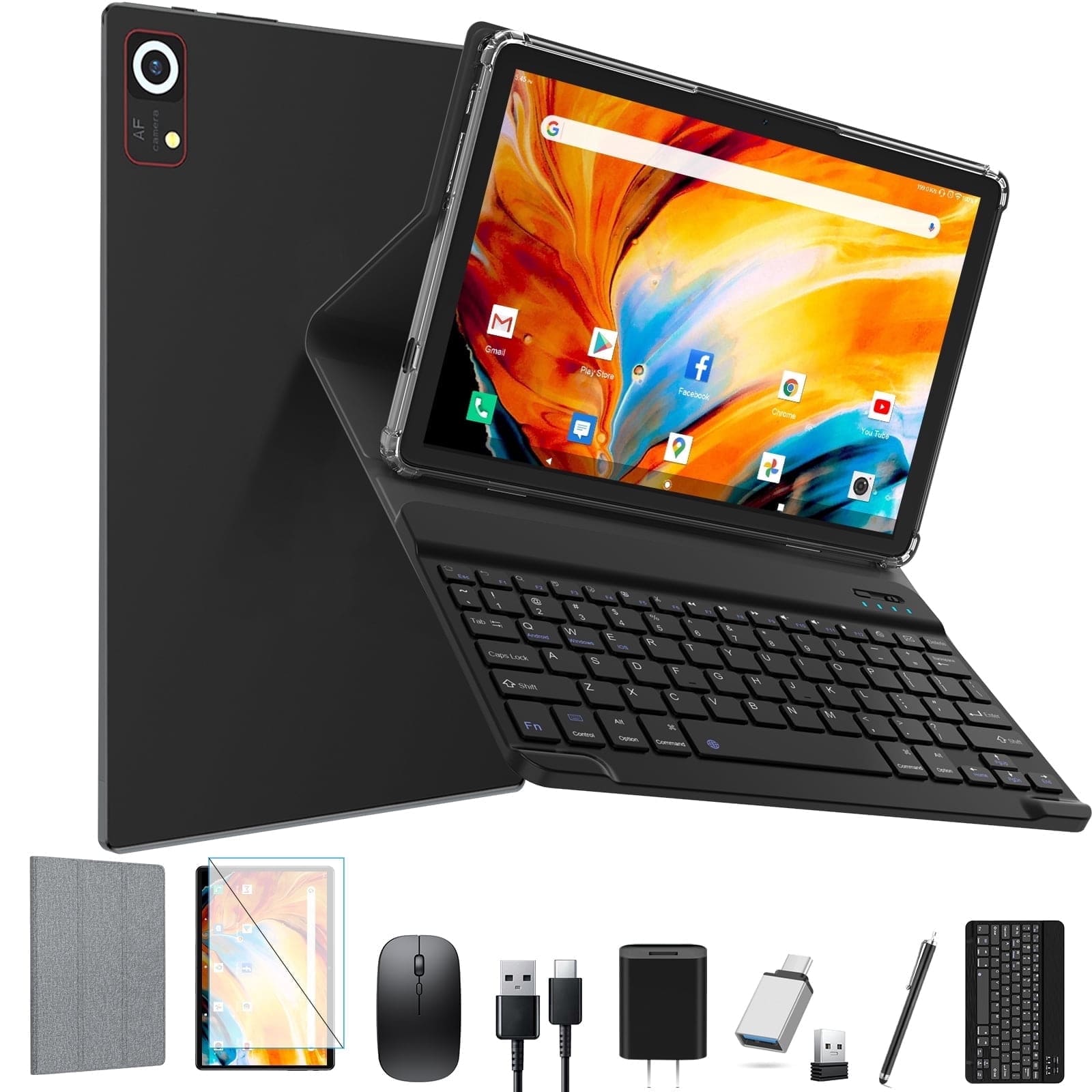
MEIZE - Tablet 10 Inch Android 15 Tablets,128GB ROM+24GB RAM,5G Wi-Fi Tableta PC,1TB Expand,Octa-Core, 2 in 1 with Keyboard - Black
About this product
A versatile black 2-in-1 tablet with Android 15, 128GB storage, 24GB RAM, and included keyboard.
(5)$109.99Your price for this item is $109.99SAVE $130.00 -
4
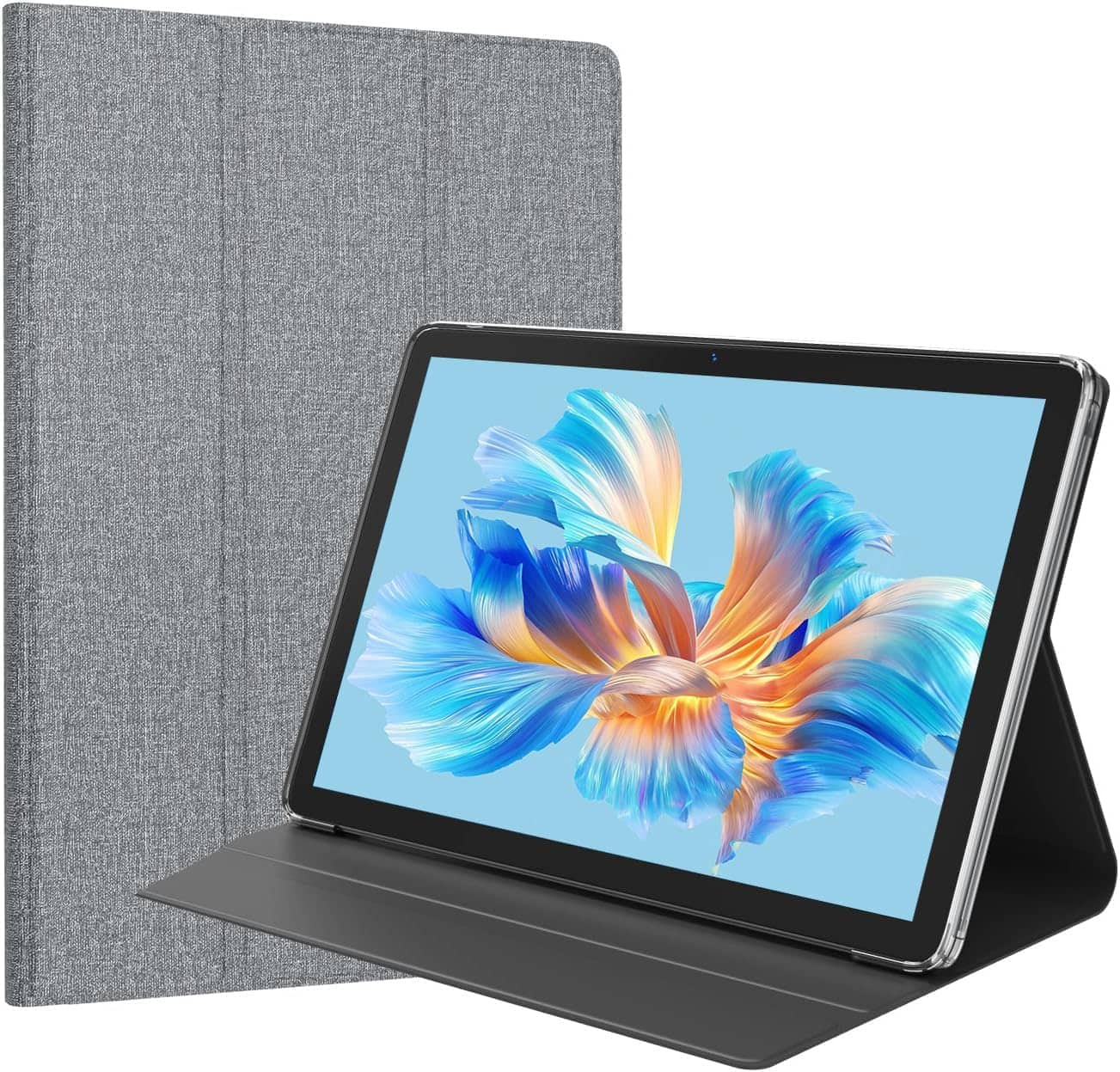
FEONAL - 10.1 Inch Android Tablet, 2026 Newest Android 14 Tablet 128GB ROM+16GB RAM +1TB TF Expand, Octa-Core with Leather Case - Silver
About this product
A silver Android 14 tablet with 128GB storage, 16GB RAM, octa-core processing, cameras, and leather case.
(2)$109.99Your price for this item is $109.99SAVE $110.00 -
5
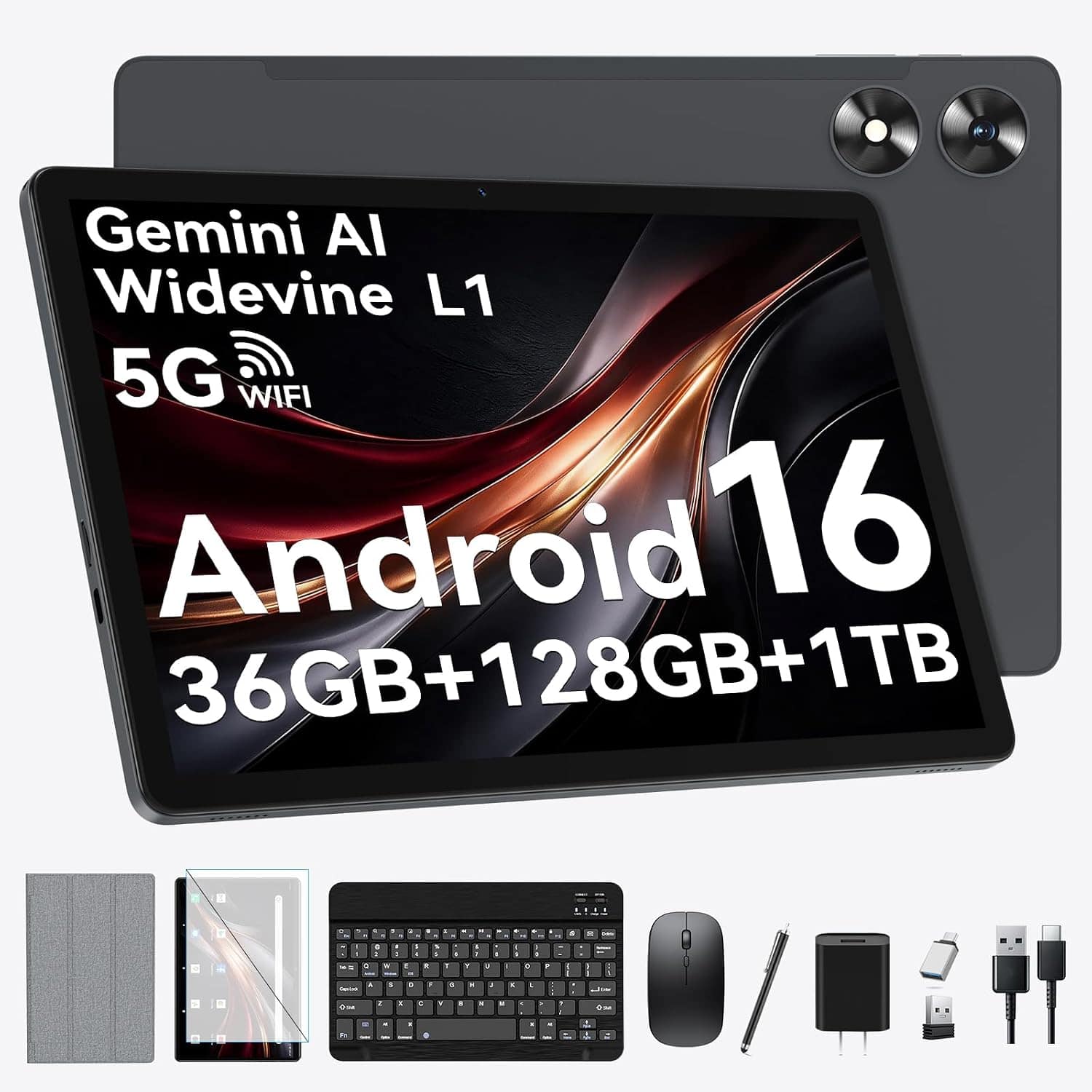
Bundle - ZONKO - 11 Inch Android 16 Tablet with Keyboard 36GB RAM + 128GB ROM, 90Hz Refresh Gemini AI, Widevine L1, 7000mAh Battery - Gray
About this product
A gray 2-in-1 Android tablet with keyboard, 36GB RAM, 128GB storage, 90Hz display, and 7000mAh battery.
(0)$125.99Your price for this item is $125.99SAVE $174.00 -
6
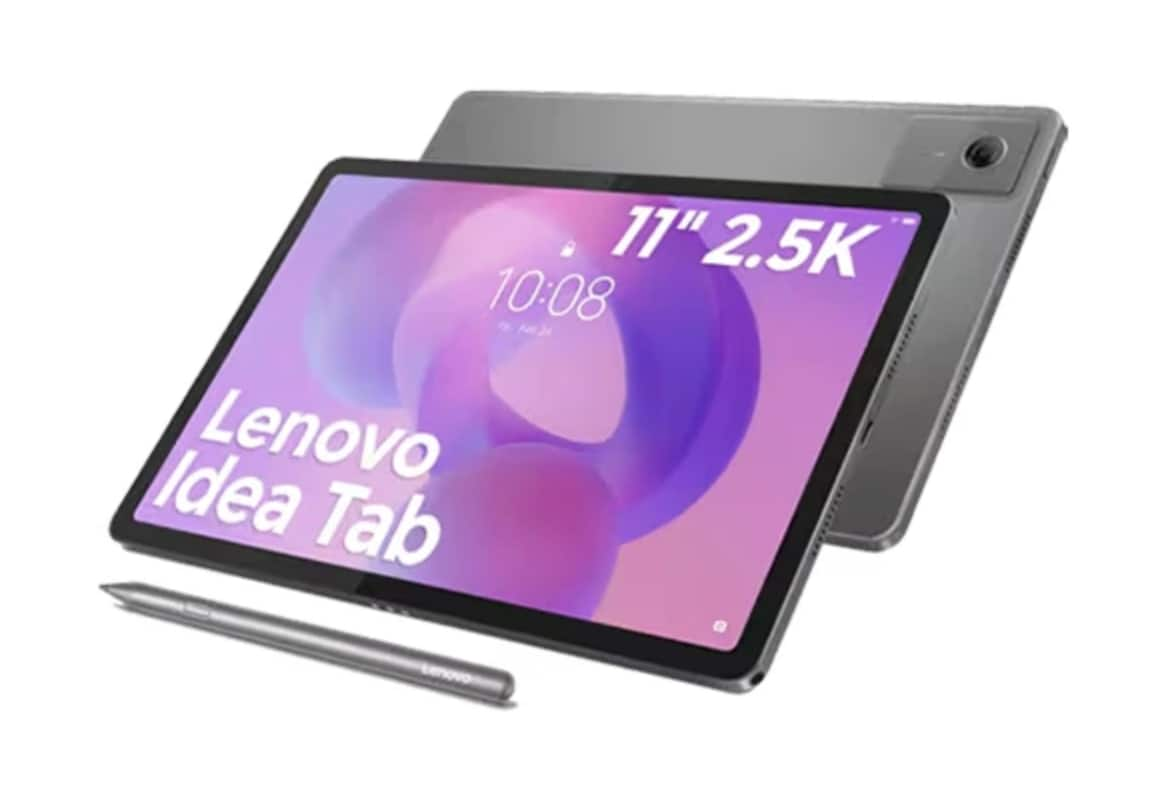
Lenovo - Idea Tab 11" Tablet with Pen - MediaTek Dimensity 6300, 8GB RAM, 128 GB Storage, 2.5K, 90 Hz, Android 15 (ZAFR0928US) - Luna Grey
About this product
A sleek Luna Grey tablet featuring an 11" 2.5K 90Hz display, 8GB RAM, pen support, and Android 15.
(1)$249.99 Your price for this item is $249.99 -
7
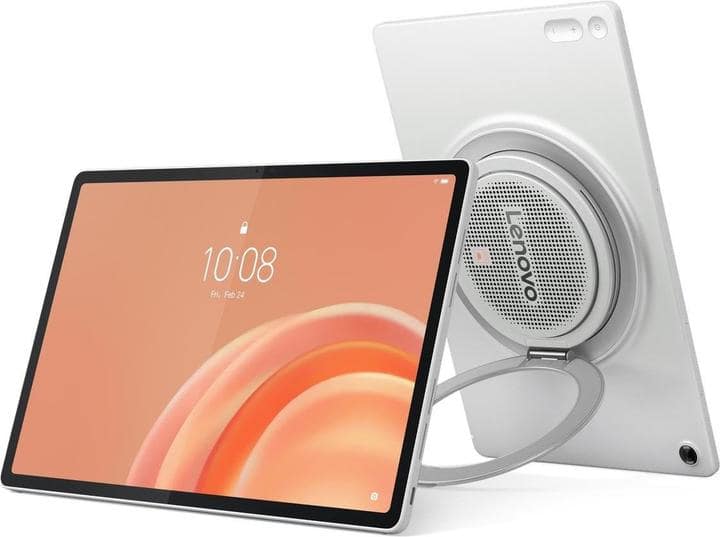
Lenovo - Tab Plus Gen 2 - 12.1" 2.5K Tablet - MediaTek Dimensity 7400 - 8GB Memory - 256GB Storage - Wi-Fi - with Clear Case - Celestial White
About this product
A white Android tablet with a 2.5K 120Hz display, JBL speakers, 8GB memory, and 256GB storage.
(0)$379.00Your price for this item is $379.00SAVE $70.99 -
8
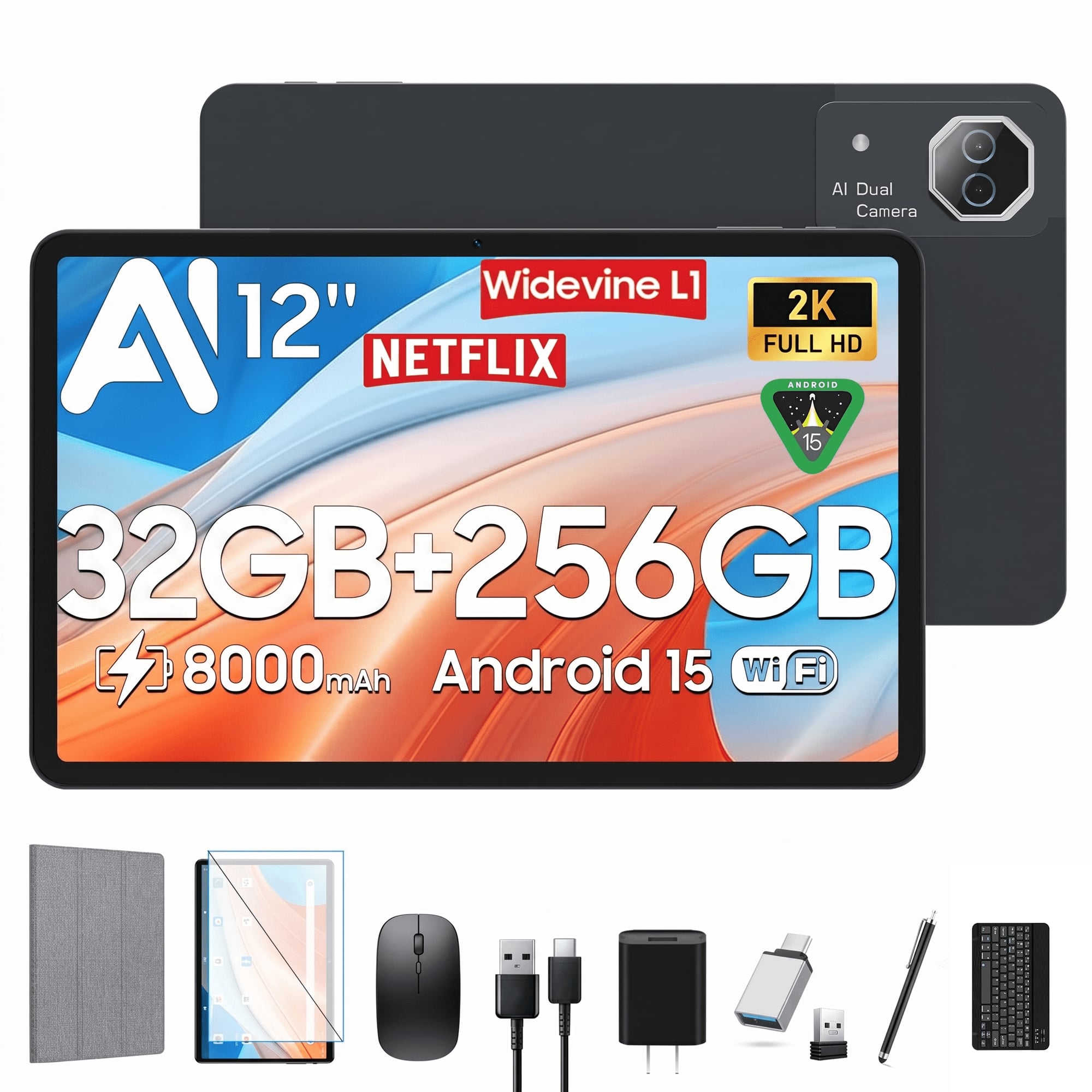
ZONKO - 12 inch Tablet,Android 15 Tablets with 256GB ROM,Helio G99 Octa-Core for Gaming,5G WiFi Tableta 2K Display, 2 TB Expand - Gray
About this product
A gray Android tablet with 256GB storage, 32GB RAM, Helio G99 processing, and 2K display.
(0)$185.99Your price for this item is $185.99SAVE $214.00
Top Rated Tablet For Zoom
FAQs
Look for a tablet with a Zoom-compatible operating system, a front-facing camera, built-in microphones and speakers, and Wi-Fi connectivity. Also consider camera placement when using the tablet in landscape mode, battery life and support for accessories such as a stand or keyboard.
No. A Wi-Fi tablet can join Zoom meetings when connected to the internet. A cellular-enabled tablet adds the option to connect through a compatible mobile data plan when Wi-Fi is unavailable; carrier coverage and data usage apply.
Zoom supports screen sharing on compatible tablets, though available options depend on the operating system, app version and meeting settings. You may need permission from the host and must follow your tablet’s prompts to start sharing.
Depending on the tablet’s connections and operating system, you may be able to use Bluetooth headphones, a wired headset or a compatible USB microphone. Check accessory compatibility and whether an adapter is required, then confirm the audio connection in Zoom before joining a meeting.
Many tablets support compatible Bluetooth keyboards and mice, while some also support wired accessories or keyboard cases. Available controls and shortcuts vary by operating system and Zoom app version, so check compatibility if you plan to type in chat or take notes during meetings.