Bluetooth Barcode Scanners For Android
-
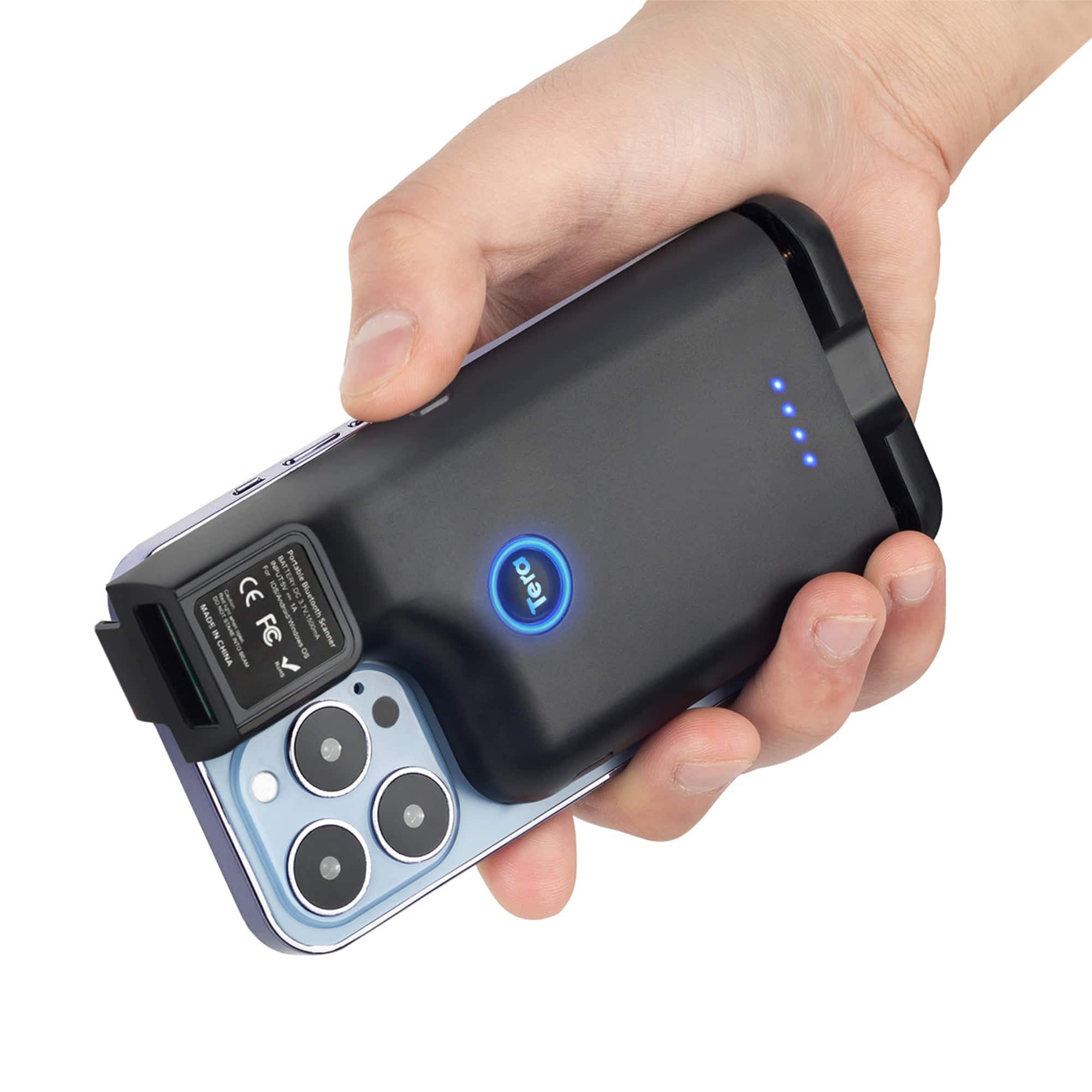
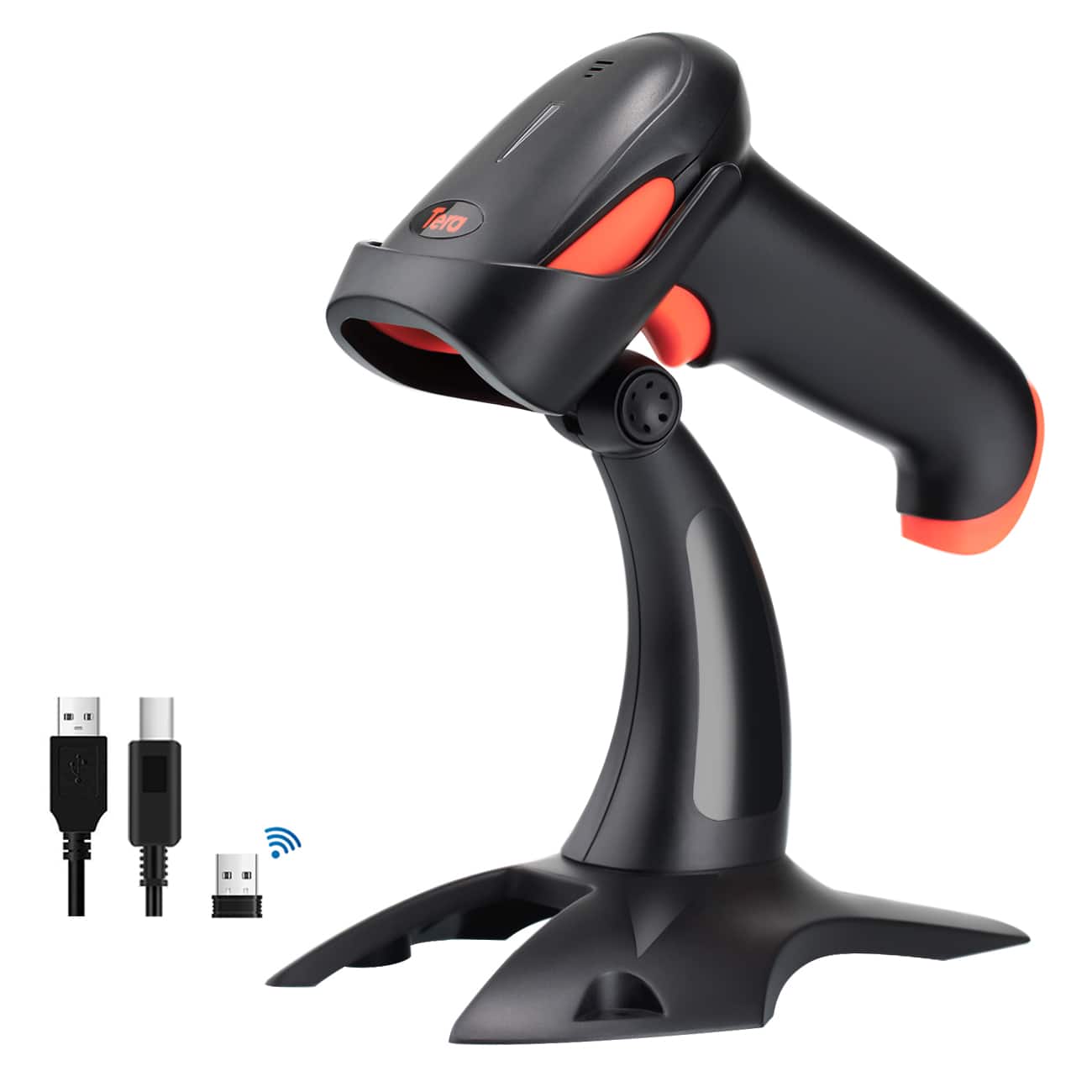
Tera - Portable Back Clip 2.4GHz Wireless & USB Wired & Bluetooth Mini Pocket for Smartphones Android Mac OS Windows 0013
SKU: CCFLTK67FWSee all Scanners, Faxes & CopiersProduct Description
A versatile wireless, USB, and Bluetooth barcode scanner with a retractable clip for smartphones and computers.Your price for this item is $39.99 -
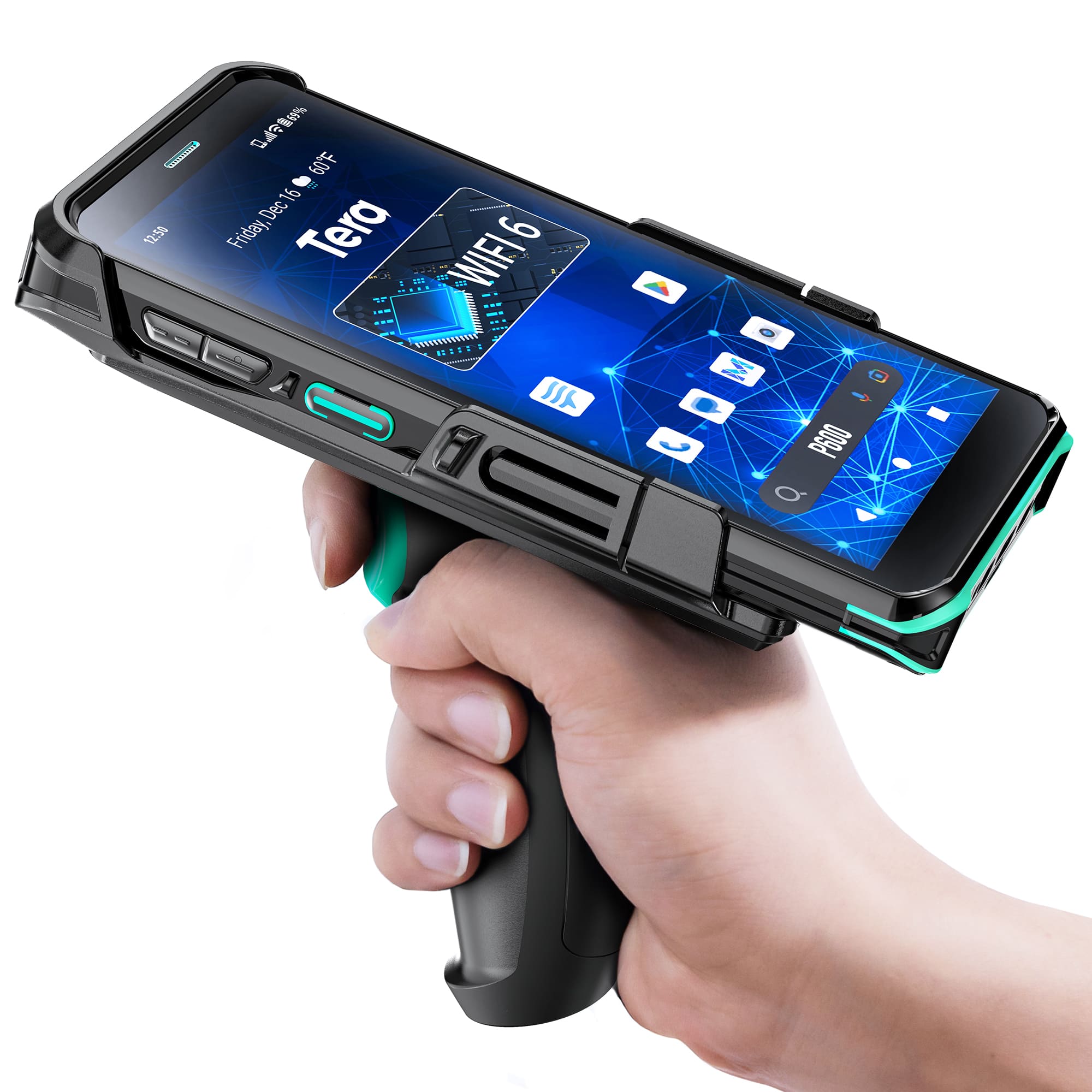
Tera - Android 11 Barcode Scanner PDA P600
SKU: CCFLTK6PCKSee all Scanners, Faxes & CopiersProduct Description
A rugged black PDA with Android 11, 6-inch HD touchscreen, Qualcomm CPU, and fast-charging 5000mAh battery.Your price for this item is $599.00 -
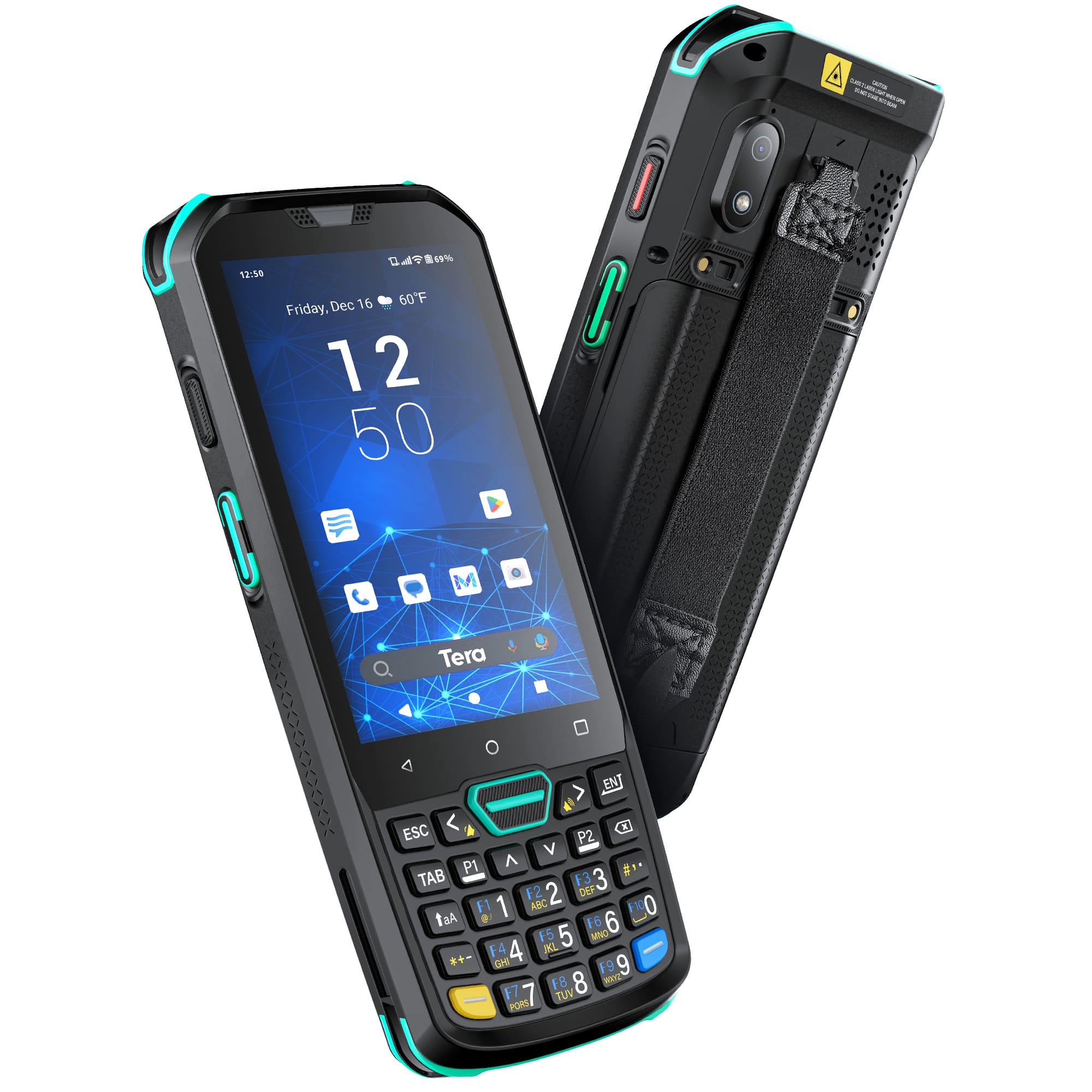
Tera - Android 13 Barcode Scanner PDA P400
SKU: CCFLTK6PC9See all Scanners, Faxes & CopiersProduct Description
A rugged black PDA with Android 11, 8-core CPU, IP67 rating, and long-lasting 5100 mAh battery.Your price for this item is $399.99 -
ScanAvenger - SA9000 Wireless 1D/2D Barcode Scanner – Bluetooth, Wi-Fi, USB, Handheld/on-Counter - Black and White
SKU: J3Q5QY37SKSee all Scanners, Faxes & CopiersProduct Description
A wireless black and white barcode scanner offering Bluetooth, Wi-Fi, and USB connectivity for fast, accurate scanning.Your price for this item is $79.97Save $10The previous price was $89.97 -
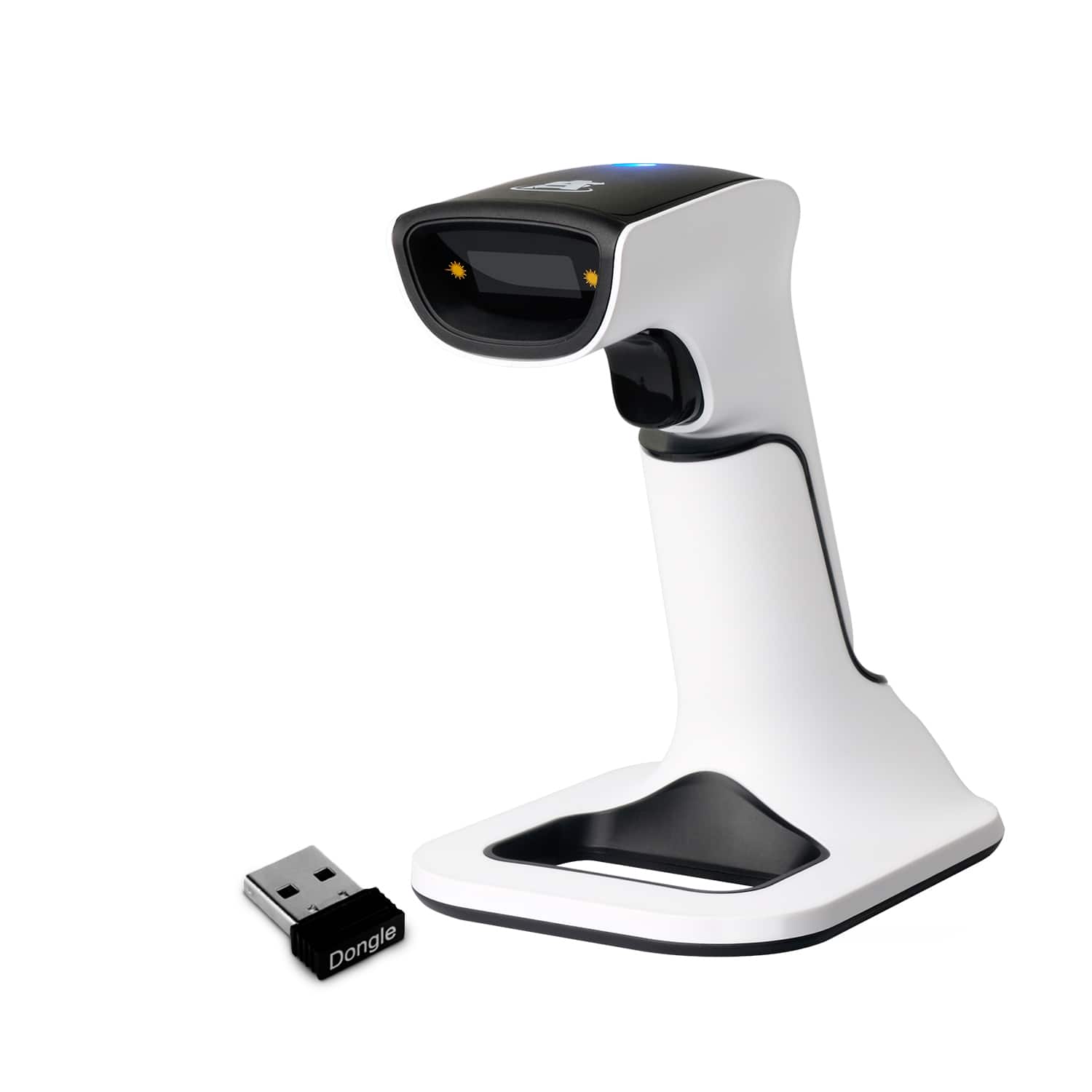
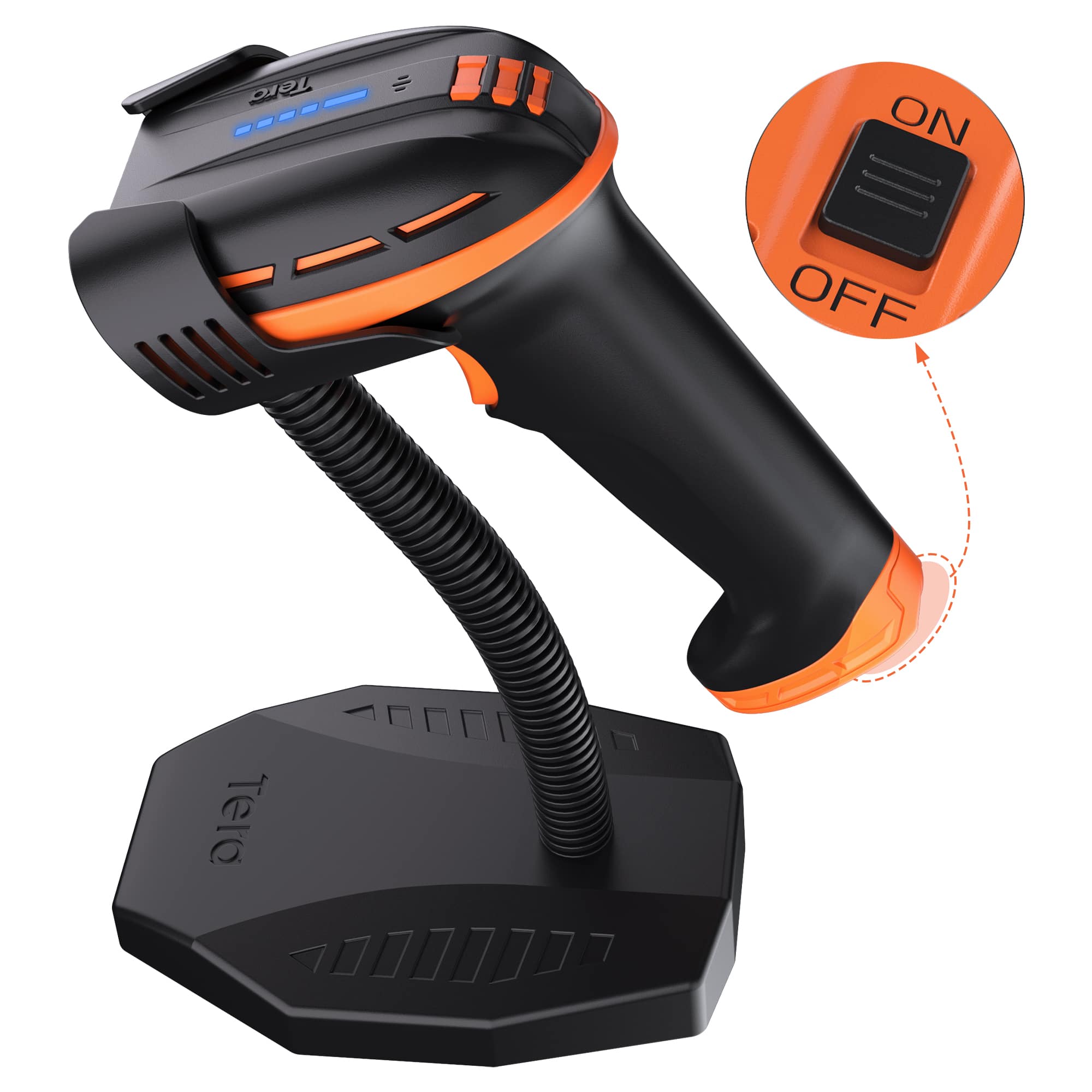
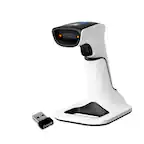
Tera - D6100 1D 2D Wireless Barcode Scanner with Stand and Power Switch 4400mAh
SKU: CCFLTK6S35See all Scanners, Faxes & CopiersProduct Description
A versatile wireless barcode scanner with 3-in-1 connectivity, energy-saving switch, and wide device compatibility.Your price for this item is $99.99 -
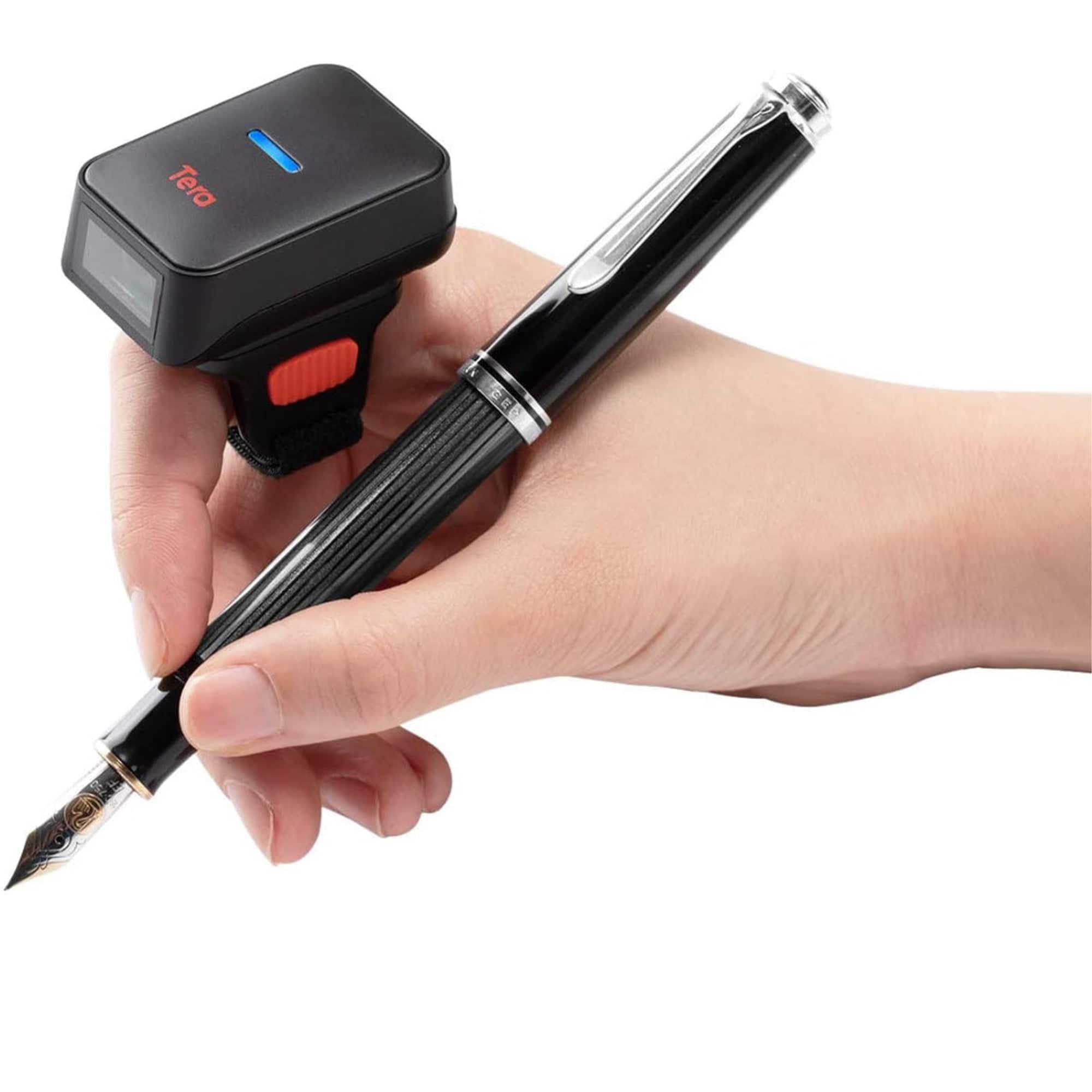
Tera - HW0010 2D Ring Barcode Scanner
SKU: CCFLTK9VJKSee all Scanners, Faxes & CopiersProduct Description
A hands-free, 360° rotatable ring scanner with 3-in-1 connectivity and 50,000 barcode storage capacity.Your price for this item is $81.99 -
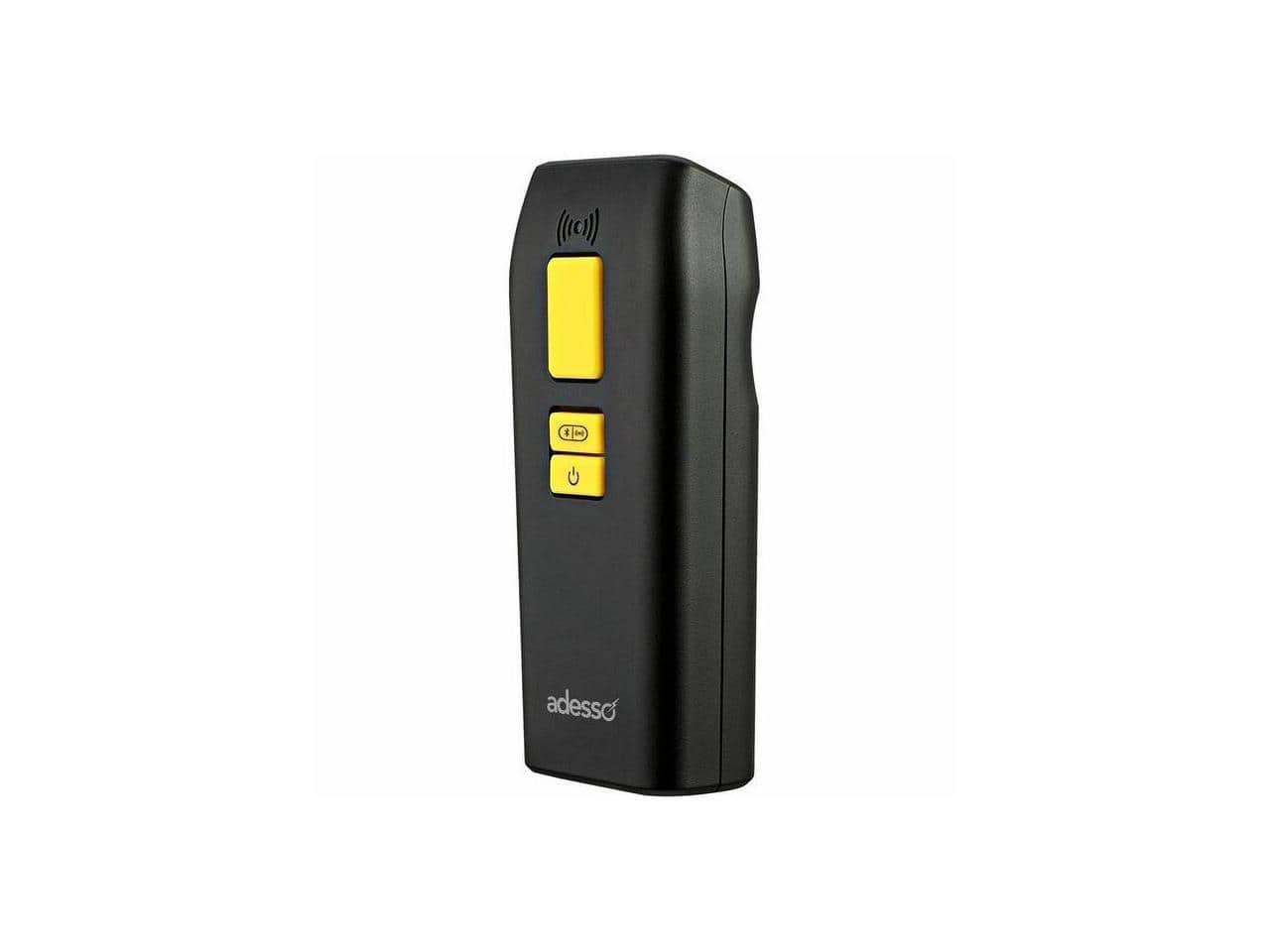
Adesso - Bluetooth & 2.4Ghz Wireless Antimicrobial & Waterproof 2D Barcode Scanner - Cable/Wireless Connectivity - 300 - Black
SKU: J32P8775SZSee all Portable ScannersProduct Description
A black antimicrobial and waterproof barcode scanner offering Bluetooth and 2.4GHz wireless connectivity for versatile scanning.Your price for this item is $169.69Save $0The previous price was $169.99 -
Tera - Barcode Scanner with Battery Indicator: 1D 2D Wireless Reader, BT/2.4G Wireless, USB Wired,HW0002
SKU: CCFLTK9FY2See all Scanners, Faxes & CopiersProduct Description
A wireless barcode scanner with real-time battery indicator, shock-resistant build, and versatile Bluetooth, 2.4G, and USB connectivity.Your price for this item is $59.99 -
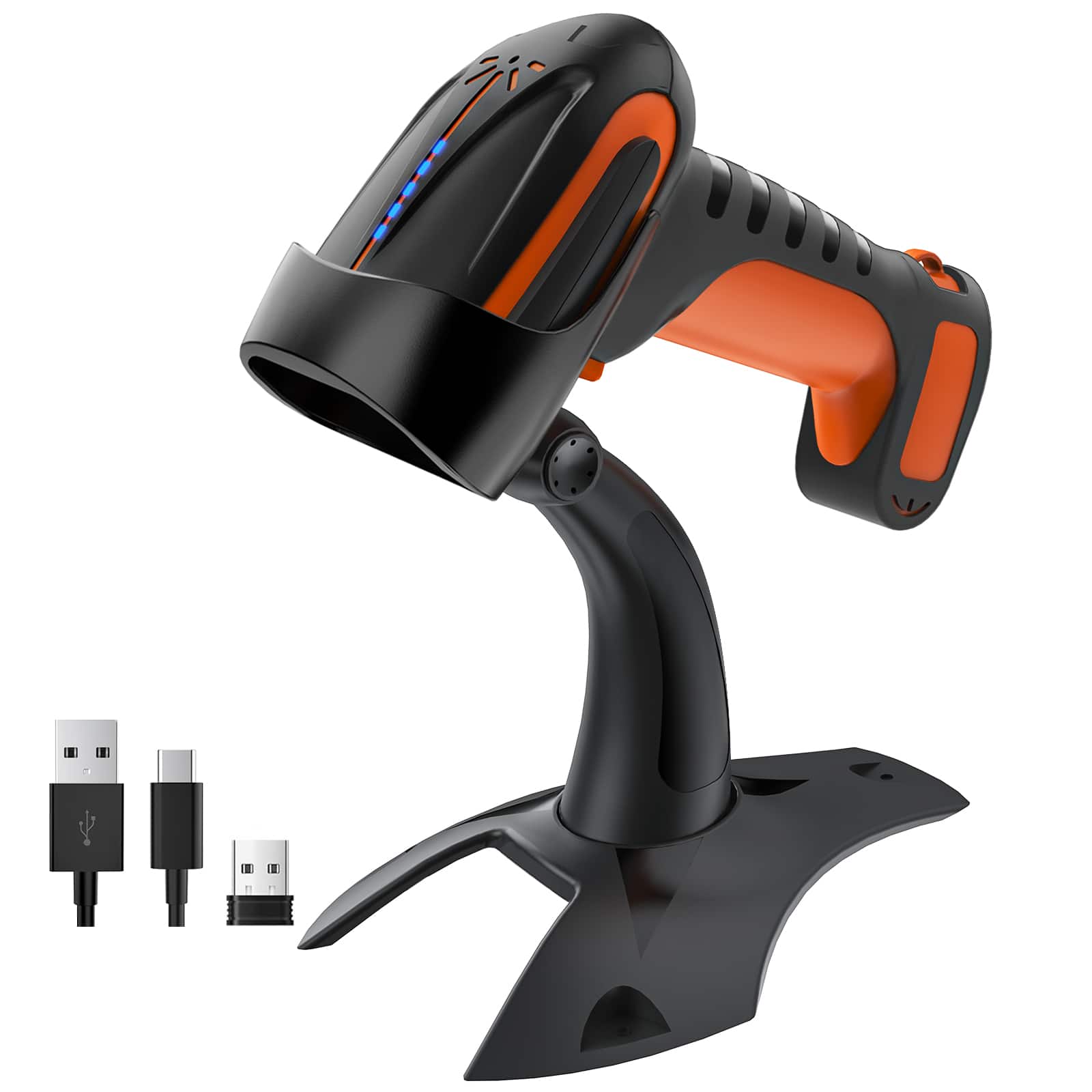
Tera - Pro 2D Wireless Barcode Scanner IP66 2500mAh Battery Bar Code Reader with Stand for Warehouse, Retail 8100
SKU: J3P72YGQT5See all Scanners, Faxes & CopiersProduct Description
A heavy-duty black wireless barcode scanner with IP66 rating, 2500mAh battery, and versatile connectivity options.Your price for this item is $85.99 -
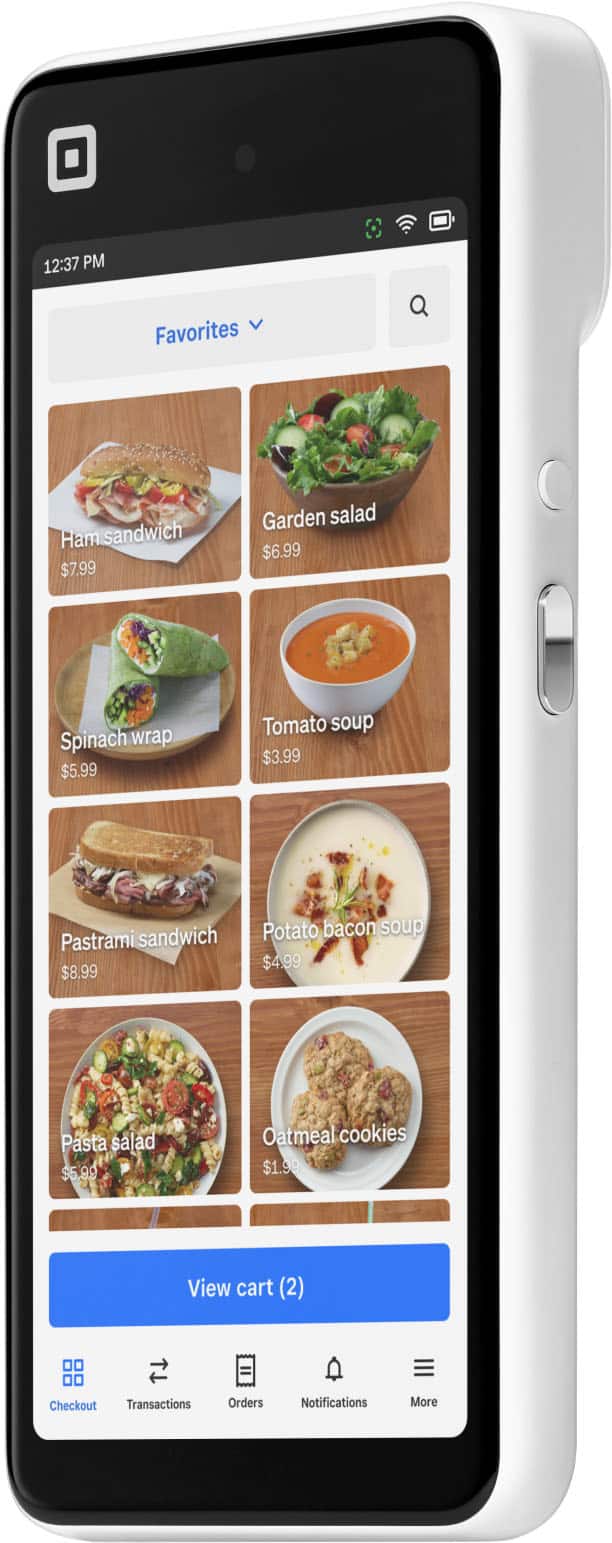
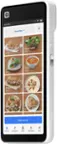
Square - Handheld - Portable Credit Card Machine to Accept Payments for Restaurants, Retail, Beauty, and Professional Services - White
SKU: J3L4QGT9KWWe love the ease of the scanner as well as the ability to take photos of inventory with it!...This is the best handheld scanner I've ever had! I've tried other brands and they sucked!...Best Scanner......
See all Mobile Payment DevicesProduct Description
A portable, handheld white POS device with built-in security, barcode scanning, and fast payment processing.Your price for this item is $399.00
Best Sellers



Related Pages





FAQ
Most Bluetooth barcode scanners are designed to work with a wide range of Android smartphones and tablets. However, compatibility may depend on the Android version and the scanner’s supported Bluetooth profiles. Always check the product specifications for supported operating systems.
Bluetooth barcode scanners for Android typically support a variety of barcode types, including 1D barcodes like UPC, EAN, and Code 128, as well as 2D barcodes such as QR codes and Data Matrix. Refer to the product details for a full list of supported barcode symbologies.
Yes, many Bluetooth barcode scanners are compatible with popular Android POS applications. They can streamline checkout processes and inventory management by quickly scanning product barcodes directly into your POS system.
To connect, turn on the scanner and enable Bluetooth pairing mode. On your Android device, go to Bluetooth settings, find the scanner in the list of available devices, and select it to pair. Some scanners may require you to scan a pairing barcode found in the manual.
While many Bluetooth barcode scanners can input data directly into any app that accepts text input, some models may offer or require a companion app for advanced features or configuration. Always review the product documentation for specific app recommendations.