Bluetooth LED Light Strips
-
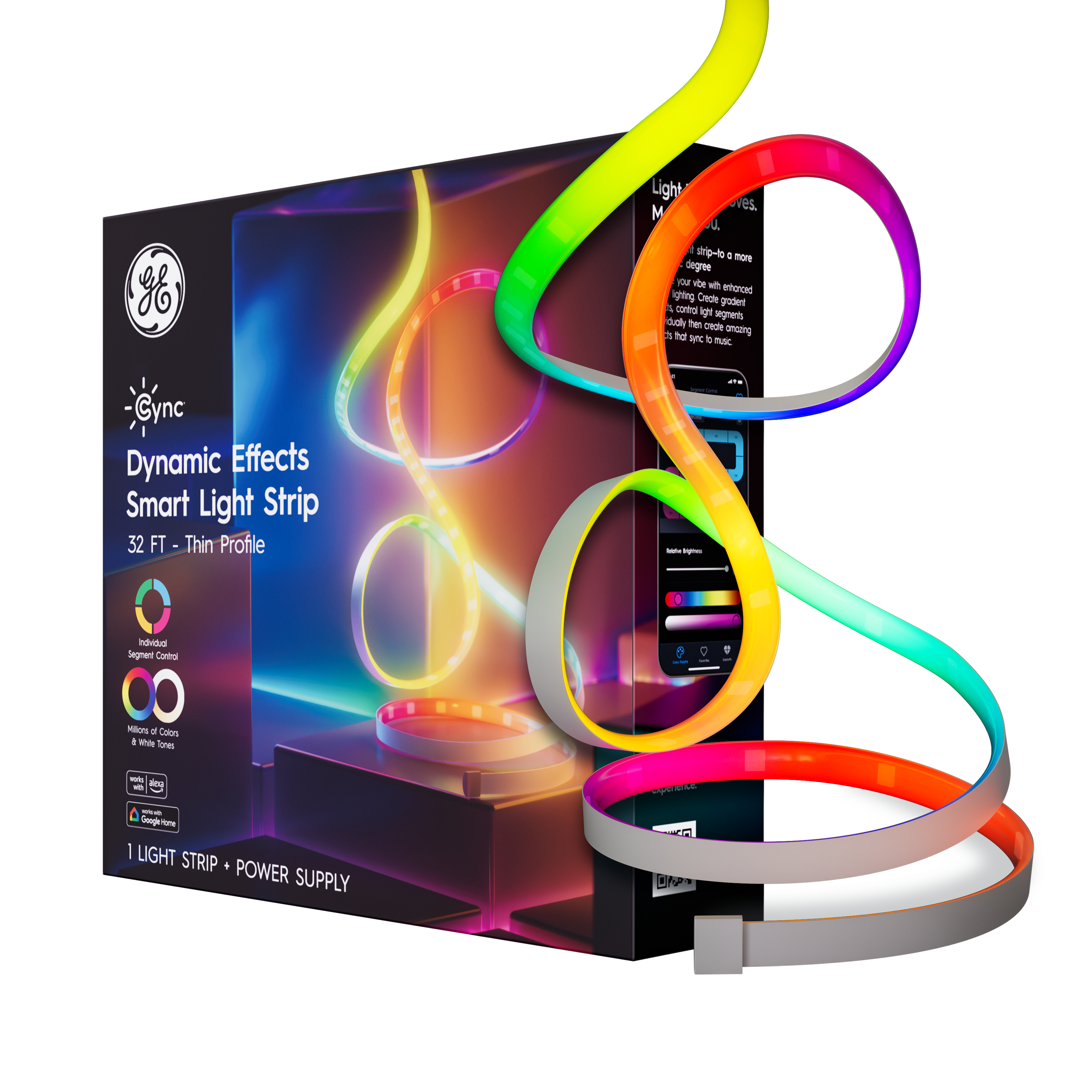
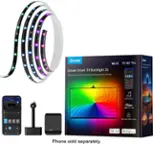
Cync - Dynamic Effects Smart LED Light Strip, Color Changing, 32ft, 1pk - Full Color
SKU: J7GJZS6GWWAmazing Product & Great Quality...far I have the neon light strips and the thin style 16ft dynamic effect light strip and they work great...I absolutely love & recommend people try these lights out .
See all LED Light StripsProduct Description
A smart indoor LED light strip offering millions of colors, music sync, app control, and voice compatibility.Your price for this item is $36.99Save $15The previous price was $51.99 -
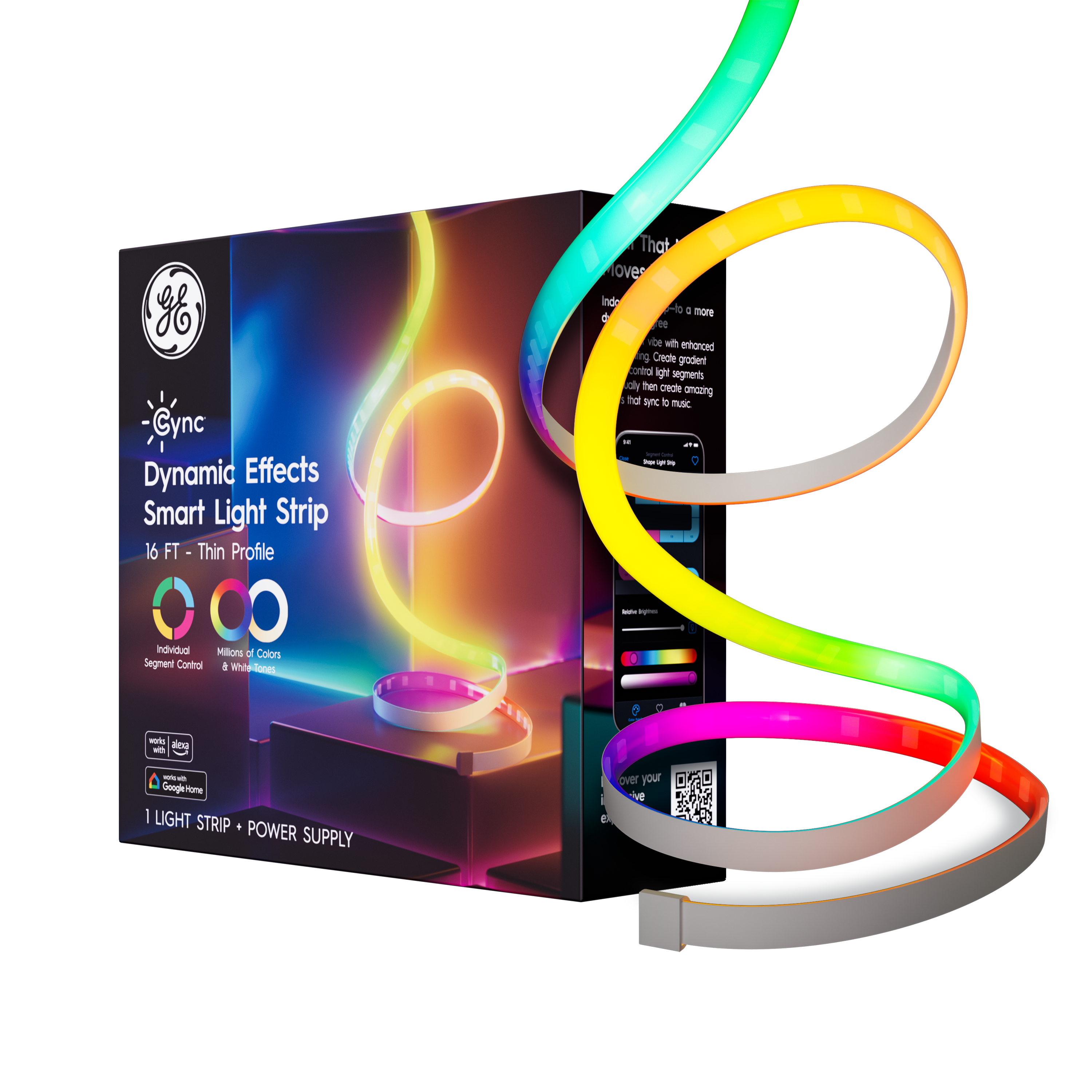
Cync - Dynamic Effects Smart LED Light Strip, Color Changing, 16ft, 1pk - Full Color
SKU: J7GJZS6GWSNot the best of this product line....Best lights!!
See all LED Light StripsProduct Description
A full color indoor smart LED light strip offering dynamic effects, music sync, and voice control compatibility.Your price for this item is $30.99Save $5The previous price was $35.99 -
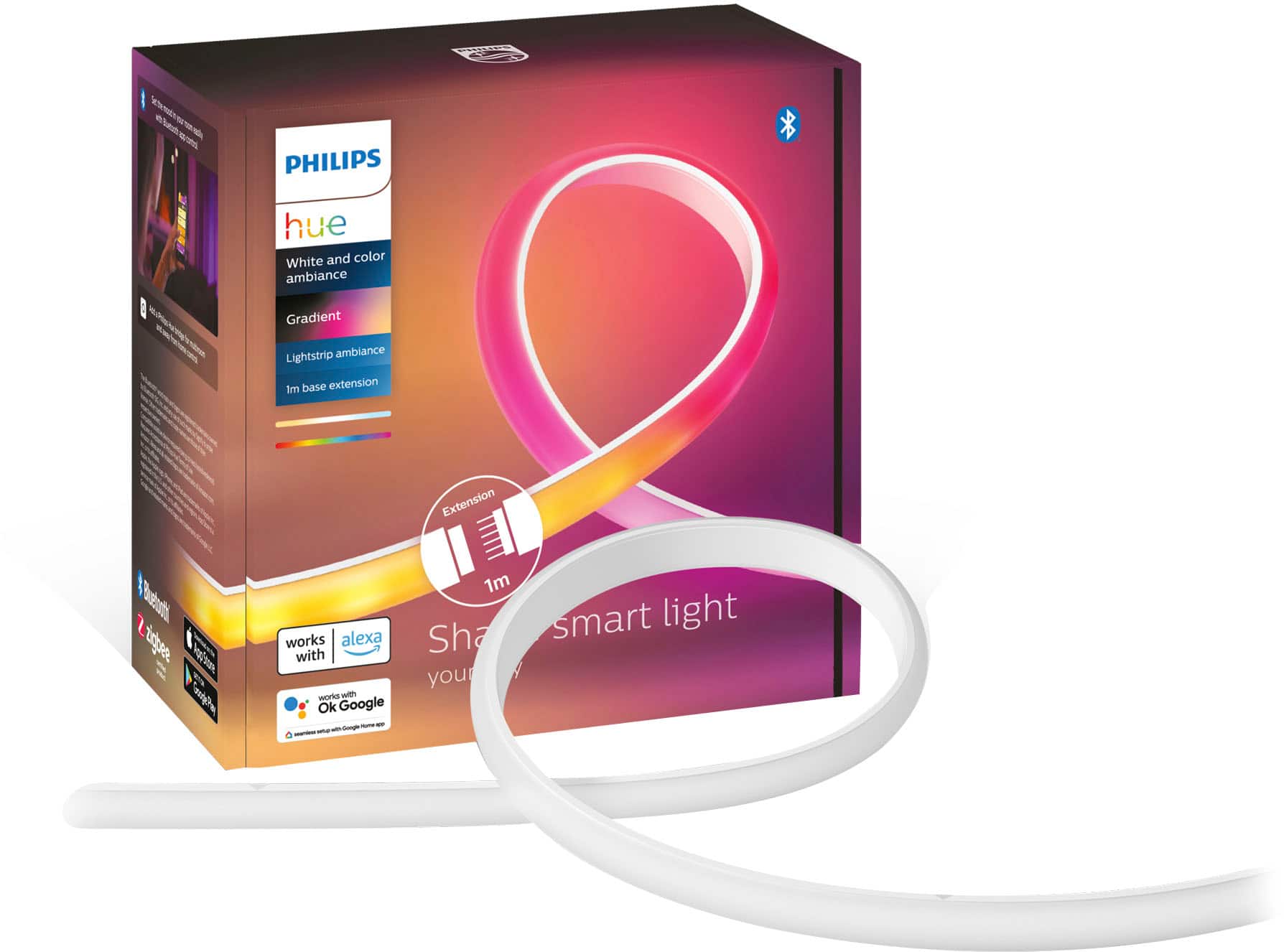
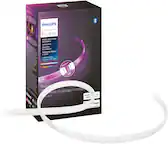
Philips - Hue Ambiance Gradient Bluetooth Lightstrip 40-inch Extension - White
SKU: J7GHXKR95KLOVE MY NEW PHILLIPS HUE GRADIENT LIGHT. DELIVERY WAS VERY QUICK....USING MY BEST BUY CARD ALSO GAVE ME EXTRA POINTA THAT I CAN USE TOWARDS FUTURE PURCHASES...Nice this was a great purchase for me I love...
See all LED Light StripsProduct Description
An extendable white LED lightstrip extension offering colorful ambiance, Bluetooth control, and smart home compatibility.Your price for this item is $76.99 -
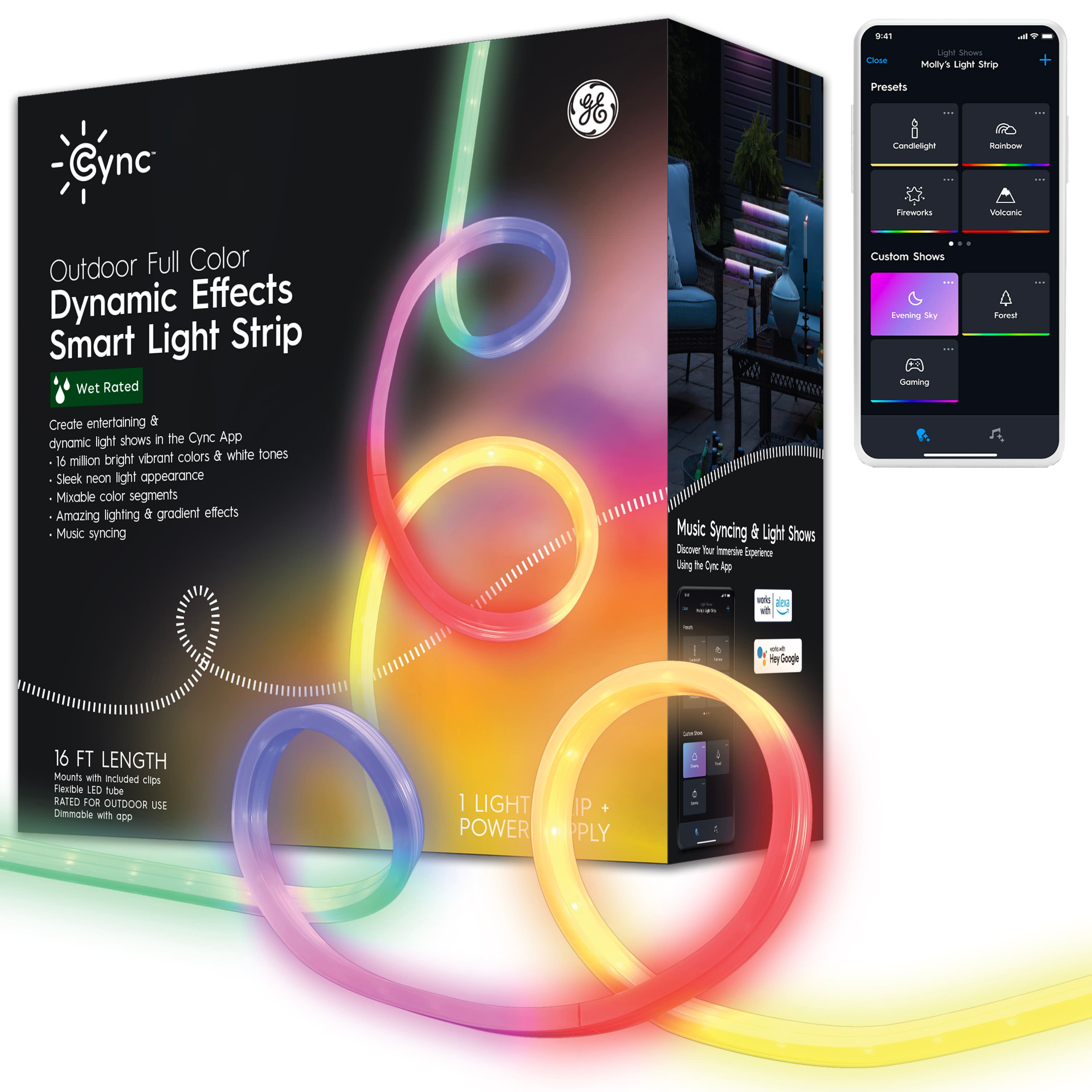
Cync - 16 foot Outdoor Wet Rated Bluetooth/Wi-Fi Color Changing Smart LED Light Strip - Full Color
SKU: J7GJZS9C9HThese are the best outdoor lights. Easy to hang and use....The lights are super bright and I love the colors....Great lights!...Great lights I love the preset modes on it, these were just what I was looking...
See all Smart LightingProduct Description
A weatherproof, full-color smart LED light strip offering app control, music sync, and voice assistant compatibility.Your price for this item is $99.99 -
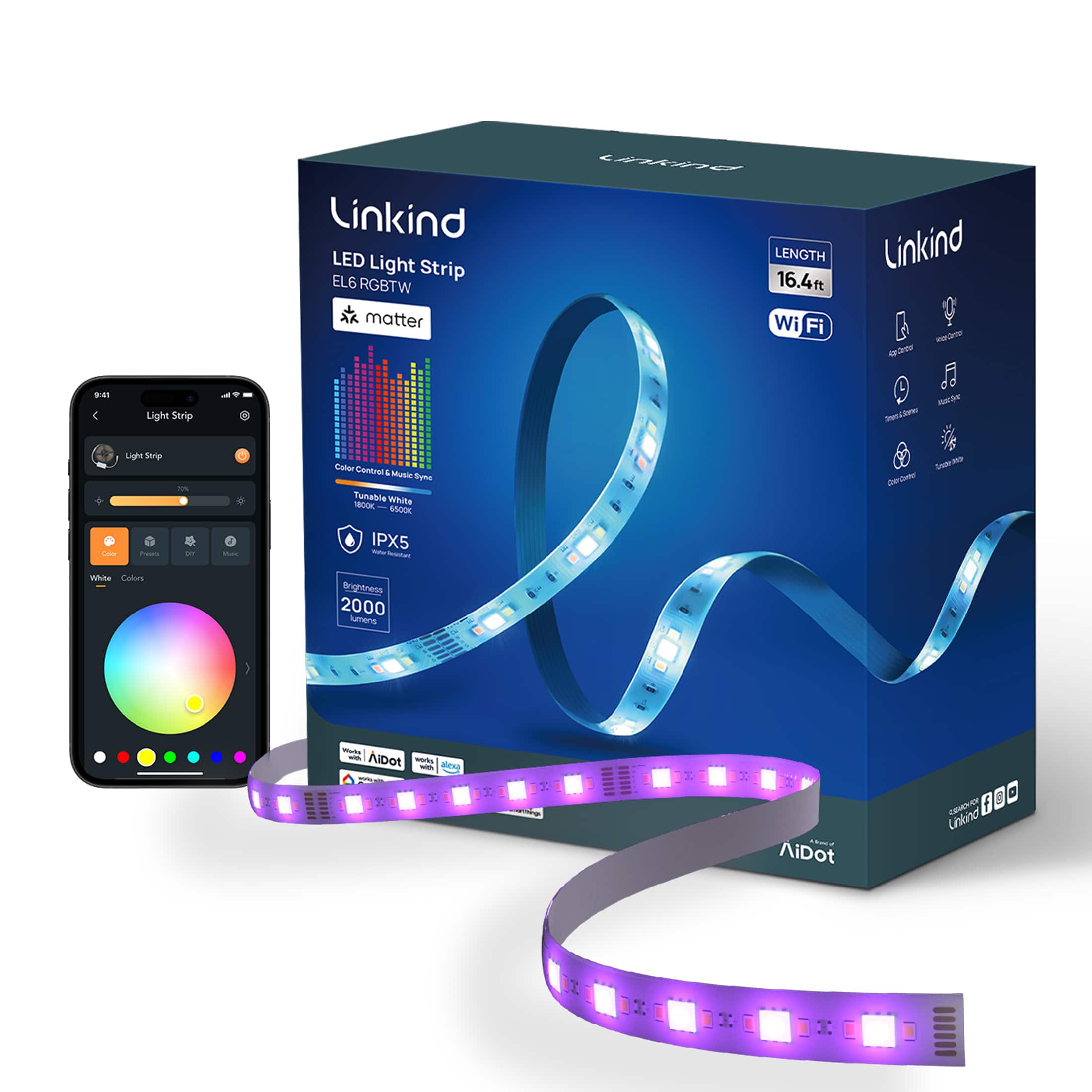
Linkind - EL6 Matter Smart LED Light Strip, Color Changing, 16.4ft - Multicolor
SKU: J3R8ZVFRTQSee all LED Light StripsProduct Description
A multicolor smart LED light strip offering customizable lighting and seamless integration with major smart home platforms.Your price for this item is $59.99 -
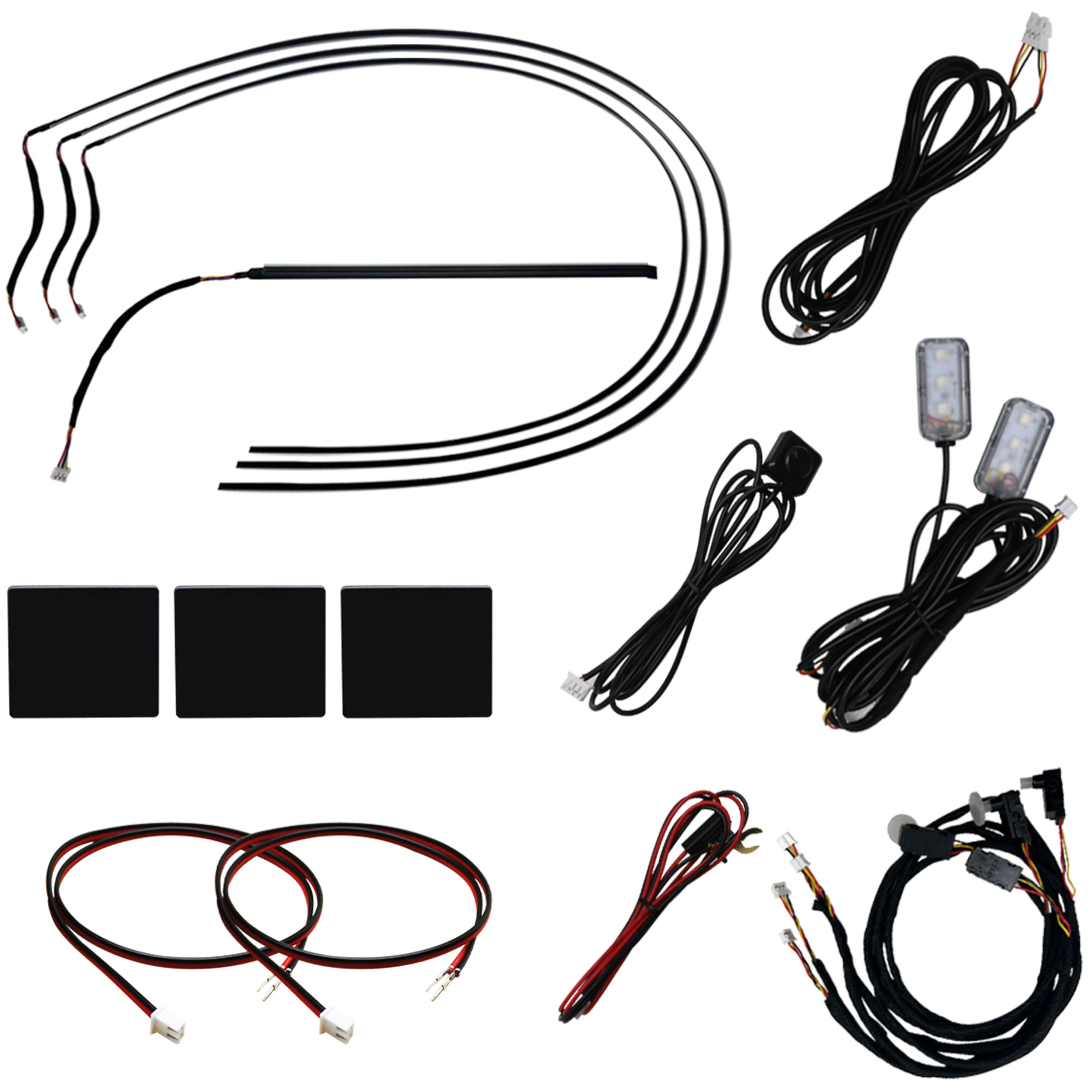
Race Sport - COLORTRAIL RGBW LED Interior Strip Lighting Kit for 2-Door Vehicles - Multi
SKU: J3GWJ5T55XSee all Car Lights & Lighting AccessoriesProduct Description
A multi-color LED strip lighting kit with Bluetooth control, designed to enhance 2-door vehicle interiors.Your price for this item is $189.99 -
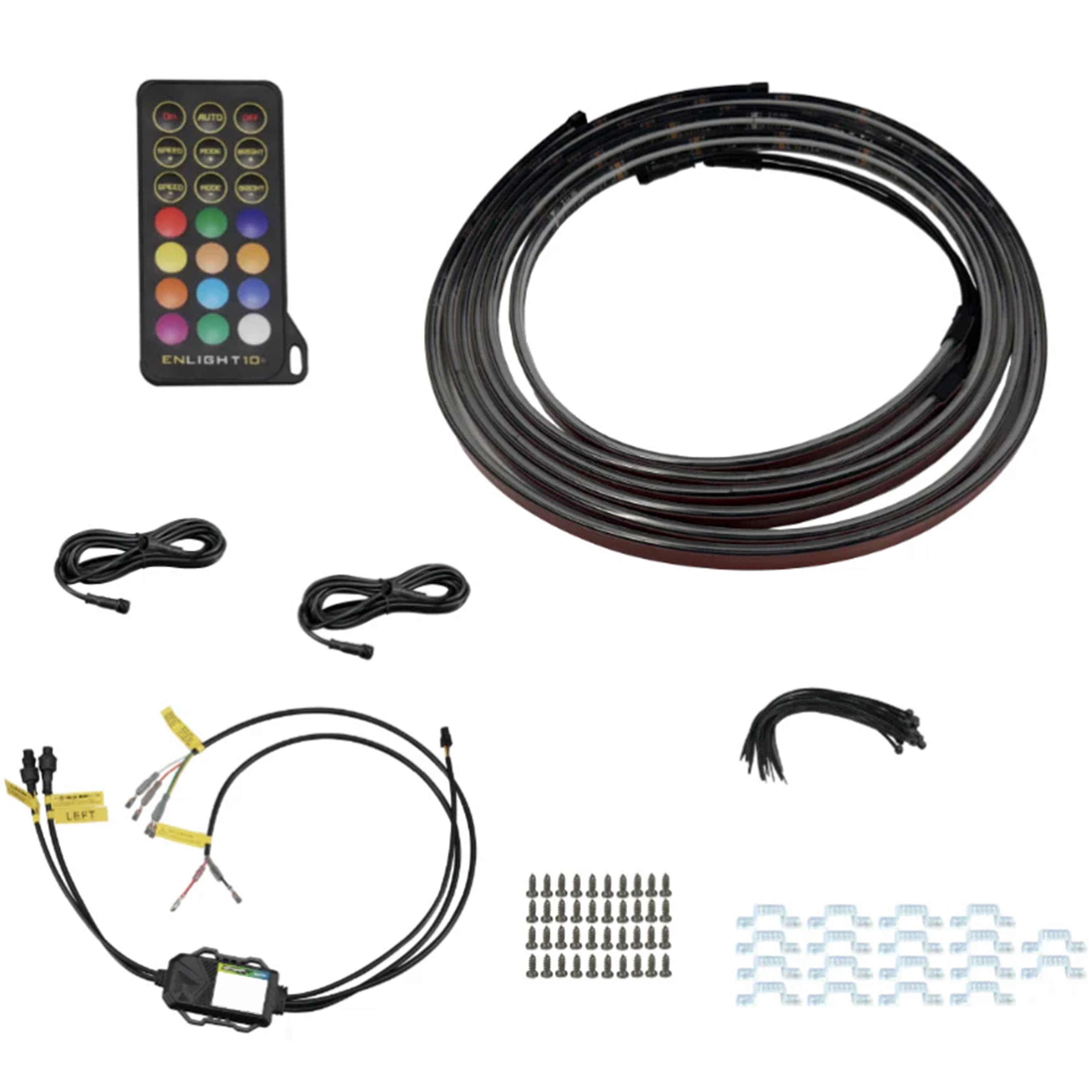
Race Sport - COLORTRAIL LoPro 76” Sidekick Running Board Switchback LED Strip Kit - Multi
SKU: J3GWJ5T5KRSee all Car Lights & Lighting AccessoriesProduct Description
A multi-color, water-resistant LED strip kit with Bluetooth control for customizable running board lighting effects.Your price for this item is $219.99
Best Sellers




Related Pages


FAQ
Yes, most Bluetooth LED light strips can be easily controlled using a compatible smartphone app. These apps allow you to change colors, adjust brightness, set schedules, and choose from various lighting effects directly from your device.
Some Bluetooth LED light strips are compatible with popular voice assistants like Google Assistant and Amazon Alexa. Please check the product specifications to confirm compatibility with your preferred voice assistant.
Many Bluetooth LED light strips feature a music sync mode, which causes the lights to change colors and patterns in response to the beat of your music. This feature is typically accessible through the companion app.
Some Bluetooth LED light strips are designed for indoor use, while others are built to withstand outdoor conditions. Be sure to review the product details to ensure the strip is suitable for your intended installation environment.
Bluetooth LED light strips are generally easy to install. Most come with adhesive backing for simple placement on clean, dry surfaces. Just peel, stick, and connect to power, then follow the instructions in the included manual or app for setup.