Bluetooth Thermal Printers
-
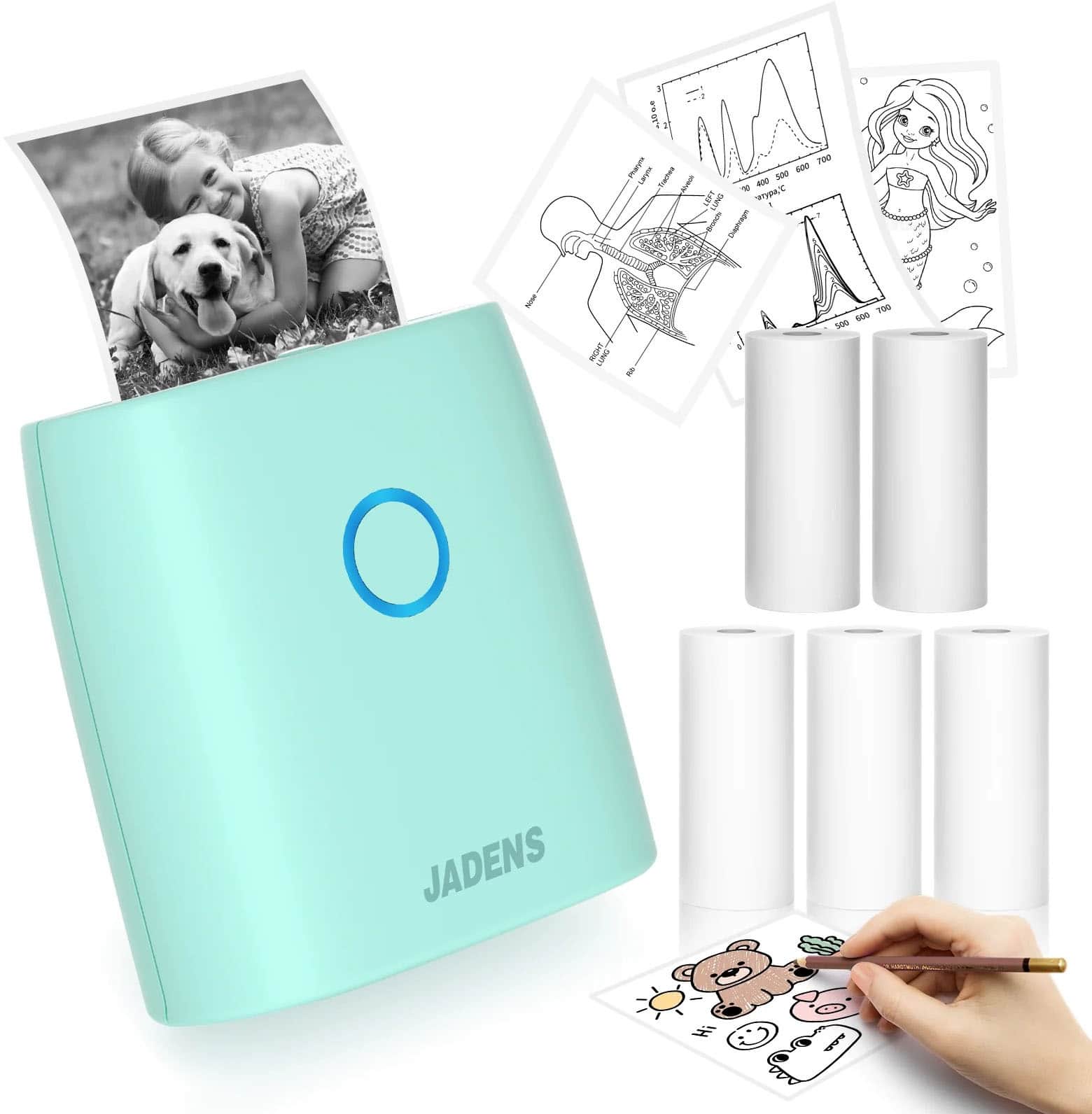
JADENS - JD-21 Mini Instant Thermal Printer - Handheld Label Maker - Green
SKU: J3R84H93KTSee all Label Makers & AccessoriesProduct Description
A handheld green thermal label maker offering Bluetooth connectivity, vivid prints, and up to 15 hours of use.Your price for this item is $16.99Save $13The previous price was $29.99 -
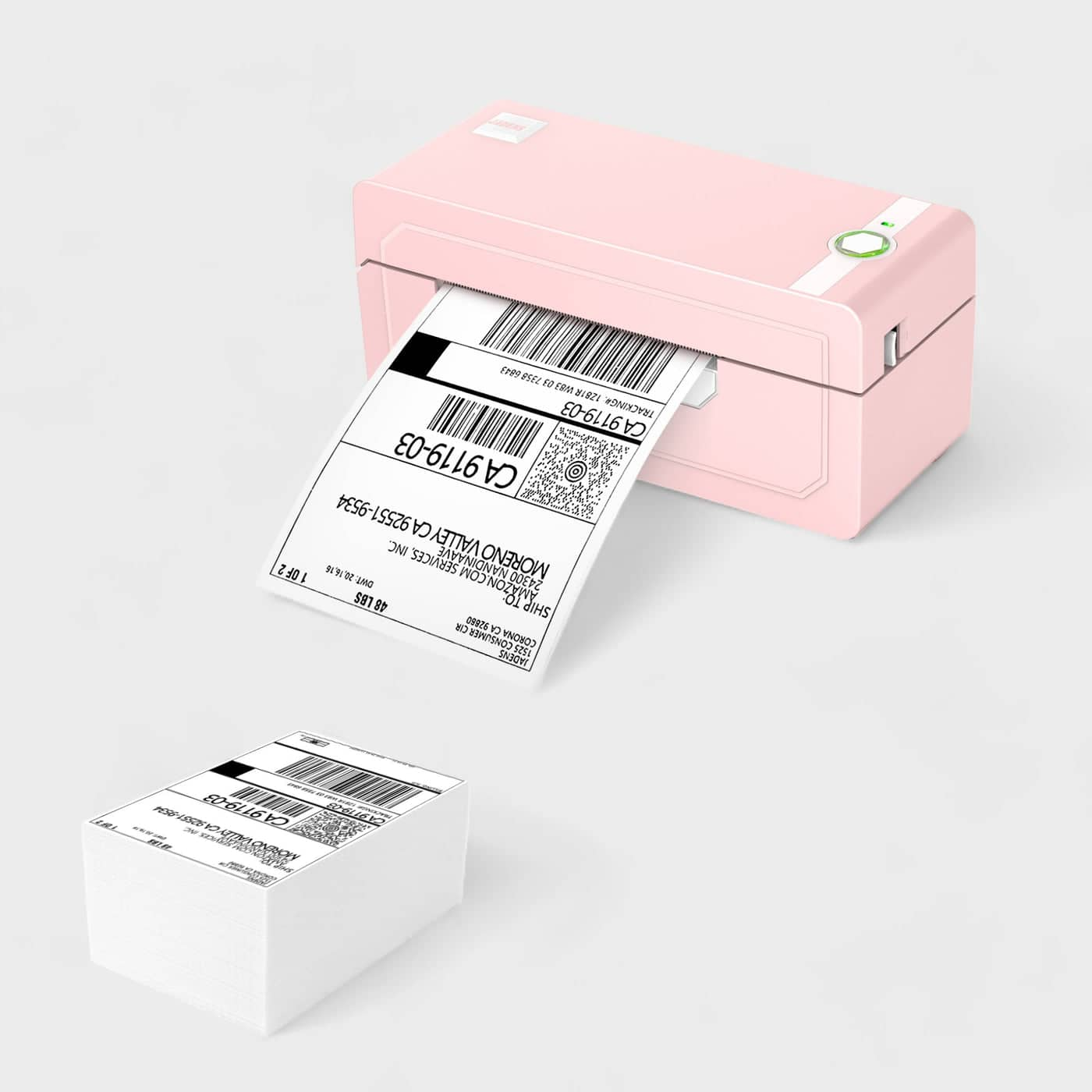
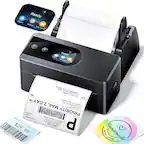
JADENS - 268BT High-Speed Thermal Label Printer – Bluetooth & USB, Ink-Free & BPA-Free, Includes 500 4x6 Shipping Labels - Pink
SKU: J3R84H9XWWSee all Label PrintersProduct Description
A fast pink thermal label printer with Bluetooth and USB, ink-free printing, and 500 included shipping labels.Your price for this item is $89.99 -
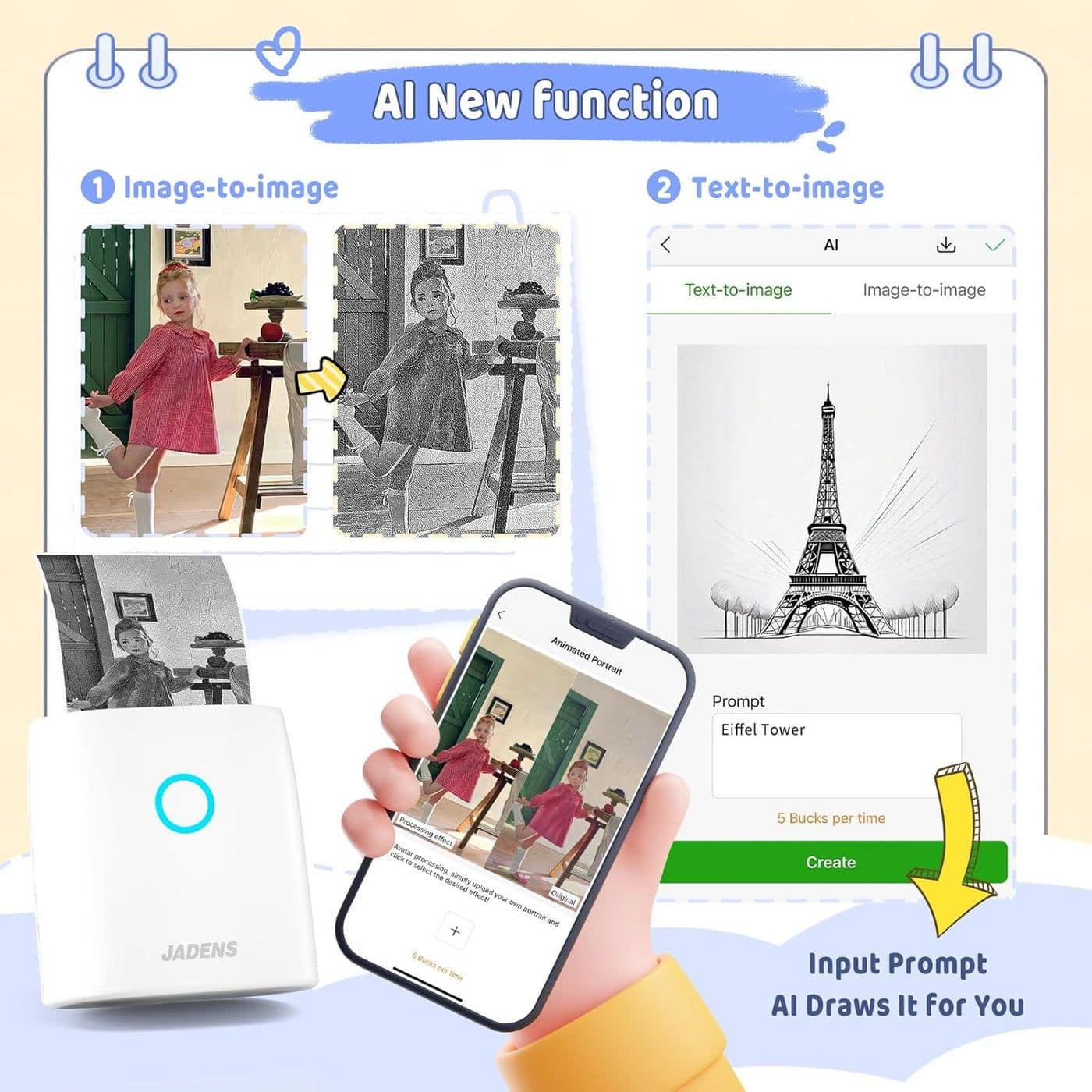
JADENS - JD-21 Mini Instant Thermal Printer - White
SKU: J3R84H93K7See all Label PrintersProduct Description
A compact white Bluetooth thermal printer delivering vivid, ink-free prints for photos, memos, and labels.Your price for this item is $15.99Save $14The previous price was $29.99 -
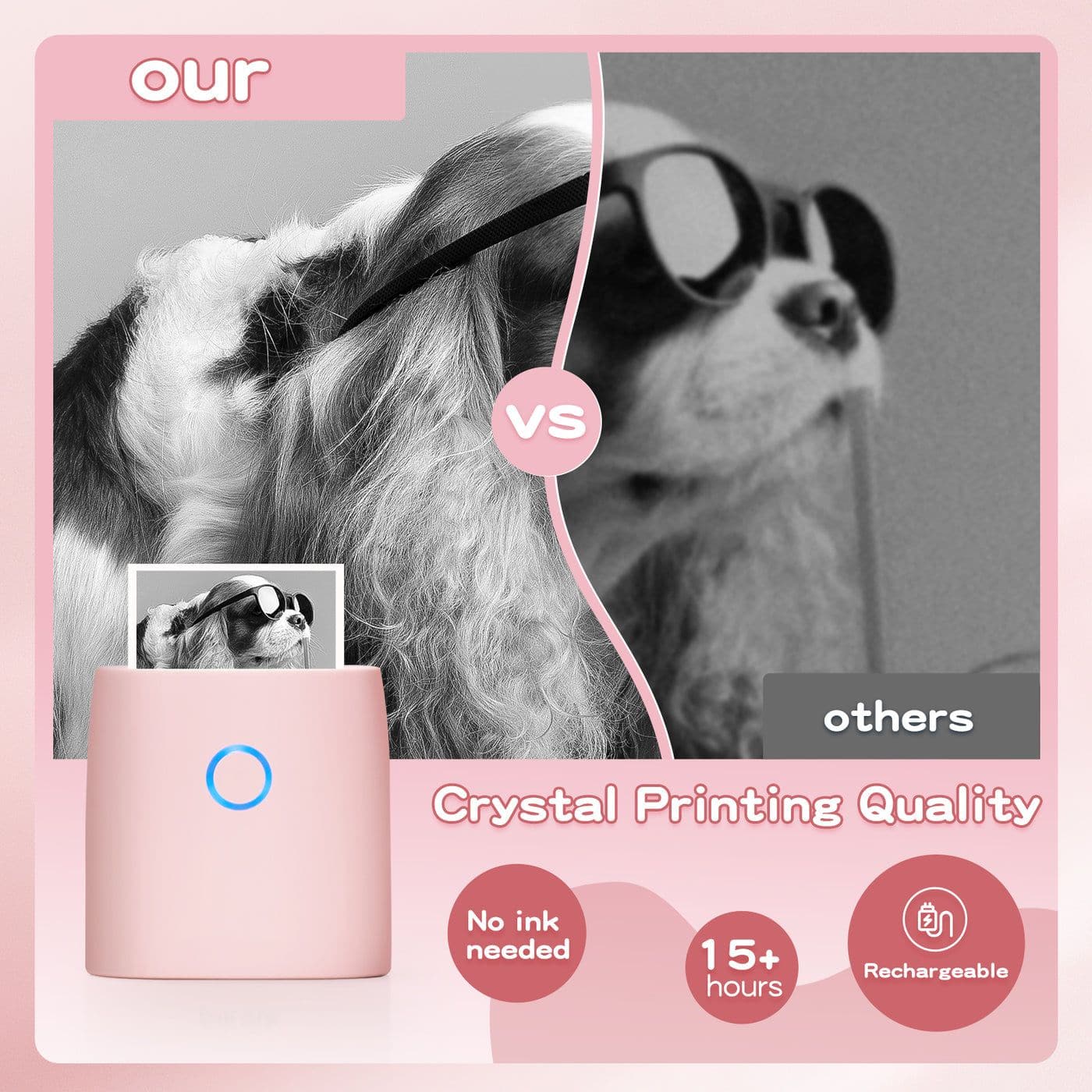
JADENS - JD-21 Mini Instant Thermal Printer - Handheld Label Maker - Pink
SKU: J3R84H93WWSee all Label Makers & AccessoriesProduct Description
A portable pink thermal label maker offering Bluetooth connectivity, vivid prints, and up to 15 hours of use.Your price for this item is $15.99Save $14The previous price was $29.99 -
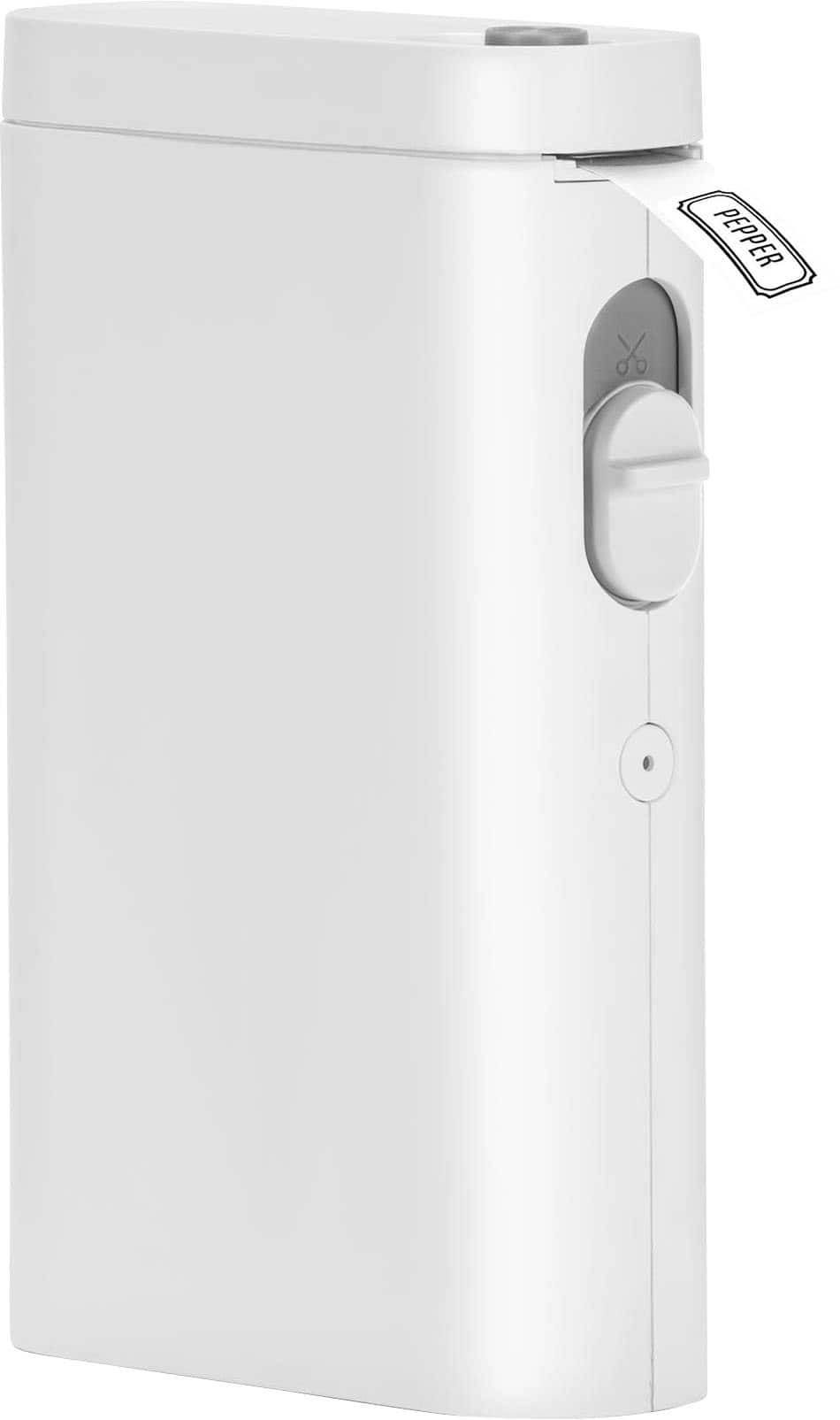
Core Innovations - CPLM10 Wireless Thermal Portable Handheld Label Maker - White
SKU: J3GW3PSGG2See all Label Makers & AccessoriesProduct Description
A compact white wireless label maker that prints crisp black-and-white labels via Bluetooth using your smartphone.Your price for this item is $29.99
Best Sellers




Related Pages





FAQ
Bluetooth thermal printers are compatible with a wide range of devices, including smartphones, tablets, and computers that support Bluetooth connectivity. Most models work with both iOS and Android operating systems, as well as Windows and Mac computers.
No, Bluetooth thermal printers use heat-sensitive paper to produce images and text, eliminating the need for ink or toner cartridges. This makes them a low-maintenance and cost-effective printing option.
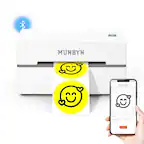
Bluetooth thermal printers are ideal for printing receipts, labels, shipping tags, barcodes, and simple text documents. They are commonly used in retail, logistics, and office environments for quick and efficient printing tasks.
To set up a Bluetooth thermal printer, turn on the printer and enable Bluetooth on your device. Pair the printer with your device via Bluetooth settings, then install any required apps or drivers provided by the manufacturer to complete the setup process.
Yes, many Bluetooth thermal printers allow you to pair and print from multiple devices, though only one device can typically connect and print at a time. Check the manufacturer's guidelines for specific pairing and connection instructions.