Brother - QL-800 High-Speed Thermal Label Printer - White/Black
Customers are saying
Customers find value in the product's print quality. They describe it as an excellent solution for printing legible labels.
High-speed printing
The Brother QL-800 delivers lightning-quick printing speeds up to 93 standard black text address labels per minute* at 300 dpi.
Black and red printing
This label printer is the only office-category label printer with the technology to print two colors on the entire printable area of the label.
Custom label creation
Connect to your computer to design and print customized labels or download the free Brother iPrint&Label app to design labels.
No ink or toner required
Brother QL label printers utilize direct thermal printing there are no expensive inks, toners, or ribbons to replace.
Compatible with Windows and Mac
The Brother QL-800 is compatible with Windows and Mac and integrates with Microsoft Word, Excel, and Outlook.
Built-in Plug & Label software
Supports quick printing of most basic labels. No software installation required for Windows PCs.
- NetworkingNot ApplicableENERGY STAR CertifiedYesPrinter TypePrinter
Reviews
Rating 4.3 out of 5 stars with 6 reviews
- Print Quality (4)
The vast majority of our reviews come from verified purchases. Reviews from customers may include My Best Buy members, employees, and Tech Insider Network members (as tagged). Select reviewers may receive discounted products, promotional considerations or entries into drawings for honest, helpful reviews.


Compare similar products
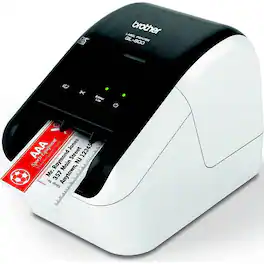
Professional, high-speed label printer helps you quickly tackle labeling tasks in your busy office. Create amazing Black/Red labels using DK-2251 or cost-effective paper labels for packages, envelopes, file folders, name badges, postage and more. The super-fast, printing up to 93 standard address labels per minute* helps save time on big projects. Uses convenient, Brother genuine DK drop in labeling supplies. Needs no ink or toner.
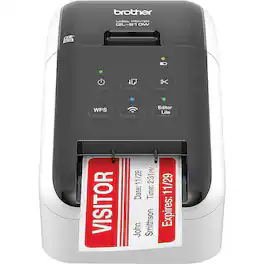
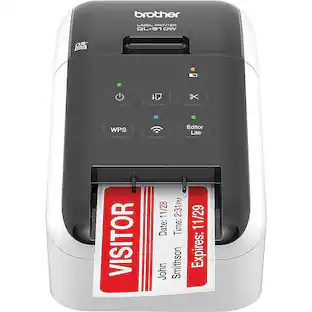
The Ultra-Fast Brother QL-810W label printer helps busy professionals easily tackle a variety of labeling tasks. With the Brother QL-810W ultra-fast label printer you can create amazing Black/Red labels using DK-2251 or cost-effective, paper labels for packages, envelopes, file folders, name badges, postage and more. Ultra-fast, printing up to 110 standard address labels per minute with black text at 300 dpi. The built-in Wireless interface offers easy connectivity - print from virtually anywhere or share on a network. With Brother's network management tools it is easy to integrate and manage on any network. Create and print labels from your mobile device when connected to a wireless network via: AirPrint, Brother iPrint&Label. Using the free, Brother iPrint&Label app with your Apple iPhone, iPad, and iPod touch or Android smart phones you can quickly access and print label templates - or create your own custom labels with graphics or photos. Add an optional Li-ion battery for a complete mobile solution. Easy to integrate with free software development kits (Windows, iOS and Android). Uses convenient, Brother genuine DK drop in labeling supplies. Needs no ink or toner. Windows and Mac compatible.
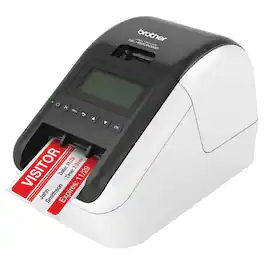
Print everything from postage and address labels to name tags for your next meetup with this Brother label printer. Wireless connection capabilities let you print from a phone or tablet, and the backlit LCD screen is easy to read. This Brother label printer delivers up to 110 labels per minute, keeping you on task.

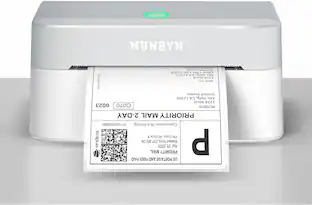
Rollo Direct Thermal Shipping Label Printer is Commercial-Grade. It makes a wonderful addition to your business or home office. This printer is compatible with any Thermal Direct Label, including UPS. It's sure to save you lots of time and effort when shipping your goods. This barcode and shipping label printer dispenses labels at a fast speed (60 4x6 labels per minute). This printer is also compatible with all modern Windows and Mac operating systems.
| Pros for Brother - QL-800 High-Speed Thermal Label Printer - White/Black | |||
|---|---|---|---|
| Print Quality | Print Quality, Connectivity | There were no pros for this product— | There were no pros for this product— |
Specs
Does this printer ship USPS labels
Answered by BrotherYes, the Brother QL800 can print USPS labels.

Would this printer work with a point of sale system?
Answered by BrotherYes, the Brother QL800 will work with a point of sale system.
What is the maximum document width that this printer can handle?
The maximum document width that this printer can handle is 2.4 inches.
This question and answer was generated by AI based on customer and product data.Is this label printer compatible with both Windows and Mac operating systems?
Yes, this label printer is compatible with both Windows and Mac operating systems.
This question and answer was generated by AI based on customer and product data.Does this label printer require ink or toner?
No, this label printer does not require ink or toner because it utilizes direct thermal printing.
This question and answer was generated by AI based on customer and product data.

Customers often buy these together
Mailing and Shipping Labels
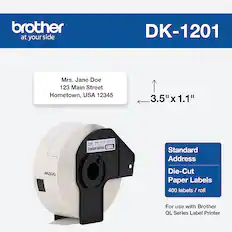
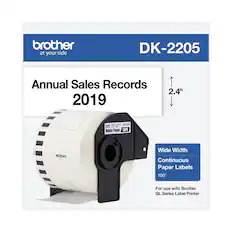
Brother - DK-1201 1.1 in x 3.5 in (29 mm x 90.3 mm) Standard Address Paper Labels (400 labels) - White
$16.05The price was $17.49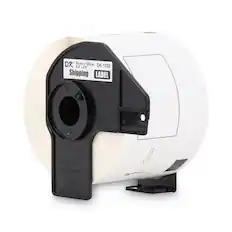
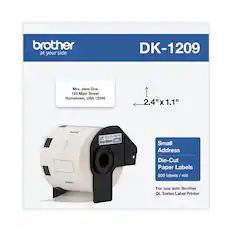
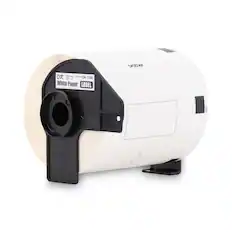
Brother - DK1202 2.4 in. x 3.9 in. Die-Cut Shipping Labels - (1-Roll) - White
$25.98The price was $32.06
More to consider
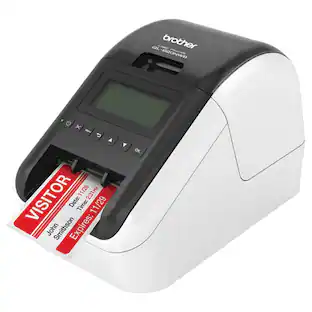 $199.00The price was $293.32
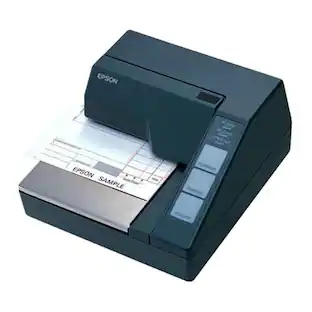 $344.95The price was $358.00

Explore tech essentials Sponsored
 Top Deal$349.99The price was $479.99
 Top Deal$199.99The price was $239.99
 Top Deal$149.99The price was $249.99




Discover related products
 $12.99The price was $13.99
 $249.00The price was $275.00









Keep exploring
- $344.95The price was $358.00