Chromebook For Photo Editing
-
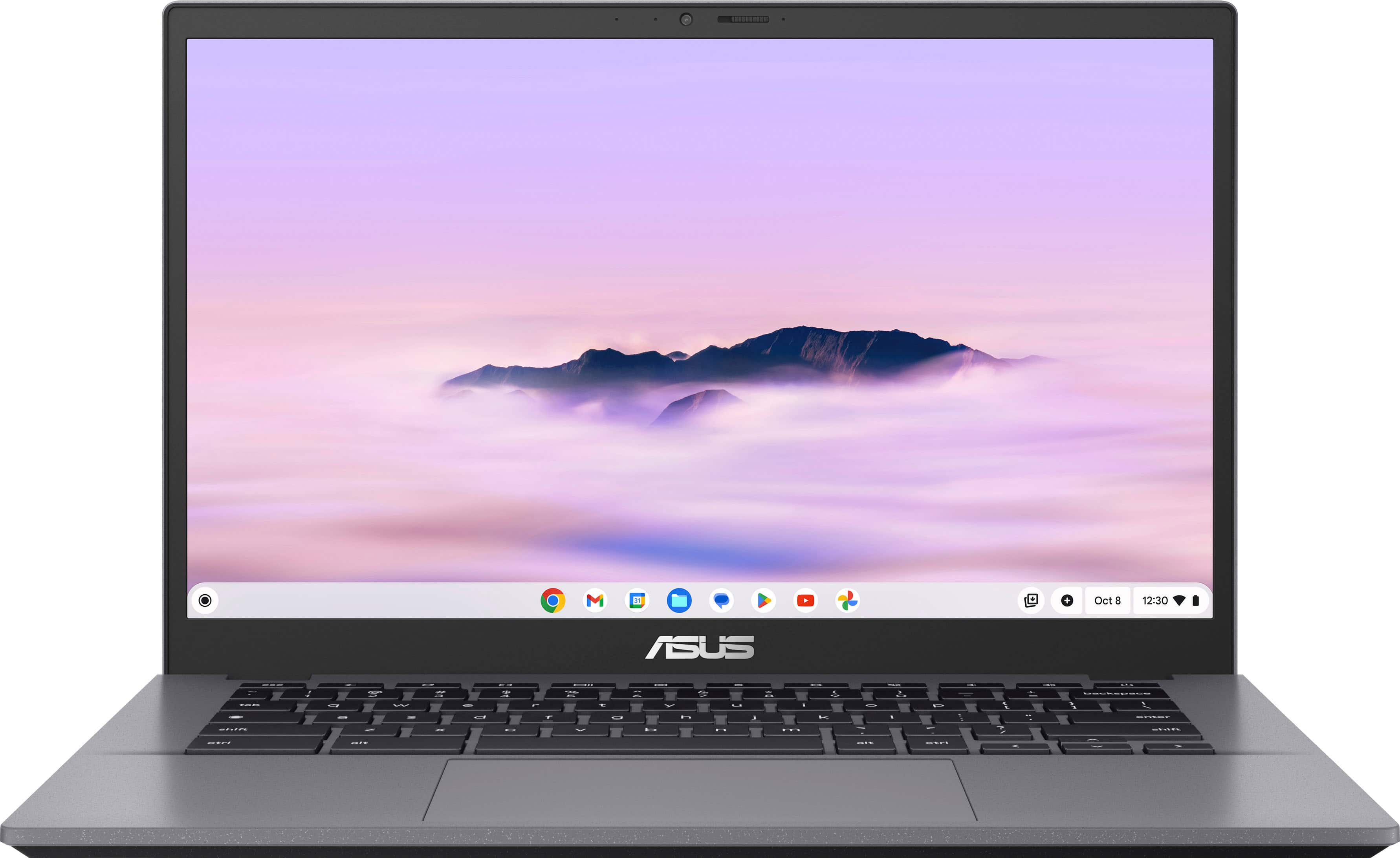
Bundle - ASUS - CX34 14" FHD Chromebook Plus Laptop with Google AI - Intel Core i5 - 8GB Memory - 128GB SSD + 128GB SD Card - Rock Grey
SKU: J3GWQRFR6TSee all Touchscreen ChromebooksProduct Description
A Rock Grey touchscreen Chromebook with Intel Core i5, 8GB memory, 128GB SSD, and Google AI.Your price for this item is $549.99Save $400The previous price was $949.99 -
ASUS - CX34 14" FHD Chromebook Plus Laptop with Google AI - Intel Core i5 - 8GB Memory - 128GB Storage - Rock Grey
SKU: JJGGLQVRLYSee all Touchscreen ChromebooksProduct Description
A lightweight, durable grey Chromebook with Intel Core i5, 8GB RAM, 128GB SSD, and touchscreen.Your price for this item is $499.00Save $230The previous price was $729.00 -
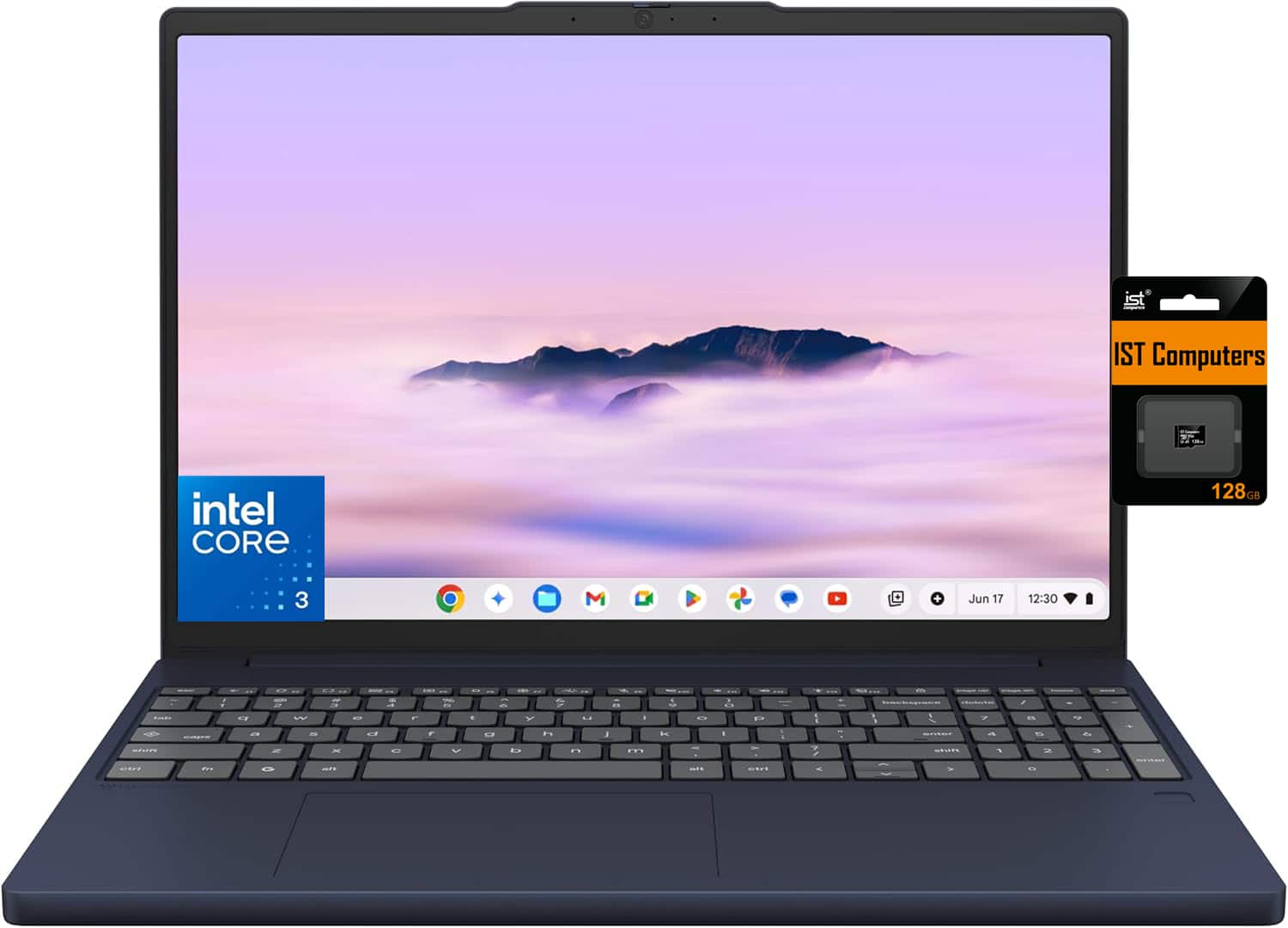
Bundle - Lenovo - Chromebook Plus 15.3" FHD+ Touchscreen Laptop - Intel Core 3 Processor N355 2025 - 8GB RAM - 128GB+128GB SD - Chrome OS - Blue
SKU: J3GWT6QQ6XSee all Touchscreen ChromebooksProduct Description
A blue touchscreen Chromebook with Intel Core 3 N355 processing, 8GB RAM, 128GB storage, and ChromeOS.Your price for this item is $519.99Save $50The previous price was $569.99 -
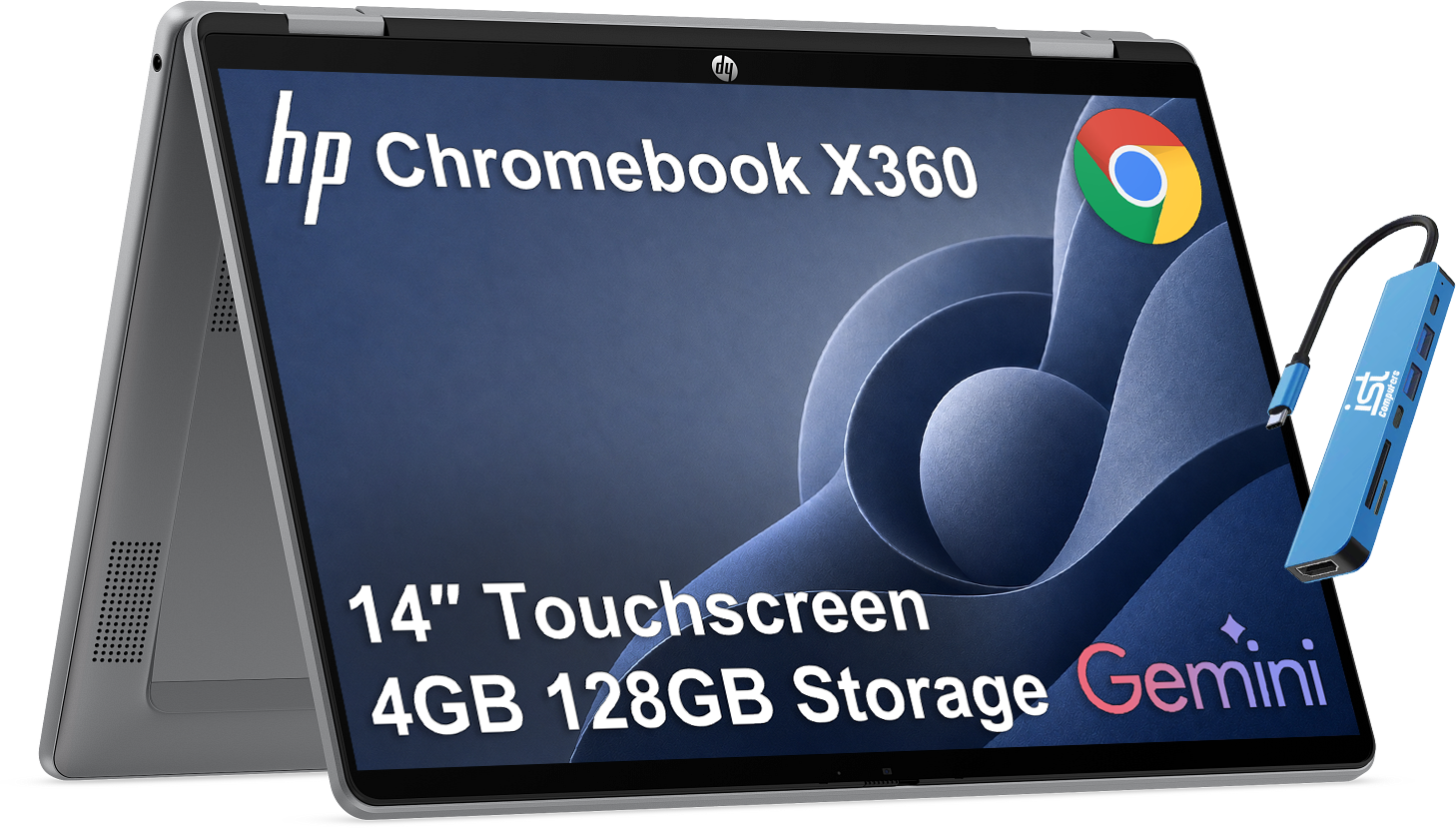
Bundle - HP - Chromebook x360 14'' FHD+ 2-in-1 Touchscreen Laptop - Intel N150 2025 - 4GB RAM - 128GB Storage - Google AI - Meteor silver
SKU: J3GWT6QRTTSee all Touchscreen ChromebooksProduct Description
A silver 2-in-1 touchscreen Chromebook with an Intel N150 processor, 4GB RAM, 128GB storage, and ChromeOS.Your price for this item is $369.99Save $30The previous price was $399.99 -
HP - 14" 2K Touchscreen 2-in-1 Chromebook Plus - Intel Core 3 N355 - 8GB Memory - 256GB Storage - Meteor Silver
SKU: JJGWKYHTC8Best of the best...If I could buy it again I would buy it I love is the best of the best...Love it!...This is the perfect size for me and i love the touchscreen capability!
See all Touchscreen ChromebooksProduct Description
A versatile silver 2-in-1 Chromebook with 2K touchscreen, Intel Core 3, 8GB RAM, and 256GB storage.Your price for this item is $679.00 -
Bundle - ASUS - Chromebook CM1402 14" FHD Laptop - MediaTek Kompanio 520 - 4GB Memory - 64GB eMMC +64GB SD Card - 64GB IST SD Card - Gravity Gray
SKU: J3GWT6QR7JSee all ChromebooksProduct Description
A durable gray Chromebook with HD anti-glare display, MediaTek Kompanio processor, 4GB memory, and SD card.Your price for this item is $269.99Save $160The previous price was $429.99 -
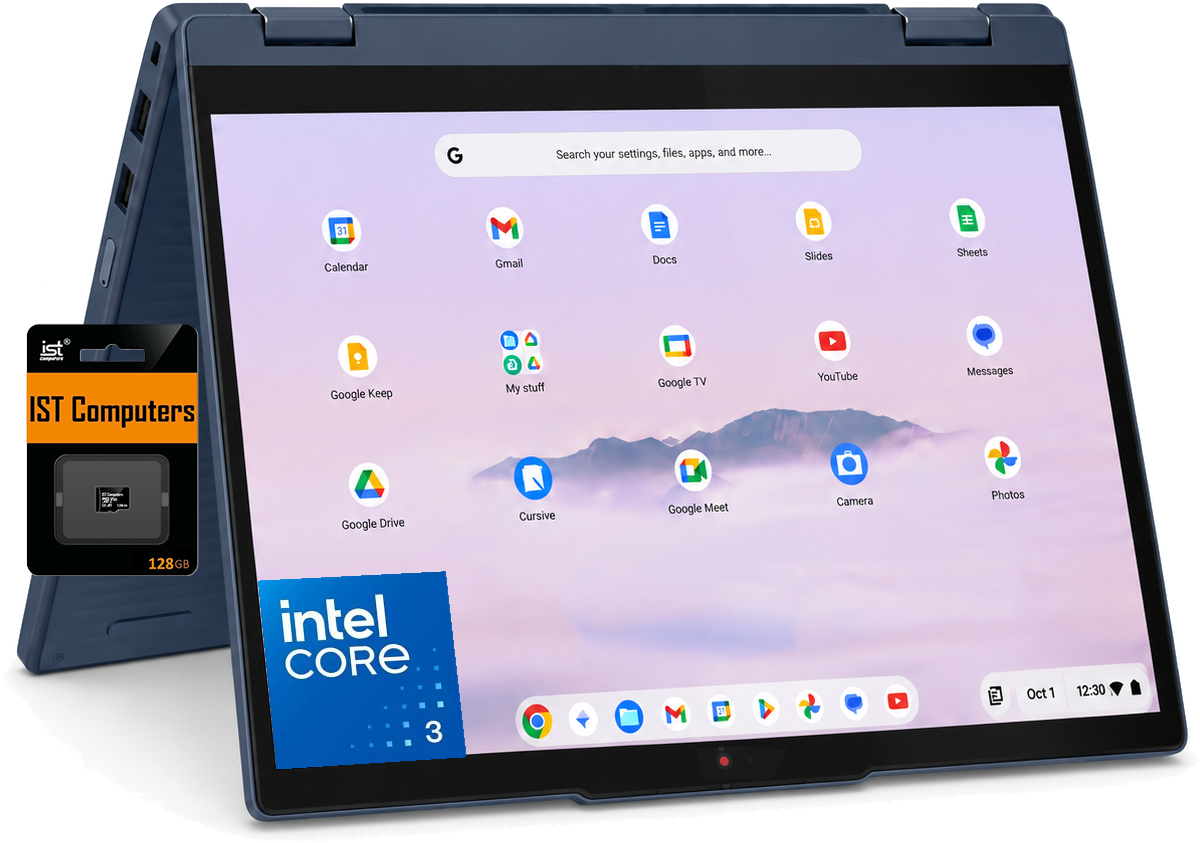
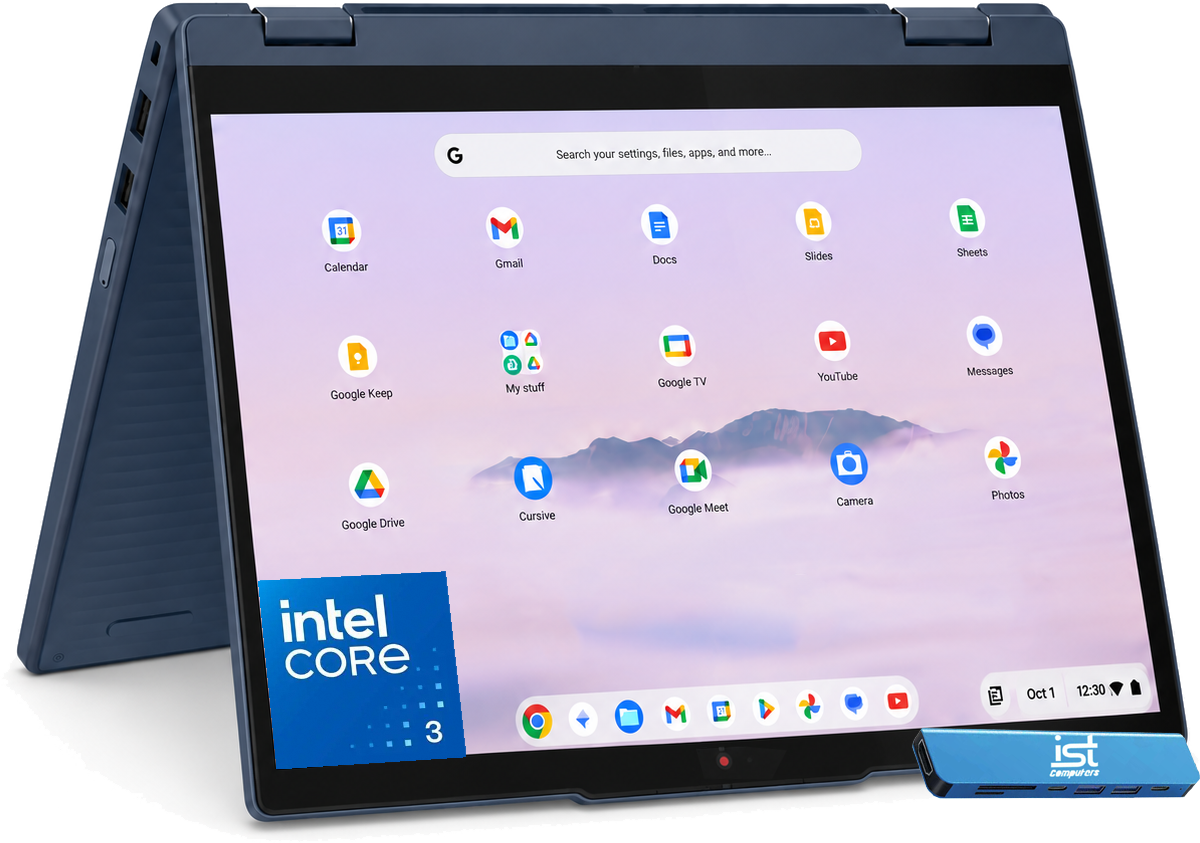
Bundle - Lenovo - Chromebook Plus 2-in-1 14" Full HD Touchscreen Laptop - Intel Core 3 Processor N355 2025 - 8GB Memory - 128GB UFS+128SD - 128GB SD Card - Cosmic Blue
SKU: J3GWQRFRFZSee all Touchscreen ChromebooksProduct Description
A cosmic blue 2-in-1 Chromebook with Intel Core 3 processing, touchscreen, 8GB memory, and 256GB storage.Your price for this item is $629.99 -
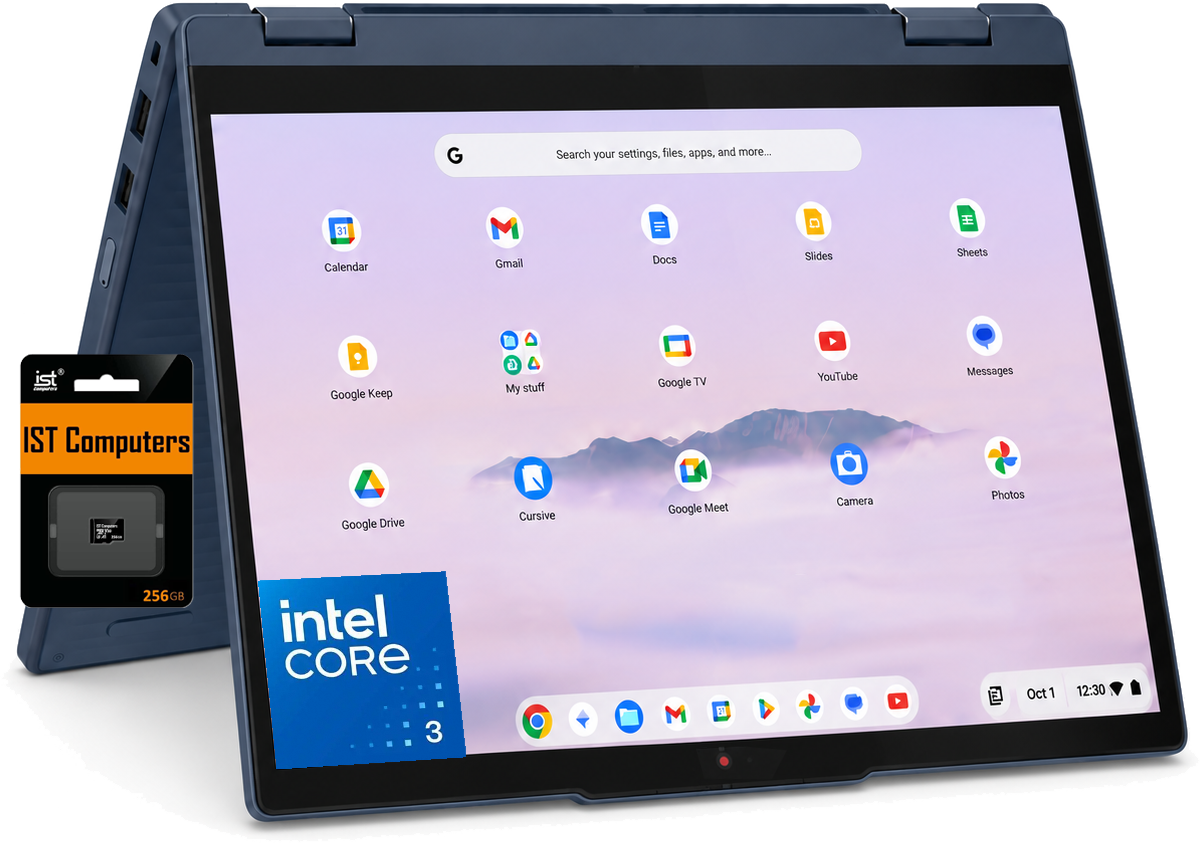
Bundle - Lenovo - Chromebook Plus 2-in-1 14" Full HD Touchscreen Laptop - Intel Core 3 Processor N355 2025 - 8GB Memory - 128GB UFS+256SD - 256GB SD Card - Cosmic Blue
SKU: J3GWQRFH9XSee all Touchscreen ChromebooksProduct Description
A Cosmic Blue 2-in-1 Chromebook with 360° touchscreen, Intel Core 3 processor and 8GB memory.Your price for this item is $639.99Save $260The previous price was $899.99 -
Bundle - Lenovo - Chromebook Plus 2-in-1 14" Full HD Touchscreen Laptop - Intel Core 3 Processor N355 2025 - 8GB Memory - 128GB UFS - Cosmic Blue
SKU: J3GWQRFQ77See all Touchscreen ChromebooksProduct Description
A Cosmic Blue 2-in-1 Chromebook with Intel Core 3, touchscreen, 8GB memory, 128GB storage, and ChromeOS.Your price for this item is $629.99 -
HP - 14" 2K Touchscreen Chromebook Plus - Intel Core 3 N355 - 8GB Memory - 128GB Storage - Glacier Silver
SKU: JJGWKYQQL7I love the laptop, but it folded so I could use it as a tablet. Overall a great laptop!...Great reasonably priced Chromebook...This is best we can get nowadays
See all Touchscreen ChromebooksProduct Description
A versatile silver Chromebook with 2K touchscreen, Intel Core 3 processor, 8GB RAM, and 128GB storage.Your price for this item is $449.00Save $150The previous price was $599.00




Best Sellers

Related Pages





FAQ
While most Chromebooks do not support full desktop versions of professional software like Adobe Photoshop, you can use web-based alternatives such as Adobe Photoshop Express, Pixlr, or GIMP online. Many Chromebooks also support Android apps, giving you access to a variety of photo editing tools from the Google Play Store.
When selecting a Chromebook for photo editing, consider a model with a high-resolution display, accurate color reproduction (such as IPS panels), sufficient RAM (at least 8GB recommended), and a fast processor for smoother multitasking. Touchscreen capability can also enhance your editing experience.
Yes, most Chromebooks support USB drives, SD cards, and external hard drives. This makes it easy to transfer and store large photo files, ensuring you have plenty of space for your editing projects.
Absolutely! Many Chromebooks come with USB-C or HDMI ports, allowing you to connect to external monitors. This is especially useful for photo editing, as a larger or color-calibrated display can improve your workflow and accuracy.
Several Chromebook models offer touchscreen and stylus support, making them suitable for detailed photo edits and drawing. Look for Chromebooks labeled as 'USI stylus compatible' or those that come with a built-in pen for the best experience.