Clear Filters
-
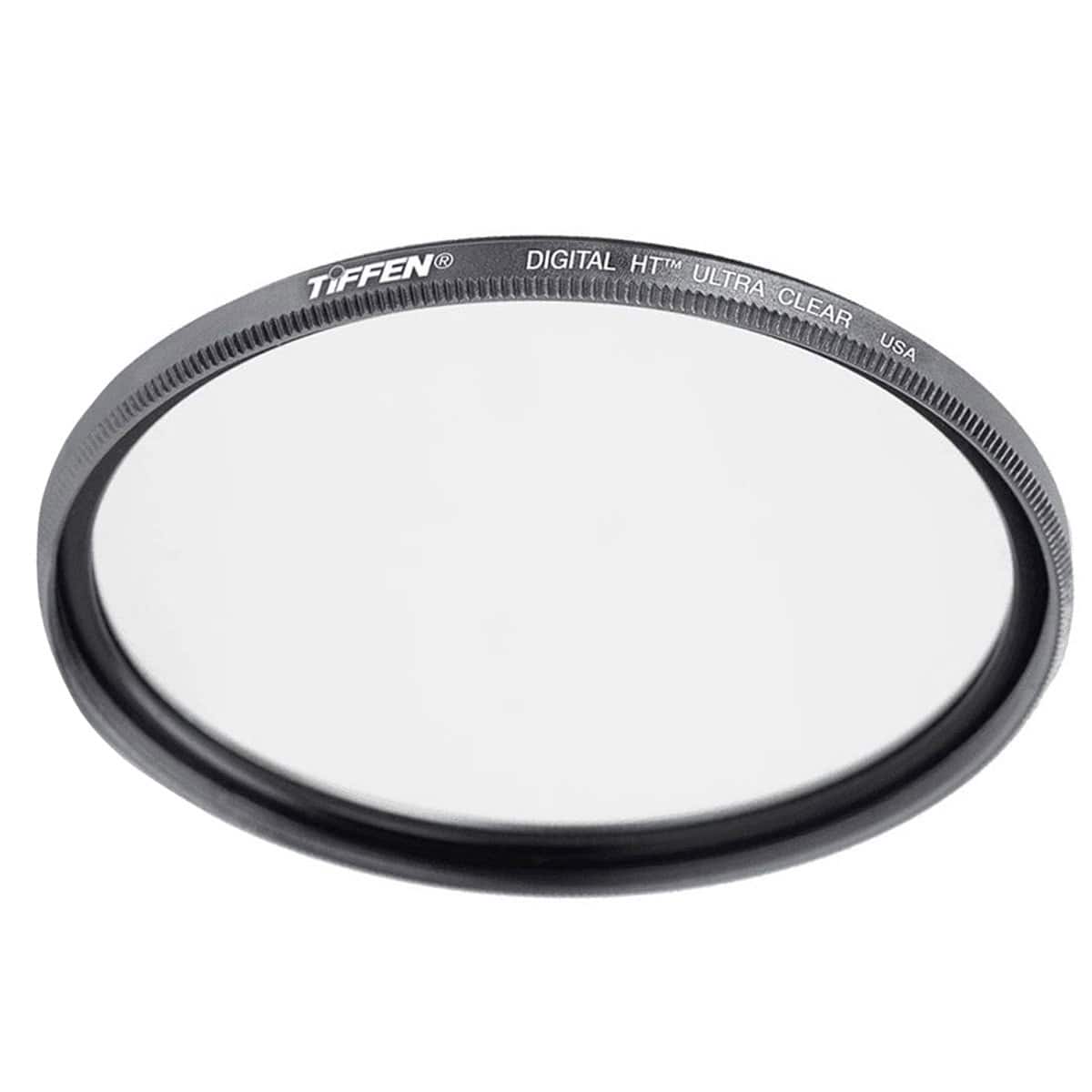
Tiffen - 82mm Digital HT Ultra Clear Glass Filter
SKU: J7LC8ZQF86Great filter
See all Lens FiltersProduct Description
An ultra-clear, multi-coated filter with a titanium ring offering durable lens protection and superior clarity.Your price for this item is $89.00 -
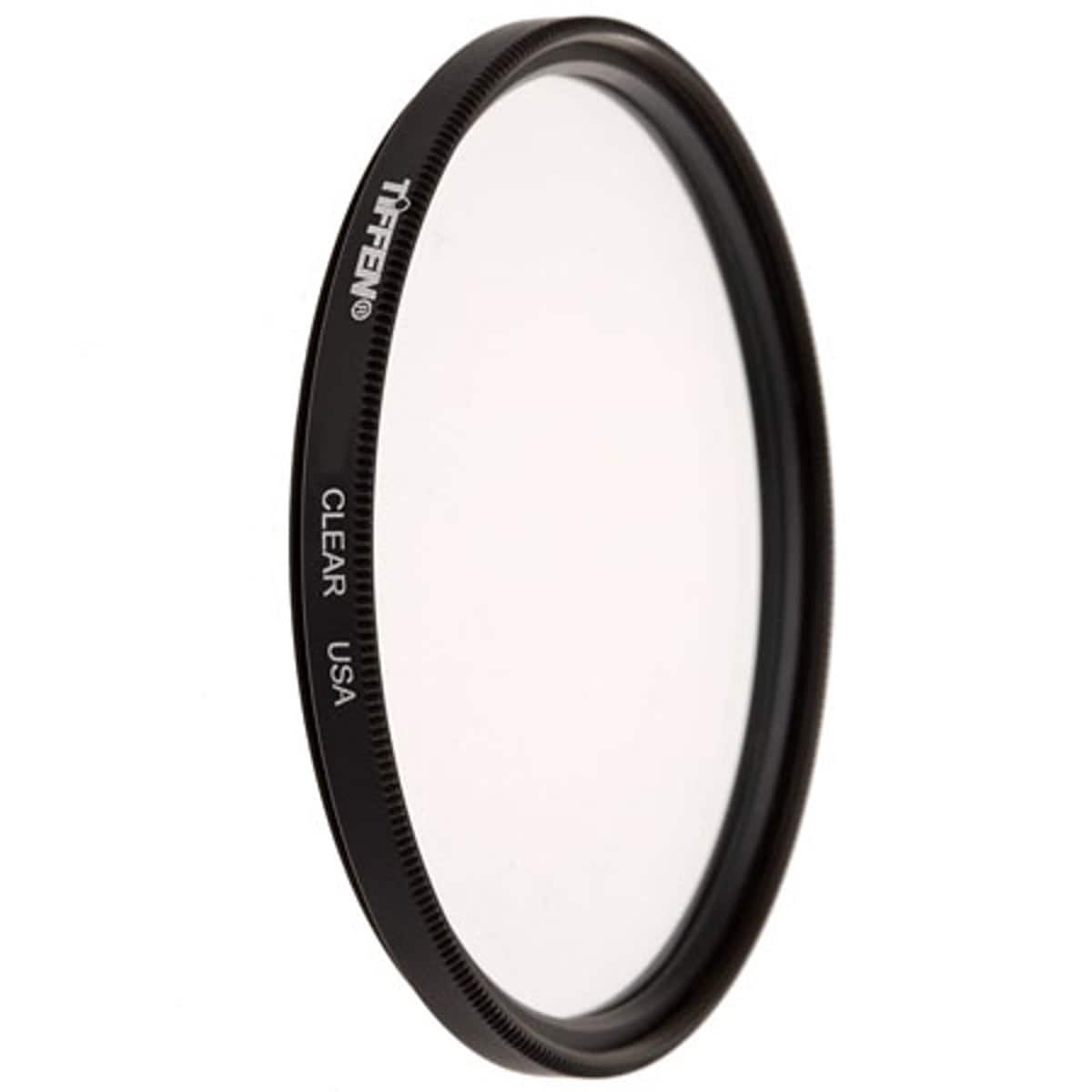
Tiffen - 72mm Clear Glass Protection Coated Filter
SKU: J7LC8ZQCRJSee all Lens FiltersProduct Description
A clear glass filter that protects your camera lens from dust, scratches, dirt, and fingerprints.Your price for this item is $29.99 -
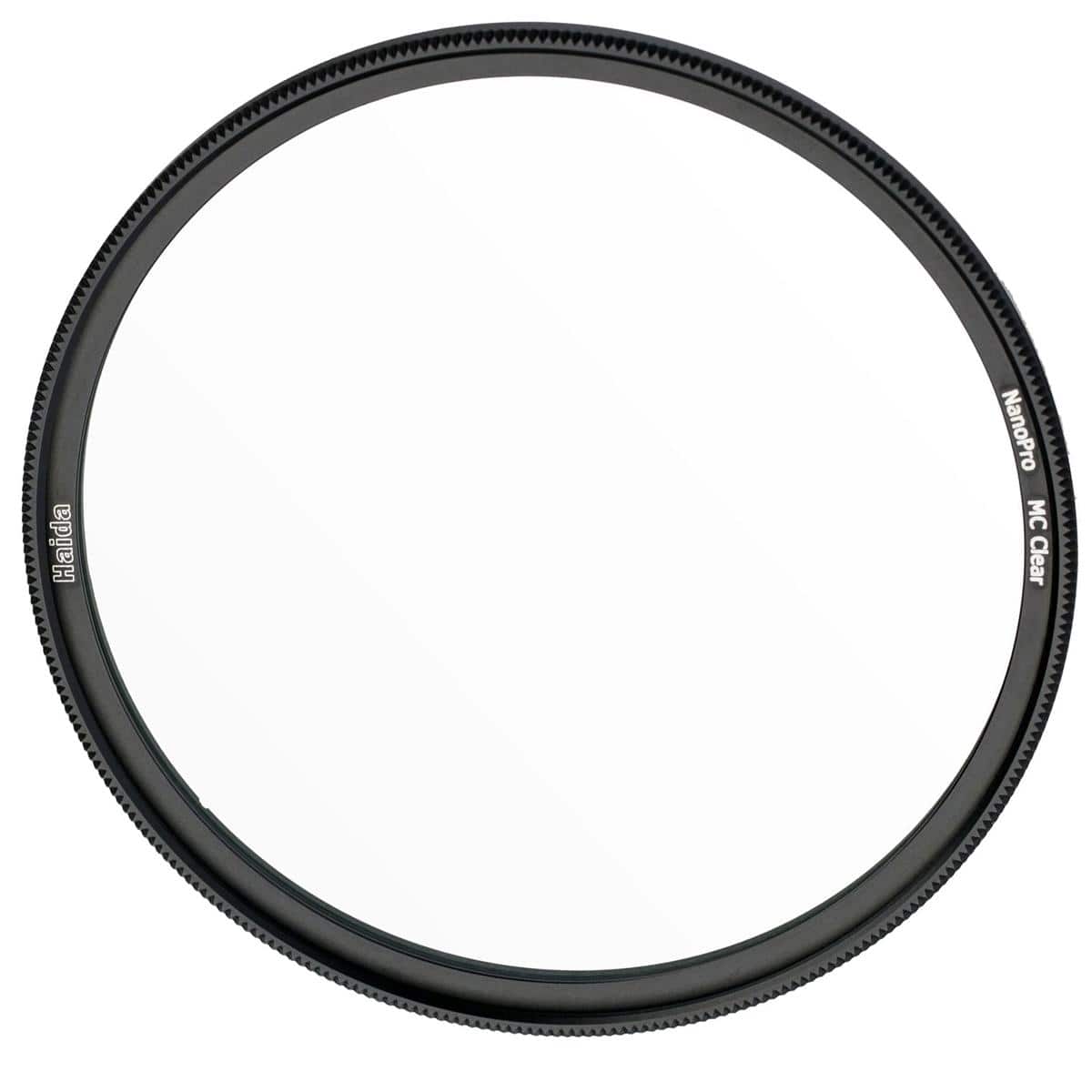
Haida - 95mm NanoPro MC Clear Filter
SKU: CZWX7Y46VSSee all Lens FiltersProduct Description
A clear, multi-coated optical glass filter providing superior lens protection and minimizing flare for photographers.Your price for this item is $53.06Save $41The previous price was $95.00 -
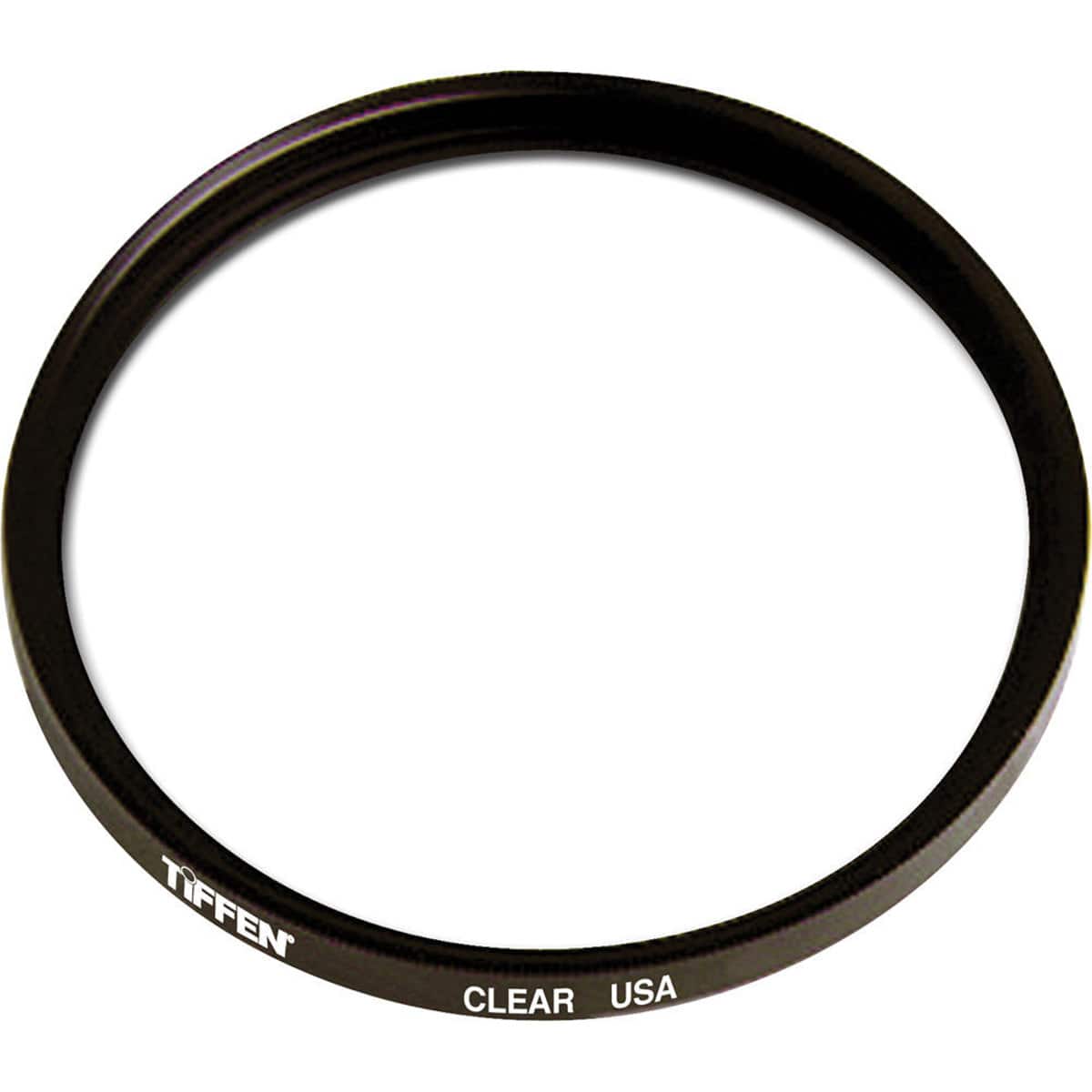
Tiffen - 62mm Clear Protection Glass Filter
SKU: J7LC8ZR627See all Lens FiltersProduct Description
A clear circular filter that protects your lens from dust and scratches without affecting image quality.Your price for this item is $19.99 -
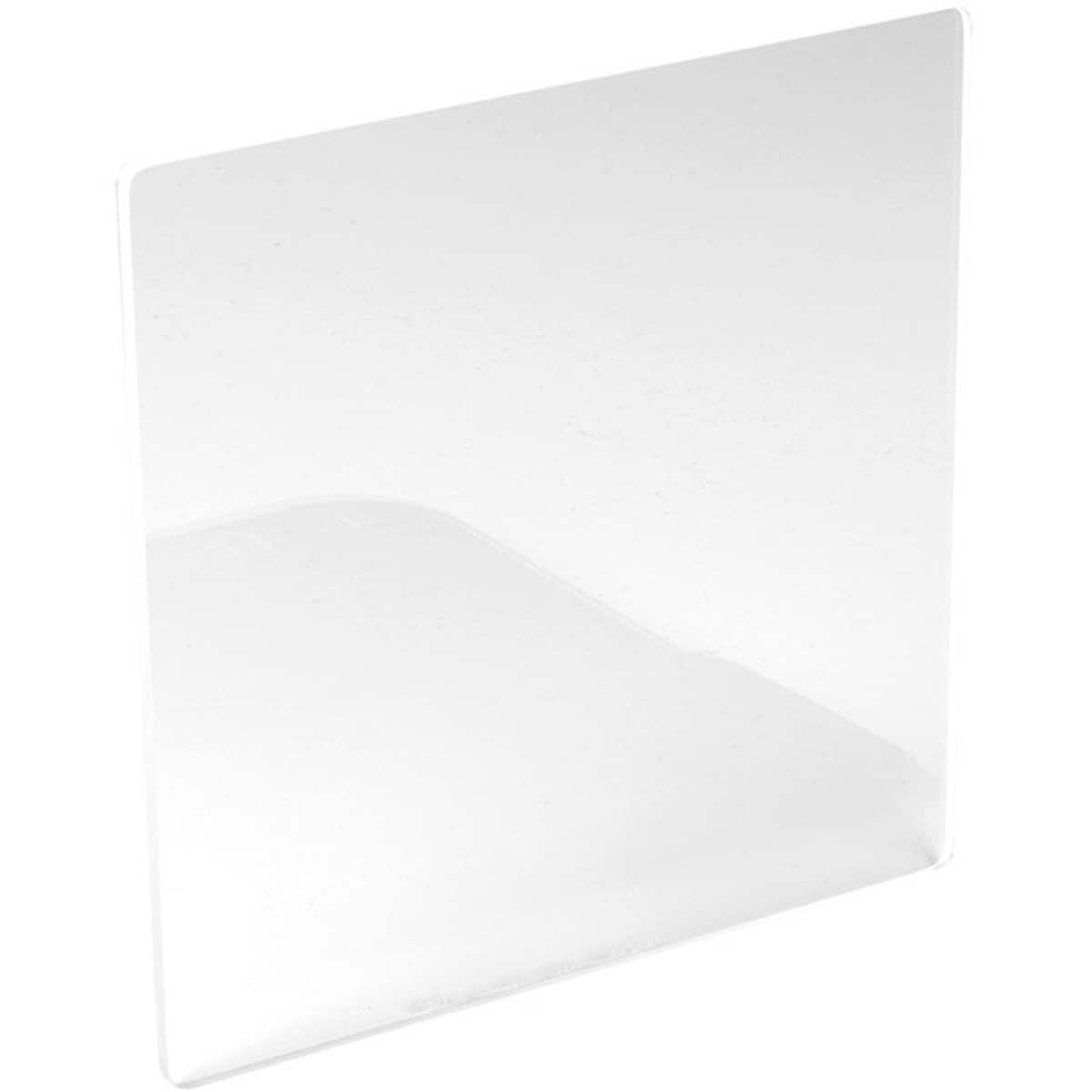
NiSi - 6x6" Clear Filter
SKU: CGCLGPSFXKSee all Lens FiltersProduct Description
A clear, multi-coated glass filter that protects your lens while minimizing reflections, glare, and UV exposure.Your price for this item is $60.94 -
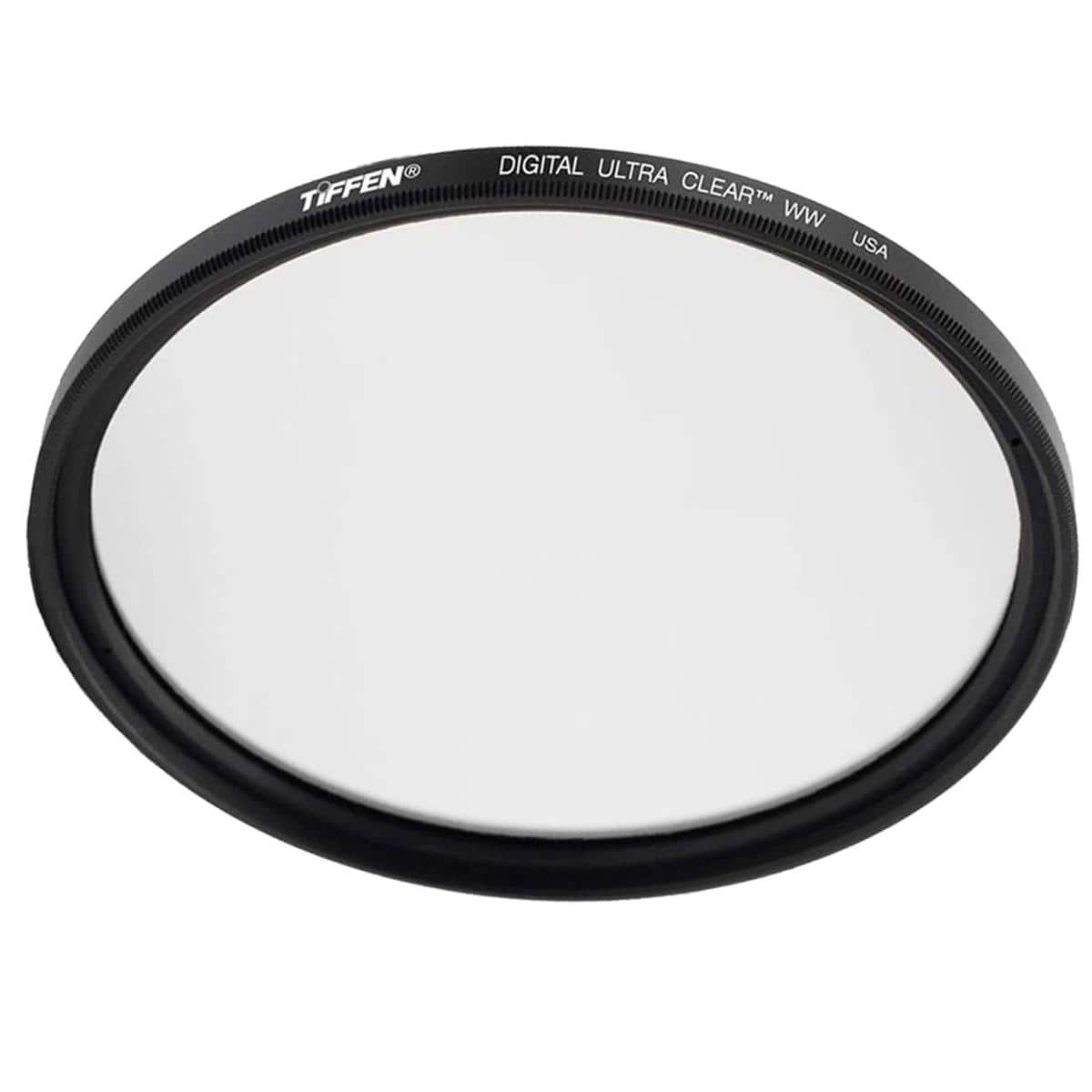
Tiffen - 72mm Digital Ultra Clear Protective Glass Filter
SKU: J7LC8F7TVCSee all Lens FiltersProduct Description
A clear optical glass filter that protects 72mm lenses from dirt, fingerprints, and impacts without distortion.Your price for this item is $24.99
Best Sellers



Related Pages


FAQ
Selecting 'Clear Filters' will remove all currently applied filters, showing you the full list of products available in this category.
You can use the filters on the left side of the page to refine your search by brand, features, color, and more. Once you're done, you can clear them with the 'Clear Filters' button to see all options again.
Clearing filters only affects the product listing view. Any products you've added to compare will remain in your comparison list until you remove them manually.
Yes, after clearing filters, you can reapply any combination of filters to customize your search results again.
Yes, simply click the 'Clear Filters' button located at the top of the filter section to instantly remove all selected filters.