Main Content
Categories & Filters

Conference Room TVs Under $200

Upgrade your meeting space without exceeding your budget by exploring conference room TVs under $200. Perfect for businesses and organizations seeking affordable solutions, these TVs offer a cost-effective way to enhance presentations, video calls, and collaborative sessions. Discover a range of options designed to fit various conference room sizes and needs while keeping expenses in check. Find the ideal conference room TVs under $200 to help make every meeting more productive and engaging.

Read More
Results
Main Results
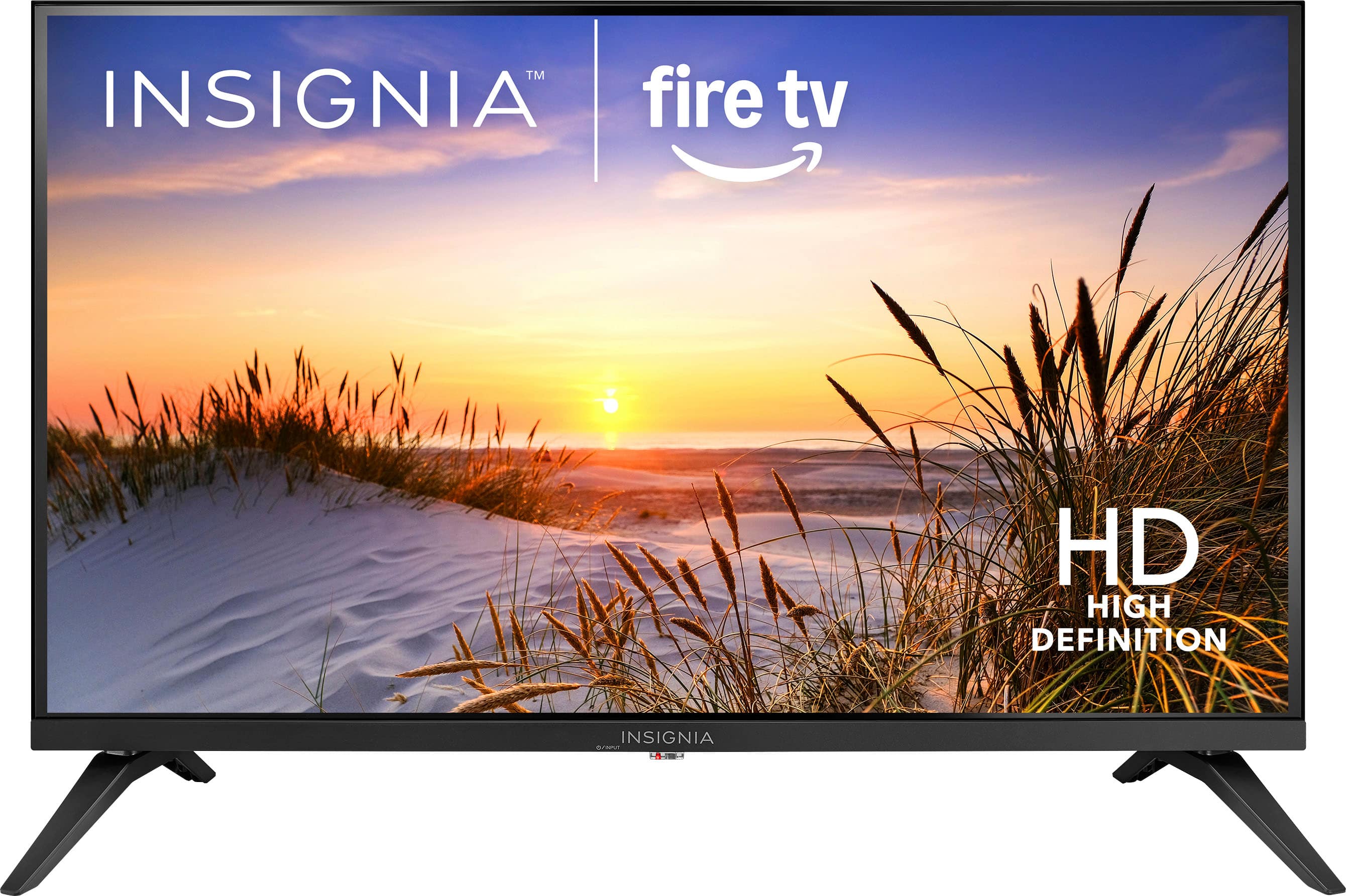
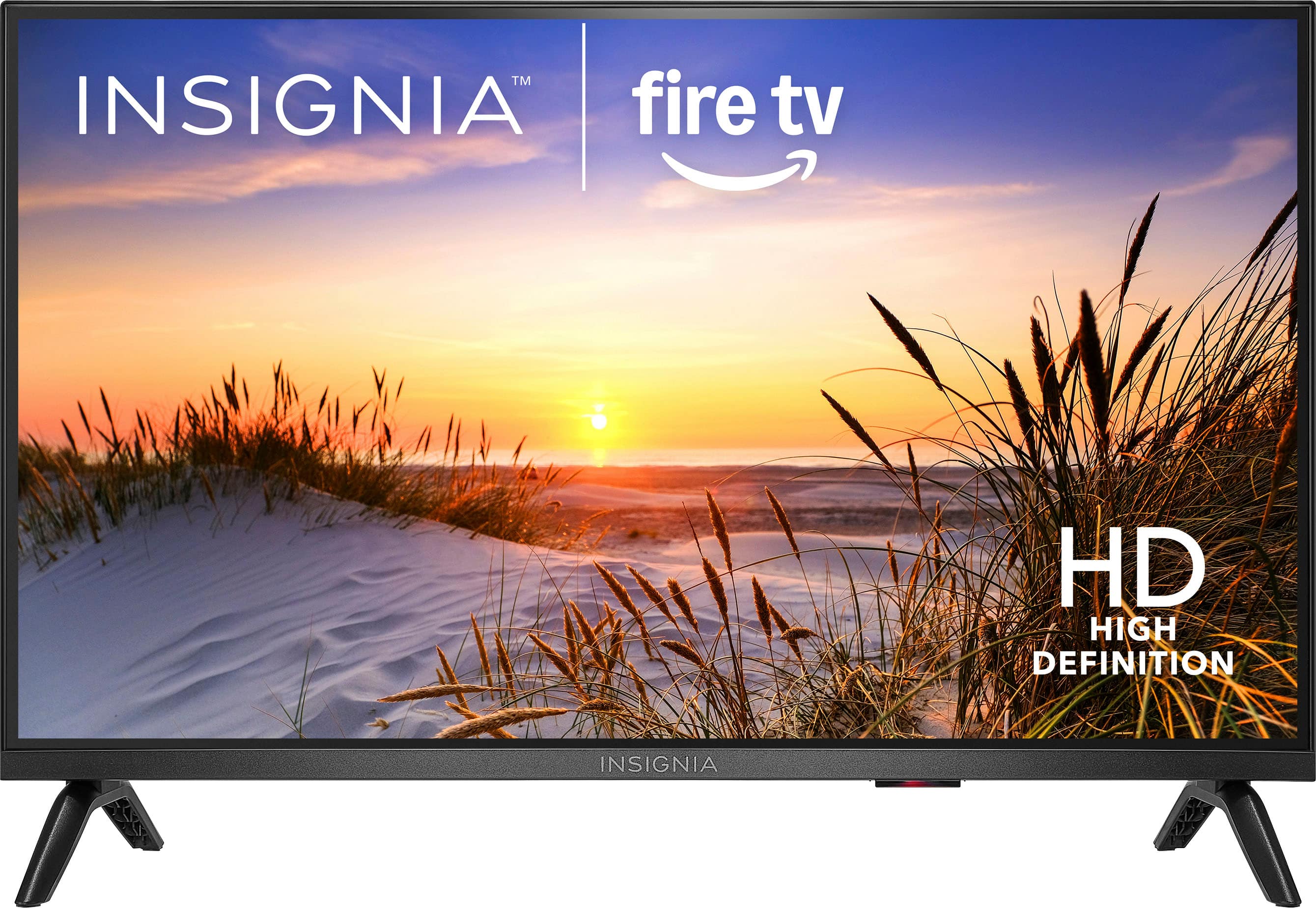
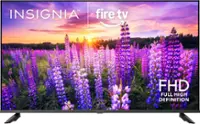
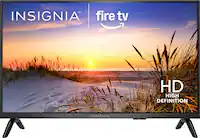
  1. Insignia™ - 32" Class F20 Series LED HD (720p) Smart Fire TV

    SKU: J2FPJK9PZH

    I love Best Buy, because the prices are reasonable. I love my new t.v....Love the pictures and great sound. And the best thing was the price....Great place to shop electronics...Great buy

    Product Description

    An HD Smart TV with built-in Fire TV, Alexa voice control, and access to live and streaming channels.
    See all All Flat-Screen TVs
    Your price for this item is $79.99
    Save $50
    The previous price was $129.99
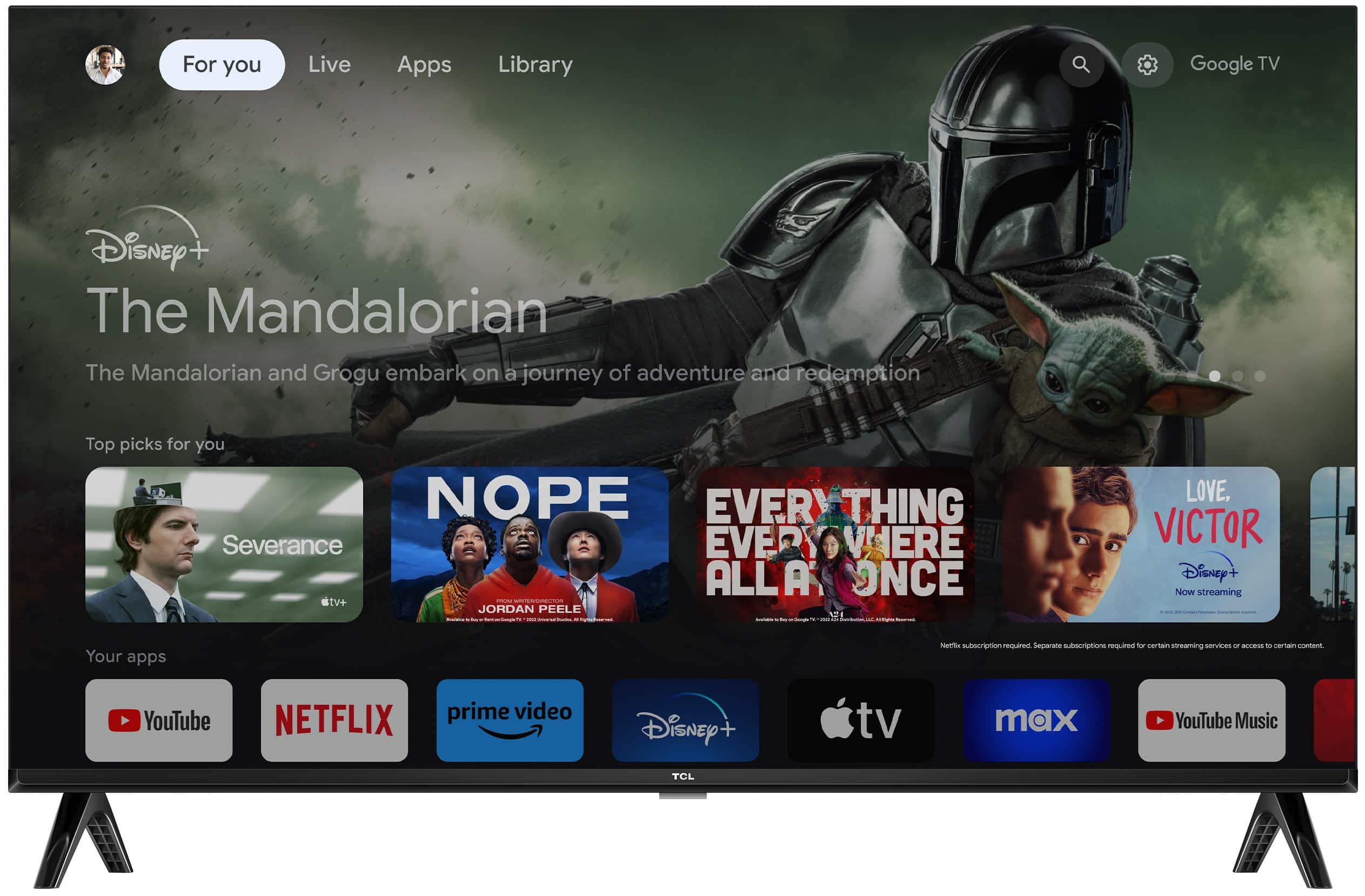
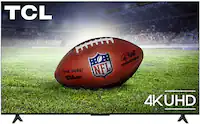
  2. TCL - 40" Class S3 S-Class LED Full HD Smart TV with Google TV (2023)

    SKU: J36QYTT2V4

    Best TV, I love to buy in best buy, everything that I buy in there is worthy....Great features. Thankyou you sre the best person e...Natalie was great. Very helpful. She was patient with me

    Product Description

    A smart black LED TV with Full HD resolution, Google TV, HDR, Bluetooth, and Alexa compatibility.
    See all All Flat-Screen TVs
    Your price for this item is $119.99
    Save $40
    The previous price was $159.99
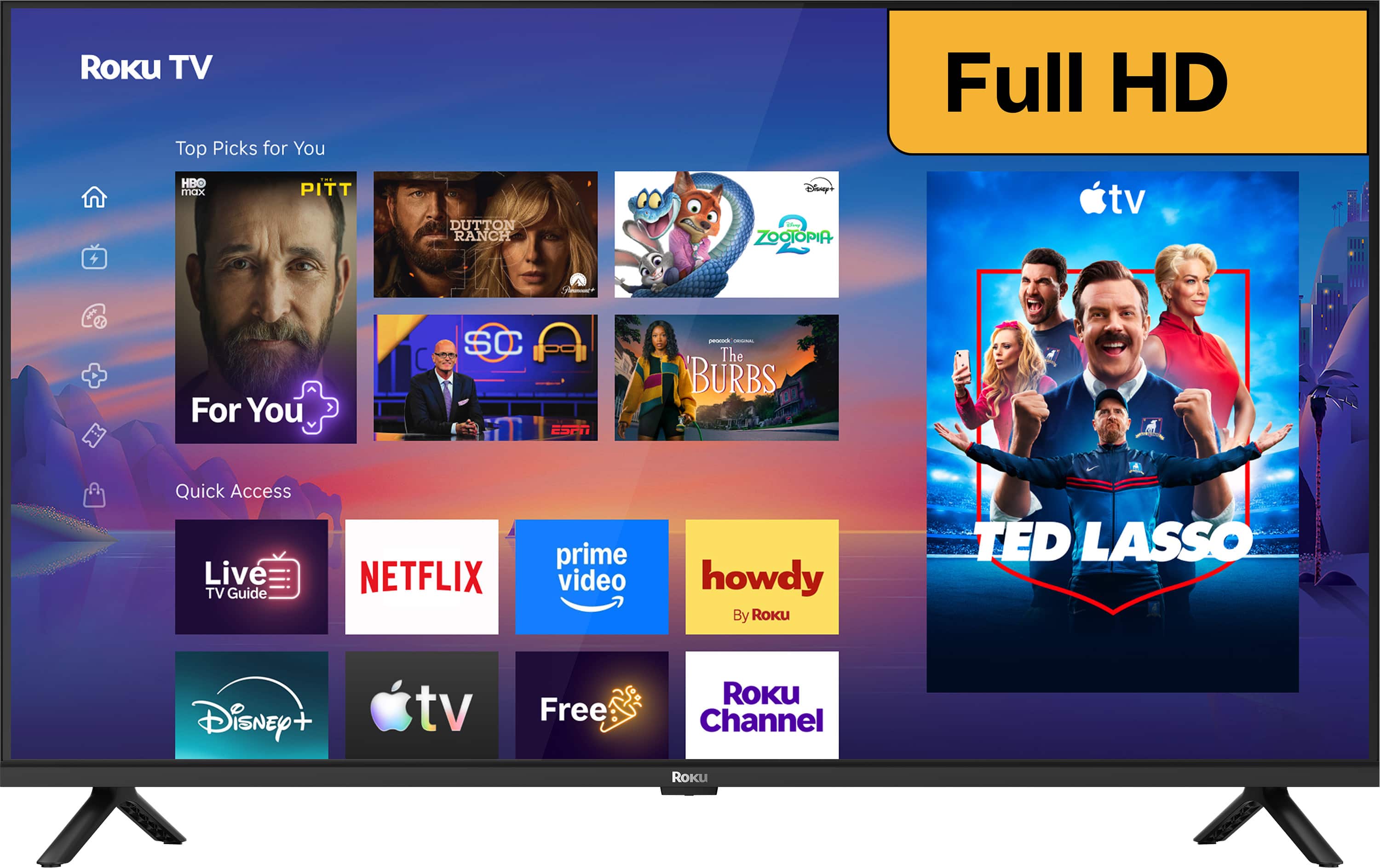
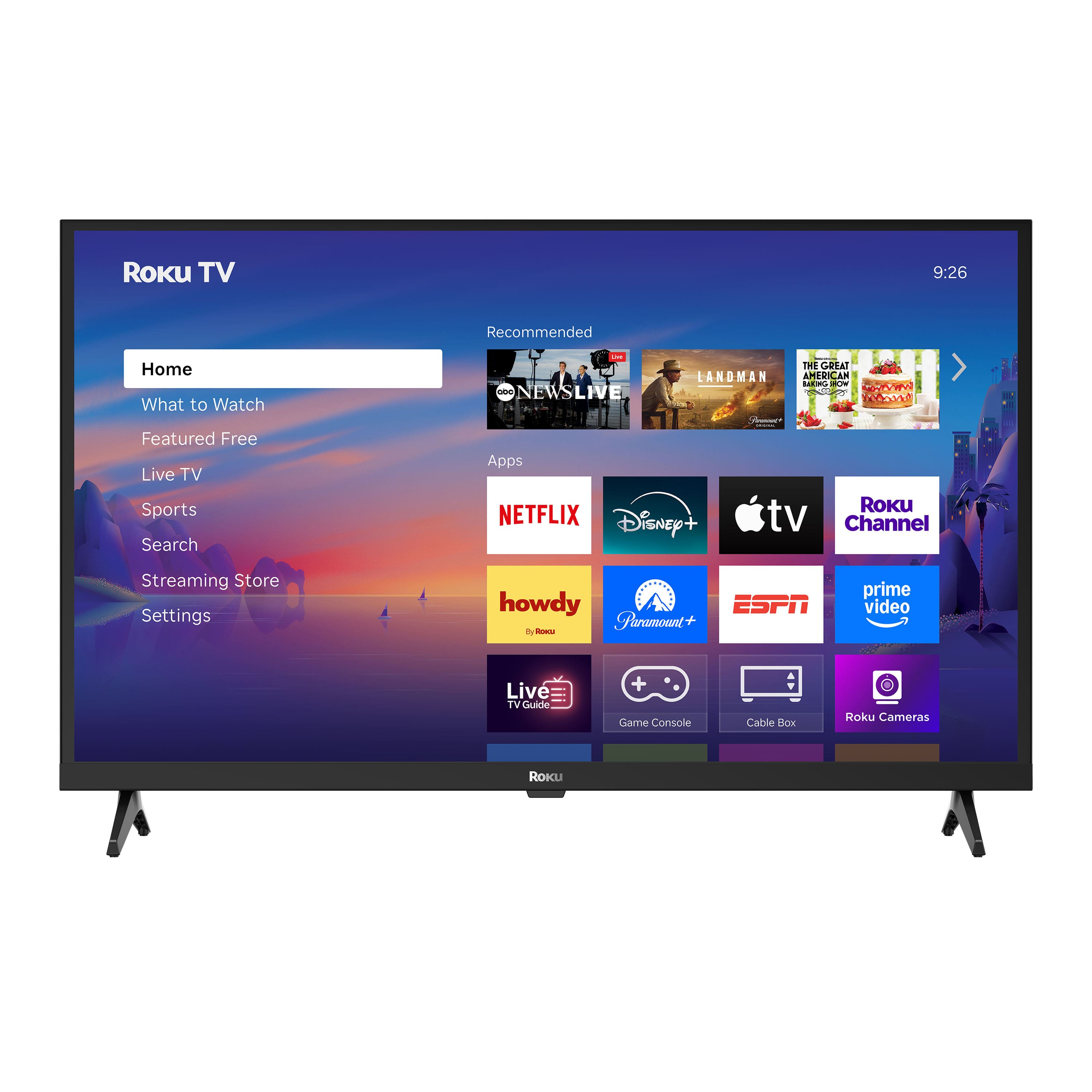
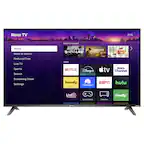
  3. Roku - 40" Class Select Series Full HD (1080p) LED Smart RokuTV (2026)

    SKU: J3PFCJQQXJ

    Love my new phone's. Great reception! Price was excellent & also the customer services too....I love & enjoy best buy ! It's my #1 store !!...Great TV...We have enjoyed and appreciate this great TV. Best...

    Product Description

    A smart black LED TV with Full HD resolution, voice remote, and built-in Roku streaming platform.
    See all All Flat-Screen TVs
    Your price for this item is $159.99
    Save $70
    The previous price was $229.99
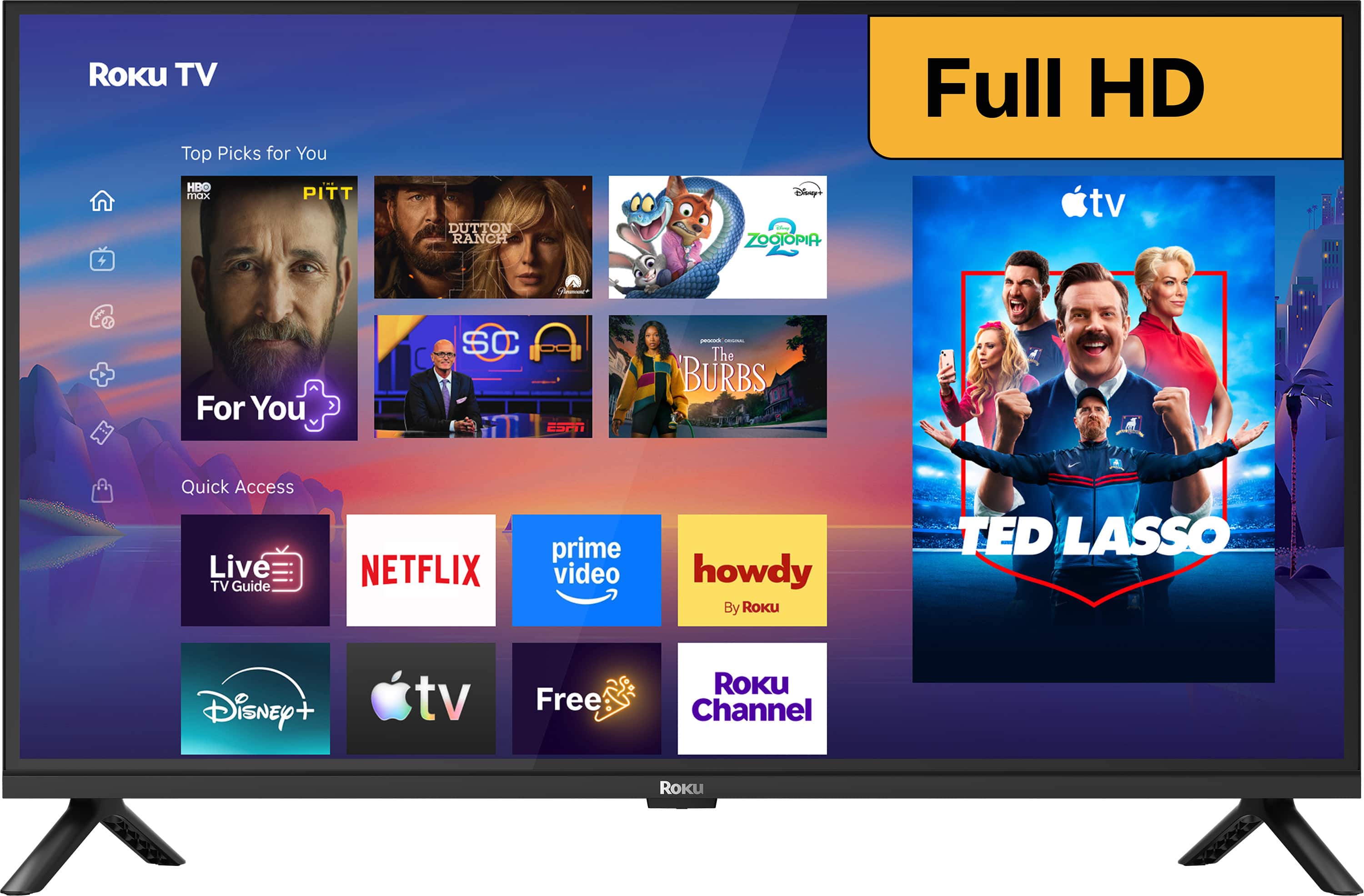
  4. Roku - 32" Class Select Series Full HD (1080p) LED Smart RokuTV (2026)

    SKU: J3PFCJQQ2K

    Love this 32 inch Roku tv. Great clean and clear screen....Sound quality is excellent as well And the price was the best part....Great tv...First one of these I want to go Best Buy and it seems to be...

    Product Description

    A Full HD LED smart TV with voice remote, auto speech clarity, and easy access to streaming apps.
    See all All Flat-Screen TVs
    Your price for this item is $129.99
    Save $50
    The previous price was $179.99
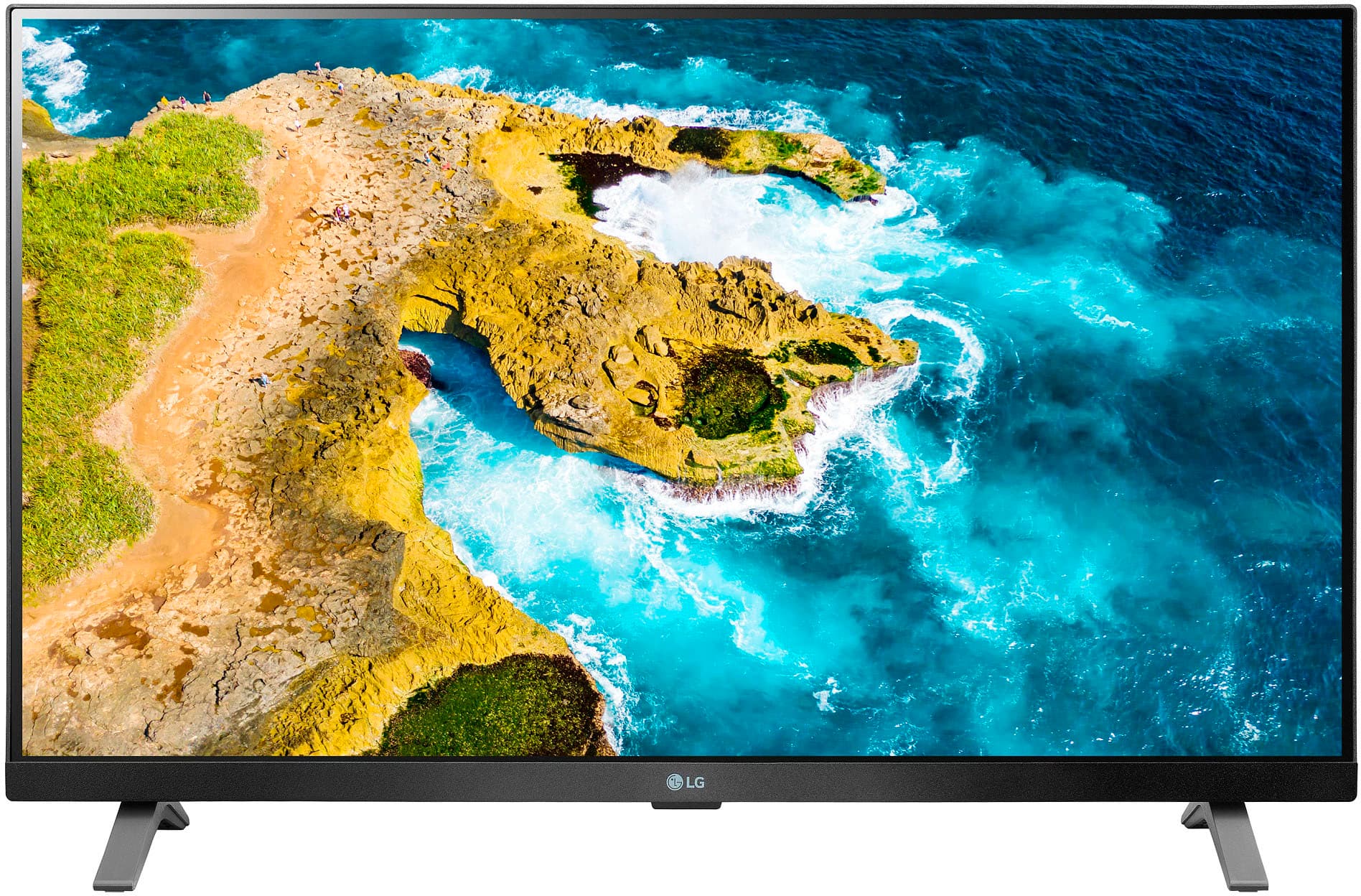
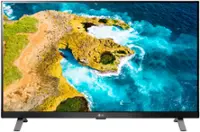
  5. LG - 27" Class LED Full HD Smart TV with webOS (2022)

    SKU: JJ8VPZ625P

    I love this monitor ! It. Is clear, perfect size and it is smart!...Great value for a super product. LG is a great company....Great imaging! Absolutely love having this as a second screen... well now...

    Product Description

    A Full HD LED smart TV with webOS, delivering vibrant colors and sharp imagery on a 27-inch screen.
    See all All Flat-Screen TVs
    Your price for this item is $199.99
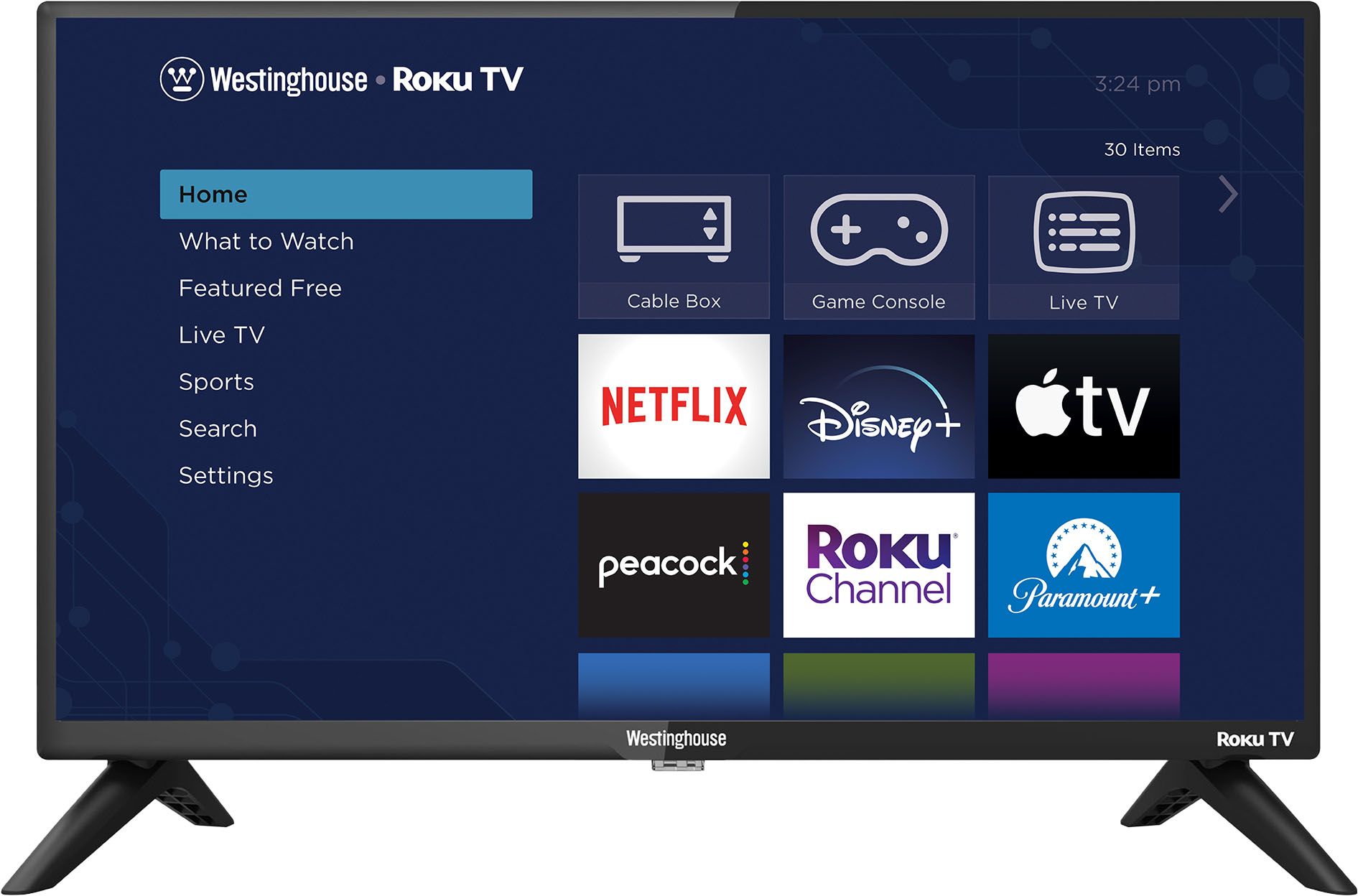
  6. Westinghouse - 24" HD Smart Roku TV

    SKU: J3LL89CS75

    GREAT TEACHER...seems to be a great small tv....I bought it for my classroom and love the fact the Roku is built in. the best investment for anybody....Great features, love Westinghouse product...I bought...

    Product Description

    A compact HD smart TV with built-in Roku for seamless streaming and personalized entertainment.
    See all All Flat-Screen TVs
    Your price for this item is $89.99
    Save $10
    The previous price was $99.99
  7. Insignia™ - 24" Class F20 Series LED HD (720p) Smart Fire TV

    SKU: J2FPJKSF4R

    Very Pleasedcwith Best Buy and my purchase...Love my purchase’, Best Buy is a great choice for me and my family!!...Best tv...The best for my kids they love it it keeps them quiet

    Product Description

    A compact LED HD smart TV with Fire TV and Alexa voice control for easy streaming and live channels.
    See all All Flat-Screen TVs
    Your price for this item is $69.99
    Save $20
    The previous price was $89.99
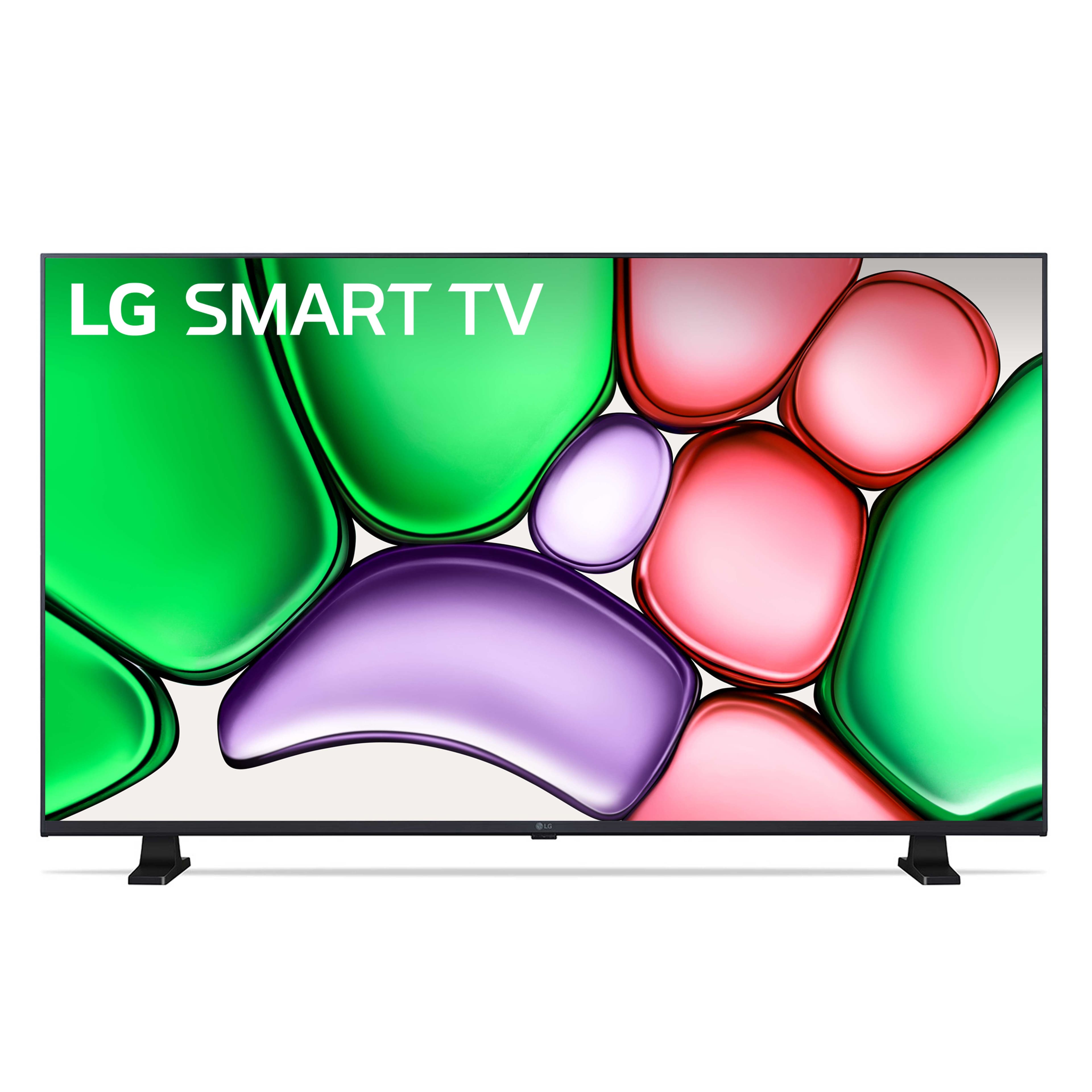
  8. LG - 32" Class LR65 Series LED HD webOS TV (2024)

    SKU: JJ8VPZHXTJ

    Love the LG TV. Exactly what I wanted....Exactly at the pricce I wanted to pay thanks to the great staff at Best Buy!...GREAT TV. Best one I’ve ever bought. LG is the best.

    Product Description

    A high-definition LED TV with webOS for easy streaming and access to 300+ free channels.
    See all All Flat-Screen TVs
    Your price for this item is $168.99
    Save $0
    The previous price was $169.98
  9. Roku - 32" Class Select Series Full HD (1080p) LED Smart RokuTV

    SKU: J3PFCJQRY8

    Fast easy setup looks great...Great price at Best buy fast easy setup looks great...Great tv, quality everything,works great and my kids love it

    Product Description

    A Full HD LED smart TV with auto speech clarity, night mode, and voice remote for easy streaming.
    See all All Flat-Screen TVs
    Your price for this item is $99.99
  10. Roku - 43" Class Select Series 4K LED Smart RokuTV (2026)

    SKU: J3PFCJQQXL

    great purchase...love the tv and love the ease of ordering through best buy...We had problems with our old tv and decided to get a new one we seen best had the best prices and bought...this one it has...

    Product Description

    A black 4K LED smart TV with HDR, voice remote, Wi-Fi 5, and seamless Roku streaming experience.
    See all All Flat-Screen TVs
    Your price for this item is $179.99
    Save $70
    The previous price was $249.99
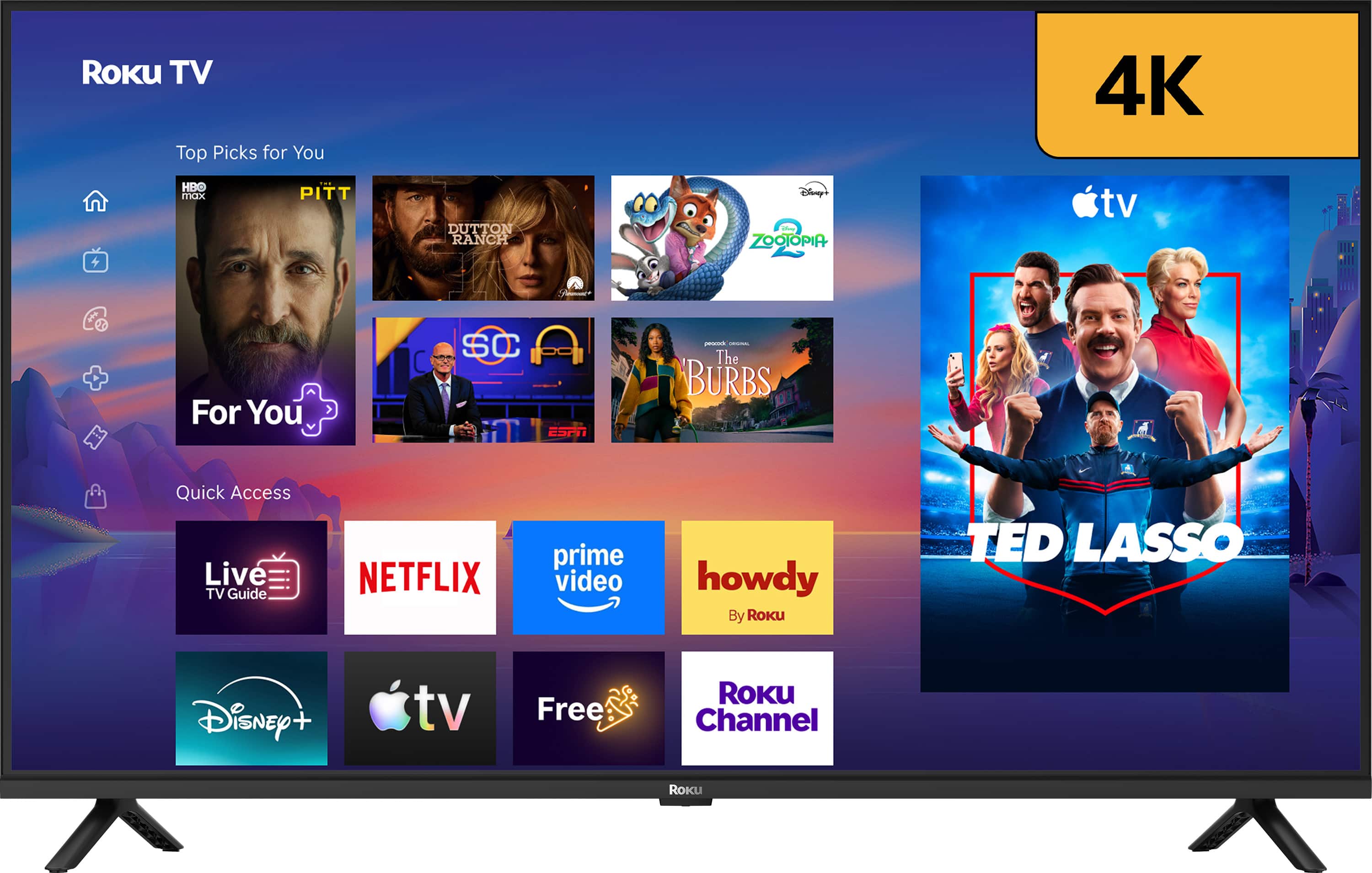
Conference room TVs under $200 can make a small meeting space feel more organized, useful and welcoming without requiring a major technology budget. These affordable displays are generally best suited to huddle rooms, private offices, training areas and compact conference rooms where two to four people can sit close enough to read what is on screen. A screen in the 32- to 40-inch range can fit comfortably on a wall, media stand or rolling cart while still providing enough room for a presentation, video call, product demonstration or shared document. In a small office, the difference is noticeable: instead of gathering around a laptop with shoulders turned inward and a spreadsheet hidden behind someone’s coffee mug, a team can face a single, elevated display and keep the conversation moving. These TVs may also be useful for reception areas, break rooms and multipurpose spaces that need occasional access to announcements, schedules or streaming content. When comparing options, consider the room’s viewing distance first. A larger display is not always better if the space is narrow, while a smaller screen may leave text difficult to read from the far side of a table. For most conference-room uses, Full HD 1080p resolution is a sensible target because it keeps presentation text, charts and video-call windows clearer than basic 720p resolution. This is especially helpful when employees are reviewing shared spreadsheets, reading captions or examining details in a design mockup. If the television will also serve as a general office display during cooler months or quieter workdays, a smart platform can provide convenient access to streaming apps and other content, although the most important features for meetings are clear picture quality, dependable connections and simple operation.

Connectivity deserves close attention when choosing a budget conference room TV. Look for at least two HDMI inputs so the display can remain connected to a dedicated conference computer, a room-mounted streaming device or a cable running from a table or wall plate. Having an extra input means employees do not have to reach behind the screen or unplug equipment every time a different presenter takes the lead. USB ports may be useful for powering accessories or displaying compatible media, while optical or headphone connections can help when the room needs external audio equipment. Built-in Wi-Fi allows supported TVs to access smart features and can make wireless casting or screen mirroring more convenient, but compatibility varies among laptops, phones and operating systems. A wired HDMI connection is often the most predictable choice for an important presentation, particularly in a building with crowded wireless networks. For video meetings, check whether the TV is being used only as a screen or as part of a complete conferencing setup; a separate computer, camera, microphone and speakers may still be necessary. Some smart TVs include voice controls, app libraries or casting tools that make casual use easy, but meeting spaces may benefit from a straightforward home screen and a remote that can be stored in a labeled drawer. Picture settings also matter. A bright, balanced mode can help overcome overhead lighting, while reduced motion processing may make computer text look more natural. Before mounting the display, sit in each seat and check for glare from windows and ceiling fixtures. A screen that looks excellent from the center chair can appear washed out from a side seat if sunlight falls across the panel. Wall-mount compatibility, stand width, cable length and ventilation are practical details that prevent last-minute installation problems. For a temporary setup, a stable rolling cart can let the screen move between a meeting room and a training area, but the cart should be rated for the TV’s size and weight and locked whenever the display is in use.

Most televisions in this price range are consumer models rather than commercial displays, which makes them a practical fit for light or moderate office use but not necessarily for continuous operation throughout the day. A small business that uses a screen for several meetings, presentations or video calls—roughly four to five hours of daily use—may find a budget consumer TV adequate, especially when the smart menus are bypassed in favor of a connected computer. Commercial signage displays typically offer features such as extended operating schedules, remote fleet management, heavier-duty construction and business-focused warranties, so those capabilities may be worth prioritizing for a lobby, classroom or room that runs from morning until night. For an ordinary huddle space, however, spending less on the display can leave room in the budget for a quality webcam, speakerphone, HDMI cable, wall mount or surge protector. Set up a simple routine for the room: label the remote, keep the preferred input selected, test screen sharing before an important presentation and turn the display off after the last meeting. If the TV connects to online accounts, use a shared business profile rather than a personal account and sign out of services when appropriate. These displays can be a thoughtful practical gift for a new home office, a small startup, a community organization or someone furnishing a study area, particularly when paired with a compact soundbar, cable organizer or adjustable stand. They can also serve double duty outside the office, showing recipes during a group cooking session, displaying a workout class or bringing entertainment to a guest room. Shoppers comparing workplace screens with home-use displays can also browse Living Room TVs Under $200 for similarly priced options intended for everyday viewing. Whether the screen is mounted in a quiet office with late-summer sunlight or used during the cooler months for team planning and remote collaboration, the best choice balances room size, readable resolution, useful inputs and dependable day-to-day simplicity.

FAQ

When choosing a conference room TV, consider features such as HDMI ports for laptop connections, USB ports for media playback or accessories, screen resolution for clear visuals, built-in speakers, and compatibility with wireless display options, depending on the model.

Yes, most conference room TVs offer HDMI connectivity, and some models also support USB media playback or wireless casting. You may need a compatible cable, adapter, or casting-enabled device to display presentations or videos from your laptop or mobile device during meetings.

Smart TVs can be a convenient choice for conference rooms as they often include built-in streaming apps and may support wireless casting or screen sharing, depending on the model. For video conferencing, you’ll typically need a connected laptop, conferencing device, webcam, or other accessories.

While many TVs have built-in speakers, you can enhance audio quality by connecting external speakers or a soundbar. Some TVs also support Bluetooth audio devices for added flexibility.

Conference room TVs can be mounted on walls using standard VESA mounts or placed on stands. Wall mounting helps save space and provides better visibility for all participants in the room.