Drawing iPad
-
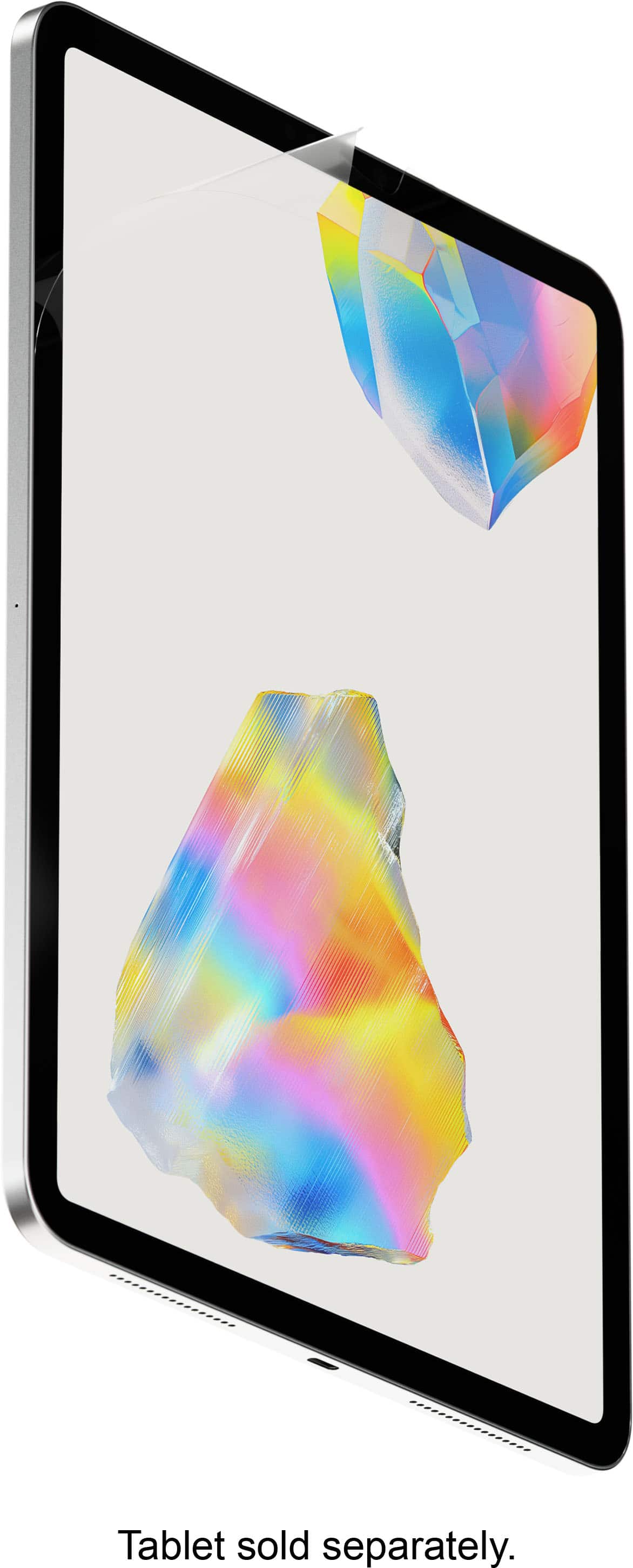
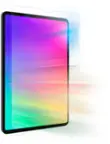
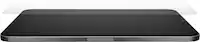
Paperlike - 3 Screen Protector 2-Pack - iPad Pro 13" (M4/M5) & iPad Air 13" (M2/M3/M4) - Clear
SKU: J3R8KKHJYLBut after it was installed it is probably the very best screen protector I’ve ever used....I love it! Every iPad i own has this screen protector....Absolutely love it.
See all Tablet Screen ProtectorsProduct Description
A clear screen protector with Nanodots for enhanced Apple Pencil control and a paper-like writing feel.Your price for this item is $49.99 -
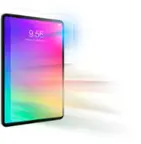
Paperlike - 3 Screen Protector 2-Pack - iPad 10.9" (10th Gen) & iPad 11" (A16) - Clear
SKU: J3R8KKHJYQBest product...Great product...Daughters love this for drawing on iPad, greatly appreciated
See all Tablet Screen ProtectorsProduct Description
A clear screen protector with Nanodots for enhanced tactile feedback and clarity when writing or drawing.Your price for this item is $49.99 -
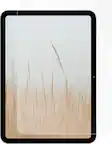
Paperlike - 3 Screen Protector 2-Pack - iPad Air 11" (M2/M3/M4) - Clear
SKU: J3R8KKHJLCBest Screen Protector...Really surprised at how much I love this screen protector....I love the feel of it especially paired with my apple pencil and then it also functions as a glare protector...Best...
See all Tablet Screen ProtectorsProduct Description
A clear screen protector with Nanodots for enhanced tactile feedback and improved clarity when writing or drawing.Your price for this item is $49.99 -
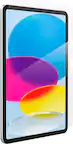
Paperlike - 3 Screen Protector 2-Pack - iPad Pro 11" (M4/M5) - Clear
SKU: J3R8KKHJLKGreat product...The protection is great and easy to clean off if needed
See all Tablet Screen ProtectorsProduct Description
A clear screen protector pack that delivers a papery feel and enhanced tactile feedback for iPad Pro 11".Your price for this item is $49.99 -
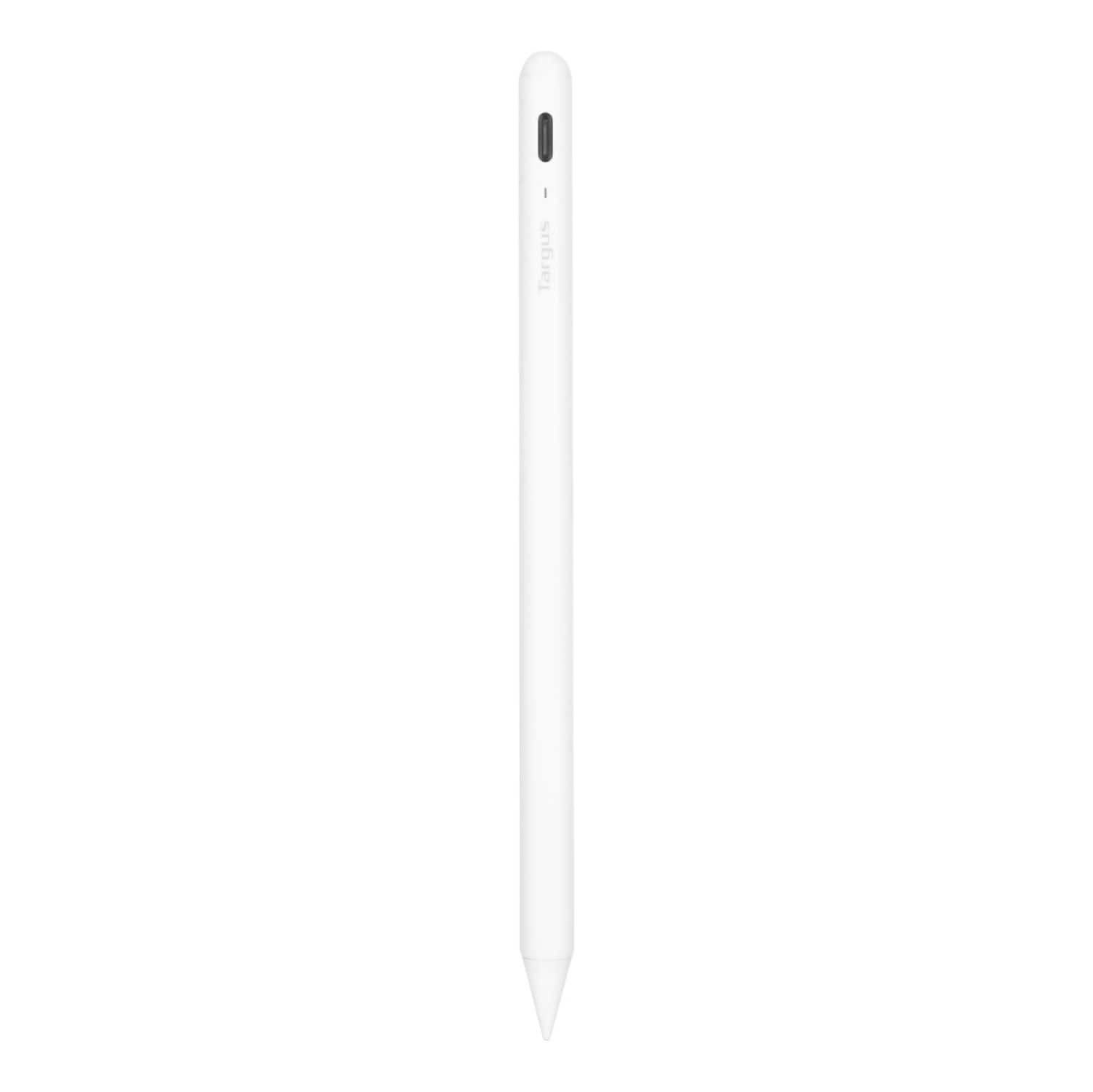
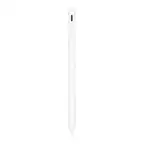
Targus - Antimicrobial Active Stylus for iPad - White
SKU: J7QXPVJWPLAlways Buy Best Buy!!...Great pen! Works great!! Go in the store ask the employees and Bam!!...Great option...Love this pen! Half the cost of Apple Pencil and works great!
See all Tablet Stylus PensProduct Description
A white antimicrobial stylus with palm rejection and a durable POM tip for smooth, accurate iPad use.Your price for this item is $28.99Save $41The previous price was $69.99 -
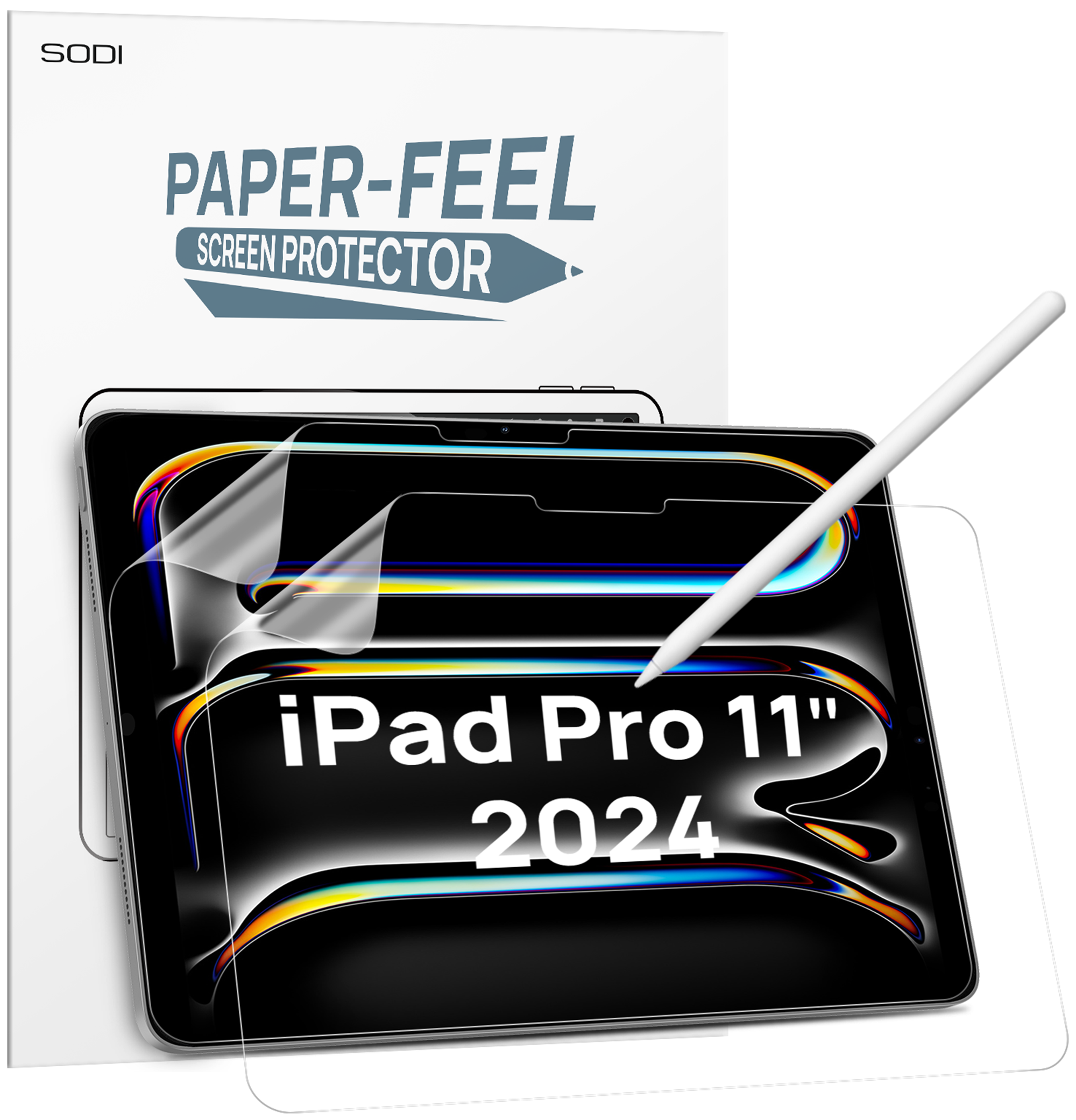
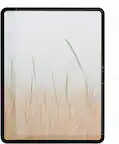
Sodi - Paper Feel Screen Protector for iPad Pro 11 Inch M4 2024, Draw Like on Paper, Scratch Resistant & Sensitive, Anti-Glare - Clear
SKU: CZTFR8CRGTSee all Tablet Screen ProtectorsProduct Description
A clear, anti-glare screen protector that mimics paper texture for scratch-resistant, sensitive Apple Pencil use.Your price for this item is $9.99 -
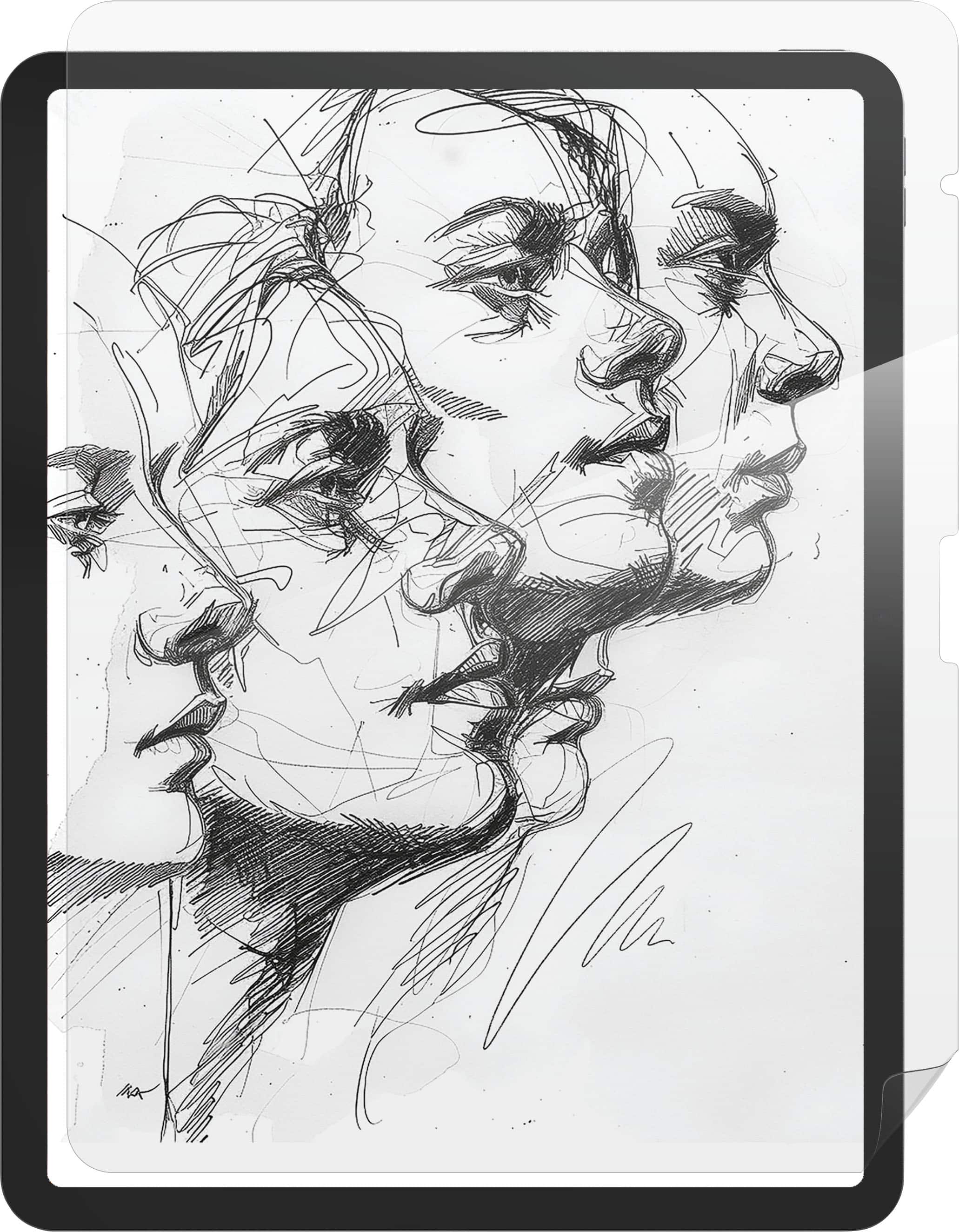
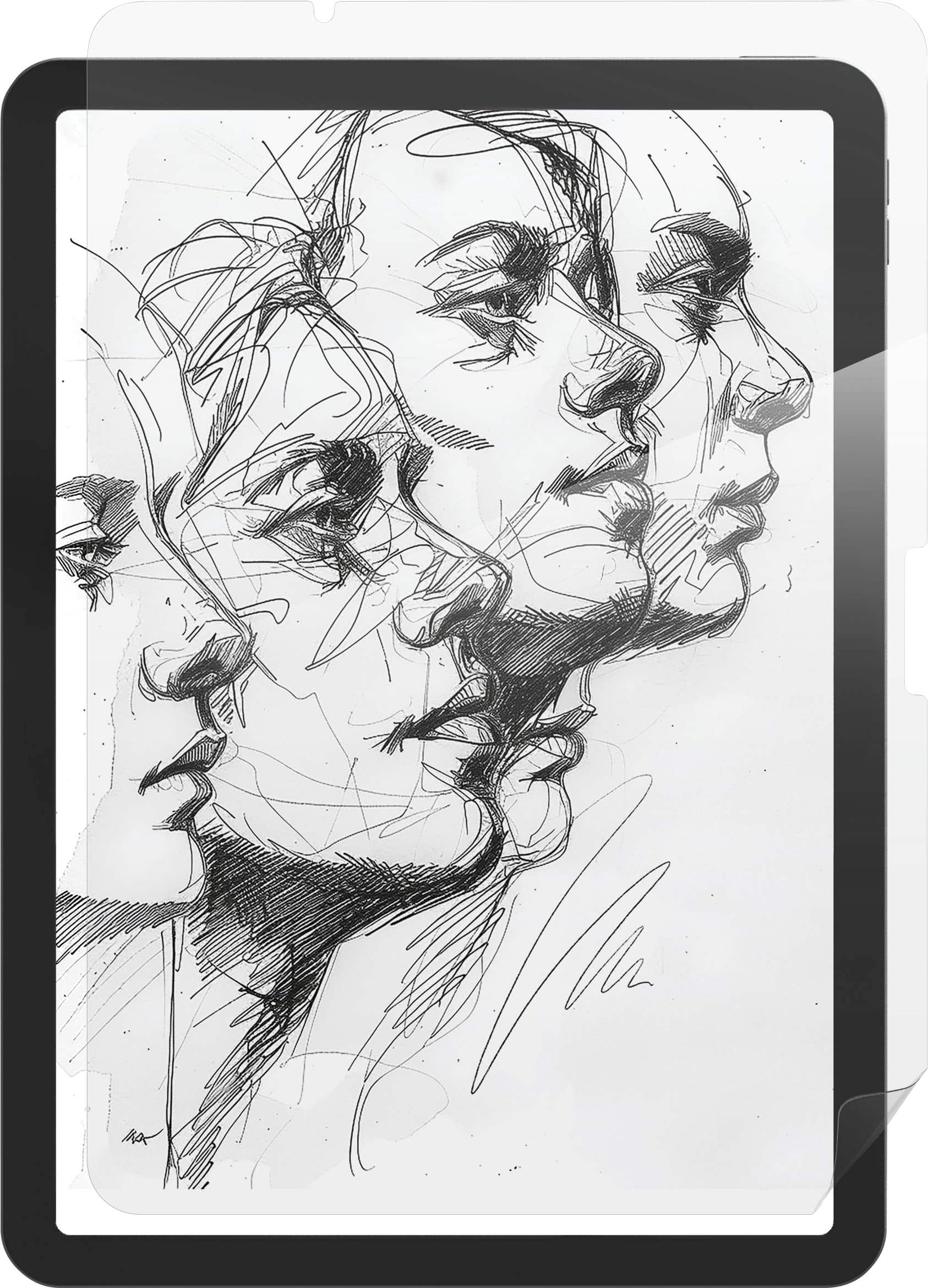
ZAGG - Fusion Canvas Apple iPad Air 13" (M4, M3, M2) - Clear
SKU: J39T3VXFFGGreat screen protector and realistic feel of paper.
See all Tablet Screen ProtectorsProduct Description
A clear, matte screen protector that mimics paper texture for drawing and writing on compatible iPad Air models.Your price for this item is $29.99Save $20The previous price was $49.99 -
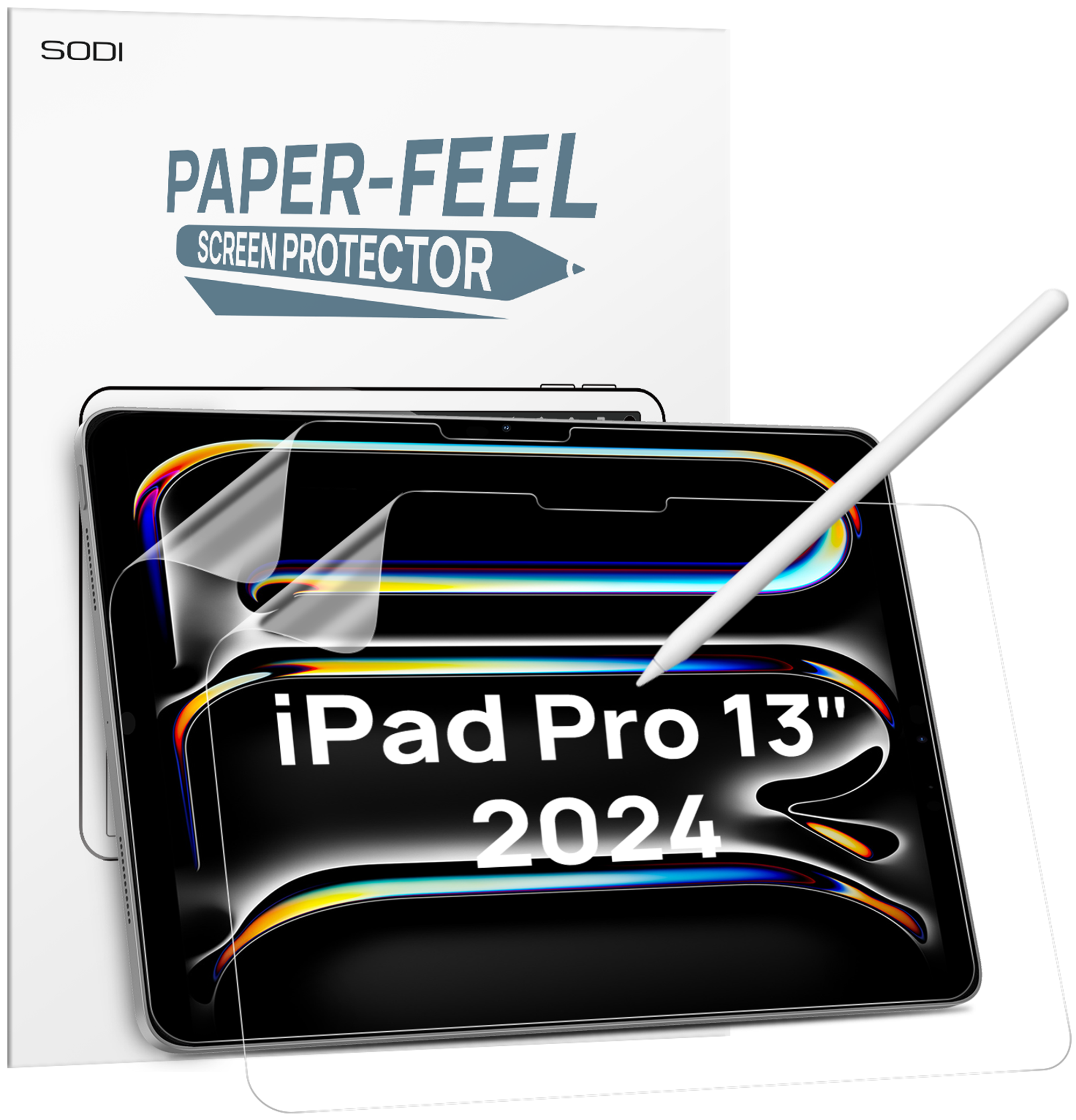
Sodi - Paper Feel Screen Protector for iPad Pro 13 Inch M4 2024, Draw Like on Paper, Scratch Resistant & Sensitive, Anti-Glare - Clear
SKU: CZTFR8CRG7See all Tablet Screen ProtectorsProduct Description
A clear, anti-glare screen protector that mimics paper texture for scratch-resistant, sensitive Apple Pencil use.Your price for this item is $10.99 -
ZAGG - Fusion Canvas Apple iPad Air 11" (M4, M3, M2) - Clear
SKU: J39T3VXFF7See all Tablet Screen ProtectorsProduct Description
A clear matte screen protector that mimics paper texture for drawing, writing, and scratch-resistant tablet use.Your price for this item is $29.99Save $20The previous price was $49.99 -
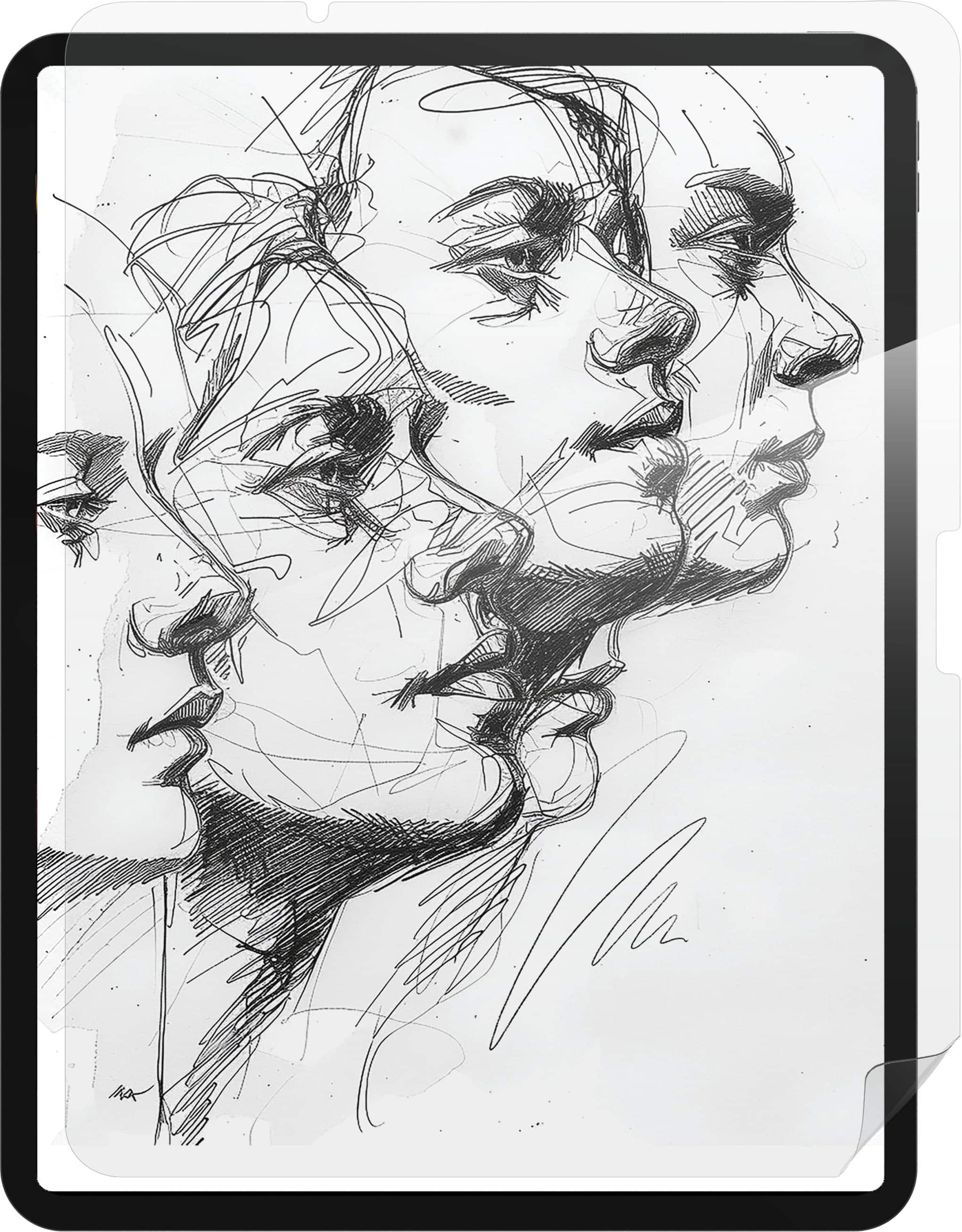
ZAGG - Fusion Canvas for iPad Pro 13" (M5, M4) - Clear
SKU: J39T3VXFV8Great screensaver for drawing...Great protection for my daughter's new iPad.
See all Tablet Screen ProtectorsProduct Description
A clear, matte screen protector offering paper-like texture and shock-absorbing flexible polymer for iPad Pro.Your price for this item is $29.99Save $20The previous price was $49.99
Best Sellers
Related Pages






FAQ
When choosing an iPad for drawing, consider features such as Apple Pencil compatibility, display quality (like Liquid Retina or ProMotion technology), processing power, and storage capacity to ensure smooth performance for creative apps.
Yes, many iPads support third-party styluses, but for the best drawing experience with features like pressure sensitivity and palm rejection, Apple Pencil is highly recommended.
Popular drawing apps for iPad include Procreate, Adobe Fresco, Autodesk SketchBook, and Affinity Designer, each offering a range of tools for artists and illustrators.
Yes, iPads running iPadOS support multitasking features like Split View and Slide Over, allowing you to use multiple creative apps side by side while drawing.
Transferring artwork from an iPad to a computer is simple using cloud services like iCloud, AirDrop, or file-sharing apps, making it easy to move your creations between devices.