Dvrs Digital Video Recorders
-
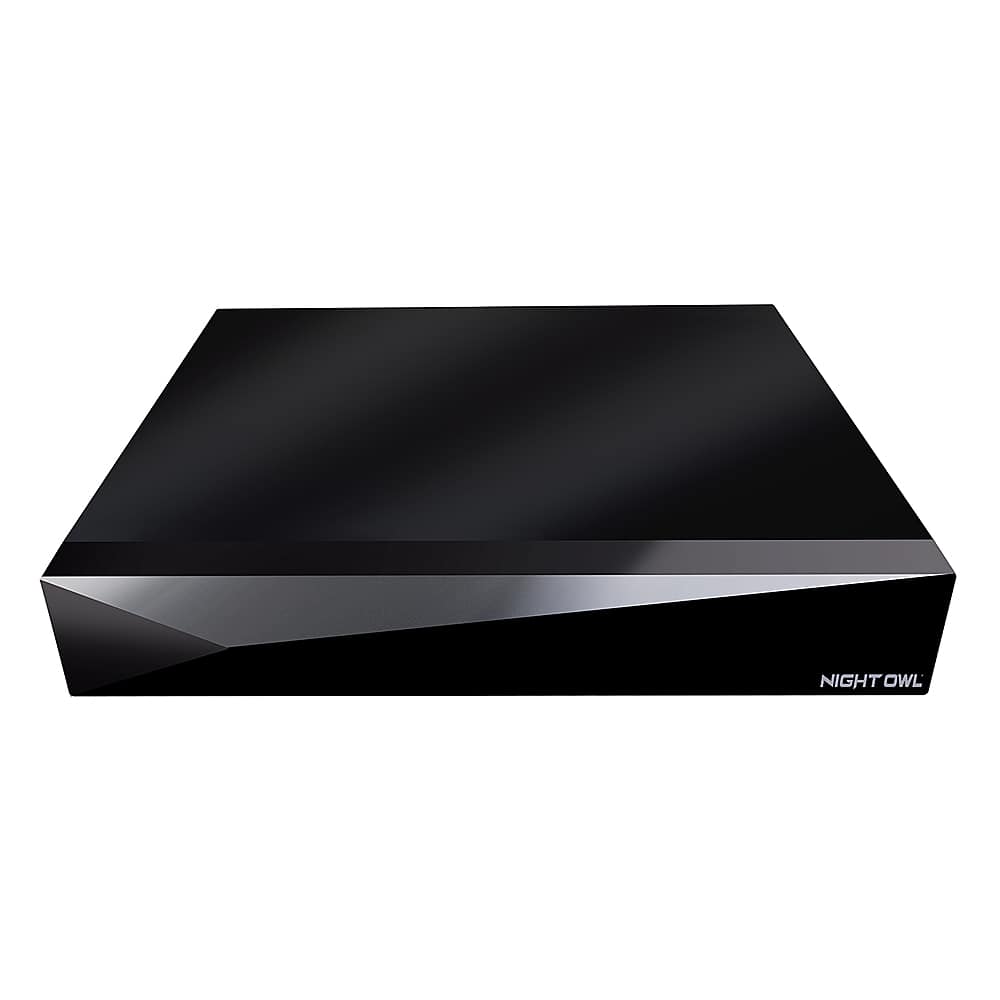
Night Owl - 20-Channel Wired 1080p 1TB DVR Security System with 2-Way Audio - Black
SKU: J3LKS4YHYXBest choice...I love it’s beyond my expectation, the quality and the easy installation process. Perfect....Best Buy is AWESOME...Best Buy was awesome. I had trouble with the purchase and night owl wouldn't...
See all Surveillance Video RecordersProduct Description
A black wired DVR security system with 20 channels, 1080p recording, 1TB storage, and 2-way audio.Your price for this item is $249.99Save $20The previous price was $269.99 -
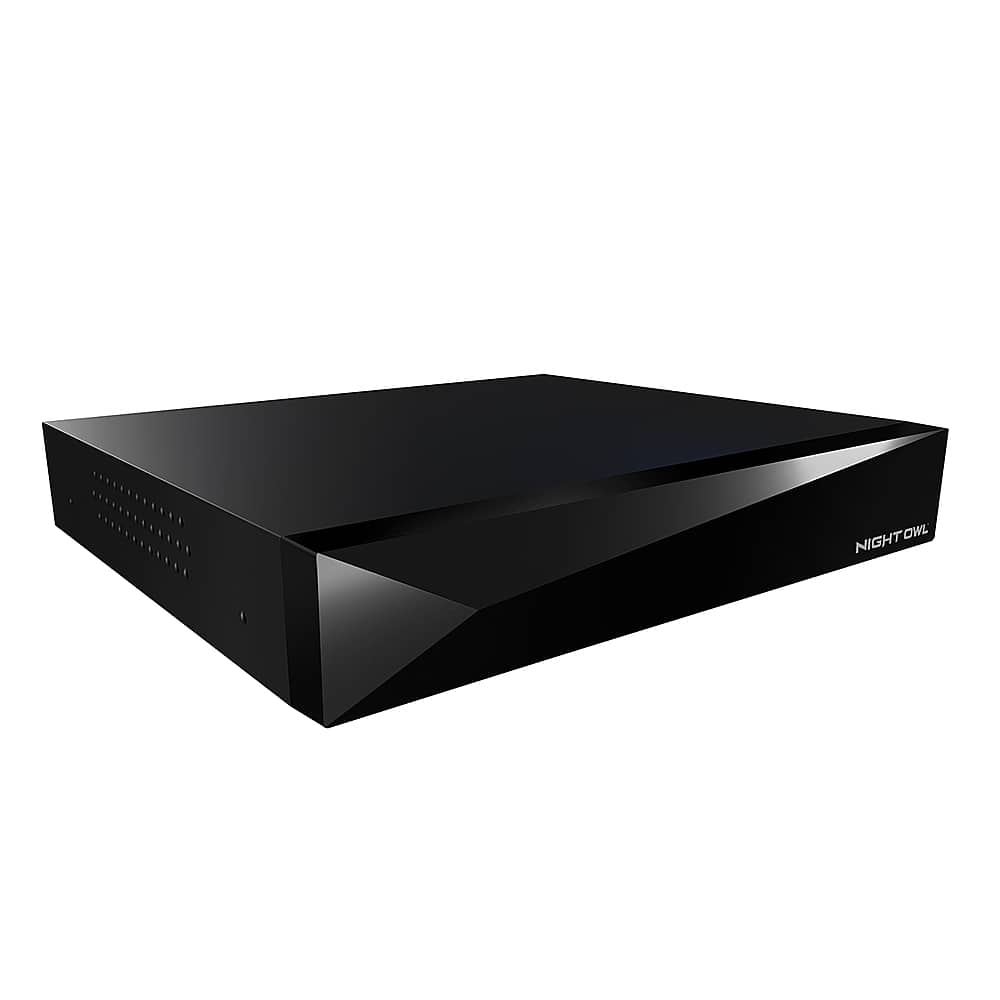
Night Owl - 20-Channel Wired 4K 2TB DVR Security System with 2-Way Audio - Black
SKU: J3LKS4YHTYThe Best at Best Buy...In store Best Buy knows their stuff proficient and is the best by far of any brand other Electronics...I love this system it really gives the ability to secure the house at a glance...
See all Surveillance Video RecordersProduct Description
A wired 20-channel black DVR security system with 4K recording, 2TB storage, and 2-way audio.Your price for this item is $399.99 -
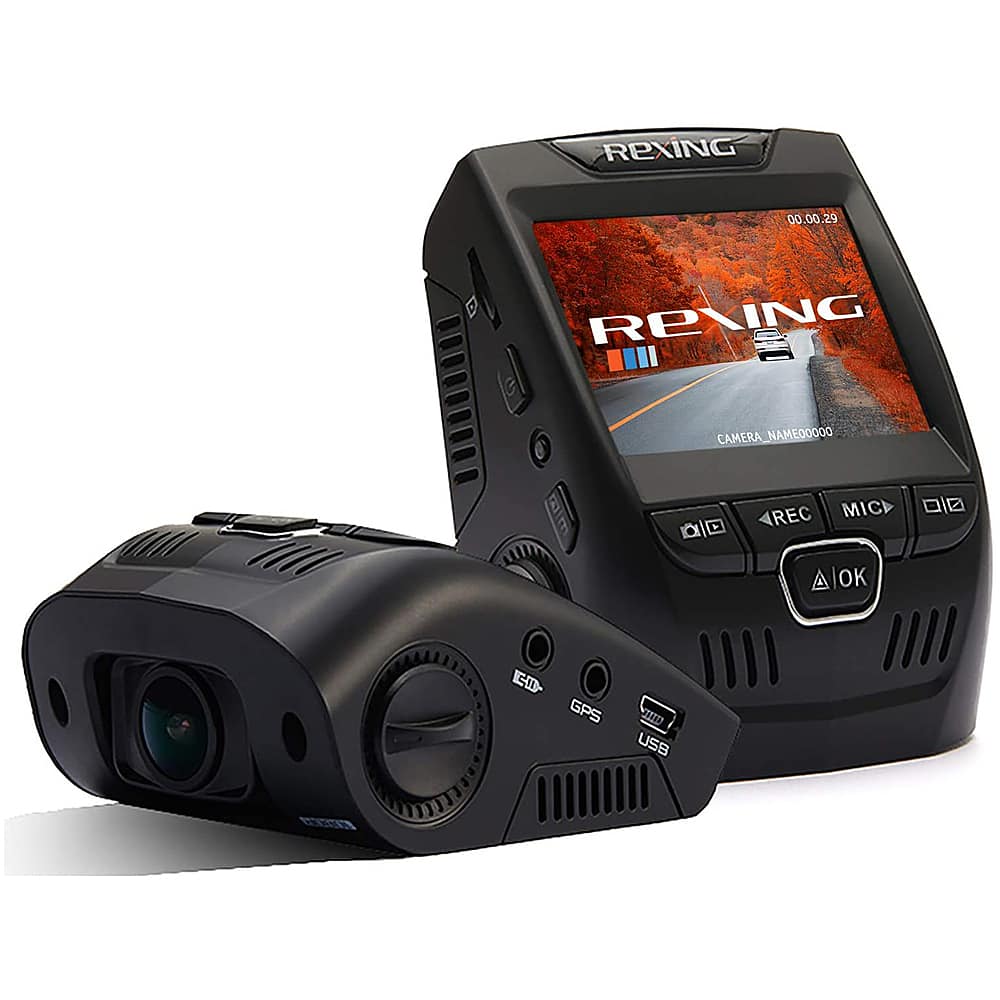
Rexing - V1 Basic 1080p Front Dash Cam - Black
SKU: J3R8HGKTY2Love it...Rexing makes great crash cams...I got 3 of these Rexing dash cam: 2 V1 Basic and one Best Buy Exclusive V1PPLUS - Fantastic Cameras!
See all Dash CamerasProduct Description
A black dash cam with 1080p recording, Sony Exmor sensor, wide-angle lens, and G-sensor protection.Your price for this item is $49.99 -
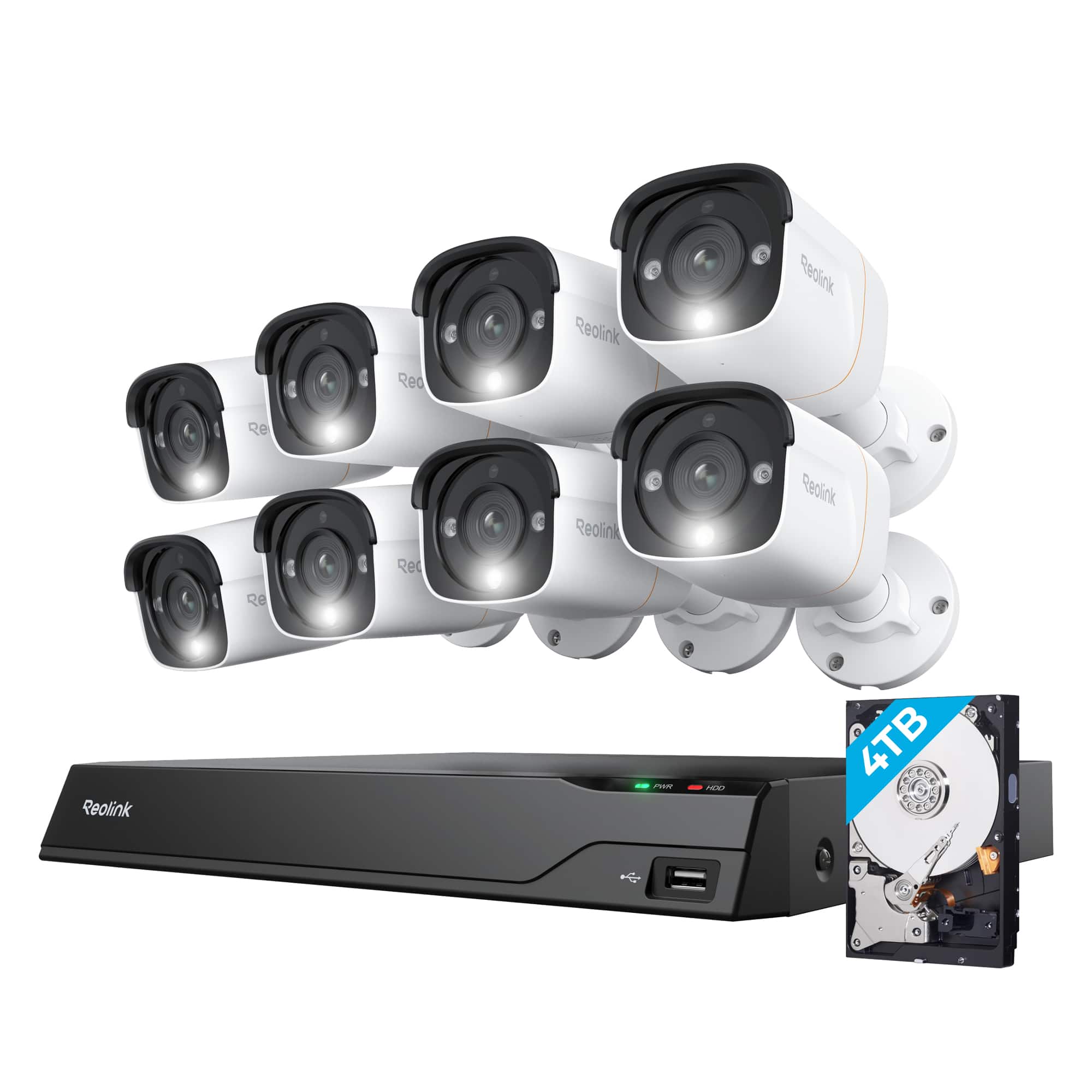
Reolink - 16-Channel, 8 - Bullet Camera Indoor/Outdoor 4K+ 12MP PoE 4TB NVR Security Surveillance System - White
SKU: J3R8KQXSY6See all Security Camera SystemsProduct Description
A white outdoor security system featuring 8 PoE wired cameras, 12MP resolution, and 2-way audio.Your price for this item is $1,699.99 -
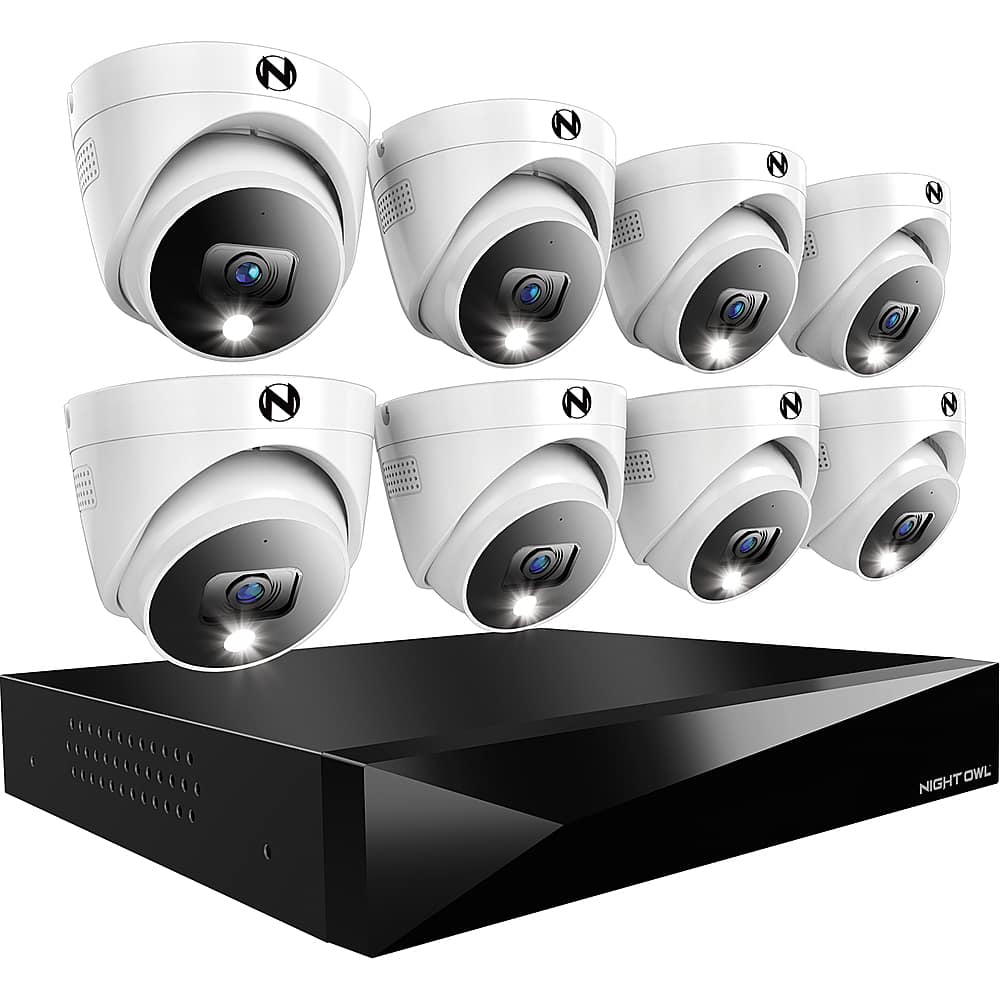
Night Owl - 8 Channel 2K (4MP) DVR with 8 (4MP) Cameras and 2TB Storage, Expandable up to 4 Additional Wi-Fi Cameras - White
SKU: J3LKS4YKK6[This review was collected as part of a promotion.] these security cameras are great. the only complaint...Other than that these cameras have been great, highly recommend...Awesome love them……………………….....
See all Security Camera SystemsProduct Description
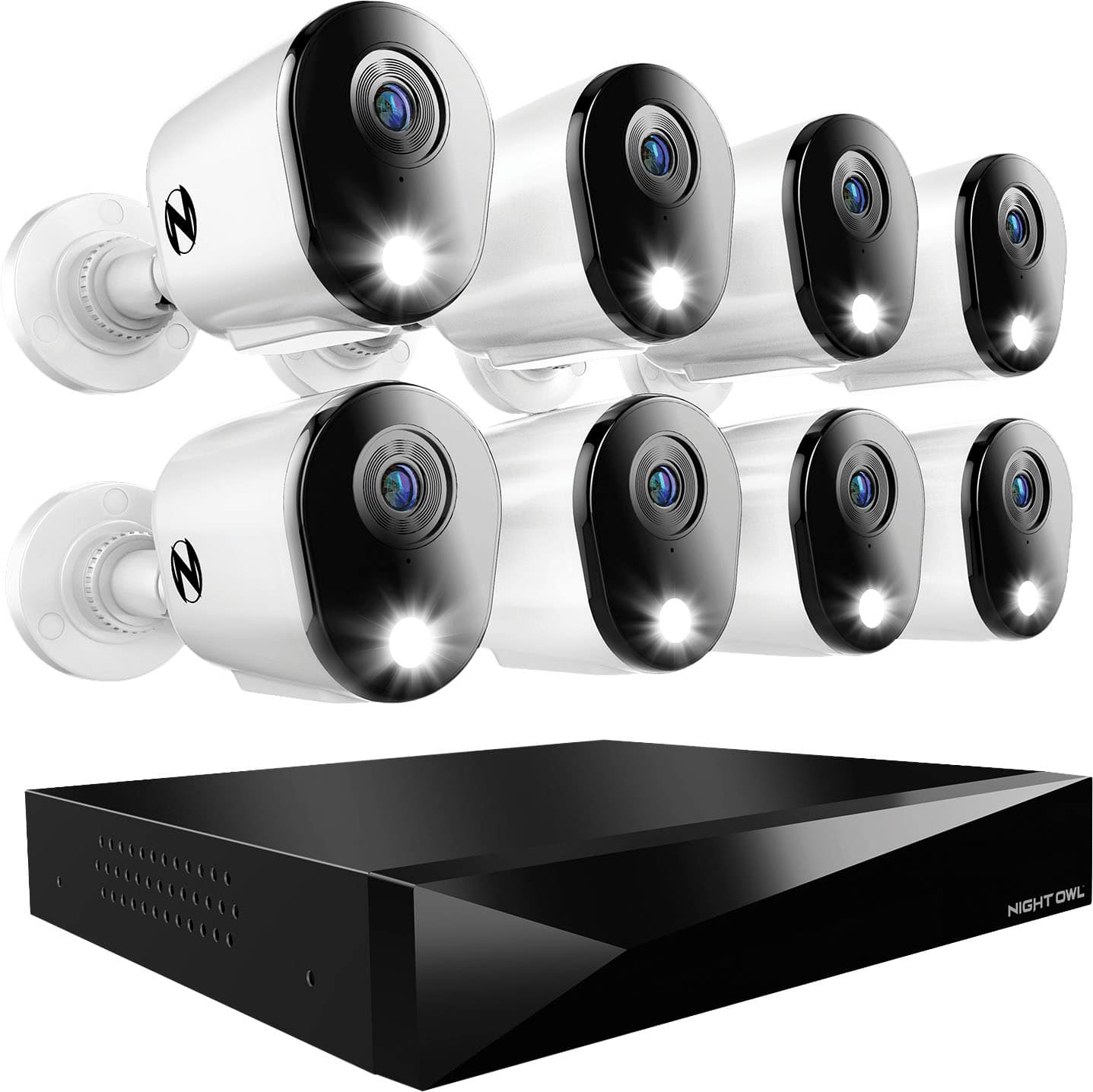
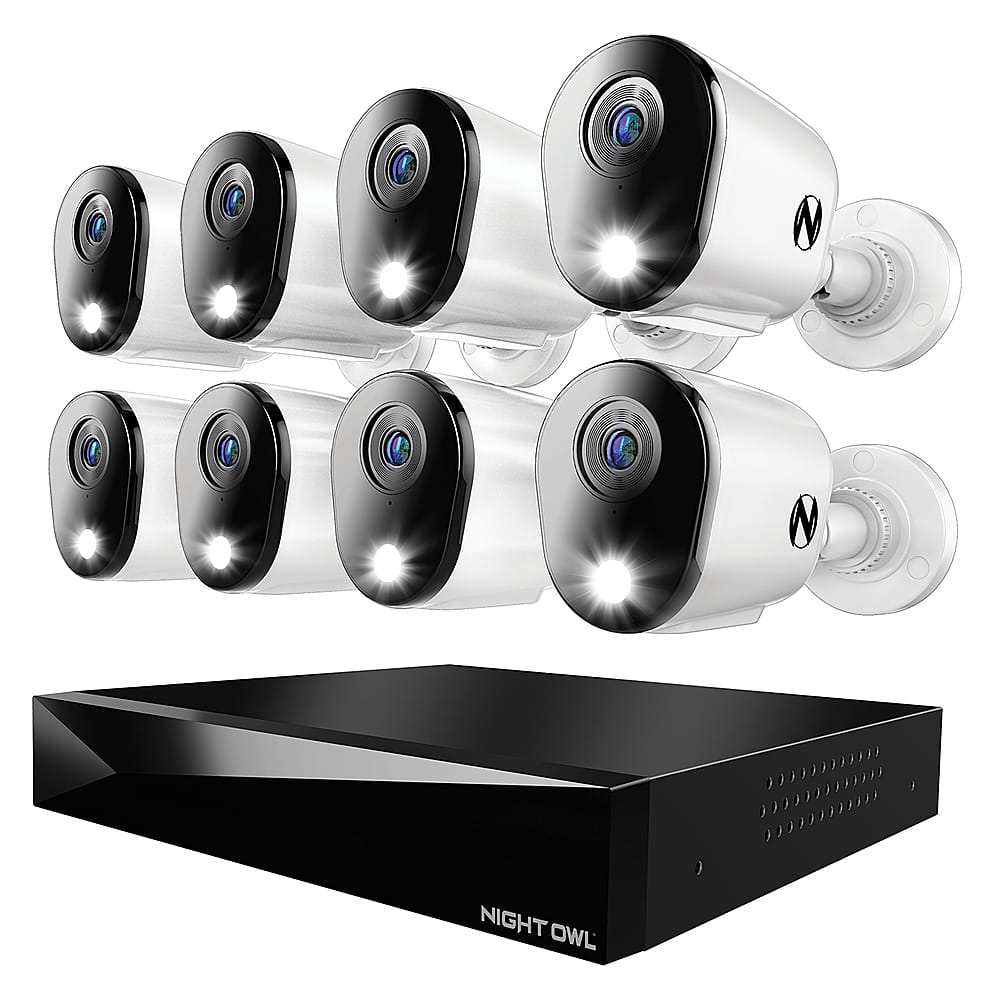
A white 2K DVR security system with eight cameras, 2TB local storage, night vision, and two-way audio.Your price for this item is $529.99 -
Night Owl - 8 Channel 2K (4MP) DVR with 4 (4MP) Cameras and 2TB Storage, Expandable up to 4 Additional Wi-Fi Cameras - White
SKU: J3LKS4YKW4Great price and the images are so clear. I recommend everyone I know to buy this for their homes....I love that you can record everything you want....I love that you can easily go back days to see things....the...
See all Security Camera SystemsProduct Description
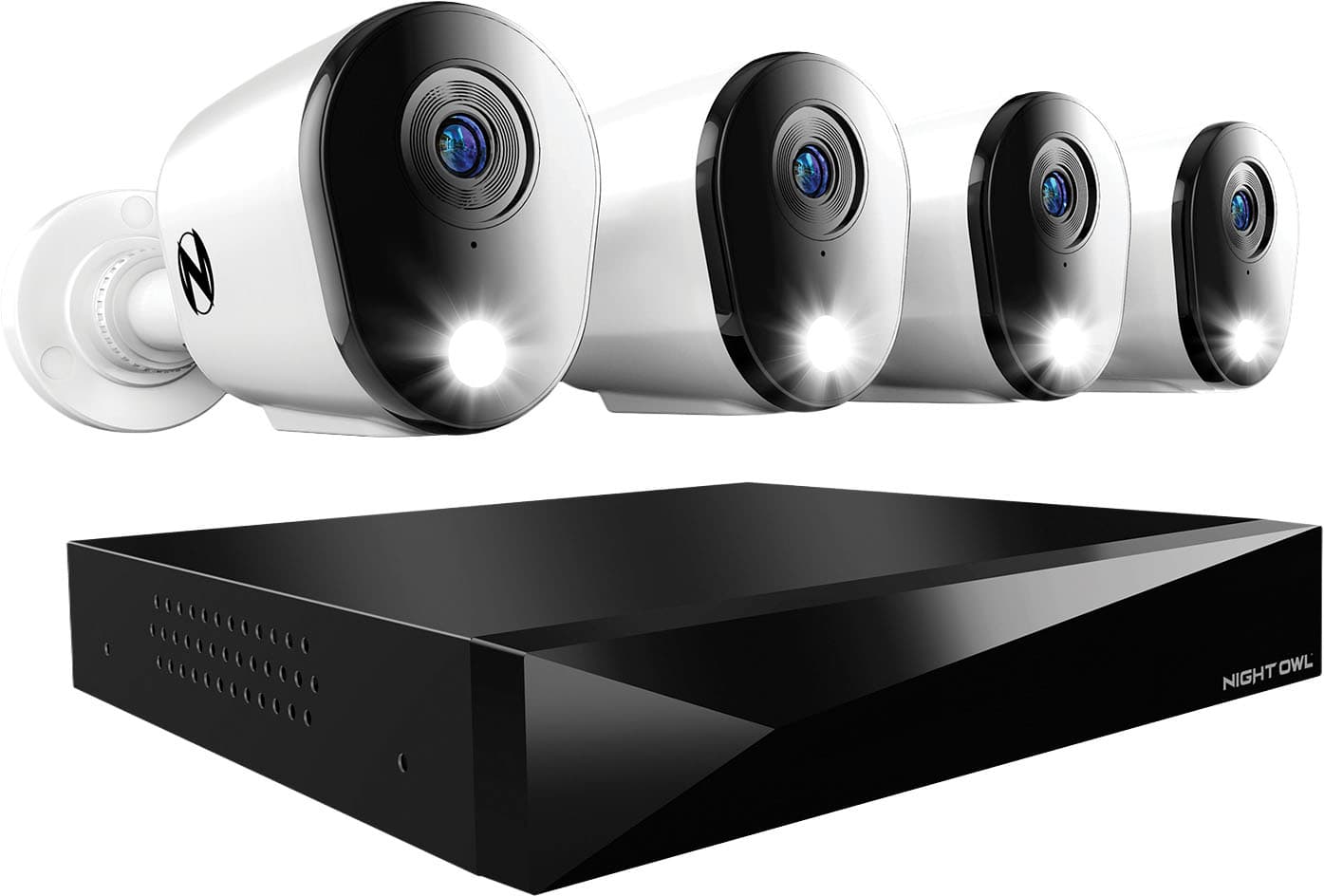
A white 2K DVR security system with four cameras, two-way audio, night vision, and mobile app control.Your price for this item is $379.99 -
Night Owl - 20-Channel, 12-Camera Indoor/Outdoor Wired 1080p 1TB DVR Security System with 2-Way Audio - Black and White
SKU: J3LKS4YHPPGreat surveillance system...Great product, great value - 12 cameras with voice recording.
See all Security Camera SystemsProduct Description
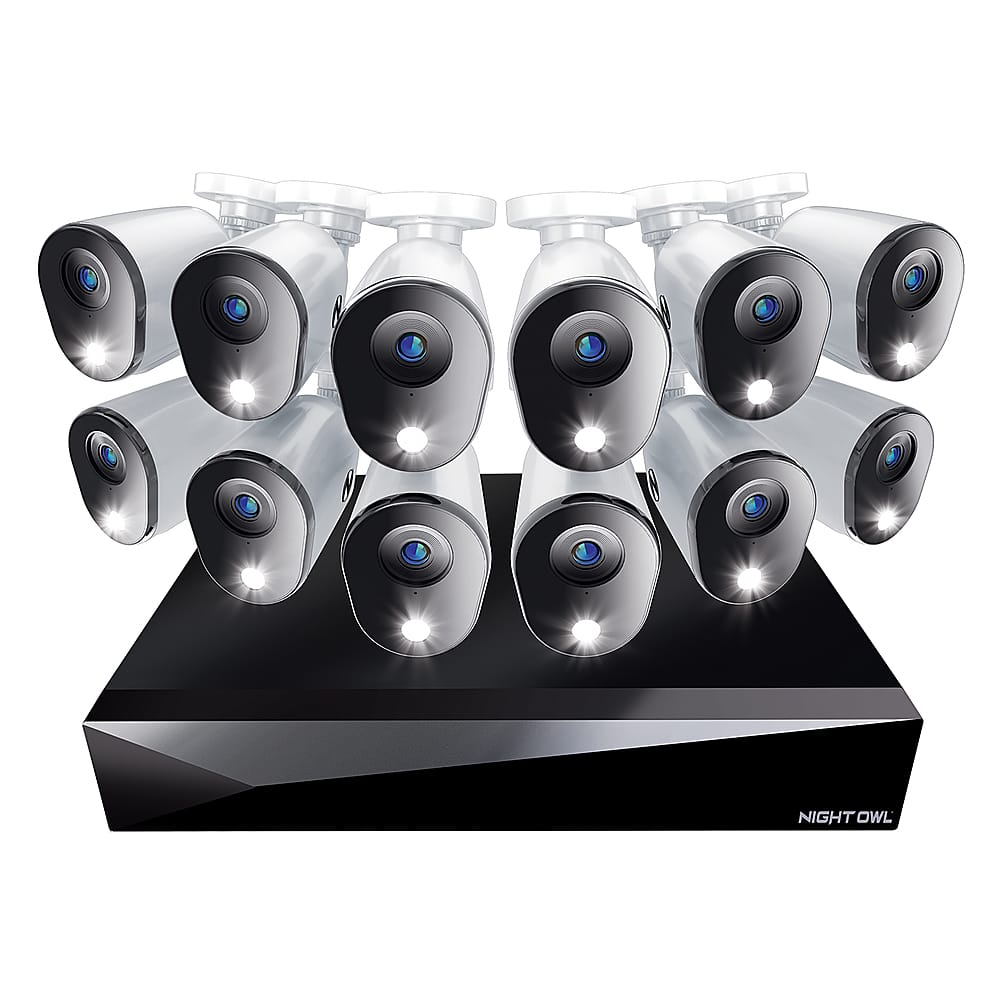
A wired 20-channel security system with 12 black and white cameras, 1080p video, and 2-way audio.Your price for this item is $779.99 -
Night Owl - 12 Channel 8 Camera Indoor/Outdoor Wired 4K 2TB DVR Security System with 2-way Audio - Black/White
SKU: J3LKS4YHK2See all Security Camera SystemsProduct Description
A wired 4K security system with eight black and white cameras, 2TB DVR, and two-way audio.Your price for this item is $629.99Save $150The previous price was $779.99 -
Night Owl - 12-Channel, 8-Camera Dome Indoor/Outdoor Wired 2K 2TB DVR Security System with 2-Way Audio - Black/White
SKU: J3LKS4YHFKIt is easy to use and love the security and ease of mind.
See all Security Camera SystemsProduct Description
A wired 12-channel security system with eight 2K dome cameras, 2TB DVR, and two-way audio in black/white.Your price for this item is $529.99 -
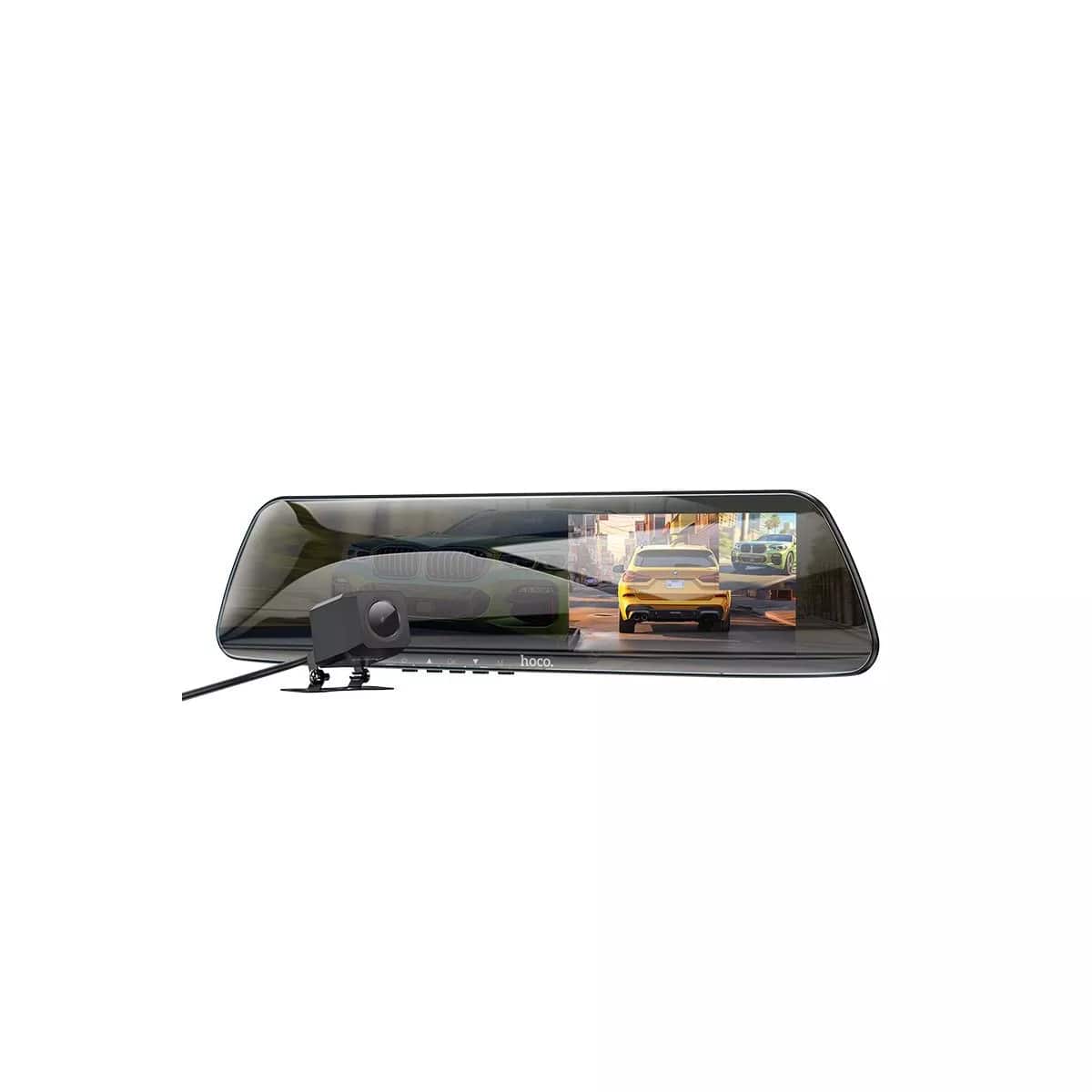
hoco. - DV4 HD Dash Cam – Rearview Mirror Driving Recorder, 4.5" IPS Screen, Dual Front & Rear Recording, Waterproof - Black
SKU: CZ9YSR9S4GSee all Back-Up & Dash Camera AccessoriesProduct Description
A discreet black rearview mirror dash cam with dual front and rear HD recording and waterproof rear camera.Your price for this item is $76.99
Best Sellers




Related Pages


FAQ
When choosing a DVR, consider features such as storage capacity, number of channels supported, remote access capabilities, compatibility with your cameras or TV, and user-friendly interface. Advanced features like motion detection, cloud backup, and mobile app integration can also enhance your recording experience.
Many modern DVRs offer remote access through dedicated apps or web portals. This allows you to view live feeds or recorded footage from your smartphone, tablet, or computer, as long as your DVR is connected to the internet.
Some DVRs are hybrid models that support both analog and digital (IP) cameras, while others are designed specifically for one type. Be sure to check the compatibility details in the product specifications to ensure your cameras will work with the DVR you choose.
Setting up a DVR typically involves connecting your security cameras to the DVR unit, linking the DVR to a monitor or TV, and configuring the system using the on-screen menu. Most DVRs include step-by-step setup guides to help you get started quickly.
A DVR (Digital Video Recorder) processes and records video from analog cameras, while an NVR (Network Video Recorder) is designed for IP cameras and records digital video directly from the network. Your choice depends on the type of cameras you have and your security system needs.