External Blu-Ray Reviews
-
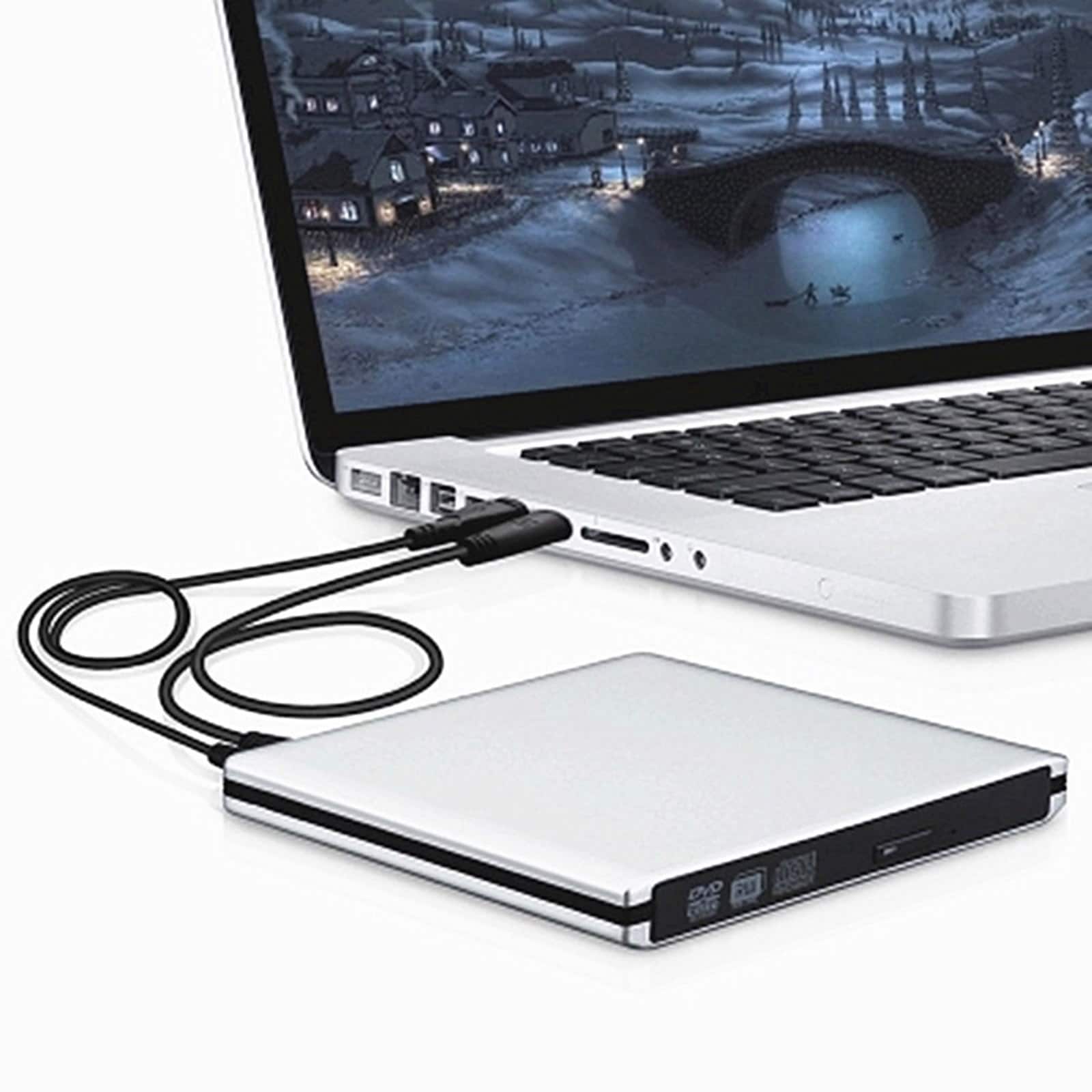
Topteng - 6X True Blu-ray Burner External Drive - BD/DVD/CD Writer & Player, USB 3.0 for Mac & Windows - Silver
SKU: J3R9F7Y6HXSee all External DVD DrivesProduct Description
A silver external drive that reads and writes Blu-ray, DVD, and CD discs via fast USB 3.0 connectivity.Your price for this item is $67.99 -
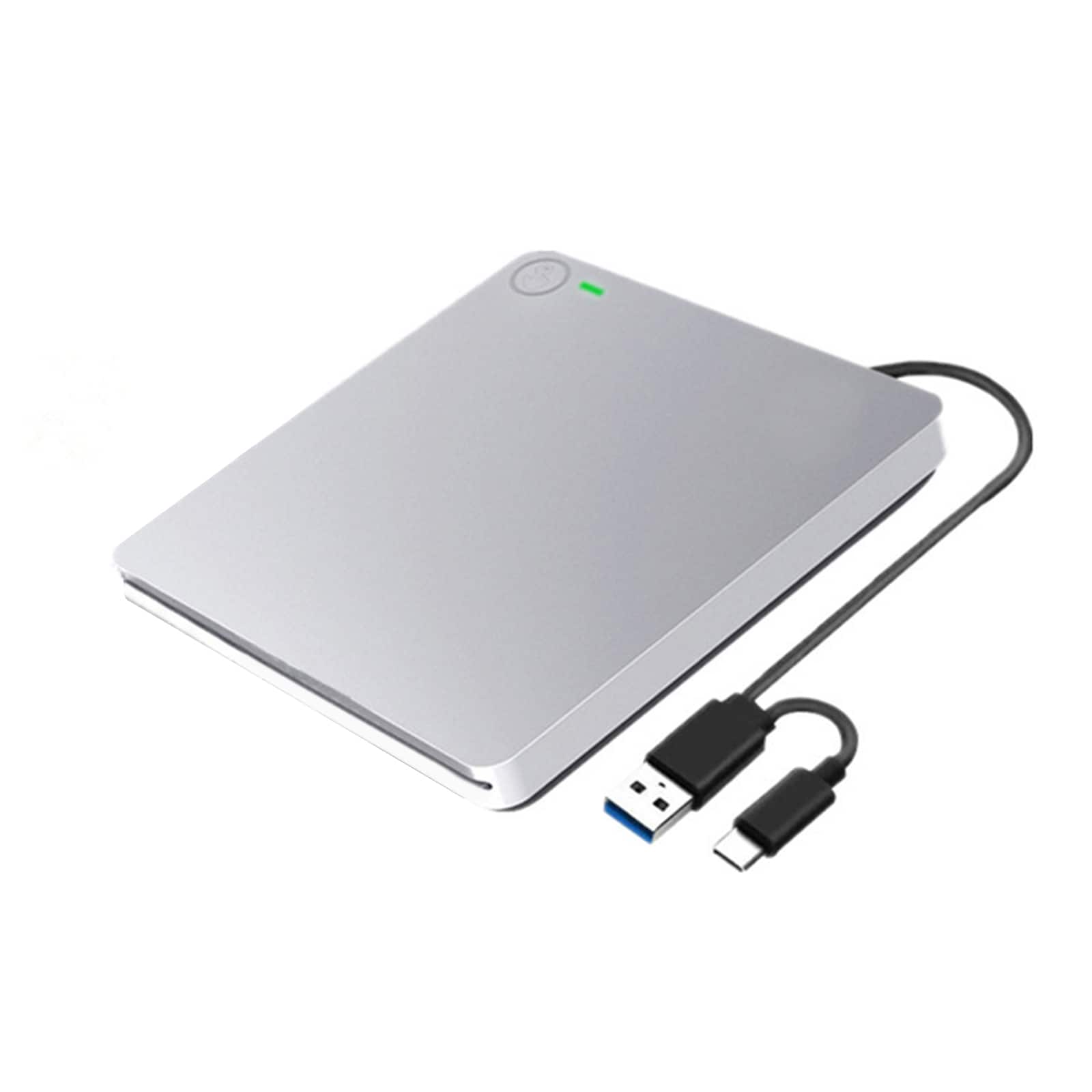
Topteng - 6X Slot-In External Blu-ray Burner - USB 3.0 BD/DVD/CD RW Writer, True Blu-ray Support, Plug & Play for PC & Mac - Silver
SKU: J3R9F7YLVRPlays great. I have not tried burner....Works great, simple to use
See all External DVD DrivesProduct Description
A sleek silver external drive offering USB 3.0 connectivity and true Blu-ray, DVD, and CD read/write support.Your price for this item is $75.99Save $54The previous price was $129.99 -
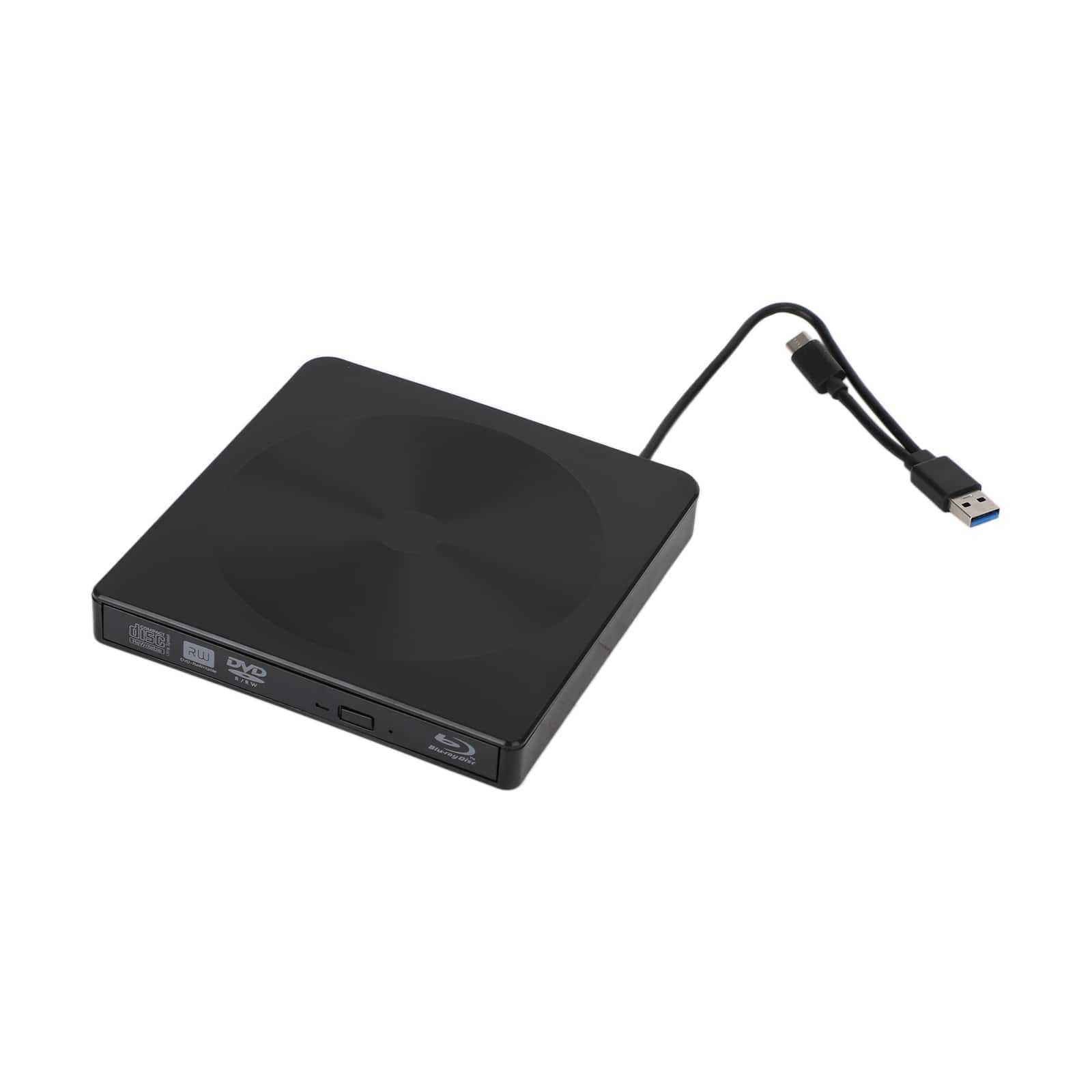
Topteng - 4K USB 3.0 External BD Drive – Read/Write Blu-ray, DVD & CD, Type-C, Portable Burner, Fit for Windows & Mac - Black
SKU: J3R9F7Y6T2See all External DVD DrivesProduct Description
An external Blu-ray burner with USB 3.0, supporting BD/DVD/CD read and write for Windows and Mac.Your price for this item is $98.99 -
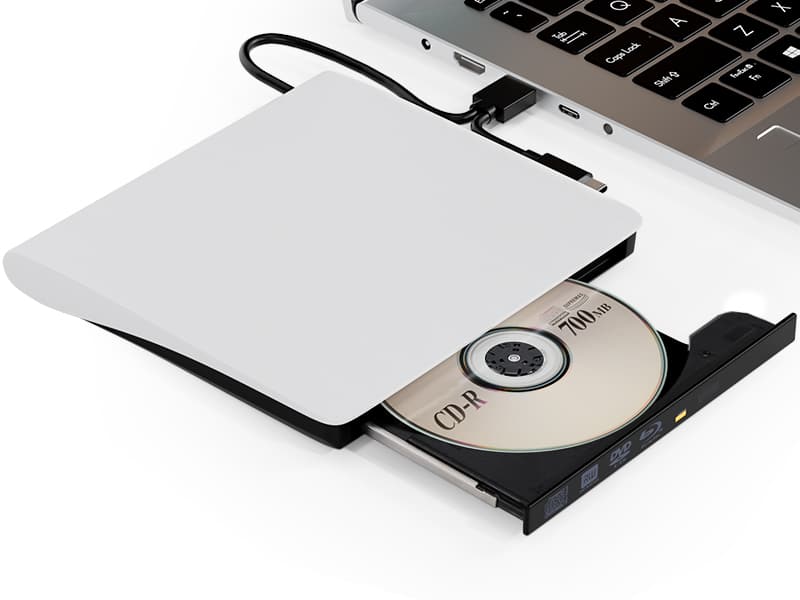
Topteng - Blu-ray Burner with USB 3.0 & Type-C - External BD/DVD/CD Writer & Player, for Mac & Windows - White
SKU: J3R9F7Y6TTSee all External DVD DrivesProduct Description
A versatile white external drive offering Blu-ray, DVD, and CD read/write support with USB 3.0 and Type-C.Your price for this item is $79.99
Best Sellers







Related Pages





FAQ
When choosing an external Blu-ray drive, consider features such as read and write speeds, compatibility with your operating system, support for 4K UHD playback, and whether it includes bundled software for burning or playing discs.
Many external Blu-ray drives are compatible with both Windows and Mac computers. However, it's important to check the product specifications for operating system compatibility before purchasing.
Yes, most external Blu-ray drives require third-party software to play Blu-ray movies, as native support is limited on both Windows and Mac. Some drives include bundled software, or you can purchase compatible programs separately.
External Blu-ray drives are excellent for backing up large files, as Blu-ray discs can store up to 50GB or more depending on the disc type, making them ideal for archiving photos, videos, and documents.
Yes, you can use an external Blu-ray drive to install software from Blu-ray, DVD, or CD discs, as long as your computer recognizes the drive and you have the necessary drivers or software.