Main Content
Categories & Filters

Feature-Rich iPads For Productivity

Feature-rich iPads for productivity offer a seamless blend of performance and versatility, making them ideal companions for work, study, or creative projects. With advanced technology designed to support multitasking and efficiency, these tablets help streamline your daily tasks whether you’re at home, in the office, or on the go. Explore a wide selection of models that cater to professionals, students, and anyone looking to boost their workflow with reliable mobile solutions. Unlock new possibilities and maximize your potential with feature-rich iPads for productivity.

Read More
Results
Main Results
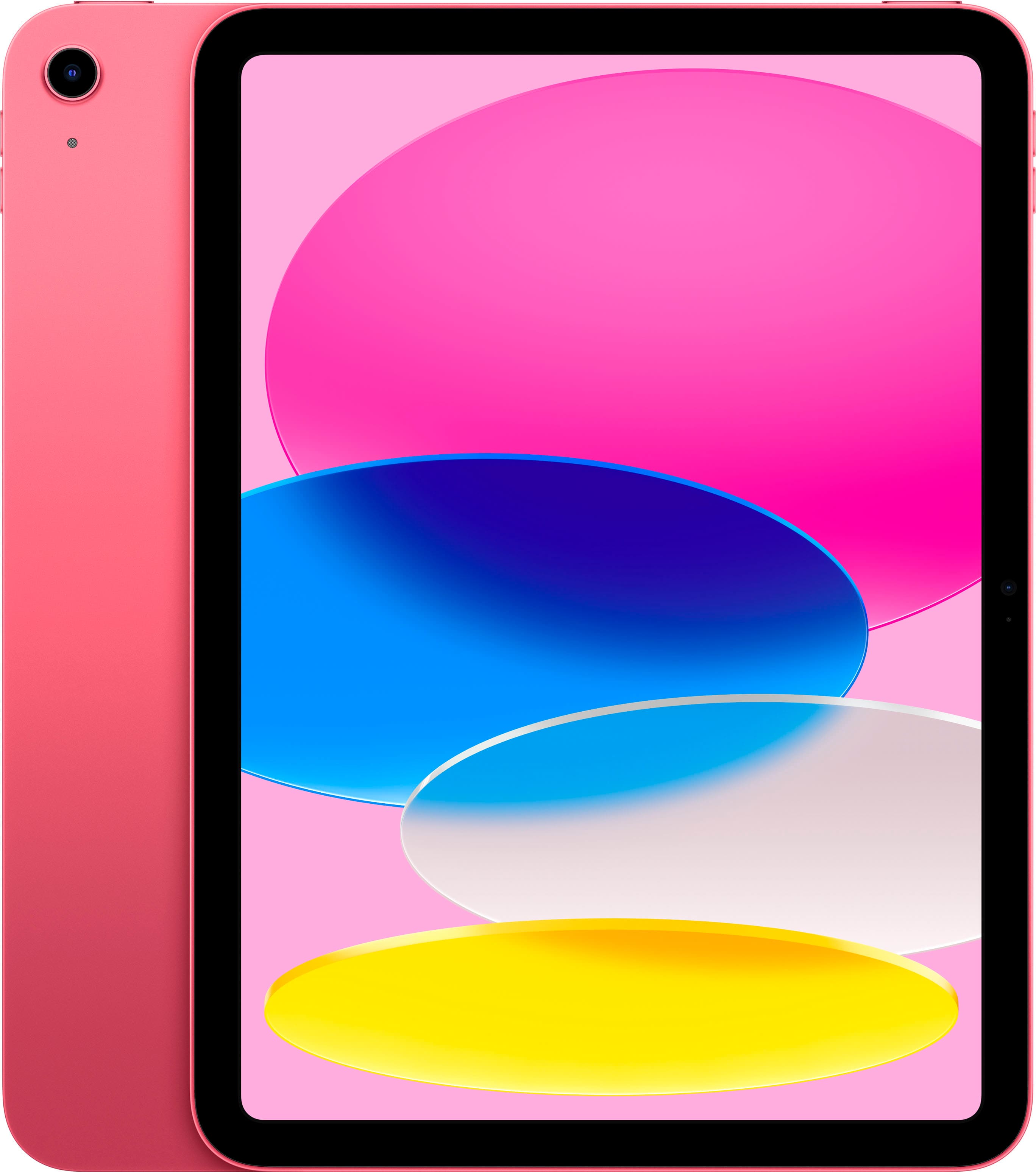
  1. Apple - 10.9-Inch iPad - (10th Generation) with Wi-Fi - 64GB - Pink

    SKU: JJ8ZH6H43L

    Product Description

    A vibrant pink tablet featuring a 10.9-inch Liquid Retina display, 64GB storage, and A14 Bionic chip.
    See all iPad
    Your price for this item is $479.99
    Save $24
    The previous price was $504.95
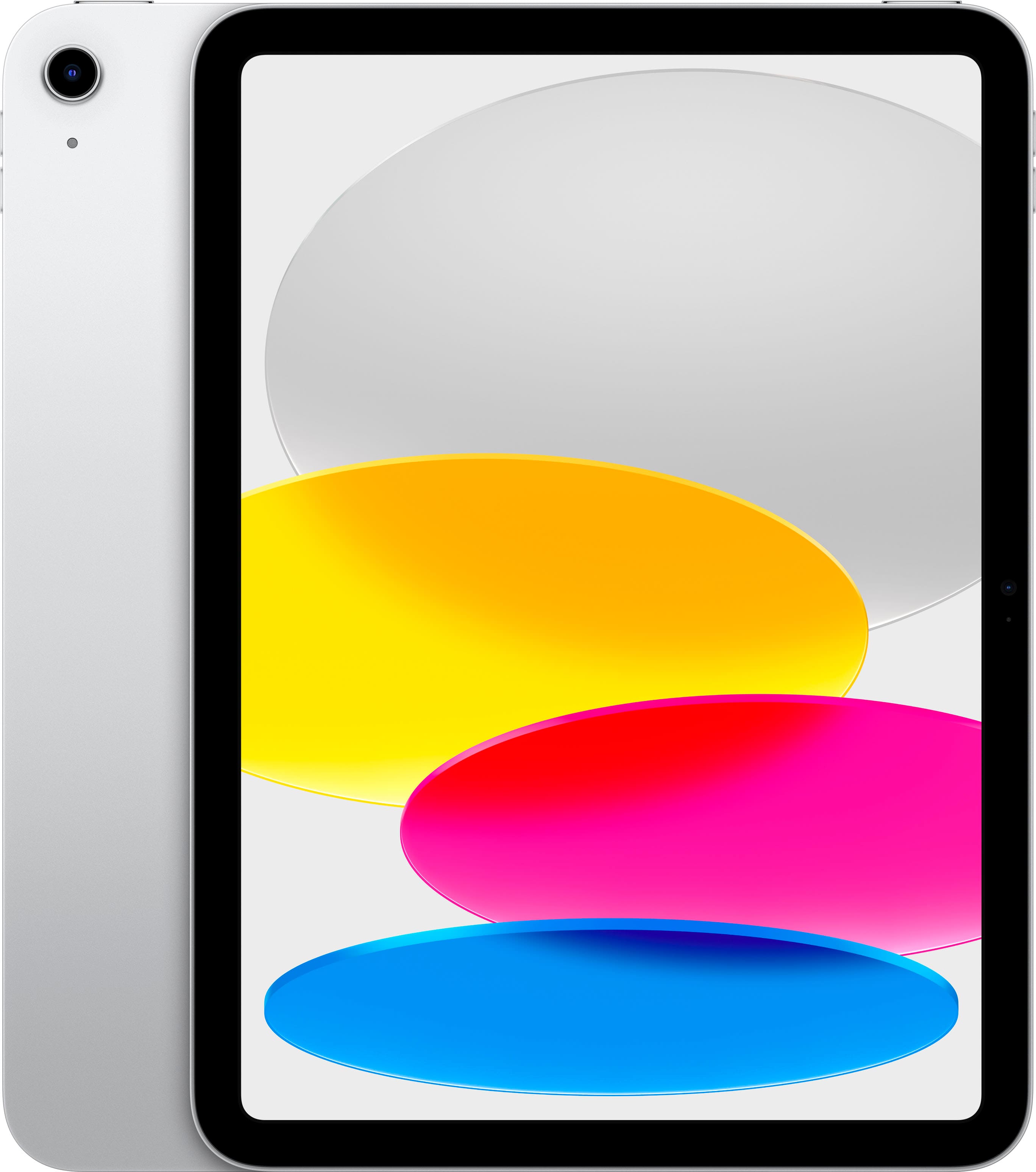
  2. Apple - 10.9-Inch iPad - (10th Generation) with Wi-Fi - 256GB - Silver

    SKU: JJ8ZH6HFY8

    Product Description

    A versatile silver tablet featuring a 10.9-inch Liquid Retina display, 256GB storage, and A14 Bionic chip.
    See all iPad
    Your price for this item is $579.99
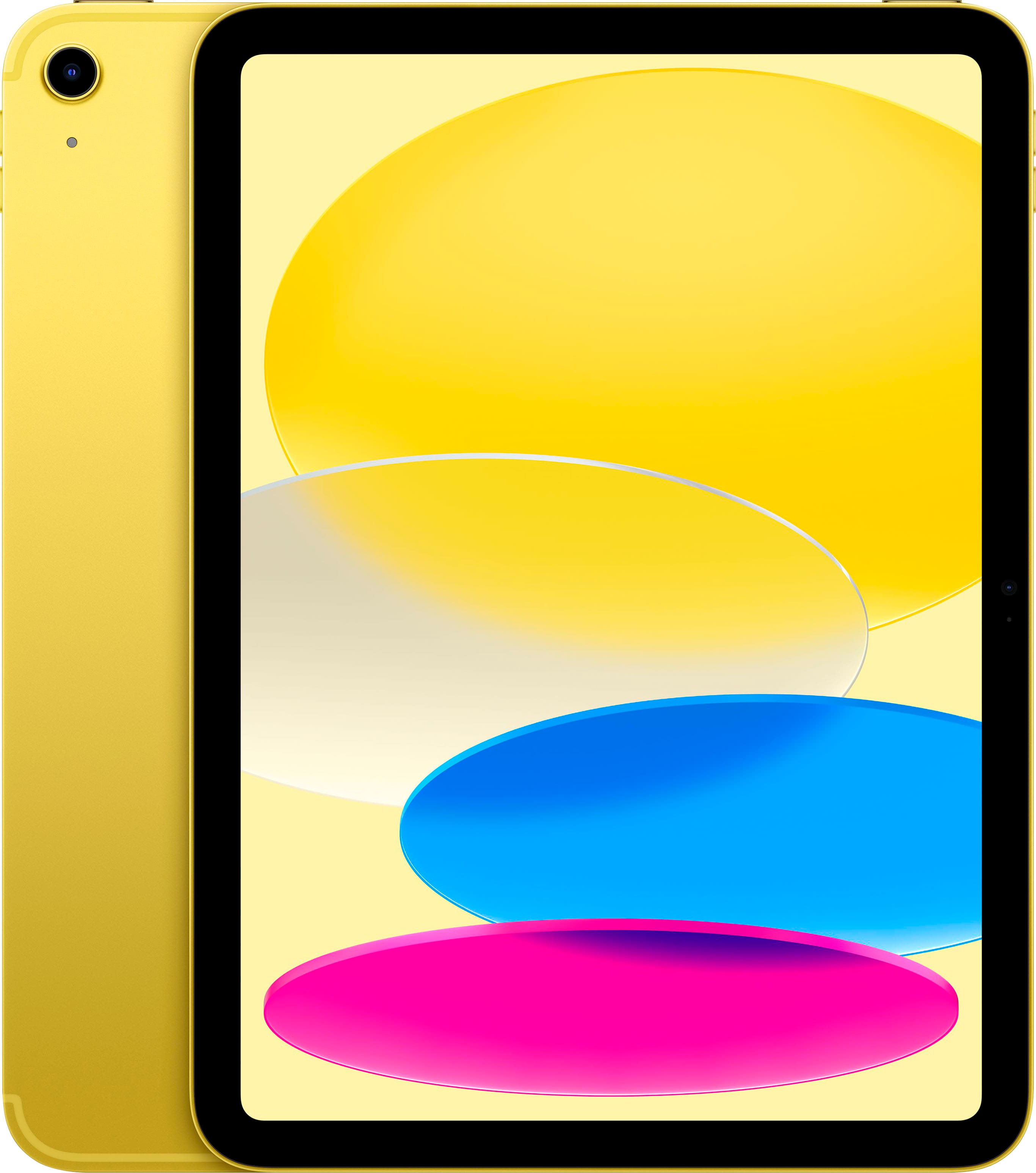
  3. Apple - 10.9-Inch iPad - (10th Generation) with Wi-Fi - 256GB - Yellow

    SKU: JJ8ZH6HV3Z

    Product Description

    A vibrant yellow tablet featuring a 10.9-inch Liquid Retina display, 256GB storage, and A14 Bionic chip.
    See all iPad
    Your price for this item is $579.99
  4. Apple - 11-inch iPad A16 chip with Wi-Fi + Cellular - 128GB - Yellow (Verizon)

    SKU: JCQ6H9LCGH

    Product Description

    A vibrant yellow tablet featuring an A16 chip, 128GB storage, Wi-Fi 6, 5G, and Liquid Retina display.
    See all iPad
    Your price for this item is $499.99
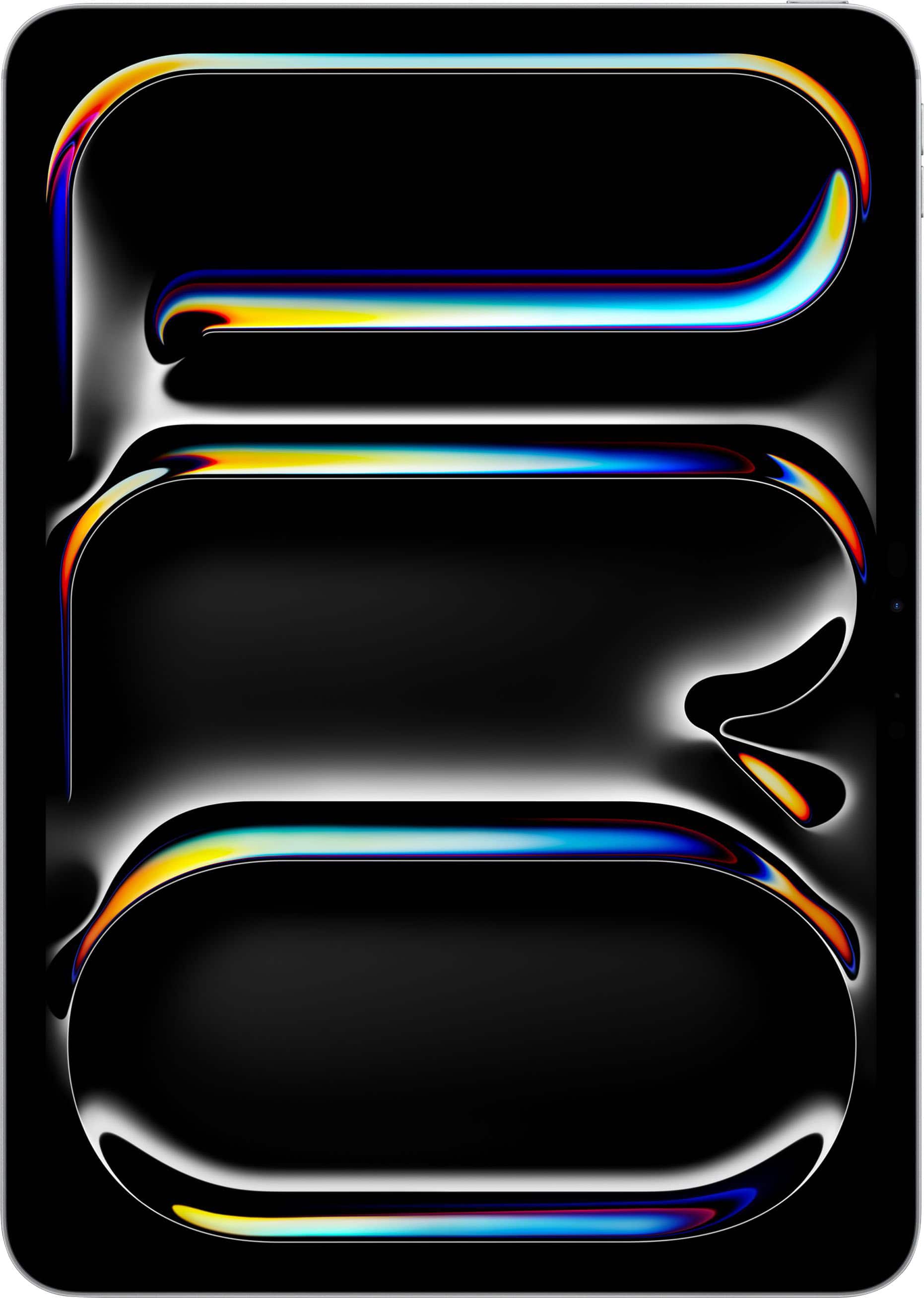
  5. Apple - 11-inch iPad Pro M5 chip Wi-Fi 1TB with OLED - Silver

    SKU: JJGCQL7YPQ

    Product Description

    A silver tablet featuring an M5 chip, OLED display, 1TB storage, Wi-Fi 7, and iPadOS.
    See all iPad Pro
    Your price for this item is $1,699.00
    Save $100
    The previous price was $1,799.00
  6. Apple - 11-inch iPad A16 chip with Wi-Fi + Cellular - 128GB - Yellow (AT&T)

    SKU: JCQ6H9LC7F

    Product Description

    A vibrant yellow tablet featuring an A16 chip, 128GB storage, Liquid Retina display, Wi-Fi 6, and 5G.
    See all iPad
    Your price for this item is $599.99
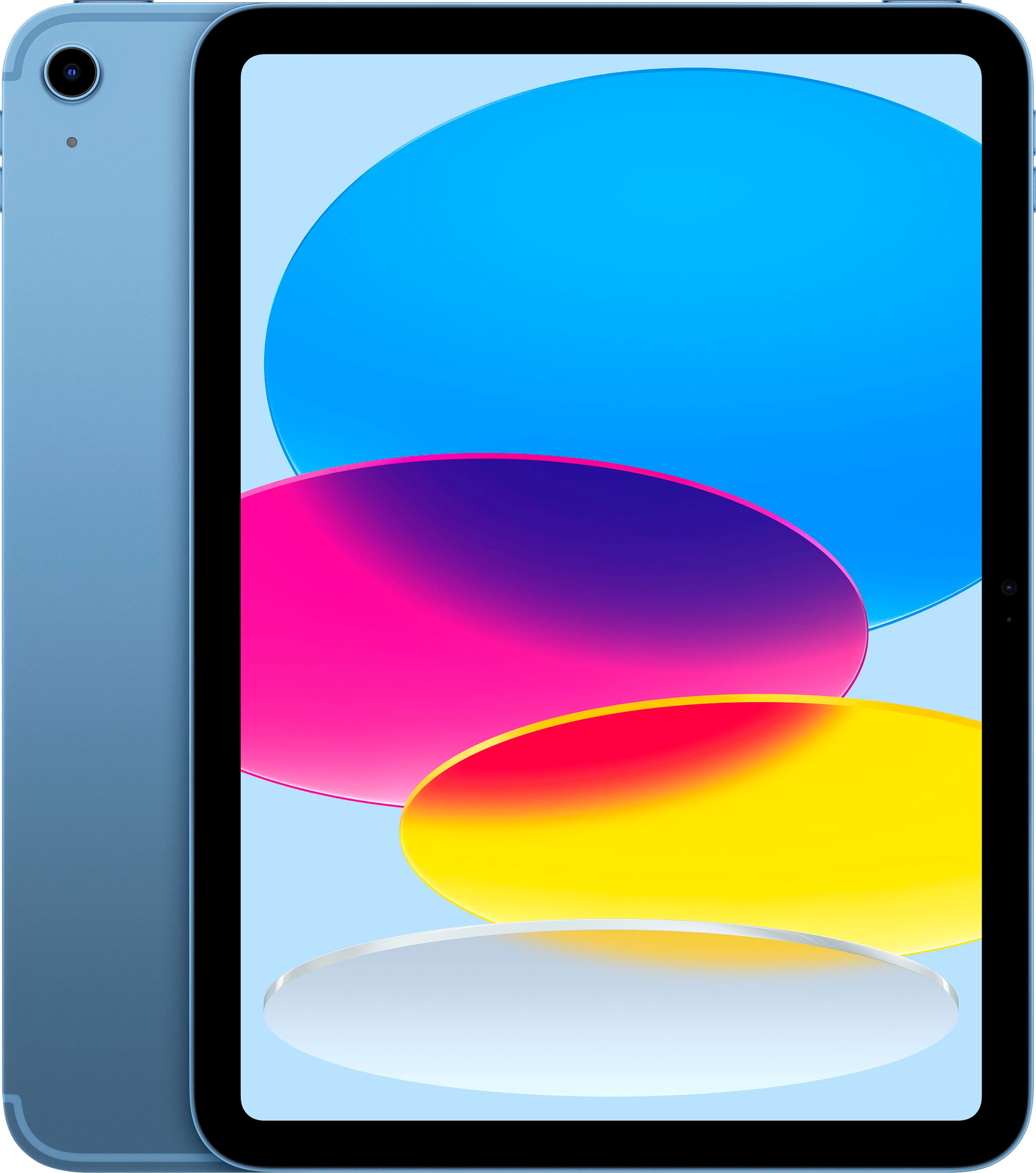
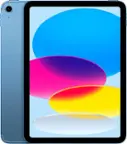
  7. Apple - 11-inch iPad A16 chip with Wi-Fi + Cellular - 512GB - Blue (Unlocked)

    SKU: JJGCQGYYF9

    Product Description

    A blue tablet featuring a superfast A16 chip, 512GB storage, Wi-Fi 6, 5G, and Liquid Retina display.
    See all iPad
    Your price for this item is $849.00
    Save $50
    The previous price was $899.00
  8. Apple - iPad mini (A17 Pro chip) - Built for Apple Intelligence - Wi-Fi + Cellular 256GB - Space Gray (Verizon)

    SKU: JCQ6HWQW8Q

    Product Description

    A portable Space Gray tablet with A17 Pro chip, 256GB storage, 8.3" Liquid Retina display, and cellular connectivity.
    See all iPad mini
    Your price for this item is $849.99
  9. Apple - 11-inch iPad A16 chip with Wi-Fi + Cellular - 512GB - Blue (Verizon)

    SKU: JCQ6HQLJZT

    Product Description

    A blue tablet featuring a fast A16 chip, 512GB storage, 5G connectivity, and a Liquid Retina display.
    See all iPad
    Your price for this item is $799.99
  10. Apple - 11-inch iPad A16 chip with Wi-Fi + Cellular - 512GB - Blue (AT&T)

    SKU: JCQ6HQGV48

    Product Description

    A blue tablet featuring a powerful A16 chip, 512GB storage, Liquid Retina display, and 5G connectivity.
    See all iPad
    Your price for this item is $899.99
Feature-rich iPads for productivity are designed to bring serious capability into a compact, flexible format. They can serve as a lightweight workstation for writing, planning, research, presentations, communication and creative projects, while remaining easy to carry from a home office to a classroom, client meeting or favorite café. When comparing models, start with the way the device will be used most often. A fast, modern processor helps apps open quickly, supports demanding creative and business software, and keeps multitasking responsive when several tasks are active at once. A bright, high-resolution display makes text easier to read, photographs and charts more detailed, and long work sessions more comfortable, while an OLED display can provide rich contrast for visual work and entertainment. A higher refresh rate also makes scrolling, handwriting and window movement feel smooth. Screen size is another important choice: a larger display creates more room for documents, spreadsheets and side-by-side apps, while a compact model slips easily into a small bag and works well for notes, reading and travel. Storage should match the size of the files and applications you expect to keep on the device. People who download large presentations, videos, design files or offline media may appreciate more capacity, while cloud storage can help keep everyday documents accessible without filling the internal drive. Wi-Fi models are a practical fit for home, school and office networks; cellular connectivity can be useful for commuters, field workers, students moving between locations or anyone who regularly works away from reliable Wi-Fi. Battery life, camera quality, microphone performance and speaker clarity also deserve attention, especially for video calls, remote classes and recorded presentations. A slim case, screen protection and a dependable charging setup can help the device move safely through busy days, from a kitchen table covered in notebooks to a meeting room where every seat is already taken.

The right accessories can change an iPad from a convenient screen into a dependable daily productivity system. A keyboard case or standalone keyboard makes longer emails, reports and assignments more comfortable, while a trackpad or mouse can provide the familiar precision needed for editing documents, organizing files and navigating detailed web pages. A pressure-sensitive stylus is useful for handwritten notes, diagrams, signatures, photo adjustments and PDF markup. Many people find that writing directly on a screen feels more natural than trying to remember which notebook contains a particular idea; a quick sketch made during a meeting can become a polished presentation later in the day. For planning, note-taking apps can combine handwriting, typed text, scanned pages and searchable files in one place. Task managers and calendar tools help turn a full list of responsibilities into manageable steps, and cloud-based storage makes it easier to continue work across a tablet, phone or computer. Split-screen layouts can keep a reference document beside a draft, a calendar beside a project board or a lesson video beside a page of notes. Floating app windows are useful when a message, calculator or quick reference needs to stay within reach without taking over the entire workspace. Desktop-style window management can help users group related apps for different parts of the day, such as a writing setup, a planning setup or a presentation setup. Some workflows can also use the tablet as a second display for a compatible computer, creating more room for timelines, research materials or communication tools. For artists, illustrators and visual planners, explore High-Performance iPads for Artists for another way to compare capabilities that support a creative workflow. Before choosing a configuration, consider whether the primary tasks involve typing, drawing, video calls, spreadsheets, reading, editing or a combination of them. A person who spends hours drafting documents may value a comfortable keyboard and generous screen space, while someone who moves between classrooms or job sites may prioritize low weight, durability and cellular access.

These iPads can fit a wide range of routines and make thoughtful gifts for students, remote workers, small-business owners, travelers, parents managing busy schedules and creative family members. A student can use one to annotate course readings, record ideas, organize deadlines and carry several digital textbooks without a heavy backpack. A professional may use it to review contracts, prepare presentations, join video meetings, respond to messages and sign documents while away from a desk. A freelancer can keep invoices, reference material and project notes together, then switch to a stylus for a quick client sketch. At home, it can become a shared planning surface for grocery lists, appointments, household projects and recipes, or a quiet evening device for reading and streaming after the workday is finished. During the cooler months, its portability is particularly convenient for moving between a home office, a living room chair and a nearby workspace without carrying a full computer setup. For gifting, think about the recipient’s habits rather than choosing only by screen size or processing power. Someone who travels may appreciate a compact model with a protective case; a student or writer may benefit from a keyboard; a designer, architect or hobbyist may prefer a responsive stylus and a vivid display. It is also worth checking compatibility between the tablet, accessories and the apps the recipient already uses. A well-matched setup can reduce clutter, keep important information close at hand and make everyday tasks feel more organized. Whether it becomes a digital notebook, portable presentation station, second screen, creative canvas or full mobile workstation, a feature-rich iPad offers the flexibility to adapt as work, school and personal projects change.

FAQ

Feature-rich iPads offer powerful processors, multitasking capabilities, Apple Pencil support, and compatibility with a wide range of productivity apps. These features enable seamless document editing, note-taking, video conferencing, and more.

Yes, many iPads are compatible with external keyboards, trackpads, and other accessories such as the Apple Magic Keyboard or Smart Keyboard Folio. These accessories help transform your iPad into a versatile workstation.

iPads support multitasking features like Split View, Slide Over, and Picture-in-Picture. These allow you to run multiple apps side by side or overlay windows for efficient workflow management.

Absolutely. Popular productivity apps such as Microsoft Office Suite, Google Workspace, Notability, GoodNotes, and task management tools are optimized for iPadOS to help users stay organized and efficient.

Yes, iPads integrate seamlessly with cloud storage services like iCloud Drive, Google Drive, Dropbox, and OneDrive. This allows users to access and manage their files from anywhere with an internet connection.