Fast iPads For Multitasking
-
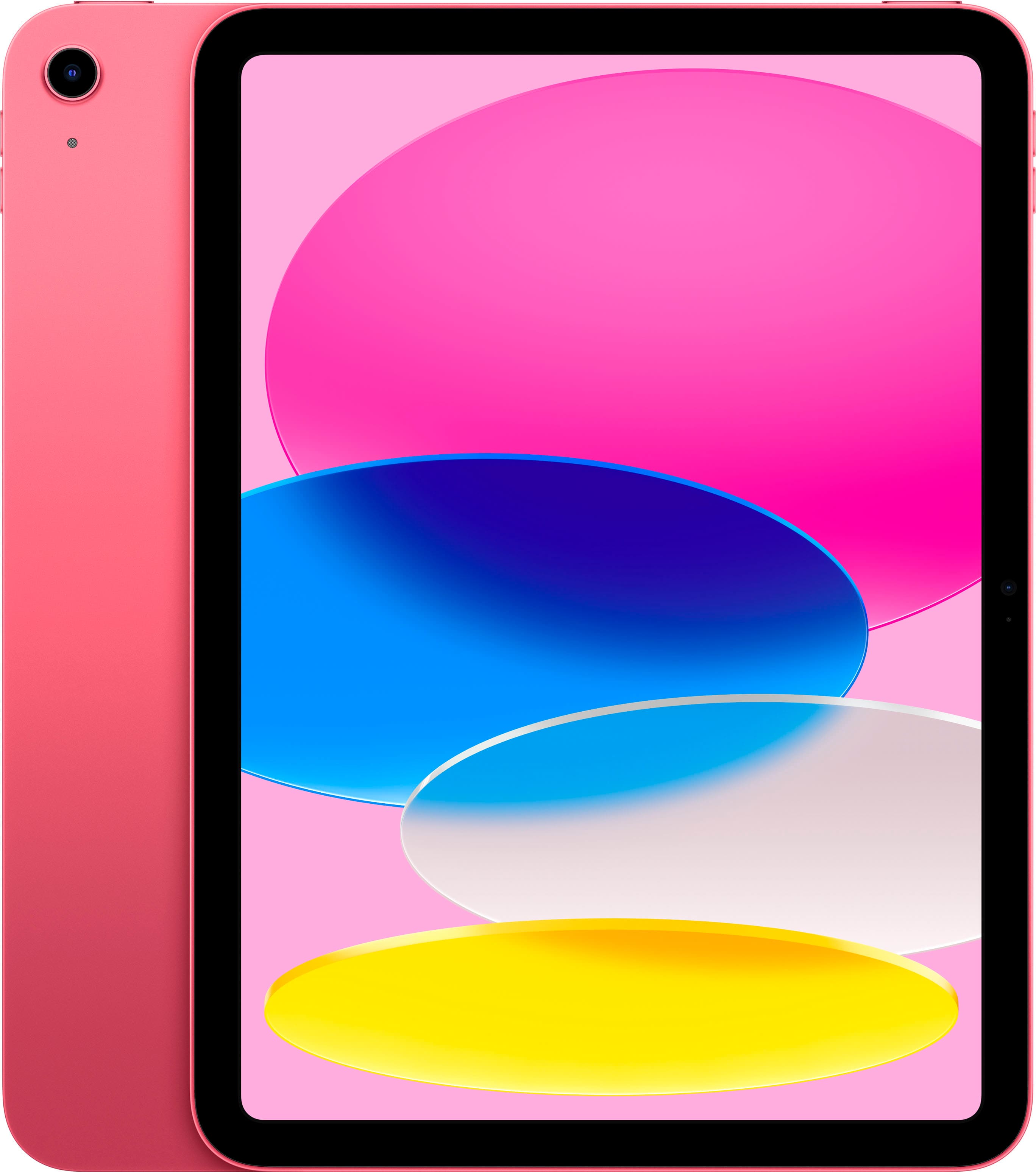
Apple - 10.9-Inch iPad - (10th Generation) with Wi-Fi - 64GB - Pink
SKU: JJ8ZH6H43LSee all iPadProduct Description
A vibrant pink tablet featuring a 10.9-inch Liquid Retina display, 64GB storage, and A14 Bionic chip.Your price for this item is $479.99Save $24The previous price was $504.95 -
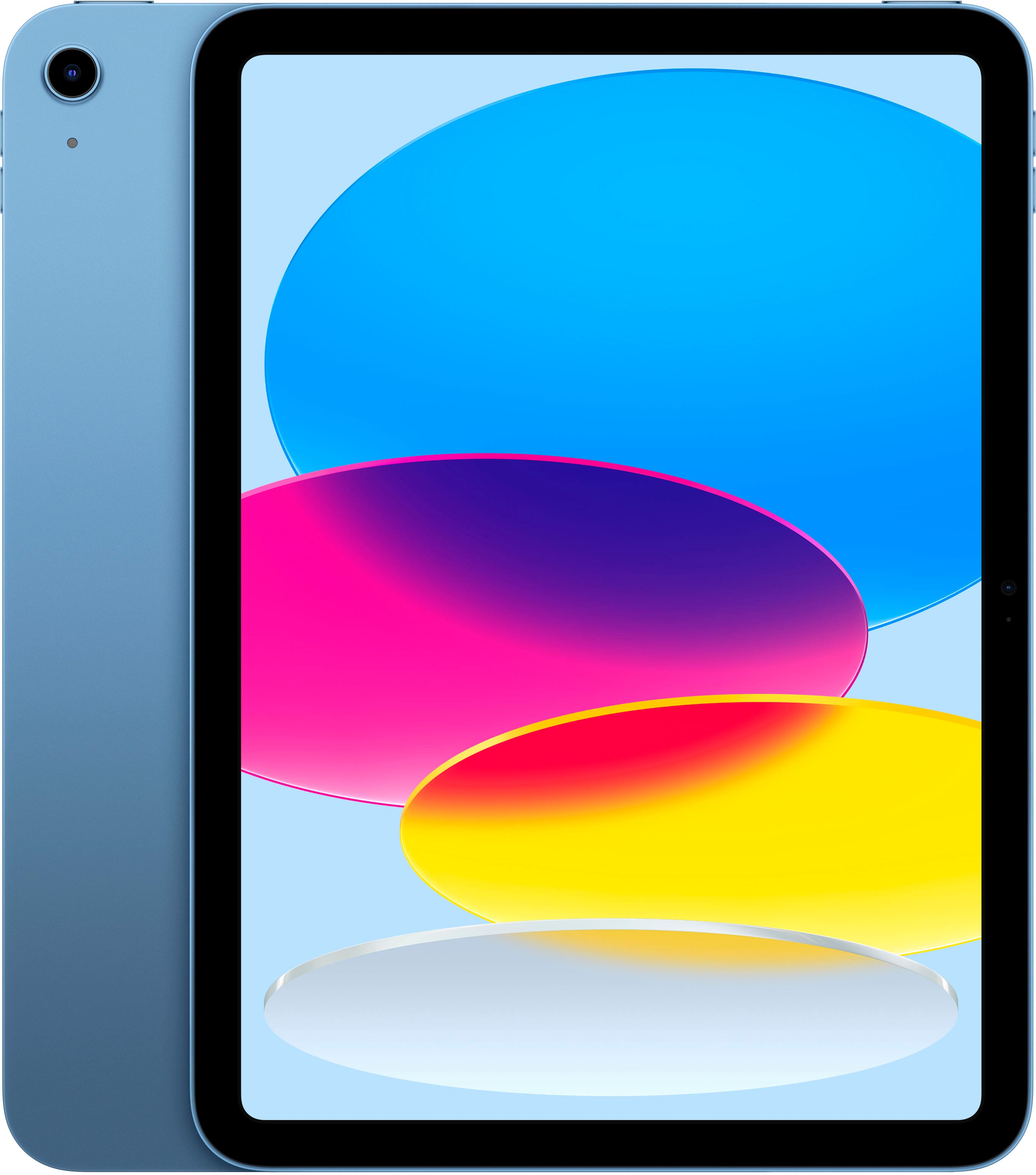
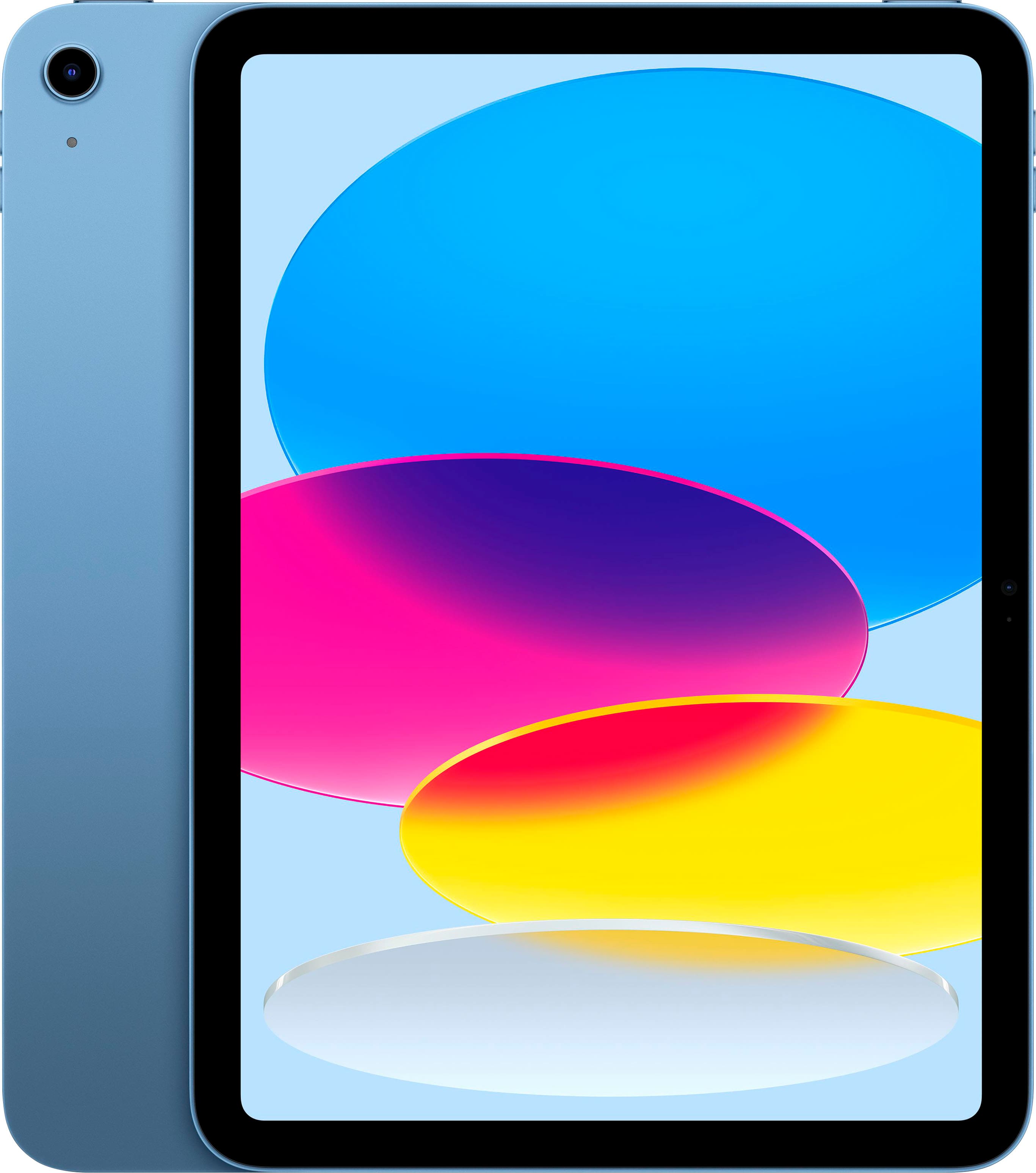
Apple - 10.9-Inch iPad - (10th Generation) with Wi-Fi - 64GB - Blue
SKU: JJ8ZH6HZLWSee all iPadProduct Description
A versatile blue tablet featuring a 10.9-inch Liquid Retina display, 64GB storage, and A14 Bionic chip.Your price for this item is $479.99 -
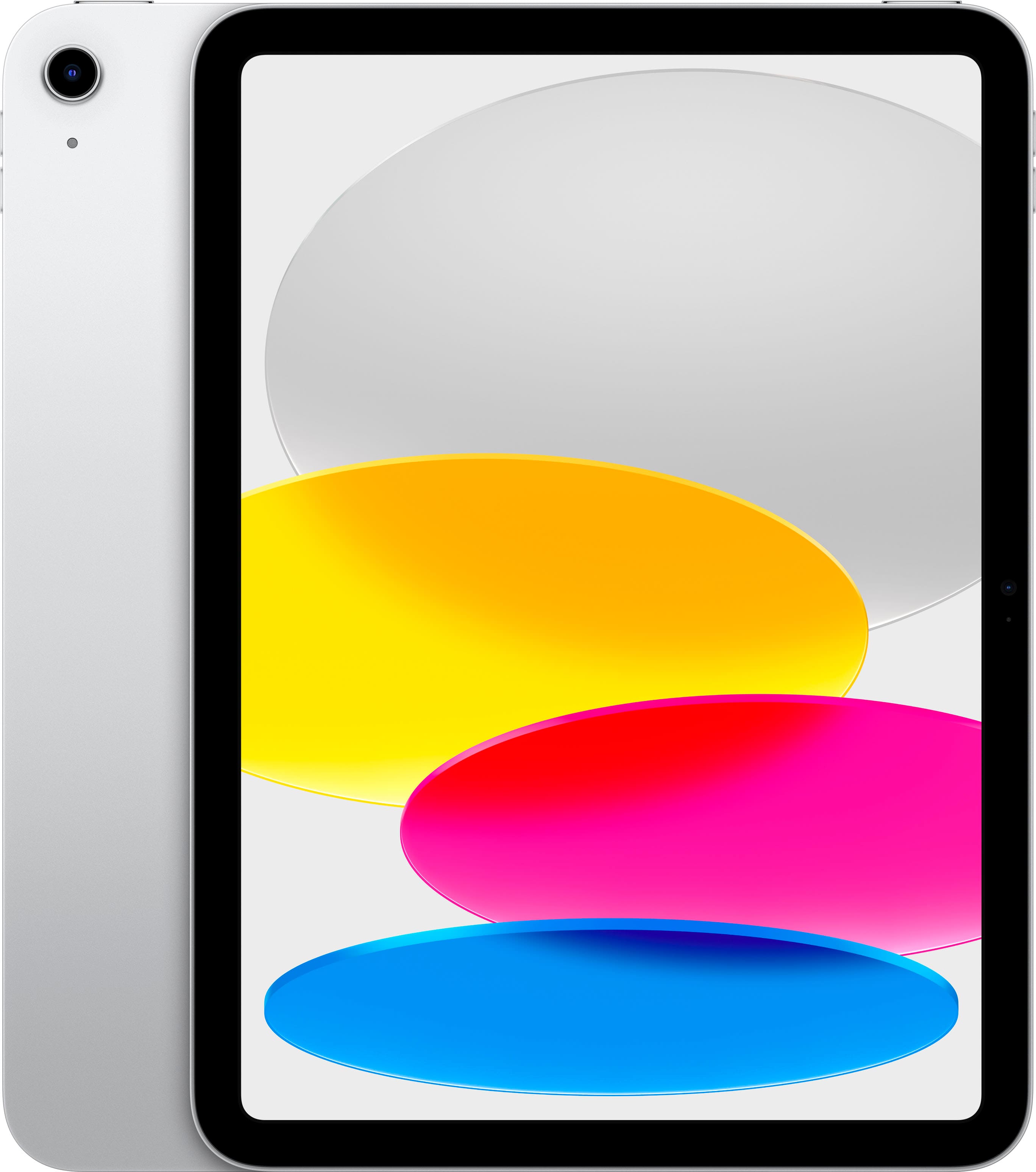
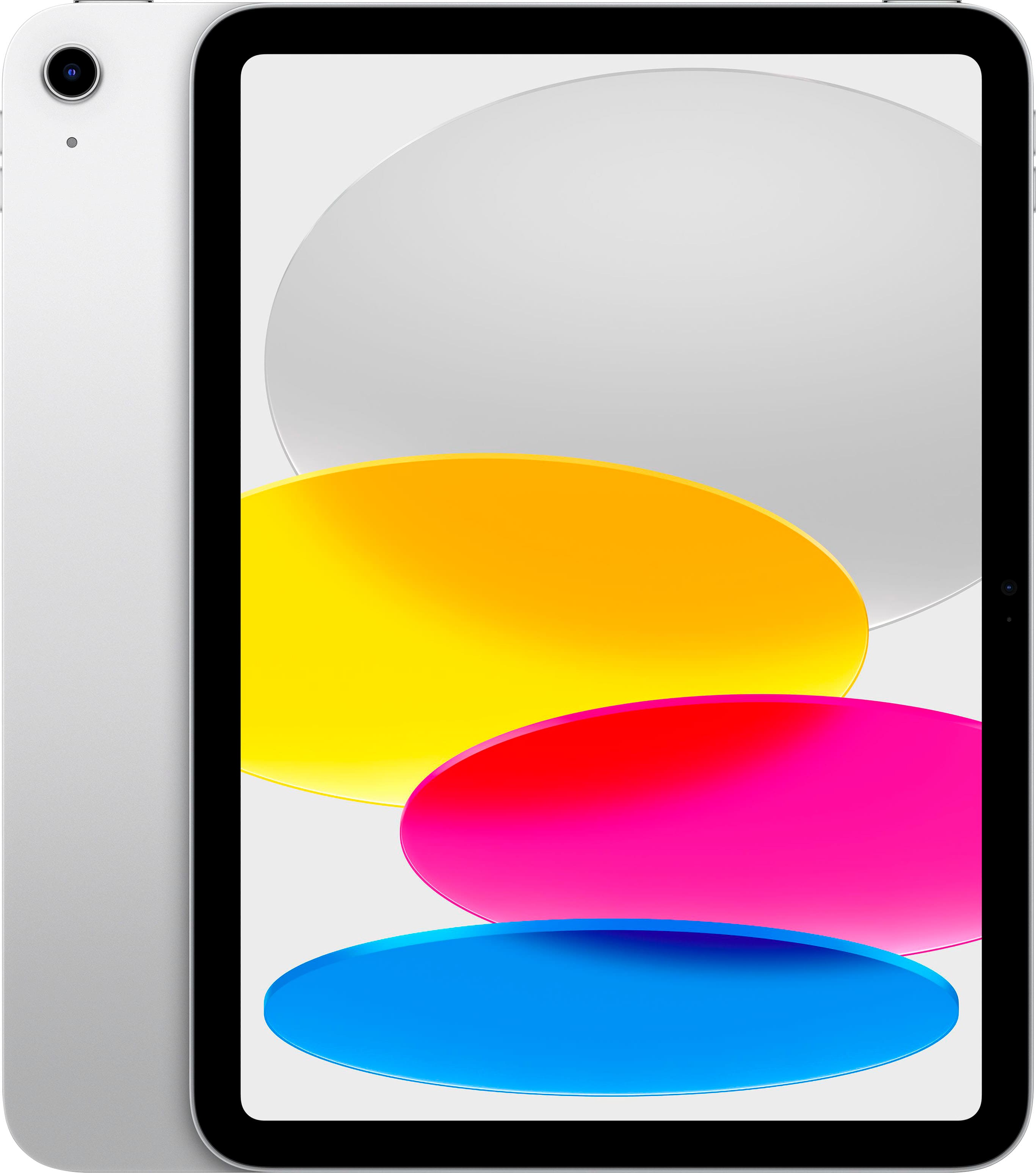
Apple - 10.9-Inch iPad - (10th Generation) with Wi-Fi - 256GB - Silver
SKU: JJ8ZH6HFY8See all iPadProduct Description
A versatile silver tablet featuring a 10.9-inch Liquid Retina display, 256GB storage, and A14 Bionic chip.Your price for this item is $579.99 -
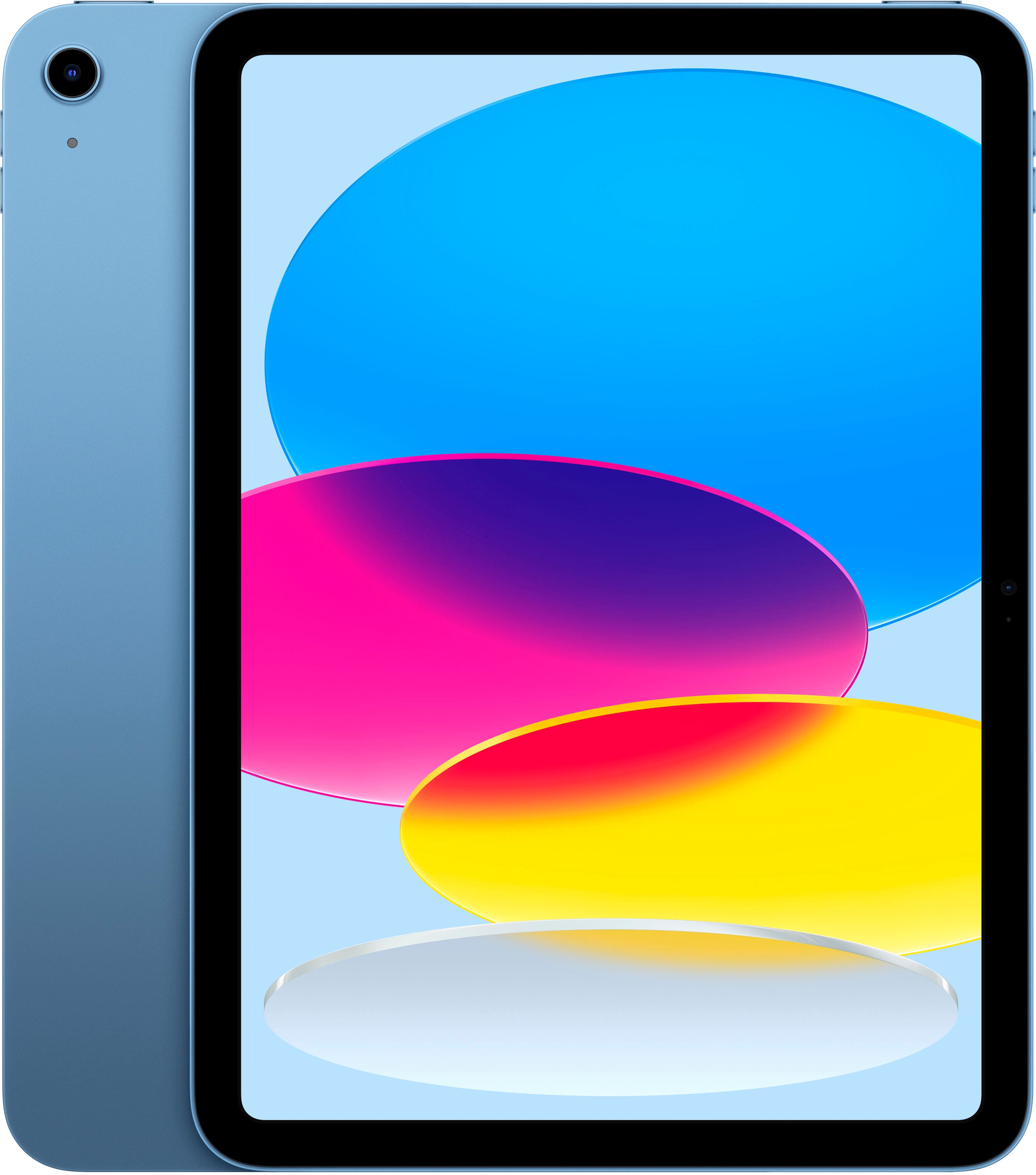
Apple - 10.9-Inch iPad - (10th Generation) with Wi-Fi - 256GB - Blue
SKU: JJ8ZH6HFKFSee all iPadProduct Description
A versatile blue tablet featuring a 10.9-inch Liquid Retina display, 256GB storage, and A14 Bionic chip.Your price for this item is $579.99 -
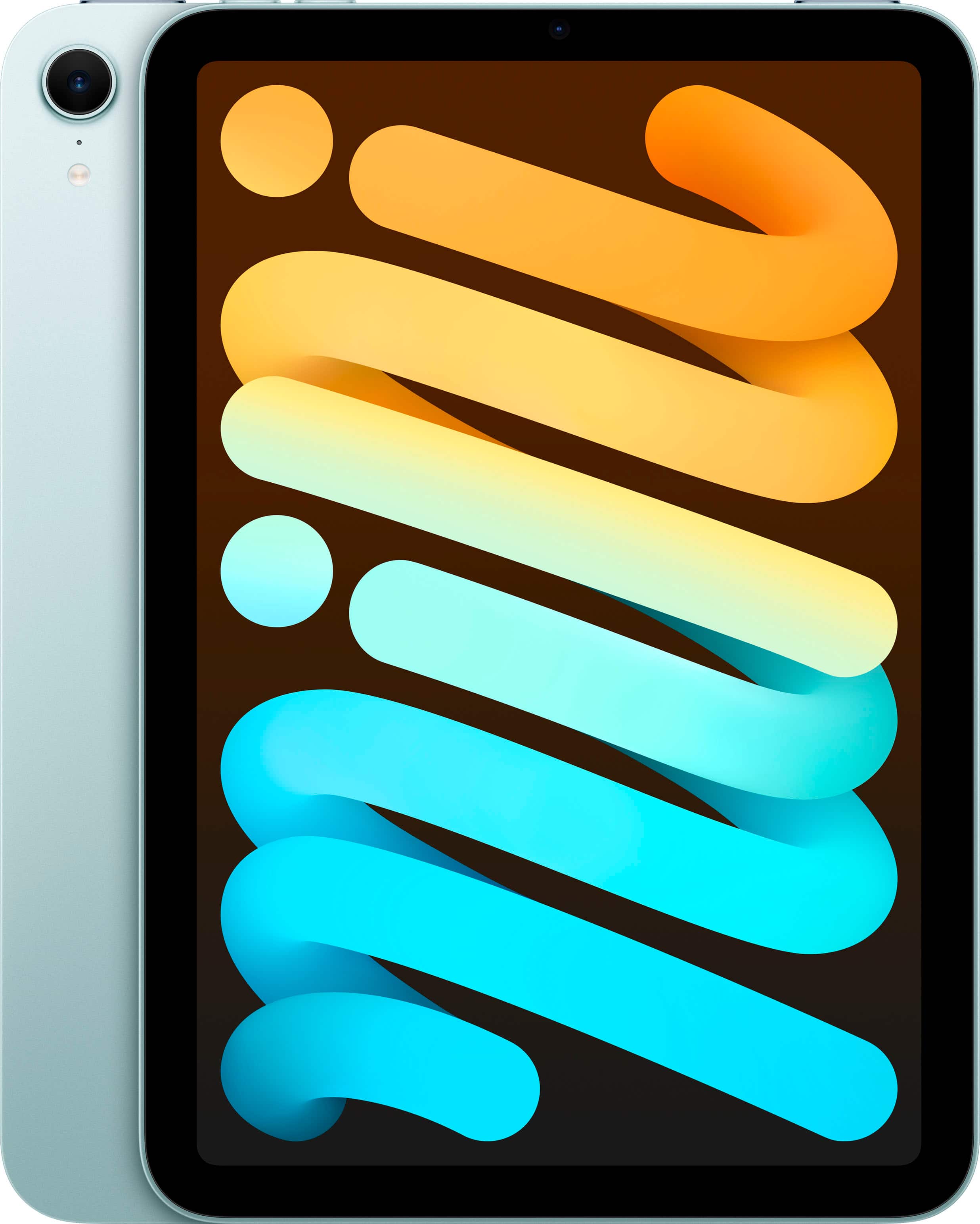
Apple - iPad mini (A17 Pro chip) - Built for Apple Intelligence - Wi-Fi 256GB - Blue
SKU: JJGCQ8GWXQSee all iPad miniProduct Description
A portable blue tablet featuring the ultrafast A17 Pro chip, 256GB storage, and an 8.3-inch Liquid Retina display.Your price for this item is $699.00 -
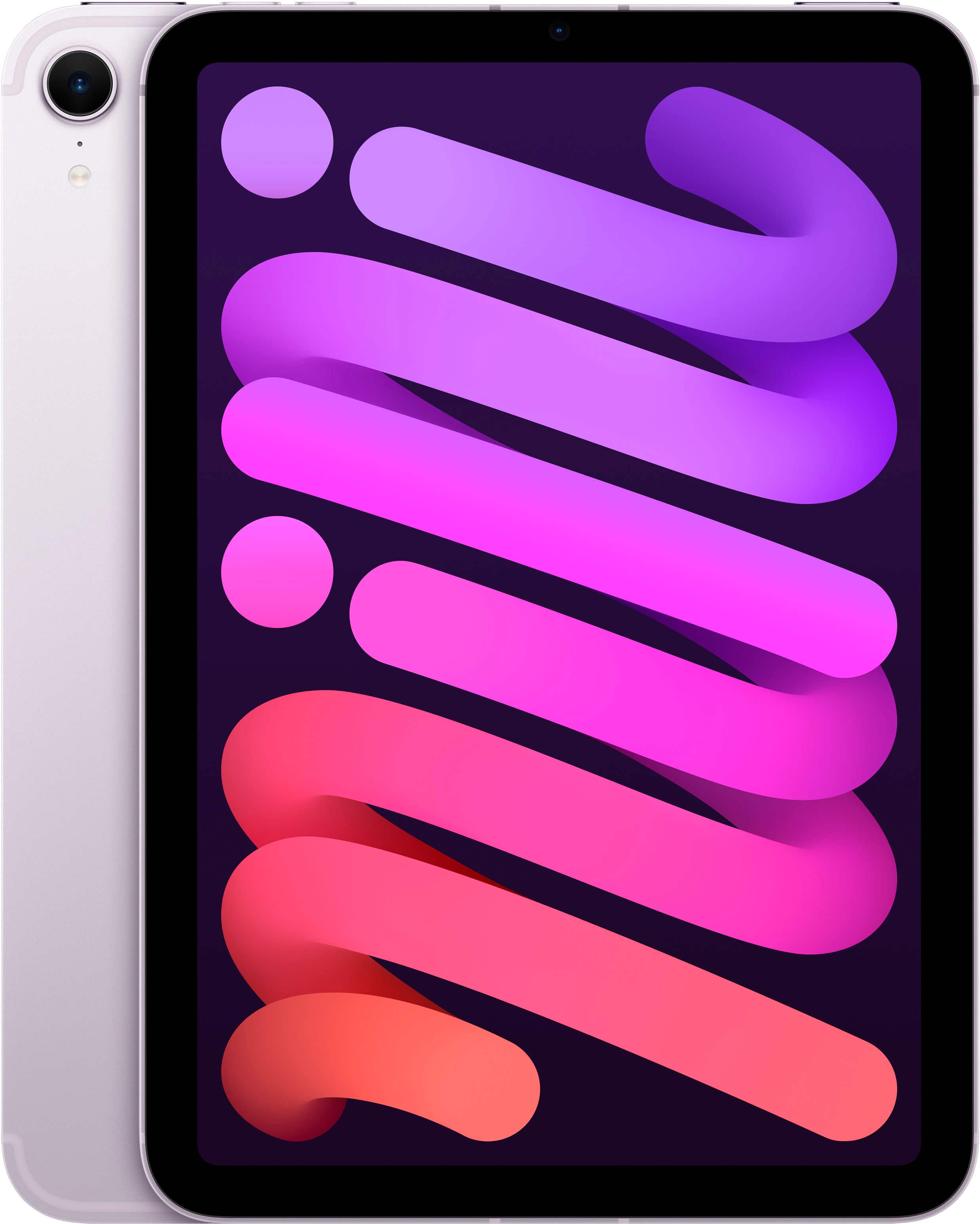
Apple - iPad mini (A17 Pro chip) - Built for Apple Intelligence - Wi-Fi + Cellular 128GB - Purple (Unlocked)
SKU: JJGCQ8YY6QSee all iPad miniProduct Description
A portable purple tablet featuring the ultrafast A17 Pro chip, 128GB storage, and 8.3-inch Liquid Retina display.Your price for this item is $739.95Save $9The previous price was $749.00 -
Apple - 11-inch iPad A16 chip with Wi-Fi - 512GB - Silver
SKU: JJGCQG3QFJSee all iPadProduct Description
A sleek silver tablet featuring the A16 chip, 512GB storage, Liquid Retina display, and Wi-Fi 6.Your price for this item is $749.00 -
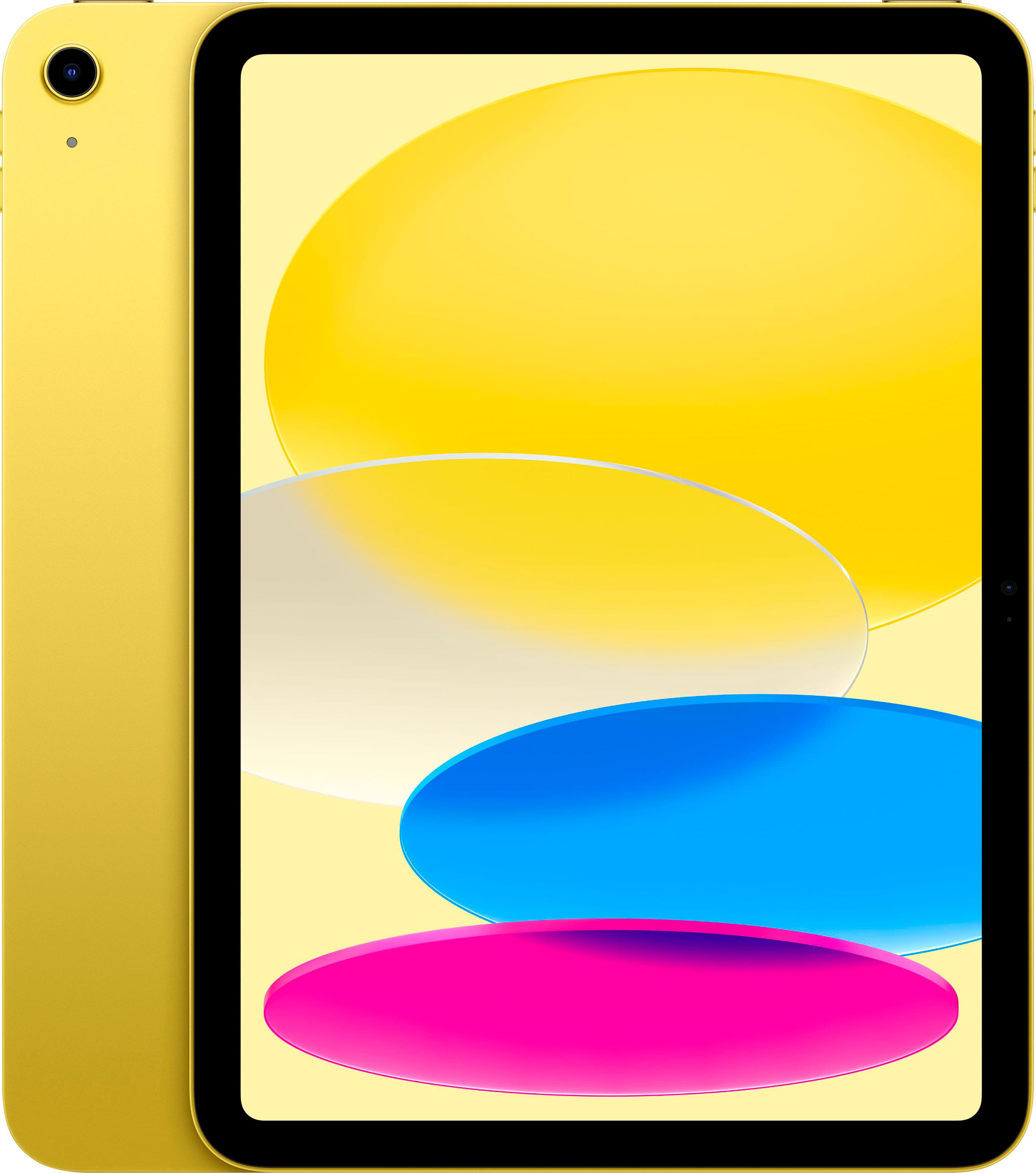
Apple - 11-inch iPad A16 chip with Wi-Fi - 512GB - Yellow
SKU: JJGCQG3HHLGreat size and performance The 11\-inch iPad is the perfect size for work, school, and...Love it. Convenient. Color is amazing Easy for work, play or streaming...Great size and perform is the perfect
See all iPadProduct Description
A vibrant yellow tablet featuring a powerful A16 chip, 512GB storage, Liquid Retina display, and Wi-Fi 6.Your price for this item is $749.00 -
Apple - 11-inch iPad A16 chip with Wi-Fi - 512GB - Blue
SKU: JJGCQG3HGXSee all iPadProduct Description
A blue tablet featuring a powerful A16 chip, 512GB storage, Liquid Retina display, and Wi-Fi 6.Your price for this item is $749.00 -
Apple - iPad mini (A17 Pro chip) - Built for Apple Intelligence - Wi-Fi + Cellular 256GB - Purple (AT&T)
SKU: JCQ6HWQQK9See all iPad miniProduct Description
A portable purple tablet featuring an A17 Pro chip, 8.3" Liquid Retina display, and 256GB storage.Your price for this item is $849.99
Best Sellers






Related Pages




FAQ
iPads designed for multitasking typically feature powerful processors, ample RAM, and support for advanced multitasking features like Split View, Slide Over, and Picture in Picture. These capabilities allow users to run multiple apps simultaneously and switch between tasks smoothly.
iPadOS is optimized for multitasking with features such as Split View, which lets you use two apps side by side, Slide Over for quick access to a third app, and a customizable Dock for fast app switching. These tools help boost productivity and streamline workflows.
Yes, many iPads support the Apple Pencil and external keyboards. These accessories enhance multitasking by allowing you to take notes, draw, or type while using other apps at the same time, making it easier to manage complex tasks.
Students, professionals, creatives, and business users often benefit from fast iPads with strong multitasking capabilities. These devices are ideal for activities like note-taking during video calls, editing documents while referencing research, or managing emails alongside calendar apps.
Many productivity apps such as Microsoft Office Suite, Google Workspace apps, Adobe Creative Cloud tools, and Apple's own suite (Pages, Numbers, Keynote) are optimized to work seamlessly with iPad's multitasking features. This allows users to maximize efficiency when working on multiple projects at once.