Responsive iPads For Note-Taking
-
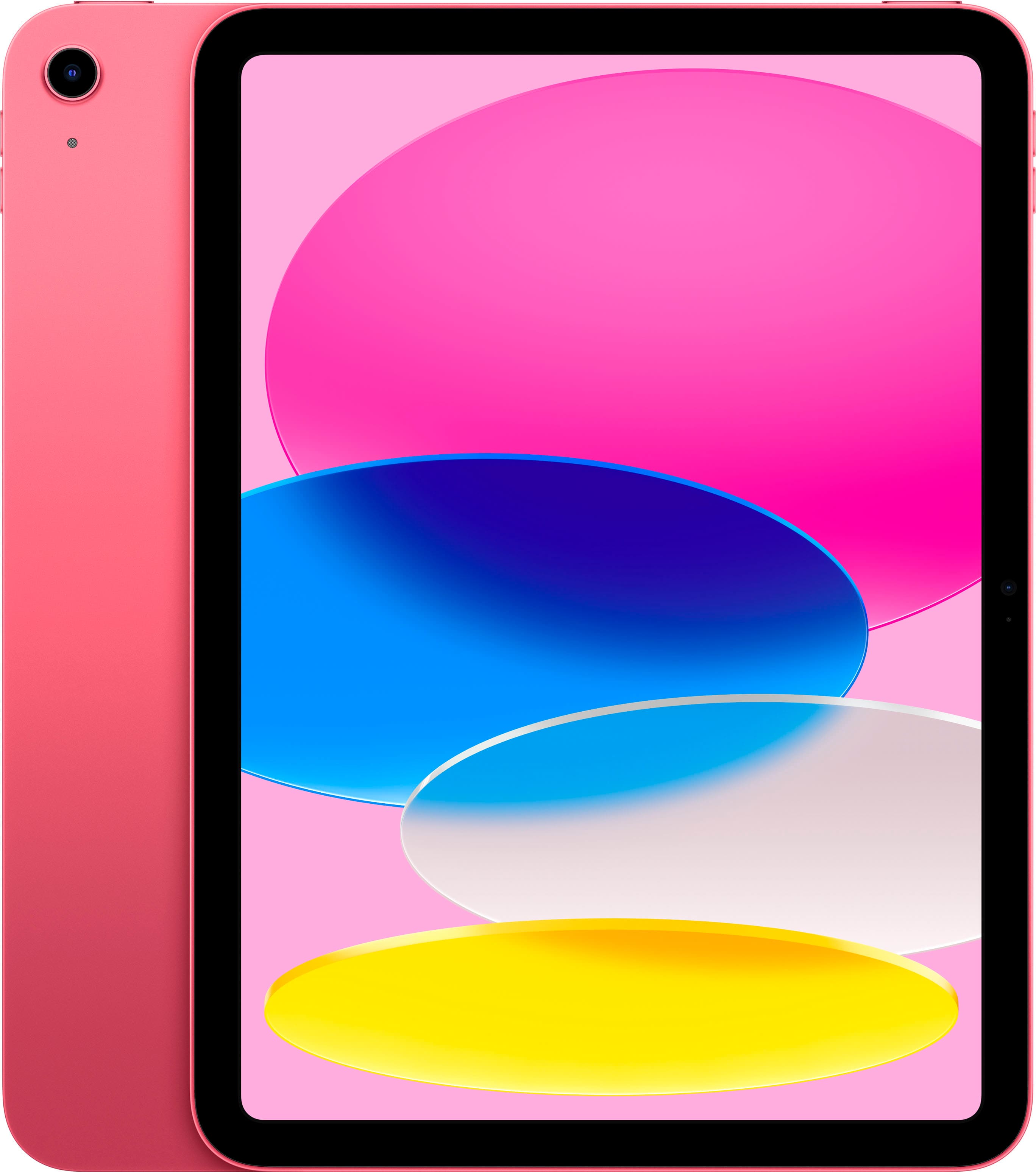
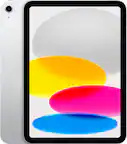
Apple - 10.9-Inch iPad - (10th Generation) with Wi-Fi - 64GB - Pink
SKU: JJ8ZH6H43LSee all iPadProduct Description
A vibrant pink tablet featuring a 10.9-inch Liquid Retina display, 64GB storage, and A14 Bionic chip.Your price for this item is $479.99Save $24The previous price was $504.95 -
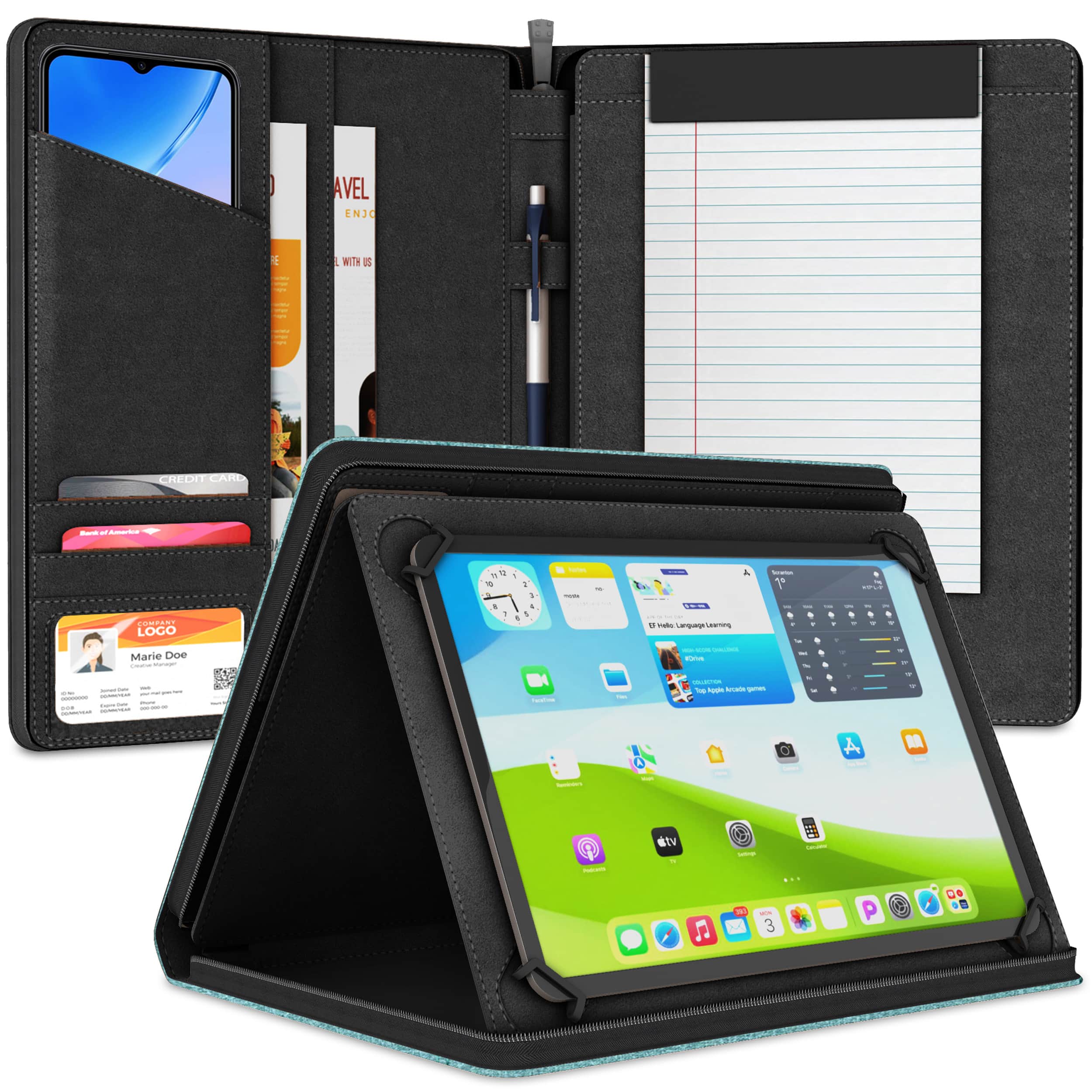
KHOMO ACCESSORIES - Universal Padfolio Case – Tablet Organizer with Notepad Holder for iPad 10th/11th Gen, iPad Pro 11, iPad 7-10.9" - Teal
SKU: J3LCQJKXS6See all Tablet Cases, Covers & Keyboard FoliosProduct Description
A teal PU leather folio case with notepad holder, card slots, and adjustable stand for iPad models.Your price for this item is $29.95 -
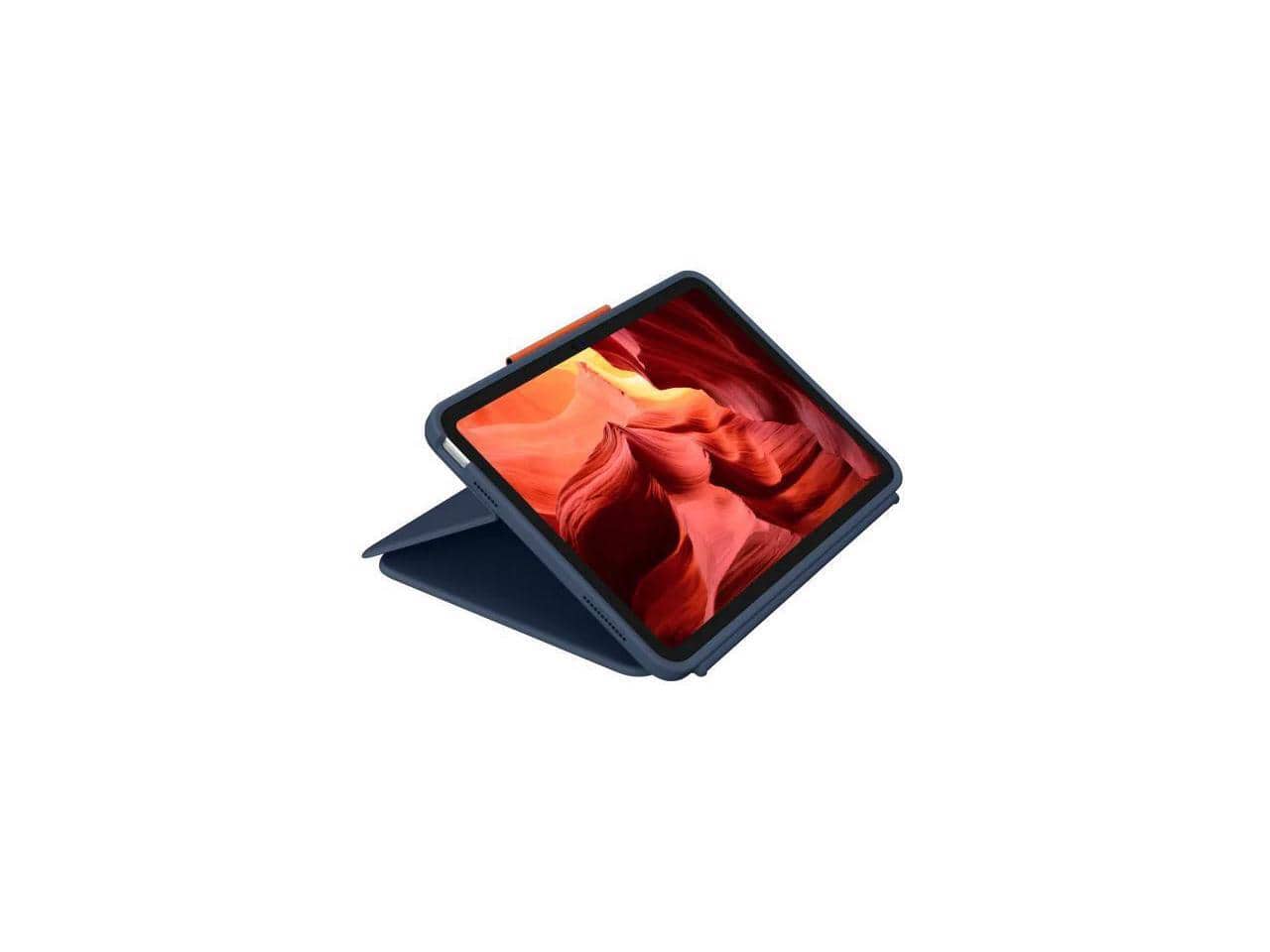
Logitech - Rugged Combo 4 Touch Rugged Keyboard/Cover Case (Folio) Apple iPad (10th Generation) iPad - 920-011130 - Black
SKU: J7H7ZY864KSee all Laptop Hard-Shell CasesProduct Description
A black folio keyboard case offering dust and water resistance for 10th generation Apple iPad devices.Your price for this item is $145.45 -
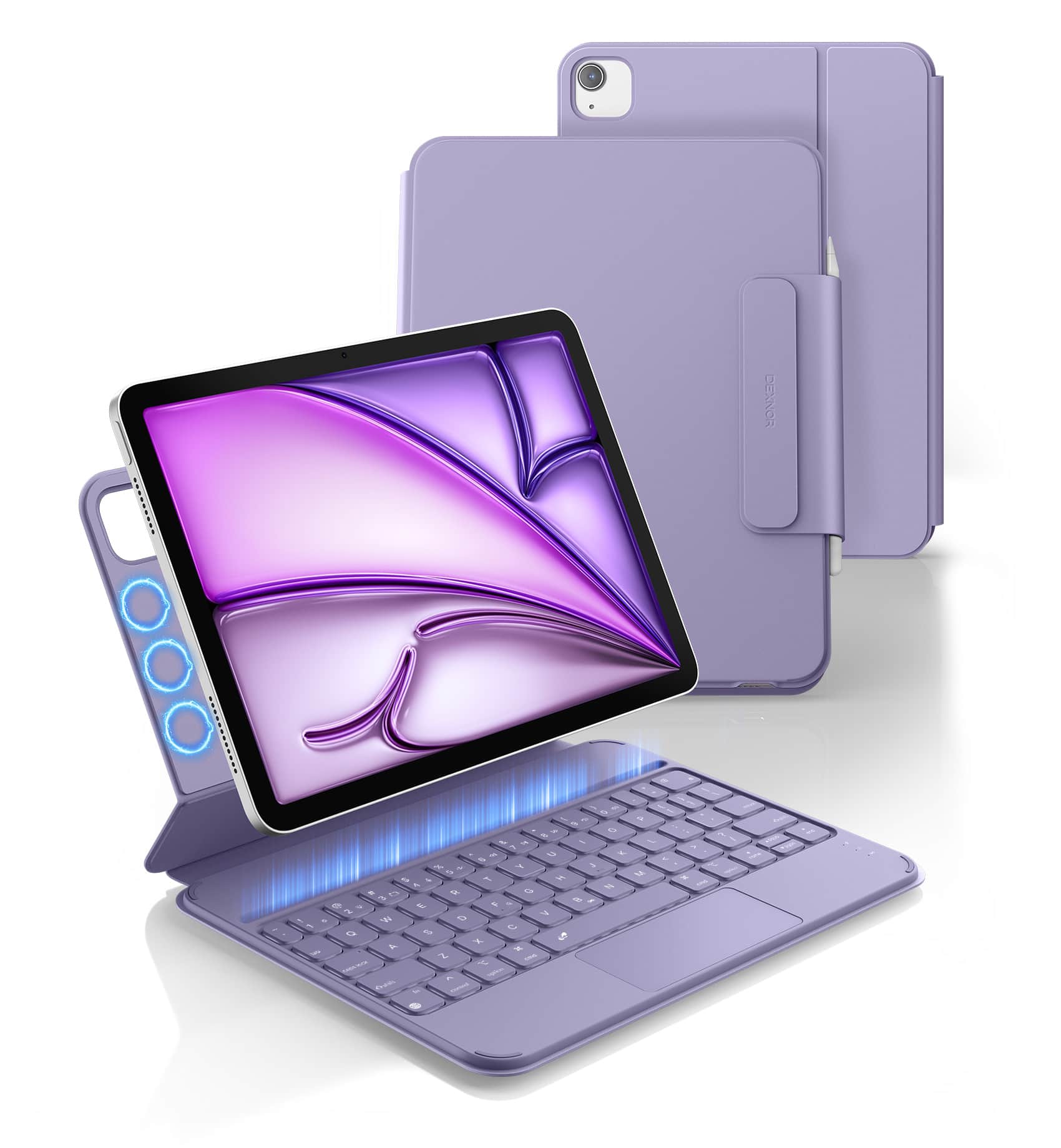
Dexnor - Keyboard Case for iPad Air 11 inch (M4 2026/M3/M2)/ iPad Air 5th/4th Gen/ iPad Pro 11-inch 4th/3rd/2nd/1st Generation - Purple
SKU: CZW2YXJGHGSee all Tablet KeyboardsProduct Description
An ultra-thin purple polycarbonate and PU case with detachable keyboard, trackpad, and adjustable white backlighting.Your price for this item is $59.99 -
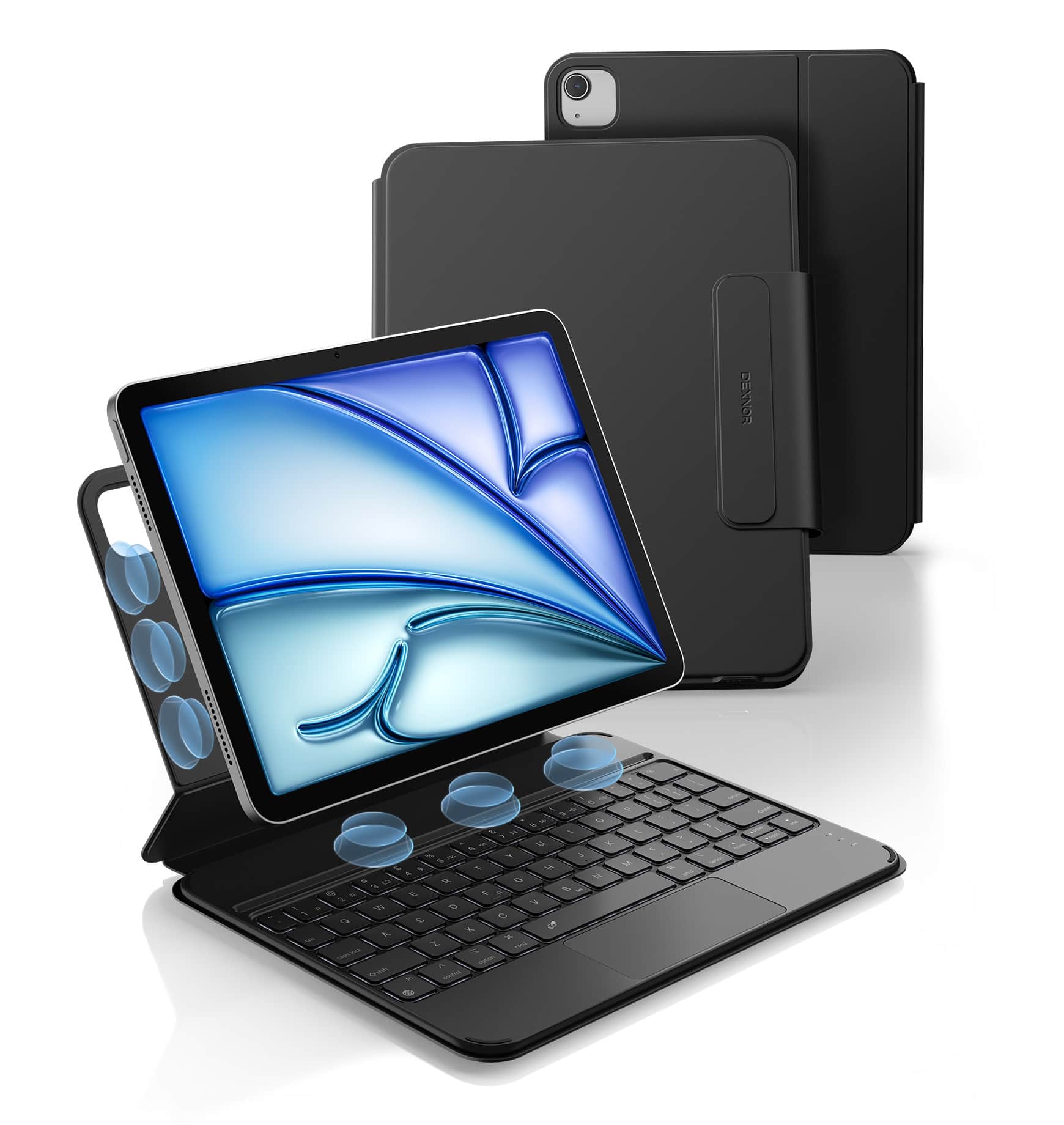
Dexnor - Keyboard Case for iPad Air 11 inch (M4 2026/M3/M2)/ iPad Air 5th/4th Gen/ iPad Pro 11-inch 4th/3rd/2nd/1st Generation - Black
SKU: CZW2YXJGQJSee all Tablet KeyboardsProduct Description
An ultra-thin black polycarbonate and PU case with detachable keyboard, trackpad, backlight, and Apple Pencil holder.Your price for this item is $59.99 -
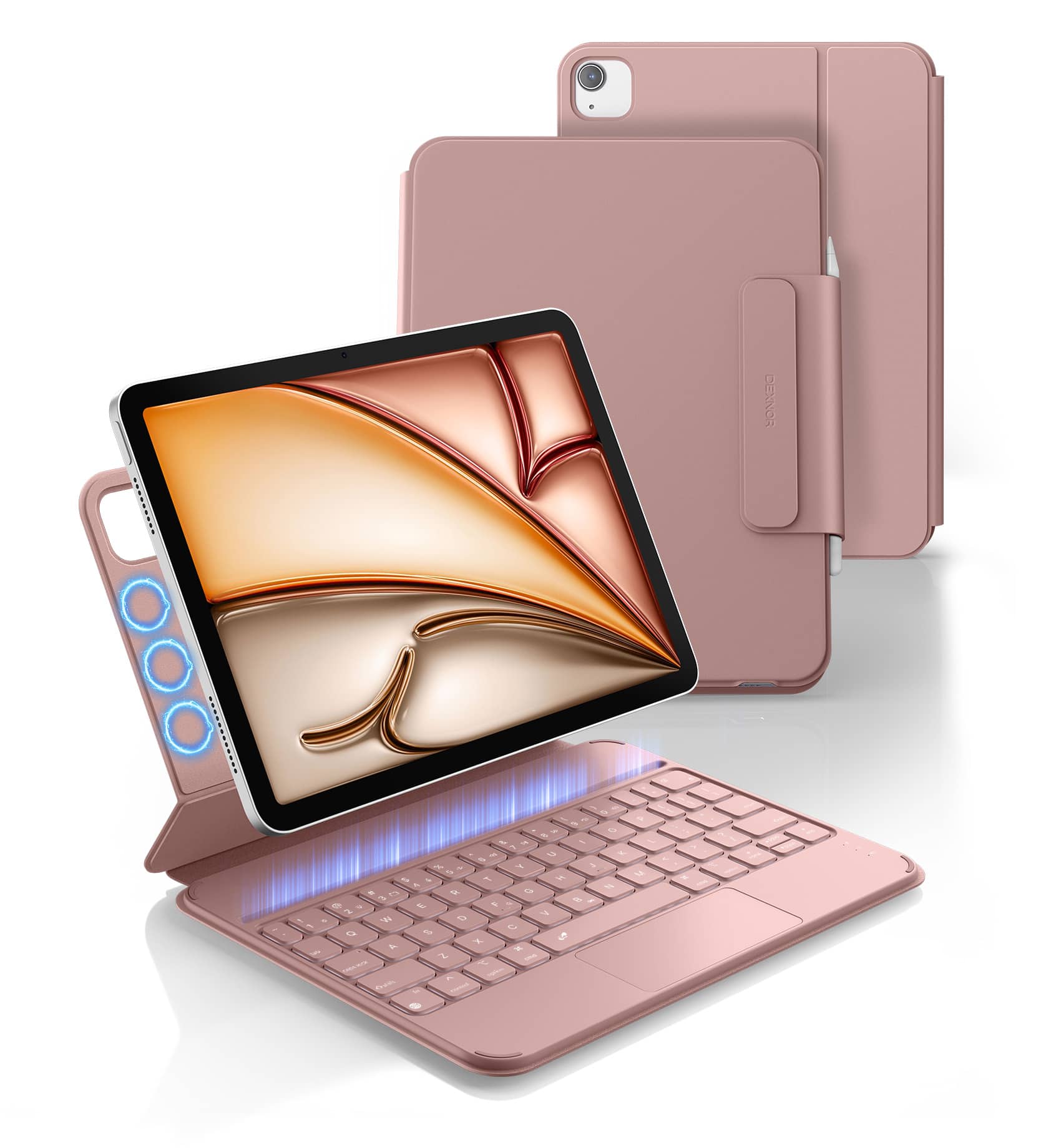
Dexnor - Keyboard Case for iPad Air 11 inch (M4 2026/M3/M2)/ iPad Air 5th/4th Gen/ iPad Pro 11-inch 4th/3rd/2nd/1st Generation - Pink
SKU: CZW2YXJGH7See all Tablet KeyboardsProduct Description
An ultra-thin pink polycarbonate and PU keyboard case with magnetic attachment, trackpad, and adjustable backlighting.Your price for this item is $59.99 -
KHOMO ACCESSORIES - Universal Padfolio Case – Tablet Organizer with Notepad Holder for iPad 10th/11th Gen, iPad Pro 11, iPad 7-10.9" - Gray
SKU: J3LCQJKXP4See all Tablet Cases, Covers & Keyboard FoliosProduct Description
A gray PU leather portfolio case with notepad holder, card slots, and adjustable stand for iPad models.Your price for this item is $29.95 -
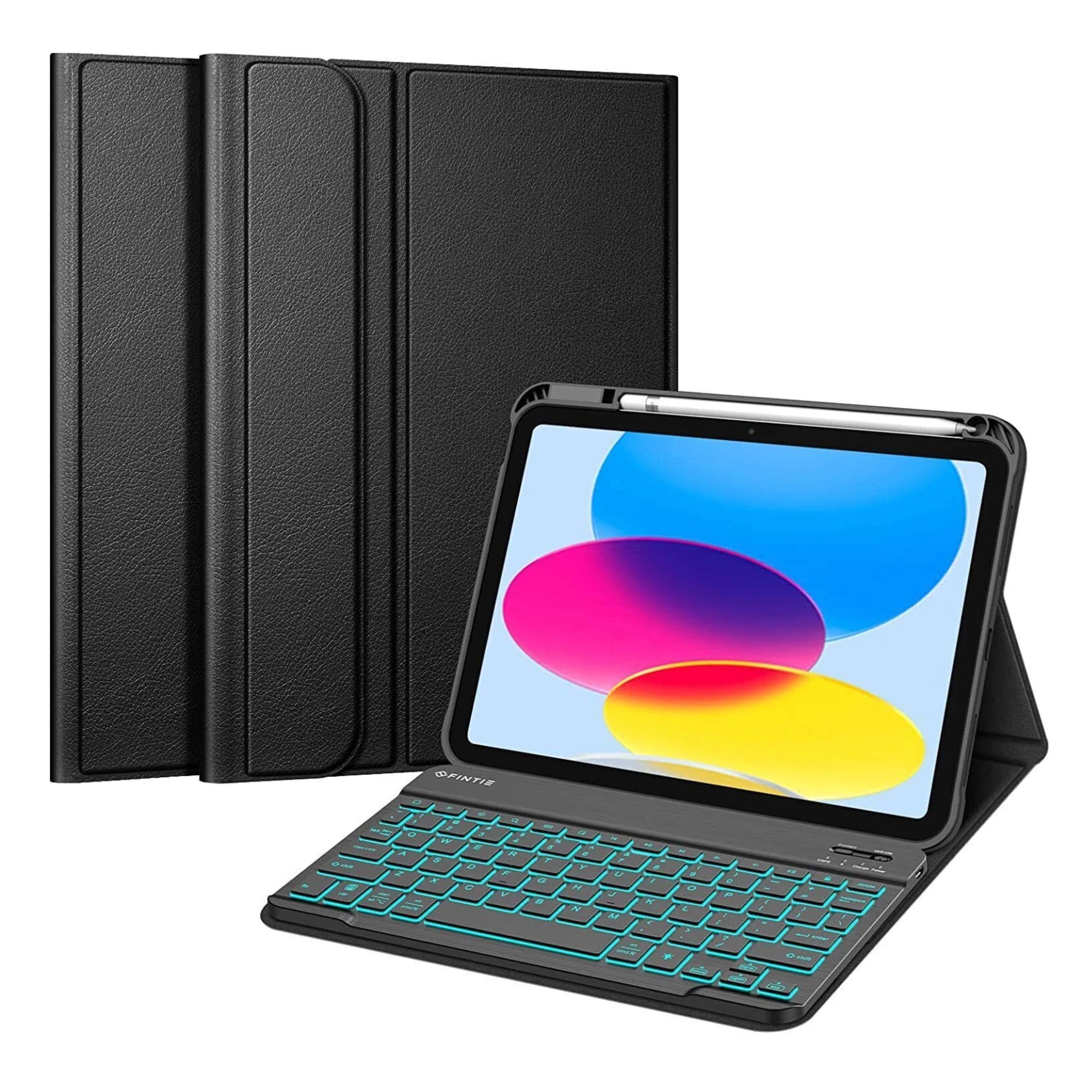
Kitcheniva - Soft TPU Case With Backlit Keyboard For iPad (A16) 11th Gen/iPad 10th Gen - Black
SKU: JF3YFL3WS6See all Tablet Cases, Covers & Keyboard FoliosProduct Description
A slim black TPU folio case with detachable backlit Bluetooth keyboard and built-in Apple Pencil holder.Your price for this item is $42.99 -
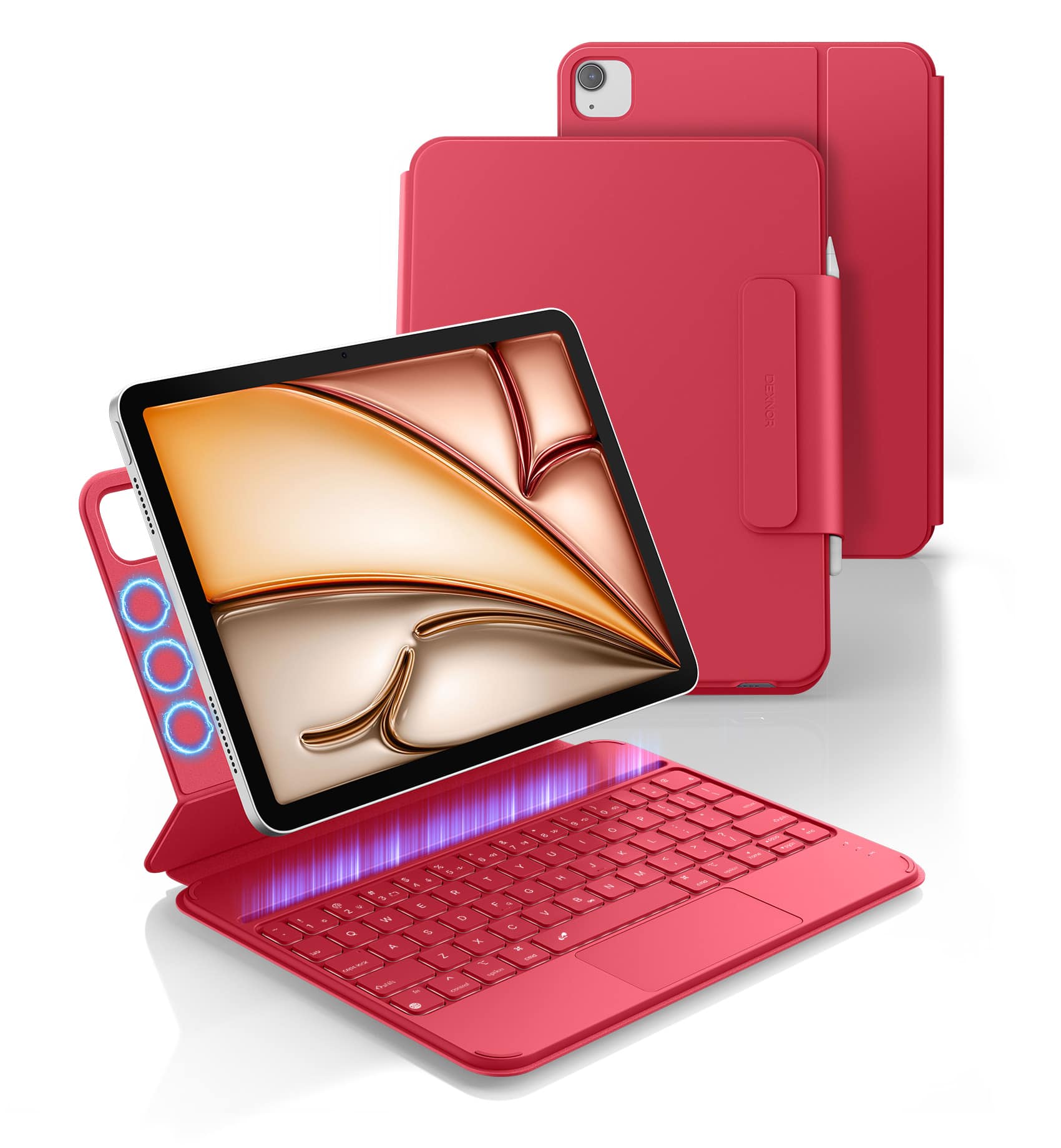
Dexnor - Keyboard Case for iPad Air 11 inch (M4 2026/M3/M2)/ iPad Air 5th/4th Gen/ iPad Pro 11-inch 4th/3rd/2nd/1st Generation - Rose Red
SKU: CZW2YXJGHVSee all Tablet KeyboardsProduct Description
An ultra-thin rose red polycarbonate and PU keyboard case with magnetic attachment, trackpad, and backlit keys.Your price for this item is $59.99 -
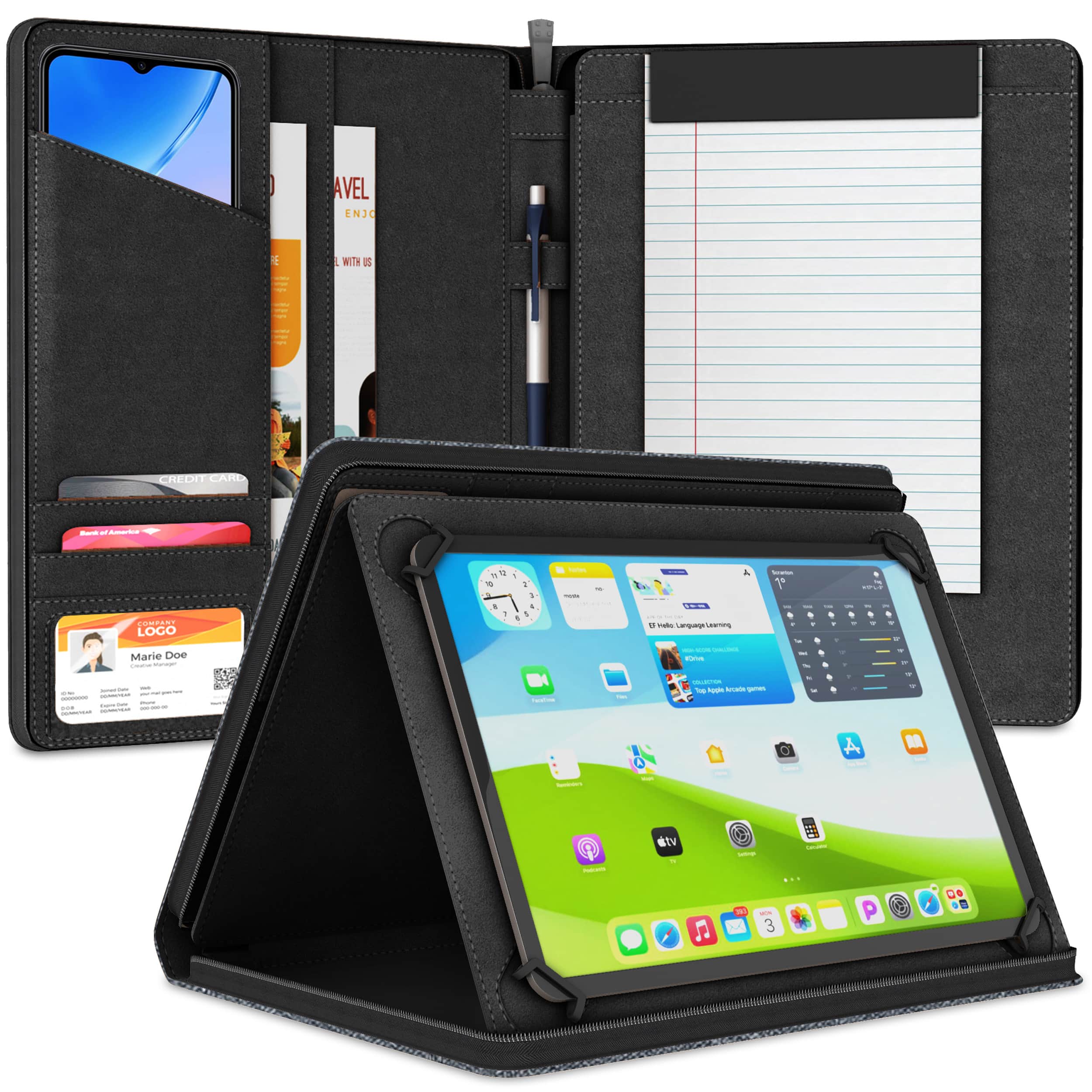
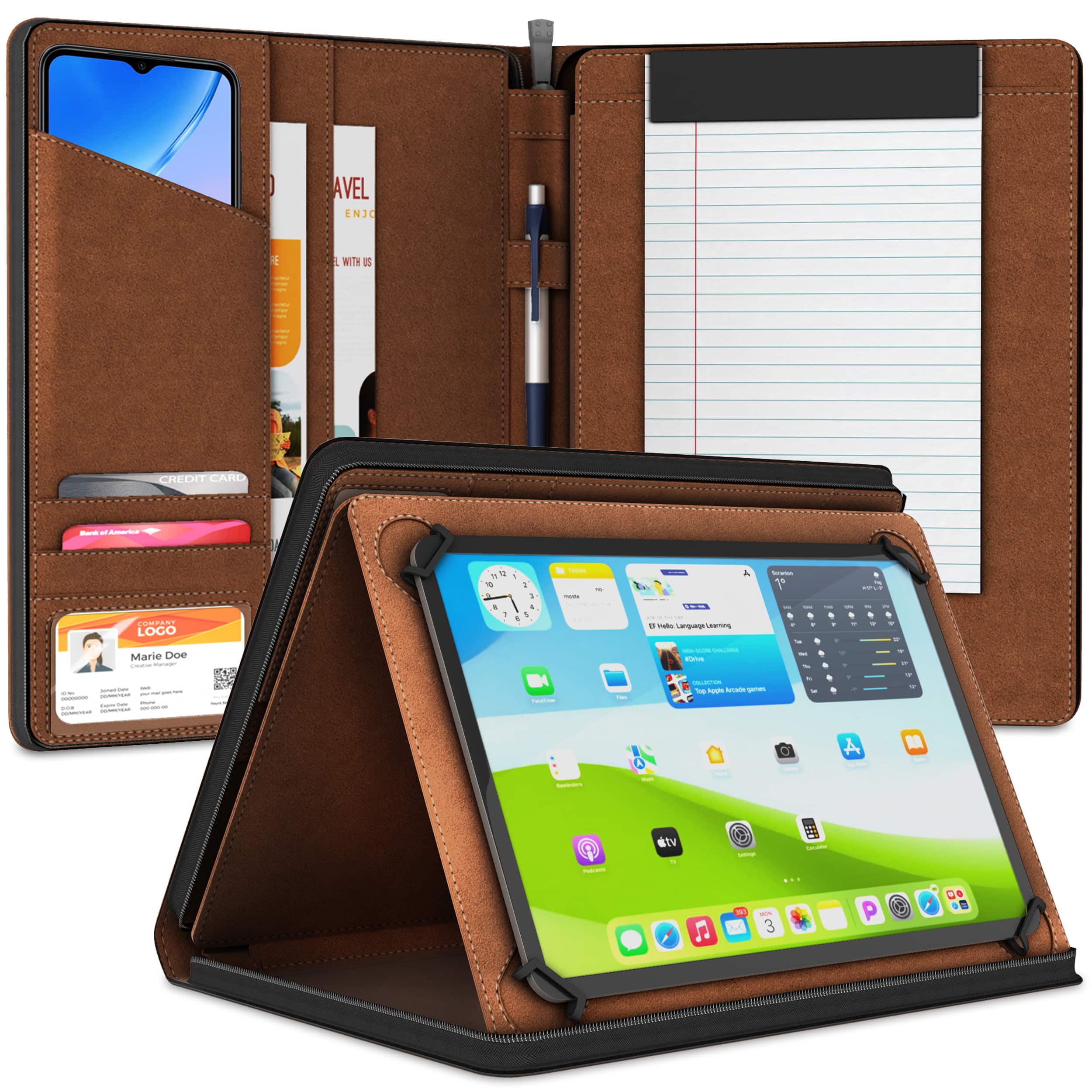
KHOMO ACCESSORIES - Universal Padfolio Case – Tablet Organizer with Notepad Holder for iPad 10th/11th Gen, iPad Pro 11, iPad 7-10.9" - Black
SKU: JXZWTJ6V86See all Tablet Cases, Covers & Keyboard FoliosProduct Description
A sleek black PU leather portfolio case with notepad holder, card slots, and adjustable stand for tablets.Your price for this item is $29.95
Best Sellers
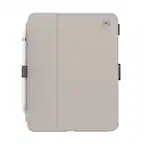
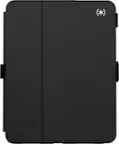
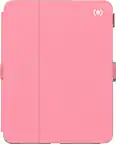
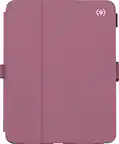

Related Pages





FAQ
A responsive iPad for note-taking typically offers a high refresh rate display, low latency with Apple Pencil support, and powerful processors. These features ensure smooth handwriting and quick response to your input, making digital note-taking feel natural and efficient.
Yes, iPads support a wide variety of note-taking apps such as Apple Notes, Notability, GoodNotes, and Microsoft OneNote. These apps offer various tools like handwriting recognition, audio recording, and organizational features to enhance your note-taking experience.
Most recent iPad models are compatible with either the first or second generation Apple Pencil. Compatibility depends on the specific iPad model, so it's important to check which Apple Pencil version works with your device for optimal note-taking performance.
Handwriting recognition on an iPad uses advanced software within supported apps to convert your handwritten notes into typed text. This feature allows you to search, edit, and organize your notes more efficiently.
Yes, accessories like the Apple Pencil, screen protectors designed for a paper-like feel, and keyboard cases can enhance your note-taking experience. These tools provide greater precision, comfort, and versatility when using your iPad for notes.