Best iPad For Taking Notes
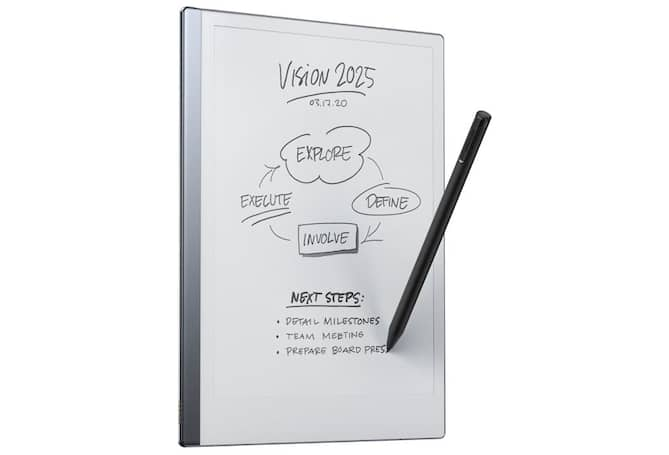
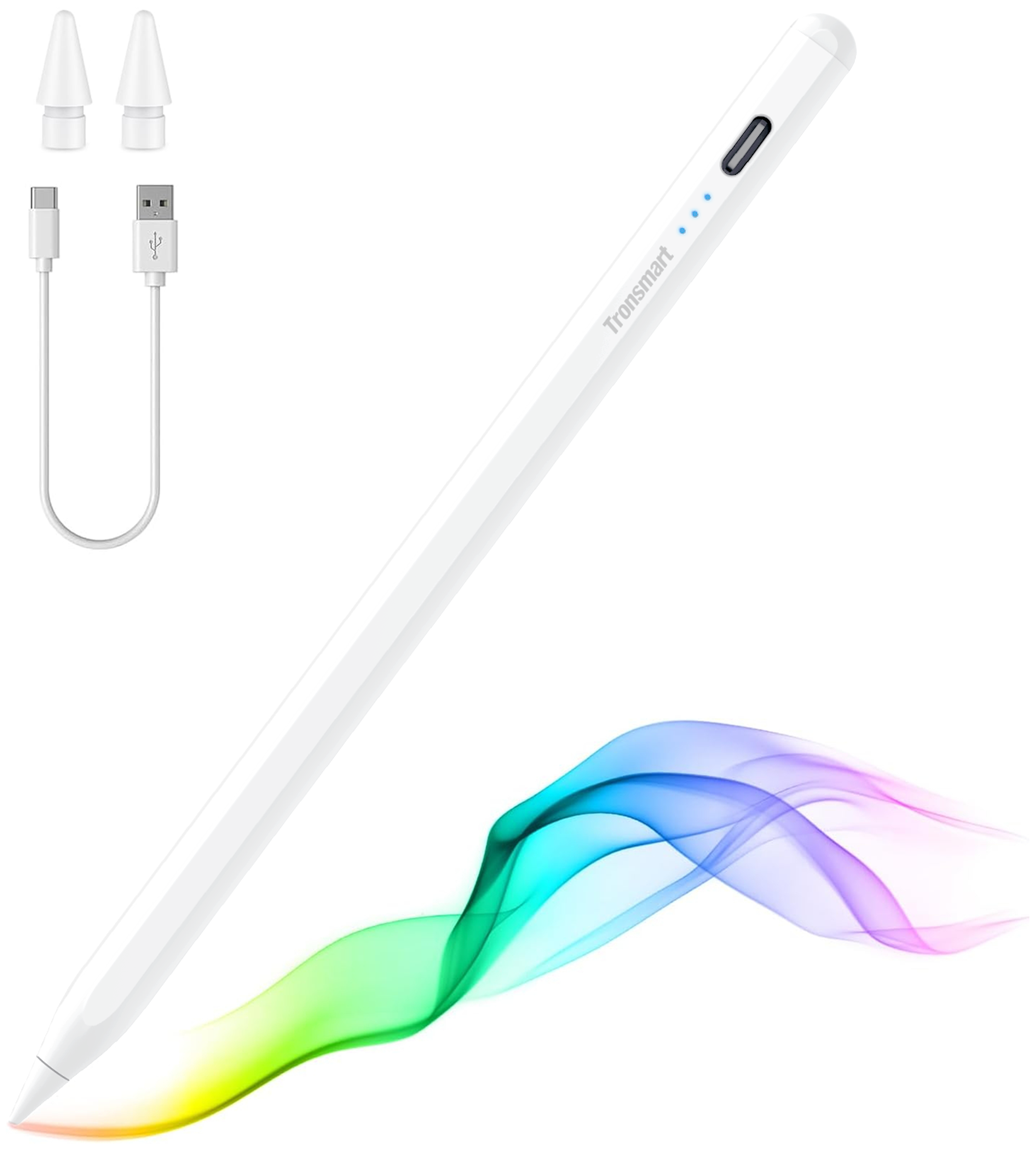
Find the best iPad for taking notes by comparing screen size, portability, and Apple Pencil compatibility. A larger display gives you more room for handwritten notes and PDF annotations, while a smaller tablet can be easier to carry between classes or meetings. Before choosing a stylus, check which Apple Pencil models are compatible with the iPad you’re considering.
What to look for in an iPad for taking notes
Find the best iPad for taking notes by comparing writing tools, screen size, note-taking features, and battery life.
1. Apple Pencil Compatibility
2. Screen Size and Portability
3. Note-Taking Apps and Storage
4. Battery Life and Charging
-
1
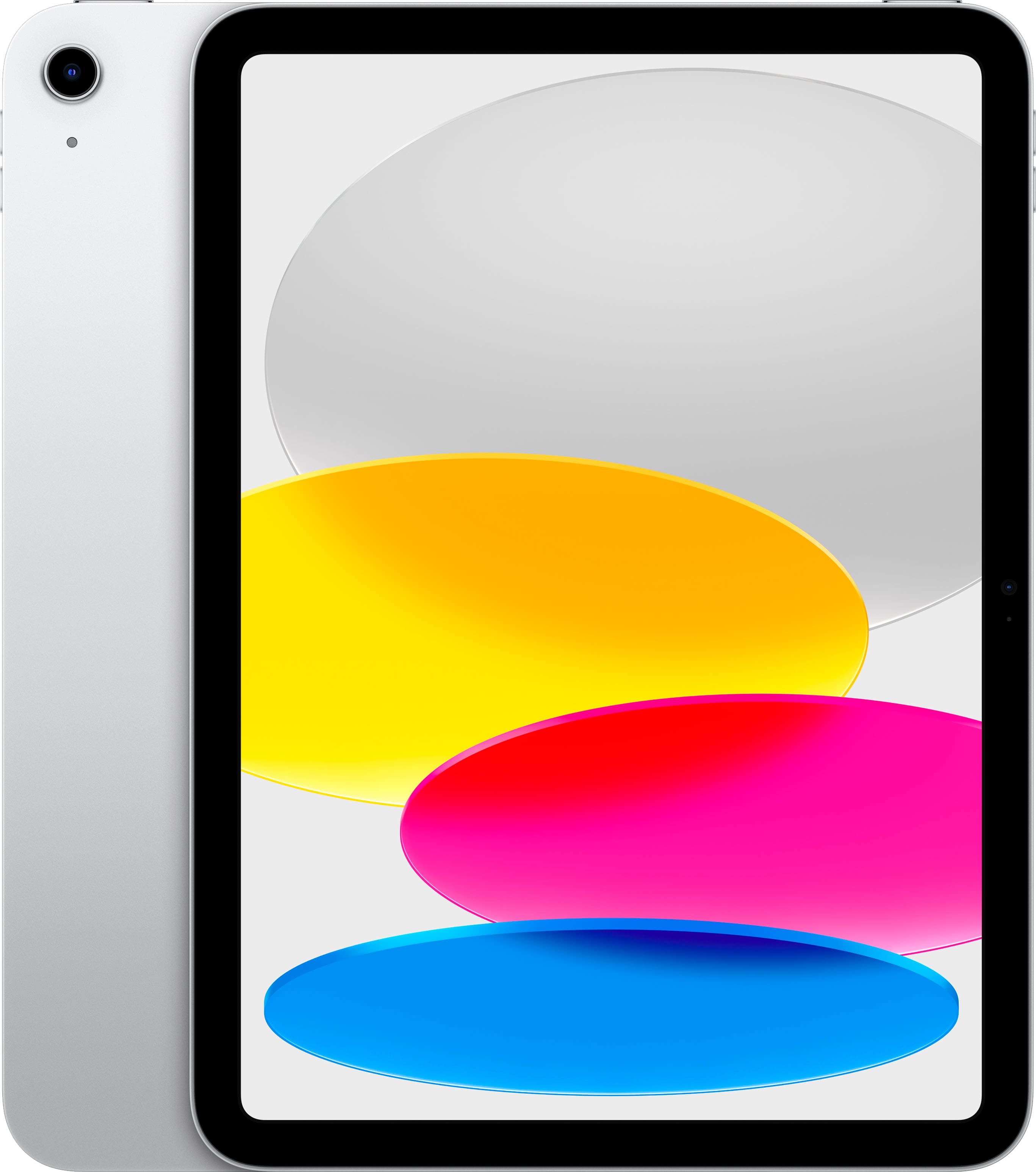
Apple - 10.9-Inch iPad - (10th Generation) with Wi-Fi - 64GB - Silver
About this product
A versatile silver tablet featuring a 10.9-inch Liquid Retina display, 64GB storage, and A14 Bionic chip.
What customers like
(6,264)$479.99 Your price for this item is $479.99 -
2
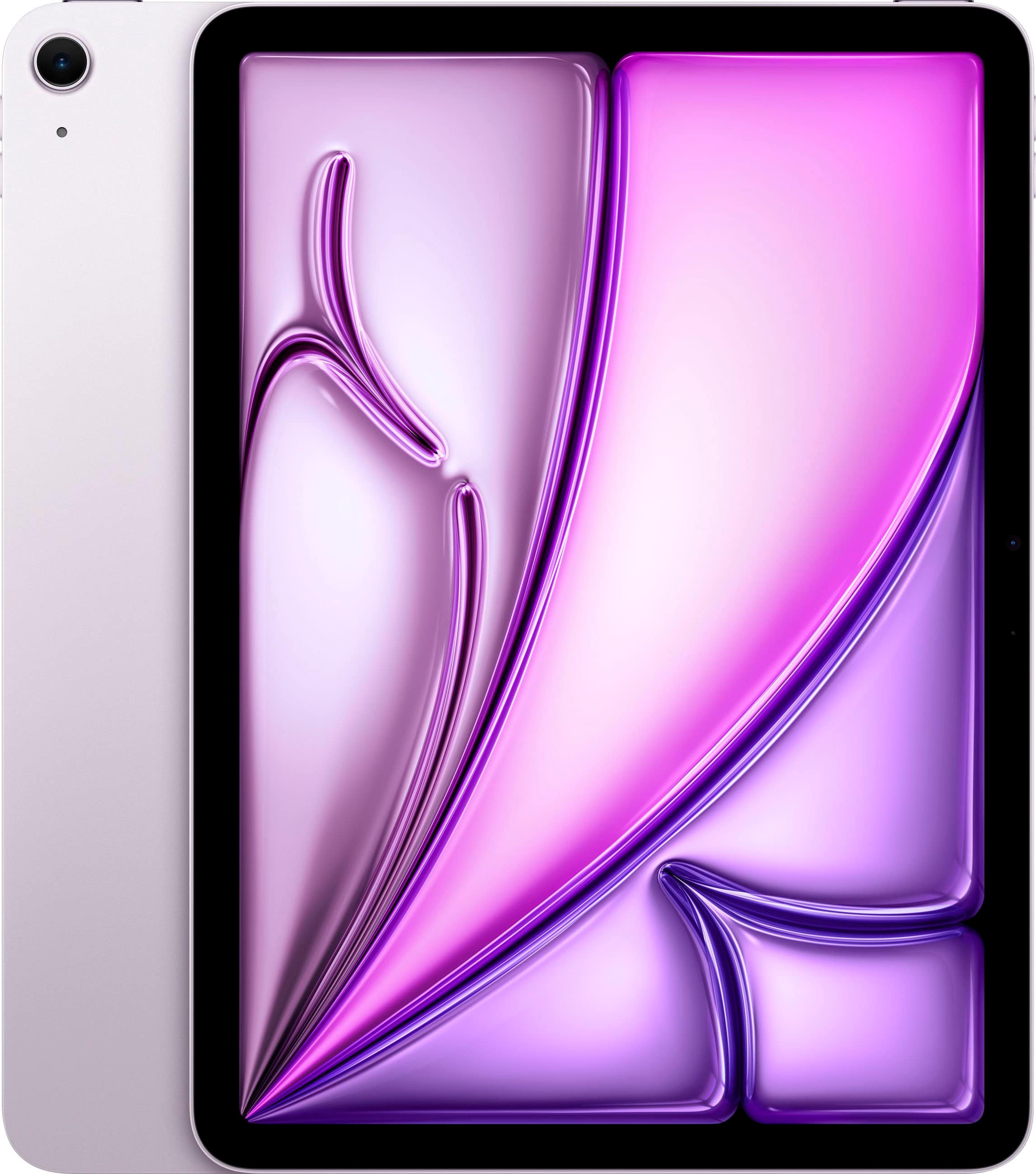
Apple - 11-inch iPad Air M3 chip Built for Apple Intelligence Wi-Fi 1TB - Purple
About this product
A powerful purple tablet featuring the M3 chip, 1TB storage, Liquid Retina display, and Wi-Fi 6E.
What customers like
(20)$1,099.00 Your price for this item is $1,099.00 -
3
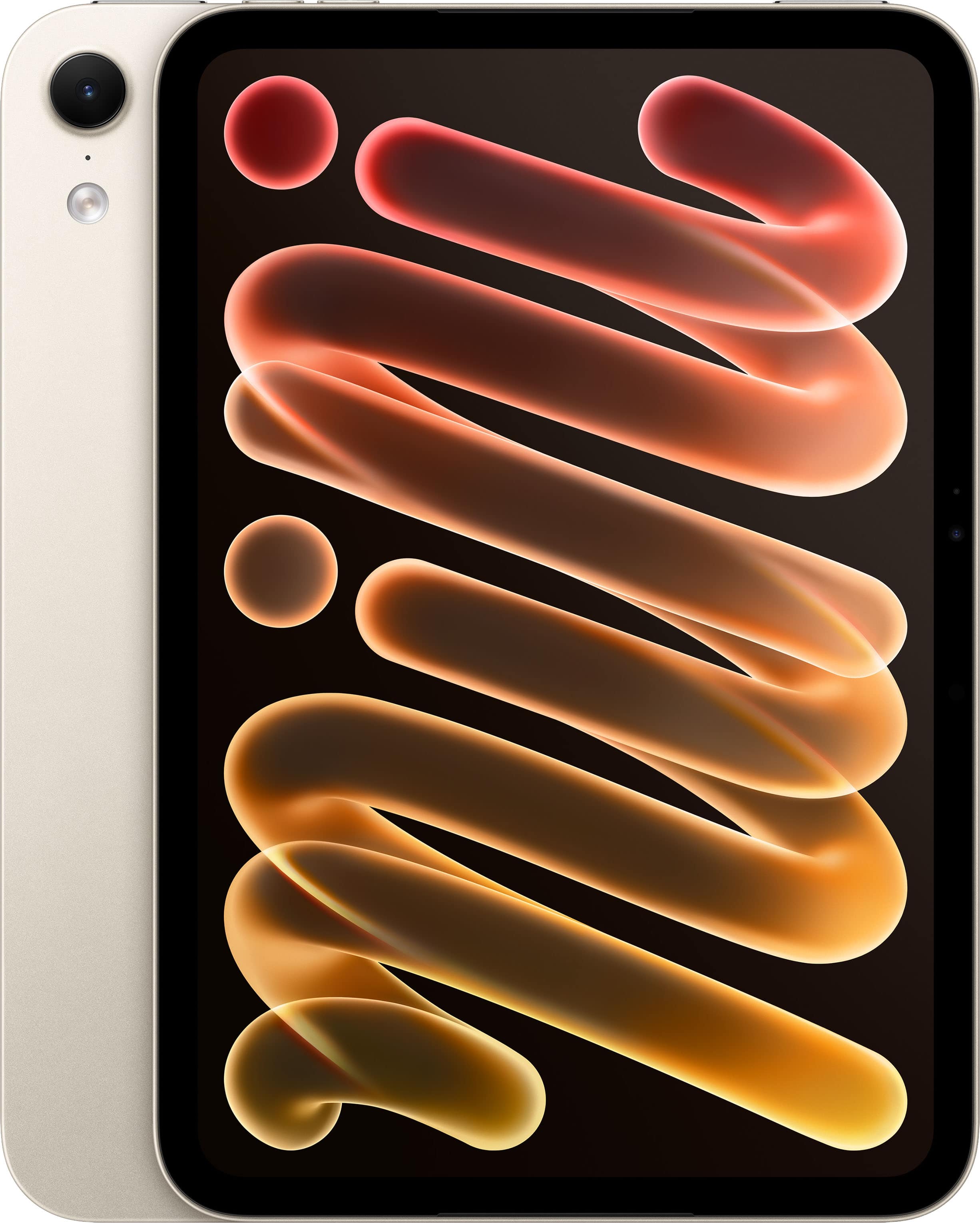
Apple - iPad mini (A20 Pro Chip) Wi-Fi 256GB Nano-texture glass - Starlight
About this product
A starlight tablet with nano-texture glass, A20 Pro chip, 256GB storage, OLED display, and Wi-Fi connectivity.
(0)$899.00 Your price for this item is $899.00 -
4
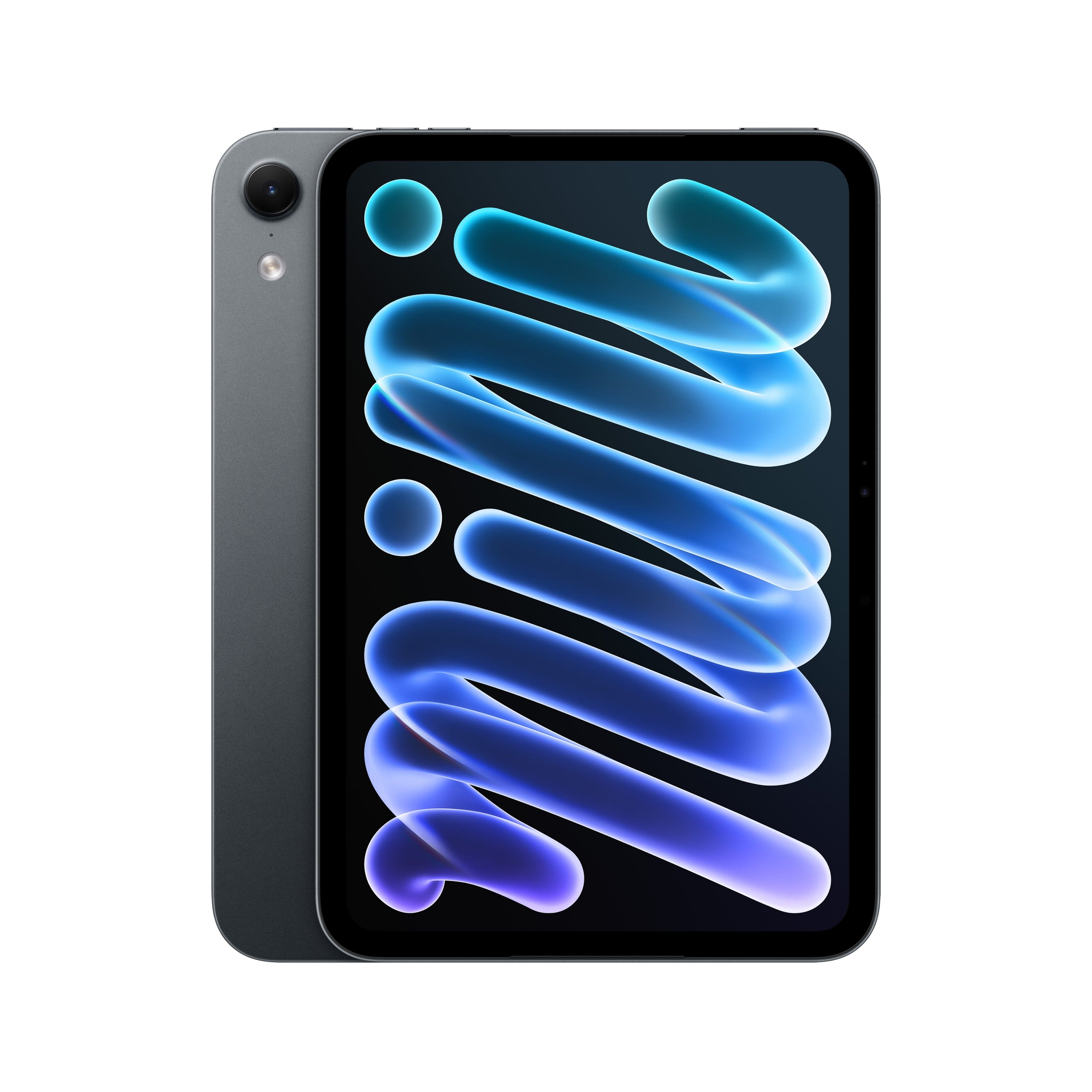
Apple - iPad mini (A20 Pro Chip) Wi-Fi 128GB Standard Glass - Midnight
About this product
A midnight tablet with OLED display, A20 Pro chip, 128GB storage, iPadOS, USB-C, and Pencil compatibility.
(0)$699.00 Your price for this item is $699.00 -
5
Apple - iPad mini (A20 Pro Chip) Wi-Fi 256GB Standard Glass - Midnight
About this product
A tablet with an A20 Pro chip, 256GB storage, Midnight finish, OLED display, and Wi-Fi.
(0)$799.00 Your price for this item is $799.00 -
6
Apple - iPad mini (A20 Pro Chip) Wi-Fi 512GB Standard Glass - Midnight
About this product
An ultraportable tablet with 8.5-inch OLED display, A20 Pro chip, 512GB storage, Wi-Fi, and Midnight finish.
(0)$999.00 Your price for this item is $999.00 -
7
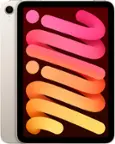
Apple - iPad mini (A20 Pro Chip) Wi-Fi 128GB Standard Glass - Starlight
About this product
A starlight tablet with an OLED display, A20 Pro chip, 128GB storage, iPadOS, and stylus compatibility.
(0)$699.00 Your price for this item is $699.00 -
8

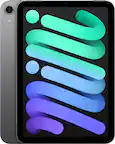
Apple - iPad mini (6th Generation) Wi-Fi + Cellular - 64GB - Purple
About this product
A purple tablet with an A15 Bionic chip, Liquid Retina display, 5G connectivity, USB-C, and Apple Pencil support.
What customers like
(41)$569.00 Your price for this item is $569.00 -
9
Apple - iPad mini (A20 Pro Chip) Wi-Fi 512GB Standard Glass - Starlight
About this product
A starlight tablet with an A20 Pro chip, 512GB storage, OLED display, iPadOS, and Pencil compatibility.
(0)$999.00 Your price for this item is $999.00 -
10
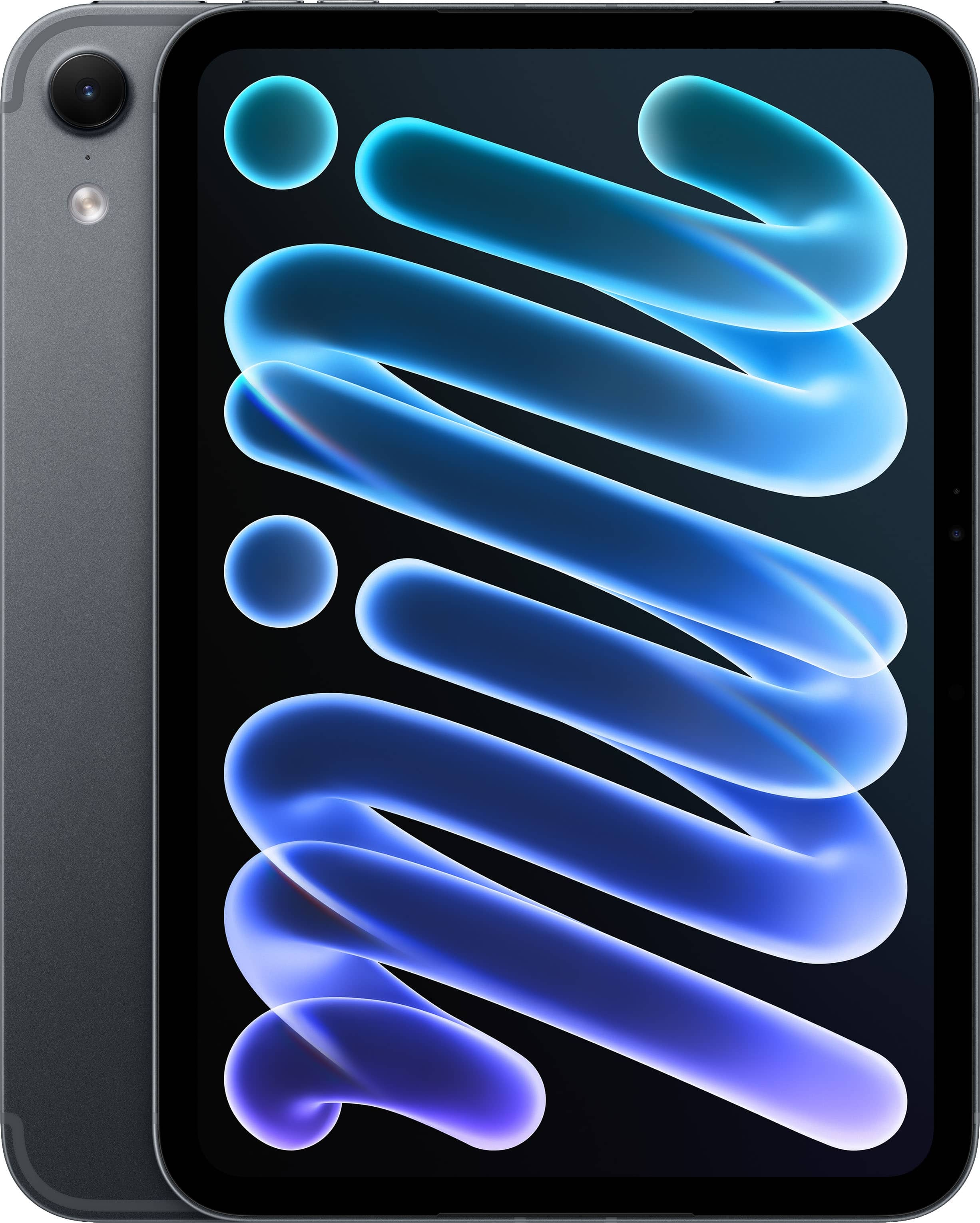
Apple - iPad mini (A20 Pro Chip) Wi-Fi + Cellular 128GB Standard Glass - Midnight (AT&T)
About this product
A Midnight tablet with an A20 Pro chip, OLED display, 128GB storage, and 5G connectivity.
(0)$849.99 Your price for this item is $849.99
Best iPad For Taking Notes
FAQs
Compare stylus compatibility, keyboard support, storage capacity, and the requirements of your preferred note-taking apps. Also consider whether you want to annotate documents, record audio alongside notes, or sync notebooks across devices, since these options vary by app.
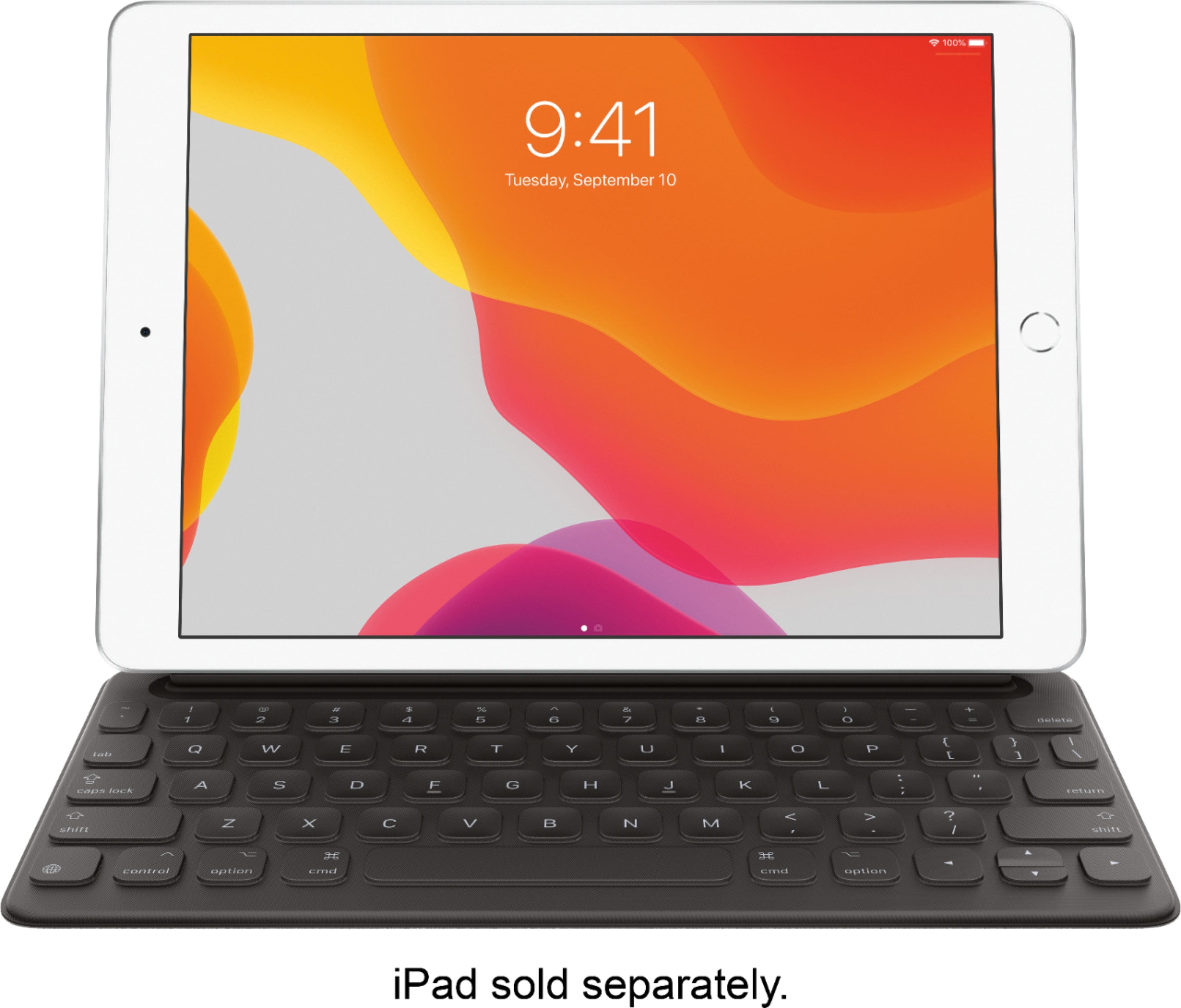
No. You can type notes with the onscreen keyboard or a compatible external keyboard. For handwritten notes and sketches, check which Apple Pencil or other stylus is compatible with the iPad you choose, as stylus support varies by model.
Many iPad note-taking apps let you include typed text, handwriting, sketches, and images in the same note or notebook. The layout and editing options depend on the app, so check its features if you plan to switch between typing and handwriting.
Depending on the note-taking app, you can organize notes into folders or notebooks, add tags, and search by keywords. Consistent titles that include a subject and date can help keep class materials, meeting notes, and personal projects organized.
Many note-taking apps offer cloud syncing, shared notebooks, or export options such as PDF. Check whether your chosen app supports the devices and accounts you use, and review its sharing permissions before inviting others to view or edit a note.