Gaming Routers For Multi-Device Setups
Gaming routers for multi-device setups are designed to help you enjoy smooth gameplay even when multiple devices are connected at once. Whether you’re sharing your network with family or roommates, or streaming on several screens, these routers can help keep your online experience fast and responsive. Explore gaming routers for multi-device environments to find options that support your entire household’s needs, helping reduce lag and dropped connections.
Read More-
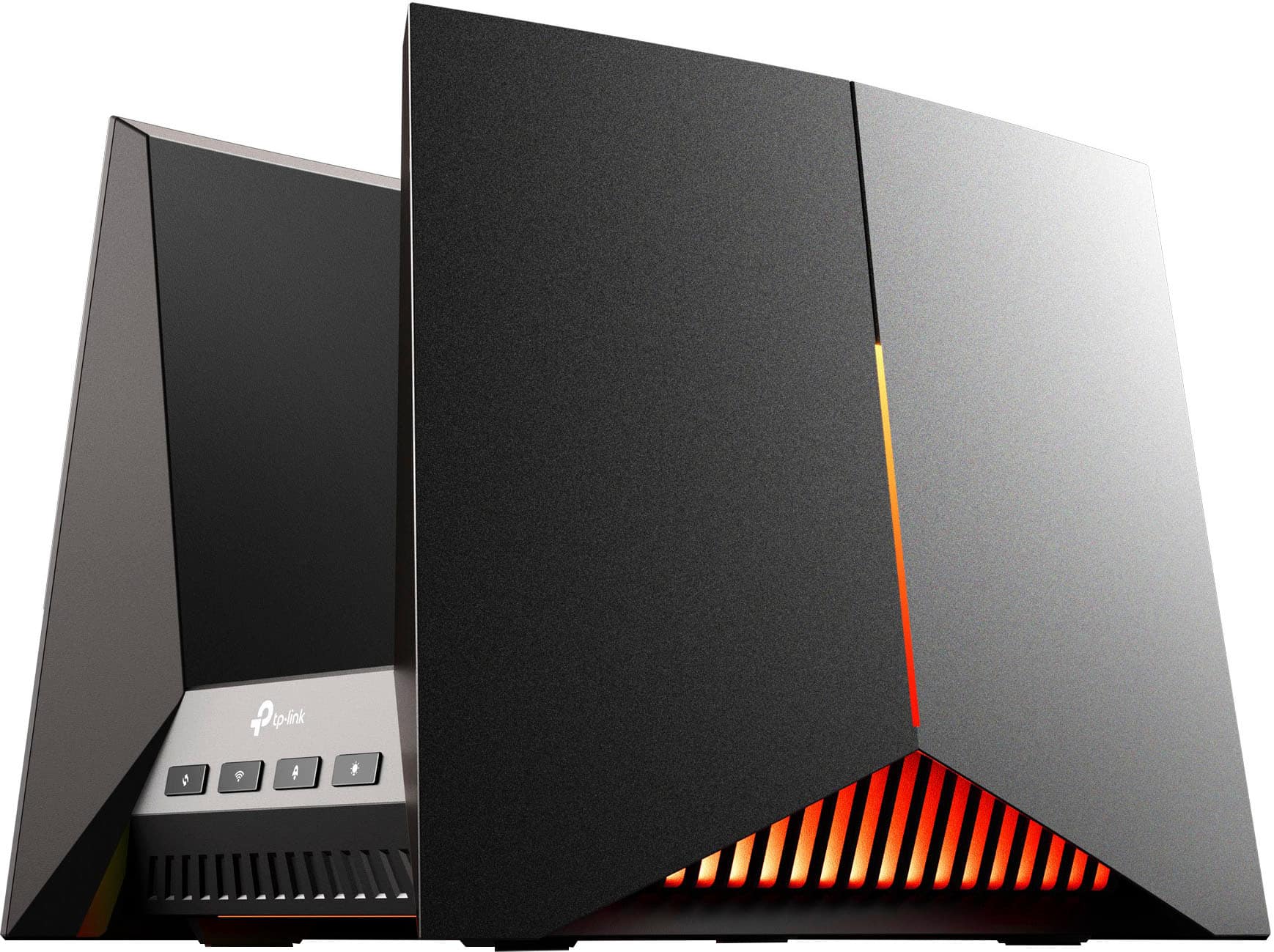
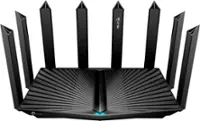
TP-Link - BE19000 Tri-Band Wi-Fi 7 Gaming Router - Black/Red
SKU: J39QK2QYCVSee all Wi-Fi RoutersProduct Description
A tri-band Wi-Fi 7 gaming router in black and red with fast speeds, parental controls, and encryption.$478.99 Your price for this item is $478.99Save $121Was $599.99The previous price was $599.99 -
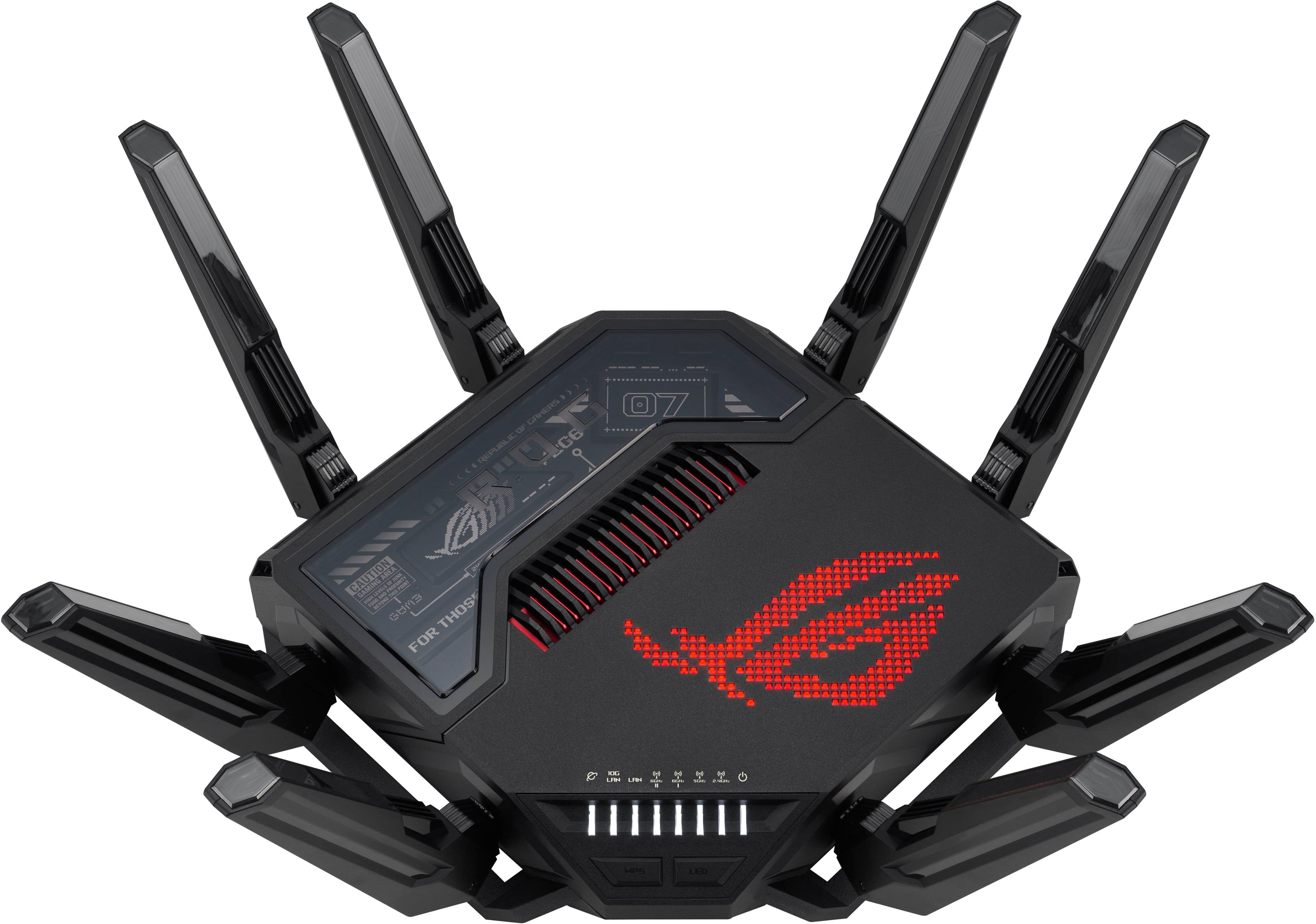
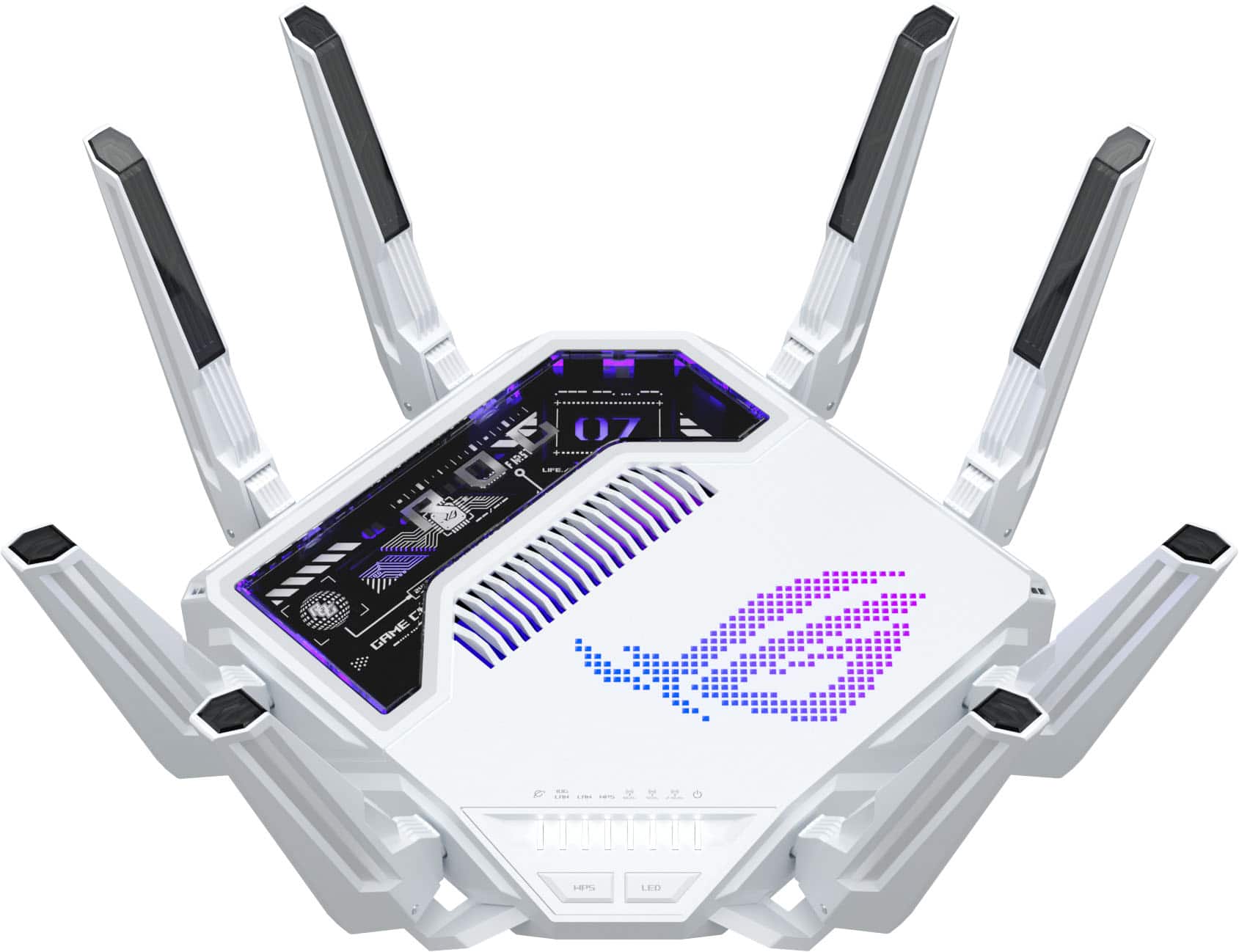
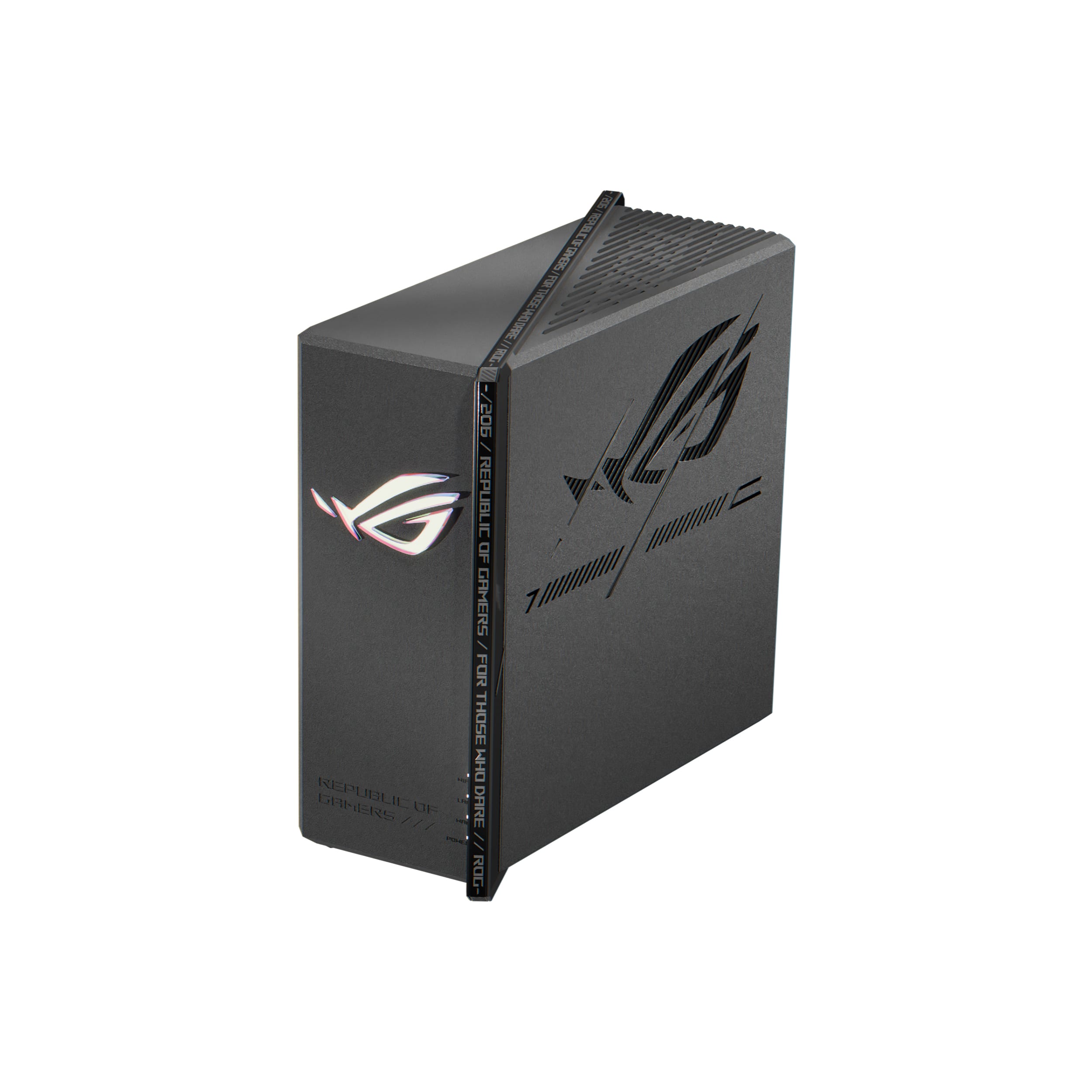
ASUS - ROG Rapture GT-BE98 Pro BE30000 Quad-Band Wi-Fi 7 Gaming Router - Black
SKU: JJGGLR76L6best for game...Love it best thing i got for my house.Good for gaming...Best Gaming Router...fast gaming wireless ,love all the gaming feature it has and and easy to set up
See all Wi-Fi RoutersProduct Description
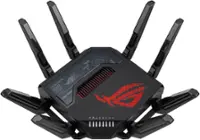
A quad-band black gaming router with Wi-Fi 7, dual 10G ports, RGB lighting, and advanced security.$684.99 Your price for this item is $684.99Save $15Was $699.99The previous price was $699.99 -
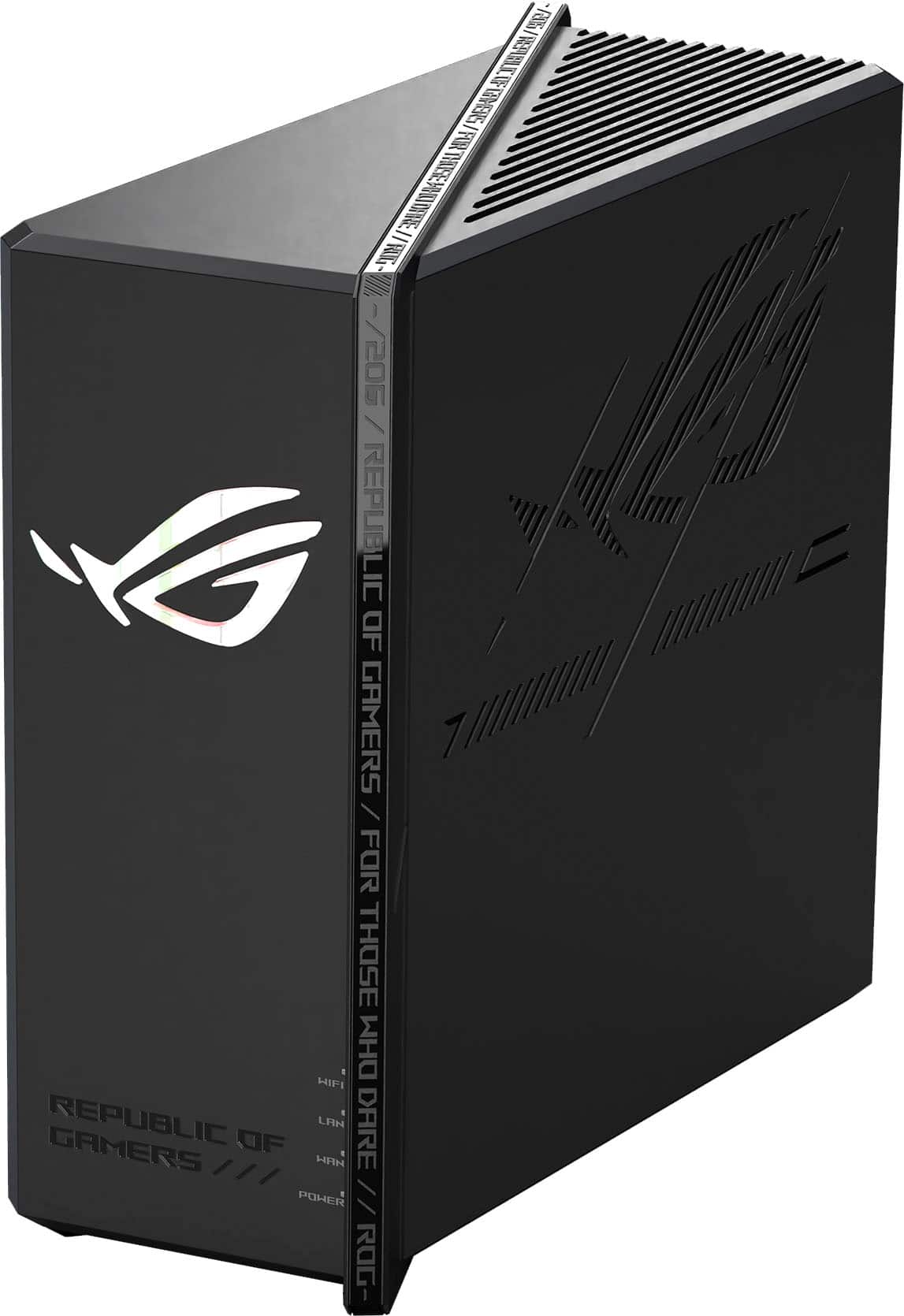
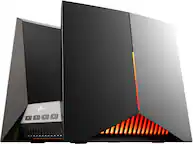
ASUS - ROG Strix GS-BE18000 Tri-Band Wi-Fi 7 Gaming Router - Black
SKU: JJGGLHJL42Best router I've owned. Great for gaming lowest latency....The best wifi booster...One of the kind , great for internet and wifi booster
See all Wi-Fi RoutersProduct Description
A powerful black tri-band Wi-Fi 7 router delivering up to 18 Gbps speeds and advanced gaming features.$449.99 Your price for this item is $449.99 -
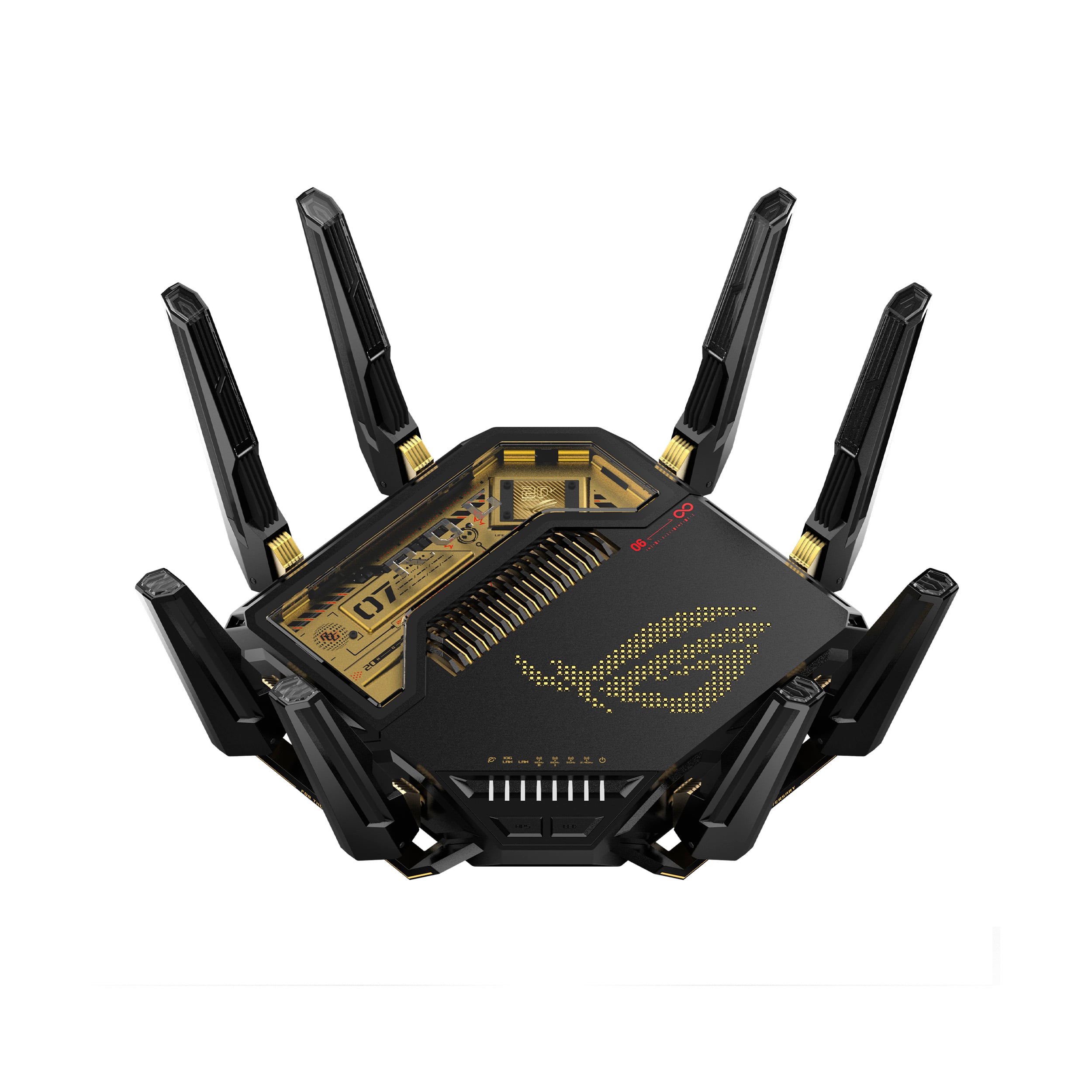
ASUS - ROG Rapture GT-BE98 Pro BE30000 Quad-Band Wi-Fi 7 Gaming Router - 20th Edition
SKU: JJGHGS3ZY5The Best router gamer of the world
See all Wi-Fi RoutersProduct Description
A quad-band Wi-Fi 7 gaming router featuring gold-on-black design, advanced encryption, and seven LAN ports.$699.99 Your price for this item is $699.99 -
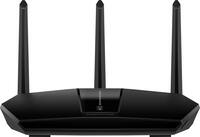
TP-Link - Archer AXE7800 Tri-Band Wi-Fi 6E Router - Black
SKU: J39QK2Q8VQmakes my netgear seem like crap.you always do free delivery and thats why i love you...It has great range and one of the best routers you can get for this price....i got a great buy at BEST BUY...Love...
See all Wi-Fi RoutersProduct Description
A high-performance black tri-band Wi-Fi 6E router delivering ultra-fast speeds, strong coverage, and advanced security.$137.99 Your price for this item is $137.99Save $92Was $229.99The previous price was $229.99 -
eero - Pro 6E Tri-band Mesh Wi-Fi 6E System (1-pack) - White
SKU: J39QV88HC7The best invention ever! Purchase (2) work great!...Eeero mesh system is the best. Just purchased an extender to cover our backyard. It works great!
See all Mesh Wi-FiProduct Description
A tri-band mesh Wi-Fi 6E system in white offering gigabit+ speeds, parental controls, and app compatibility.$199.99 Your price for this item is $199.99 -
eero - Pro 6E Tri-band Mesh Wi-Fi 6E System (2-pack) - White
SKU: J39QV8GG5JReviewed one of the best and is fully expandable with great coverage...Home wifi shortage problem solve ,Thanks Best Buy sale consultant referral this great product.
See all Mesh Wi-FiProduct Description
A tri-band mesh Wi-Fi 6E system in white offering gigabit+ speeds, app control, and parental controls.$349.99 Your price for this item is $349.99 -
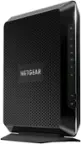
NETGEAR - Nighthawk AX2700 Router with 32 x 8 DOCSIS 3.1 Cable Modem - Black
SKU: J2VY7Y478Hgreat...Fast love it so easy to set up would recommend to anyone 2850 sq ft home and no dead spots any place...we love it price and service at best buy is the best...Worked great one of the best routers...
See all Wi-Fi RoutersProduct Description
A black dual-band Wi-Fi 6 modem-router combo with DOCSIS 3.1, four LAN ports, and advanced security.$299.99 Your price for this item is $299.99Save $80Was $379.99The previous price was $379.99 -
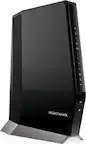
NETGEAR - Nighthawk AX6000 Wi-Fi 6 Router with DOCIS 3.1 Cable Modem - Black
SKU: J2VY7YZXRPBest Modem Combo...Love this modem combo.. I finally have the speeds that I'm paying for!! Great Job Everyone!!!! Kerry...I love this product, best buy I ever made. Strongly recomended
See all Wi-Fi RoutersProduct Description
A powerful black Wi-Fi 6 router and DOCSIS 3.1 modem combo for fast, reliable multi-device connectivity.$499.99 Your price for this item is $499.99 -
TP-Link - Deco AX3000 (3-pack) Dual-Band Whole Home Mesh Wi-Fi 6 System, Supports Gigabit Speeds - White
SKU: J39QK2R4WTBest Mesh System...The app is great and was easy to setup. I love everything about it. Don’t buy Google Nest....The best system if you hard wire all 3 pods....I used it in a small business, the best results...
See all Mesh Wi-FiProduct Description
A dual-band Wi-Fi 6 mesh system in white, supporting gigabit speeds and up to 150 devices.$165.95 Your price for this item is $165.95Save $4Was $169.99The previous price was $169.99
- 1
- 2
- ...
- 14
Gaming routers for multi-device setups are designed for homes where several connected activities happen at once. A family might have a gaming console in the living room, a desktop gaming PC in a bedroom, phones and tablets throughout the house, smart TVs streaming high-resolution video, and security cameras or smart home accessories using the network in the background. In a smaller space, the demands can be just as significant: roommates may be gaming, attending video meetings, uploading large files and streaming music simultaneously. A standard router may connect all these devices, but a gaming-focused model can offer features intended to manage busy networks more efficiently. When comparing options, consider the total number of connected devices rather than only the number being used for gaming. Many products connect dozens of devices, while the actual experience depends on factors such as the size and layout of the home, internet service speed, wall materials, distance from the router and the amount of network traffic generated by each device. Wi-Fi 6E and Wi-Fi 7 routers can be appealing for crowded households because compatible devices may use additional wireless spectrum, including the 6GHz band, to reduce congestion and maintain responsive connections. Wi-Fi 6 remains a capable choice for many homes, particularly when a router offers strong coverage, efficient traffic management and enough capacity for everyday streaming, gaming and browsing. A dual-band router may be well suited to a typical household, while a tri-band model can provide more room for simultaneous connections and help separate traffic across available bands. Compatibility matters, since phones, laptops and game systems need matching wireless standards to take full advantage of newer features. Even when older devices are part of the network, a newer router can still provide broader support and useful tools for organizing a mixed collection of technology.
For online gaming, responsiveness is often more important than having the highest possible download speed. Look for quality of service, commonly called QoS, which can prioritize gaming traffic when another device is downloading a large file or streaming 4K video. Some routers include automatic game traffic detection, device-priority settings or a dedicated gaming port that makes it easier to give a console or gaming PC preferred access. These features cannot overcome a slow internet plan, distant network equipment or a weak signal, but they can help reduce the effect of competing activity inside the home. Ethernet connections remain a valuable option for competitive play because a direct cable connection typically avoids the wireless interference and signal variation that can contribute to jitter. Multi-gig Ethernet ports are useful for hardwiring a gaming desktop, console, network storage device or high-performance access point, especially when the home internet service and connected equipment support speeds beyond 1 gigabit. Count the available LAN ports if several devices will be wired; a router with more ports can reduce the need for an additional switch. For wireless devices, MU-MIMO and OFDMA can help a router communicate with multiple clients more efficiently, rather than treating every request as if it must wait in a single line. Antenna design and placement also deserve attention. Position the router in a central, open location rather than inside a cabinet or behind a television, and keep it away from large appliances and dense obstructions when possible. In a larger home, a compatible mesh system or additional access point may provide more consistent coverage than placing a single router at one end of the space. VPN support, parental controls, guest networking, automatic firmware updates and mobile management tools can be just as useful as gaming-specific functions, particularly in a household where convenience, privacy and control matter alongside performance. A model with a clear administration app can make it easier to pause a child’s tablet, create a separate network for visitors or check which devices are consuming bandwidth.
These products can be a practical upgrade for dedicated PC gamers, console players, families sharing one internet connection, streamers and anyone building a connected home office and entertainment space. They can also make thoughtful gifts for a college student moving into a shared apartment, a household adding more smart devices or a gamer setting up a new room during the cooler months when more time is spent indoors. For someone who broadcasts gameplay, a router with dependable traffic management, fast wired ports and strong coverage can help keep gameplay, uploads and household activity moving together; shoppers may also want to browse Gaming Routers for Streamers for related options. Before choosing, make a simple list of the devices that will connect by Wi-Fi and Ethernet, note which ones support newer standards, and identify where gaming equipment will sit in relation to the router. Check the internet service plan as well, since a router’s maximum wireless or wired rate does not increase the speed supplied by the provider. Households with many simultaneous users may benefit from higher-capacity hardware, extra Ethernet ports, multiple bands and robust QoS controls, while a smaller setup may get everything it needs from a more compact model. Security features should be part of the decision too: use a strong administrator password, enable available security updates, create a guest network for visitors and review connected-device lists from time to time. The best choice is the one that fits the home’s floor plan, device count, connection type and everyday habits. With thoughtful placement and the right combination of wired and wireless connections, a gaming router can serve as the central link between low-latency play, smooth streaming, schoolwork, remote work and the many devices that make a home feel connected.
Best Sellers
Related Pages
FAQ
When choosing a gaming router for multi-device use, look for features like dual-band or tri-band Wi-Fi, MU-MIMO technology, Quality of Service (QoS) settings, and high-speed data transfer rates. These features help ensure smooth connectivity and prioritize gaming traffic even when several devices are connected.
MU-MIMO (Multi-User, Multiple Input, Multiple Output) allows a router to communicate with several devices simultaneously rather than one at a time. This reduces lag and improves overall network performance, making it ideal for households where multiple users are gaming or streaming at once.
Yes, gaming routers often include advanced QoS settings that prioritize gaming traffic over other types of data. This helps minimize latency and lag during online multiplayer sessions, even if other devices are streaming or downloading content.
While not strictly necessary, tri-band routers can be beneficial for heavy multi-device gaming. They offer an additional wireless band to distribute device connections more efficiently, reducing congestion and improving performance across all connected devices.
Most gaming routers provide both wired Ethernet ports and wireless connectivity options. Wired connections offer the lowest latency and most stable performance for serious gamers, while wireless connections provide flexibility for mobile devices and casual use.