iMac Cables
-
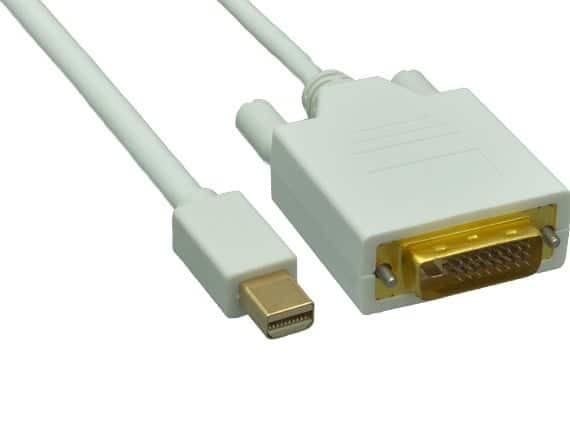
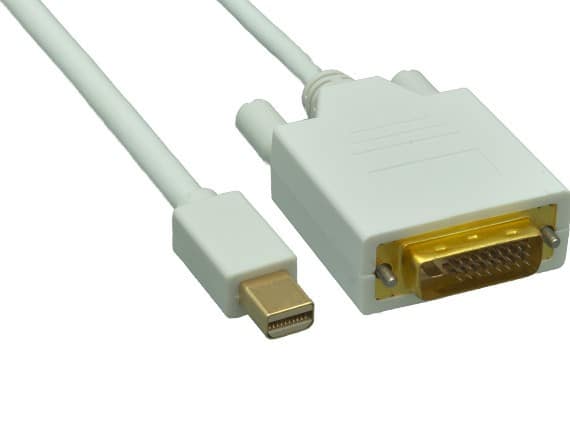
Cable Leader - Mini DisplayPort to DVI-D Cable, 1080p Full HD Male to Male for MacBook, iMac, Surface to DVI Monitor - White
SKU: J39TZ8RQRSSee all Monitor & Video CablesProduct Description
A white cable delivering 1080p Full HD digital video from Mini DisplayPort devices to DVI-D monitors.Your price for this item is $22.99 -
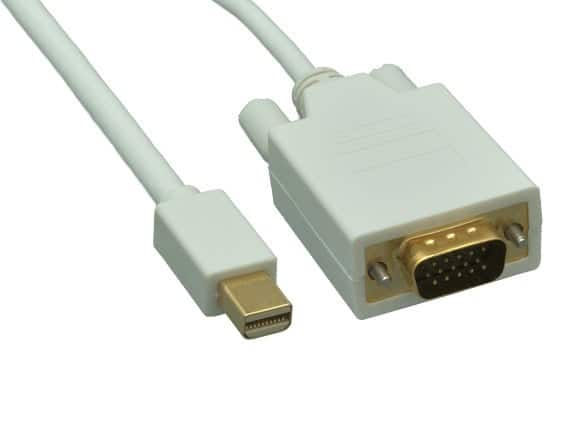
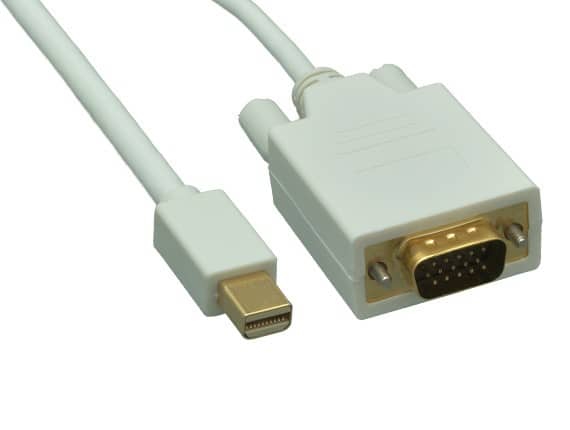
Cable Leader - Mini DisplayPort to VGA Cable, 1080p Full HD Male to Male for MacBook, Surface to Monitor or Projector - White
SKU: J39TZ8RRX5See all Monitor & Video CablesProduct Description
A white Mini DisplayPort to VGA cable delivering 1080p Full HD video from laptops to monitors or projectors.Your price for this item is $18.49 -
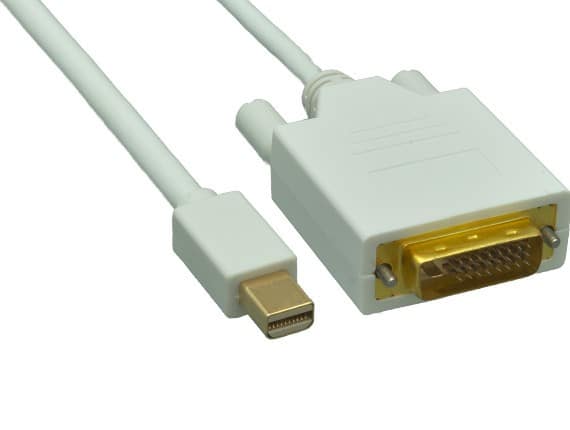
Cable Leader - Mini DisplayPort to DVI-D Cable, 1080p Full HD Male to Male for MacBook, iMac, Surface to DVI Monitor - White
SKU: J39TZ8RRXLSee all Monitor & Video CablesProduct Description
A white cable delivering 1080p Full HD video from Mini DisplayPort devices to DVI-D monitors.Your price for this item is $18.49 -
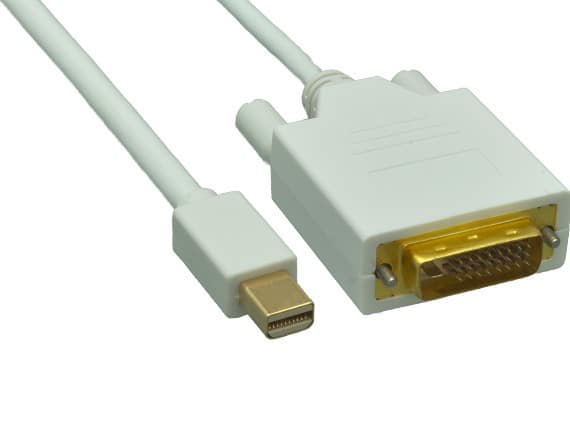
Cable Leader - Mini DisplayPort to DVI-D Cable, 1080p Full HD Male to Male for MacBook, iMac, Surface to DVI Monitor - White
SKU: J39TZ8RQRXSee all Monitor & Video CablesProduct Description
A white cable that connects Mini DisplayPort devices to DVI-D monitors for crisp 1080p digital video.Your price for this item is $15.99 -
Cable Leader - Mini DisplayPort to DVI-D Cable, 1080p Full HD Male to Male for MacBook, iMac, Surface to DVI Monitor - White
SKU: J39TZ8RR2TSee all Monitor & Video CablesProduct Description
A white cable delivering 1080p Full HD video from Mini DisplayPort devices to DVI-D monitors.Your price for this item is $16.99 -
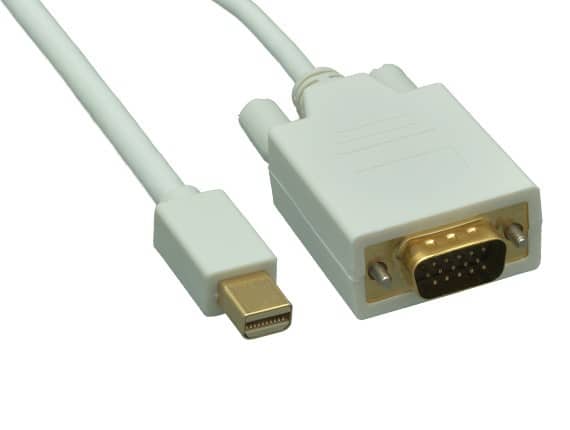
Cable Leader - Mini DisplayPort to VGA Cable, 1080p Full HD Male to Male for MacBook, Surface to Monitor or Projector - White
SKU: J39TZ8RQQ8See all Monitor & Video CablesProduct Description
A white Mini DisplayPort to VGA cable delivering 1080p Full HD video from laptops to monitors or projectors.Your price for this item is $22.99 -
Cable Leader - Mini DisplayPort to VGA Cable, 1080p Full HD Male to Male for MacBook, Surface to Monitor or Projector - White
SKU: J39TZ8RRXQSee all Monitor & Video CablesProduct Description
A white Mini DisplayPort to VGA cable delivering 1080p Full HD video from laptops to monitors or projectors.Your price for this item is $17.99 -
Cable Leader - Mini DisplayPort to VGA Cable, 1080p Full HD Male to Male for MacBook, Surface to Monitor or Projector - White
SKU: J39TZ8RQRWSee all Monitor & Video CablesProduct Description
A white Mini DisplayPort to VGA cable delivering 1080p Full HD video from laptops to monitors or projectors.Your price for this item is $13.99 -
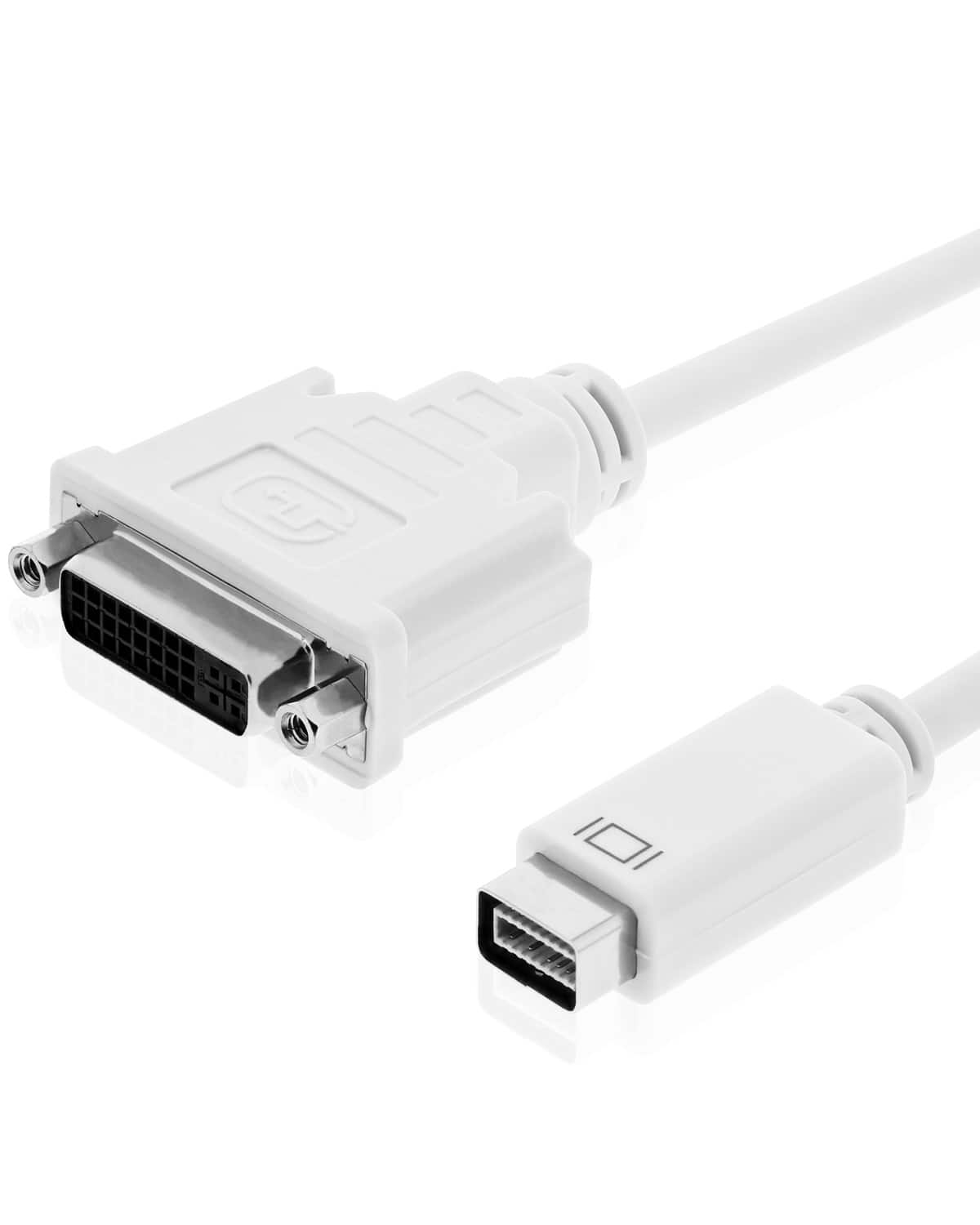
Fosmon - Mini DVI (Male) to Standard DVI-I (Female) Video Adapter Cable (20cm - for Apple iMac Macbooks Powerbook G4 Mini - White
SKU: J3KCTSSX8JSee all A/V AdaptersProduct Description
A white, nickel-plated adapter cable connecting Mini-DVI devices to DVI-I monitors for video mirroring or extended displays.Your price for this item is $13.49 -
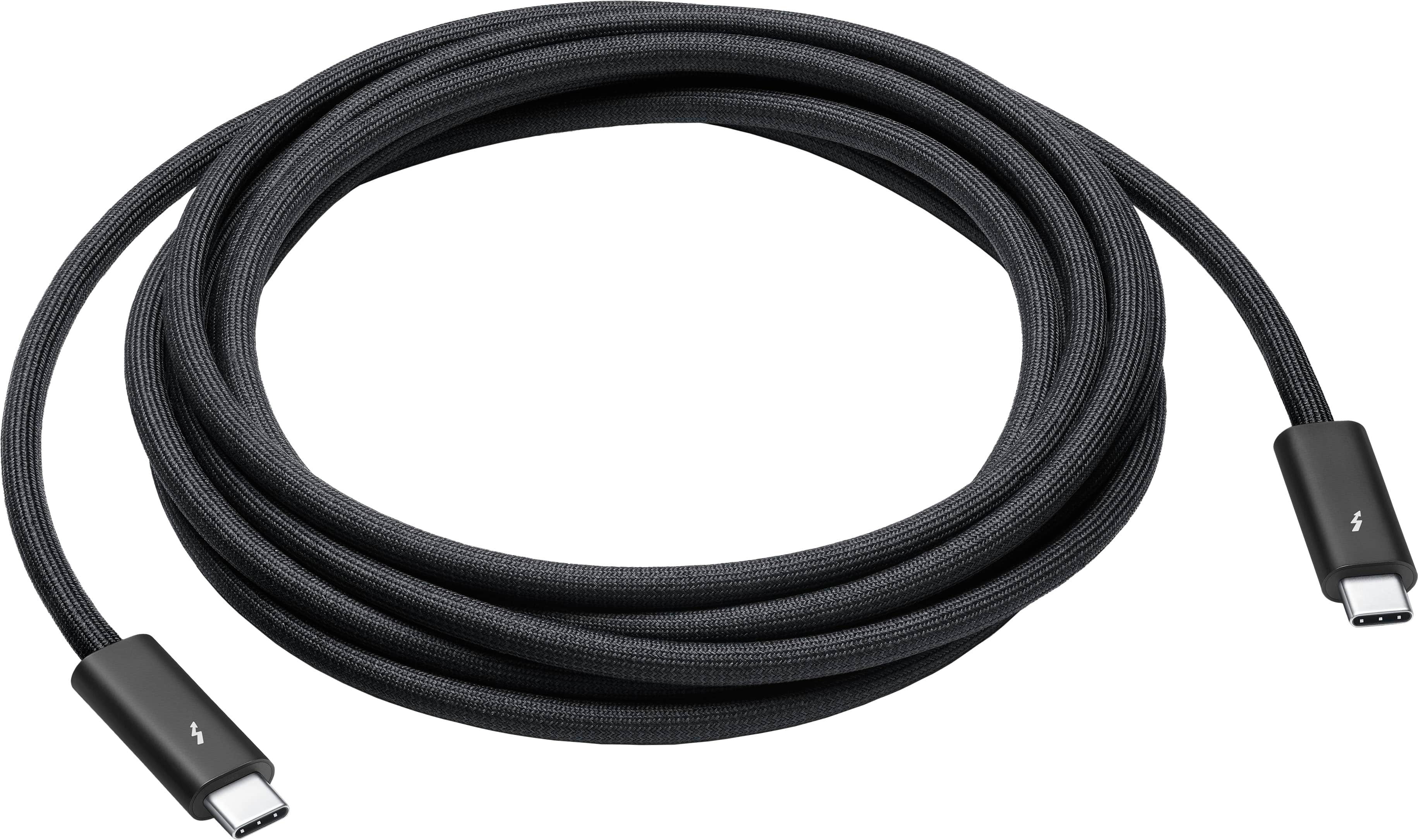
Apple - Thunderbolt 4 Pro Cable (3 m) - Black
SKU: JJGCQ3FK69See all Cables & ConnectorsProduct Description
A black braided cable supporting Thunderbolt 4, USB 4, 40Gb/s data transfer, and 100W charging.Your price for this item is $159.99
Best Sellers




Related Pages






FAQ
iMac computers are compatible with a variety of cables, including Thunderbolt, USB-C, HDMI, DisplayPort, and Ethernet cables. The specific type you need depends on your iMac model and the devices you want to connect.
Yes, many third-party cables are compatible with iMacs as long as they meet the required specifications and standards. Look for cables that are certified and designed for Mac compatibility to ensure optimal performance.
Depending on your iMac model and the external monitor's input, you may need a Thunderbolt, USB-C, HDMI, or DisplayPort cable. Check your iMac’s available ports and your monitor’s requirements to choose the correct cable.
For fast data transfer between Macs, use a Thunderbolt or USB-C cable if both devices support these connections. You can also use an Ethernet cable for network-based transfers.
Yes, you can use a 3.5mm audio cable for standard headphones or speakers, or opt for USB-C or Thunderbolt audio interfaces for professional audio equipment. Ensure the cable matches your iMac’s available ports and your audio device’s input.