Interface TV
-
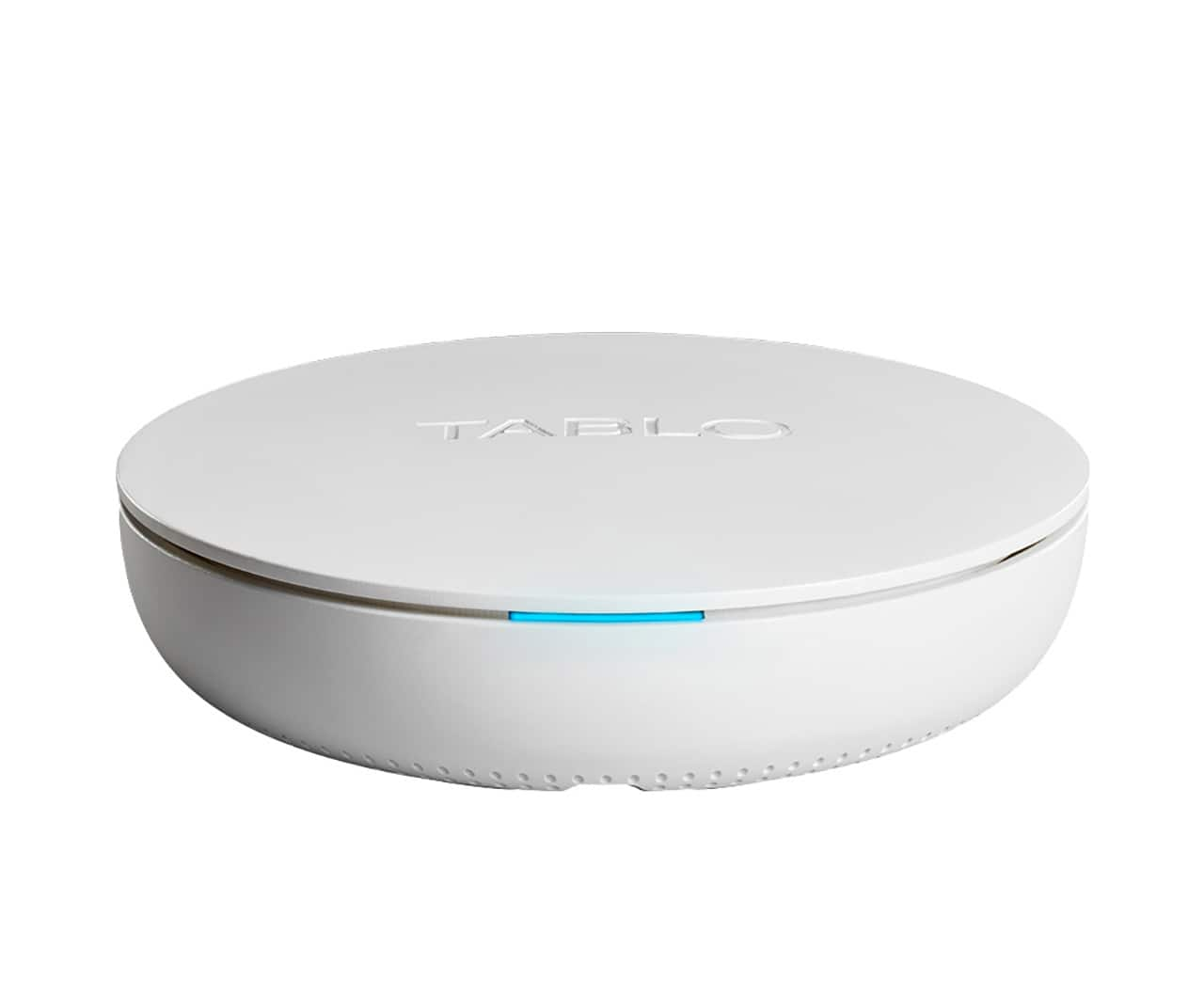
Tablo - 4th Gen, 2-Tuner, 128GB Over-The-Air DVR & Streaming Player - White
SKU: J3Q5QJK7K3Love best buy and TABLO, glad they've decided to work together......and a great deal.....thank you...I can have clear channels and see other tv shows i love. Best part i can record shows....One of best...
See all Streaming DevicesProduct Description
A white over-the-air DVR and streaming player with dual tuners, 128GB storage, and easy setup.Your price for this item is $99.99 -
Tablo - 4th Gen, 4-Tuner, 128GB Over-The-Air DVR & Streaming Player - White
SKU: J3Q5QJK74TGreat price and value. I love shopping at Best Buy, always has the best prices....Best OTA and FAST streaming...Best way to stream OTA Antenna signal to multiple devices. No more coaxial cable strung...
See all Streaming DevicesProduct Description
A white over-the-air DVR with 128GB storage and four tuners for recording and streaming live TV.Your price for this item is $139.99 -
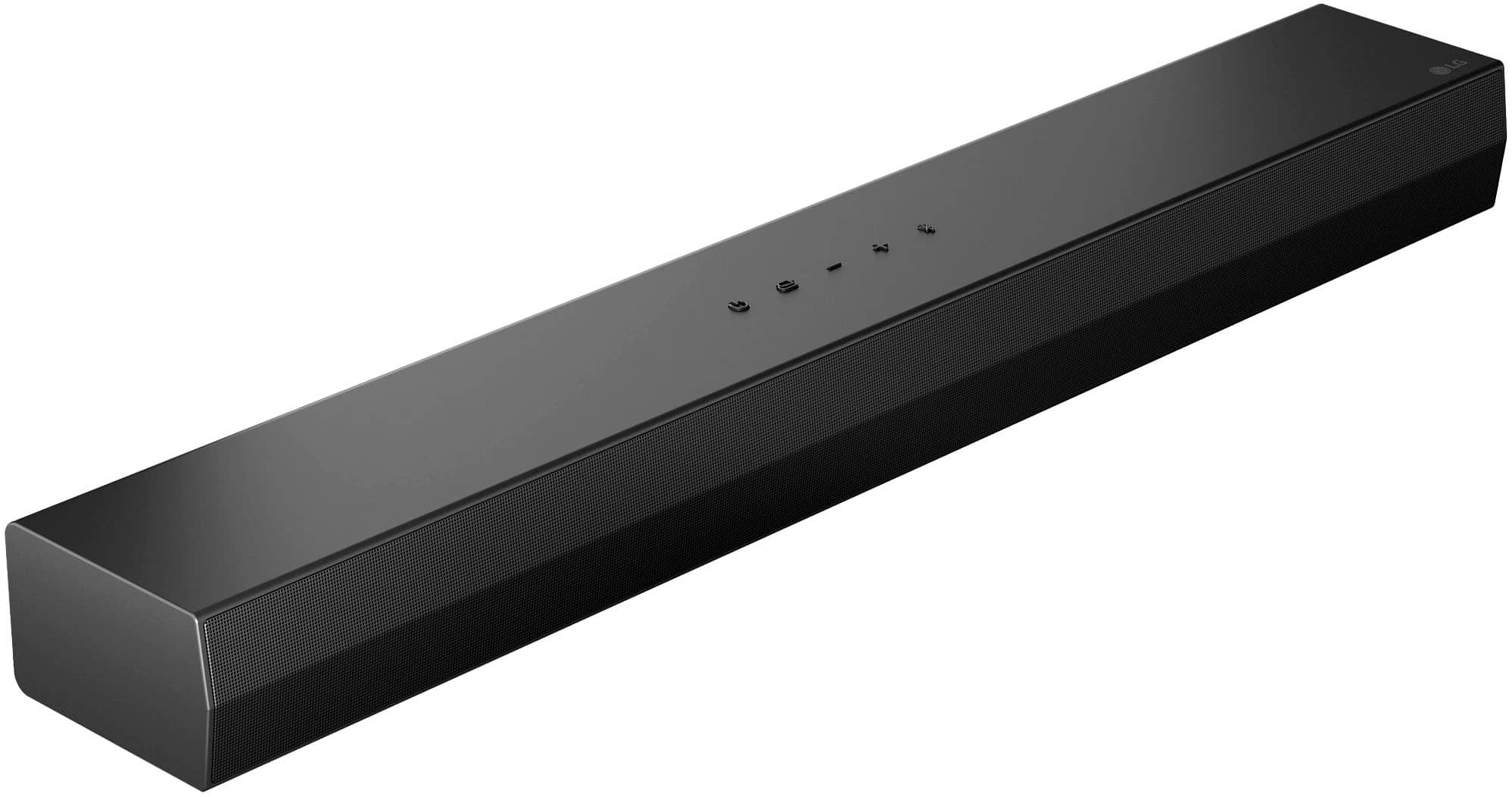
LG - 2.0-Channel S20A Soundbar with Built-in Woofer, DTS Digital Surround, Bluetooth Connectivity - Black
SKU: JJ8VPZT5CPI love this item. It looks great and sounds great. Great addition to my living room...Absolutely love this purchase it get great coiling easy to hook up plenty of features and great price
See all Sound BarsProduct Description
A black 2.0-channel soundbar with built-in woofer, DTS surround, Bluetooth, and remote control included.Your price for this item is $119.99 -
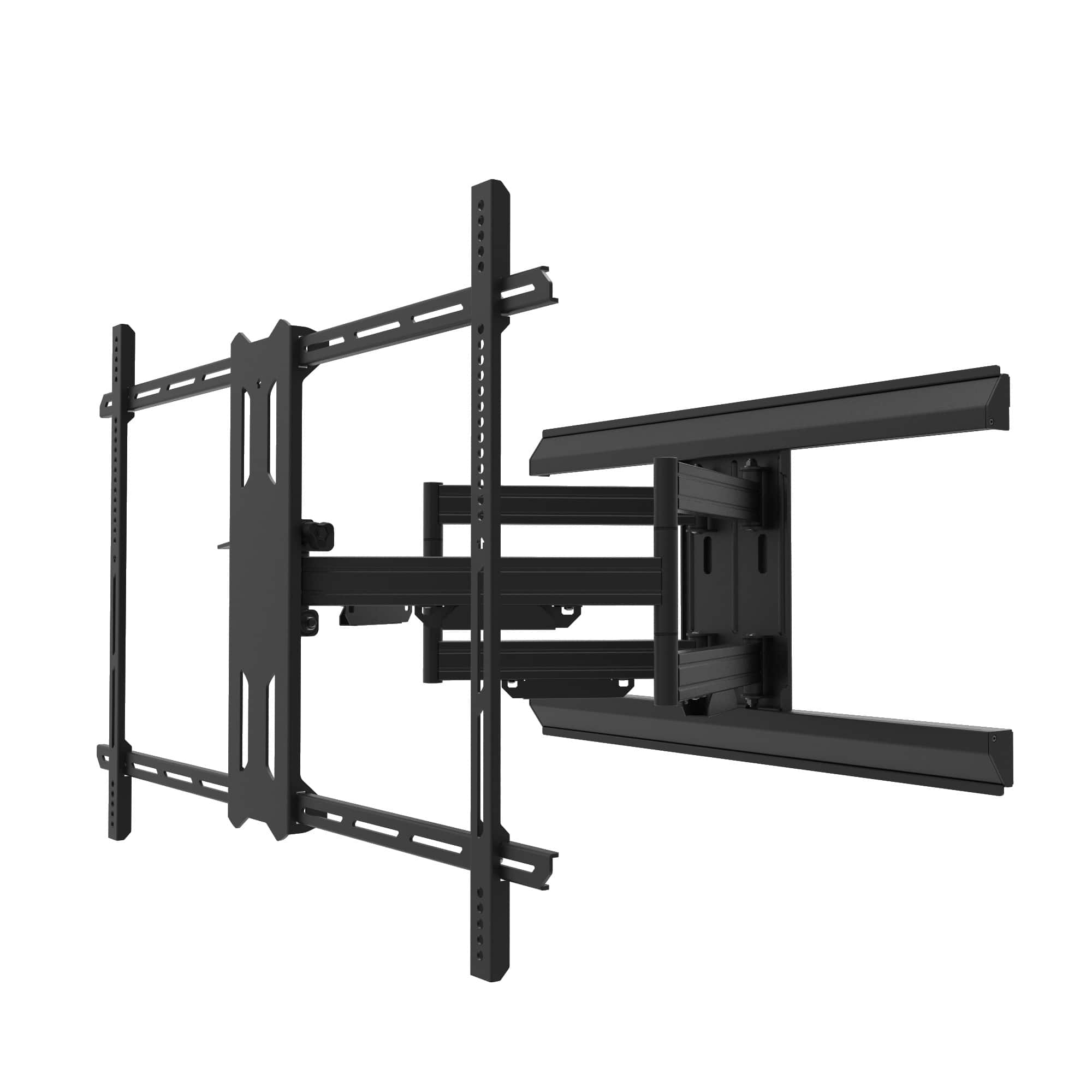
Kanto - Pro Series Full Motion TV Wall Mount with Adjustable Offset for 55" - 120" TVs - Black
SKU: J38CPQVXW9See all TV MountsProduct Description
A black full motion wall mount offering adjustable offset, toolless tilt, and all-metal cable management.Your price for this item is $399.99
Best Sellers



FAQ
When choosing an interface TV, consider features such as smart connectivity, multiple HDMI and USB ports, built-in streaming apps, voice control compatibility, and screen mirroring capabilities. These features enhance your viewing experience and make it easier to connect to other devices.
Yes, most interface TVs support smartphone and tablet connectivity through screen mirroring, casting, or dedicated apps. Look for TVs with built-in Chromecast, AirPlay, or Miracast to easily share content from your mobile devices.
An interface TV typically offers enhanced connectivity options, such as additional input ports, smart features, and seamless integration with other devices. This allows for easier access to streaming services, gaming consoles, and external media players compared to standard televisions.
Many interface TVs are compatible with popular voice assistants like Amazon Alexa, Google Assistant, or Apple Siri. This allows you to control your TV, search for content, and adjust settings using voice commands for added convenience.
Yes, you can use an interface TV as a computer monitor if it has the appropriate input ports, such as HDMI or VGA. This is useful for presentations, gaming, or multitasking on a larger screen.