Labor Day Appliances SaleEnds 9/16. Limited quantities. No rainchecks.Shop now

Main Content

Labor Day Appliances SaleEnds 9/16. Limited quantities. No rainchecks.Shop now

Main Content
Categories & Filters

iPad For Online Learning

An iPad for online learning offers a powerful solution for students and educators seeking a flexible and engaging digital classroom experience. With intuitive interfaces and access to educational apps, these tablets can help streamline coursework, support interactive lessons, and make virtual collaboration easier. Whether you're attending live classes, taking notes, or organizing assignments, an iPad for online learning can help keep you connected and productive from almost anywhere. Explore options that fit different learning styles and discover how the right device can support your educational journey.

Read More
Results
Main Results
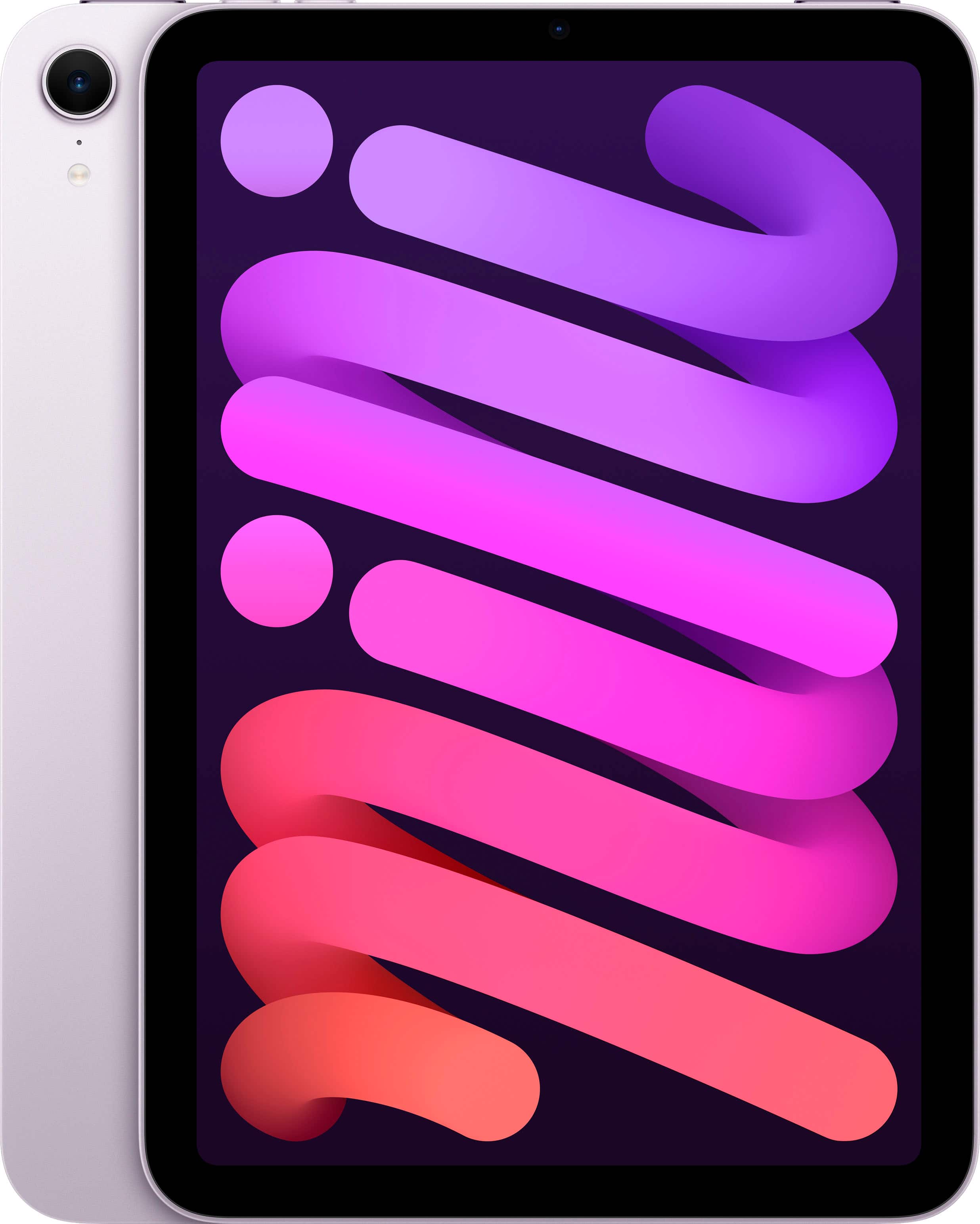
  1. Apple - iPad mini (A17 Pro chip) - Built for Apple Intelligence - Wi-Fi 128GB - Purple

    SKU: JJGCQ8GTSC

    Great product! Love the ease of shopping at this Best Buy location....Love it...Great tablet I really recommend getting....Best decision I made on a tablet and the employees and staff were great while...

    Product Description

    A portable purple tablet featuring the A17 Pro chip, 8.3" Liquid Retina display, and 128GB storage.
    See all iPad mini
    Your price for this item is $599.00
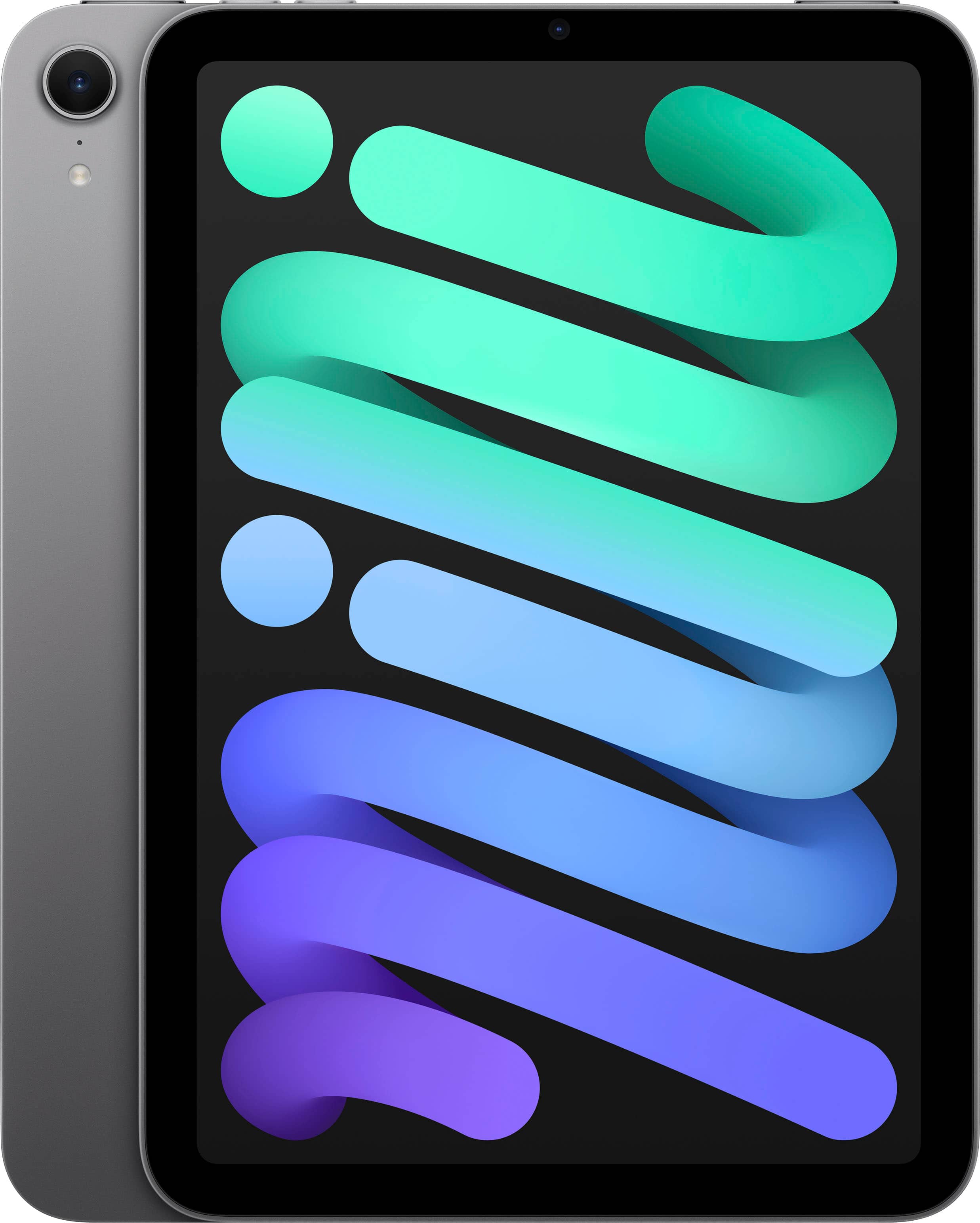
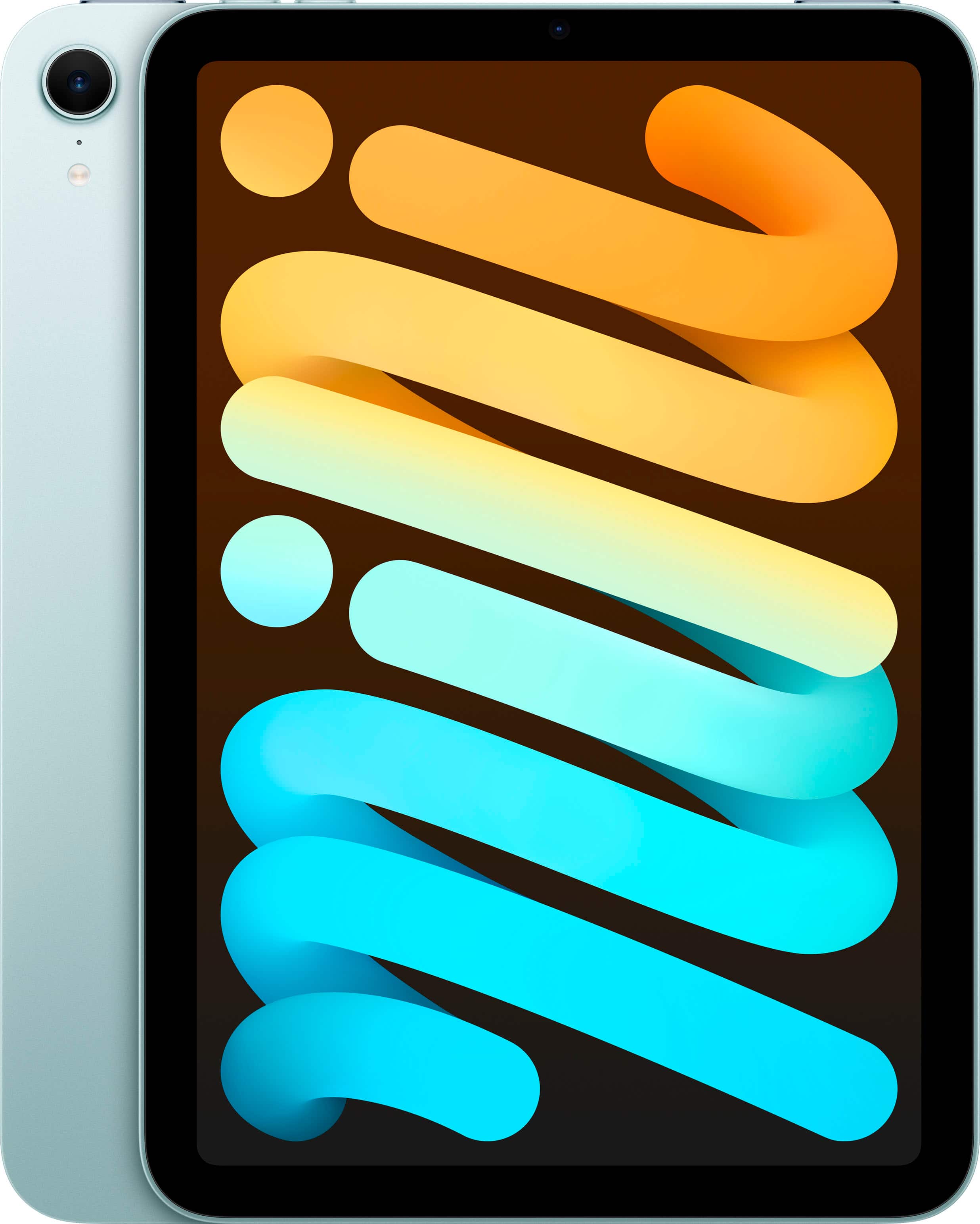
  2. Apple - iPad mini (A17 Pro chip) - Built for Apple Intelligence - Wi-Fi 128GB - Space Gray

    SKU: JJGCQ8GHLK

    I love my new iPad mini, all of Apples products are great,and Best Buy has the best prices....Great iPad at a Great Price...I love the size and amazing versatility of the iPad mini....It was time for...

    Product Description

    A portable tablet in Space Gray with A17 Pro chip, 8.3" Liquid Retina display, and 128GB storage.
    See all iPad mini
    Your price for this item is $599.00
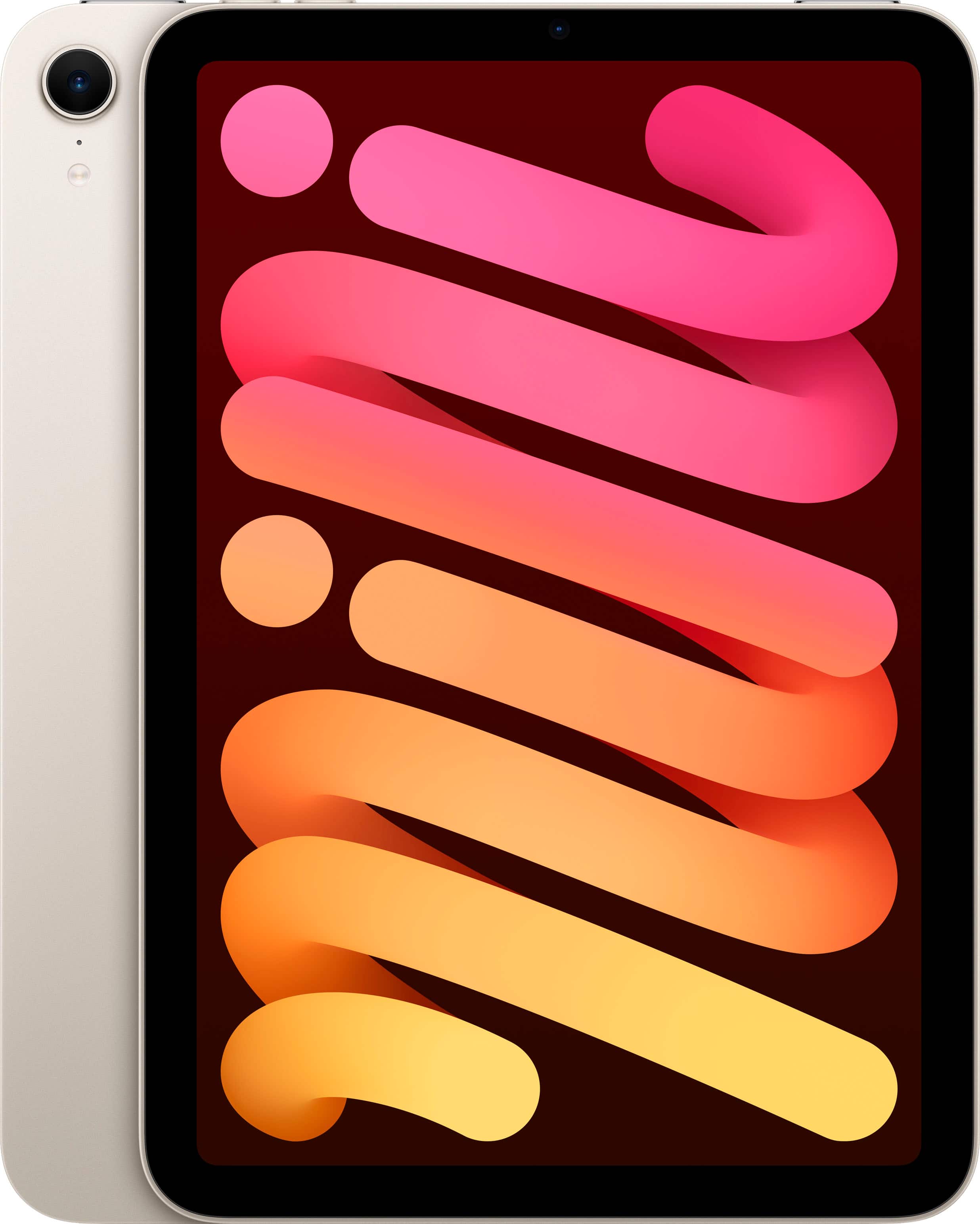
  3. Apple - iPad mini (A17 Pro chip) - Built for Apple Intelligence - Wi-Fi 128GB - Starlight

    SKU: JJGCQ8GTJF

    The best i love it the price it great and the product battery last for ever...Love!

    Product Description

    A portable starlight tablet featuring the A17 Pro chip, 8.3" Liquid Retina display, and 128GB storage.
    See all iPad mini
    Your price for this item is $599.00
  4. Apple - iPad mini (A17 Pro chip) - Built for Apple Intelligence - Wi-Fi 256GB - Starlight

    SKU: JJGCQ8GW6K

    Love it! So Portable!...Love my iPad mini! Great size – I can take it everywhere!...Love it!

    Product Description

    A portable tablet in Starlight with A17 Pro chip, 256GB storage, 8.3" Liquid Retina display, and Wi-Fi 6E.
    See all iPad mini
    Your price for this item is $699.00
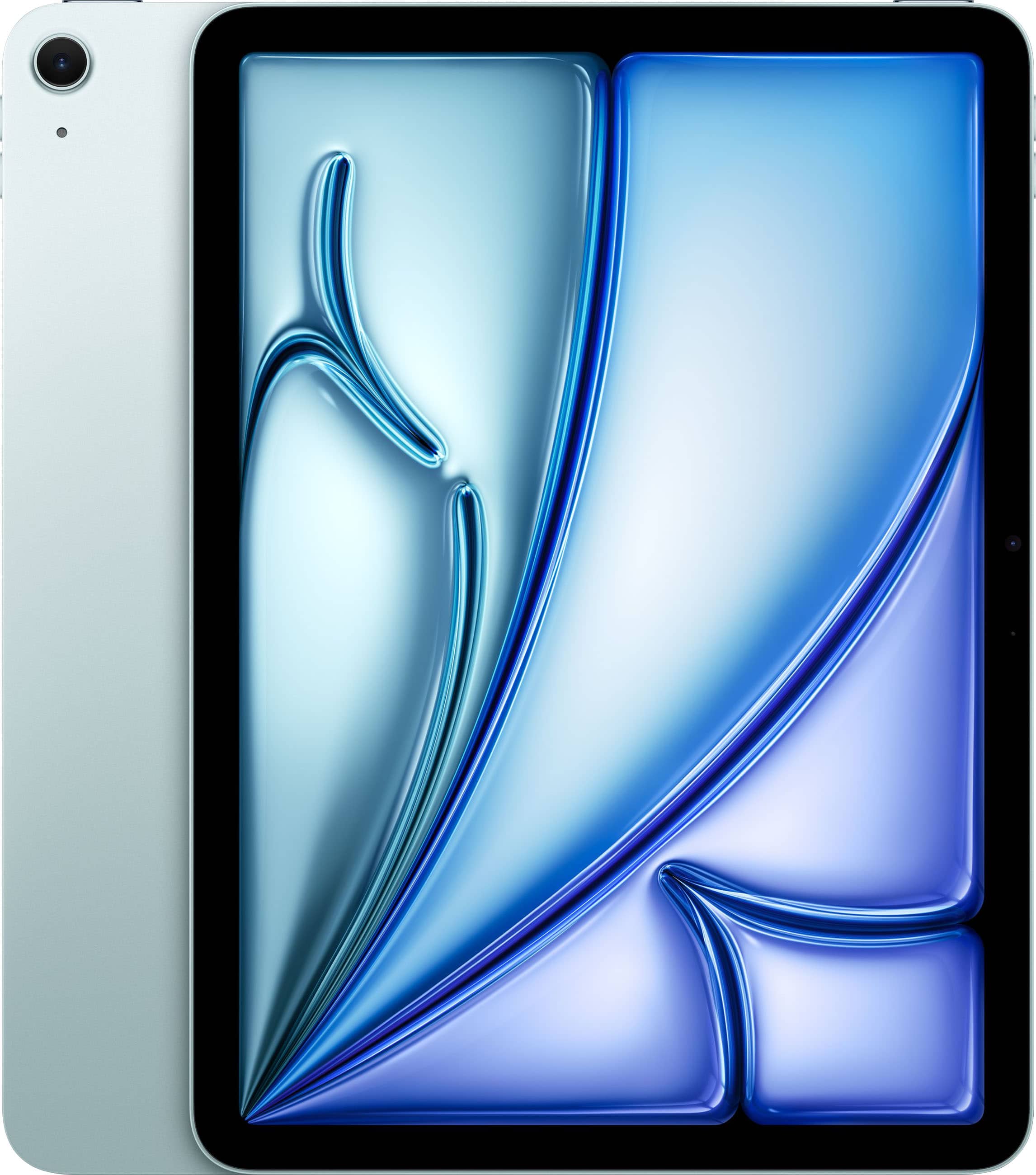
  5. Apple - iPad mini (A17 Pro chip) - Built for Apple Intelligence - Wi-Fi 256GB - Blue

    SKU: JJGCQ8GWXQ

    Product Description

    A portable blue tablet featuring the ultrafast A17 Pro chip, 256GB storage, and an 8.3-inch Liquid Retina display.
    See all iPad mini
    Your price for this item is $699.00
  6. Apple - iPad mini (A17 Pro chip) - Built for Apple Intelligence - Wi-Fi 256GB - Purple

    SKU: JJGCQ8GW5F

    I love the color, size everything the only small is you have to have internet at your home and when your...Over all I love it the best investment to have bibles and books to take along....Checked several...

    Product Description

    A portable purple tablet featuring the ultrafast A17 Pro chip, 256GB storage, and an 8.3-inch Liquid Retina display.
    See all iPad mini
    Your price for this item is $699.00
  7. Apple - iPad mini (A17 Pro chip) - Built for Apple Intelligence - Wi-Fi 256GB - Space Gray

    SKU: JJGCQ8GTZ8

    Love...Best purchase I have made. Been wanting a mini iPad for a while. Finally got it on sale....Works great....Best price around...Great size…. Best Buy offered the lowest price. Easy to order online...

    Product Description

    A portable tablet in space gray with an A17 Pro chip, 8.3" Liquid Retina display, and 256GB storage.
    See all iPad mini
    Your price for this item is $699.00
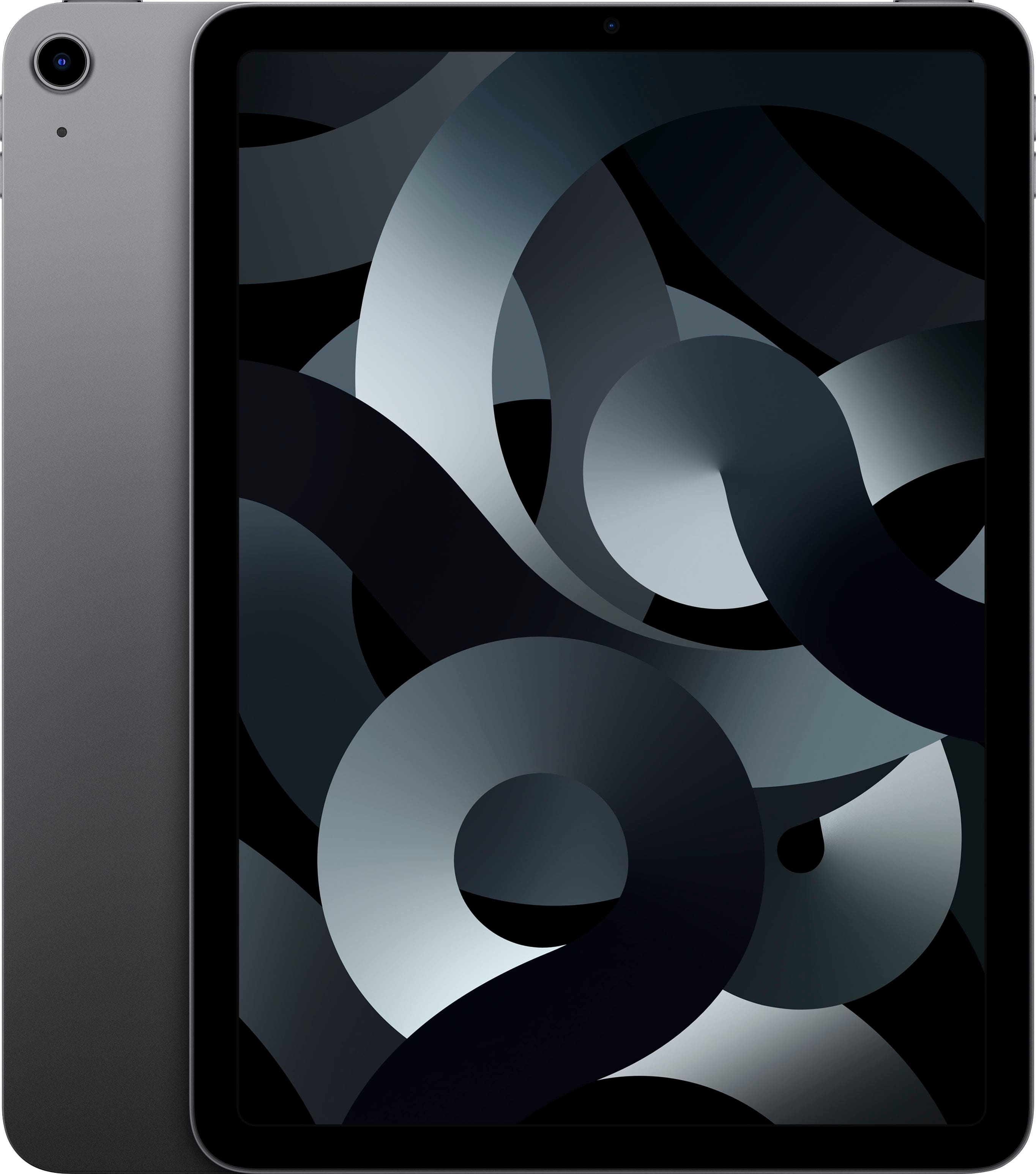
  8. Apple - 13-inch iPad Pro M5 chip Wi-Fi 256GB with OLED - Space Black

    SKU: JJGCQL7SFQ

    Best Tablet Ever...M5 chip is super fast, great oled screen. By far the best tablet on the market....I also love the Apple setup process....I love the gadget...Very good phone I love Best Buy it good...

    Product Description

    A powerful tablet in Space Black featuring an M5 chip, OLED display, 256GB storage, and Wi-Fi 7.
    See all iPad Pro
    Your price for this item is $1,499.00
  9. Apple - 11-inch iPad Pro M5 chip Wi-Fi 256GB with OLED - Space Black

    SKU: JJGCQL7GHK

    We love this Best Buy Apple iPad! It has excellent features and great screen!...Great Prduct...I love this product battery life is great coming to display it stunning and got it in best ever price

    Product Description

    A powerful Space Black tablet featuring an M5 chip, OLED display, Wi-Fi 7, and 256GB storage.
    See all iPad Pro
    Your price for this item is $1,199.00
  10. Apple - 11-inch iPad Pro M5 chip Wi-Fi 256GB with OLED - Silver

    SKU: JJGCQL7L78

    Best purchase ever my two brother in laws love em !...Best iPad...Best unit. I love this latest model of iPad. Highly recommended to all.

    Product Description

    A silver tablet featuring an M5 chip, OLED display, 256GB storage, Wi-Fi 7, and iPadOS.
    See all iPad Pro
    Your price for this item is $1,199.00

An iPad for online learning can bring lectures, reading materials, assignments and class discussions together in a compact setup that is easy to carry from a kitchen table to a library desk or a quiet corner of a residence hall. Its slim design and long battery life make it practical for students who move between rooms, campuses and study spaces throughout the day, while a bright, responsive display can make digital textbooks, recorded lessons and presentation slides comfortable to view. Built-in cameras and microphones support video calls for virtual classes, tutoring sessions and group projects, and the straightforward interface can be approachable for younger learners, adult students and anyone returning to school after time away. Many online learning platforms work well on a tablet through dedicated apps or a web browser, including tools used for video meetings, classroom announcements, assignment submissions and shared documents. A tablet is also especially useful for reading and annotating PDFs. With a compatible stylus, students can underline important passages, circle a key detail on a diagram, write a quick thought in the margin or work through a math equation in a way that feels closer to using paper. Handwritten notes can be searched, organized and stored digitally, reducing the stack of loose worksheets that tends to gather beside a backpack. Younger students may use an iPad to practice handwriting, explore educational apps, watch teacher-assigned demonstrations or complete creative projects, while high school and college students can keep lecture notes, research sources and calendars close at hand. It can also be a thoughtful gift for a student beginning a new school year, a family member taking remote courses or a lifelong learner pursuing a certification from home. During warmer days, the light weight makes it easy to study outdoors or bring coursework along while traveling; during cooler months, it fits neatly beside a notebook and a mug on a small desk without taking over the workspace.

The right setup depends on the learner’s classes, habits and expectations. Screen size is an important starting point: a compact display is convenient for commuting and reading on the go, while a larger screen can make split-screen note-taking, diagrams and group calls easier to manage. Storage capacity matters as well, particularly for students who download videos, save large design files or keep several semesters of readings on the device. Cloud storage can help keep documents available across multiple devices and provide an extra layer of protection if a tablet is lost or damaged, but students should still understand where downloaded files are saved and how assignments are uploaded. Battery life is another practical consideration. A device that can last through several lectures, a video conference and an afternoon of study helps avoid searching for an open outlet between classes. For coursework that involves a lot of typing, an external keyboard can make essays, discussion posts, email and research notes faster and more comfortable than an on-screen keyboard. A protective case with a stable stand is useful for video calls and hands-free viewing, and a screen protector may help guard against the small scratches that come from being carried with books and chargers. Stylus compatibility should be checked before purchase if handwritten notes, drawing, music notation, science diagrams or design work are part of the plan. Performance is worth considering for students who expect to keep the device for several years or switch frequently between a video lesson, browser tabs, documents and note-taking apps. An entry-level configuration may be well suited to everyday schoolwork, while a more powerful option can provide additional headroom for demanding creative assignments and heavier multitasking. It is also helpful to check the requirements for each course before relying on a tablet as a primary computer. Some learning management systems, online testing tools, browser extensions, file-management tasks and specialized academic software may work more smoothly on a traditional laptop or desktop. Certain exams may require a particular browser, monitoring application or operating system, and complex assignments can be easier to complete with a full-size keyboard and desktop-style file controls. For that reason, many students use an iPad as a companion to a computer: the tablet handles reading, lectures, handwritten practice and quick review, while a laptop or desktop takes care of extensive typing, advanced spreadsheets, specialized software and proctored exams. Families comparing devices for younger students may also find useful ideas in iPad for Classroom, especially when thinking about shared learning spaces, classroom activities and school-related accessories.

A comfortable online learning routine is often shaped as much by organization as by hardware. Creating a folder for each course, using clear file names and syncing important work to a trusted cloud service can make the difference between a calm submission and a last-minute search through downloads. Students can keep a weekly checklist in a notes app, add due dates to a calendar and use split-screen viewing to follow a recorded lesson while referring to a digital workbook. A stylus is useful for marking up lecture slides, solving equations step by step, sketching a labeled biology diagram or jotting down a question to revisit later. For group work, the front-facing camera and microphone can support face-to-face collaboration, while headphones can reduce distractions in a busy home or shared living space. Parents may appreciate parental controls, a sturdy case and a simple charging routine for children who use the tablet after school, while college students may prioritize portability, keyboard comfort and enough storage for extensive reading. Accessibility features can also make learning more adaptable, with options such as adjustable text size, screen magnification, captions, spoken content and dictation helping students work in ways that suit their needs. Good ergonomics remain important: placing the tablet on a stand at a comfortable viewing height, taking regular breaks and using a keyboard for longer writing sessions can reduce strain. Before choosing accessories, confirm that they fit the tablet’s size and connection requirements, and consider whether a charger, adapter or replacement stylus should be included in the study setup. As routines shift between home, school and travel during the late summer through fall, a portable learning station can help students stay prepared without carrying a full stack of textbooks. Whether it is used for a first grader’s reading practice, a teenager’s virtual class, a college lecture or an evening professional course, an iPad for online learning offers a flexible way to read, watch, write, communicate and keep coursework organized—provided its capabilities match the student’s software needs and the demands of the classes ahead.

FAQ

iPads offer portability, long battery life, and a user-friendly interface, making them ideal for online learning. They support a wide range of educational apps, have high-quality cameras for video calls, and are compatible with accessories like keyboards and styluses to enhance productivity.

Yes, iPads are compatible with popular virtual classroom and video conferencing platforms such as Zoom, Microsoft Teams, Google Meet, and more. You can download these apps from the App Store and participate in live classes or meetings seamlessly.

Absolutely! With apps like Apple Notes, Notability, and GoodNotes, iPads provide versatile options for digital note-taking. When paired with an Apple Pencil or other stylus, students can handwrite notes, annotate PDFs, and organize their study materials efficiently.

iPads come with built-in productivity tools such as Calendar, Reminders, and Files. Additionally, students can use third-party apps to track assignments, set deadlines, create to-do lists, and manage their study schedules all in one place.

Yes, many educational apps allow users to download lessons, videos, eBooks, and other resources for offline access. This feature is especially useful when internet connectivity is limited or unavailable.