iPads Compatible With Apple Pencil
-
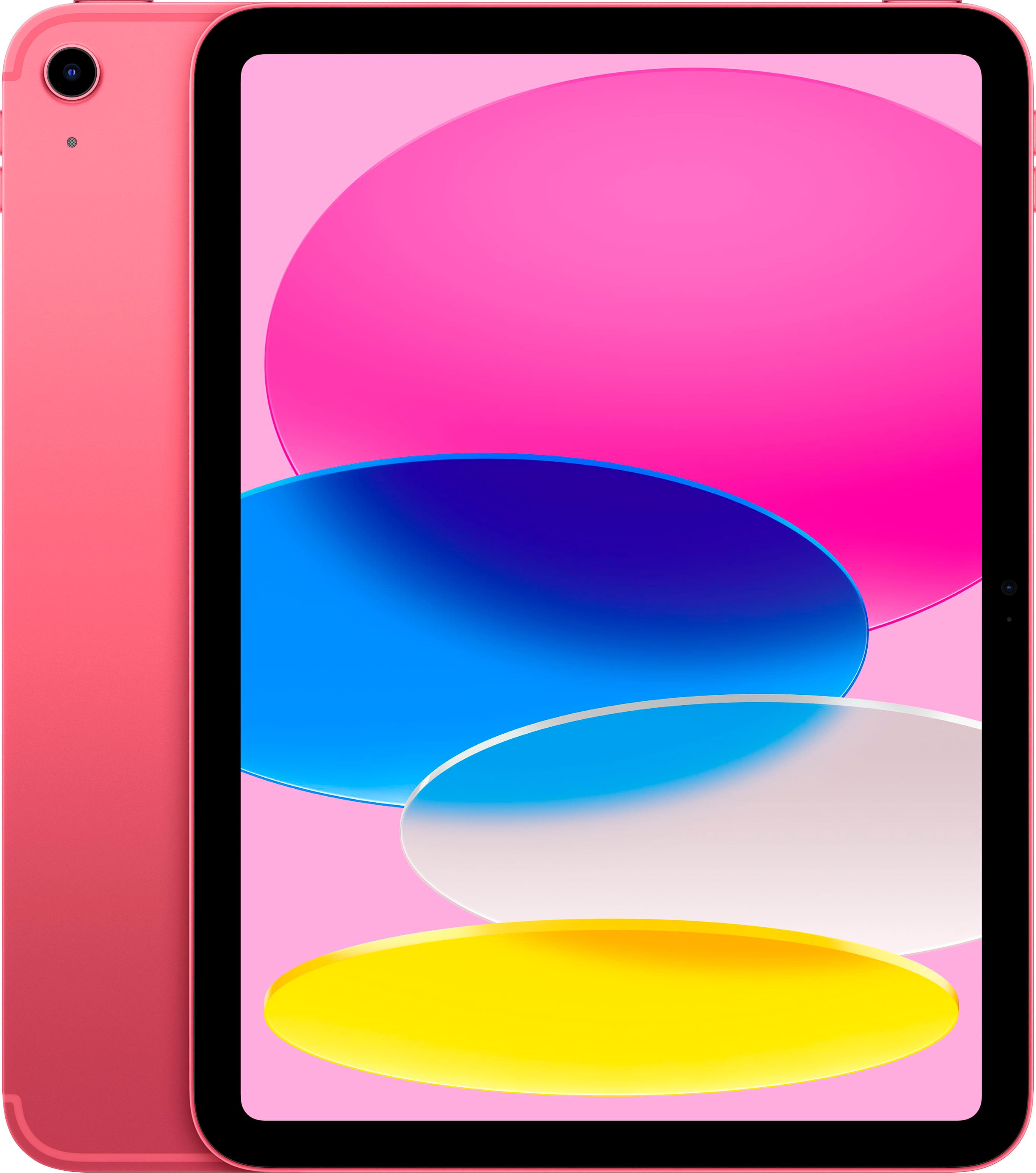
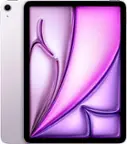
Apple - 11-inch iPad A16 chip with Wi-Fi + Cellular - 256GB - Pink (Verizon)
SKU: JCQ6HQLJW9See all iPadProduct Description
A pink tablet featuring the A16 chip, 256GB storage, 11-inch Liquid Retina display, Wi-Fi 6, and 5G.Your price for this item is $699.99 -
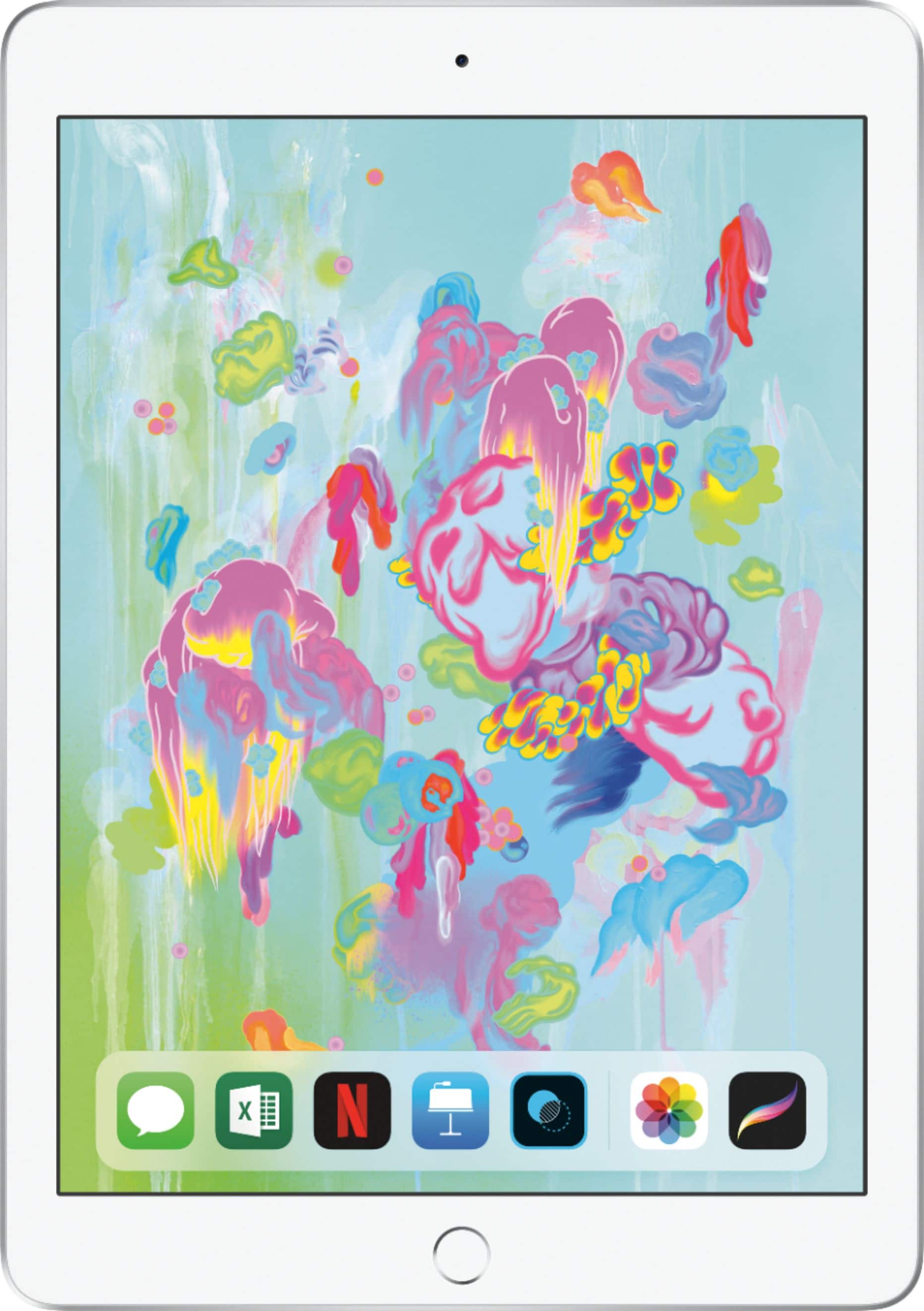
Apple - iPad 6th gen with Wi-Fi - 32GB - Silver
SKU: JJ8XJL66KVSee all iPadProduct Description
A silver tablet featuring a Retina display, A10 Fusion chip, 32GB storage, cameras, and headphone jack.Your price for this item is $349.00 -
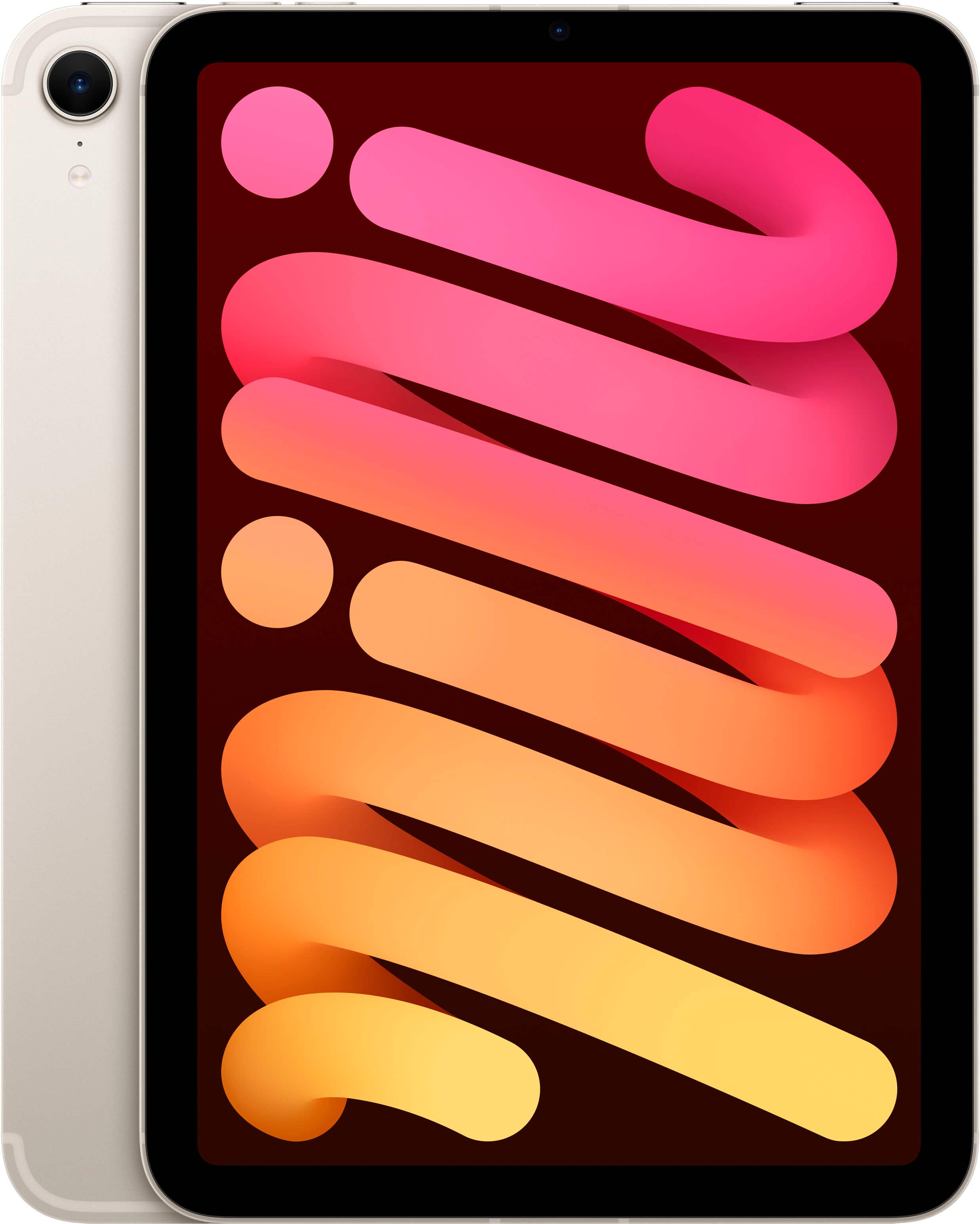
Apple - iPad mini (A17 Pro chip) - Built for Apple Intelligence - Wi-Fi + Cellular 128GB - Starlight (Unlocked)
SKU: JJGCQ8YY29See all iPad miniProduct Description
A portable tablet in Starlight with an A17 Pro chip, 8.3" Liquid Retina display, and 128GB storage.Your price for this item is $744.95Save $4The previous price was $749.00 -
Apple - iPad mini (A17 Pro chip) - Built for Apple Intelligence - Wi-Fi + Cellular 512GB - Space Gray (Verizon)
SKU: JCQ6HWQWLKSee all iPad miniProduct Description
A portable Space Gray tablet with A17 Pro chip, 512GB storage, 8.3" Liquid Retina display, and cellular connectivity.Your price for this item is $949.00 -
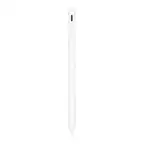
Apple - Pencil (1st Generation) with USB-C to Pencil Adapter - White
SKU: JJGCQ8PHWJIt’s great never had one before but I love it it’s the best...It was great service and i love to shop in best buy...Best buy
See all Tablet Stylus PensProduct Description
A white stylus offering pixel-perfect precision for note-taking, drawing, and marking up on compatible iPad models.Your price for this item is $85.99Save $13The previous price was $99.00


Best Sellers

Related Pages





FAQ
Different iPad models support different generations of the Apple Pencil. The iPad Pro (3rd generation and later), iPad Air (4th generation and later), and iPad mini (6th generation) are compatible with the Apple Pencil (2nd generation). Other models, such as the standard iPad (6th generation and later) and iPad mini (5th generation), support the Apple Pencil (1st generation).
Using an Apple Pencil with an iPad allows for precise drawing, note-taking, and navigation. It's ideal for artists, students, and professionals who want to sketch, annotate documents, or edit photos with greater accuracy and ease.
While the Apple Pencil works as a stylus across the iPad interface, many apps offer enhanced features specifically designed for the Apple Pencil, such as pressure sensitivity and tilt functionality. Popular apps like Procreate, Notability, and Adobe Fresco are optimized for Apple Pencil use.
To pair the Apple Pencil (1st generation), plug it into the Lightning connector of your iPad. For the Apple Pencil (2nd generation), attach it magnetically to the side of a compatible iPad. Follow the on-screen instructions to complete the pairing process.
Yes, using an Apple Pencil unlocks features like Scribble, which lets you handwrite in any text field and have it converted to typed text. You can also take instant notes from the lock screen and take advantage of palm rejection technology for a more natural writing experience.