Labelers Reviews
-
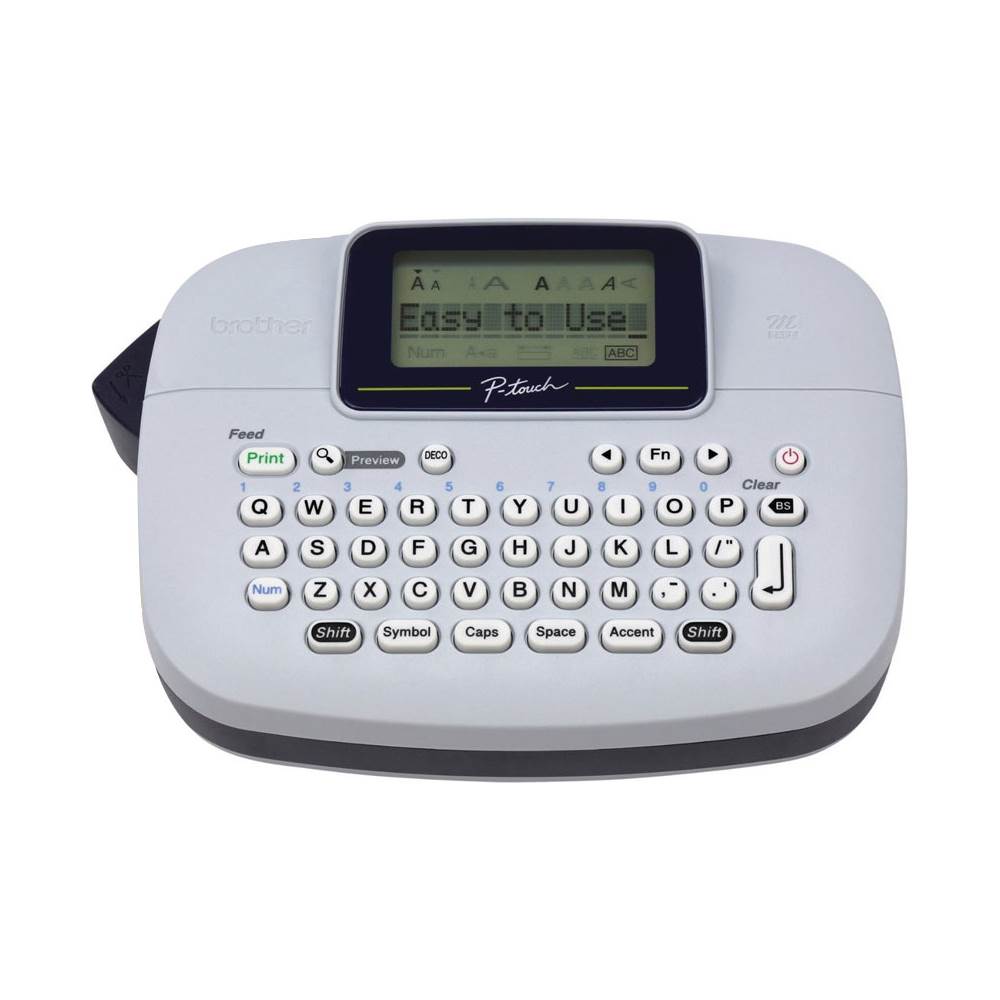
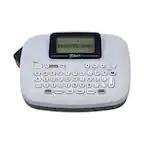
Brother - P-touch, PT-M95, Handy Label Maker, 9 Type Styles, 8 Deco Mode Patterns - Blue Gray and Navy
SKU: J7CJ38K37PThis newer model has some great features that the older model didn't have....Love all my brother products; this is just my latest acquisition....Best Priced Label Maker...Love it!!!
See all Label Makers & AccessoriesProduct Description
A portable blue-gray and navy label maker with QWERTY keyboard, 9 type styles, and 8 decorative patterns.Your price for this item is $49.98 -
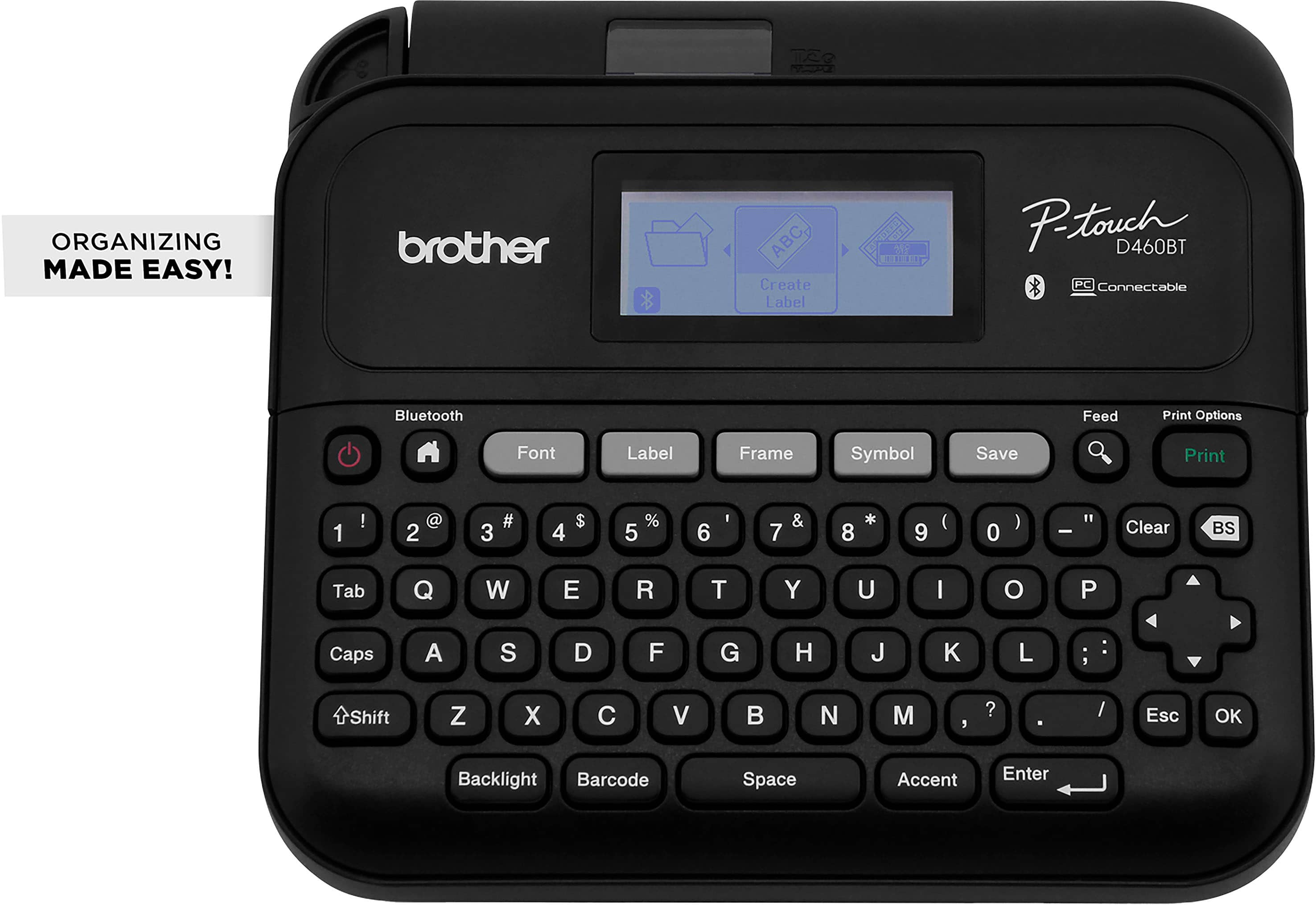
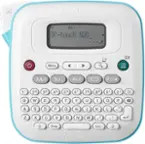
Brother - P-touch PT-D460BT Wireless Label Printer - Black
SKU: J7CJ38ZHW4The best one i ever tried! It is veryyy easy to use and super fast!...I really love this brand and the price is so worth it! The customer service is also amazing!...A very useful little machine, love...
See all Label PrintersProduct Description
A versatile black wireless label printer offering 16 fonts, barcode support, and easy computer or mobile connectivity.Your price for this item is $89.98 -
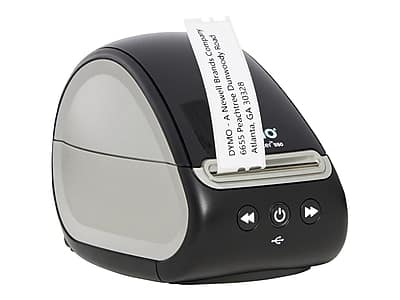
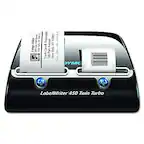
DYMO - LabelWriter 550 Desktop Label Printer, (2112552) - Black
SKU: J7SWTXTVVGLove this!...Love it!...This is such a great label maker! I love how easy to use!...It’s also a great size and doesn’t take up much space on my desk.
See all Label PrintersProduct Description
A black desktop label printer with automatic label recognition and direct thermal printing for efficient organization.Your price for this item is $146.80
Best Sellers


Related Pages

FAQ
When selecting a labeler, consider features such as print speed, compatibility with different label types, ease of use, connectivity options like Bluetooth or USB, and the ability to customize fonts and symbols. Some models also offer built-in memory for storing frequently used labels.
Yes, labelers are versatile tools suitable for organizing everything from kitchen containers and cables at home to files, shelves, and supplies in an office environment. Many models offer templates and symbols for various organizational needs.
Many modern labelers offer software that is compatible with both Windows and Mac operating systems. Always check the product specifications to ensure compatibility with your device before purchasing.
Most labelers use specific label tapes or cartridges designed by the manufacturer. These tapes come in various widths, colors, and adhesive strengths, allowing you to choose the best option for your labeling needs.
To keep your labeler in good working condition, periodically clean the print head and cutter, use the recommended label tapes, and store the device in a dry environment. Refer to the user manual for detailed maintenance instructions specific to your model.