Main Content

Labor Day Sale On Docking Stations

Take your workspace to the next level during the Labor Day Sale on docking stations. Whether you’re upgrading your home office or streamlining your tech setup, this is a great time to find deals on docking stations designed for productivity and convenience. Shop a wide selection of options and make the most of this seasonal savings event.

Read More
Results
Main Results
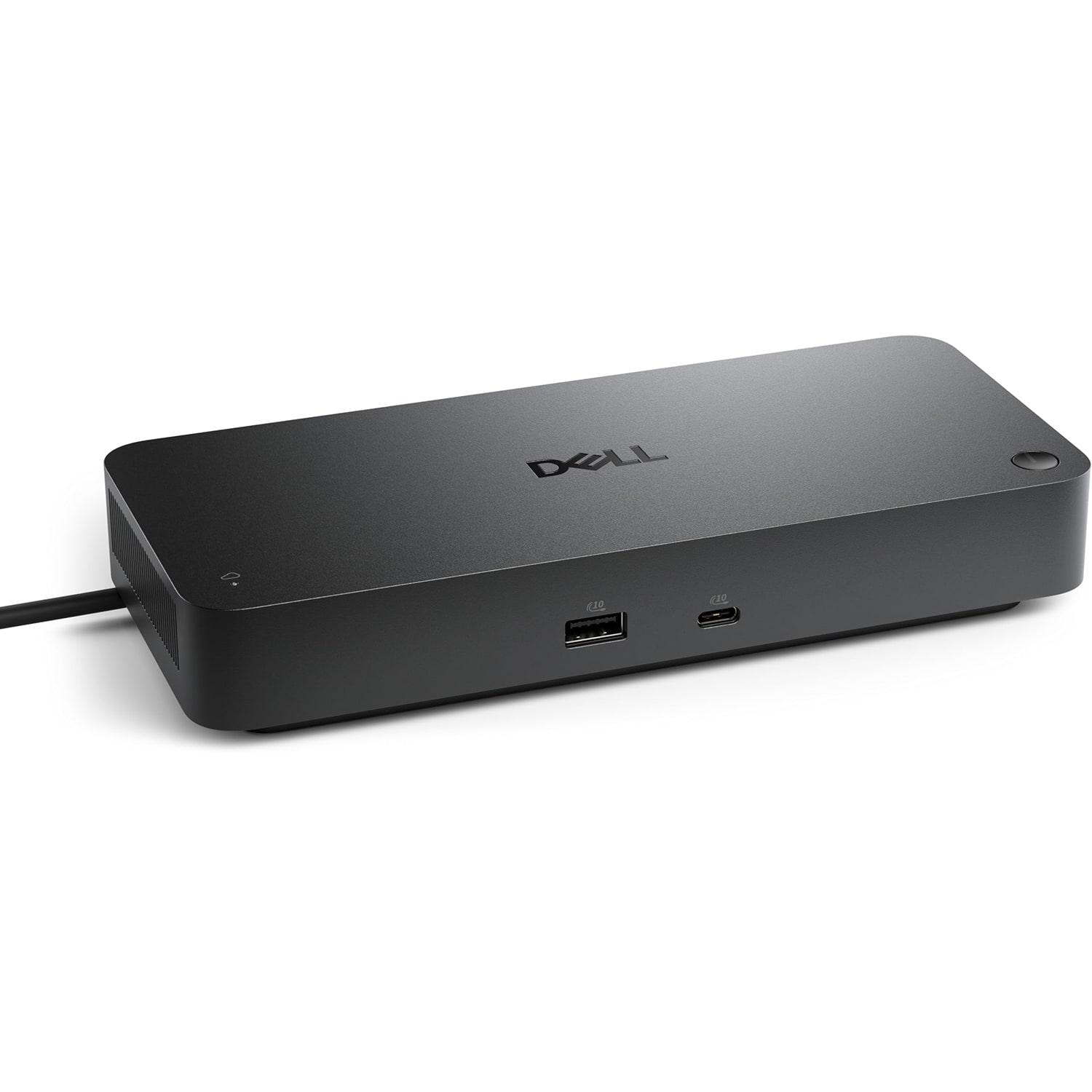
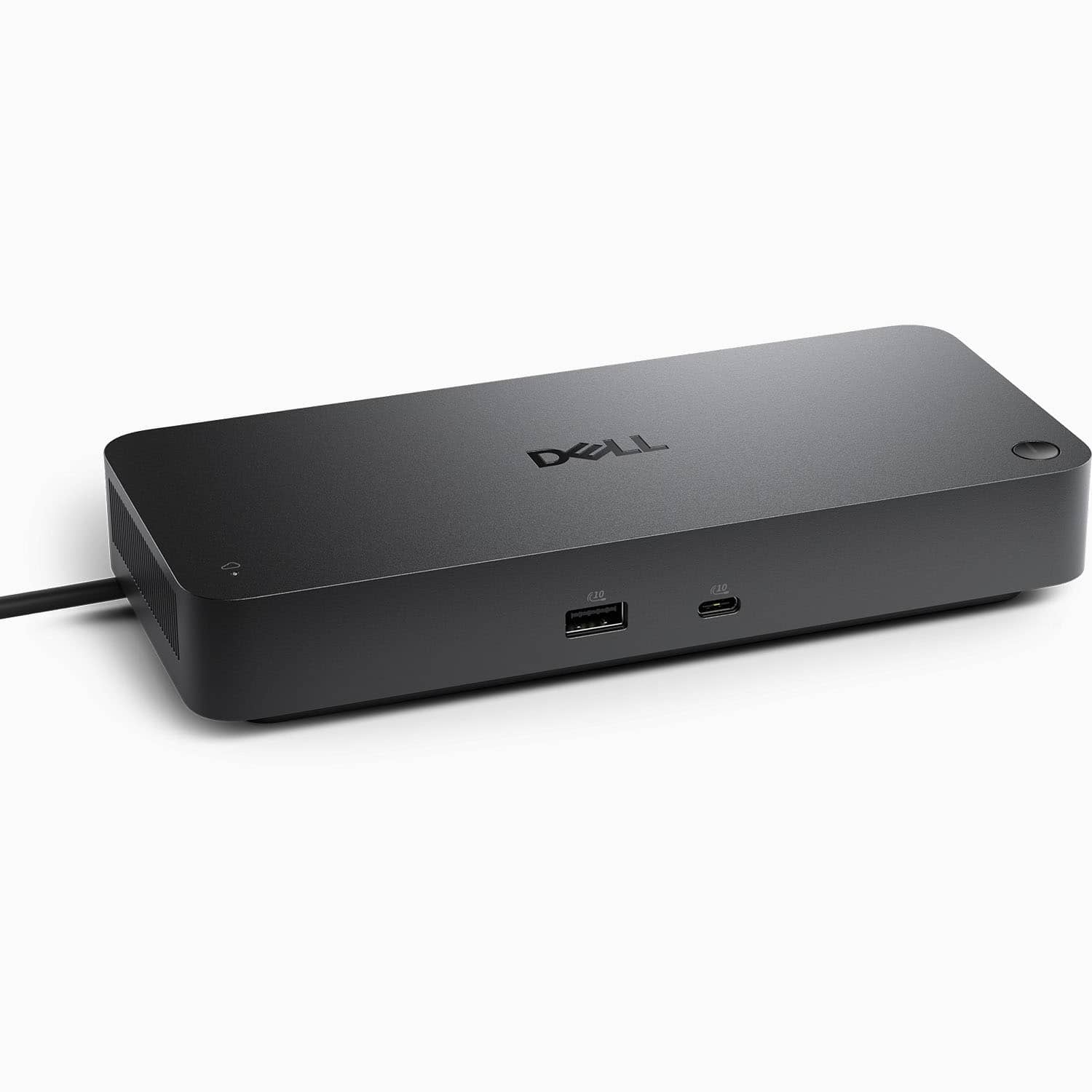
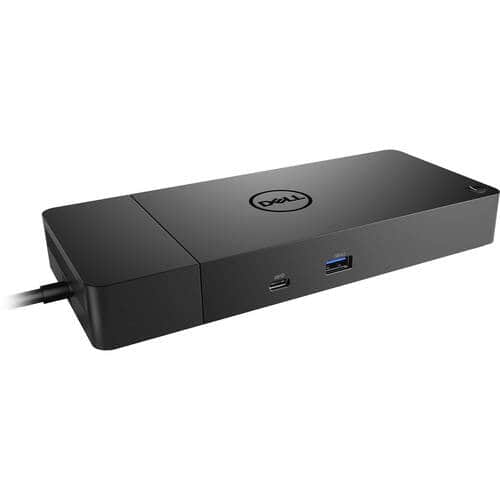
  1. Dell - Pro Smart Dock DELL-SD25 - Black

    SKU: J3K4L63RFY

    Very easy to hook up and works Great!! Using it to run 3 monitors...Great Dell Docking Station

    Product Description

    A versatile USB-C dock supporting four displays, six USB ports, and 2.5G Ethernet connectivity.
    See all Docking Stations
    Your price for this item is $179.99
    Save $75
    The previous price was $254.99
  2. Microsoft - Surface Dock 2 - Black

    SKU: J3ZKK5228R

    Product Description

    A black docking station offering USB-C, DisplayPort, Ethernet, and six USB ports for seamless desktop connectivity.
    See all Docking Stations
    Your price for this item is $169.99
    Save $195
    The previous price was $365.01
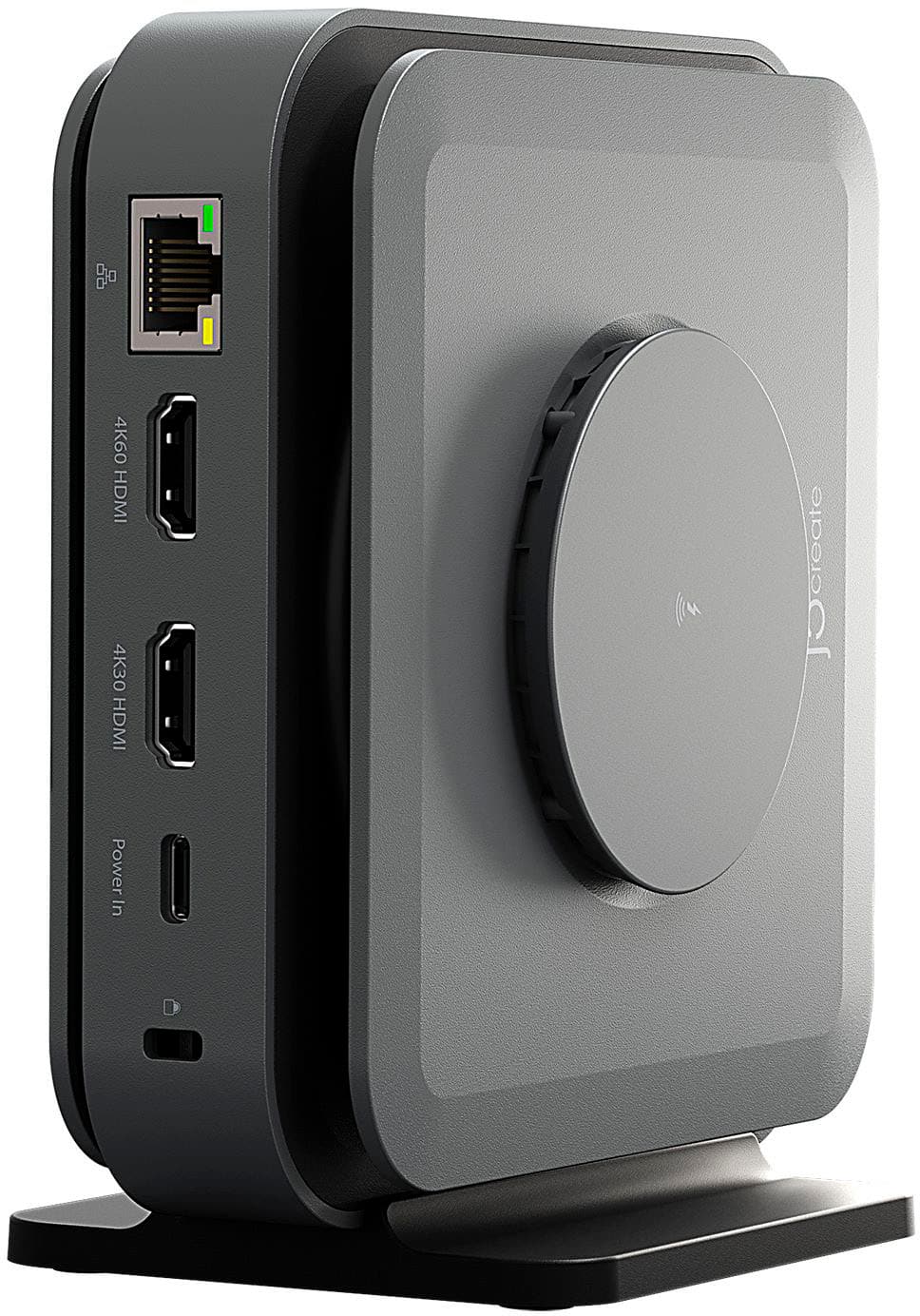
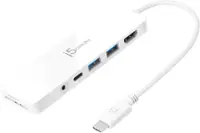
  3. j5create - USB-C Dual 4K HDMI Docking Station with 15W Wireless Charging - Space Gray

    SKU: J36445RPTT

    Best Dock ever...Great Dock

    Product Description

    A versatile space grey aluminum dock with dual 4K HDMI, USB ports, and 15W wireless charging.
    See all Docking Stations
    Your price for this item is $119.99
    Save $10
    The previous price was $129.99
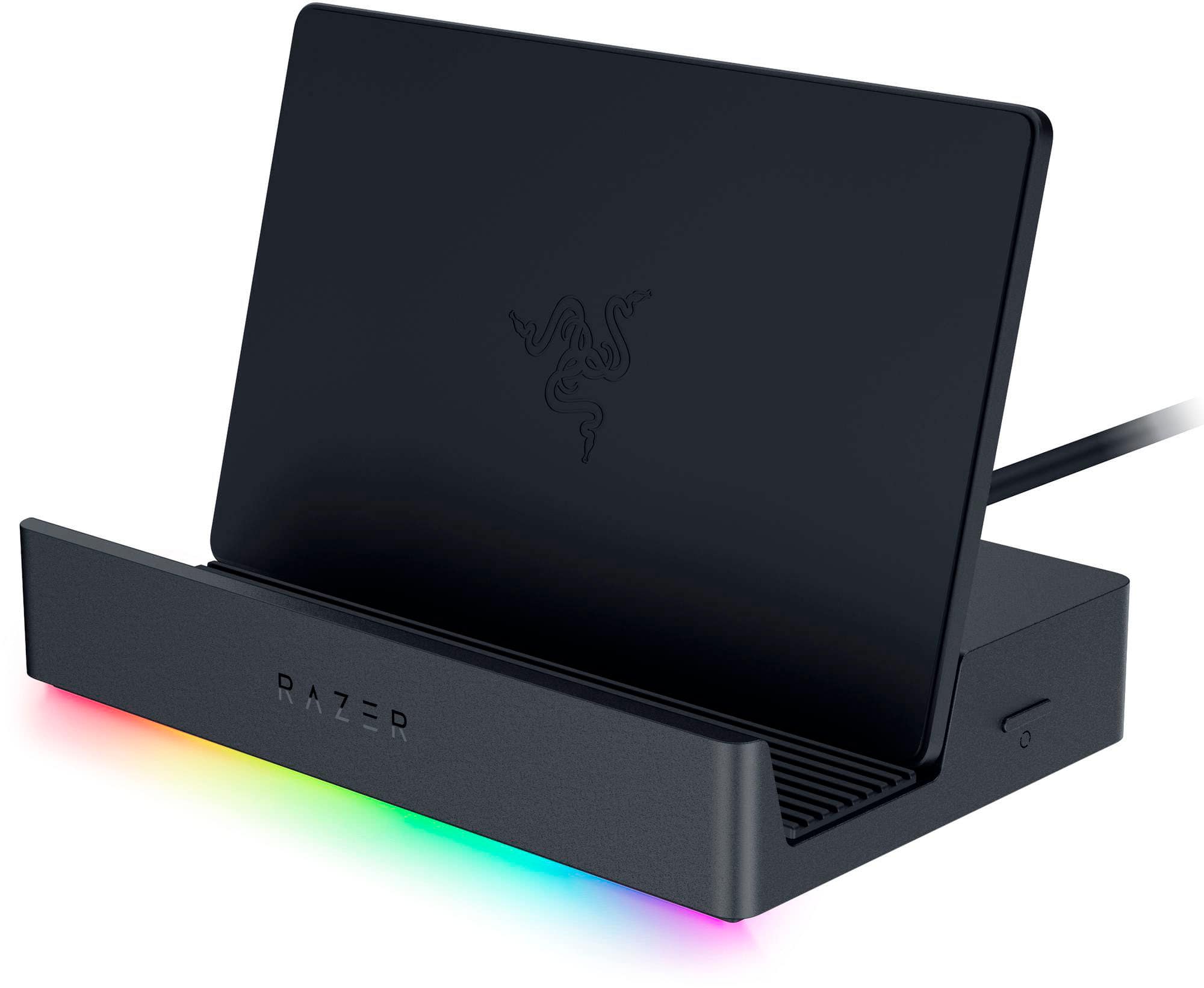
  4. Razer - Handheld Dock Chroma with 100W Power Delivery for Mobile Gaming or Tablet Devices - Black

    SKU: J39HWFHRJP

    Product Description

    A black aluminum and plastic dock with 100W power delivery, six ports, and customizable Chroma lighting.
    See all Docking Stations
    Your price for this item is $79.99
    Save $10
    The previous price was $89.99
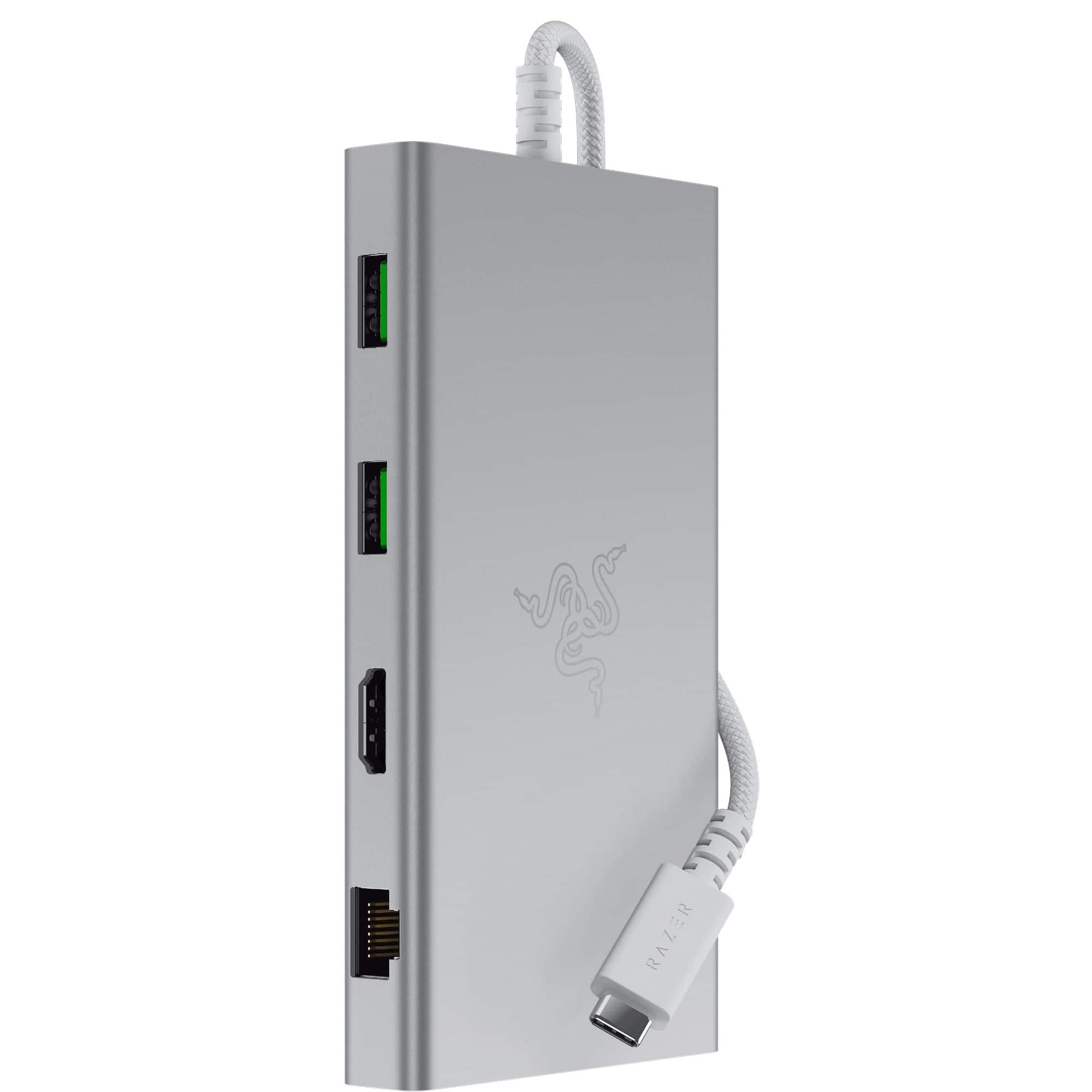
  5. Razer - USB C Dock Station with 11 Ports for Windows 10 or later (PC with USB‑C); macOS 10.13 or later (Mac) - Mercury

    SKU: J39HWFHPGL

    Product Description

    A versatile silver USB-C dock offering 11 ports, including headphone jack, memory card slot, and Ethernet.
    See all Docking Stations
    Your price for this item is $92.99
    Save $37
    The previous price was $129.99
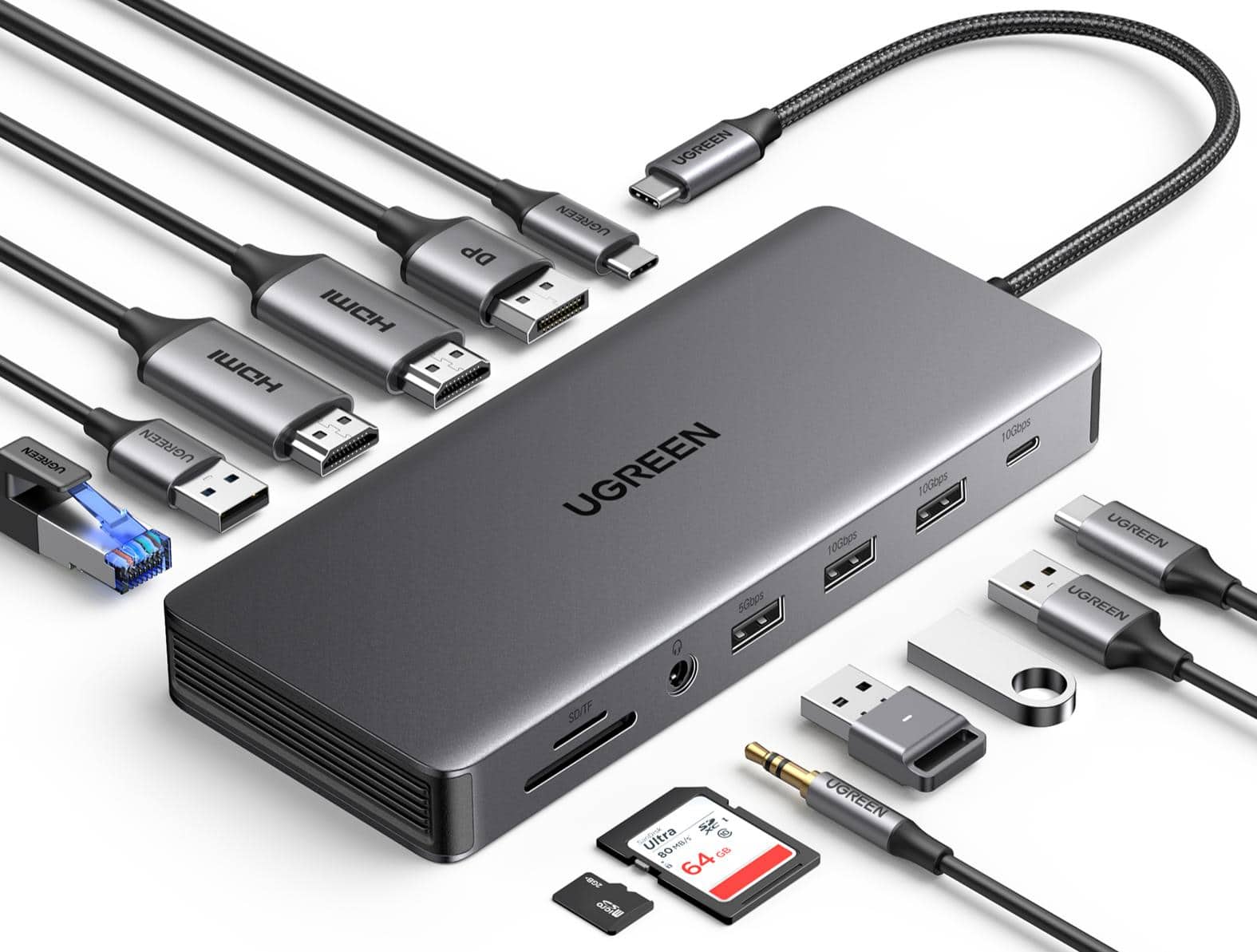
  6. UGREEN - Revodok Pro 13-in-1 Docking Station with Triple 4K Display(2 HDMI+DP), 10Gbps USB A&C, PD 100W, Gigabit Ethernet, SD/TF - Space Gray

    SKU: J3R84YGXFJ

    Best dock ever...Easy to use and great for laptop to monitor setup up...Great product for the price.

    Product Description

    A premium space gray aluminum docking station offering triple 4K display support, 100W PD, and 10Gbps ports.
    See all Docking Stations
    Your price for this item is $64.99
    Save $15
    The previous price was $79.99
  7. Dell - Pro Thunderbolt 4 Smart Dock DELL-SD25TB4

    SKU: J3K4L63RV3

    Works Great with My Dell XPS 14...Also, Best Buy has a great price! Dell sells it for $399.

    Product Description

    A versatile Thunderbolt 4 dock with charging capability, supporting up to four 4K displays and eight USB ports.
    See all Docking Stations
    Your price for this item is $239.00
    Save $0
    The previous price was $239.99
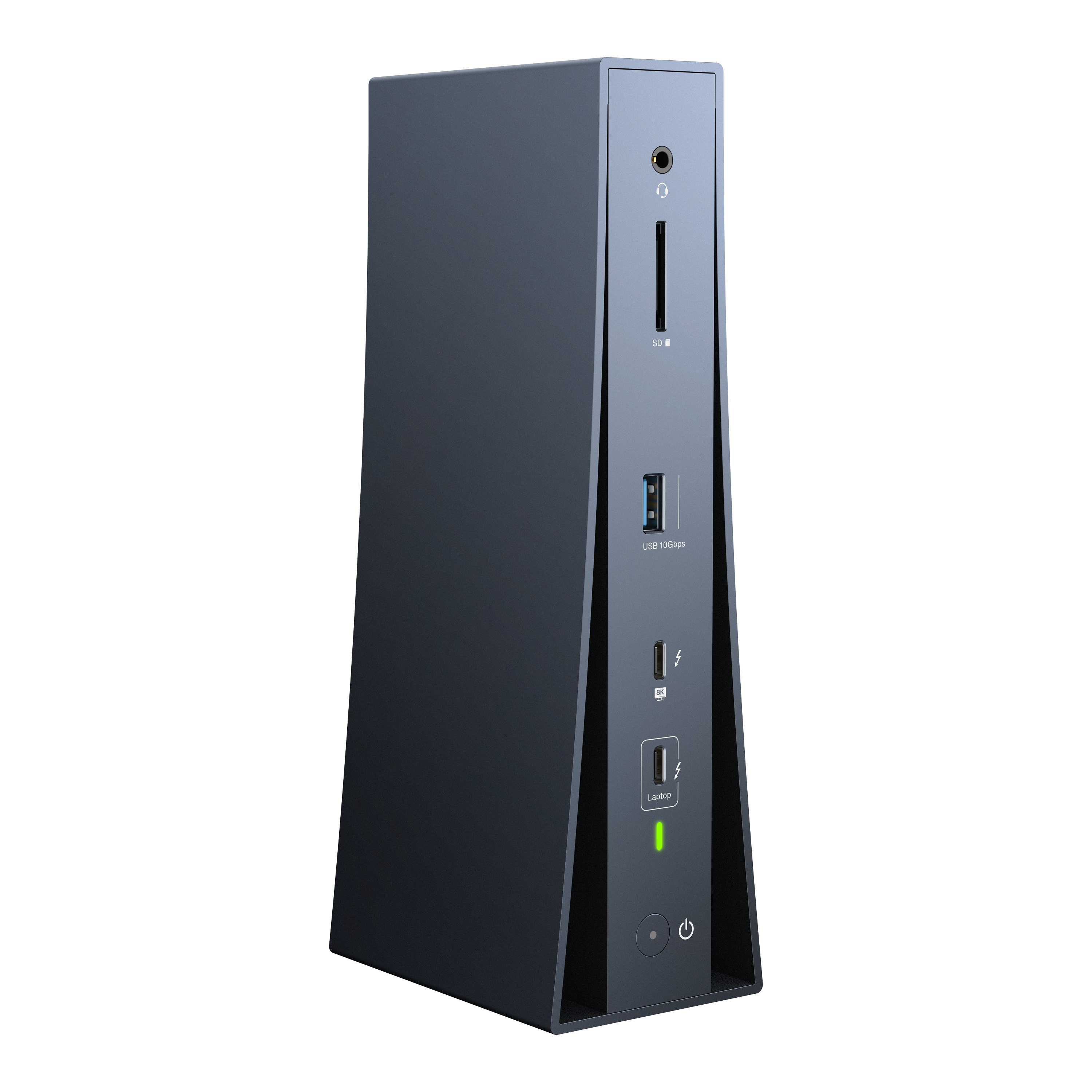
  8. iVANKY - FusionDock Dual 6K/8K Display Thunderbolt 5 Docking Station for MacBook and Windows

    SKU: CZTZ2F2CC3

    Product Description

    A vertical Thunderbolt 5 dock supporting dual 6K/8K displays, 180W power, and 2.5GbE connectivity.
    See all Docking Stations
    Your price for this item is $242.24
    Save $197
    The previous price was $439.99
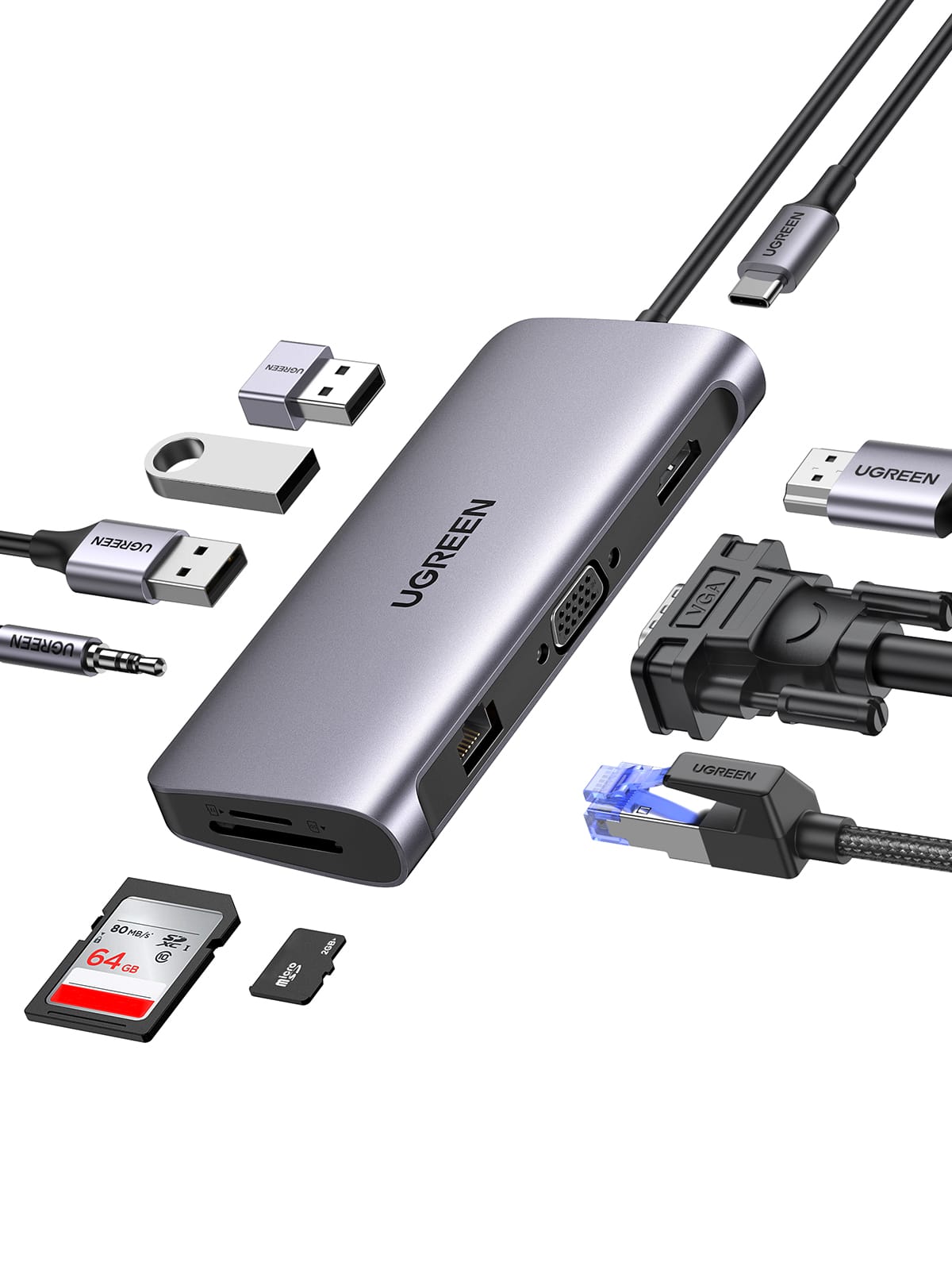
  9. UGREEN - 10-in-1 Docking Station with Dual Monitor (HDMI+VGA, 100W PD Charging, Gigabit Ethernet, USB 3.0, SD/TF, 3.5 mm) - Space Gray

    SKU: J3R8ZXZJ5T

    Product Description

    A versatile space gray USB-C dock offering dual monitor support, 100W PD charging, and Gigabit Ethernet.
    See all Docking Stations
    Your price for this item is $59.99
    Save $10
    The previous price was $69.99
  10. Dell - WD19S180W (Dell 210-AZBM) WD19S Power Delivery Docking Station - 3840 x 2160 - 60 Hz - 180 Watts - Linux - Windows - 130 - Black

    SKU: J3K4L9V9LV

    Product Description

    A black USB-C docking station supporting three displays, five USB ports, and 180W power delivery for multiple brands.
    See all Docking Stations
    Your price for this item is $209.00
    Save $10
    The previous price was $219.00
A Labor Day sale on docking stations is a practical opportunity to make a laptop setup more comfortable, capable and organized as work, school and entertainment routines shift with the seasons. A docking station connects a compatible laptop to a collection of everyday accessories through one central hub, helping reduce the familiar tangle of cables spread across a desk. Depending on the model, it may provide connections for external monitors, keyboards, mice, printers, wired networks, headphones, storage drives, memory cards and other peripherals. Many docks can also deliver power to a connected laptop, allowing one cable to handle charging and access to a desktop-style workstation. This can be especially useful for people who carry a laptop between rooms, offices, classrooms or coffee shops and want to return to a ready-to-use setup without plugging in each accessory individually. A dock can turn a compact laptop into a more comfortable home office computer, support a student’s study area, or give a family member a cleaner way to connect a computer to a larger screen and full-size accessories. It can also be a thoughtful gift for a remote worker, college student, frequent traveler or anyone who alternates between mobile computing and a permanent desk. During a Labor Day sale, compare discounted docking stations by their connection types and capabilities rather than choosing only by the number of ports. A compact hub may be enough for a simple keyboard, mouse and monitor, while a more advanced dock can support multiple displays, faster data transfers, wired internet and higher-wattage charging for demanding laptops.

Compatibility is the most important consideration before choosing a docking station. Start by checking the ports on the laptop, including whether it uses USB-C, USB4 or Thunderbolt, and confirm whether that port supports video output and charging. Not every USB-C port offers the same functions, so the laptop’s specifications are worth reviewing before purchase. A dock designed for basic USB-C connectivity may offer a different display experience from one built for a higher-performance standard. Also consider the laptop’s operating system and whether the dock requires drivers or software for certain functions. Display needs deserve particular attention: shoppers should decide whether they plan to connect one monitor or two, what resolutions they prefer, and whether they need a particular refresh rate for gaming, creative work or smooth everyday movement. A dual-display setup can place email, reference material or communication tools on one screen while keeping documents, spreadsheets or a video call visible on the other. Look for the video outputs that match the monitors, such as HDMI or DisplayPort, and check whether adapters are included or required. For a single large monitor, a dock that supports a higher resolution may be useful; for two screens, verify that both outputs can operate at the desired resolution simultaneously. Power delivery is another detail that can make a noticeable difference. Compare the dock’s charging output with the laptop’s required wattage, since a lower-power dock may charge slowly or maintain battery level without fully charging during demanding tasks. Some docking stations include a power adapter, while others rely on the laptop’s charger, so reviewing what comes in the box can prevent an unexpected extra purchase. Port placement matters, too. Front-facing USB ports can make it easier to connect a flash drive or headset, while rear-facing connections help keep permanent cables out of sight.

The best docking station for a desk is one that fits the way the space is actually used. Someone who spends the day writing reports and attending video meetings may value dependable charging, a wired network connection and easy access to a webcam, microphone or headset. A photographer, designer or content creator may prioritize fast ports for external storage and memory cards, along with support for a high-resolution monitor. A gamer may look closely at display resolution, refresh rate and network performance, while a student might prefer a compact, affordable option that connects a laptop to a monitor, mouse and external storage without taking up much room in a shared space. For a household with several computers, choosing a broadly compatible dock can make it easier to share a monitor and accessories, although the performance may vary depending on each laptop’s ports and operating system. Physical design also plays a role: a slim dock can travel in a laptop bag, while a larger desktop model may provide more connections and a sturdier permanent setup. Keep cable length and desk layout in mind, especially if the laptop sits on a stand or in a separate part of the workspace. During warmer or cooler seasons alike, a well-planned workstation can make long stretches of work, learning or creative activity feel less cramped, with fewer cables to move when the desk needs to serve another purpose. Shoppers building a complete computer area may also want to explore the Labor Day Sale On Desktop Computers for another way to create a dependable home setup. Whether the goal is a cleaner desk, more screen space, simpler charging or better access to essential accessories, comparing compatibility, display support, power delivery and port selection helps match a Labor Day docking station deal to everyday needs.

FAQ

When shopping for a docking station, consider compatibility with your devices, the number and types of ports (such as USB-C, HDMI, Ethernet), support for multiple monitors, charging capabilities, and ease of setup. These features can help you maximize productivity and connectivity.

Yes, docking stations are designed to reduce cable clutter by consolidating connections for your laptop or desktop into one hub. This helps keep your workspace tidy and makes it easier to connect or disconnect devices quickly.

Many modern docking stations offer cross-platform compatibility, supporting both Windows and Mac operating systems. However, it's important to check the product specifications to ensure it works with your specific device.

Docking stations allow you to connect multiple peripherals—such as monitors, keyboards, mice, printers, and external drives—through a single connection. This streamlines your workflow and enables seamless multitasking.

Most docking stations provide a variety of ports including USB-A, USB-C, HDMI, DisplayPort, Ethernet, audio jacks, and SD card readers. The selection of ports varies by model, so choose one that fits your connectivity needs.