Early Black Friday Deals & DoorbustersEnds Nov. 15.Shop now

Main Content
Skip to contentGo to Product Search

Early Black Friday Deals & DoorbustersEnds Nov. 15.Shop now

Main Content

Labor Day Sale On Micro SD Cards

Take advantage of Labor Day Sale savings on microSD cards at Best Buy. Whether you’re looking to expand storage for your smartphone, tablet, camera, or gaming device, now is a great time to upgrade and save. Discover a wide selection of microSD cards for your storage needs. Shop the Labor Day Sale on microSD cards and find the ideal storage solution to suit your needs.

Read More
Results
Main Results
  1. Lexar - Media Professional 32GB microSDHC Memory Card with Adapter, Class 10, UHS-I

    SKU: J36XPKZJC8

    Great quality at an affordable price! Would definitely repurchase this the next time....Outstanding memory card, works fast without any issues, great quality too

    Product Description

    A high-speed 32GB microSDHC card with UHS-I and Class 10 performance for full-HD and 4K video.
    See all microSDHC
    Your price for this item is $16.99
    Save $7
    The previous price was $24.57
  2. Team Group - 128GB Elite microSDXC U3 V30 A1 4K UHD Card with Adapter, 100MB/s (TEAUSDX128GIV30A103)

    SKU: J37P83QGR6

    Product Description

    A high-speed 128GB microSDXC card with UHS-I U3, V30, A1 ratings and SD adapter included.
    See all microSDXC
    Your price for this item is $29.99
    Save $4
    The previous price was $34.13
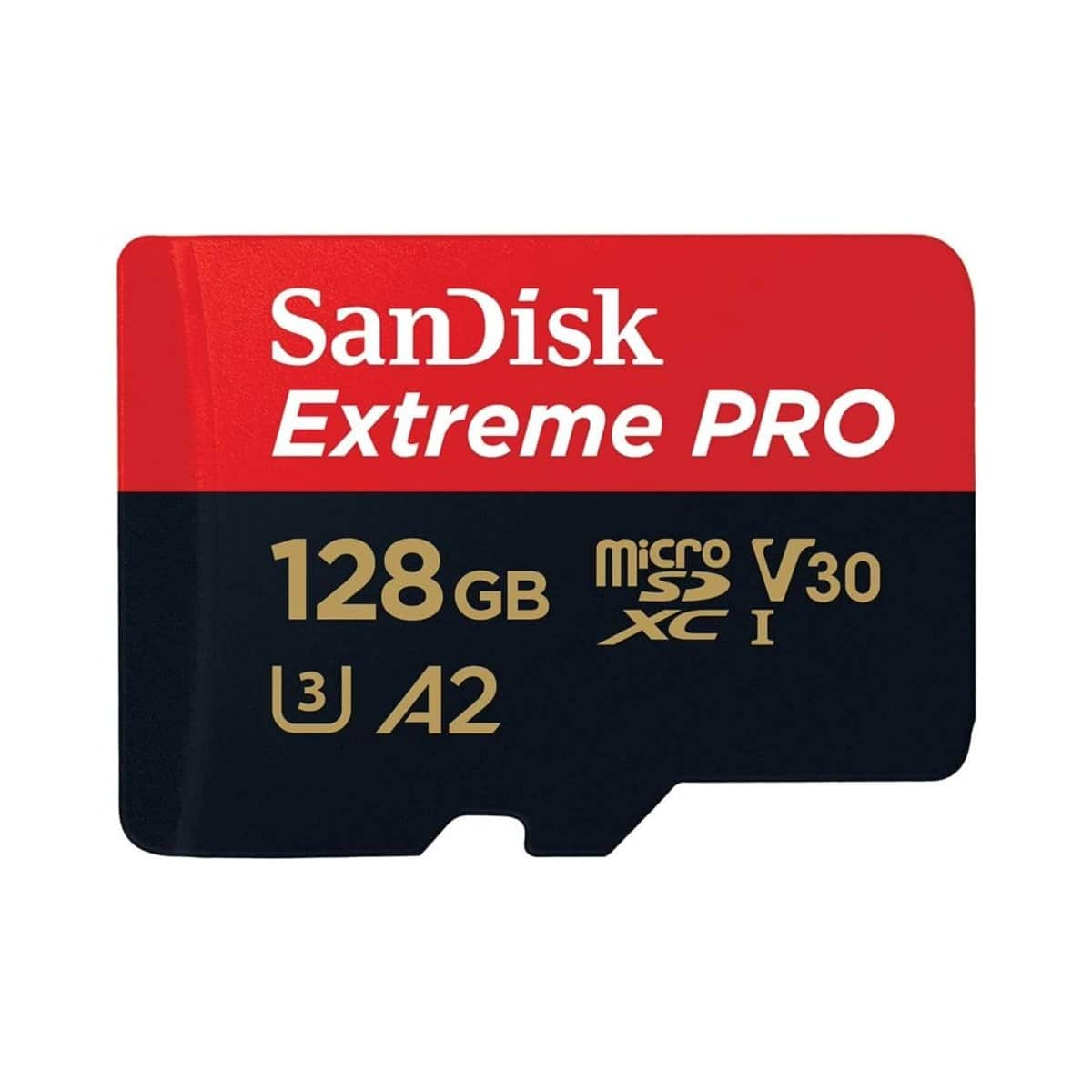
  3. SANDISK - Extreme PRO 128GB UHS-I U3 microSDXC Memory Card

    SKU: JXJ62C6JH2

    Love the quality! Came with the adapter if needed, just wish it advertised the adapter.

    Product Description

    A black microSDXC memory card with UHS-I U3 performance, 4K UHD support, and water-resistant durability.
    See all microSDXC
    Your price for this item is $59.99
    Save $1
    The previous price was $61.32
  4. Team Group - Team 32GB microSDHC UHS-I/U1 Class 10 Memory Card with Adapter, Speed Up to 100MB/s (TUSDH32GCL10U03)

    SKU: J37P8XJSXL

    Product Description

    A high-speed 32GB microSDHC memory card with UHS-I/U1 Class 10 performance and included adapter.
    See all microSDHC
    Your price for this item is $15.84
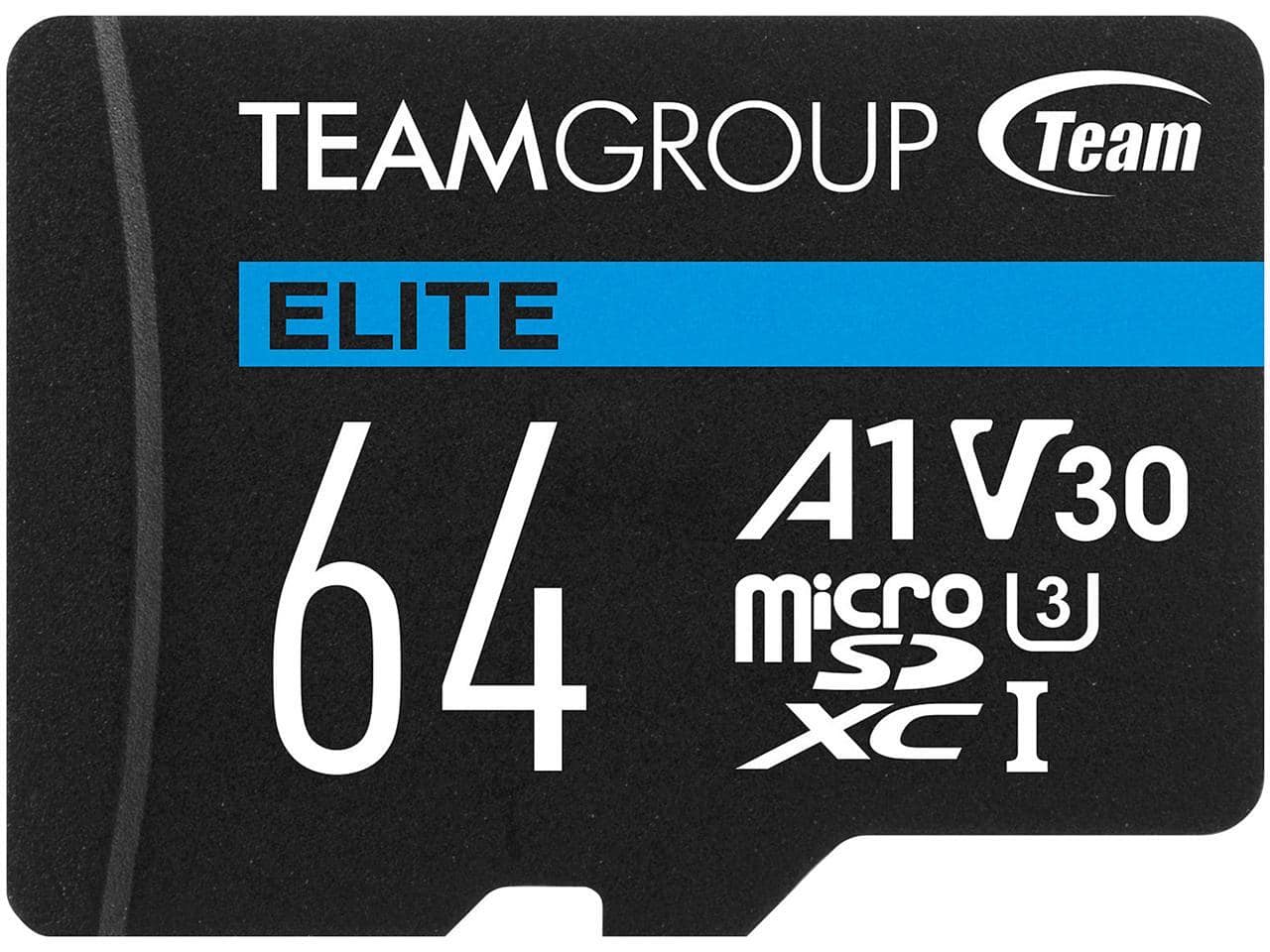
  5. Team Group - 64GB Elite microSDXC U3 V30 A1 4K UHD Card with Adapter, 100MB/s (TEAUSDX64GIV30A103)

    SKU: J37P83QGR8

    Great for Dash Cam...I use it for my dash cam and so great so far enough memory for my trips

    Product Description

    A high-speed 64GB microSDXC card with UHS-I U3, V30, A1 ratings and SD adapter included.
    See all microSDXC
    Your price for this item is $15.99
    Save $6
    The previous price was $22.64
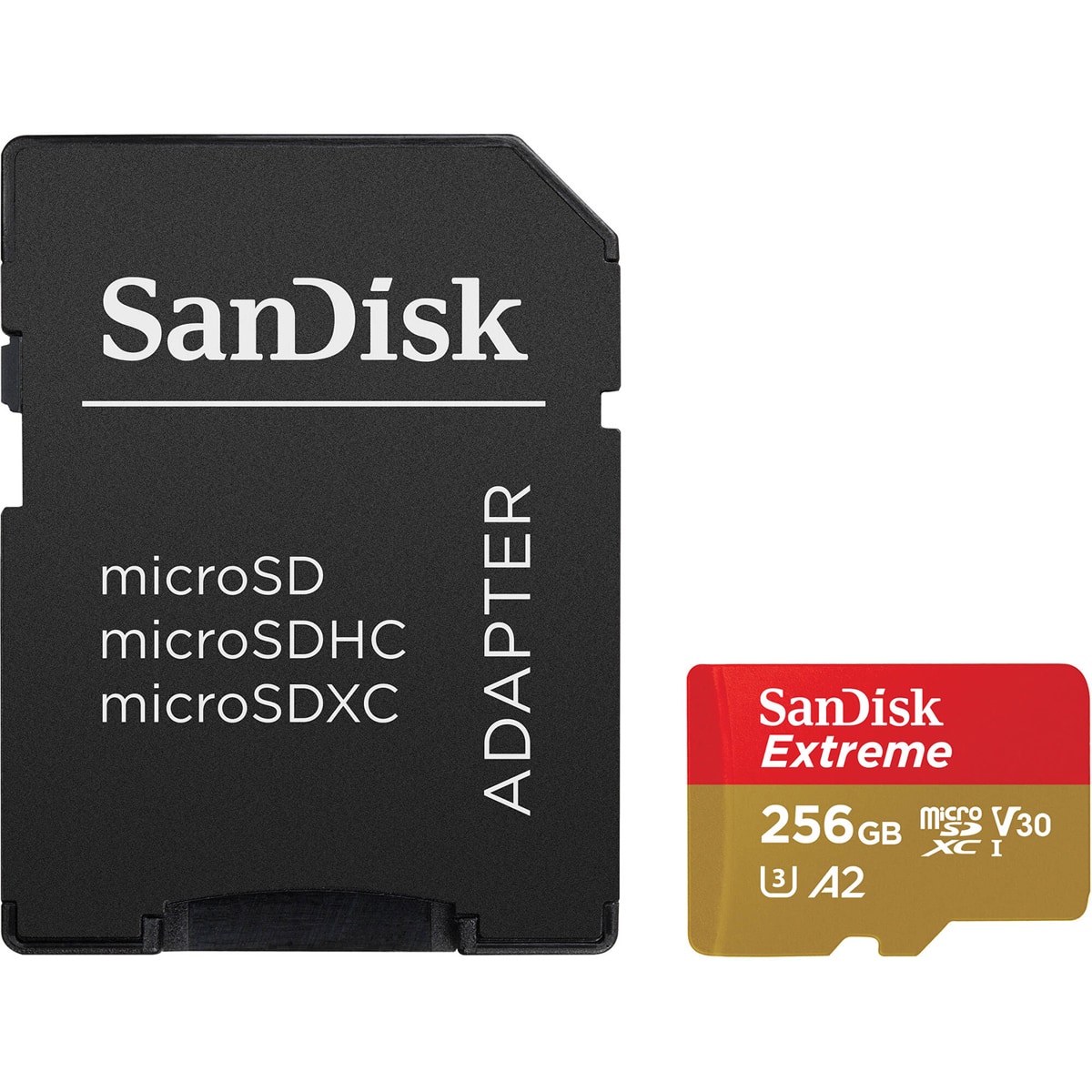
  6. SANDISK - Extreme 256GB UHS-I U3 microSDXC Memory Card

    SKU: JXJ62CQR5G

    Product Description

    A 256GB microSDXC memory card with UHS-I U3, V30 performance for 5K/4K video and durable protection.
    See all microSDXC
    Your price for this item is $91.71
    Save $0
    The previous price was $91.74
  7. SANDISK - 256GB Ultra microSD UHS-I Card

    SKU: JXJ62CQ6JY

    Product Description

    A 256GB microSDXC card with UHS-I U3, V30, 4K support, and durable waterproof, shockproof construction.
    See all microSDXC
    Your price for this item is $66.99
    Save $9
    The previous price was $76.45
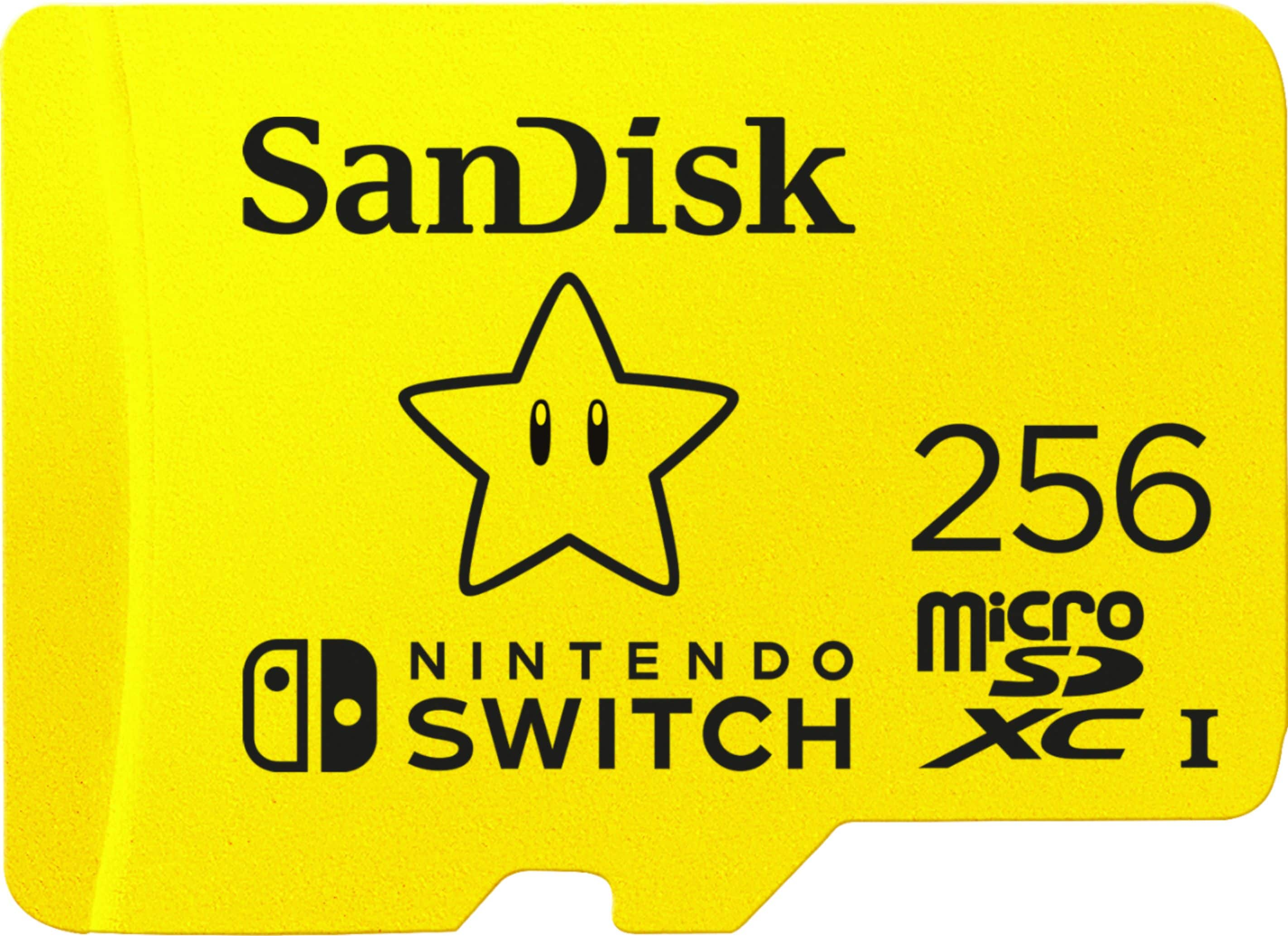
  8. SANDISK - 256GB microSDXC UHS-1 Memory Card Licensed for Nintendo Switch 1

    SKU: JXJ62C9226

    Great price...Great price, love it,especially Nintendo switch versions, and in yellow awesome easy to find....Love the deal at Best Buy. Thank you bestbuy....Best buy is great...Great price .. love shopping...

    Product Description

    A yellow water-resistant microSDXC card offering 256GB storage and fast read/write speeds for Nintendo Switch.
    See all microSDXC
    Your price for this item is $74.95
    Save $15
    The previous price was $89.99
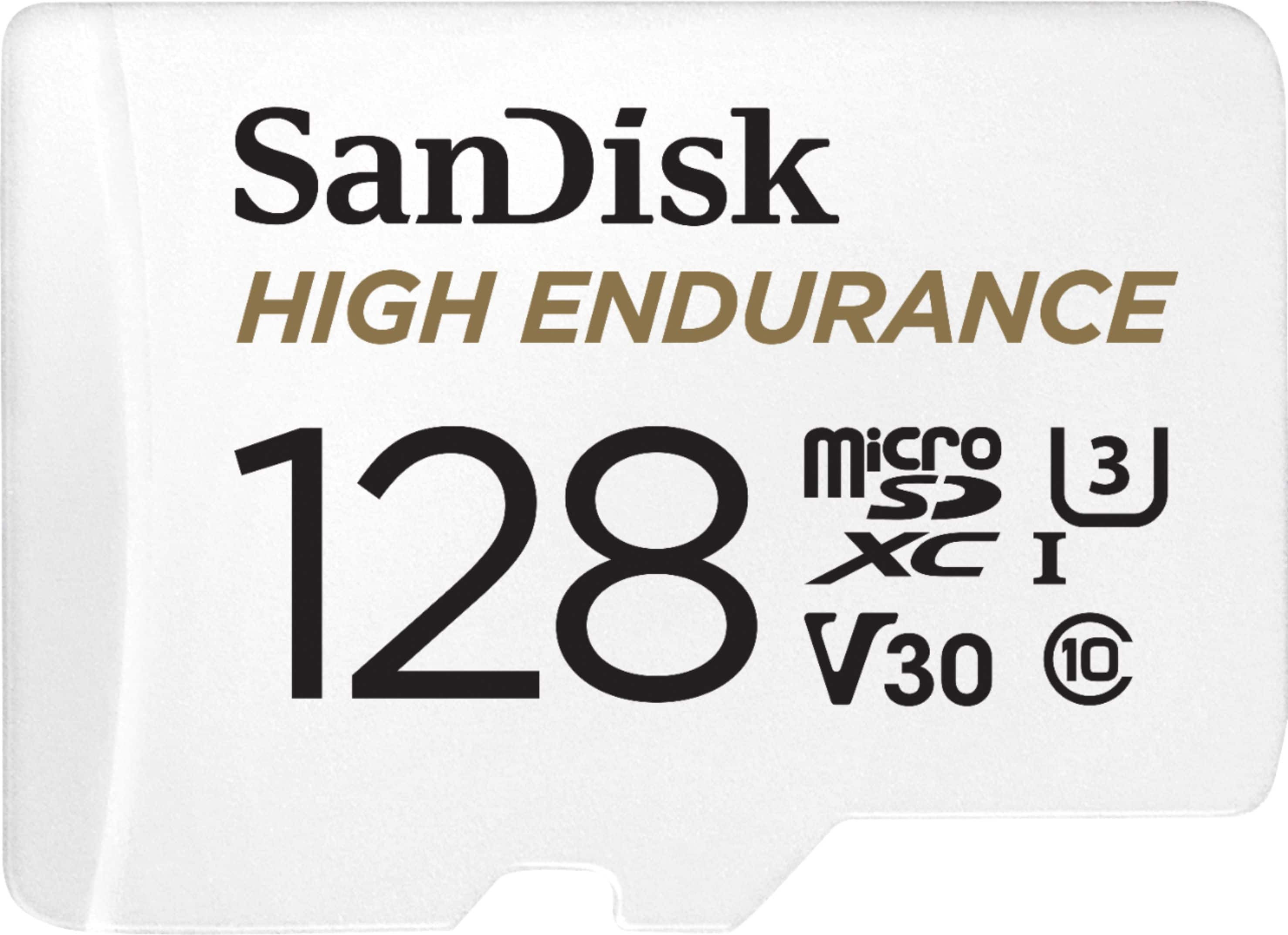
  9. SANDISK - 128GB microSDXC High Endurance UHS-I Memory Card

    SKU: JXJ62C9CT3

    Best Buy comes thru again

    Product Description

    A durable white microSDXC card offering 128GB storage, Full HD/4K recording, and extreme weather resistance.
    See all microSDXC
    Your price for this item is $84.46
    Save $3
    The previous price was $87.98
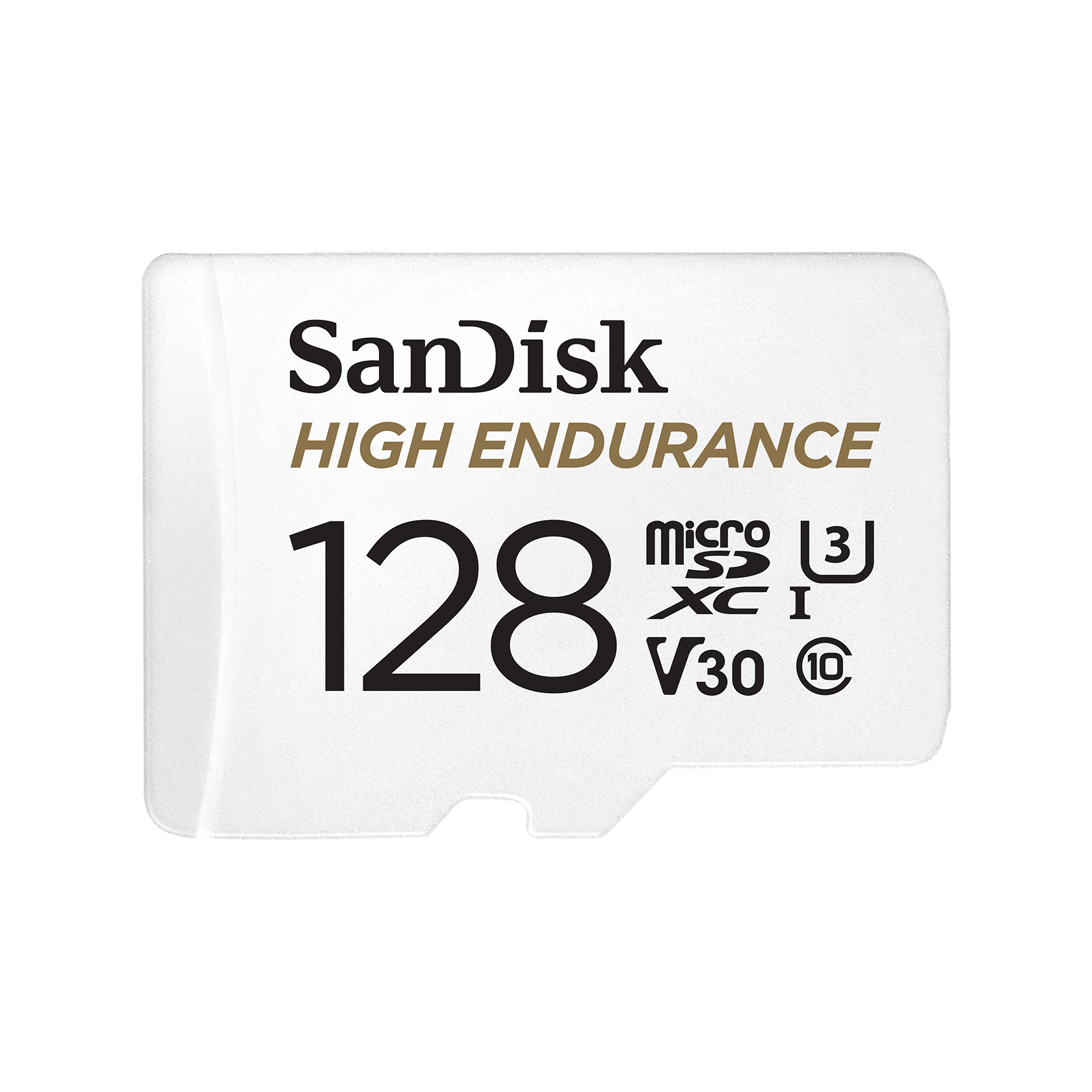
  10. SanDisk Professional - SanDisk 128GB High Endurance microSDXC C10, U3, V30, 4k UHD Memory Card with Adapter (SDSQQNR-128G-GN6IA)

    SKU: JXJ62C9JVX

    Great price...Great price good quality So far so good Best Buy sales are the best...Works great...After being ripped-off on ebay for a counterfeit memory card, I will only buy from Best Buy for quality...

    Product Description

    A high-endurance microSDXC memory card with C10, U3, V30 ratings and adapter for 4K UHD recording.
    See all microSDXC
    Your price for this item is $39.49
    Save $44
    The previous price was $83.80

MicroSD cards give compatible devices room for the photos, videos, games, and files that make everyday technology personal. For Labor Day travel, that might mean space for a long weekend of action-camera footage, downloaded entertainment for a flight, or snapshots from a family gathering. These tiny removable storage cards also support routines that continue well beyond a holiday: recording a commute, carrying a music library, or keeping project files accessible without an internet connection. Their compact size makes them useful in devices where a larger drive would not fit, including compatible phones, tablets, drones, security cameras, and handheld gaming systems. Compatibility matters more than physical appearance, since cards with the same dimensions can have different capacities, speed ratings, and recording capabilities. The microSDHC format covers capacities above 2GB through 32GB, while microSDXC covers capacities above 32GB through 2TB; a device must support the card’s format and capacity to use it properly. A slot that accepts a microSD card does not necessarily support every storage size, and some devices have additional requirements for recording video or running applications. Storage needs vary just as much. Still photos and documents generally require less room than high-resolution video, while a collection of downloaded games can occupy substantial space before screenshots or other supported files enter the picture. Someone recording short clips during occasional outings may have different needs from a creator capturing lengthy sessions from several camera angles. Larger capacity can mean fewer interruptions to swap cards, but it does not replace a separate backup of important files. The usable space displayed by a device will also be lower than the number printed on the card because of formatting, system files, and differences in how capacity is measured. For a student, traveler, gamer, or photography enthusiast, a compatible memory card can be a practical gift that supports an existing hobby without adding another bulky accessory to carry.

The markings on microSD cards help distinguish storage intended for casual file transfers from storage suited to more demanding recording. Read speed describes how quickly data can be retrieved, which can affect copying footage to a computer or loading stored content. Write speed describes how quickly data can be saved, an important consideration when a camera continuously generates new footage. Advertised maximum transfer speeds are not the same as guaranteed sustained recording performance, and reaching those maximums may require a compatible reader and host device. Speed-class symbols offer a more specific reference: Class 10 and U1 each indicate a minimum sequential write speed of 10MB per second under the applicable test conditions, while U3 and V30 each indicate 30MB per second. U3 or V30 is a common requirement for many 4K recording modes, but resolution alone does not determine the right card. Frame rate, compression, and bitrate also influence how much data a camera writes, so the device manufacturer’s requirements remain the most useful match for a particular recording mode. A drone filming detailed aerial footage and a camera recording a simple time-lapse may both use microSD storage while placing very different demands on it. Bus-interface support matters, too: the card, device, and reader work together, and the slowest supported connection can limit performance. For compatible devices that allow applications to run from removable storage, A1 and A2 application-performance ratings address small, random read and write operations rather than video recording alone. A2 performance depends on appropriate host support, and not every phone or tablet permits apps to be stored on a card. Gaming systems likewise have their own format and interface requirements; a higher speed marking is not a universal guarantee of shorter loading times. These distinctions make intended use more meaningful than a single large number on the packaging, whether the priority is smooth recording, convenient media storage, or moving large folders after a day of shooting.

Durability is especially important when a microSD card serves as working storage rather than an occasional place to copy files. Inside its small protective housing, a card uses flash memory with no moving mechanical parts, but its exposed contacts and thin body still deserve careful handling. Some cards have manufacturer-rated resistance to water, shock, temperature extremes, or X-rays, although the exact protection and testing conditions vary. Those ratings should not be treated as permission to leave a card loose in a pocket or assume it can withstand every accident. A fitted storage case helps protect spare cards from debris and makes them easier to find in a camera bag, while handling the edges helps keep the contacts clean. Cards should be dry before insertion, and removing one during a write operation can damage files or interrupt a recording. For dashcams and security cameras that repeatedly record over earlier footage, high-endurance storage is designed around sustained rewriting; the stated endurance conditions and the device’s compatibility requirements are more relevant than capacity alone. A card used for continuous recording has a different workload from one holding a mostly unchanged collection of songs. Physical fit also extends to accessories. A microSD-to-SD adapter allows a card to fit a full-size SD slot, but it does not add capacity, improve the card’s speed, or make an incompatible device support a newer format. Whether an adapter is included varies, and computers without a suitable slot need a compatible memory card reader. A simple storage routine can make all these pieces work together: capture footage on the card, transfer it through a reader, verify that the files open, and keep another copy before clearing space for the next recording. The Labor Day Sale On External SSDs page covers another storage category for keeping transferred photo libraries, video projects, and other files outside the capture device. Separate copies help protect memorable footage from a misplaced card or accidental deletion. With the right format, recording performance, and handling habits, microSD storage can stay unobtrusive while supporting everything from a quick family video to a carefully planned creative project.

FAQ

Micro SD cards are widely compatible with smartphones, tablets, digital cameras, drones, action cameras, gaming consoles, and some laptops. Always check your device's specifications to ensure compatibility.

To insert a micro SD card, locate the designated slot on your device, gently push the card in with the label facing up (or as indicated), and ensure it clicks into place. Refer to your device’s manual for specific instructions.

Yes, many smartphones support micro SD cards for expanding storage capacity. Check your phone’s documentation to confirm support and follow the manufacturer’s guidelines for installation.

The main differences are in storage capacity and file system format. Micro SD cards typically offer up to 2GB of storage, micro SDHC cards range from 2GB to 32GB, and micro SDXC cards start at 32GB and can go much higher. Compatibility depends on your device’s supported formats.

To transfer data between micro SD cards, use a computer or compatible device with two card slots or use an external card reader. Copy files from the source card to your computer, then transfer them to the new card.