Labor Day Sale On External Hard Drives
Take advantage of incredible savings during the Labor Day Sale on external hard drives at Best Buy. Whether you're looking to expand your storage for work, school, or entertainment, now is the perfect time to find great deals on a wide selection of external hard drives. Shop top-rated options and enjoy limited-time discounts that make upgrading your digital storage both easy and affordable. Don’t miss out on these exclusive Labor Day offers to keep your important files safe and organized.
Read More-
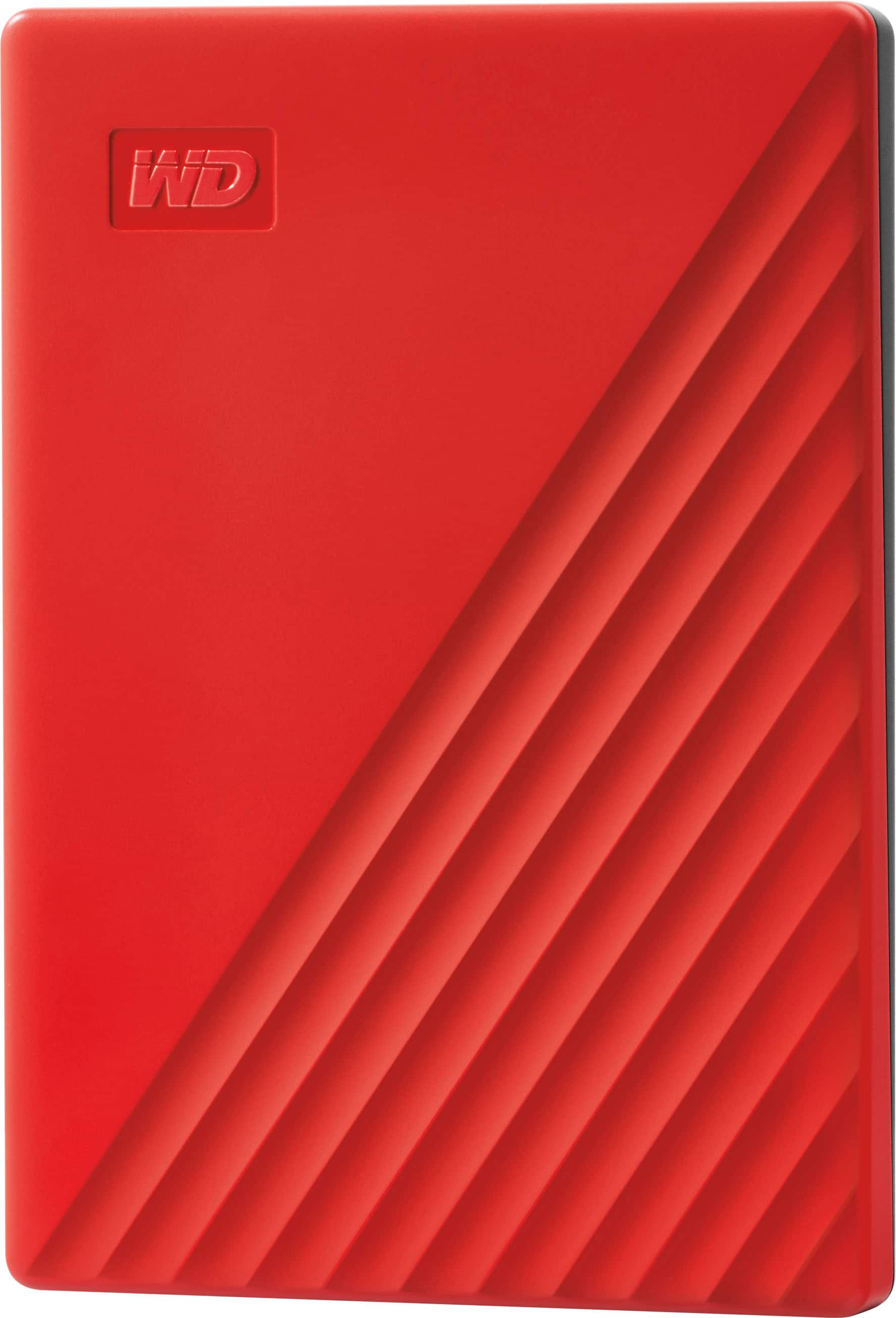
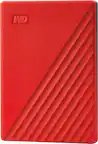
WD - My Passport 2TB External USB 3.0 Portable Hard Drive - Red
SKU: JXTHCJFT8WExcellent quality and I love the color and ease of use....It probably would haven been great!
See all External Hard DrivesProduct Description
A portable red external hard drive with USB 3.0, auto backup, and 256-bit AES hardware encryption.$180.49 Your price for this item is $180.49Save $25Was $206.04The previous price was $206.04 -
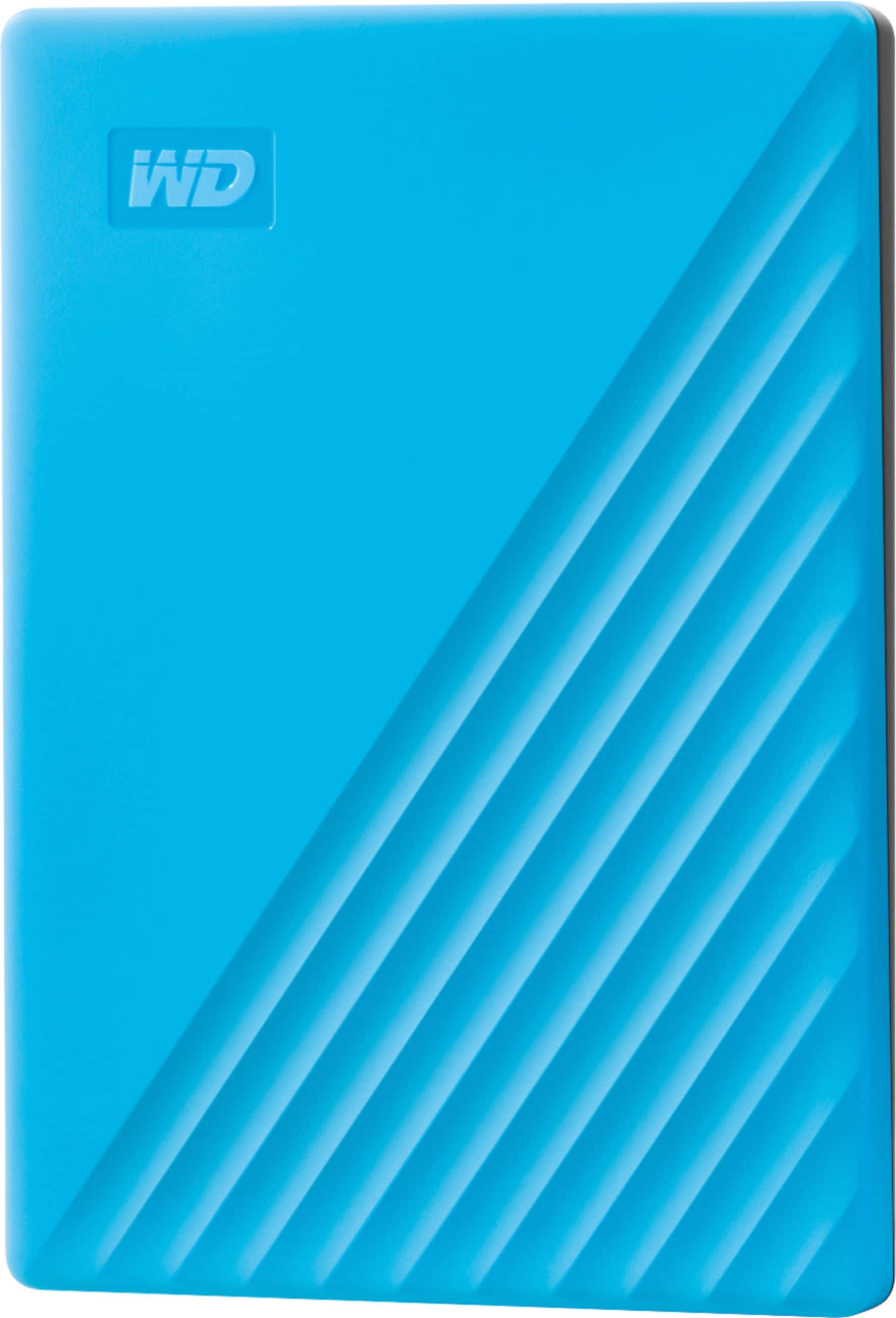
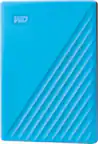
WD - My Passport 2TB External USB 3.0 Portable Hard Drive - Blue
SKU: JXTHCJFTS8great long lasting little hard drive...works great. this is my second one. i bought this to replace the first because it kept randomly disconnecting...realized the issue was the usb port, not the hard...
See all External Hard DrivesProduct Description
A blue portable hard drive with 2TB storage, USB 3.0 connectivity, auto backup, and hardware encryption.$180.49 Your price for this item is $180.49Save $22Was $203.27The previous price was $203.27 -
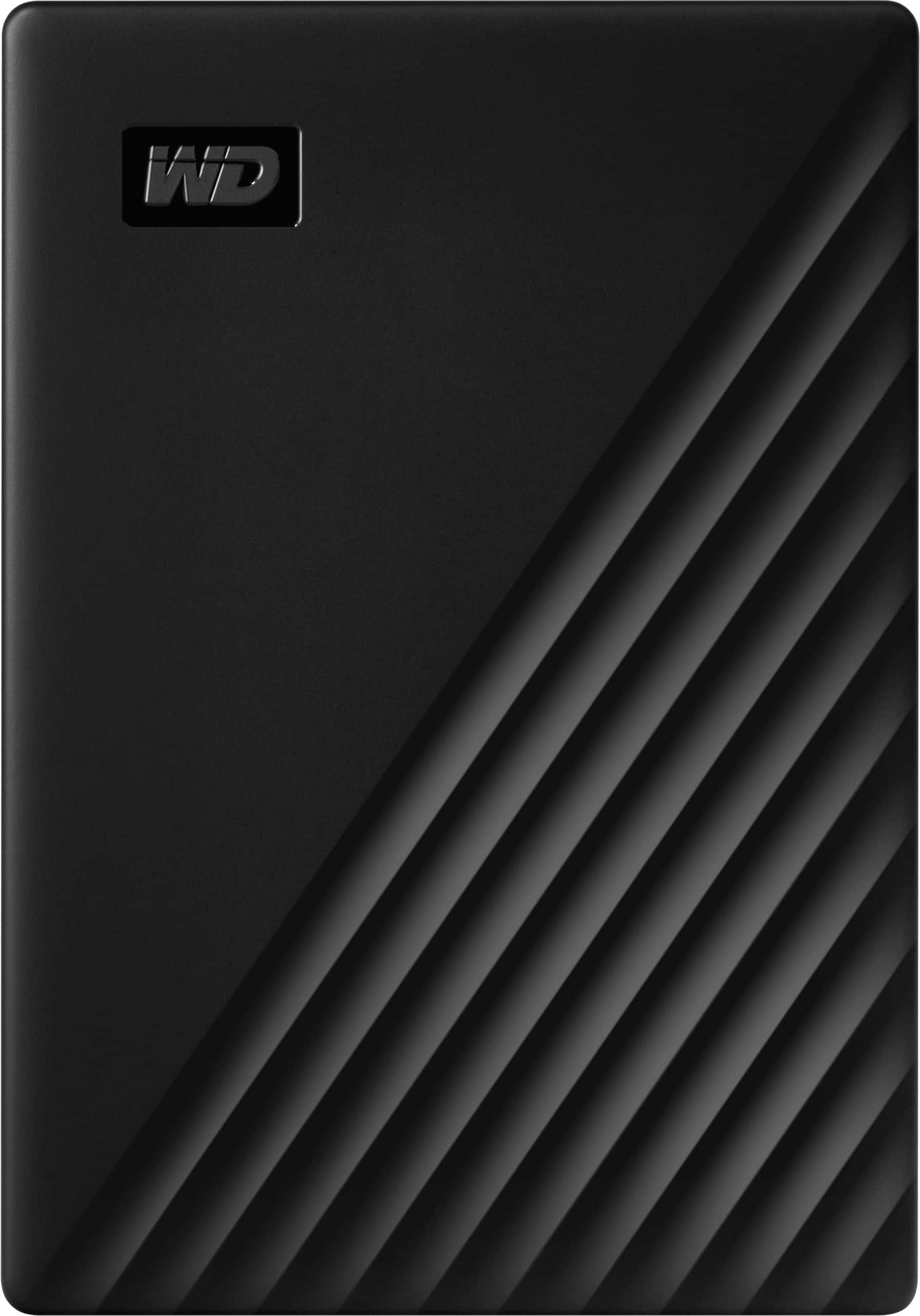
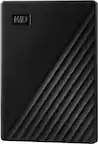
WD - My Passport 4TB External USB 3.0 Portable Hard Drive - Black
SKU: JXTHCJFHC6In addition, I am sure it will hold up great as Western Digital is a super well known and trustworthy...I've ran multiple games on it and the hard drive speed is great and does not lag and runs normally...
See all External Hard DrivesProduct Description
A portable black external hard drive with USB 3.0, 4TB storage, auto backup, and 256-bit AES encryption.$233.49 Your price for this item is $233.49Save $71Was $304.99The previous price was $304.99 -
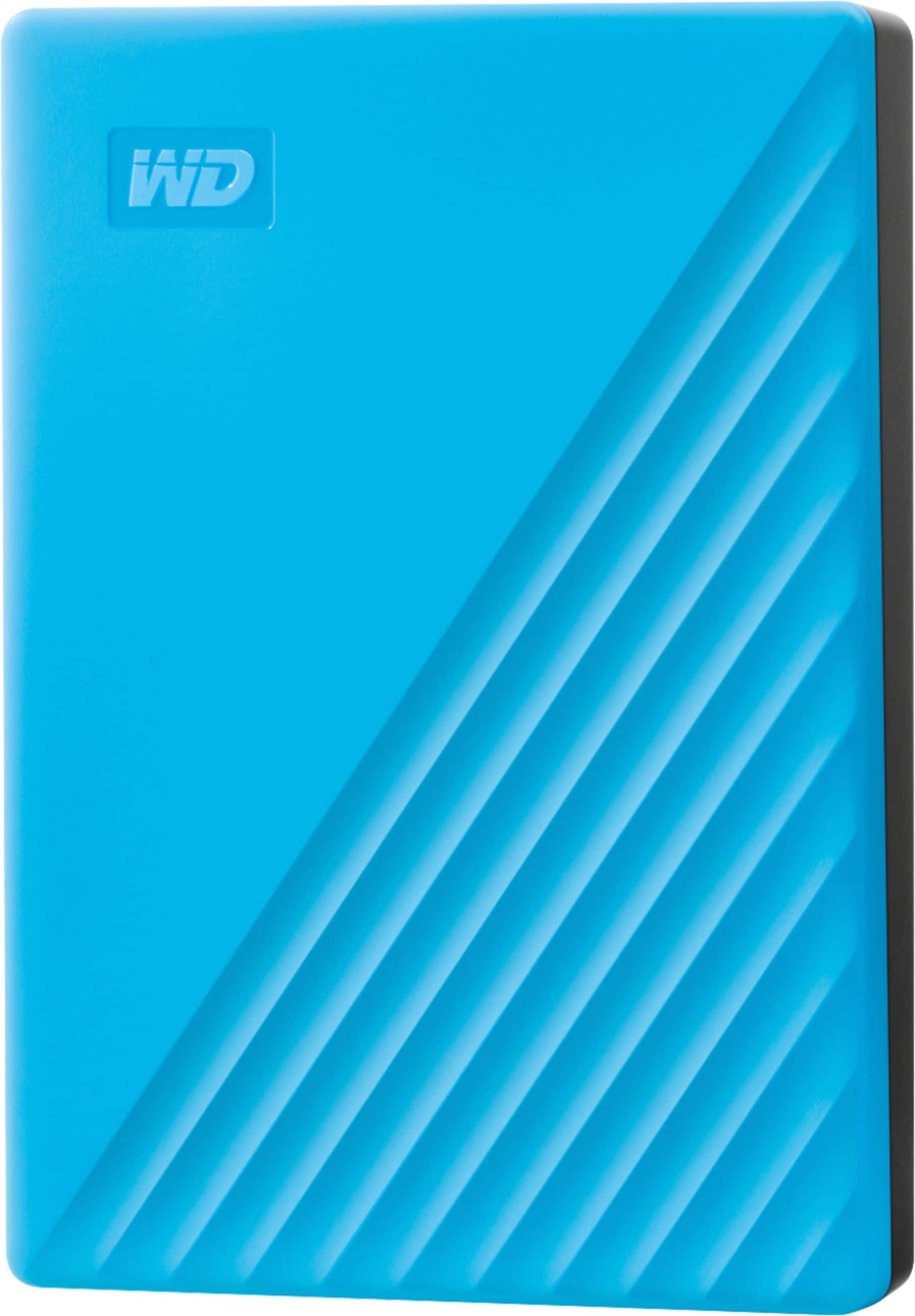
WD - My Passport 4TB External USB 3.0 Portable Hard Drive - Blue
SKU: JXTHCJFTL9This is great for tech storage...great little machine I can store lots and lots of patterns on it also tons of photos
See all External Hard DrivesProduct Description
A portable blue external hard drive offering 4TB storage, fast USB 3.0 transfers, and 256-bit encryption.$264.99 Your price for this item is $264.99Save $30Was $295.41The previous price was $295.41 -
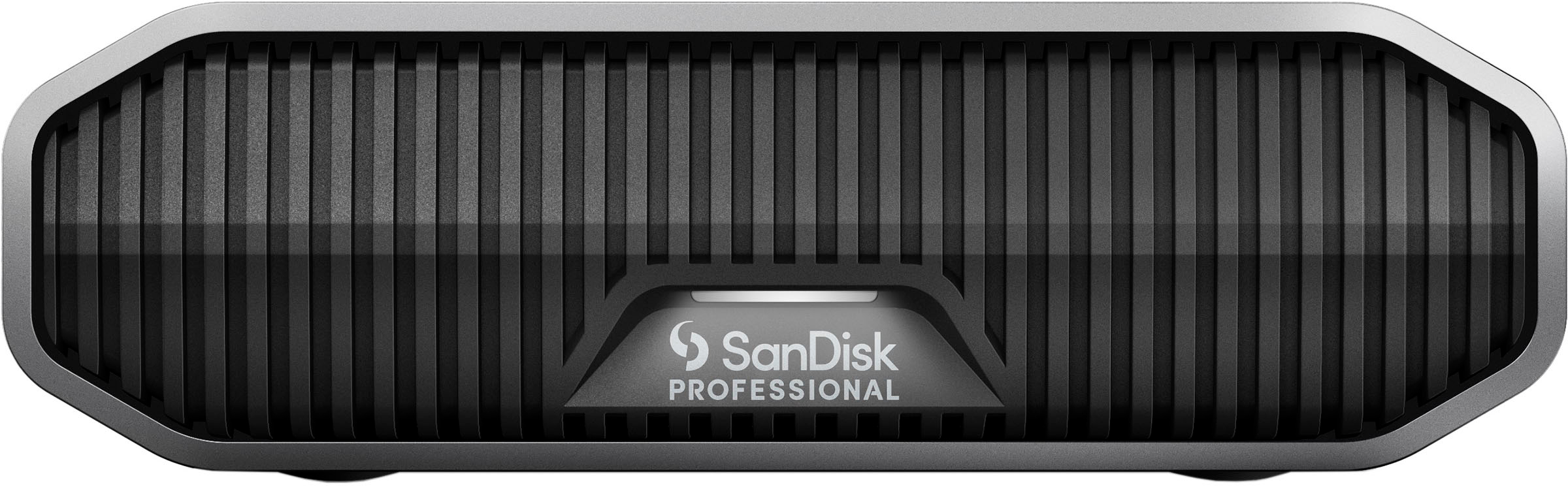
SanDisk Professional - G-DRIVE 12TB External USB-C 3.2 Gen2 Hard Drive - Black
SKU: JXTHCC76Q6See all External Hard DrivesProduct Description
A high-capacity 12TB external hard drive in black aluminum with USB-C 3.2 Gen2 and 7200RPM speed.$669.99 Your price for this item is $669.99Save $106Was $776.60The previous price was $776.60 -
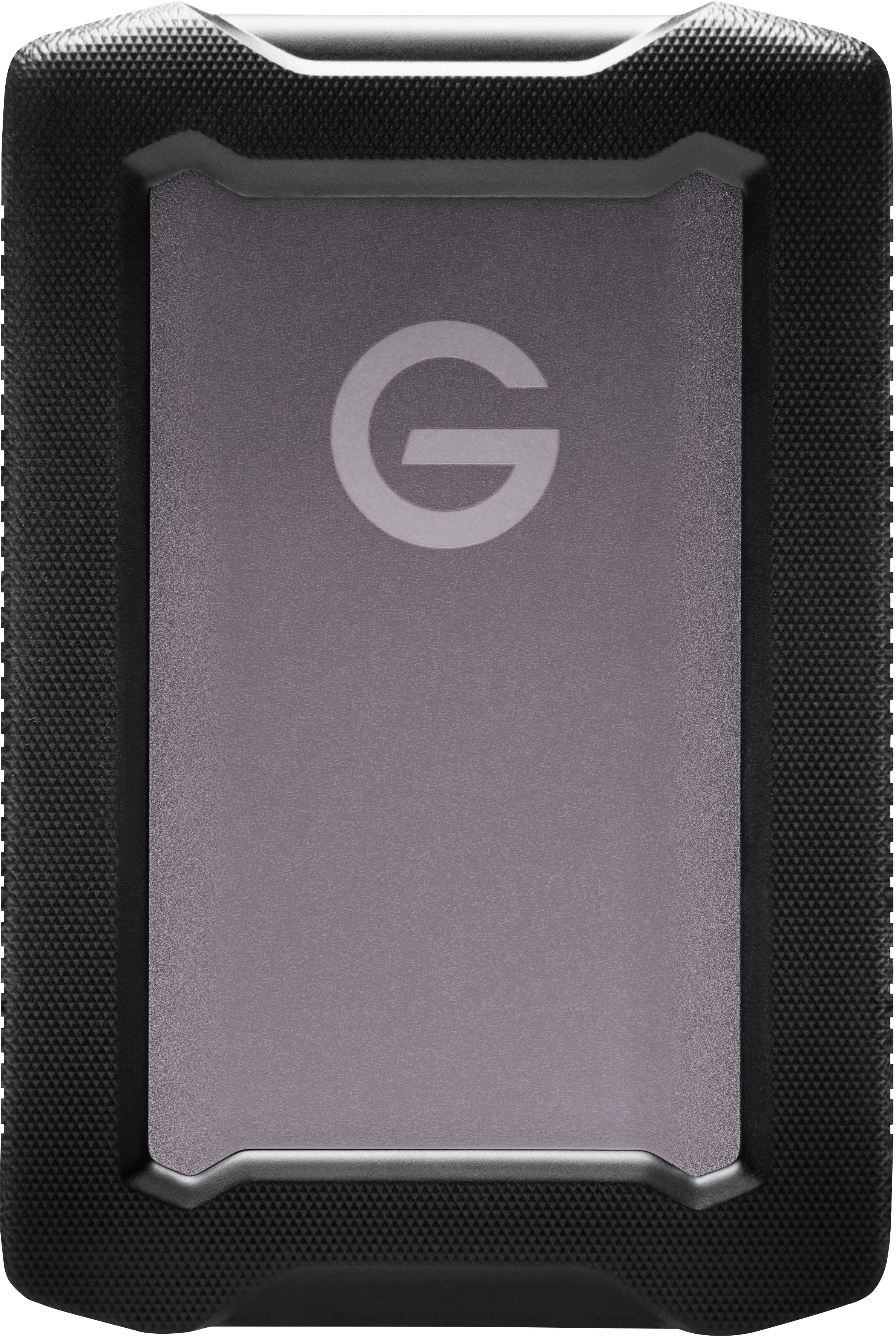
SanDisk Professional - G-DRIVE ArmorATD 5TB External USB-C Portable Hard Drive - Space Gray
SKU: JXTHCC7KGPSee all External Hard DrivesProduct Description
A rugged, space gray portable hard drive with 5TB capacity, USB-C connectivity, and IP54 rain/dust resistance.$354.99 Your price for this item is $354.99Save $79Was $434.60The previous price was $434.60 -
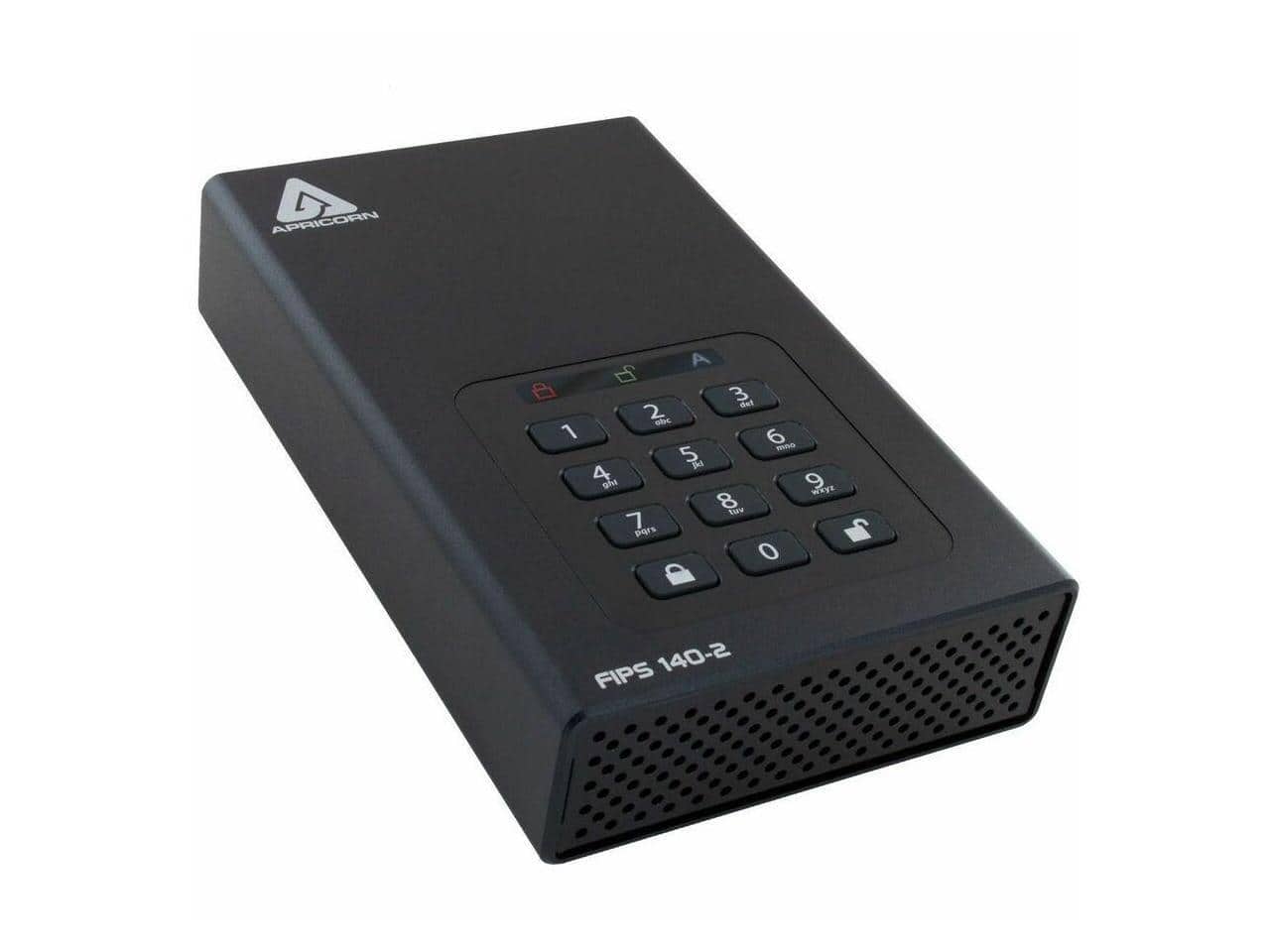
Apricorn - Aegis Padlock DT 24 TB Desktop External Hard Drive - 3.5" - TAA Compliant (ADT-3PL256F-24TB) - Unknown
SKU: JXHJGH5RYWSee all External Hard DrivesProduct Description
A TAA-compliant 24TB desktop external hard drive with USB power, ideal for secure data storage.$1,514.99 Your price for this item is $1,514.99Save $184Was $1,699.00The previous price was $1,699.00 -
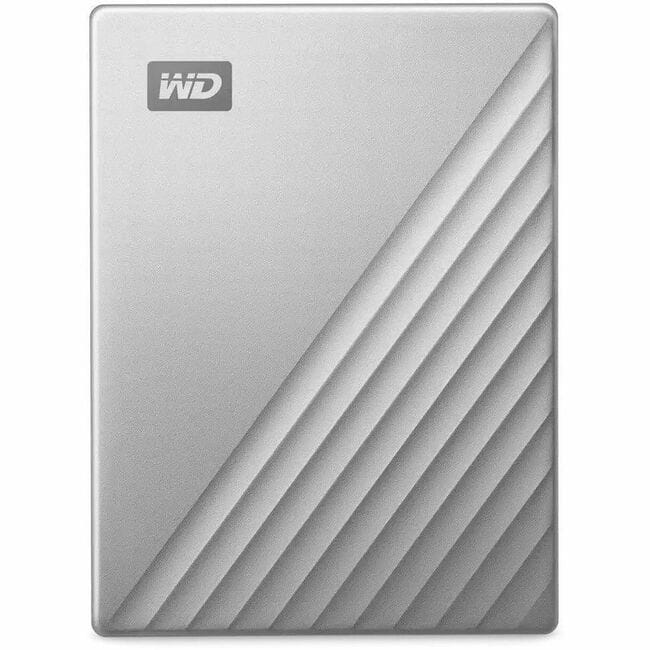
Western Digital - WD My Passport Ultra WDBGKC0060BSL-WESN 6 TB Portable Hard Drive - 2.5" External - MAC Device Supported - USB - Silver
SKU: JXTHCC74K6See all External Hard DrivesProduct Description
A sleek silver external hard drive offering 6TB of portable USB-C storage designed for Mac users.$381.44 Your price for this item is $381.44Save $7Was $388.89The previous price was $388.89 -
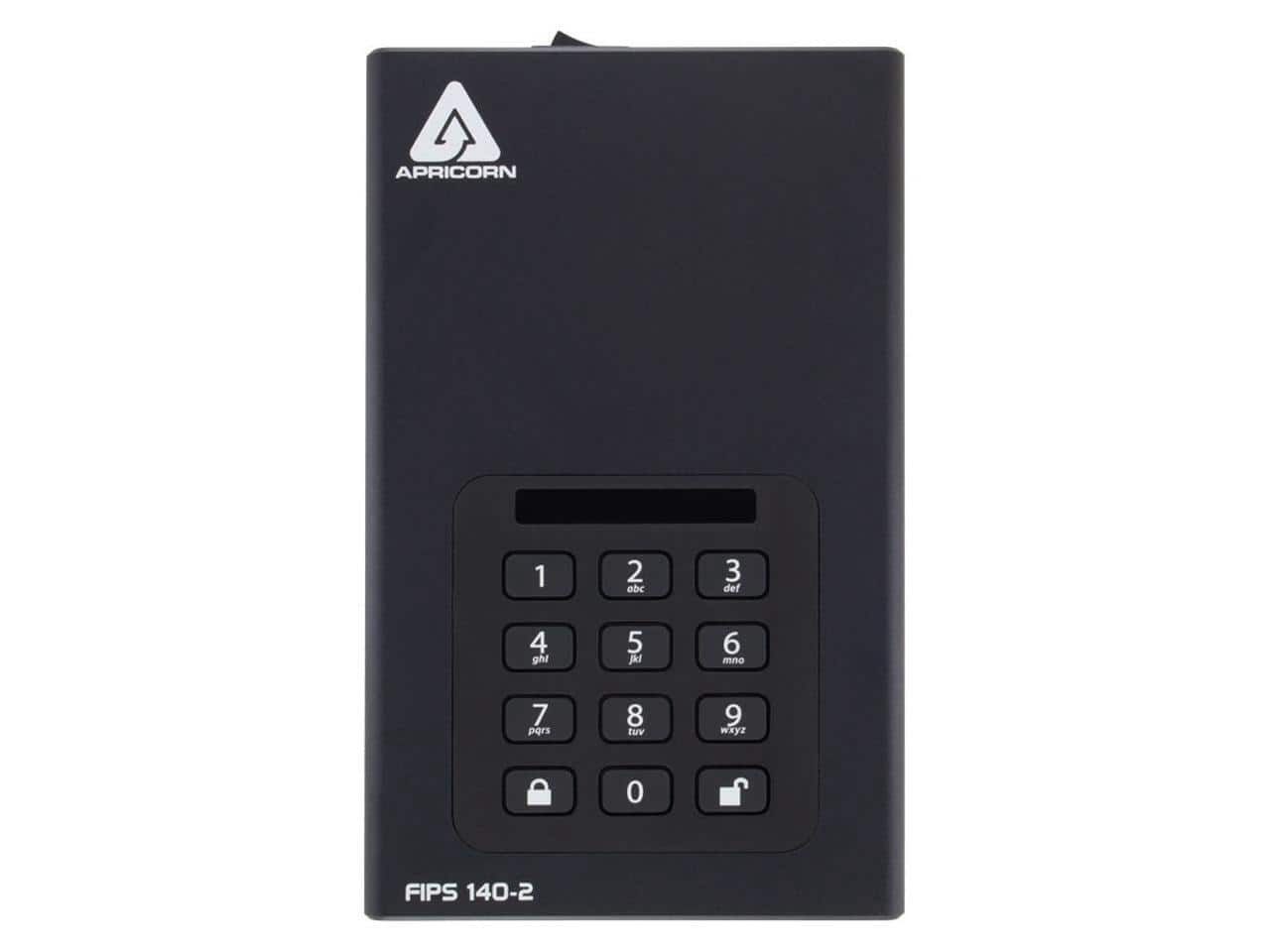
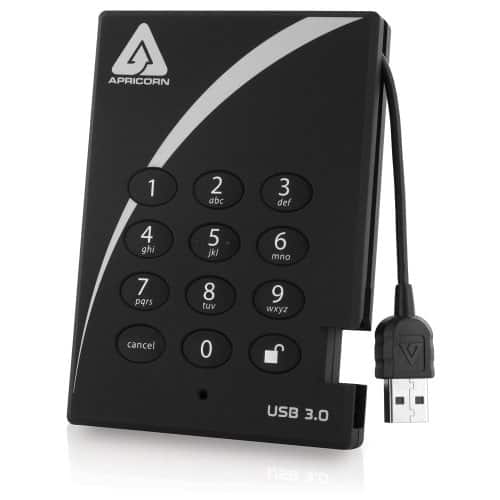
Apricorn - Aegis Padlock 2 TB External Hard Drive - USB 3.0 - 5400 RPM - 8 MB Buffer - Portable - Black
SKU: JXHJGH59RYSee all External Hard DrivesProduct Description
A secure black portable hard drive featuring 2TB storage and fast USB 3.0 connectivity.$323.99 Your price for this item is $323.99Save $49Was $373.00The previous price was $373.00 -
Apricorn - Aegis Padlock DT FIPS 20TB Desktop Hard Drive External ADT3PL256F20TB - Unknown
SKU: JXHJGH5RX8See all External Hard DrivesProduct Description
An external desktop hard drive offering 20TB storage, FIPS security, and USB power for data protection.$1,137.99 Your price for this item is $1,137.99Save $561Was $1,699.00The previous price was $1,699.00
External hard drives give photos, videos, documents, and other digital files room to grow beyond a computer’s built-in storage. For shoppers exploring external hard drives around Labor Day, the central considerations are capacity, portability, connection type, and how the drive will fit into everyday routines. A household photo library, a semester’s worth of creative projects, and a collection of high-resolution video footage can have very different storage needs. Documents generally take up relatively little space, while video, large image files, and game installations can fill a drive much more quickly. Capacity is commonly measured in terabytes, and leaving room for future files helps a drive remain useful as collections expand. The usable space shown by a computer may differ from the labeled capacity because of formatting and the way storage units are calculated. Portable external hard drives are compact enough to move between a desk and a backpack, and many draw power through the same USB cable that carries data. Desktop external hard drives typically stay in one place and often require a separate power adapter, making them a natural fit for a home office, a shared family computer, or a dedicated backup station. Traditional hard disk drives store information on spinning magnetic platters, while external solid-state drives use flash memory with no moving mechanical parts. That difference affects speed, sound, and resistance to everyday movement. A hard disk drive can suit scheduled backups and large media collections; an external SSD can be better suited to frequent transfers, travel, or working directly with demanding files. Actual performance depends on the drive, its connection, the computer, and the task. Transferring thousands of small files can behave differently from moving one large video. Across these storage types, the most useful choice is one that matches both the files being stored and the places where those files need to go.
Physical design matters when an external drive becomes part of a daily setup. Plastic enclosures can keep weight down, while metal housings may feel more substantial and help dissipate heat, depending on the design. Neither material alone establishes how well a drive will survive a fall or exposure to moisture. For a drive that travels to classrooms, studios, or job sites, documented drop protection or a stated water- and dust-resistance rating provides more meaningful information than a rugged appearance. Those protections apply only under the manufacturer’s specified conditions and do not replace a backup. A protective carrying case can help keep a drive and its cable together and prevent the enclosure from rubbing against keys or other objects inside a bag. On a desk, a stable surface, adequate ventilation, and enough slack in the cable help reduce the chance of an accidental tug. Mechanical hard drives are particularly sensitive to jolts while operating, so a stationary location is preferable during transfers. Compatibility deserves just as much attention as construction. USB-C describes a connector shape, not a guaranteed transfer speed, and two ports with the same shape may support different performance levels. The drive, cable, and host port all influence the connection, and adapters or hubs can introduce additional limitations. Computers with older USB ports may need a compatible cable or adapter, while some desktop arrangements require nearby access to an electrical outlet. File-system format also affects whether a drive can be read and written by different operating systems. Some formats are suited to moving files between systems, while others support particular backup tools or platform-specific features. Reformatting can erase existing contents, so any necessary files need another home before that process begins. Basic care is straightforward: keep the drive dry, avoid excessive heat, follow its cleaning instructions, and safely eject it before disconnecting when the operating system calls for that step.
External storage serves many people whose digital lives extend beyond a single device. A student might keep completed design projects separate from a laptop’s internal drive, while a photographer might return from a weekend trip with memory cards full of images that need organizing and backing up. A remote worker may want a dedicated destination for local backups, and a family member sorting years of phone photos may appreciate a clearly labeled place for shared memories. During the cooler months, indoor projects such as scanning family pictures, editing travel footage, or organizing home videos can make storage needs more visible. External drives can also be practical gifts for students, creative hobbyists, and relatives who maintain growing digital collections, provided the recipient’s device connections and storage requirements are known. For gaming, compatibility is more specific: a console may allow certain games to be stored externally without allowing every game to run from that drive. Supported drive types, minimum requirements, and playback restrictions vary by platform, making those details important before assigning a drive to a game library. Whatever the intended use, extra storage and backup are not the same thing. Moving the only copy of a file off a computer and onto an external drive frees internal space, but it still leaves just one copy. A stronger backup approach keeps multiple copies, uses more than one type of storage, and places a copy in a separate location. Scheduled backup software, when compatible with the drive and computer, can make that routine easier to maintain; occasionally confirming that saved files can be restored helps establish that the backup is usable. Encryption can add protection for sensitive information, although recovery keys and passwords need secure storage of their own. Smaller transfers call for a different balance of size and capacity, and the related Labor Day Sale On USB Flash Drives page covers another familiar form of removable storage. For larger libraries and recurring backups, an external drive with the right capacity, connections, and physical design can become a dependable part of keeping important files organized and accessible.
Best Sellers
Related Pages
FAQ
Labor Day sales often feature special promotions and exclusive deals, making it a great time to purchase external hard drives. Shoppers can take advantage of bundled offers, limited-time discounts, and a wider selection of models available during the event.
When selecting an external hard drive, consider factors such as compatibility with your devices, desired transfer speeds (USB 3.0, USB-C, etc.), portability, and whether you need additional features like password protection or rugged design for extra durability.
Yes, external hard drives come in various types including traditional HDDs (hard disk drives) and SSDs (solid state drives). HDDs are typically more affordable and offer larger storage capacities, while SSDs provide faster data transfer speeds and enhanced durability.
Many external hard drives are compatible with both Windows and Mac operating systems. Some may require reformatting to work seamlessly across platforms. Always check the product specifications or consult support resources for guidance on cross-platform use.
External hard drives are commonly used for backing up important files, expanding storage capacity for computers or gaming consoles, transferring large files between devices, and storing media libraries such as photos, videos, and music collections.