Laptop Speakers Reviews
-
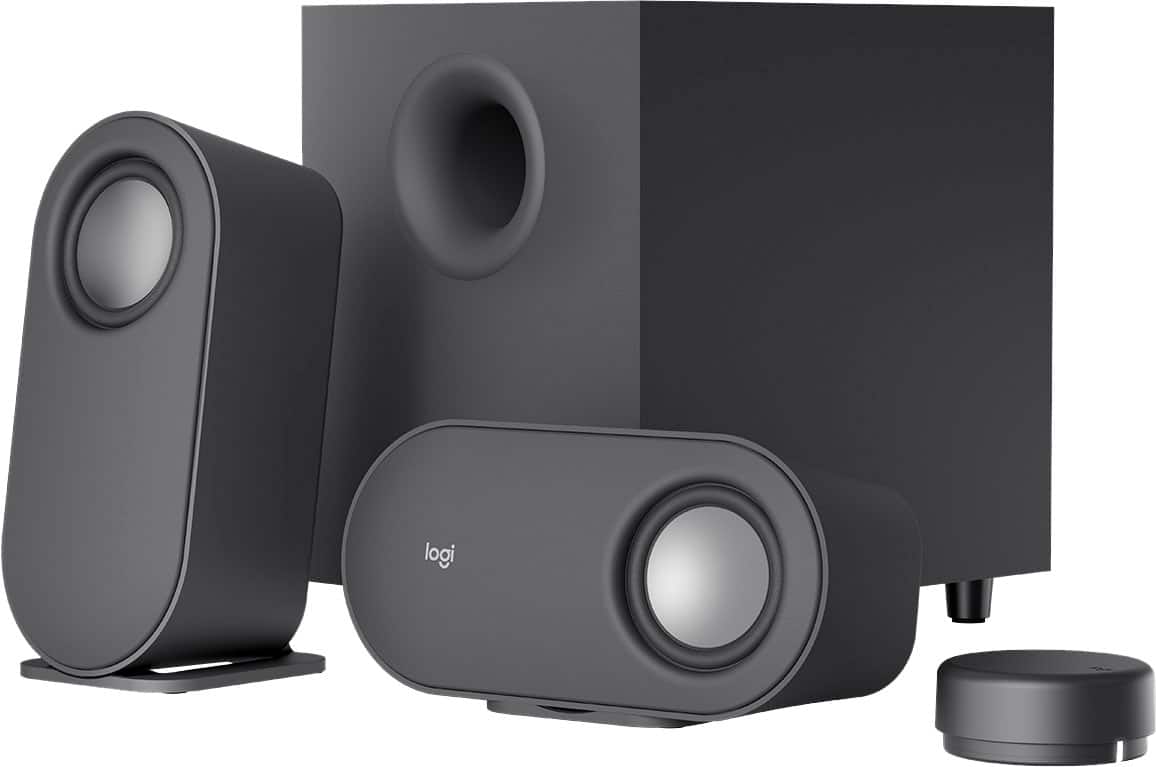
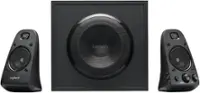
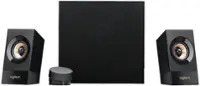
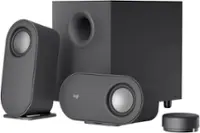
Logitech - Z407 2.1 Bluetooth Computer Speaker System with Wireless Control (3-Piece) - Black
SKU: J7H7ZY3Y9GLove these speakers...Love these speakers. Best part is the wireless volume and control dongle. Great purchase...Best speakers I’ve had...Love it. Adds just the right amount of bass. Great sound quality....
See all Computer SpeakersProduct Description
A sleek black 2.1 Bluetooth speaker system with wireless control dial and immersive down-firing woofer.Your price for this item is $119.99Save $10The previous price was $129.99 -
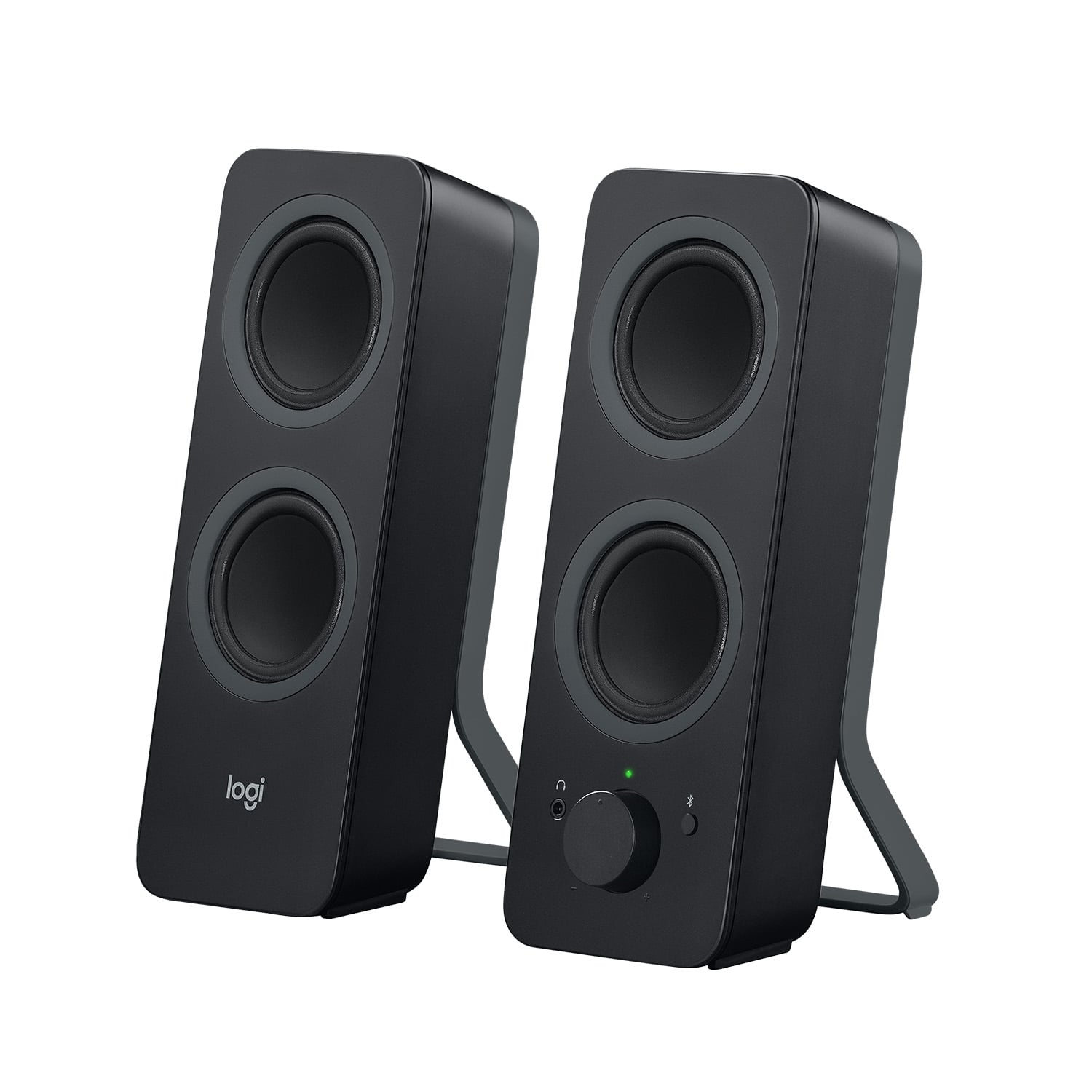
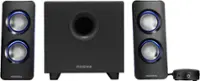
Logitech - Z207 2.0 Bluetooth Stereo Computer Speakers (2-Piece) - Black
SKU: J7H7ZY2HRPPERFECT LOVED IT best upgrade to my gaming setup LOVE IT...Loud and clear, best purchase ever made well worth it. Love them.
See all Computer SpeakersProduct Description
A pair of black Bluetooth stereo speakers offering rich audio, bass extension, and seamless device switching.Your price for this item is $69.99 -
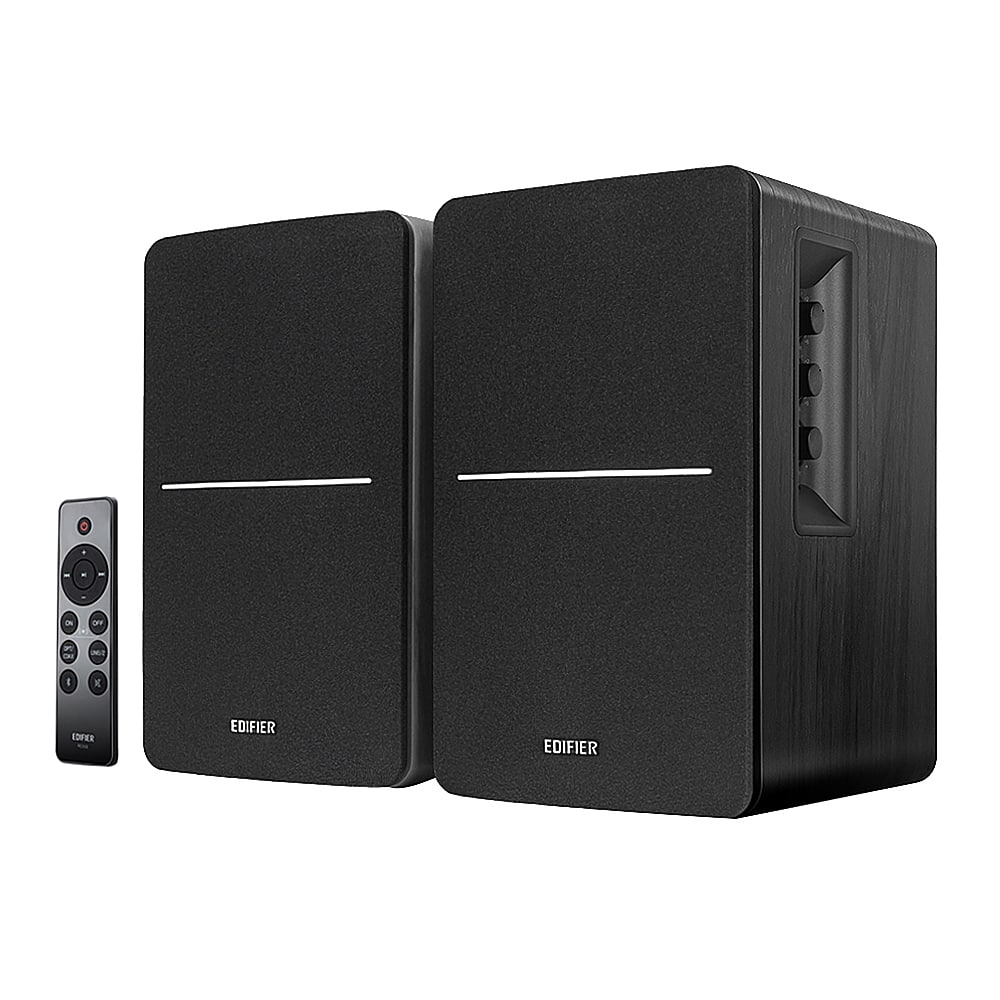
Edifier - R1280DBs Powered Bluetooth Computer Speakers, Bookshelf Speakers - 42W RMS - Soundfield Spacializer - Studio Monitors - Black
SKU: J3WSK7SGFRGreat speaker, I use it in my living room while entertaining and on any regular day when I love to listen...Great product, love these speakers, clear and clean audio...The best speaker!!!
See all Computer SpeakersProduct Description
A pair of black Bluetooth 5.0 bookshelf speakers delivering 42W RMS with studio monitor sound quality.Your price for this item is $199.99 -
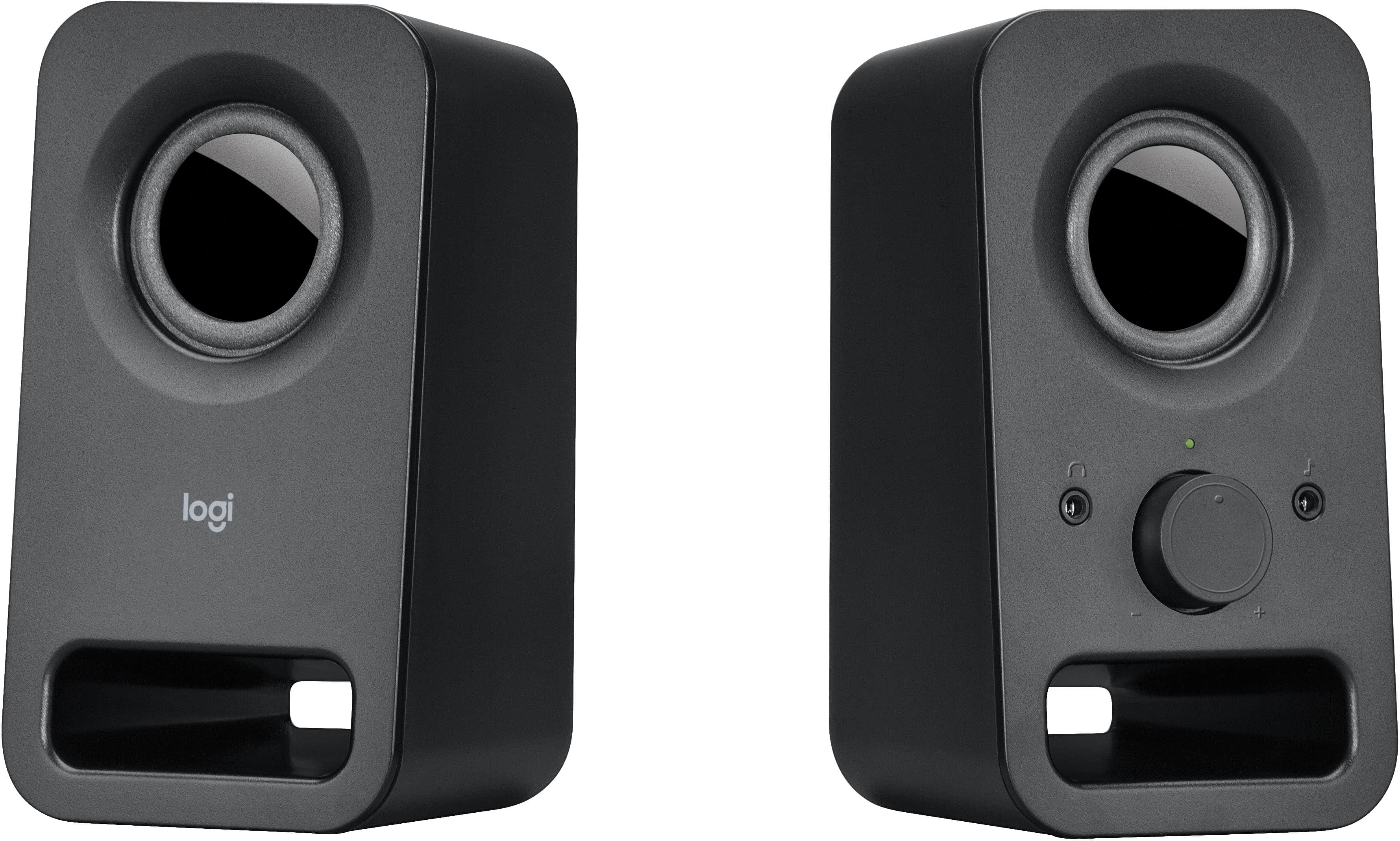
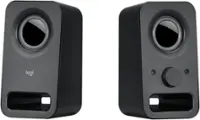
Logitech - z150 2.0 Multimedia Speakers (2-Piece) - Black
SKU: J7H7ZYJSJQGreat for the price...Simple to install and for a great price Love my speakers...best of the best, is the finest product i have buy in the history
See all Computer SpeakersProduct Description
A compact pair of black stereo speakers delivering clear audio with easy volume control and headphone jack.Your price for this item is $34.99 -
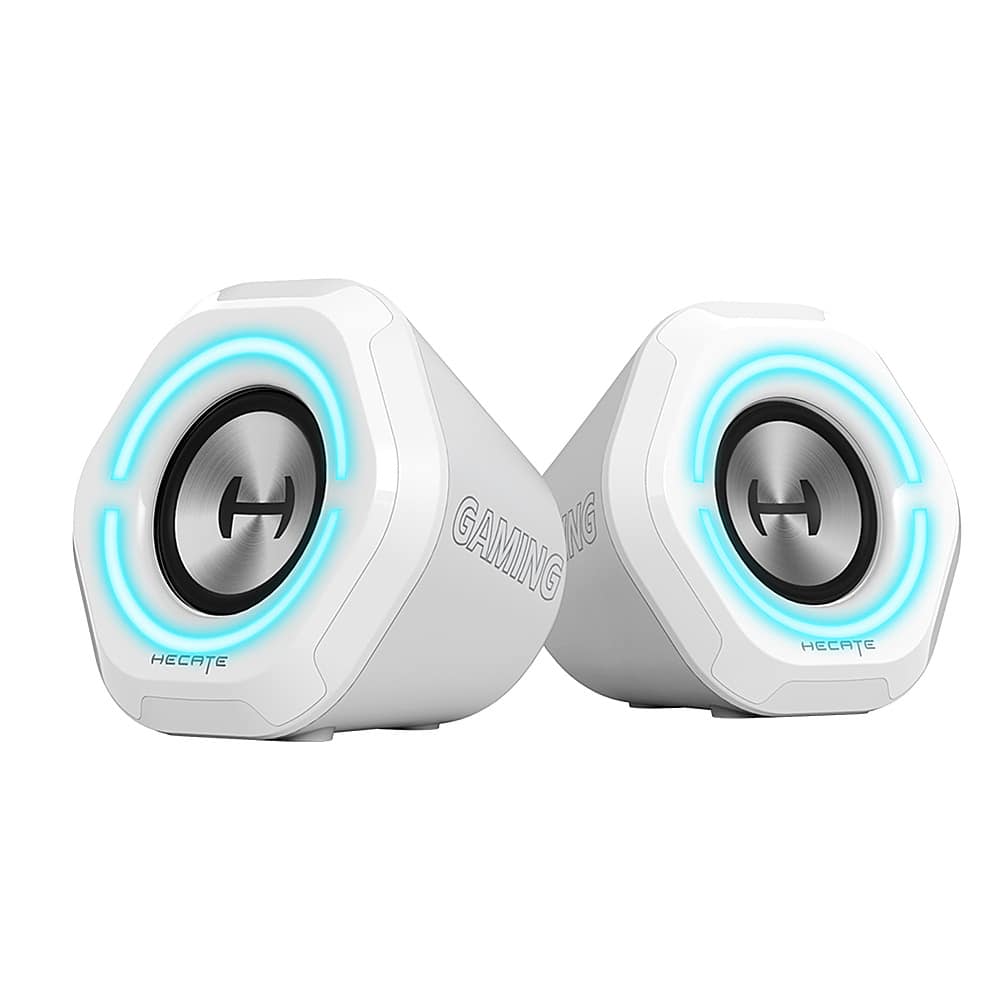
Edifier - G1000 2.0 Bluetooth Gaming Speakers with RGB Lighting (2-Piece) - White
SKU: J3WSK7SLFRSound is pretty good and love the light options....Great sound!...The sound is great and prestine, the lighting matches my pc and just a well rounded speaker
See all Gaming SpeakersProduct Description
A pair of white Bluetooth gaming speakers featuring HiFi sound, RGB lighting, and multiple input options.Your price for this item is $79.99 -
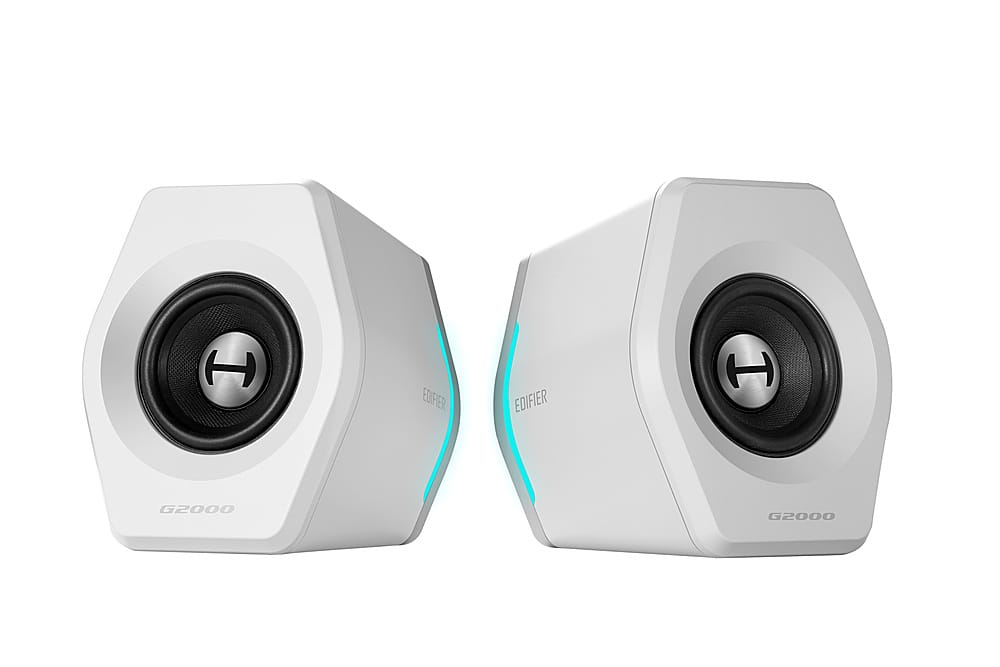
Edifier - G2000 2.0 Bluetooth Gaming Speakers with RGB Lighting (2-Piece) - White
SKU: J3WSK7SSJ6Great...Love it! Great sound and it matches my desk for the price...Speakers are great...I love also the Bluetooth function
See all Gaming SpeakersProduct Description
A pair of white Bluetooth gaming speakers featuring HiFi sound, RGB lighting, and customizable EQ modes.Your price for this item is $129.99 -
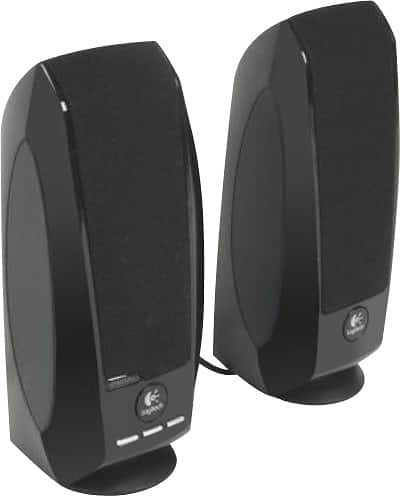
Logitech - S150 2.0 USB Speaker System (2-Piece) - Black
SKU: J7H7ZL5FPFLogitech product I love...great small speakers for my computer while working...great small speakers for my computer while working on it
See all Computer SpeakersProduct Description
A compact black USB speaker system offering clear digital sound and convenient physical volume controls.Your price for this item is $24.99 -
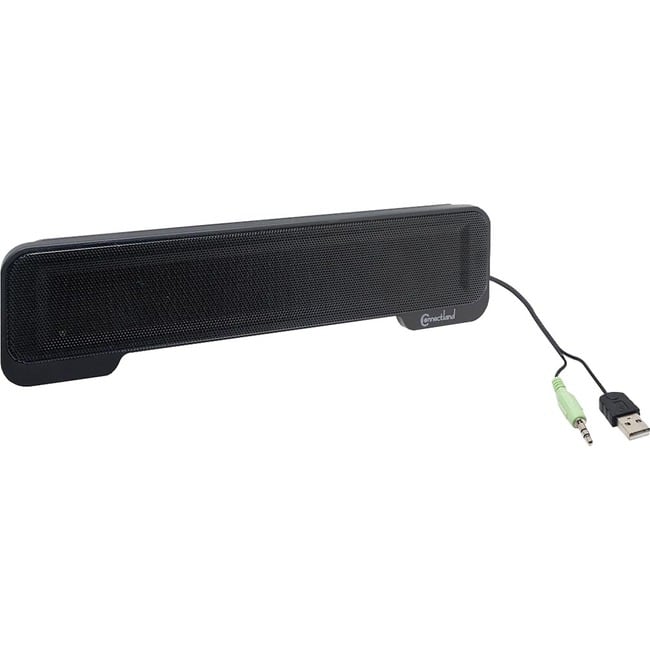
Syba - Connectland CL-SPK20138 2.0 Portable Speaker System - 5 W RMS - 150 Hz to 20 kHz - Black
SKU: JV88Y2QYRXSee all Bookshelf SpeakersProduct Description
A lightweight black USB-powered sound bar delivering stereo audio with easy plug-and-play setup for laptops.Your price for this item is $21.51
Best Sellers

Related Pages






FAQ
When choosing laptop speakers, consider features such as audio quality, connectivity options (Bluetooth, USB, or AUX), portability, battery life (for wireless models), and compatibility with your laptop's operating system.
Yes, many laptop speakers can also be connected to smartphones, tablets, desktop computers, and even some TVs, as long as the device supports the speaker's connection type, such as Bluetooth or a 3.5mm audio jack.
Most laptop speakers are plug-and-play and do not require additional software or drivers. However, some advanced models may offer optional software for enhanced audio customization or firmware updates.
To set up your laptop speakers, simply connect them to your laptop using the provided cable or pair them via Bluetooth if they are wireless. Then, select the speakers as your audio output device in your laptop’s sound settings.
A 2.0 speaker system includes two speakers (left and right channels) for stereo sound, while a 2.1 system includes two speakers plus a subwoofer, which delivers enhanced bass for a richer audio experience.