Laptop With Sim Card Slot
-
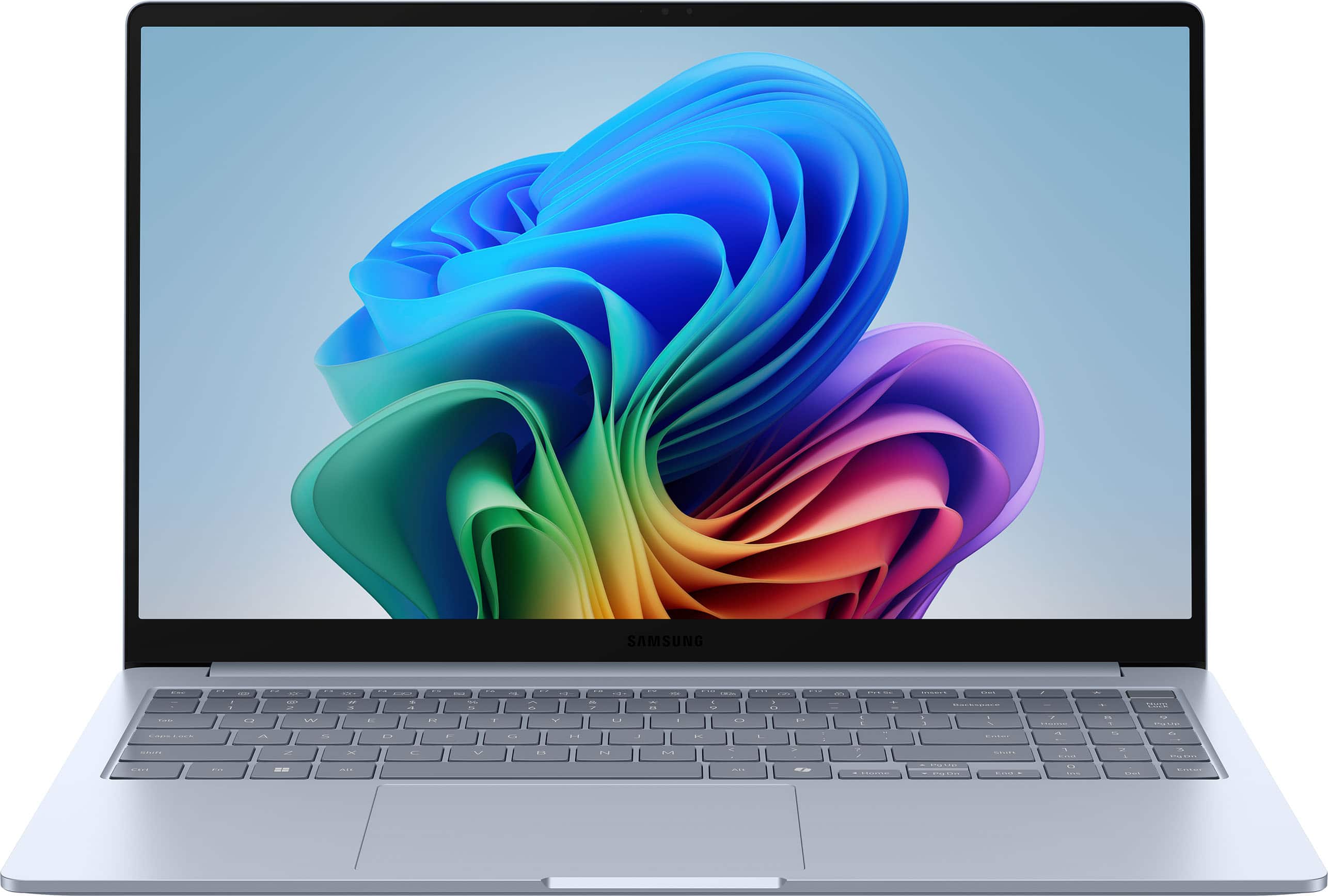
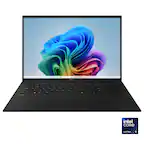
Samsung - Galaxy Book4 Edge - Copilot+ PC - 15.6" LED Laptop - Snapdragon X- 16GB Memory- 512GB Storage - Sapphire Blue
SKU: JJGRF383RXI have the best, quietest, longest lasting battery, beautiful looking, gorgeous screen, computer ever...It works seamlessly with my phone/galaxy buds too...thank you Samsung I am in ❤️ love....Great for...
See all Windows LaptopsProduct Description
A sapphire blue AI-powered laptop featuring a Snapdragon X processor, 16GB memory, and 512GB storage.Your price for this item is $726.99Save $273The previous price was $999.99 -
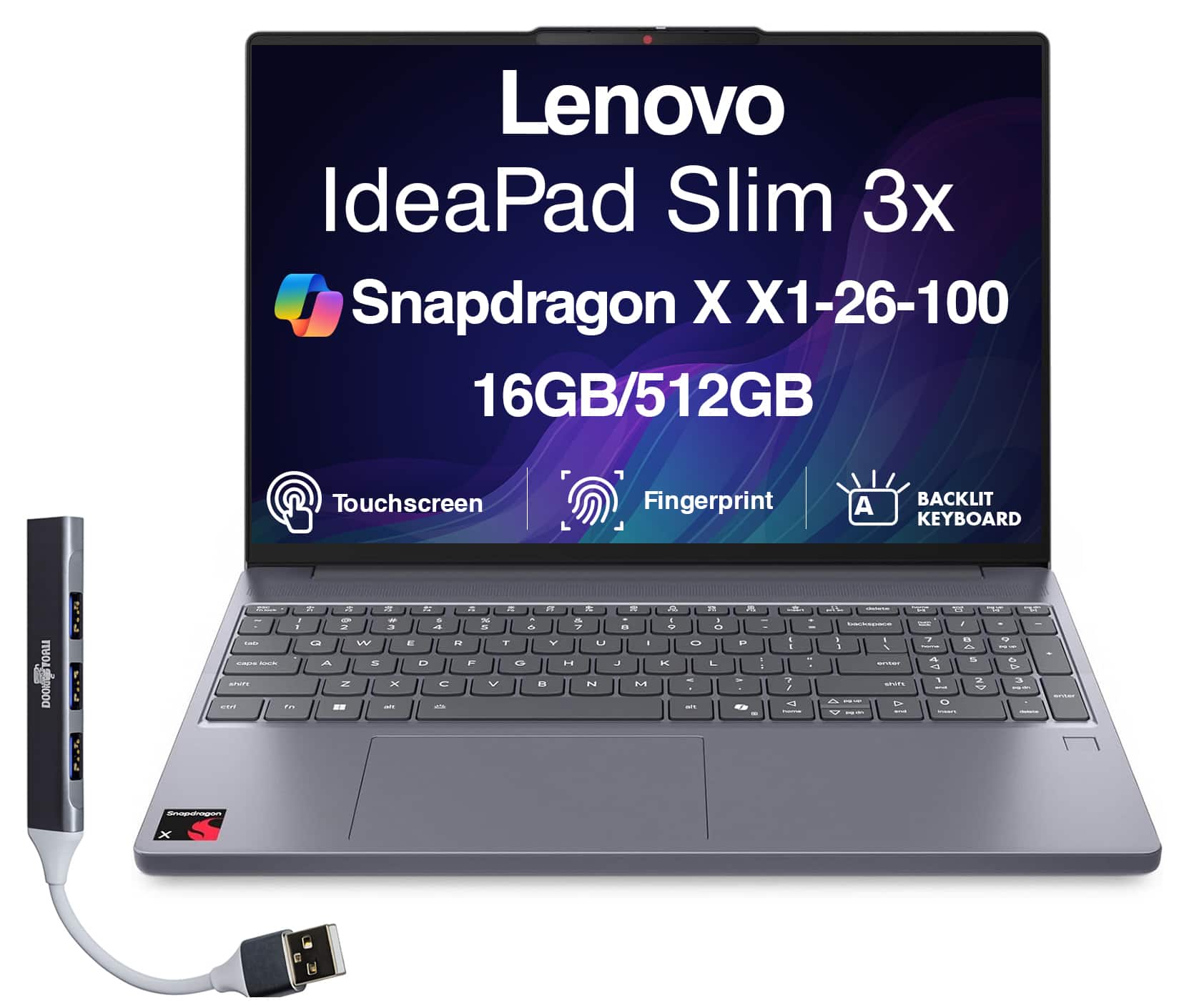
Lenovo - Upgraded - IdeaPad Slim 3x Laptop 15.3 WUXGA (Qualcomm Snapdragon X X1-26-100, 16GB LPDDR5X, Win 11 Pro) w/USB Hub - Luna Grey
SKU: JJGHT4WTZLSee all Windows LaptopsProduct Description
A Luna Grey touchscreen laptop with Snapdragon X processor, 16GB RAM, 512GB SSD, and Windows 11 Pro.Your price for this item is $739.99 -
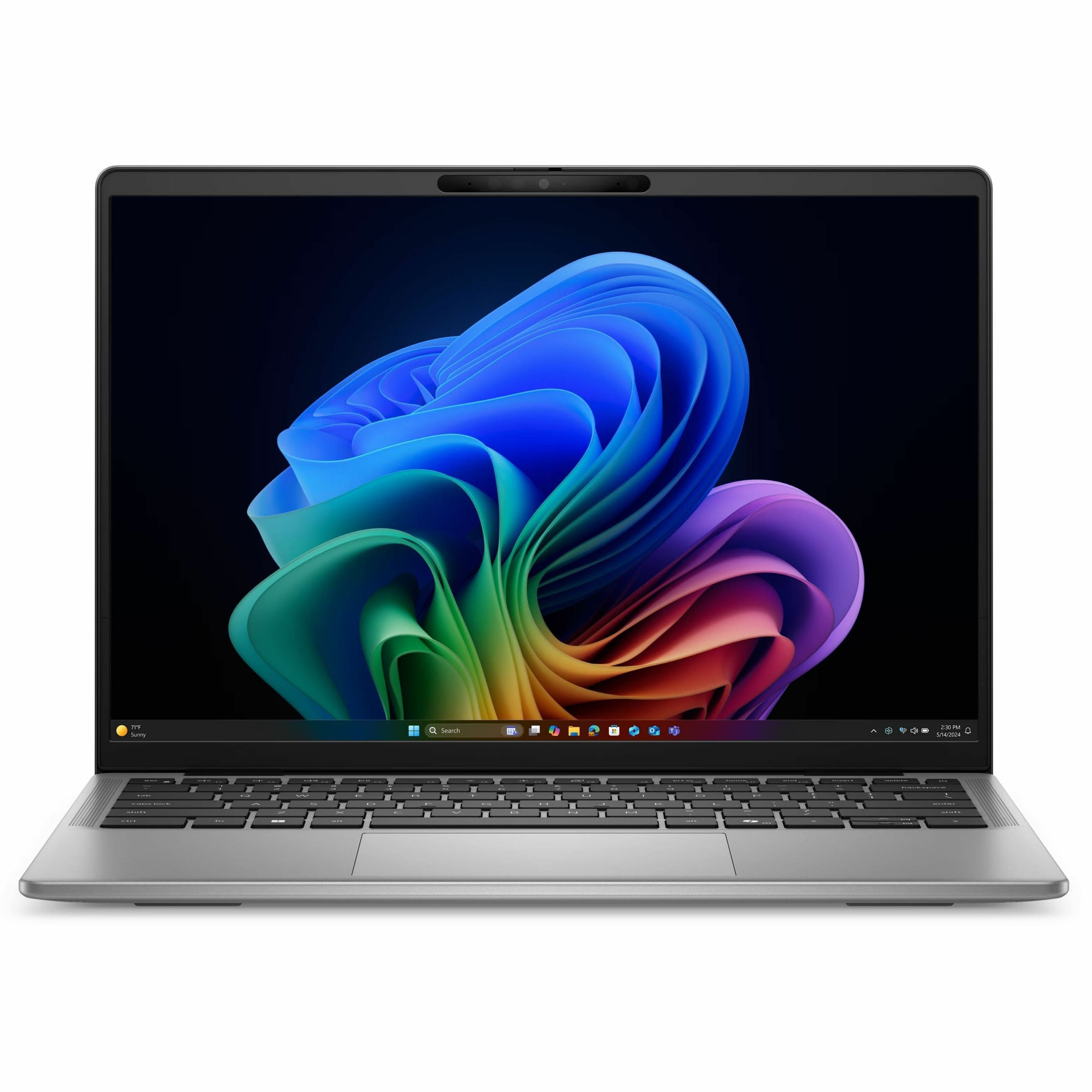
Dell - Latitude 7000 14" IPS LCD QHD+ Touch Screen Laptop - Qualcomm Snapdragon X Elite with 16GB Memory - 512GB SSD - Gray
SKU: J3K4L6XT57See all All LaptopsProduct Description
A gray touchscreen laptop featuring a Snapdragon X Elite processor, 16GB memory, and 512GB SSD storage.Your price for this item is $1,579.99
Best Sellers




Related Pages



FAQ
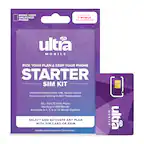
A laptop with a SIM card slot allows you to insert a SIM card from a mobile carrier, enabling cellular connectivity directly on your device. This means you can access the internet and use online services without relying on Wi-Fi networks.
Most laptops with SIM card slots are compatible with standard nano or micro SIM cards from major carriers. However, it's important to check if the laptop is unlocked or tied to a specific carrier to ensure compatibility.
Laptops with built-in SIM card slots offer greater flexibility and mobility, allowing users to stay connected while traveling, commuting, or working remotely—without the need for external dongles or tethering to a smartphone.
Many modern laptops with SIM card slots support 4G LTE, and some newer models are equipped for 5G connectivity. It's best to review the product specifications to confirm which network types are supported.
To activate cellular connectivity, insert a compatible SIM card into the slot, then follow the on-screen prompts to set up your mobile connection. You may need to enter carrier-specific settings such as the APN, which can typically be found in your carrier’s documentation.