Memory Cards For Steam Deck
-
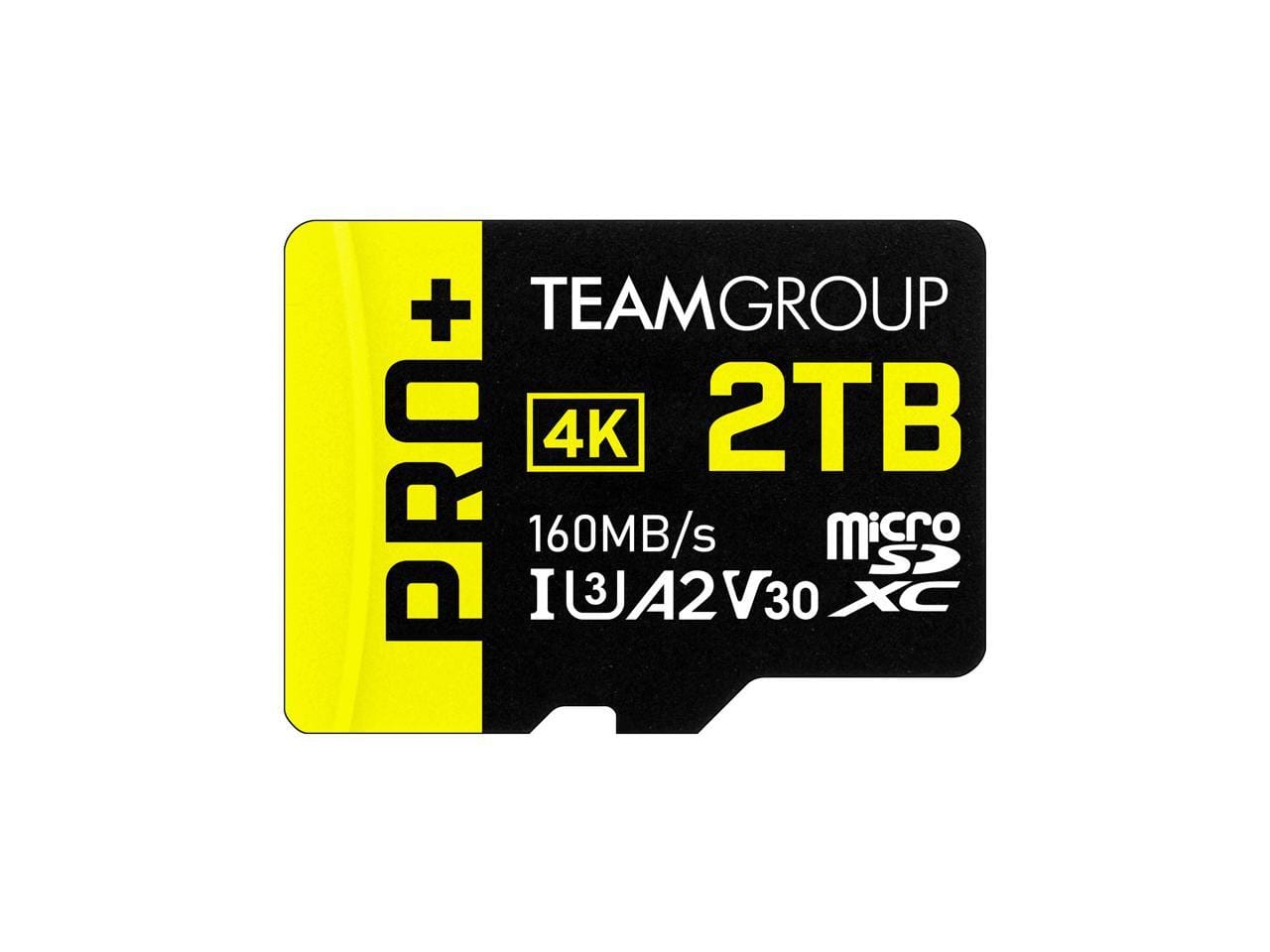
Team Group - Team 2TB Pro+ microSDXC U3 C10, 160MB/s, w/Adapter, for Switch/Steam Deck/ROG Ally (TPPMSDX2TIA2V3072)
SKU: C34F794YYGSee all microSDXCProduct Description
A high-speed 2TB microSDXC card with UHS-I/U3 Class 10 performance, reaching up to 160MB/s, plus adapter.Your price for this item is $275.99Save $116The previous price was $392.47 -
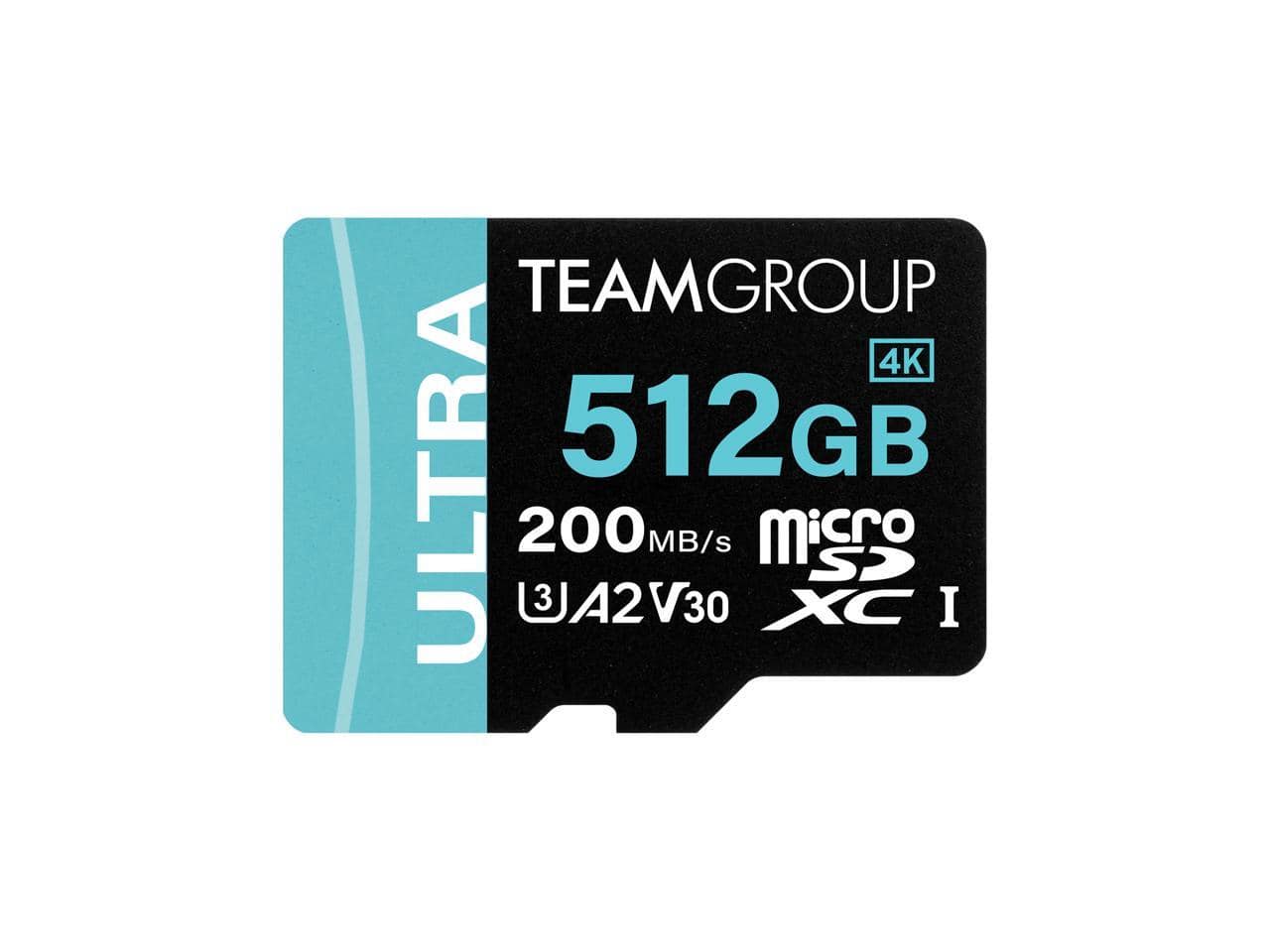
Team Group - 512GB Ultra-Fast microSDXC U3 w/Adapter, 200MB/s, for Switch/Steam Deck/ROG Ally
SKU: C34F794RQZSee all microSDXCProduct Description
An ultra-fast 512GB microSDXC card with adapter, reaching speeds up to 200MB/s for gaming devices.Your price for this item is $116.99Save $40The previous price was $157.37 -
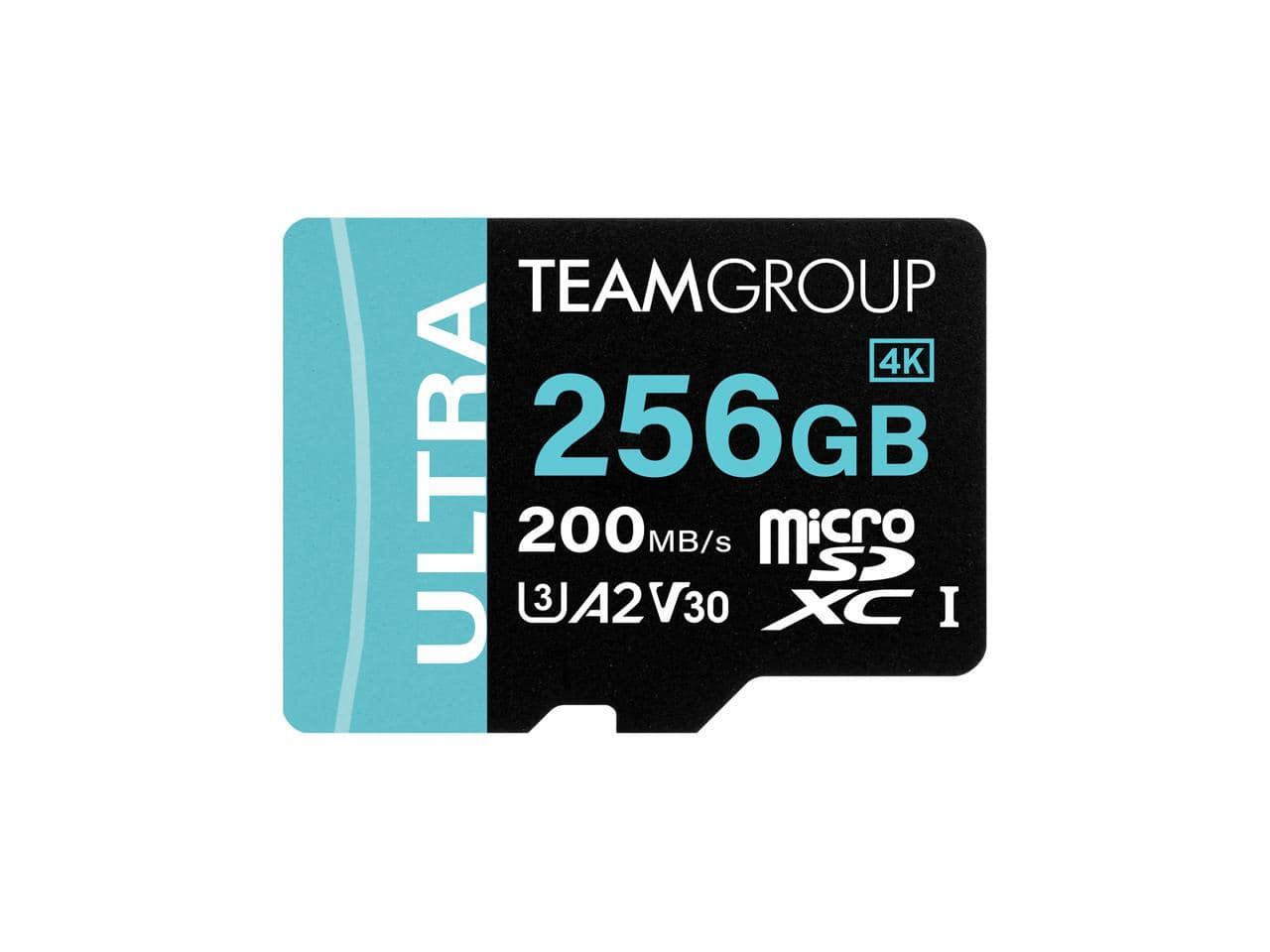
Team Group - Team 256GB microSDXC U3, Up to 200MB/s, for Nintendo Switch, Steam Deck, ROG Ally (TULMSDX256GIA2V3022503)
SKU: C34F794RQ6See all microSDXCProduct Description
A high-speed 256GB microSDXC card in black, multi, and white, ideal for gaming devices.Your price for this item is $63.99Save $18The previous price was $81.99 -
Team Group - Team 512GB Pro+ microSDXC UHS-I/U3 Class 10, 160MB/s, for Switch, Steam Deck, ROG Ally (TPPMSDX512GIA2V3003)
SKU: C34F7943GRSee all microSDXCProduct Description
A high-speed 512GB microSDXC card with adapter, ideal for gaming devices like Switch and Steam Deck.Your price for this item is $105.99 -
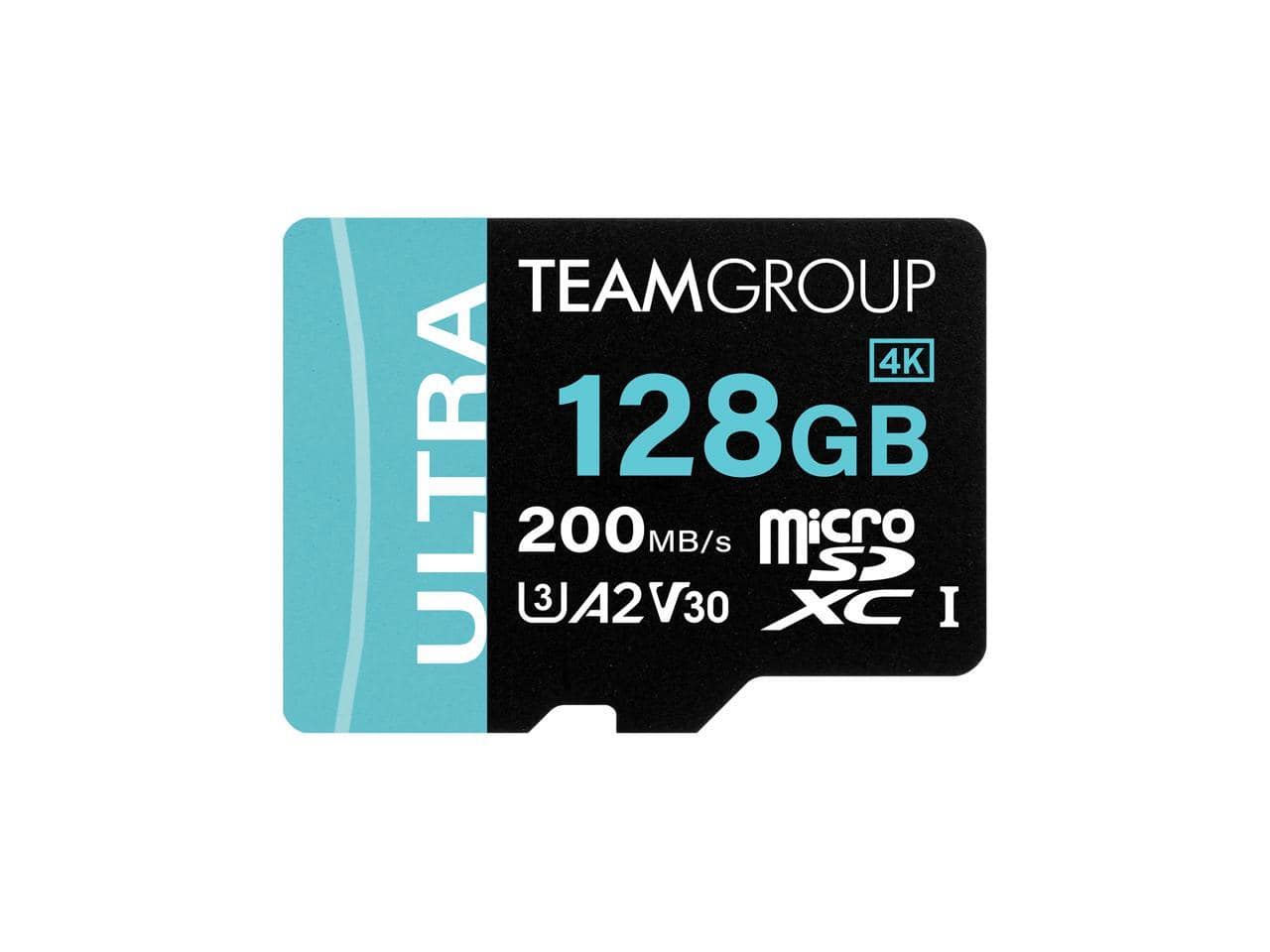
Team Group - 128GB Ultra-Fast microSDXC U3 w/Adapter, 200MB/s, for Switch/Steam Deck/ROG Ally
SKU: C34F794RRSSee all microSDXCProduct Description
An ultra-fast 128GB microSDXC card with adapter, reaching speeds up to 200MB/s for gaming devices.Your price for this item is $41.49Save $11The previous price was $52.49

Best Sellers



Related Pages

FAQ
The Steam Deck uses microSD cards and supports microSD, microSDHC, and microSDXC formats through its UHS-I interface. Full-size SD cards do not fit the built-in slot.
Insert the microSD card, press the Steam button, and open Settings > System. Select Format SD Card and follow the prompts. Formatting erases existing files and prepares the card for use with SteamOS.
After formatting the card in SteamOS, select it as the installation location when downloading a game. You can also open Settings > Storage to set the microSD card as your default installation location or move installed games between storage locations.
Yes. Games installed through Steam on a microSD card appear in the same library as games installed on internal storage. The card must be inserted and recognized by SteamOS for those installations to be available to launch.
Yes. Switch to Desktop Mode and open the Dolphin file manager to browse a recognized microSD card. Along with Steam game files, the card can hold files you manage in Desktop Mode, such as screenshots, documents, and media.