Memory Cards For GoPro Hero
-
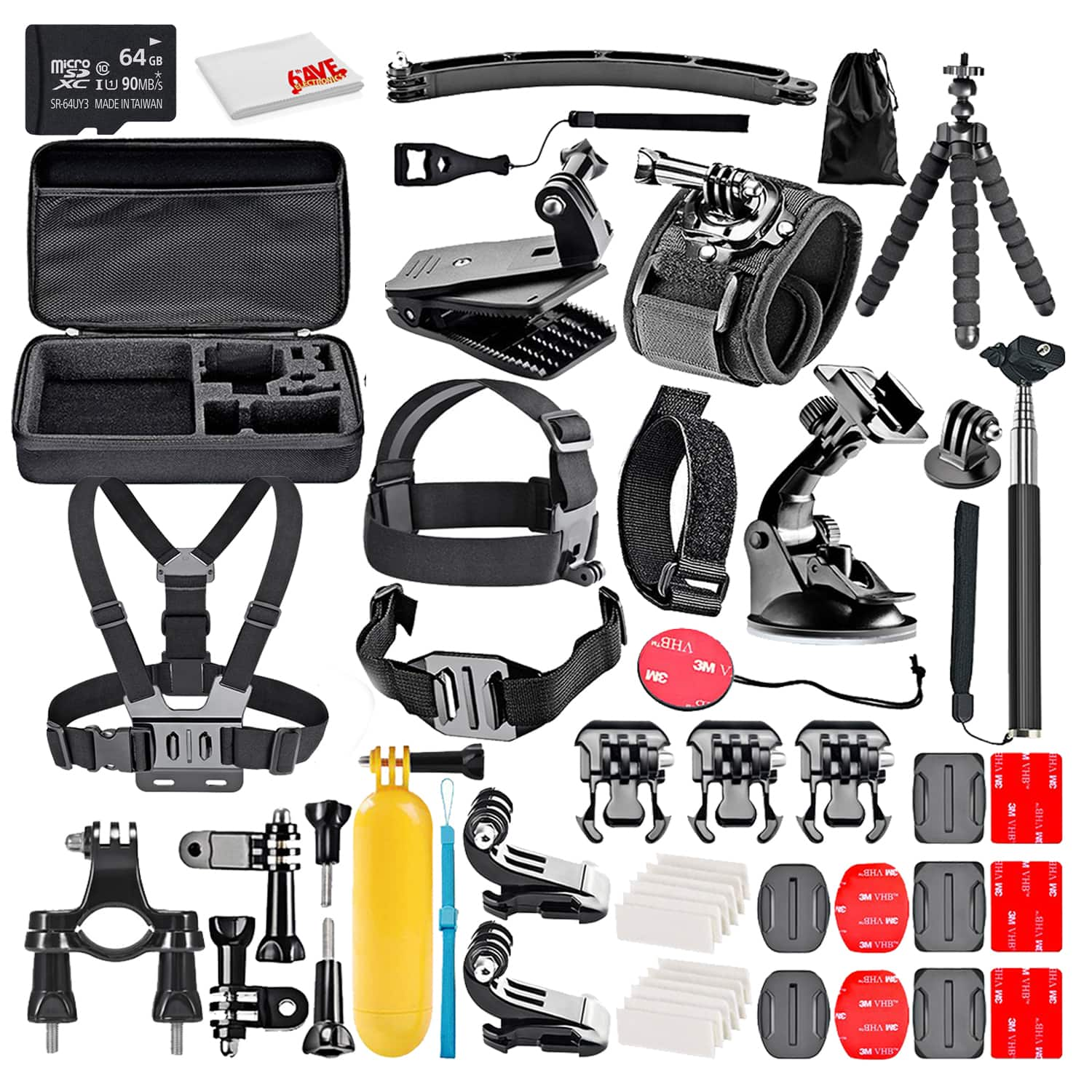
50-In-1 Action Camera Accessory Kit Bundle With - 64GB MICRO SD CARD + Cleaning Cloth - Compatible W/ GoPro Hero 8,7,6
SKU: J7QPQK6X2VSee all Action Camera AccessoriesProduct Description
A versatile 50-in-1 waterproof accessory kit with durable polyester fabric, compatible with major action cameras.Your price for this item is $68.95 -
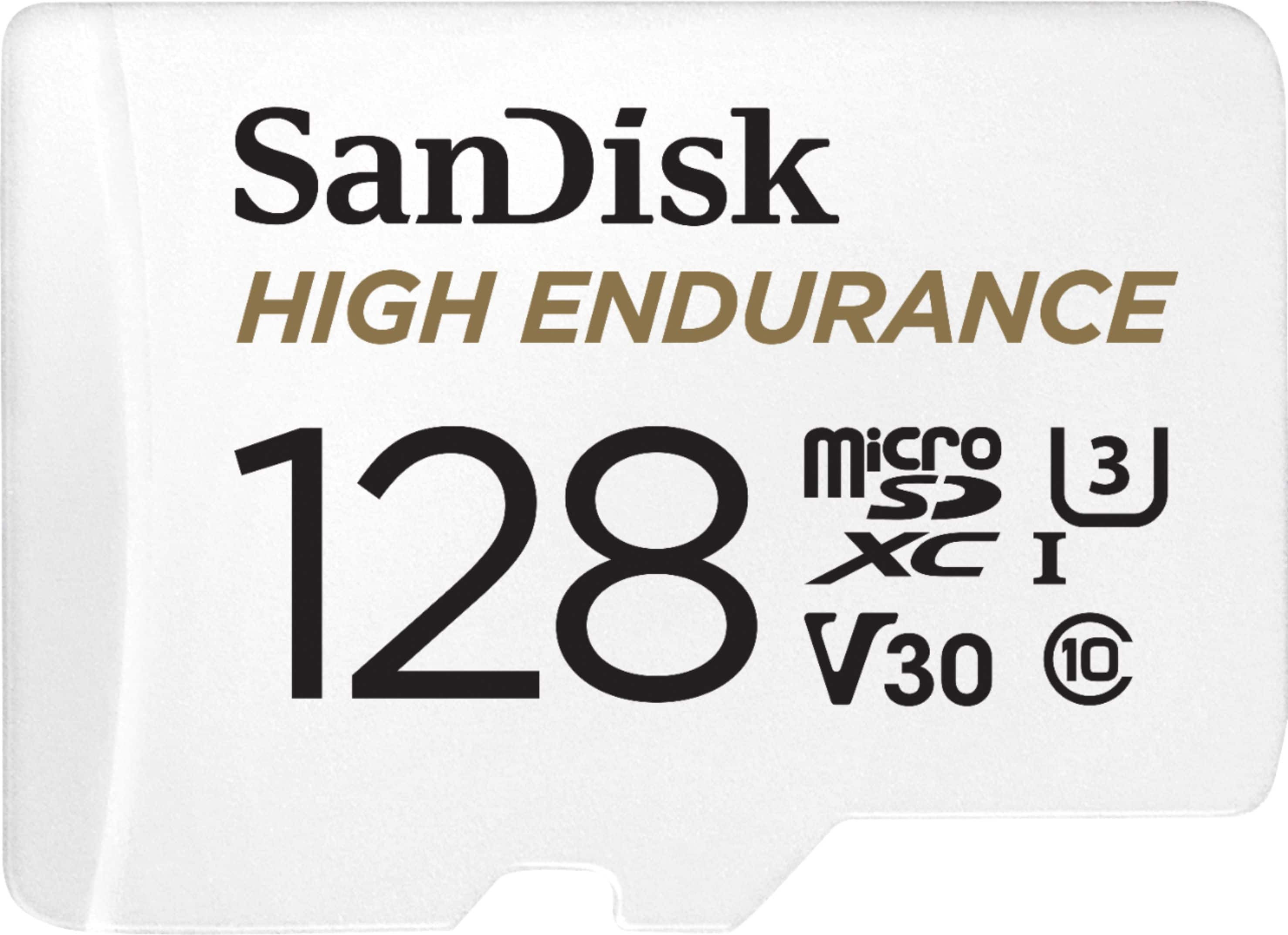
SANDISK - 128GB microSDXC High Endurance UHS-I Memory Card
SKU: JXJ62C9CT3Best Buy comes thru again
See all microSDXCProduct Description
A durable white microSDXC card offering 128GB storage, Full HD/4K recording, and extreme weather resistance.Your price for this item is $84.46Save $3The previous price was $87.98
Best Sellers


Related Pages





FAQ
Not all memory cards are compatible with GoPro Hero cameras. It's important to choose cards that meet the recommended specifications for your specific GoPro model, such as the correct speed class and format.
UHS (Ultra High Speed) speed class indicates how quickly data can be written to the memory card. For GoPro Hero cameras, a higher UHS speed class (such as UHS-I or UHS-II) ensures smooth recording of high-resolution videos and burst photos.
Yes, GoPro Hero cameras store both photos and videos on the same memory card. Just make sure the card has enough capacity and meets the required speed specifications for your intended use.
You can format your memory card directly from the GoPro Hero camera’s settings menu. This will prepare the card for optimal performance and erase all existing data, so be sure to back up your files first.
Memory card errors can occur if the card is not properly formatted, is corrupted, or does not meet the required speed class. Try reformatting the card in your GoPro or using a recommended card model to resolve the issue.