SD Cards For Action Cameras
-
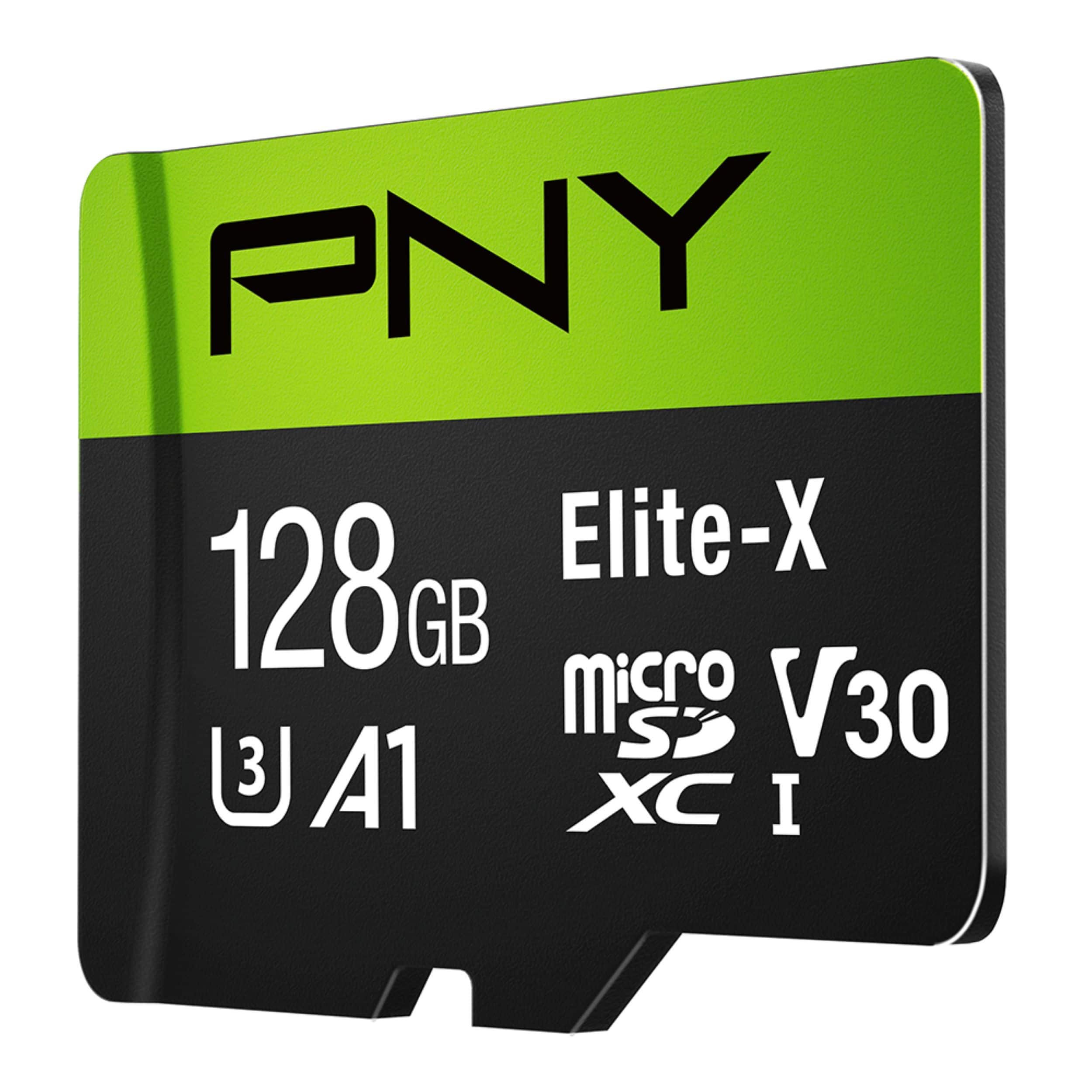
PNY - 128GB Elite-X Class 10 U3 V30 A1 microSDXC Flash Memory Card
SKU: JXF2C4CWJRI love it...I find in in Best Buy in a great price work perfect...Best PNY micro SD I ever bought, love it....Best PNY micro SD I ever bought, love it.I paid at the best price too.
See all microSDXCProduct Description
A high-speed black microSDXC card offering 128GB storage, 100MB/s read speeds, and 4K video support.Your price for this item is $44.99 -
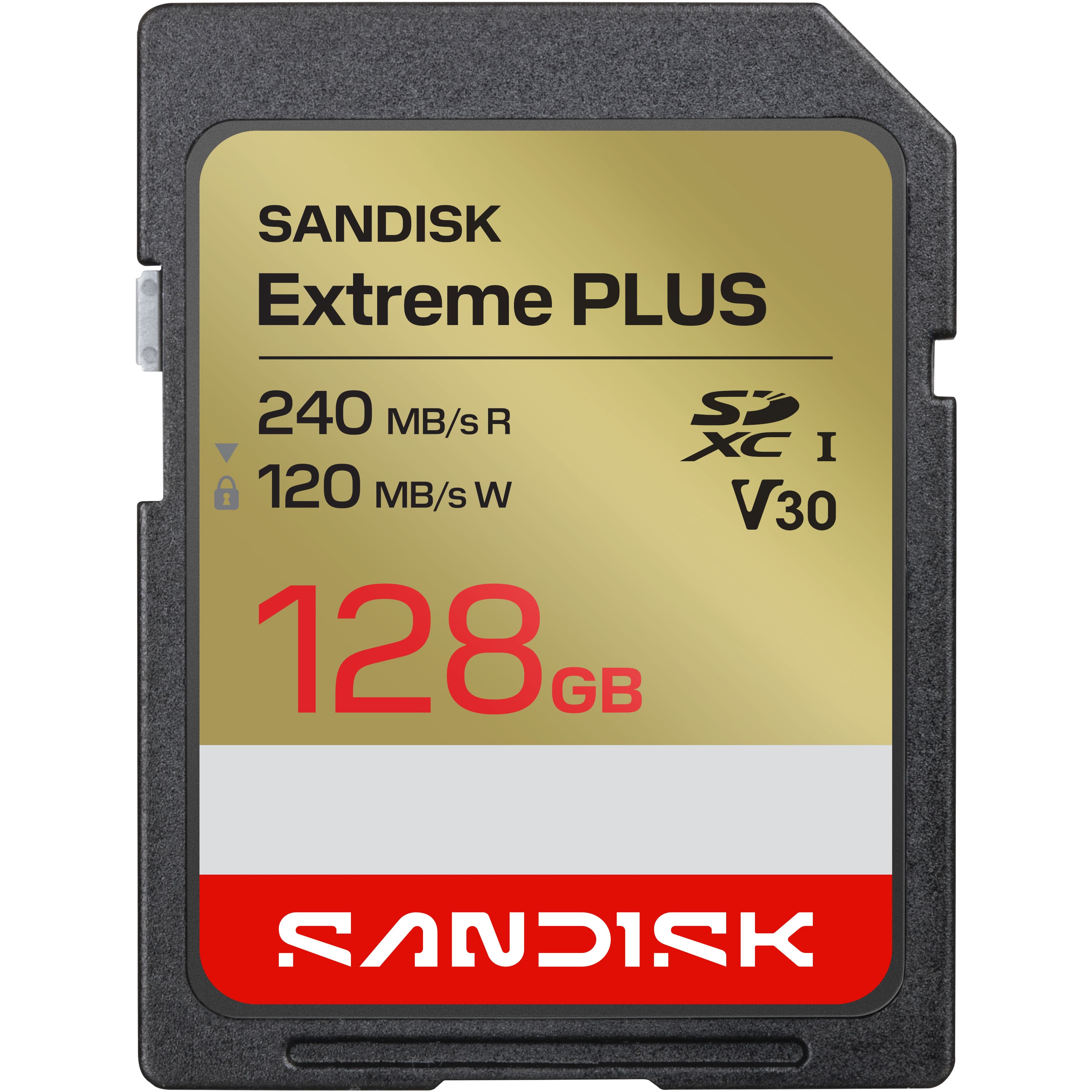
SANDISK - 128GB Extreme PLUS SD UHS-I Memory Card, R/W up to 240/120MB/s
SKU: JXJ62CQGTRThe best !...Works great able to hold lots of pictures and videos!...Best Buy was the best place I found this with a good price ! I have three so far !...Best product...Best product in the best price...
See all Secure Digital (SDHC, SDXC)Product Description
A durable black and brown SDXC card offering 128GB storage, fast 4K video recording, and rapid file transfers.Your price for this item is $64.99 -
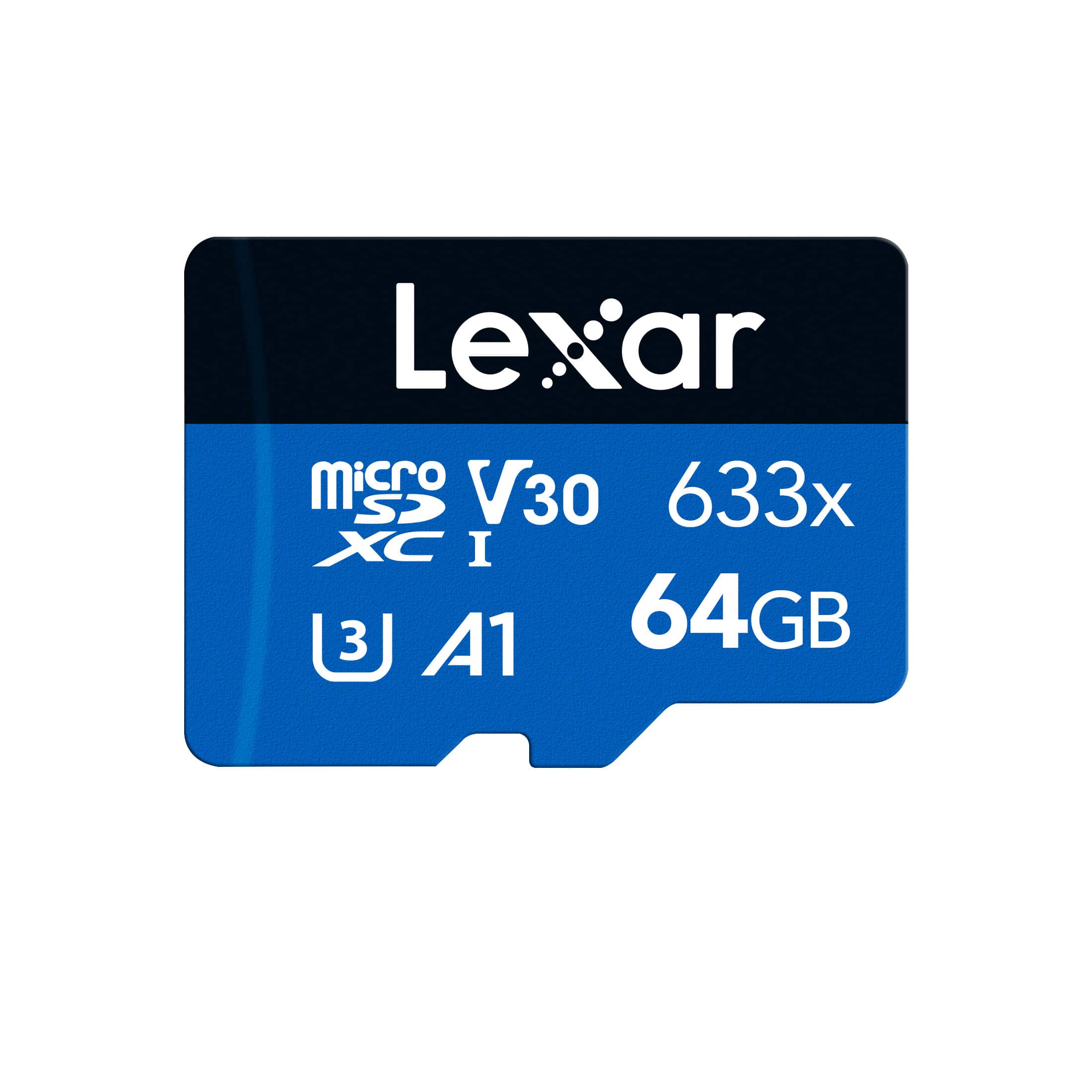
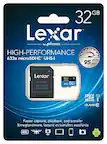
Lexar - 64GB High-Performance 633x microSDXC UHS-I Card BLUE Series, C10, U3, V30, A1 for action camera, tablet
SKU: J36XPKZJC6Works great! Used in a digital camera....Works great, no issues so far.
See all microSDXCProduct Description
A high-performance microSDXC card with 64GB storage, UHS-I support, and up to 100MB/s read speed.Your price for this item is $21.88Save $3The previous price was $24.99 -
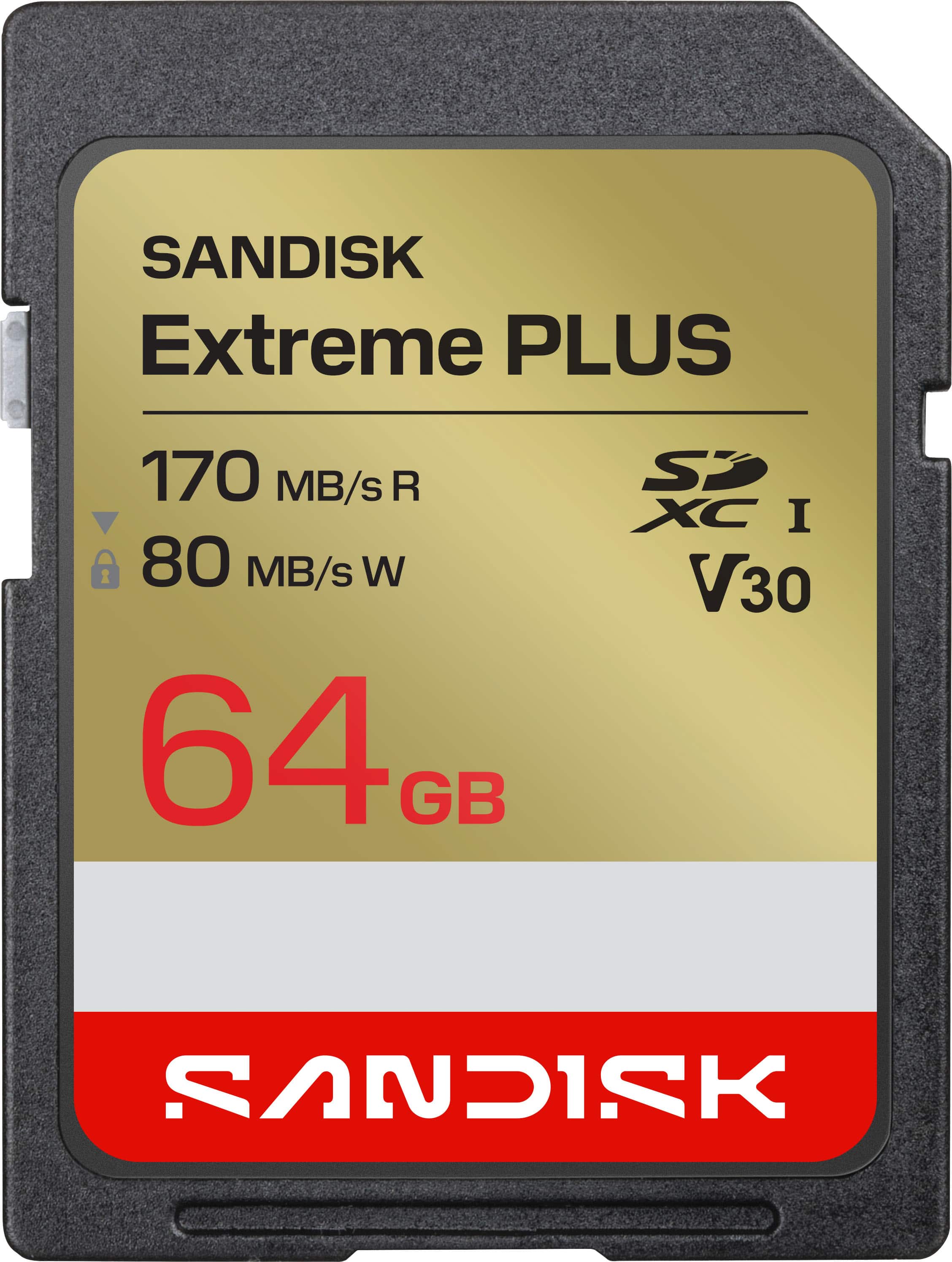
SANDISK - 64GB Extreme PLUS SD UHS-I Memory Card, R/W up to 170/80MB/s
SKU: JXJ62CQYY5while in CA I bought this and it worked great thanks Best Buy...The best reproduction...Reproduces great pictures from a Canon digital camera. Used Scan Disc for years
See all Secure Digital (SDHC, SDXC)Product Description
A water-resistant SD card offering 64GB storage, fast read/write speeds, and reliable performance for creators.Your price for this item is $49.99 -
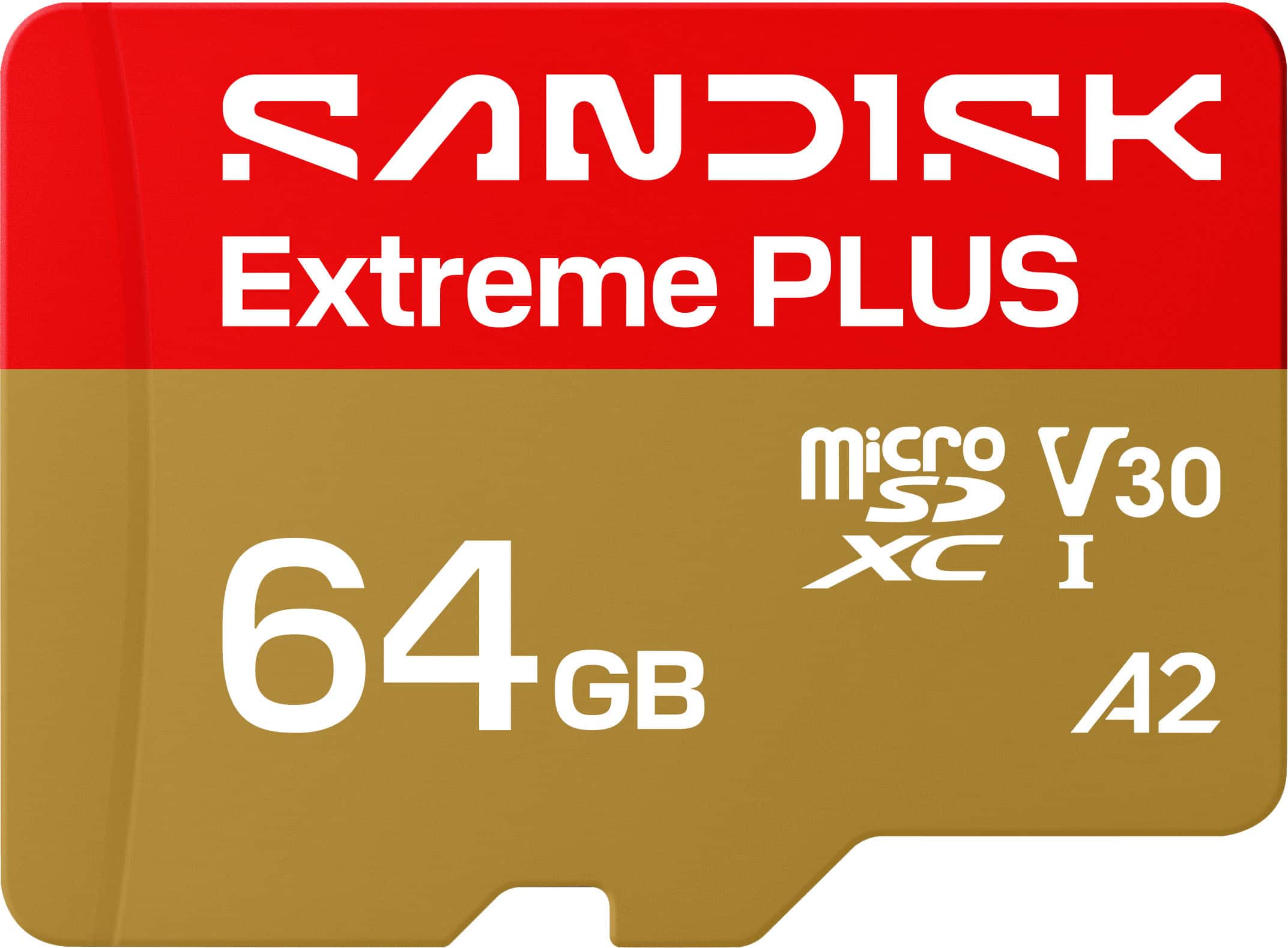
SANDISK - 64GB Extreme PLUS microSDXC UHS-I Memory Card, R/W Speeds Up to 200/90MB/s, 5K/4K UHD Videos
SKU: JXJ62CQG88Great Value for the Storage Space. Nice fit for the cost....Quality seems great.
See all microSDXCProduct Description
A high-speed, water-resistant microSD card offering 64GB storage and smooth 4K UHD video recording.Your price for this item is $49.99 -
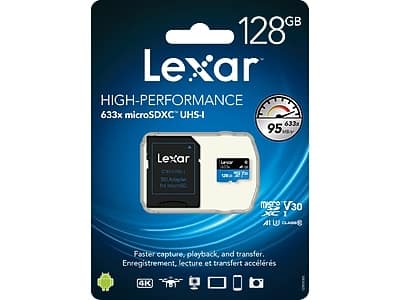
Lexar - High-Performance 633x 128GB microSDXC Memory Card with Adapter, Class 10, UHS-I
SKU: J36XPKZJ7JGreat storage device...Great product with excellent storage capacity....Great Extra Storage for My Switch...Great price, no problems whatsoever, and I would definitely recommend it.
See all microSDXCProduct Description
A high-speed 128GB microSDXC card with UHS-I technology and adapter for smooth 4K video capture.Your price for this item is $40.49 -
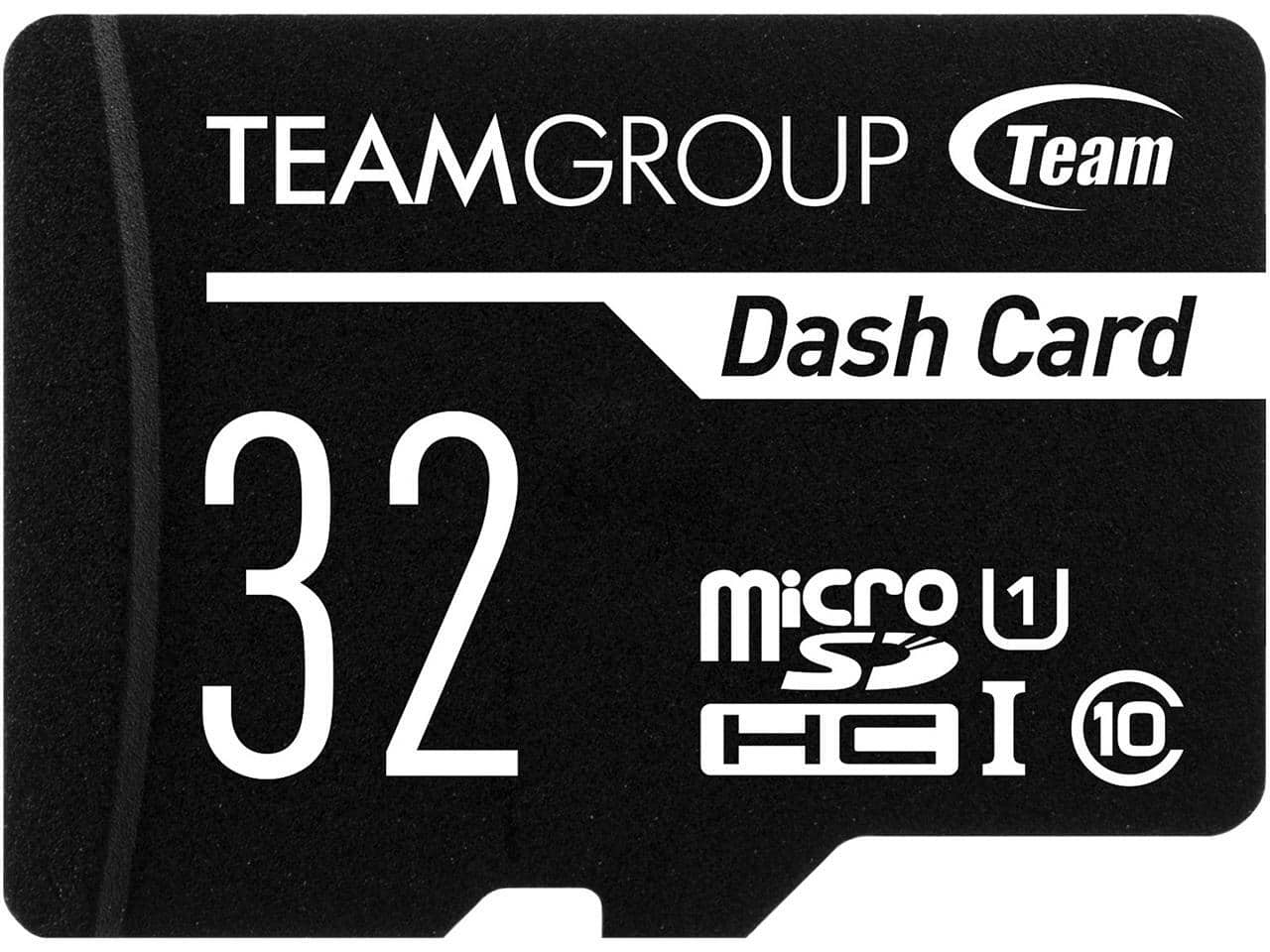
Team Group - Team 32GB microSDHC UHS-I/U1 Class 10, Up to 80MB/s with Adapter
SKU: J37P8XJ6Y3See all microSDHCProduct Description
A 32GB microSDHC memory card with UHS-I/U1 Class 10 speed and adapter, reaching up to 80MB/s.Your price for this item is $15.98Save $0The previous price was $15.99 -
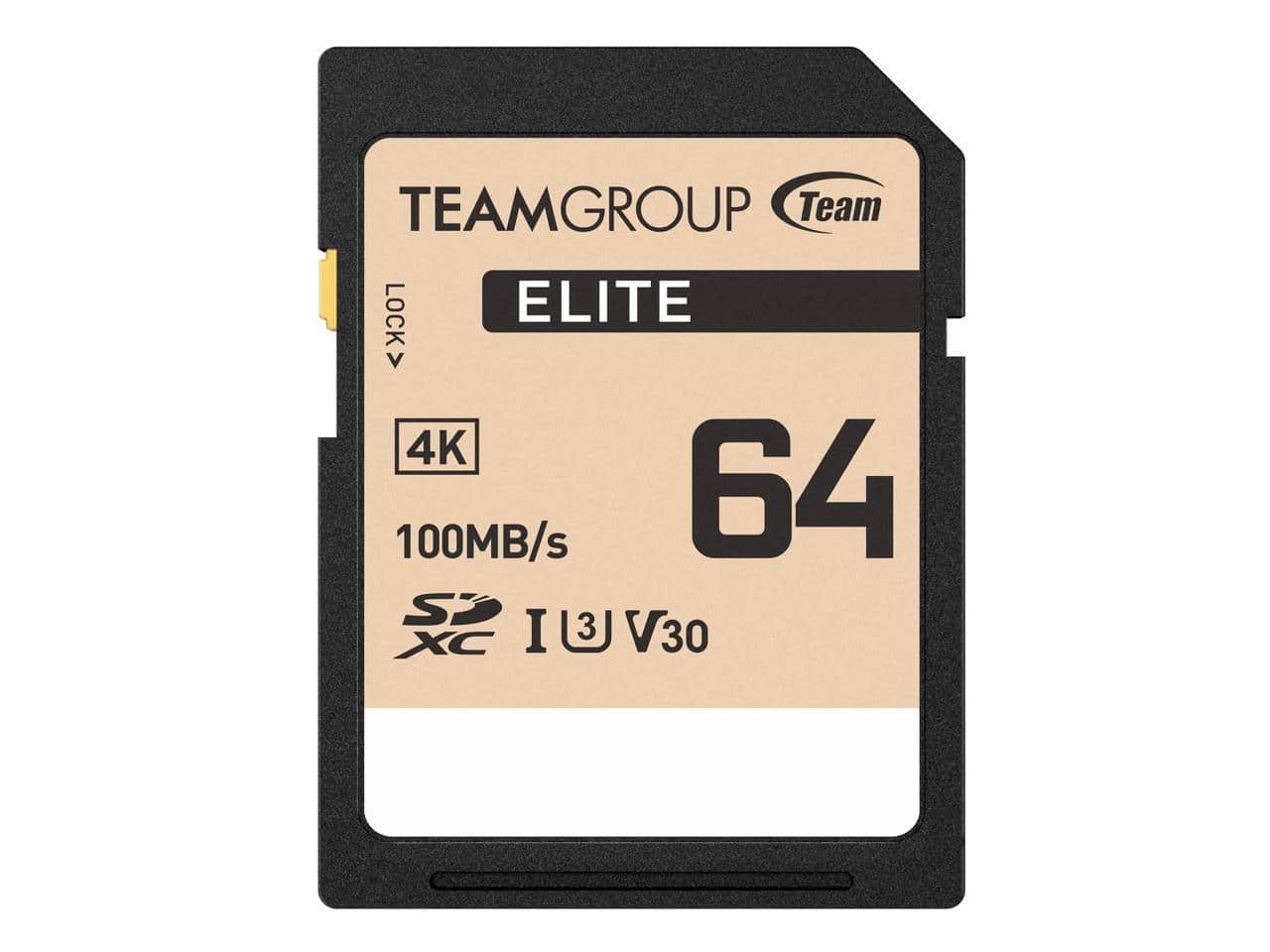
Team Group - 64GB Elite 4K SD Card UHS-I U3 V30 Read/Write Speed Up to 100/50MB/s (TESDXC64GIV3069)
SKU: J37P8XCJKLSee all microSDXCProduct Description
A high-speed 64GB microSDXC card offering up to 100MB/s read and 50MB/s write speeds.Your price for this item is $21.49 -
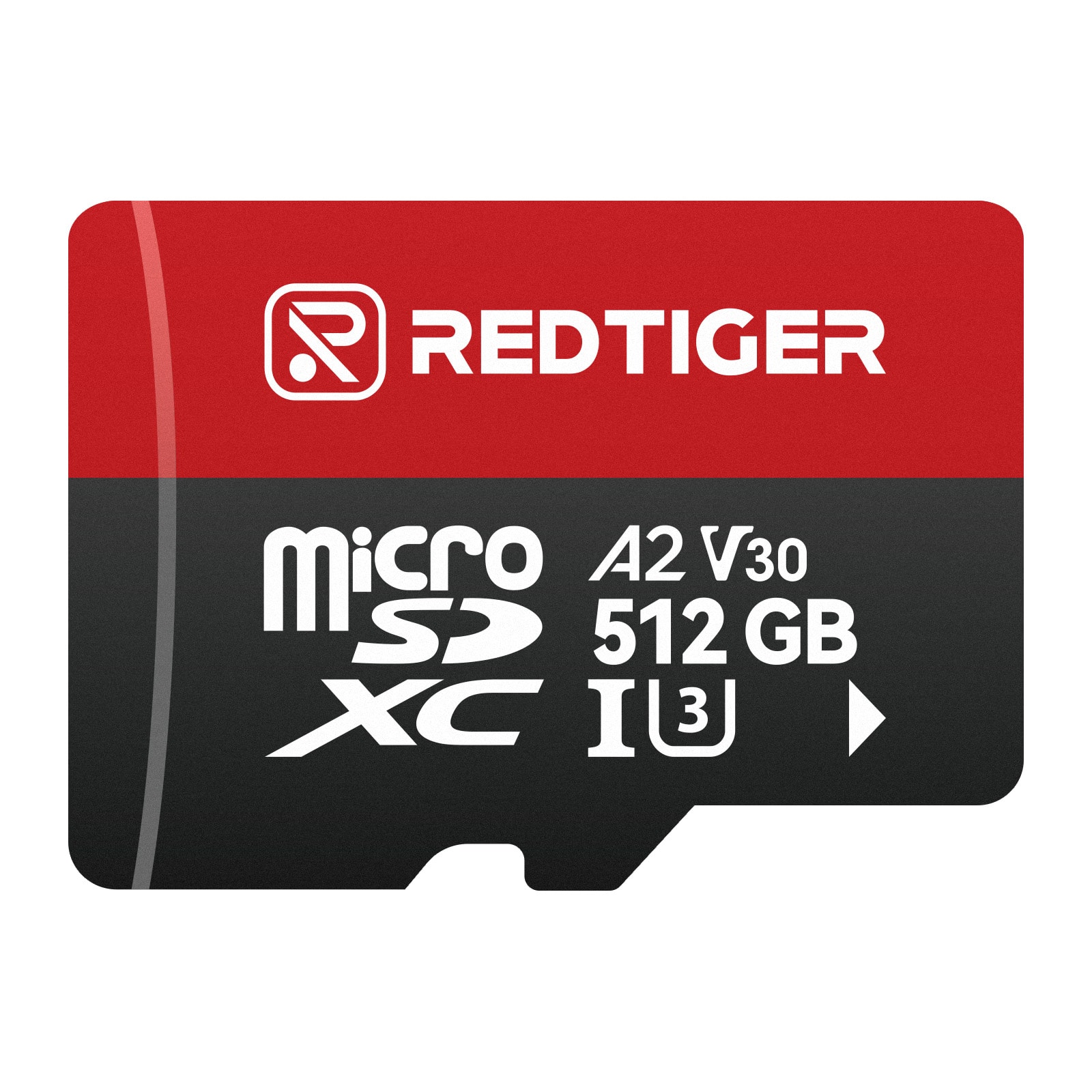
REDTIGER - 512GB Micro SD Card for Dash Cam, w/Adapter microSDXC UHS-I Class 10, U3, V30 A2, Support for 4K Video Recording
SKU: J3R8F5CX3YSee all microSDXCProduct Description
A durable 512GB microSDXC card with UHS-I Class 10 speed, ideal for 4K dashcam and action camera recording.Your price for this item is $149.99
Best Sellers



Related Pages


FAQ
Action cameras commonly save videos as MP4 files, though some models use MOV or other formats. Photos are often saved as JPEG files, with RAW options available on certain cameras. The formats on your SD card depend on the camera and its recording settings.
Remove the card from the powered-off camera and insert it into a compatible card reader connected to your computer. Open the card in File Explorer on Windows or Finder on macOS, then copy the recordings to a folder. Some action cameras also support transferring files through a direct USB connection.
Formatting prepares the card’s file system and folder structure for recording and erases existing files. Many action cameras include a format option in their settings menu. Copy any recordings you want to keep before formatting, and follow the camera manufacturer’s instructions.
Some action cameras create thumbnail images, preview videos, or metadata files alongside the main recordings. These may support playback in the camera’s app or provide information for editing software. For example, certain cameras use THM files for thumbnails and LRV files for preview videos.
Many action cameras use a recording method called chaptering, which saves a continuous recording as consecutive video files. This behavior depends on the camera’s recording settings and file system. Compatible editing software can typically arrange the chapters in order on a single timeline.