Micro Sd For GoPro Hero 3
-
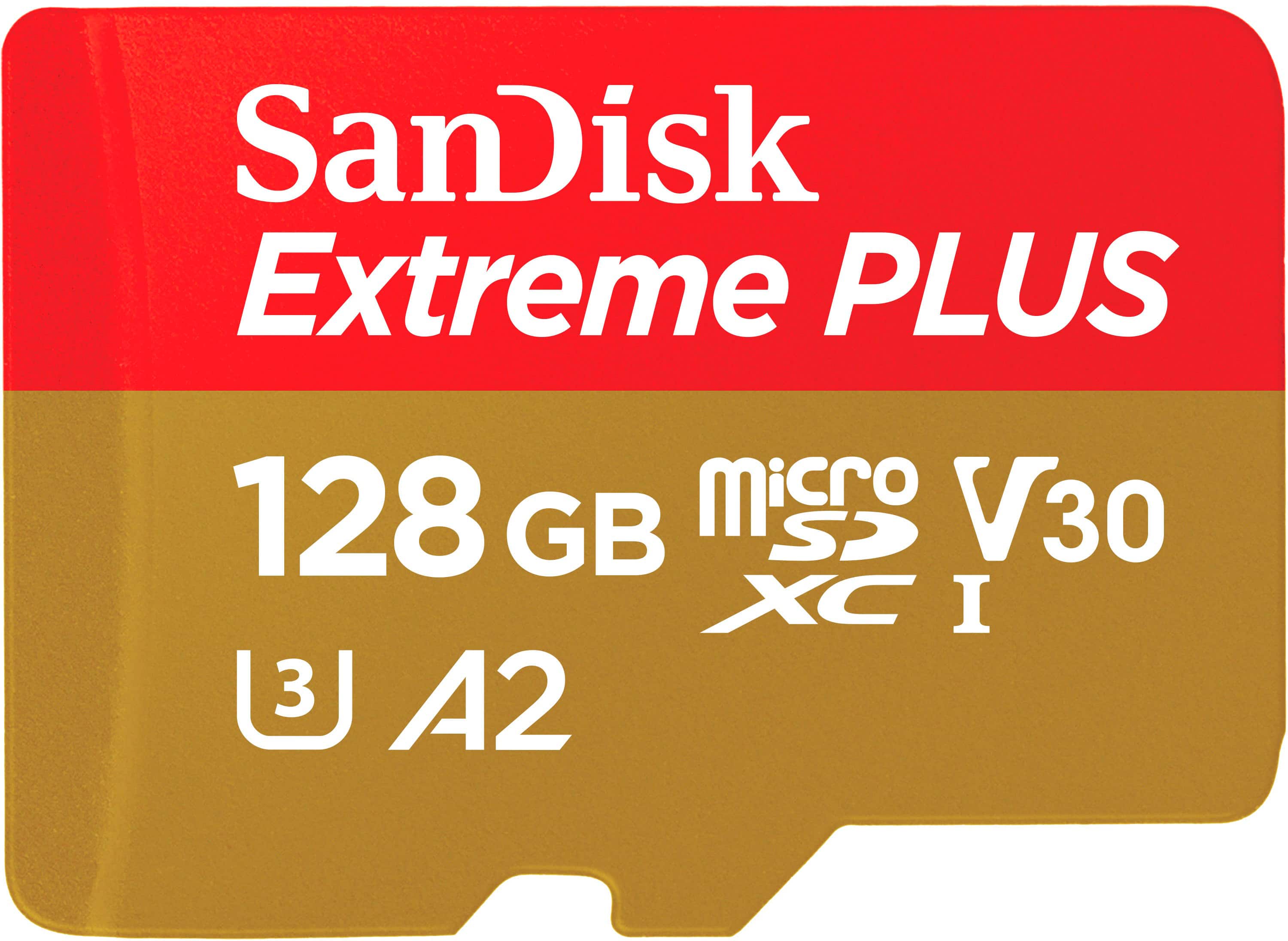
SANDISK - 128GB Extreme PLUS microSDXC UHS-I Memory Card with Adapter, R/W up to 250/120MB/s
SKU: JXJ62CQ9J7Great product...Great customer service by Best Buy to find the right tool for my application....THE BEST MEMORY CARDS...I love these extreme plus 128GB memory card for my go pro!
See all microSDXCProduct Description
A red and gold microSDXC card offering 128GB storage, 4K UHD support, and up to 250MB/s read speeds.Your price for this item is $64.99 -
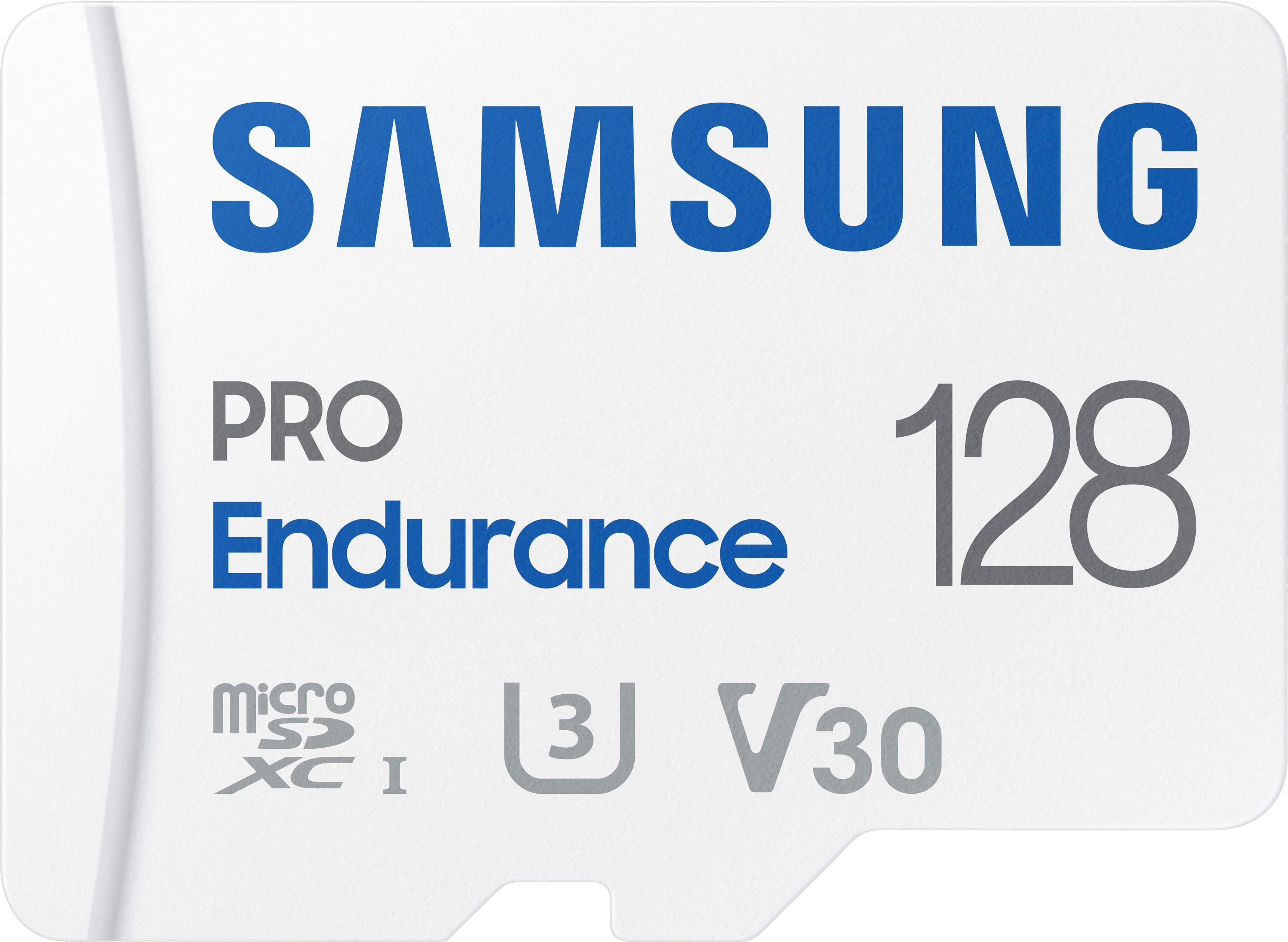
Samsung - PRO Endurance 128GB microSDXC SD Memory Card
SKU: J3ZYG2JZWKCalled Best buy for a reason...Great product, no issues, best price around by far great service...Love the sd card and is the best one yet 128gb. And it can be used for anything
See all microSDXCProduct Description
A durable white microSDXC card offering 128GB storage, water resistance, and fast FHD/4K recording performance.Your price for this item is $76.99 -
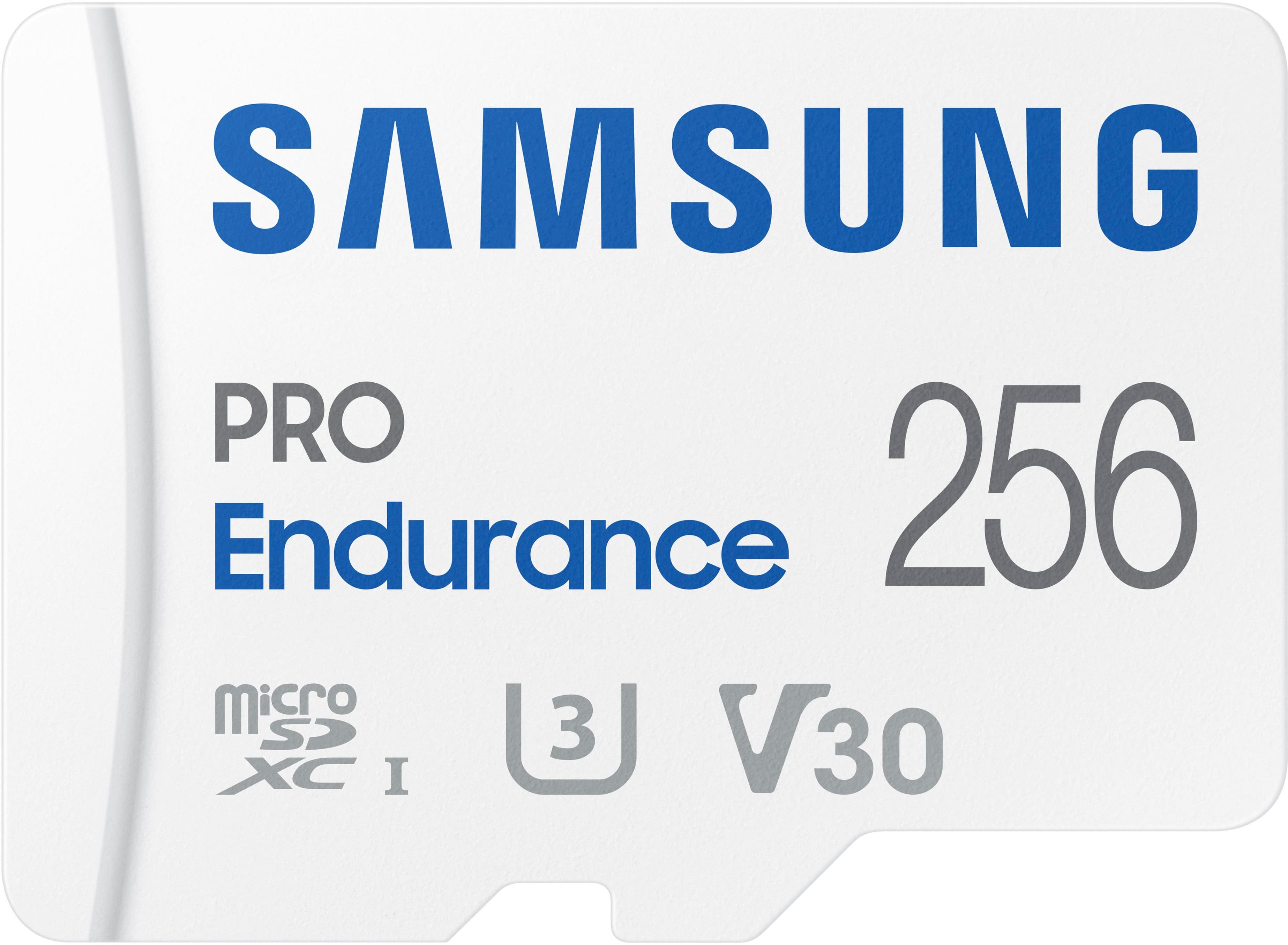
Samsung - PRO Endurance 256GB MicroSDXC Memory Card
SKU: J3ZYG2JZK7I love it! Works great! And would definitely buy again. Also, great price!...Big capicity, super i love it and 100% recommended...Best buy always has good sale prices!...The best microSD CARD...Love!
See all microSDXCProduct Description
A durable white microSDXC card offering 256GB storage, water resistance, and fast FHD/4K recording performance.Your price for this item is $153.99 -
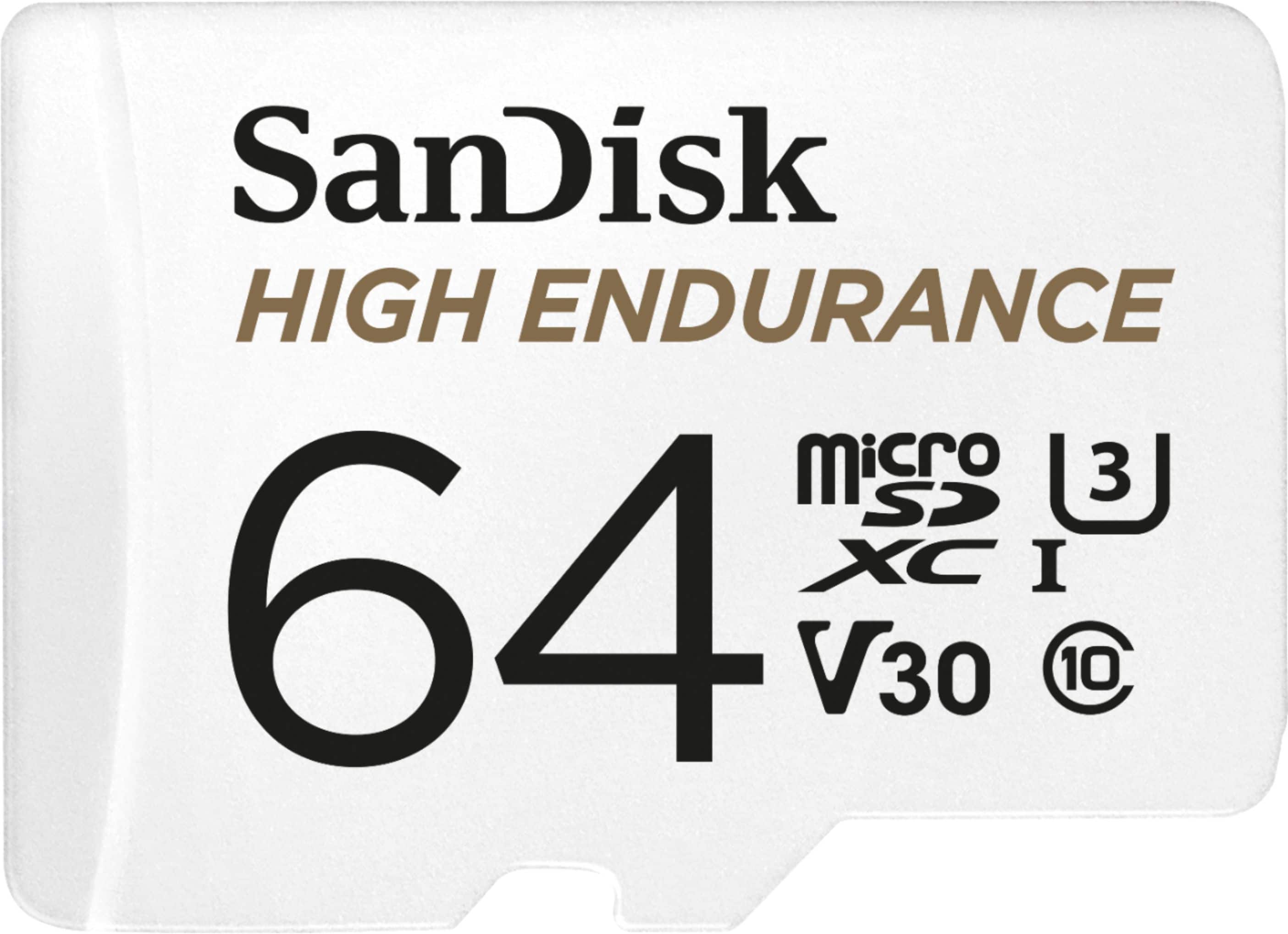
SANDISK - 64GB microSDXC High Endurance UHS-I Memory Card
SKU: JXJ62C9CHFSee all Secure Digital (SDHC, SDXC)Product Description
A durable white microSDXC card offering 64GB storage, Full HD/4K recording, and extreme weather resistance.Your price for this item is $45.04Save $6The previous price was $51.40 -
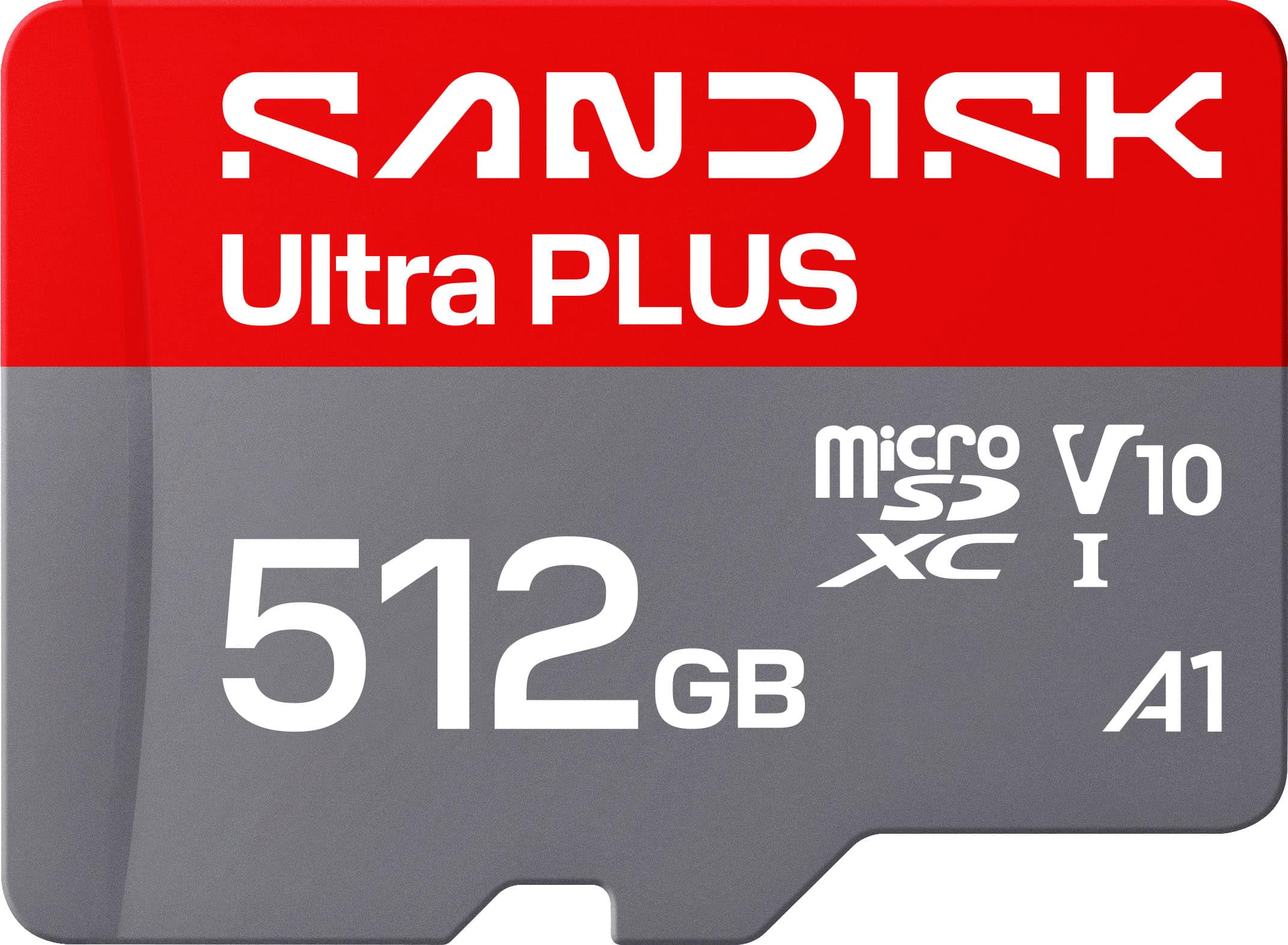
SANDISK - 512GB Ultra PLUS microSD UHS-I Memory Card, Read Speeds up to 200MB/s
SKU: JXJ62CQLG4Great chips use them all the time reliable inexpensive...Great product and holds a good amount of storage would reccomend
See all microSDXCProduct Description
A silver microSD card offering 512GB storage, 200MB/s read speed, and robust water-resistant durability.Your price for this item is $179.99 -
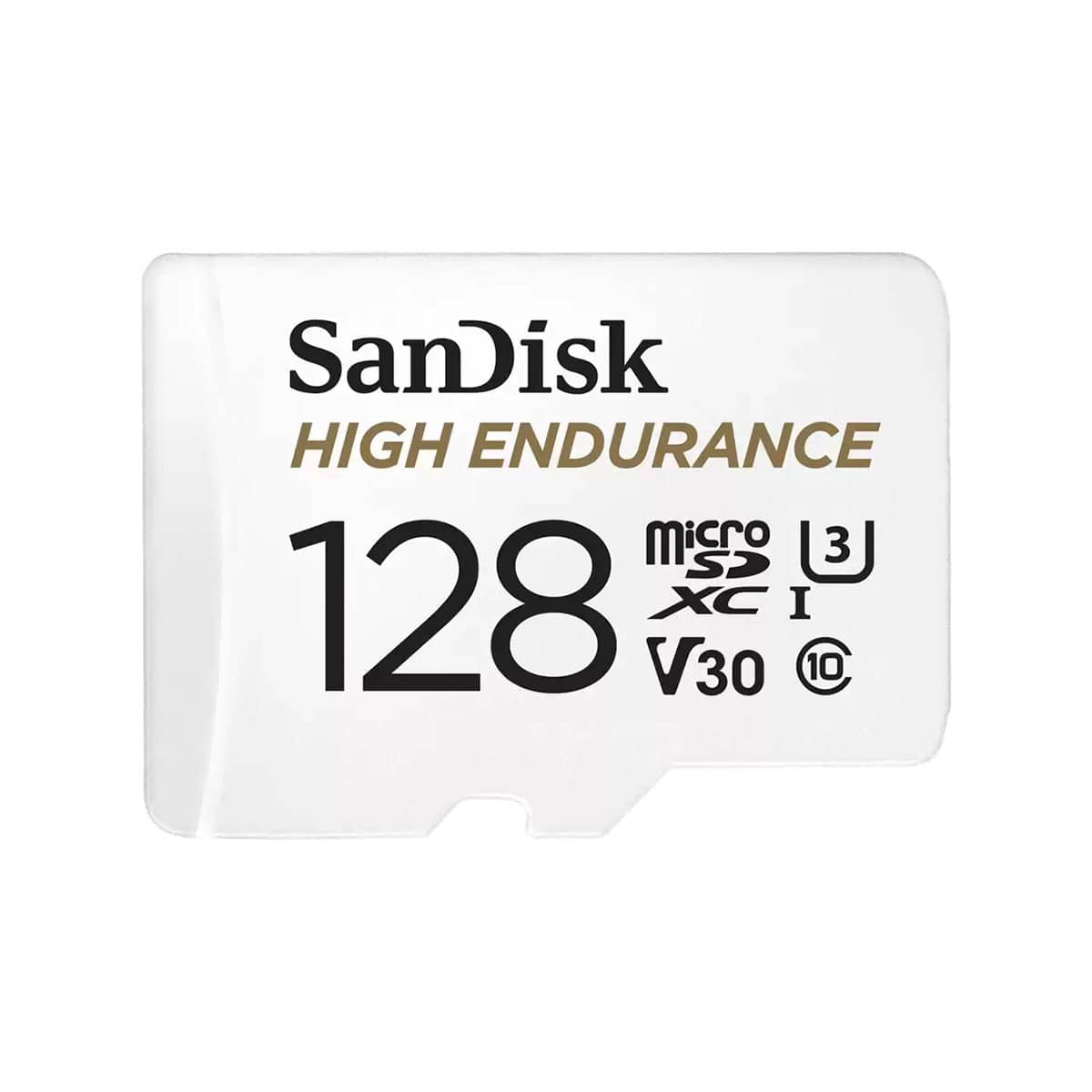
SANDISK - 128GB High Endurance microSDXC C10, U3, V30, 4k UHD Memory Card with Adapter (SDSQQNR-128G-GN6IA)
SKU: JXJ62C9JVXGreat price...Great price good quality So far so good Best Buy sales are the best...Works great...After being ripped-off on ebay for a counterfeit memory card, I will only buy from Best Buy for quality...
See all microSDHCProduct Description
A high-endurance 128GB microSDXC card with adapter, supporting C10, U3, V30, and 4K UHD recording.Your price for this item is $39.49Save $44The previous price was $83.80 -
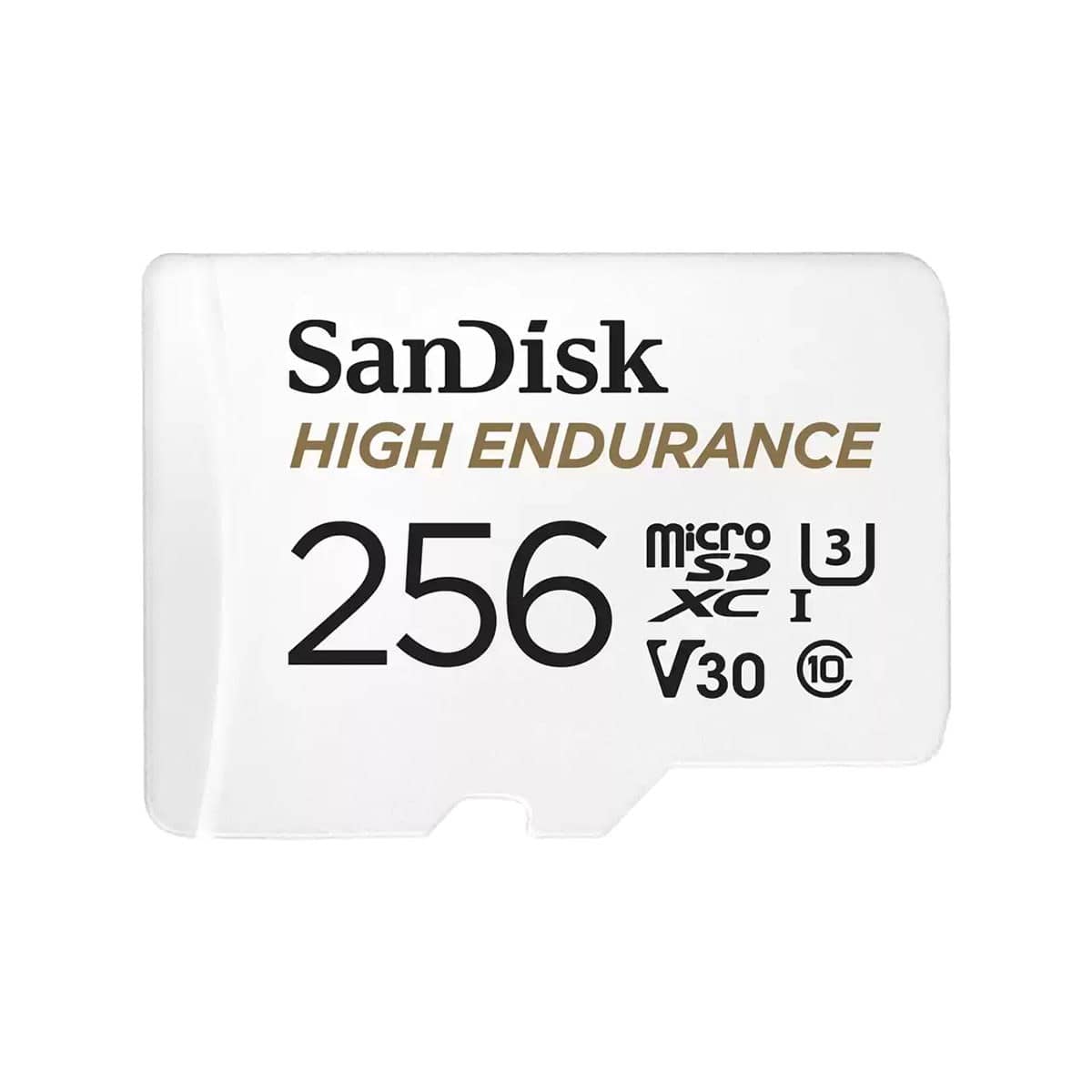
SANDISK - High Endurance UHS-I U3 microSD Memory Card with SD Adapter - 1TB
SKU: JXJ62C9CXCBest product totally recommended I will buy next time thanks....Good quality, great price and funcional. adapter is included if needed delivery fast
See all microSDHCProduct Description
A high-endurance 256GB microSDXC card with adapter, supporting 4K UHD, C10, U3, and V30 speeds.Your price for this item is $69.99Save $12The previous price was $82.23 -
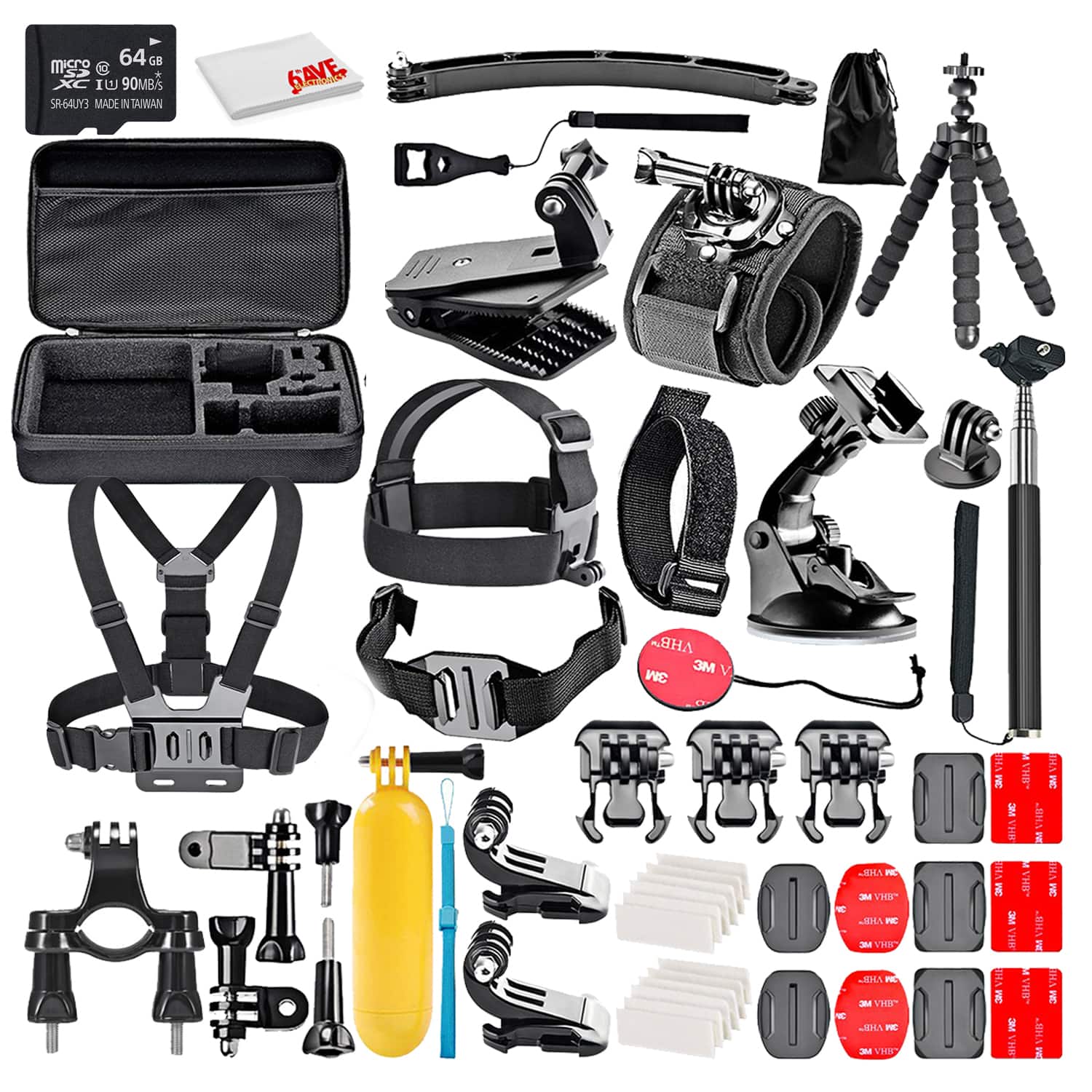
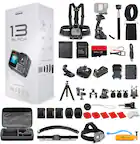
50-In-1 Action Camera Accessory Kit Bundle With - 64GB MICRO SD CARD + Cleaning Cloth - Compatible W/ GoPro Hero 8,7,6
SKU: J7QPQK6X2VSee all Camera Bags & CasesProduct Description
A versatile 50-in-1 waterproof accessory kit with durable polyester fabric, compatible with major action cameras.Your price for this item is $65.95 -
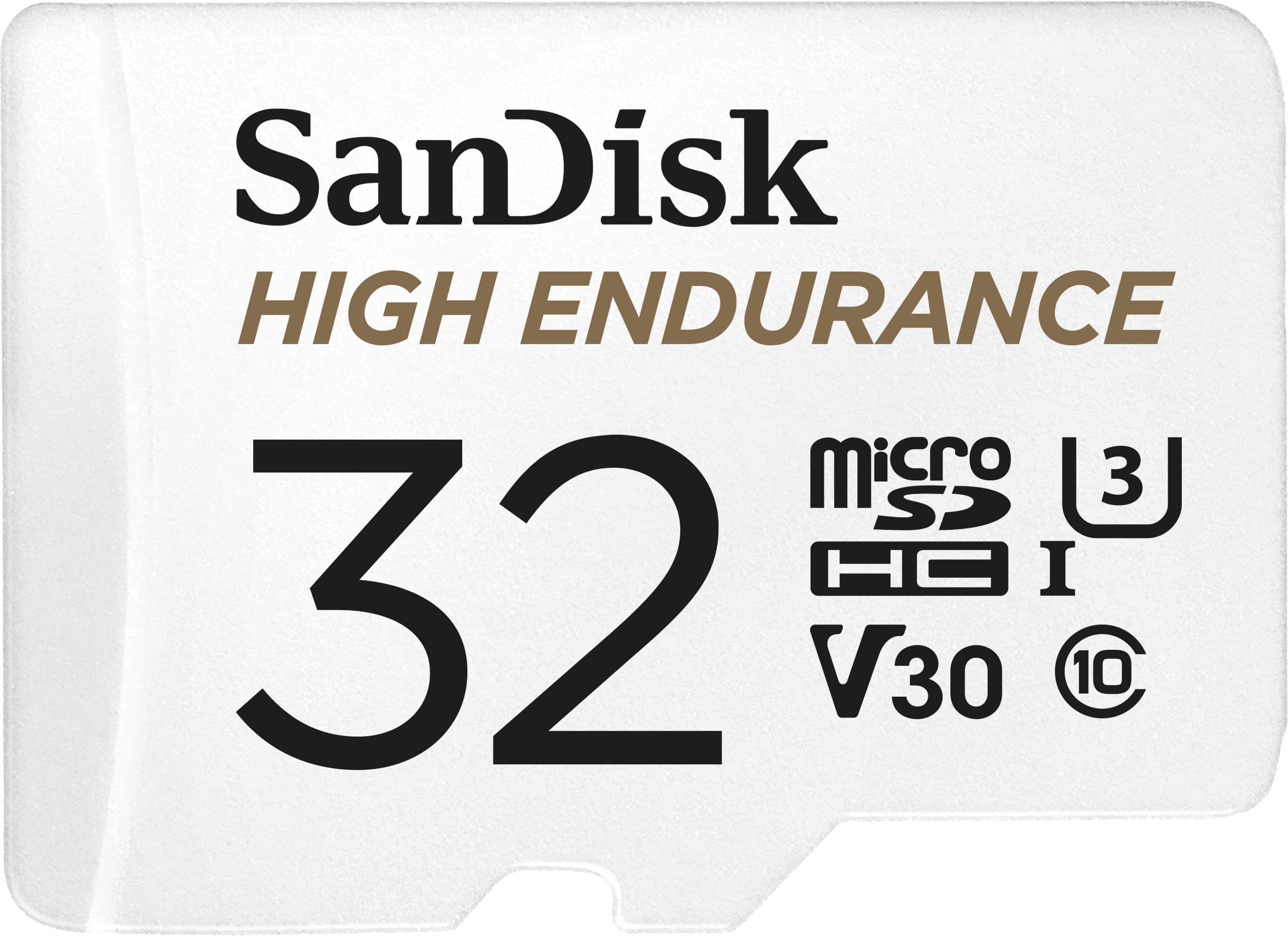
32GB SanDisk High Endurance microSDHC Card with Adapter
SKU: JXJ62C9J5TSee all microSDHCProduct Description
A durable white microSDHC card with 32GB storage, water resistance, and up to 100MB/s read speed.Your price for this item is $29.99
Best Sellers


Related Pages

FAQ
Not all microSD cards are compatible with the GoPro Hero 3. It's important to choose a microSD card that meets the camera’s requirements, such as being a Class 10 or UHS-I card, to ensure optimal performance and reliable video recording.
Yes, you can use the same microSD card to store both photos and videos on your GoPro Hero 3. The camera will automatically organize the files into separate folders for easy access.
To format a microSD card for your GoPro Hero 3, insert the card into the camera, power it on, navigate to the settings menu, and select the option to format the card. This will prepare the card for optimal use with your GoPro.
The recommended way to transfer files from your microSD card is to use a compatible card reader or adapter. Insert the microSD card into the reader, connect it to your computer, and copy the files directly for quick and easy transfer.
It's a good practice to format your microSD card regularly, especially after transferring files to your computer. This helps maintain the card’s performance and reduces the risk of file corruption.