Microsoft Teams Monitors
-
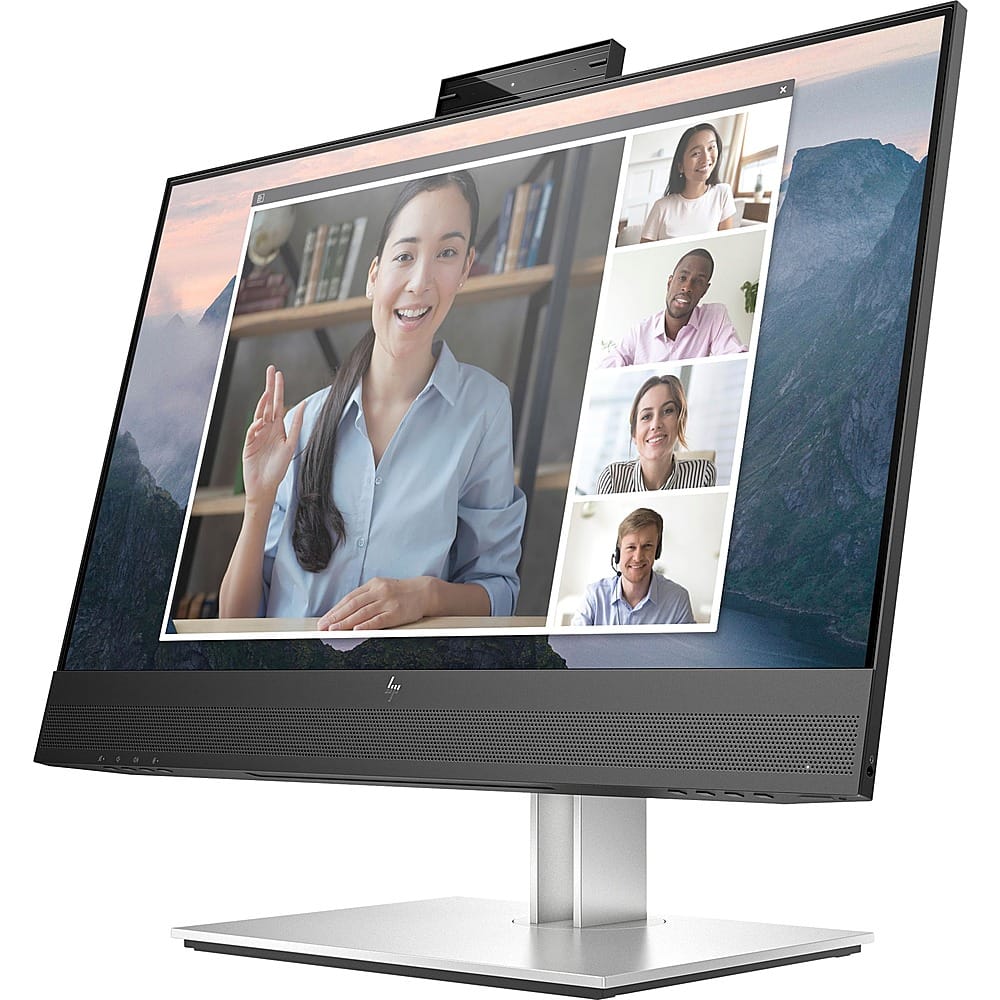
HP - E24mv G4 FHD Conferencing Monitor 23.8 LCD FHD - Black/Silver
SKU: JJ8V39YY5JNice crisp display and I love the built in mic and speakers. I use for work and home seamlessly....Works great. Love the size and clarity. Would recommend....Great Monitor
See all All MonitorsProduct Description
A sleek black and silver conferencing monitor featuring a 23.8" FHD IPS display, pop-up webcam, and speakers.Your price for this item is $319.99 -
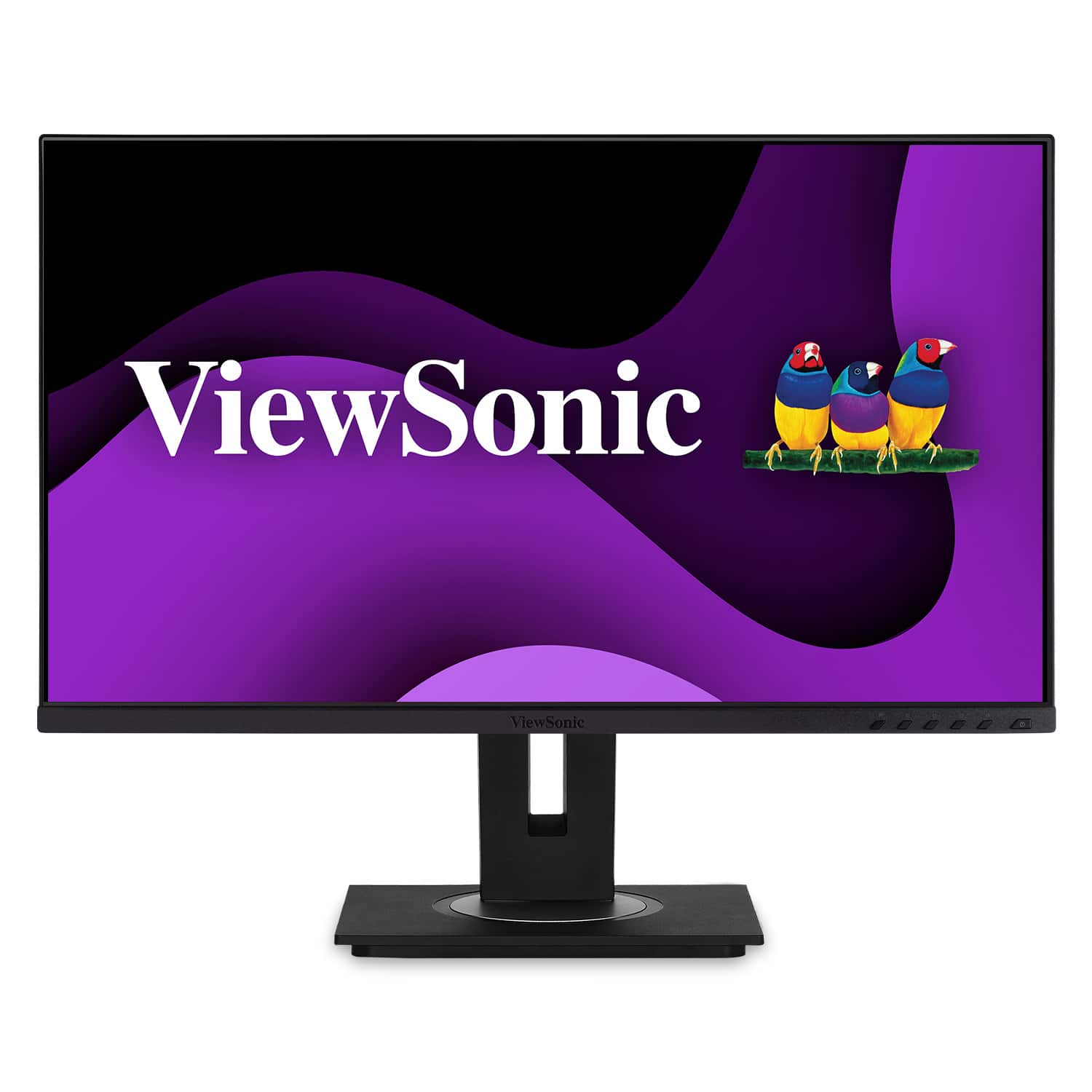
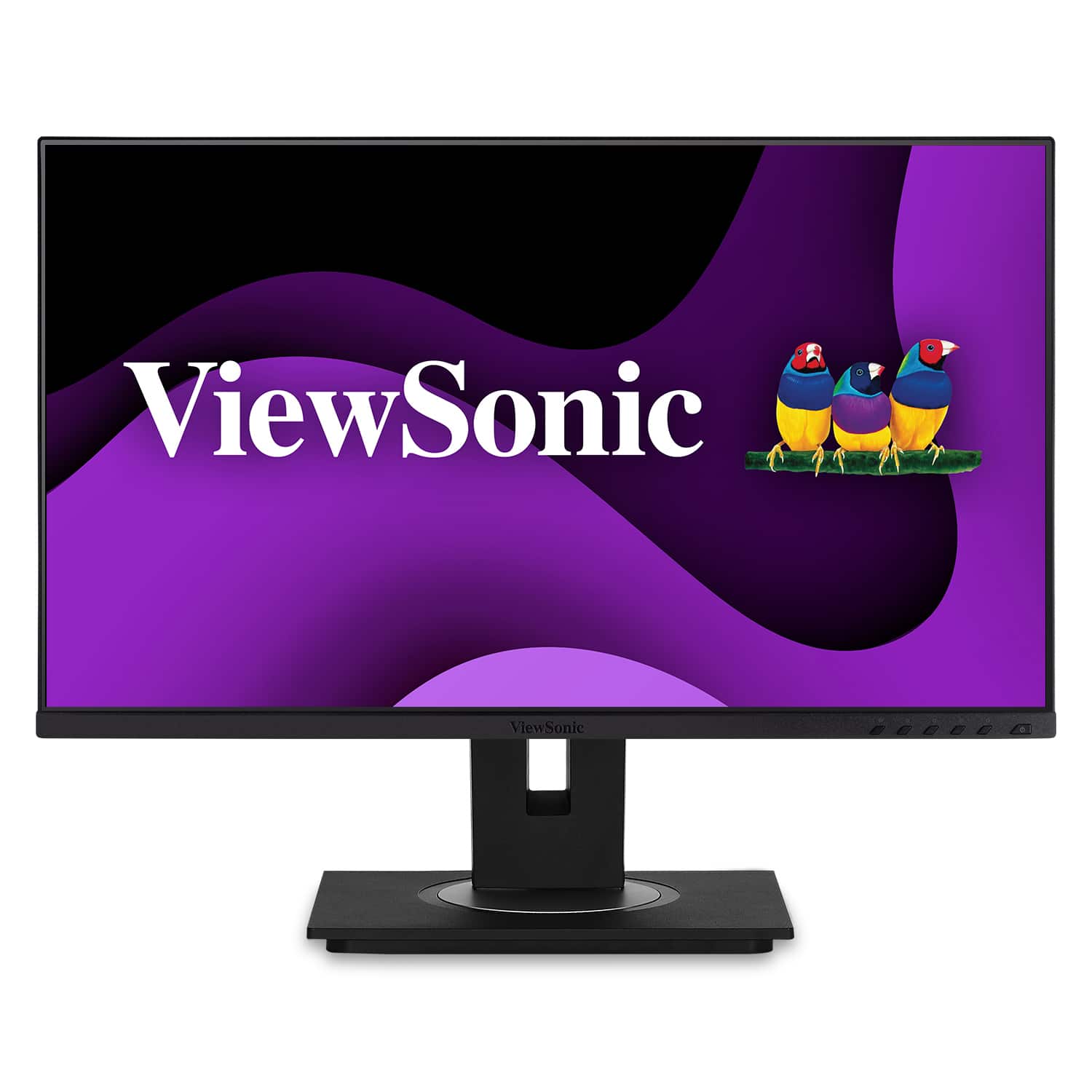
ViewSonic - VG2756-4K 27" IPS 4K UHD Docking Monitor (HDMI, USB-C, DisplayPort) - Black
SKU: J37H88F6T3See all All MonitorsProduct Description
A black 27-inch IPS 4K UHD monitor with USB-C docking, Ethernet, ergonomic stand, and integrated speakers.Your price for this item is $449.99 -
ViewSonic - DFS VG275 27" IPS LCD FHD Monitor (USB-C, HDMI, DP) - Black
SKU: J37H88V6W2See all All MonitorsProduct Description
A black IPS LCD monitor with USB-C, HDMI, and DP connectivity, featuring ergonomic adjustments and integrated speakers.Your price for this item is $289.99 -
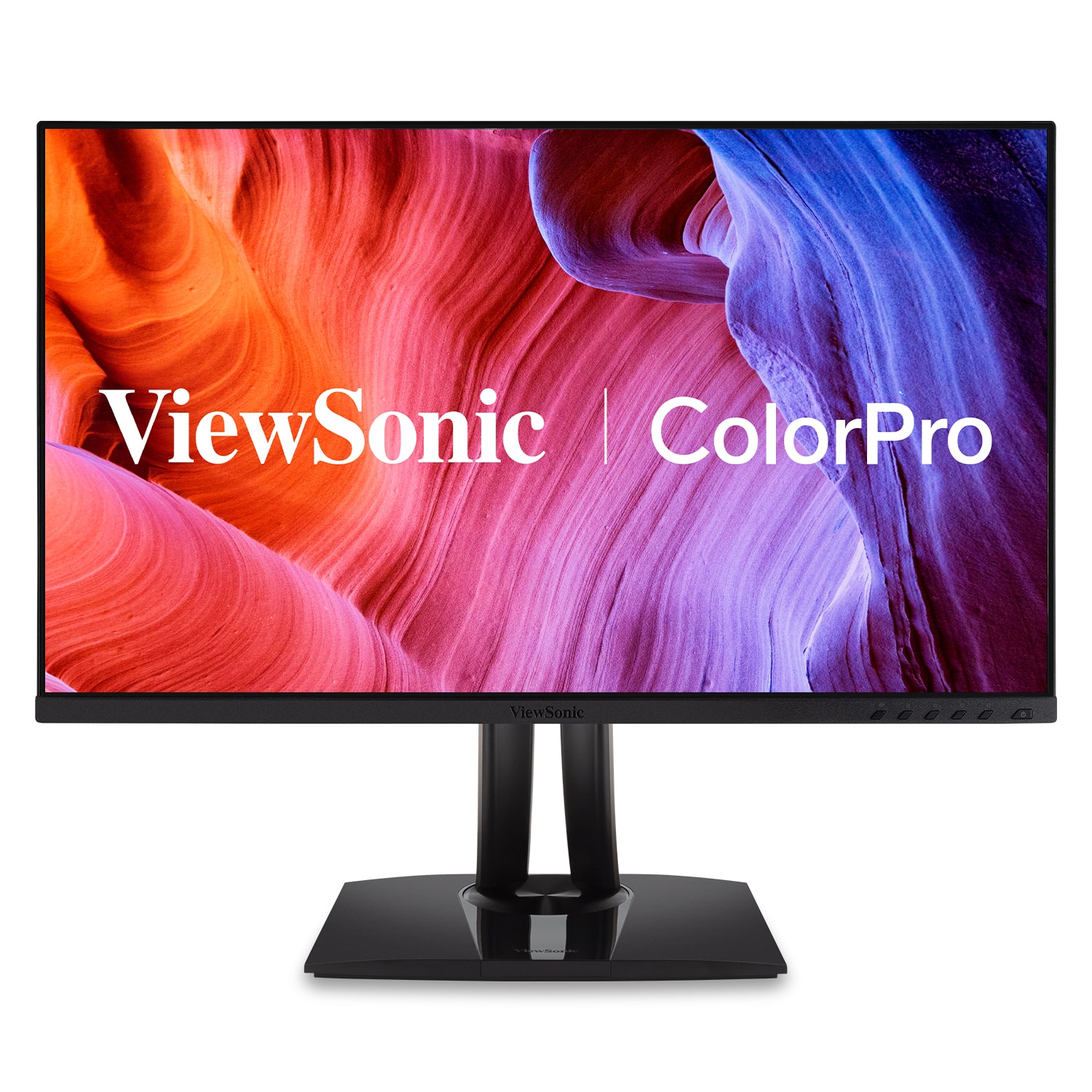
ViewSonic - ColorPro DFS VP275-4K 27" LCD 4K UHD Monitor (HDMI, DP, USB-C) - Black
SKU: J37H88V6KCSee all All MonitorsProduct Description
A black IPS 27" 4K UHD monitor with USB-C, HDMI, DisplayPort, Pantone validation, and ergonomic stand.Your price for this item is $439.99 -
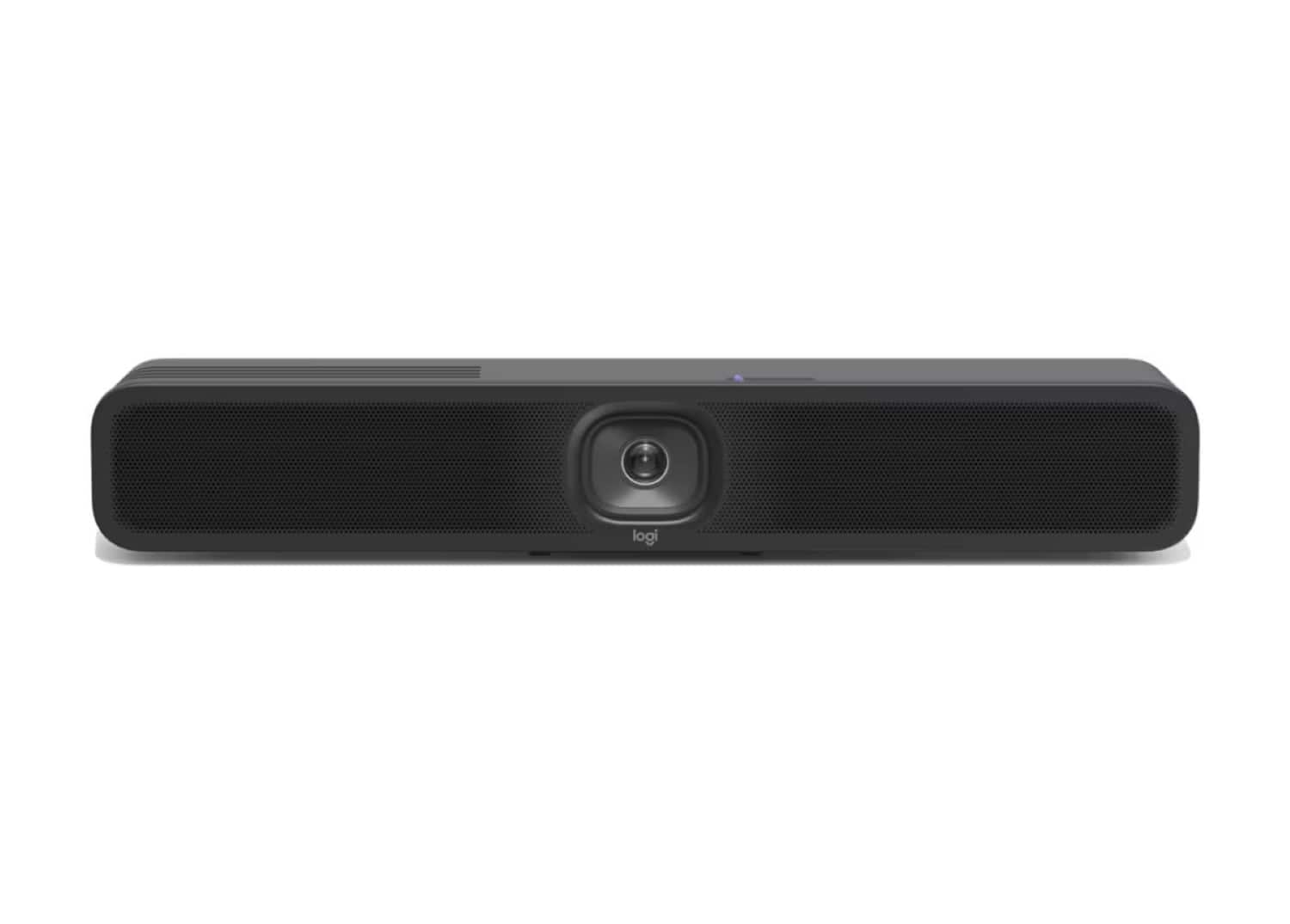
Logitech - MeetUp 2 All-In-One USB Conference Camera With Built-In AI - Black
SKU: J7H7ZYGT2SSee all WebcamsProduct Description
An AI-powered black USB conference camera offering 4K video, built-in microphone, and easy plug-and-play setup.Your price for this item is $949.99Save $50The previous price was $999.99 -
ViewSonic - DFS VG245 24" IPS LCD FHD Monitor (USB-C, HDMI, DP) - Black
SKU: J37H88V6T5See all All MonitorsProduct Description
A black IPS LCD monitor with USB-C, HDMI, DP connectivity and ergonomic adjustable stand for productivity.Your price for this item is $254.99 -
Logitech - MST Base Bun Tap Lenovo TSC TAPMSTBASELNV4 - Graphite
SKU: JXT8L5QGLTSee all Conferencing TelephonesProduct Description
A graphite video conferencing kit featuring a 10.1" touch controller and mini PC for Microsoft Teams.Your price for this item is $2,392.38


Best Sellers







Related Pages



FAQ
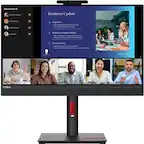
When choosing a monitor for Microsoft Teams, look for built-in webcams, integrated microphones, high-quality speakers, and features like noise cancellation. These features enhance video calls and collaboration, providing a seamless Teams experience.
Many Microsoft Teams monitors offer plug-and-play functionality, allowing you to connect them to your computer via USB-C or HDMI without needing additional drivers. This makes setup quick and easy for most users.
Yes, monitors designed for Microsoft Teams are generally compatible with other popular video conferencing platforms such as Zoom, Google Meet, and Webex, offering versatile use for all your communication needs.
Some monitors are Microsoft Teams-certified, meaning they meet strict requirements for audio, video, and user experience. These monitors often include dedicated Teams buttons for instant access and enhanced integration.
Microsoft Teams monitors typically offer a range of connectivity options including USB-C, HDMI, DisplayPort, and USB-A ports, making it easy to connect to various devices and peripherals for a flexible workspace.