Mics For Content Creator Laptops
-
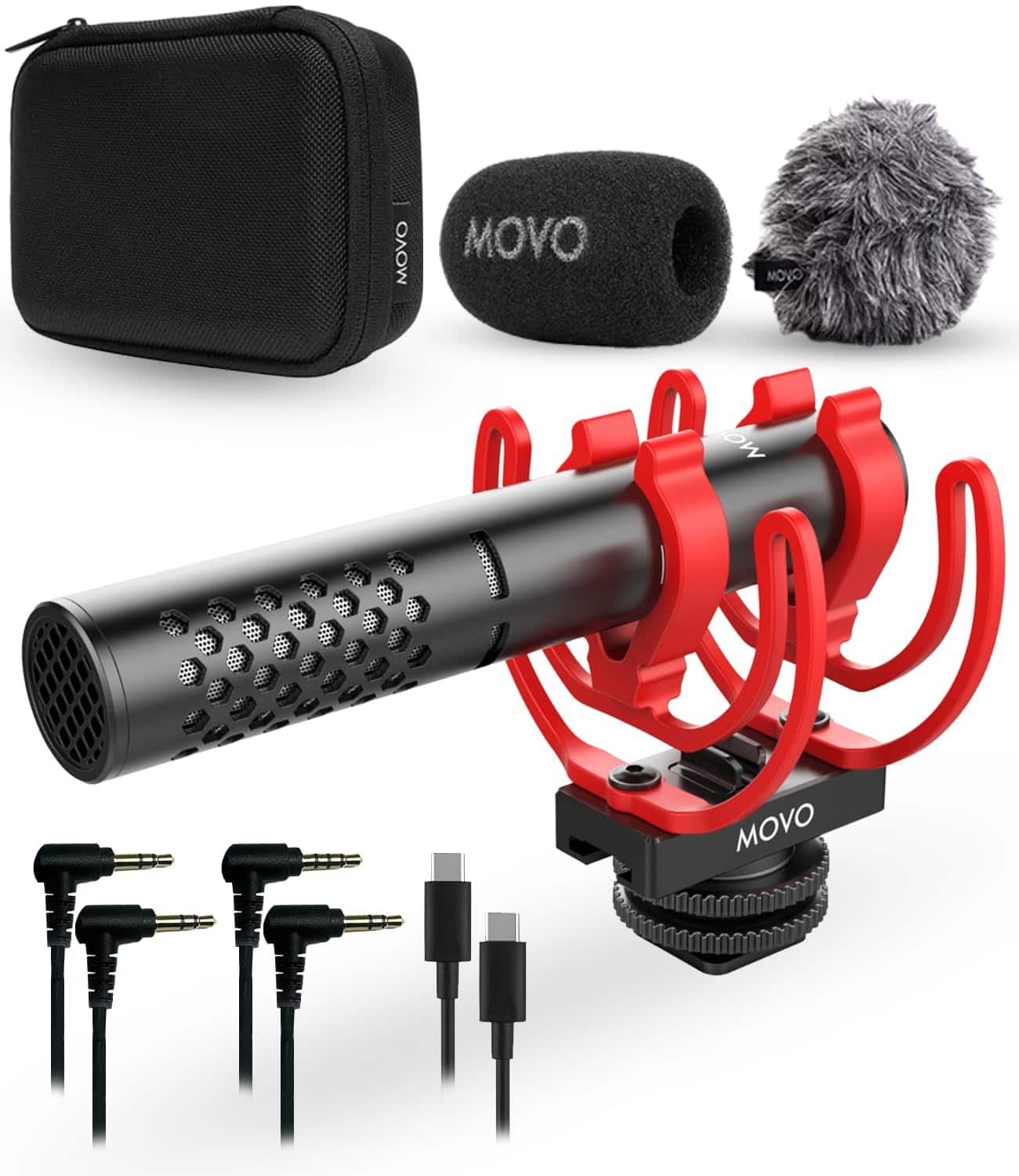
MOVO - X1-Mini Video Shotgun Mic for Camera - Supercardioid 3.5mm/USB-C Analog/Digital Camera Microphone for DSLR, iPhone
SKU: J3LVLQ3HKCSee all Camera MicrophonesProduct Description
A durable aluminum supercardioid microphone capturing high-fidelity audio for cameras, smartphones, and computers.Your price for this item is $69.95 -
MOVO - VXR10 Shotgun Mic with WM-VXR10 Wireless Microphone Adapter and Tripod - for Lightning Compatible iPhones, iPads
SKU: J3LVLQ3THCSee all Vlogging KitsProduct Description
A wireless shotgun microphone kit with tripod and Lightning adapter, ideal for iPhone and iPad content creators.Your price for this item is $69.95 -
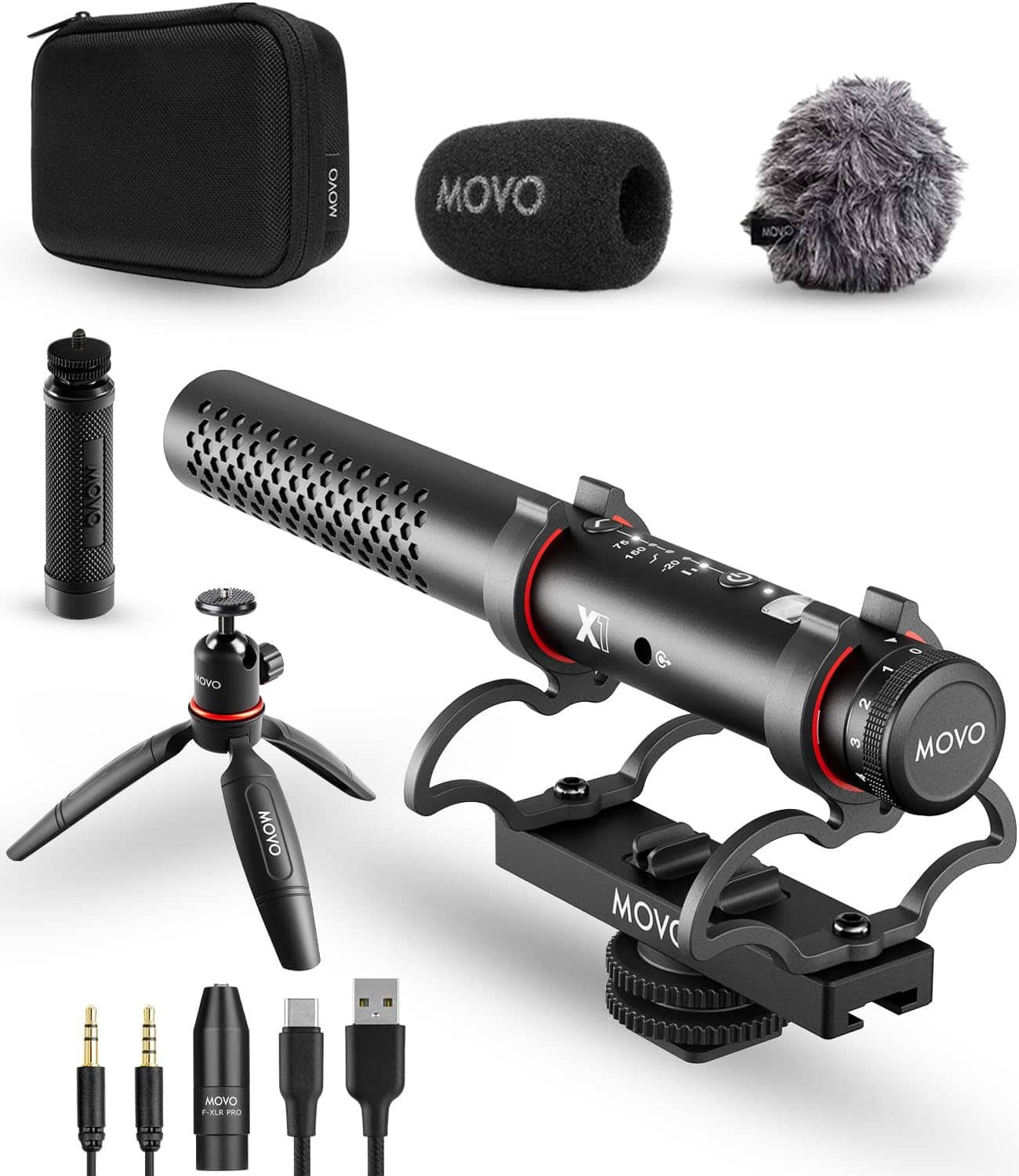
MOVO - X1 Supercardioid Shotgun Microphone - 3.5mm/XLR/USB-C Camera Mic for DSLR, Smartphones, and Computers
SKU: J3LVLQ3TYPSee all Camera MicrophonesProduct Description
A versatile black supercardioid shotgun microphone offering advanced audio controls and universal device compatibility.Your price for this item is $169.95Save $30The previous price was $199.95

Best Sellers


Related Pages




FAQ
When choosing a microphone for content creation, consider features like USB connectivity for easy plug-and-play use, cardioid pickup patterns to reduce background noise, adjustable gain controls, and compatibility with your recording software. Additional features such as built-in headphone jacks for real-time monitoring and mute buttons can also be helpful.
Most USB microphones are designed to be universally compatible with both Windows and Mac laptops. They typically offer plug-and-play functionality, meaning you can connect them directly to your laptop’s USB port without needing extra drivers or software.
For streaming, podcasting, or voiceovers, condenser microphones with a cardioid pattern are popular choices because they capture clear vocals and minimize background noise. USB condenser mics are especially convenient for laptop users due to their ease of setup.
To reduce background noise, select a microphone with a cardioid or supercardioid pickup pattern, use a pop filter or foam windscreen, and record in a quiet, controlled environment. Many microphones also come with built-in noise reduction features or software that helps filter out unwanted sounds.
Yes, most external microphones can be used for video conferencing or online meetings. Simply connect the microphone to your laptop, select it as the input device in your conferencing software’s audio settings, and enjoy improved sound quality during calls and meetings.