Monitor Routers
-
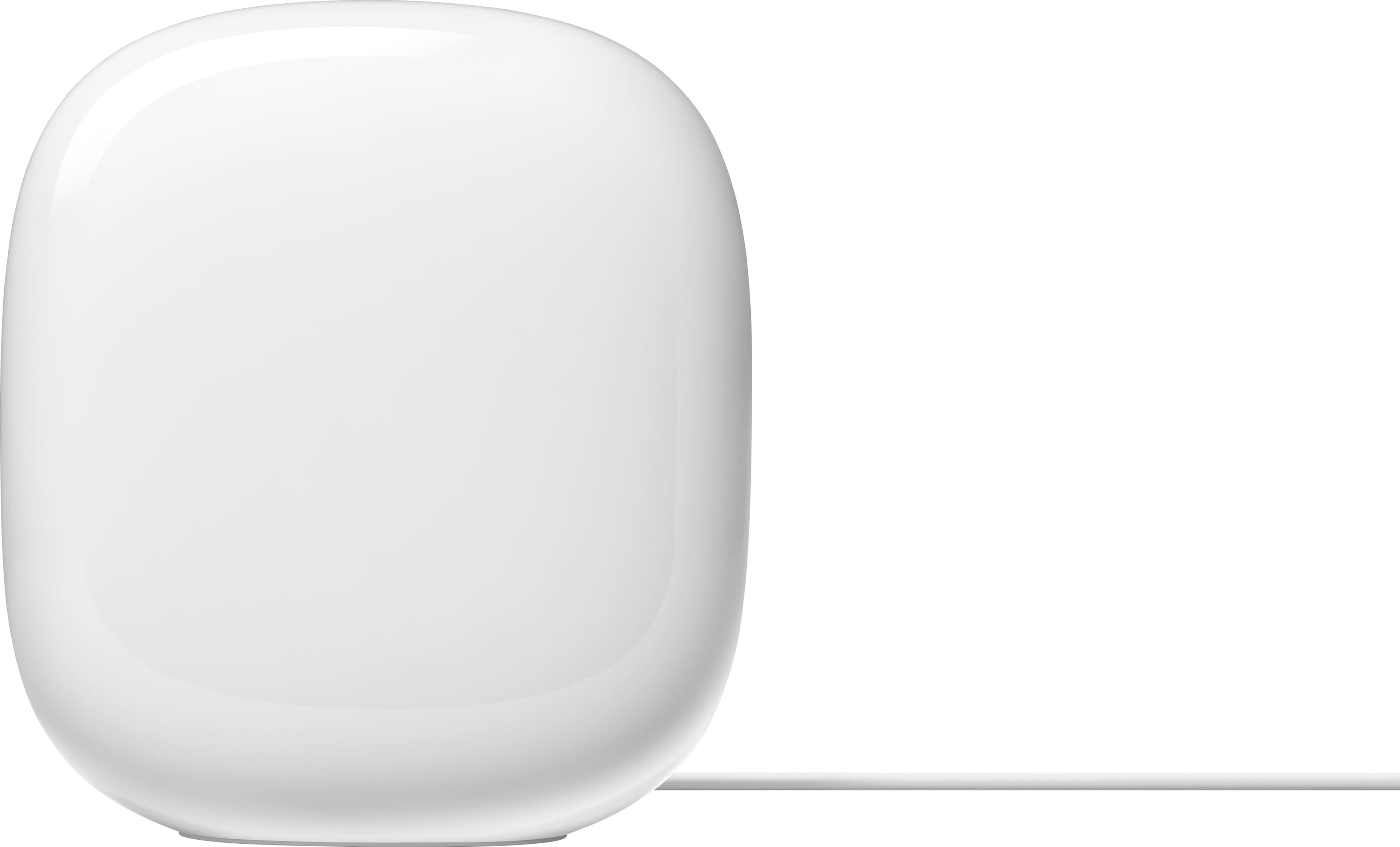
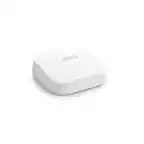
Google - Nest Wifi Pro 6e AXE5400 Mesh Router - Snow
SKU: JJ8T5CC73TI've never had a google nest product before and I am in love. I also like the aesthetic of it!...I love the fact that it helps my internet service run quickly....Best router ever!...Love it.
See all Mesh Wi-FiProduct Description
A tri-band Wi-Fi 6E mesh system in snow white offering fast, secure, and reliable whole-home coverage.Your price for this item is $135.00Save $64The previous price was $199.99 -
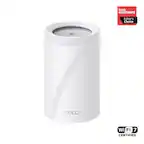
Google - Nest Wi-fi Pro 6e AXE5400 Mesh Router (3-pack) - Snow
SKU: JJ8T5CC78QThe Best Buy tech guy was very helpful, answered our questions and helped me compare different products...Great product, easy to install and works great....Great choice...Great upgrade from the previous...
See all Mesh Wi-FiProduct Description
A tri-band mesh Wi-Fi 6E system in Snow, offering fast, secure, and reliable whole-home coverage.Your price for this item is $399.99 -
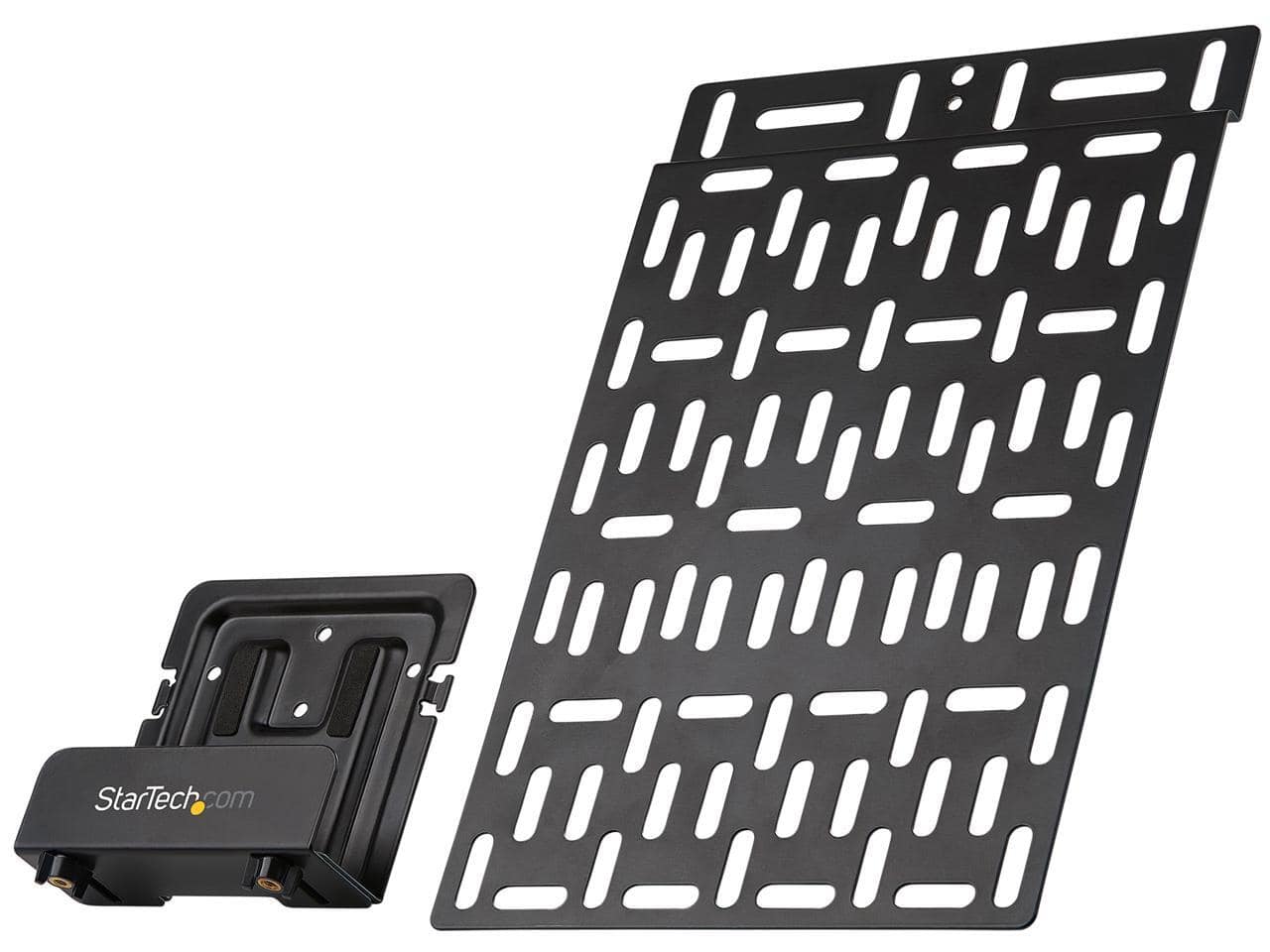
StarTech.com - Universal TV Accessory Mount - Adjustable Behind TV or Wall Mount - Media Players/Router/AV Extenders/Apple TV - 11lb - Black
SKU: J7PHYXJFK5See all Monitor Mounts, Stands & RisersProduct Description
A versatile black mount that securely holds media devices behind your TV or on the wall.Your price for this item is $60.02 -
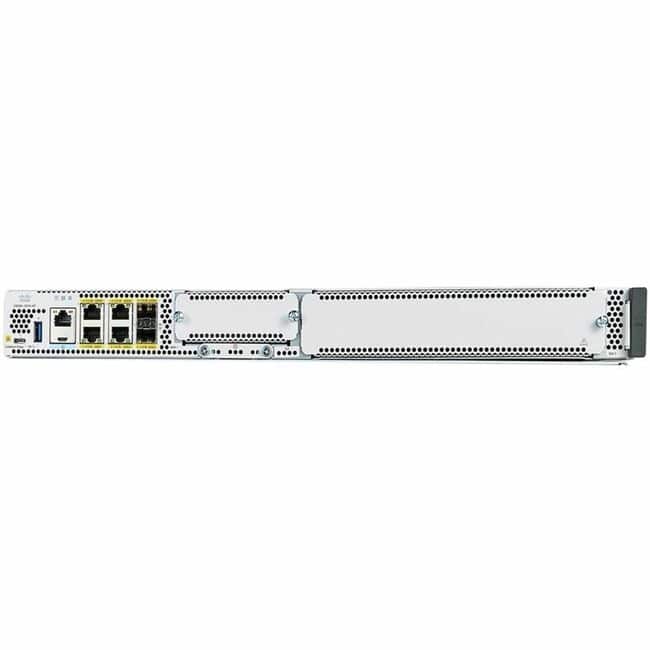
Cisco Consumer Products - Cisco Catalyst 8300 Router - 6 Ports - Management Port - Slots16 GB - Gigabit Ethernet - IEEE 802.1ag, IEEE 802.3ah - Unknown
SKU: J3ZKLXSZXSSee all Wi-Fi RoutersProduct Description
A rack-mountable router with 6 ports, 16 GB slots, and Gigabit Ethernet supporting multiple IEEE standards.Your price for this item is $11,017.91

Best Sellers





Related Pages




FAQ
When choosing a monitor router, consider features like dual-band or tri-band connectivity, parental controls, guest networking, Quality of Service (QoS) for prioritizing devices, and compatibility with your existing devices for optimal performance.
Yes, most monitor routers support both wired (Ethernet) and wireless (Wi-Fi) connections, allowing you to connect a variety of devices such as computers, smart TVs, and gaming consoles.
Setting up a monitor router typically involves connecting it to your modem, powering it on, and following the manufacturer's setup instructions, which often include accessing a web interface or using a mobile app to configure your network settings.
Multiple antennas on a monitor router can improve wireless coverage and signal strength, helping to reduce dead zones and provide a more stable connection throughout your home or office.
Yes, most modern monitor routers are compatible with a wide range of smart home devices, including smart speakers, lights, cameras, and thermostats, ensuring seamless connectivity for your smart ecosystem.