Office Ready Monitors For Daily Tasks
Office ready monitors for daily tasks are designed to help streamline your workflow and enhance productivity in any workspace. Whether setting up a home office or upgrading your business environment, finding the right monitor can make everyday computing more comfortable and efficient. Explore a wide selection of options tailored to support everything from document editing and video calls to web browsing and multitasking, ensuring you stay focused and organized throughout your workday.
Read More-
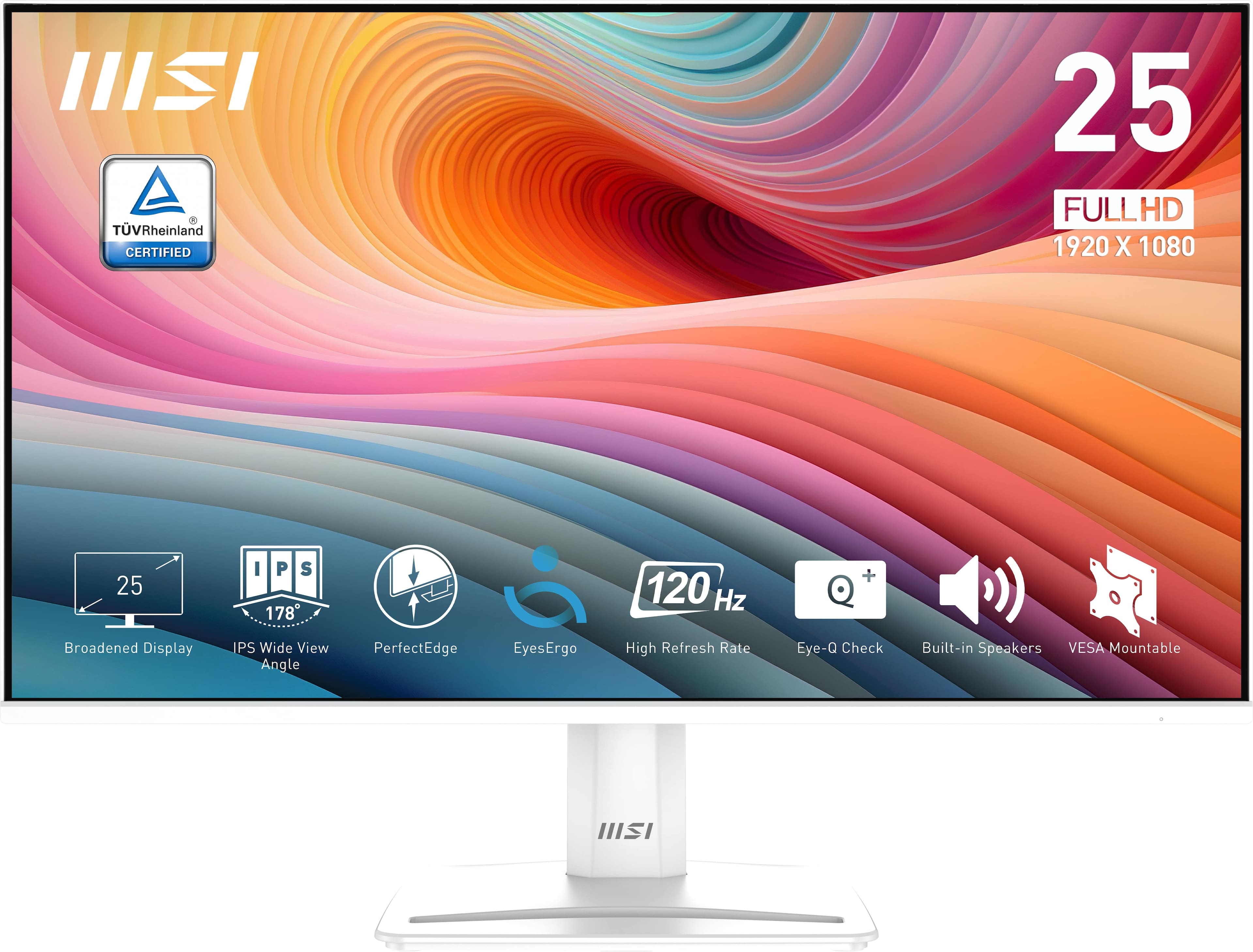
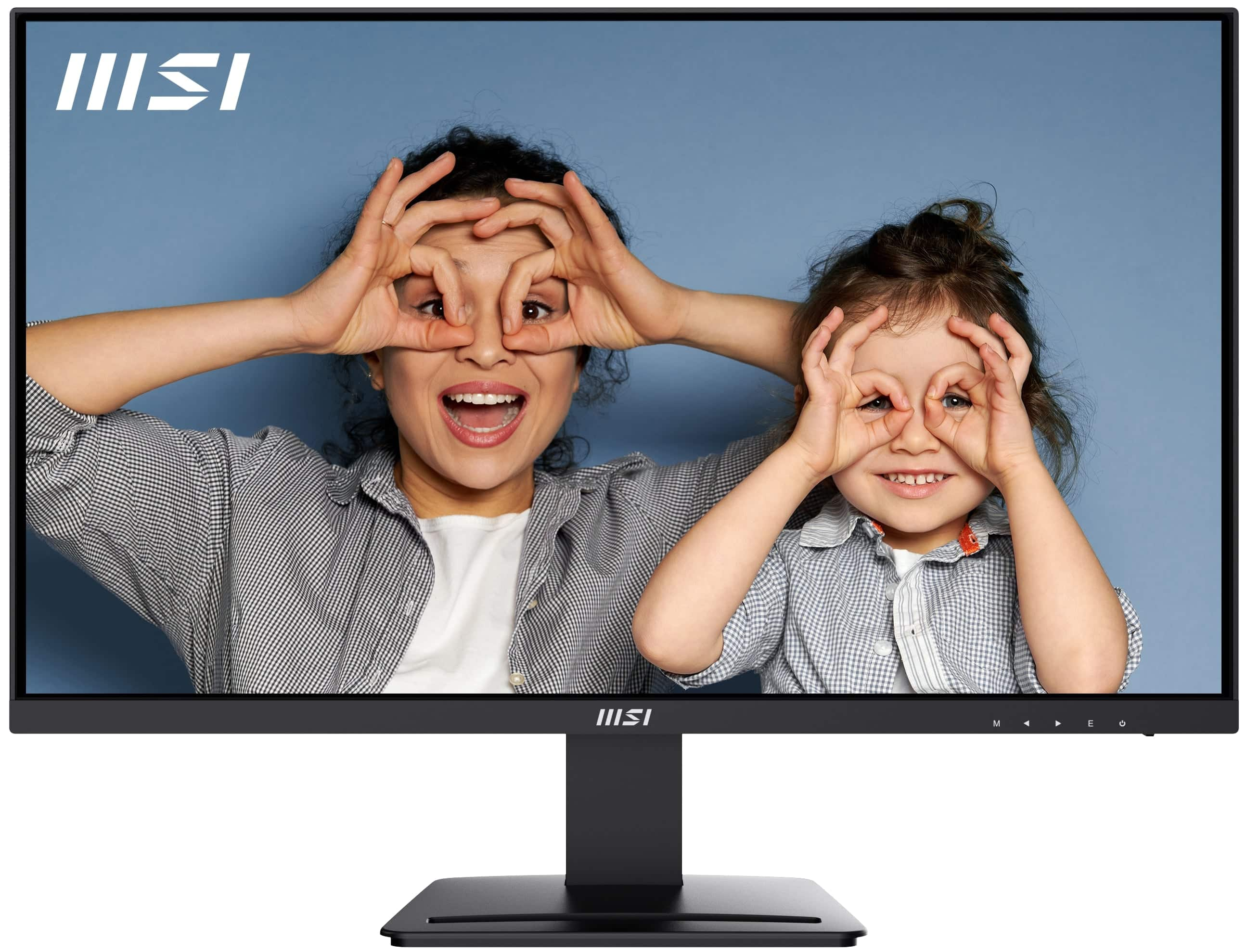
MSI - PRO MP251W E2 24" FHD 120Hz 1ms Adaptive Sync Monitor with Built-in Speakers (DisplayPort, HDMI) - Matte White
SKU: J3P7TX6XYKOne of the best monitors for the price range...I love the built in speakers and the 120 hz refresh rate....Its great for gaming or just simple streaming!...Great Monitor...Best Buy delivery was excellent....
See all All MonitorsProduct Description
A matte white IPS monitor with 120Hz refresh rate, 1ms response, Adaptive Sync, and built-in speakers.$119.99 Your price for this item is $119.99 -
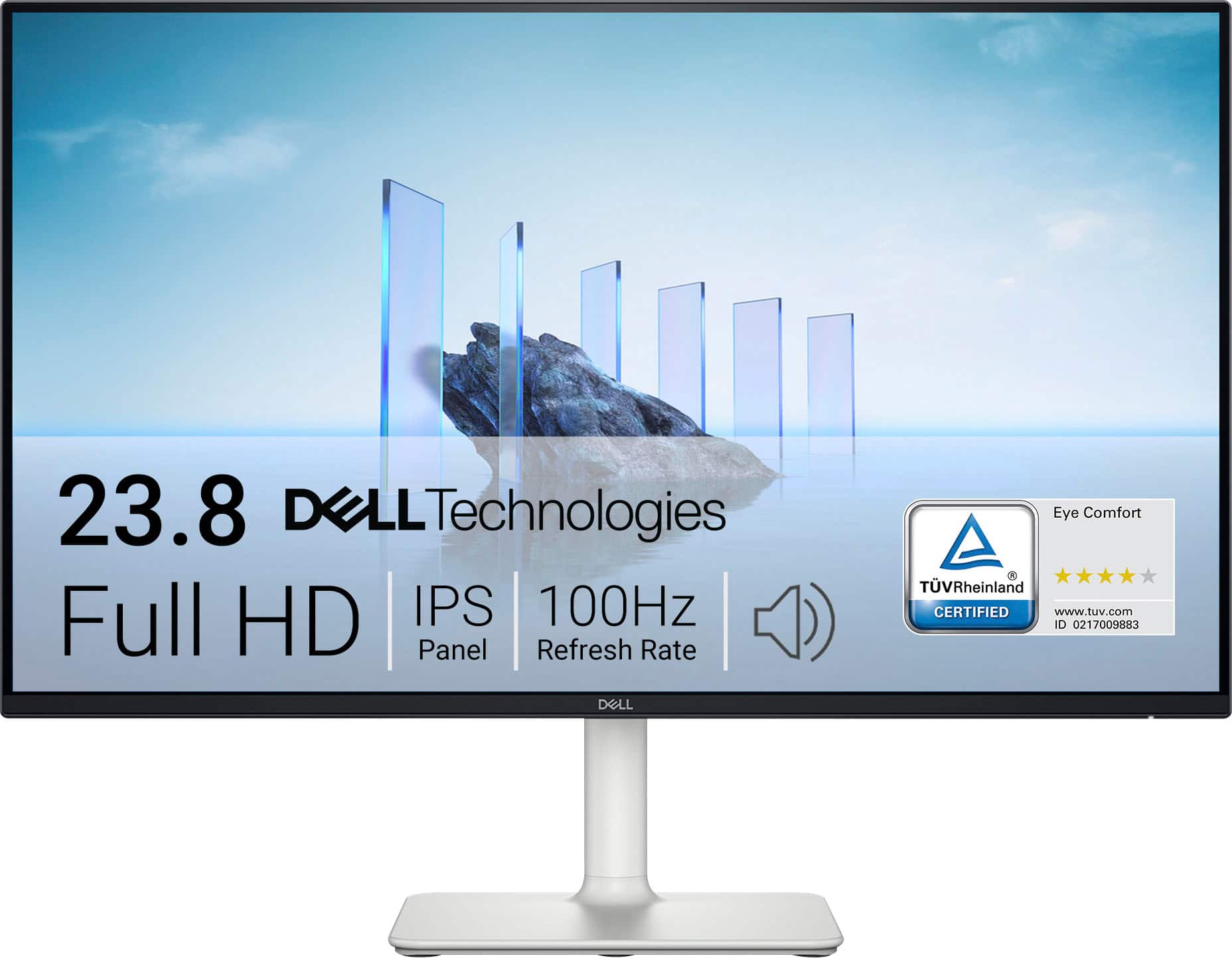
Dell - S2425H 24" IPS LED FHD 100Hz 8ms Monitor (HDMI) - Ash White
SKU: J3K4L62KC5Has great sound quality. Great pic. Would recommend for sure!...Great monitor for office work or recreation. Crisp color
See all All MonitorsProduct Description
An ash white IPS LED monitor with FHD resolution, 100Hz refresh rate, and integrated speakers for immersive viewing.$289.99 Your price for this item is $289.99 -
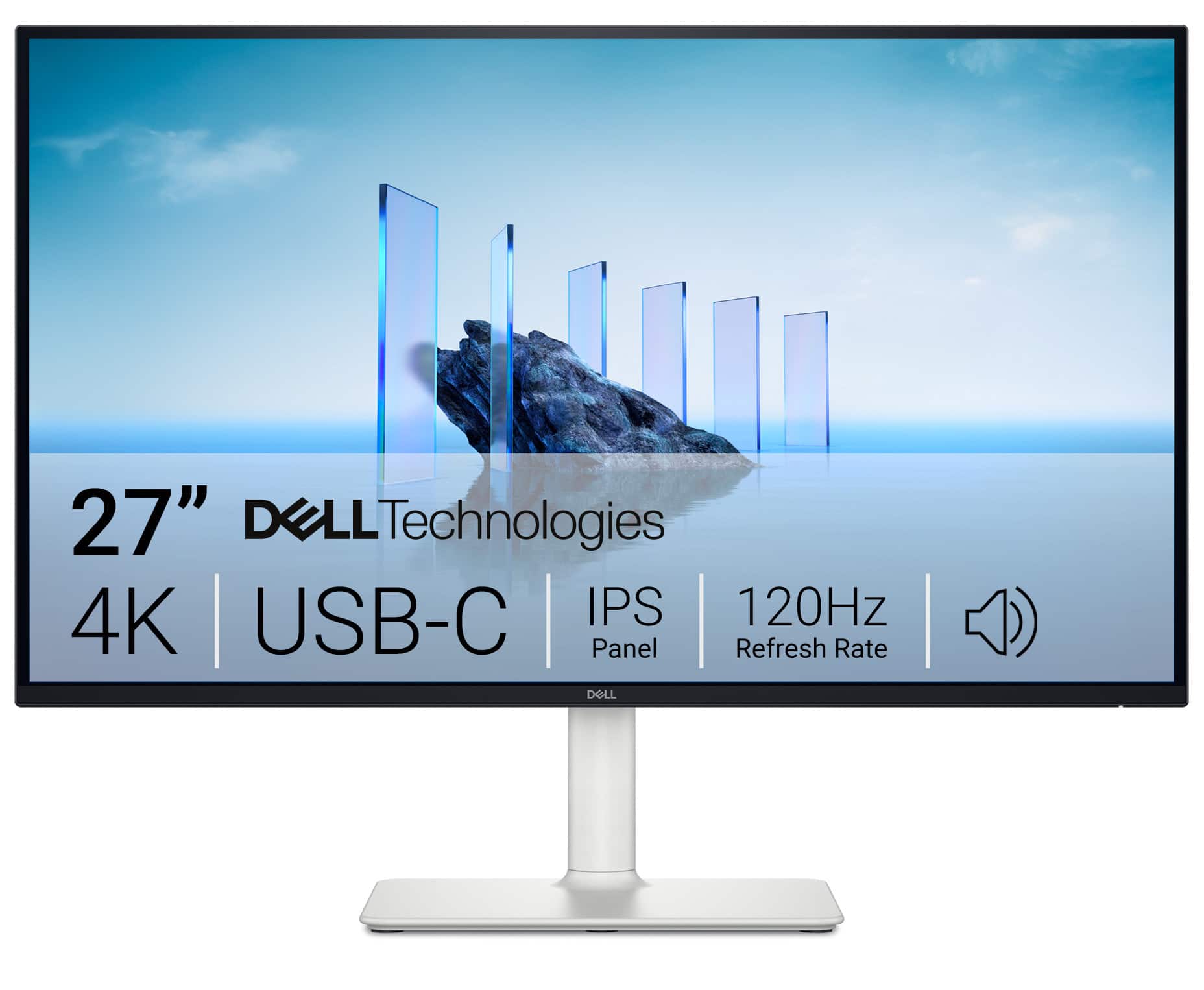
Dell - S2725QC 27" IPS LED 4K UHD 120Hz 8ms FreeSync Premium Monitor with HDR (HDMI, DisplayPort, USB) - Ash White
SKU: J3K4L63JXVI love this monitor!! It's the best size for work, and had the best picture on it....I love it...My best purchase in the year, the sound it’s so great and the quality of the screen it’s amazing!!!
See all All MonitorsProduct Description
A silver IPS LED monitor featuring 4K UHD resolution, 120Hz refresh rate, FreeSync, and USB-C connectivity.$345.99 Your price for this item is $345.99Save $24Was $369.99The previous price was $369.99 -
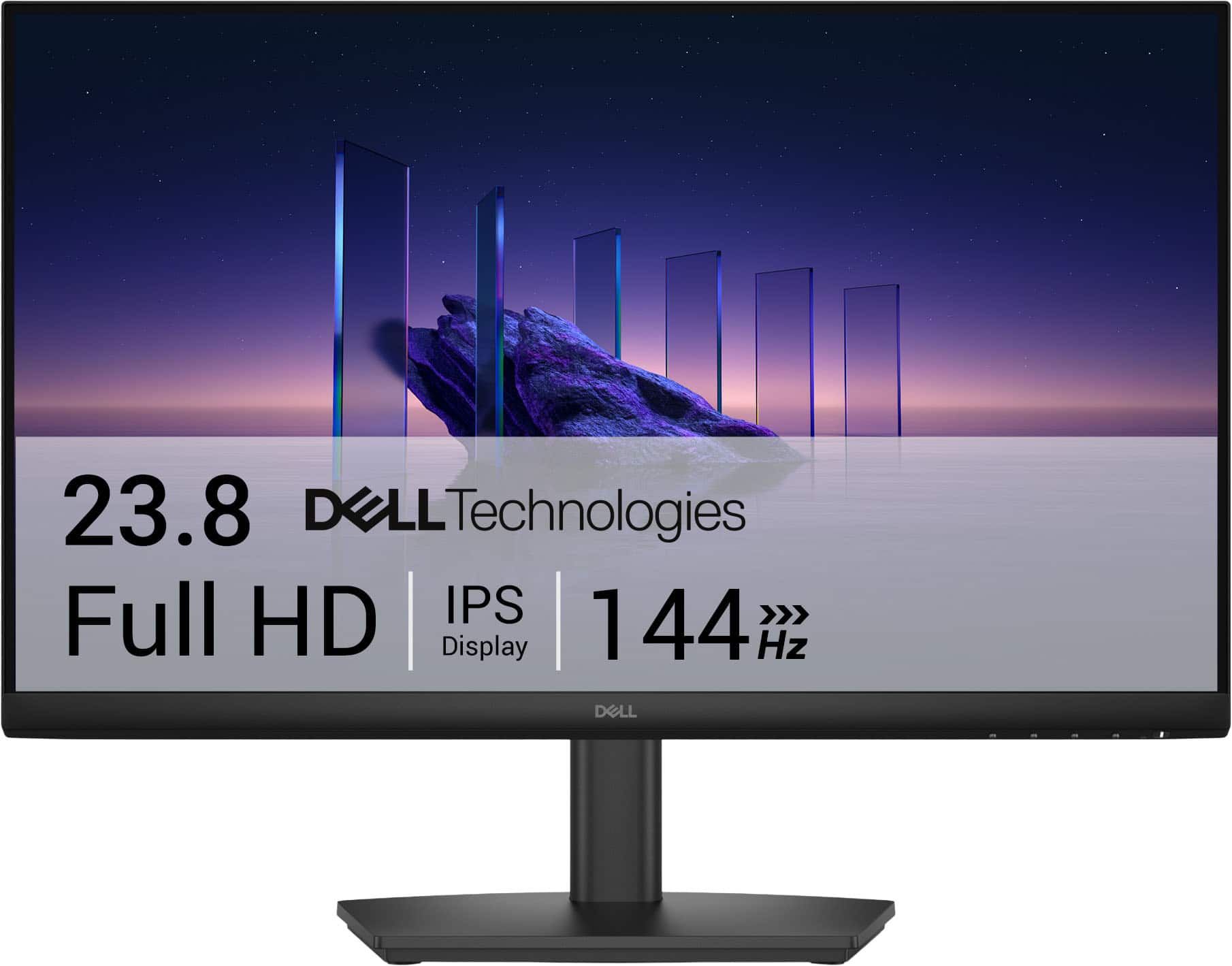
Dell - SE2426HS 24" IPS LCD FHD 144Hz FreeSync Height Adjustable Monitor (HDMI, USB) - Black
SKU: J3K4L6WZWZBest Graphic best price...The graphics is very great and perfect. With a great price. Best buy the best....Best Lcd...I am in love with this LCD and totally saturated with my purchase
See all All MonitorsProduct Description
A black IPS LCD monitor with 144Hz refresh rate, 1ms response time, and AMD FreeSync support.$89.99 Your price for this item is $89.99Save $30Was $119.99The previous price was $119.99 -
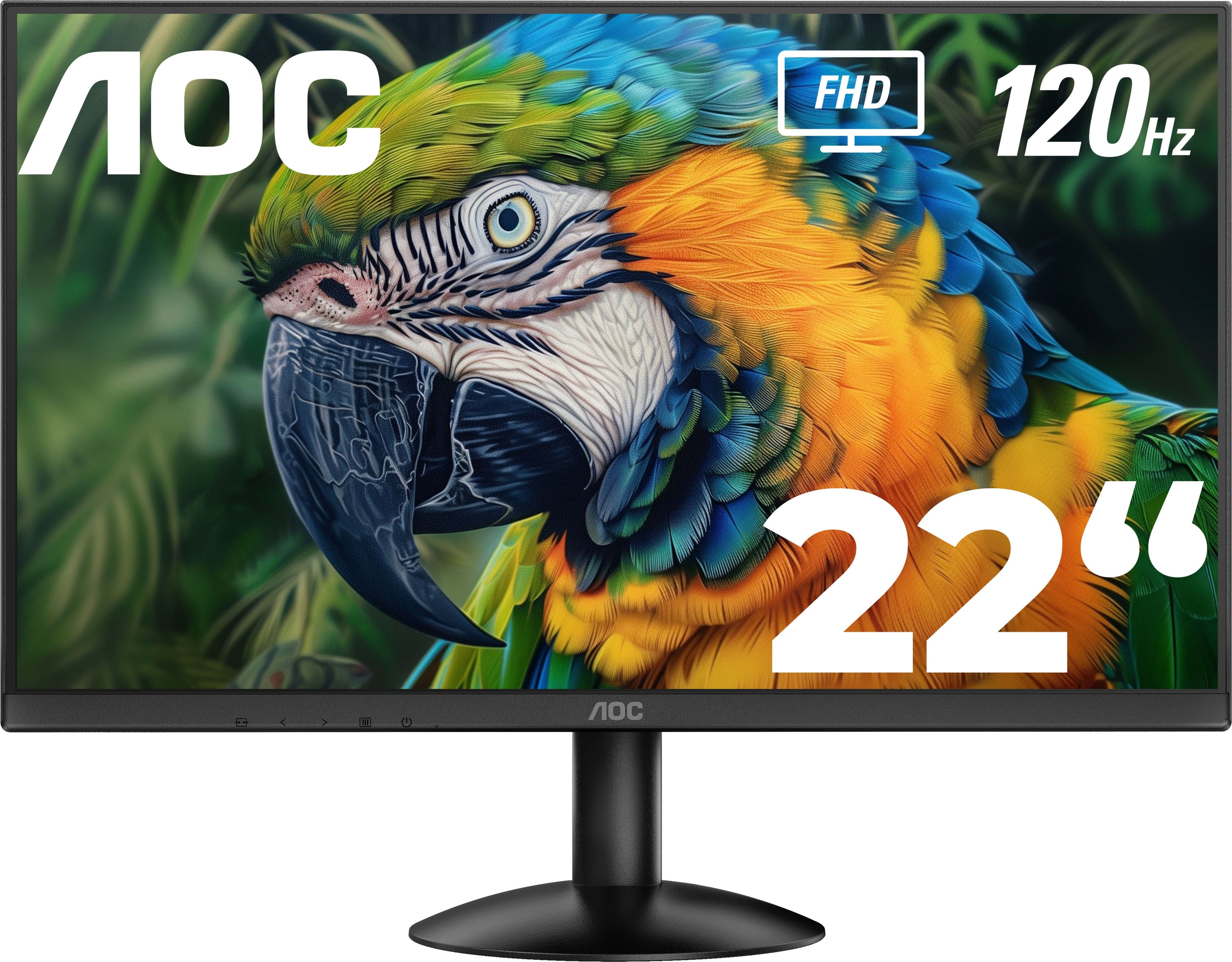
AOC - 22" 22B30HM2 FHD monitor - Black
SKU: JX9GSKP6QGThis was great price for this monitor! I bought it for my bf and he loves it!...The guy at Best Buy was super helpful with everything we needed and super nice so great service!...GREAT PURCHASE MONITOR...Then,...
See all All MonitorsProduct Description
A sleek black frameless monitor featuring FHD resolution, VA panel, 120Hz refresh rate, and AMD FreeSync.$99.99 Your price for this item is $99.99 -
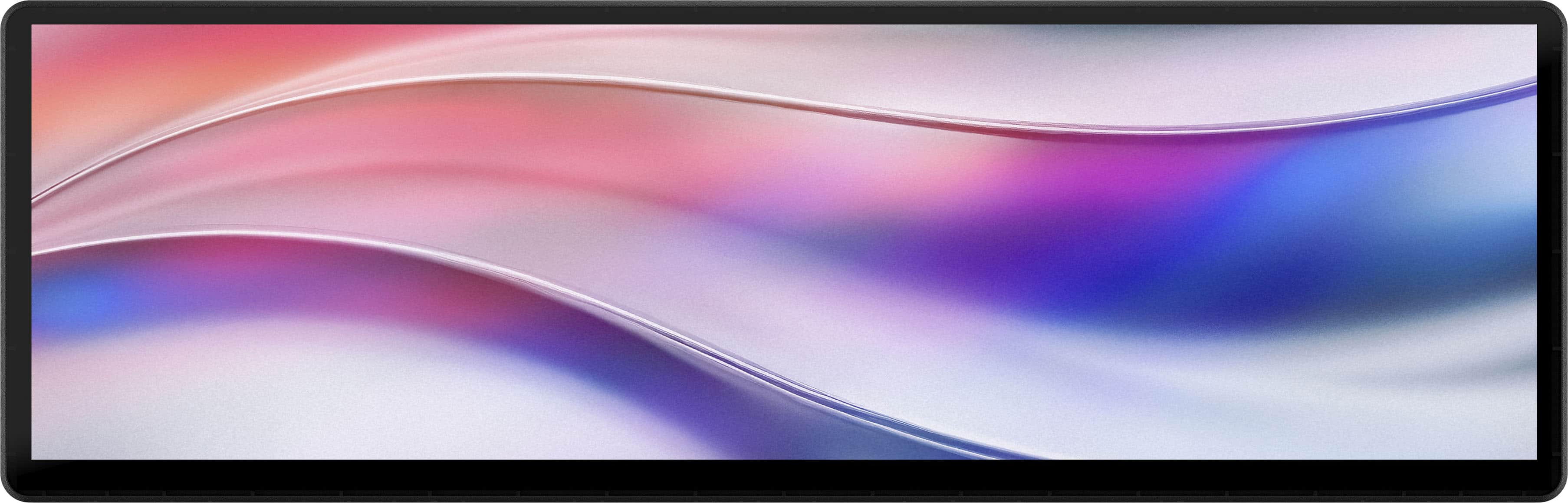
CORSAIR - Xeneon Edge 14.5" LCD 60HZ Touchscreen Versatile Screen - Black
SKU: J39TSCHLZ9Great features and performance...I bought this a while ago it’s one of the best things I’ve ever bought for my PC still use it and love...Great purchase and would certainly recommend...Love it! Great...
See all All MonitorsProduct Description
A versatile black LCD touchscreen monitor with 2560x720 resolution, 60Hz refresh rate, and multiple mounting options.$249.99 Your price for this item is $249.99 -
Dell - 23.8" IPS LED FHD 100Hz Monitor (VGA, USB, HDMI) - Black, Silver, Multicolor
SKU: J3K4L62V5YSee all All MonitorsProduct Description
A sleek black and silver IPS LED monitor offering FHD resolution, 100Hz refresh rate, and versatile connectivity.$181.99 Your price for this item is $181.99Save $7Was $188.99The previous price was $188.99 -
MSI - PRO MP273U 27" UHD 60Hz 4ms Adaptive Sync Monitor with HDR ready ,Built-in Speakers (DisplayPort, HDMI ) - Matte Black
SKU: J3P7TXPW8KThe built-in speakers are not the best but gets the job done....Practical and looks great...resolution is better than my current one and I haven’t noticed any delays or lagging so the visuals look great...
See all All MonitorsProduct Description
A matte black 27-inch 4K UHD IPS monitor with HDR, Adaptive Sync, built-in speakers, and ergonomic design.$162.99 Your price for this item is $162.99Save $37Was $199.99The previous price was $199.99 -
Dell - 21.5" IPS LED FHD 100Hz Monitor (VGA, USB, HDMI) - Black, Silver, Multicolor
SKU: J3K4L62V4PSee all All MonitorsProduct Description
A sleek black and silver IPS LED monitor offering FHD resolution, 100Hz refresh rate, and versatile connectivity.$199.99 Your price for this item is $199.99 -
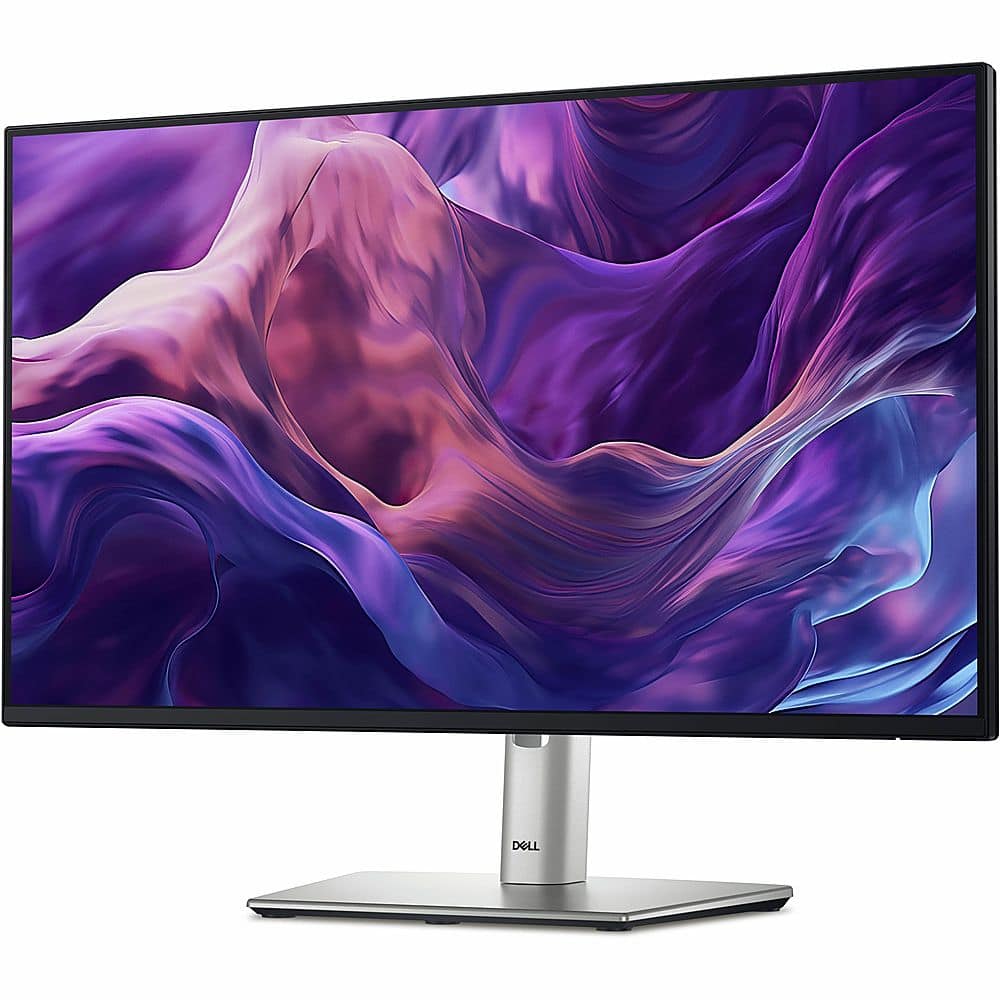
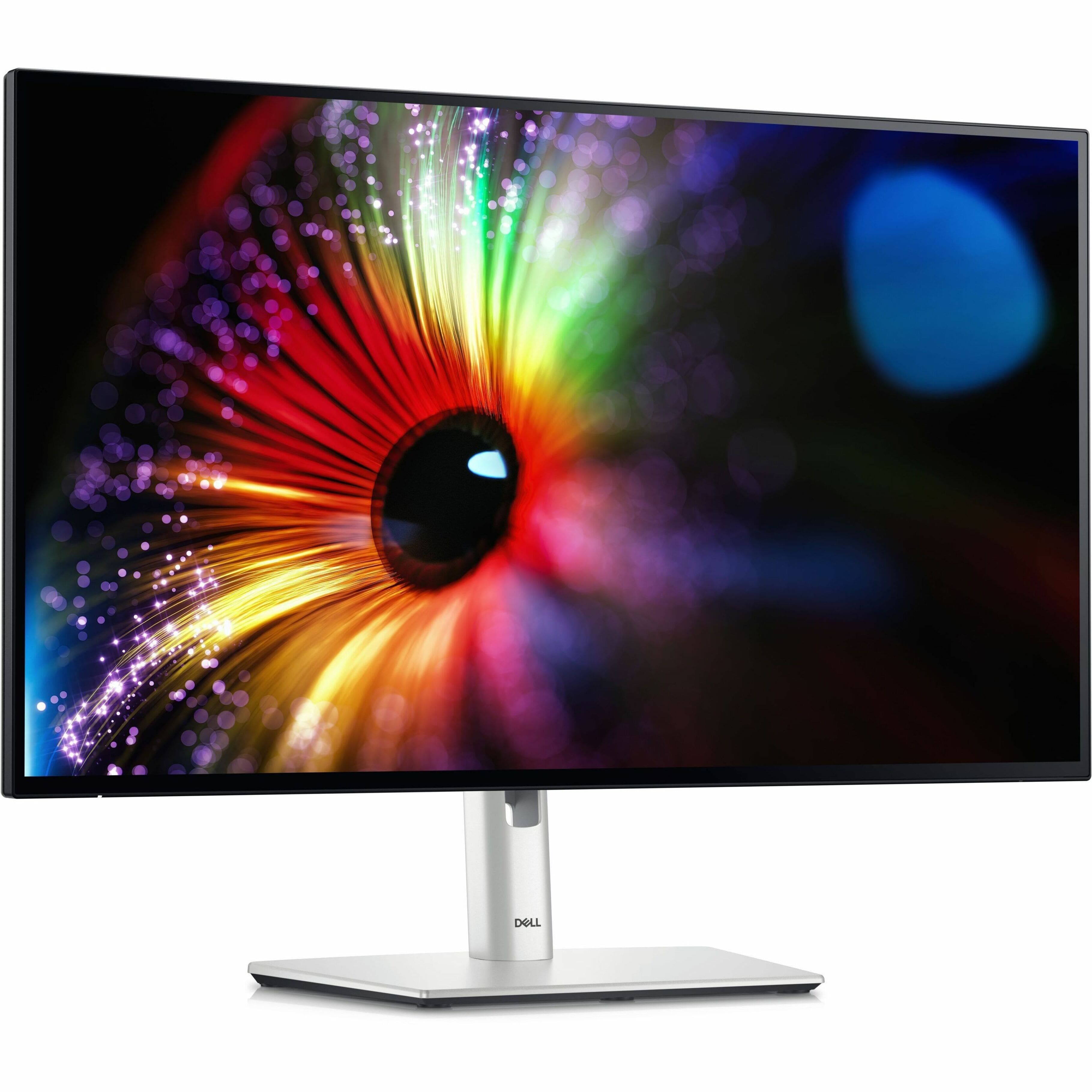
Dell - UltraSharp 27" IPS LED 120Hz Monitor (USB, HDMI) - Platinum Silver, Silver
SKU: J3K4L6CFPQSee all All MonitorsProduct Description
A platinum silver IPS LED monitor featuring 120Hz refresh rate, QHD resolution, and advanced blue light reduction.$389.00 Your price for this item is $389.00Save $60Was $449.99The previous price was $449.99
- 1
- 2
- ...
- 4
Office-ready monitors for daily tasks bring the everyday details of work into clearer view, from a packed calendar and a long email thread to the small numbers in a monthly budget. A well-matched desktop monitor gives documents, browser tabs, and video meetings room to share the screen, making it easier to keep a reference open while writing rather than repeatedly switching between windows. For many home offices and shared workspaces, a 24- to 27-inch monitor is a practical starting point: large enough for common productivity tasks, yet manageable on many standard desks. The best fit depends on viewing distance, available desk space, and how much information you like to see at once. A 24-inch Full HD display can suit email, web browsing, scheduling, and routine data entry, while a 27-inch QHD monitor offers more pixels for sharper text and additional workspace at comparable scaling settings. A 4K monitor can make fine text and detailed images look especially crisp, although display scaling may be needed to keep menus and lettering comfortably sized. Resolution matters alongside screen size; a larger screen with the same resolution does not automatically provide more usable workspace. Think of the familiar afternoon spent comparing an invoice with a purchase order: readable text and enough room for both documents can matter more than entertainment-focused extras. Office monitors serve remote employees, students, small-business owners, and anyone who manages household paperwork at a desk. They can also give a laptop a more comfortable place in a permanent workstation, with the larger display handling the main workload and the laptop screen holding messages or a meeting window. For daily office use, the most useful monitor is not necessarily the largest or most expensive. It is the one whose size, clarity, and layout fit the work you actually do, whether that means reviewing reports for hours or sitting down briefly to pay bills and answer messages.
Comfort and placement deserve as much attention as the picture itself, especially when a desk has to serve several people or accommodate long stretches of reading. A height-adjustable stand makes it easier to position the screen near eye level without balancing it on books, while tilt and swivel adjustments help accommodate different chairs, seating positions, and lighting conditions. Pivot adjustment can be useful for viewing lengthy documents or code in portrait orientation, provided the display and computer settings support that arrangement. If the desktop is shallow or crowded, check the stand’s footprint as well as the screen dimensions; a compact base can leave valuable space for a keyboard, notebook, and the coffee cup that always seems to land beside them. Compatible VESA mounting support offers another option for positioning a monitor on an arm, but the mount must match the display’s mounting pattern and weight. Image quality also affects how pleasant routine work feels. An IPS panel typically provides wide viewing angles and consistent-looking color when you shift in your chair or share the screen with a colleague. Other panel types can offer different strengths, including higher contrast, so panel technology is worth weighing alongside brightness, resolution, and adjustability. A matte or anti-glare surface can help manage distracting reflections, though placing the screen away from direct window glare still matters. Flicker-free operation and adjustable blue light settings may make viewing more comfortable for some users, but they do not replace sensible brightness settings, regular breaks, or appropriate room lighting. During the cooler months, when a desk lamp may be on for more of the workday, matching screen brightness to the surrounding light can help avoid an overly bright rectangle in a dim room. A standard 60Hz refresh rate is generally sufficient for documents and email; higher refresh rates can make scrolling and pointer movement appear smoother when supported by the connected computer. For an office-focused purchase, these benefits are usually best considered after text clarity, ergonomic flexibility, and reliable connectivity.
Connections and built-in features determine how easily an office monitor fits into your existing routine. HDMI and DisplayPort are common choices for carrying video from a computer, while a compatible USB-C connection can simplify a laptop setup by carrying video, data, and power through one cable. Those capabilities are not included with every USB-C port, so check that the laptop supports video output over USB-C and that the monitor provides enough power delivery for the laptop’s requirements. The cable also needs to support the intended functions. A monitor with a built-in USB hub can keep a keyboard, mouse, or other supported accessories connected at the desk, reducing the number of cables you reconnect when moving a laptop between rooms. Some displays add Ethernet connectivity or other docking features, which may be useful for a more permanent workstation. Built-in speakers are convenient for alerts and occasional calls, although separate speakers or a headset may be preferable for clearer conversations or greater privacy. An integrated webcam and microphone can reduce desktop clutter, but they are features to verify rather than assume; camera placement, privacy controls, and compatibility all deserve consideration. For spreadsheet-heavy work or frequent comparisons between documents, dual monitors provide distinct spaces for separate tasks, while an ultrawide display offers a broad, continuous workspace. Either arrangement requires enough desk space and a computer capable of driving the intended resolution and number of screens. Budgeting for an office display also means accounting for any needed cable, adapter, monitor arm, or docking equipment, rather than comparing screen prices alone. If long-term everyday use is a priority, Durable Monitors for Everyday Computing offers another relevant selection to explore, with warranty coverage, construction, and connection compatibility worth considering as you compare options. A thoughtfully chosen monitor can also be a practical gift for a student building a study space, someone starting a remote role, or a family member upgrading a crowded home desk. Confirming their computer connections and available space helps make the gift useful from the first work session, with fewer setup surprises and more room for the tasks that fill an ordinary day.
Best Sellers
Related Pages
FAQ
When choosing an office-ready monitor for daily tasks, look for features such as ergonomic adjustability, built-in blue light filters, flicker-free technology, multiple connectivity options (like HDMI and DisplayPort), and a matte screen finish to reduce glare. These features help enhance comfort and productivity during extended use.
Yes, most office monitors are designed to be compatible with both Windows and Mac computers. They typically offer standard video inputs like HDMI, DisplayPort, or USB-C, making it easy to connect to a wide range of devices regardless of the operating system.
Absolutely! Many office monitors support multitasking features such as Picture-by-Picture (PBP) or Picture-in-Picture (PIP), allowing you to view content from multiple sources simultaneously. Additionally, larger screens and higher resolutions make it easier to work with multiple windows side by side.
Some office-ready monitors include built-in speakers for basic audio needs like video calls or background music. However, if high-quality sound is important for your work, you may want to consider external speakers or headphones for enhanced audio performance.
Many modern office monitors feature integrated USB hubs that allow you to connect peripherals such as webcams, keyboards, or mice directly to the monitor. This helps keep your workspace organized and makes it easy to manage multiple devices from a single connection point.