Modern Monitors For Hybrid Work
Modern monitors for hybrid work are designed to help you stay productive and connected, whether you're at home or in the office. With sleek designs that complement any workspace, these monitors make it easy to transition between tasks and environments. Discover options that support the flexibility of hybrid work and elevate your everyday workflow with crisp visuals and versatile setups. Find the perfect fit for your needs and create a workspace that keeps up with your dynamic routine.
Read More-
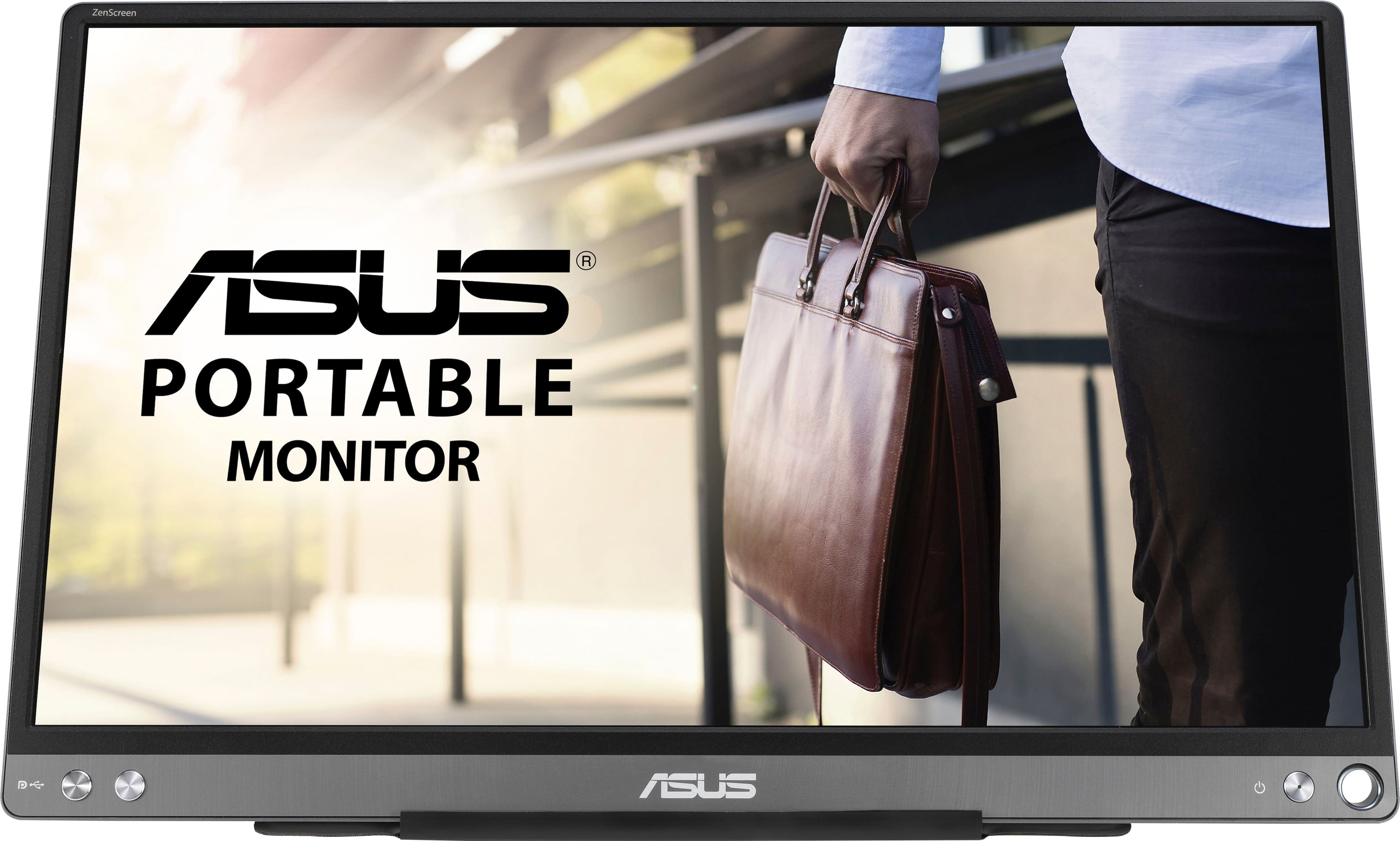
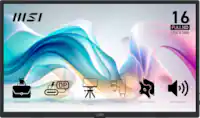
ASUS - ZenScreen 15.6" FHD IPS Portable Monitor with Foldable Smart Case (USB-C) - Dark Gray
SKU: JJ8Q7647Q2Great little monitor
See all Portable MonitorsProduct Description
A portable dark gray IPS monitor with Full HD resolution, USB-C connectivity, and an anti-glare screen.$179.00 Your price for this item is $179.00Save $98Was $277.49The previous price was $277.49 -
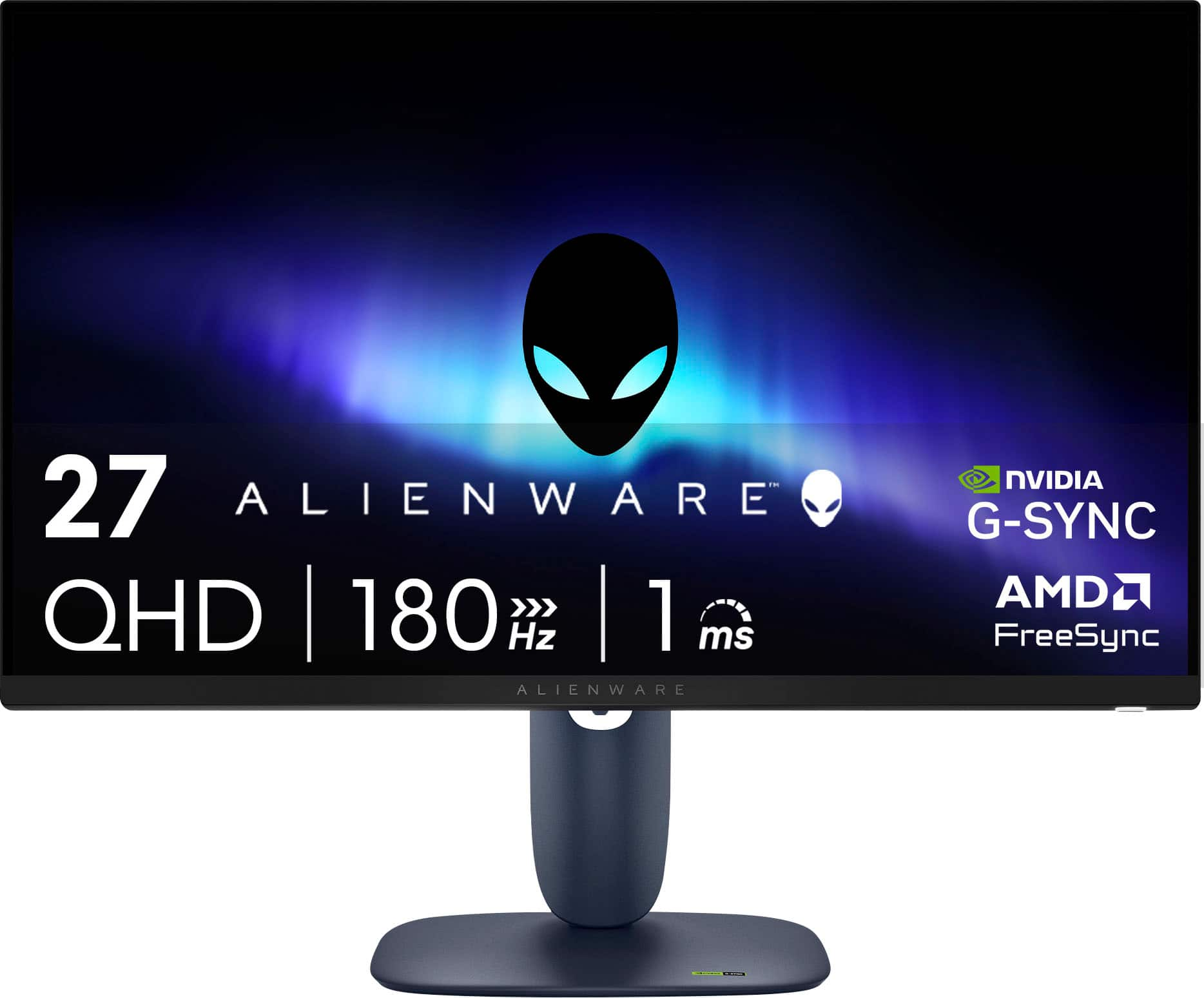
Alienware - AW2725DM 27" IPS LED QHD 180Hz 1ms FreeSync and G-Sync Compatible Gaming Monitor with HDR (HDMI, DisplayPort, USB) - Interstellar Indigo
SKU: J3K4L636PRGreat item I love Best Buy. Come to Best Buy for all your needs...Amazing cool equipment best in town love it absolutely
See all Gaming MonitorsProduct Description
A black QHD gaming monitor with 180Hz refresh rate, 1ms response, HDR, FreeSync, and G-Sync support.$199.99 Your price for this item is $199.99Save $70Was $269.99The previous price was $269.99 -
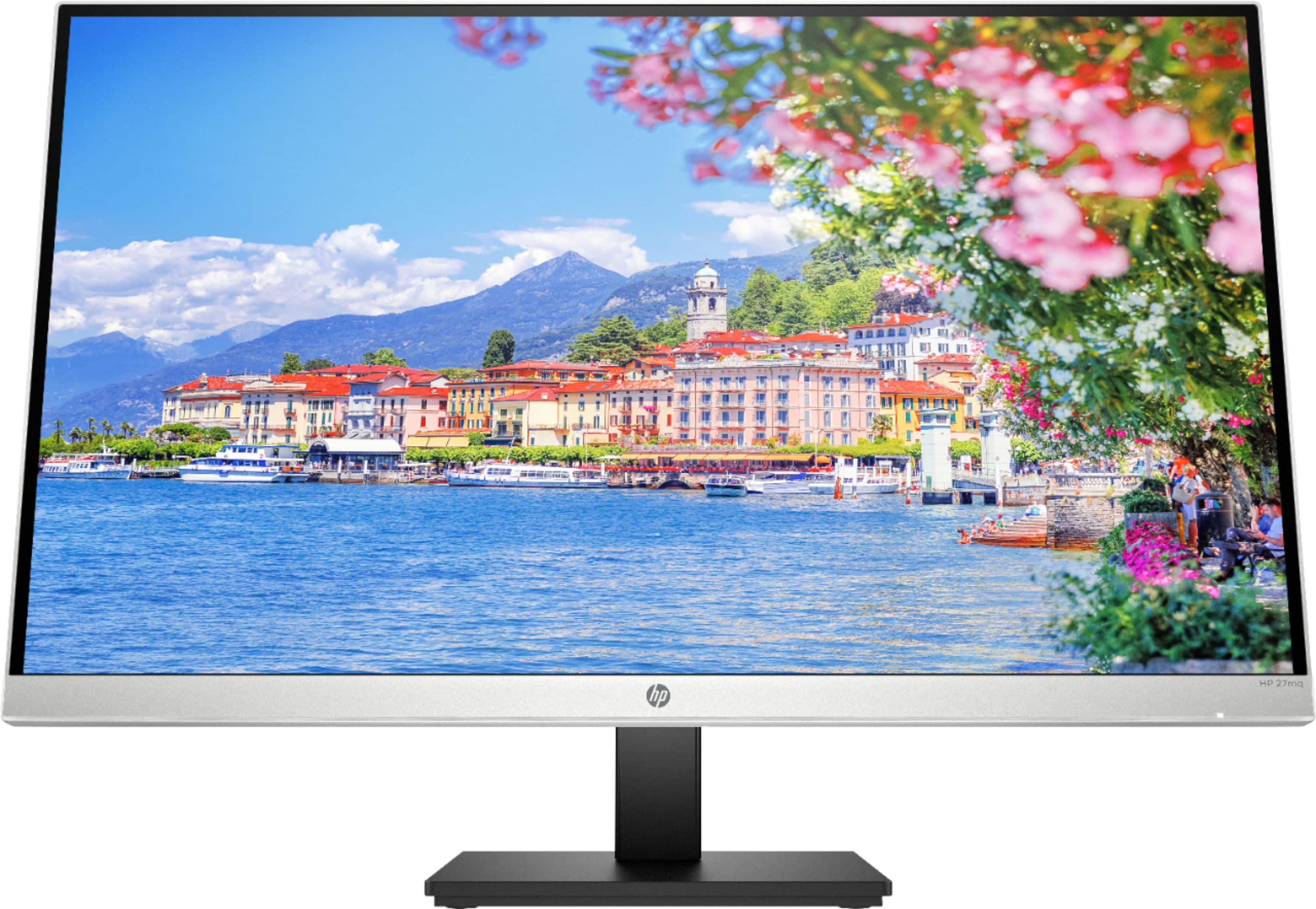
HP - 27" IPS LED QHD Monitor with Adjustable Height (HDMI, VGA) - Silver & Black
SKU: JJ8V36C2Z9Picture looks great, I love the height adjustment. Great viewing angles and details....Probably not the best for AAA gaming but for a casual gamer it's a great budget option....LOVE it! Great Best Buy...
See all All MonitorsProduct Description
A sleek silver and black QHD monitor featuring IPS panel, ultra-wide viewing angles, and adjustable height.$332.99 Your price for this item is $332.99Save $37Was $369.99The previous price was $369.99 -
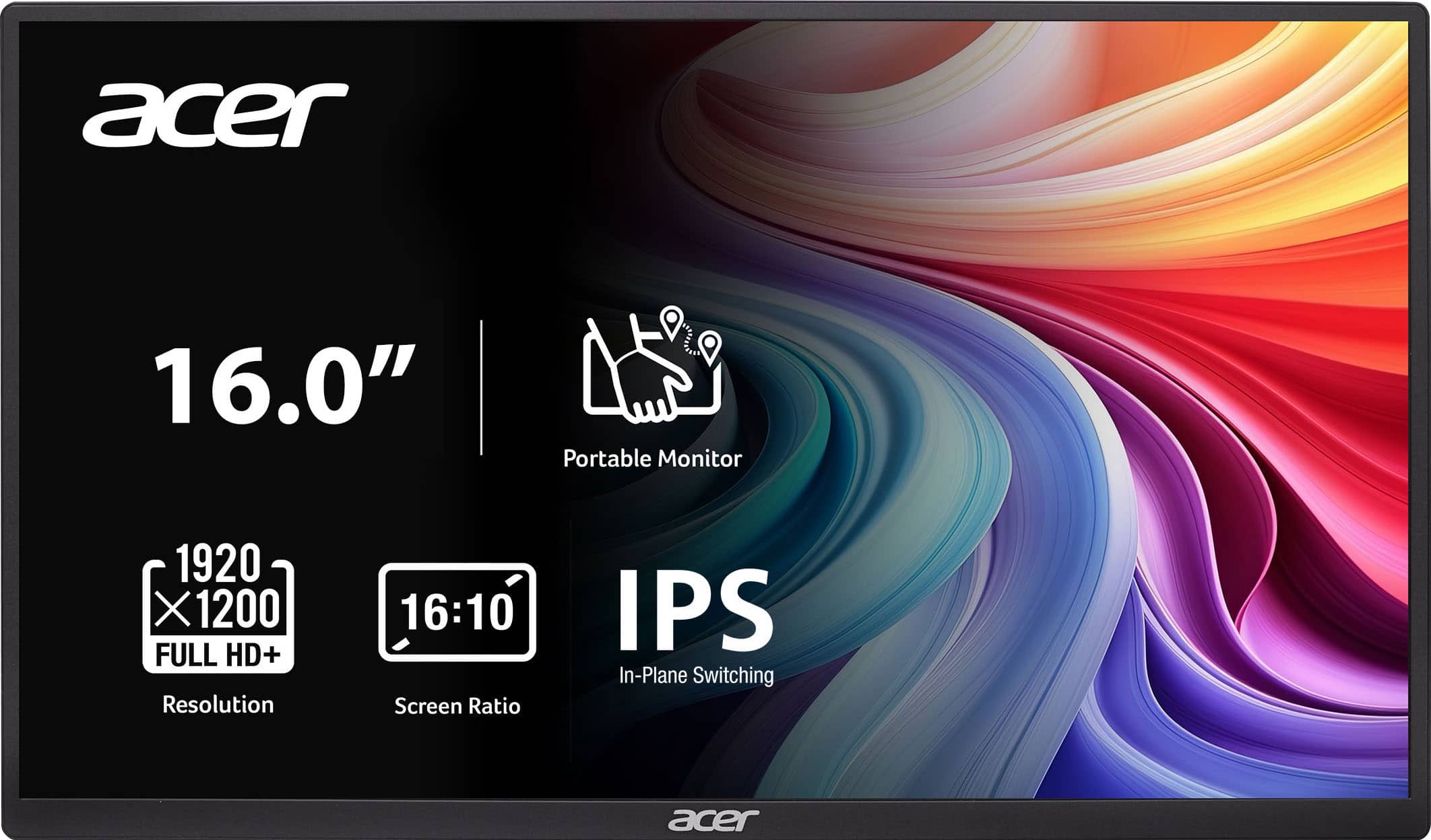
Acer - PM161W 16.0" WUXGA 60Hz FreeSync Compatible IPS Portable Monitor (2 x USB 3.1 Type-C, Mini HDMI, Audio Out) - Black
SKU: JJ8V8HXR3VGood quality, great picture, very easy and fast connection....The best part is the price and the quality!...Great product...A great product. I love it. Easy to travel with. It’s seamless.
See all All MonitorsProduct Description
A portable black IPS monitor with WUXGA resolution, FreeSync support, and versatile USB-C and HDMI connectivity.$109.99 Your price for this item is $109.99 -
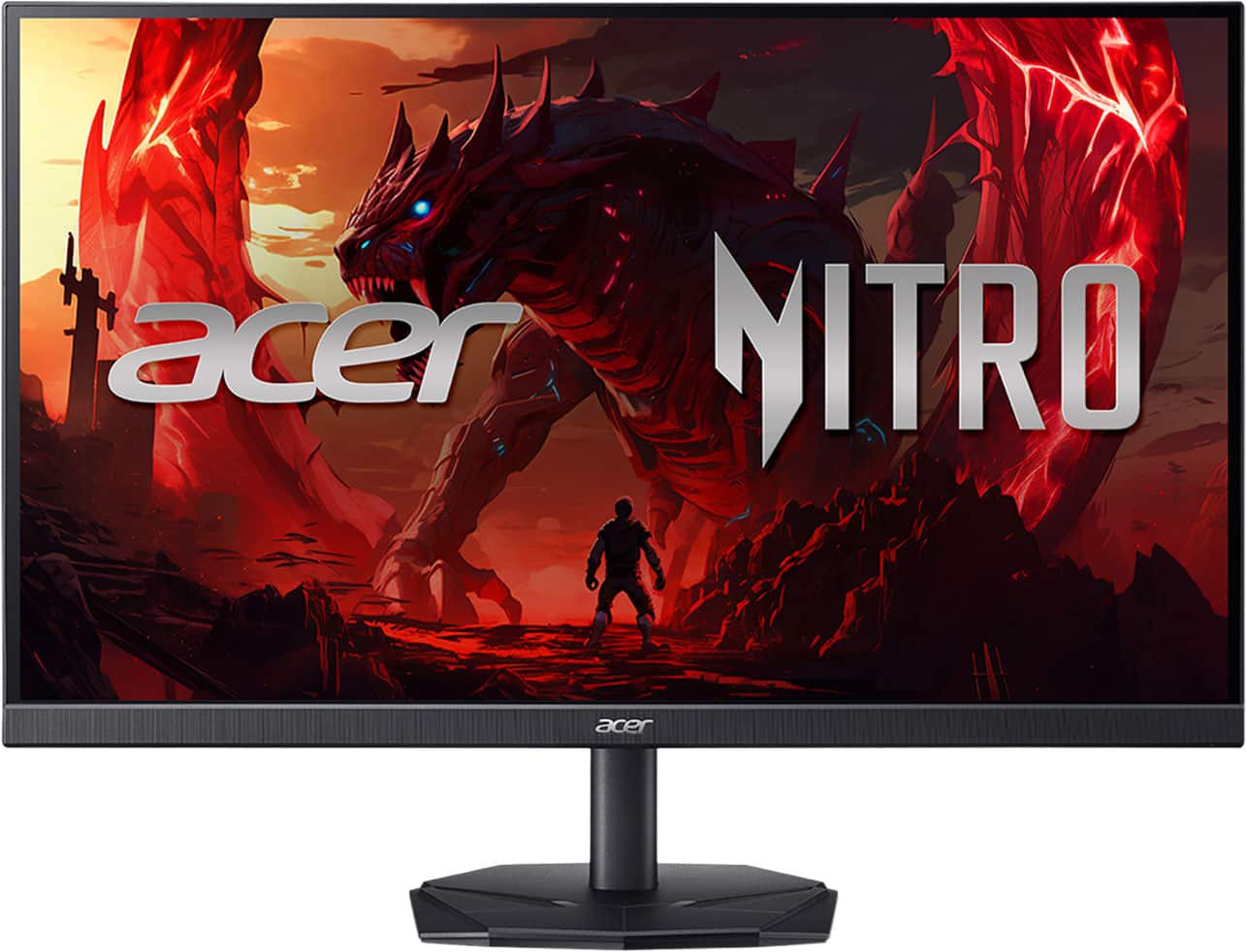
Acer - Nitro KGB271U 27" WQHD IPS Up to 200Hz 0.5ms FreeSync Premium Gaming Monitor with HDR10 (DisplayPort, HDMI) - Black
SKU: JJ8V8HG6WGLove it best price to quality ratio. I Definitely recommend for a main monitor....I love this monitor great quality great picture definitely would recommend.
See all Gaming MonitorsProduct Description
A black IPS gaming monitor with WQHD resolution, 200Hz refresh rate, 0.5ms response, and HDR10 support.$149.99 Your price for this item is $149.99Save $50Was $199.99The previous price was $199.99 -
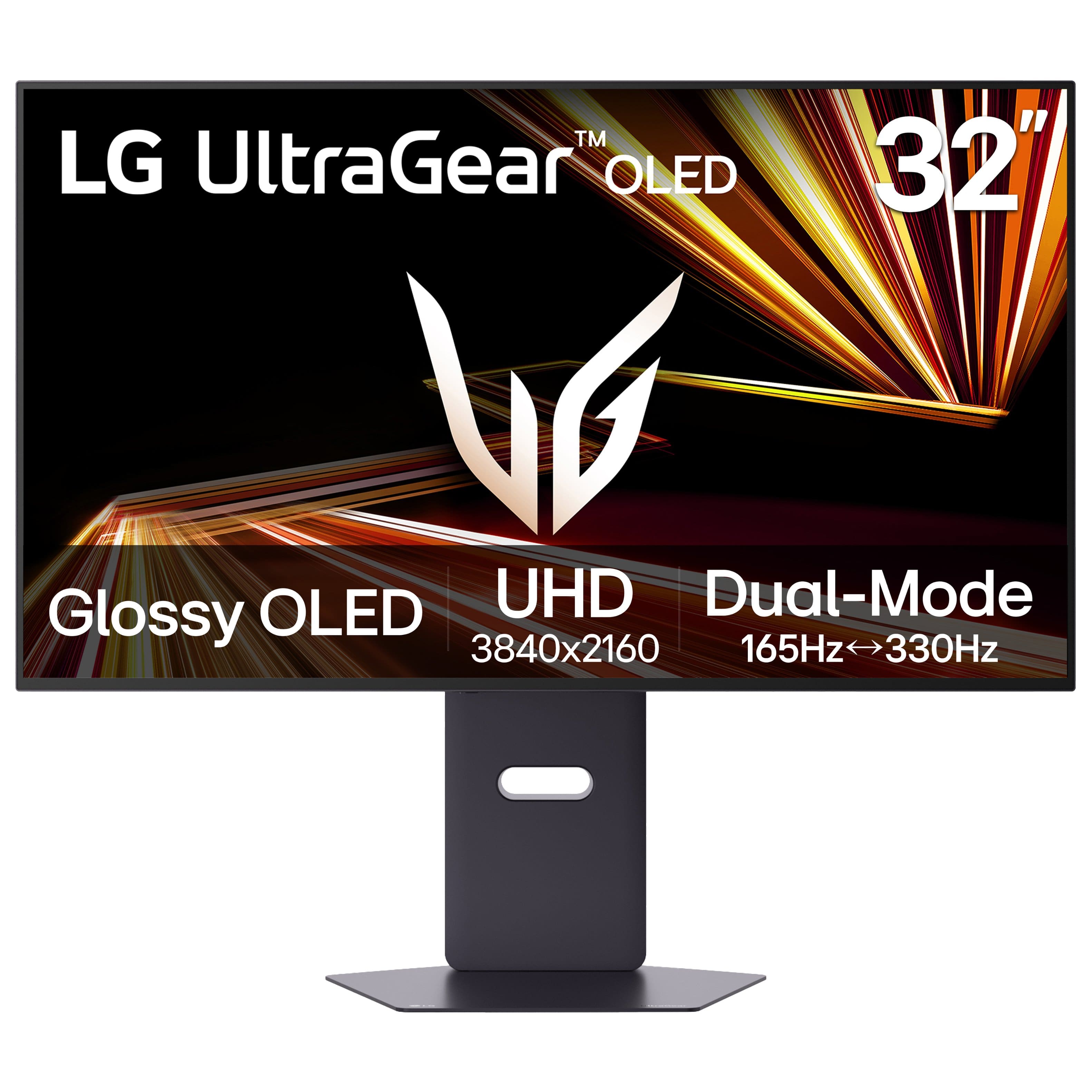
LG - UltraGear 32" OLED Dual Mode (4K UHD 165Hz, FHD 330Hz) 0.03ms G-Sync/FreeSync Premium Pro Gaming Monitor with - Black
SKU: JJ8VPZK9GTAbsolutely love this OLED monitor!...Definitely one of the best displays I’ve used!
See all Gaming MonitorsProduct Description
A black OLED gaming monitor offering 4K UHD at 165Hz, FHD at 330Hz, and ultra-fast 0.03ms response.$789.99 Your price for this item is $789.99Save $110Was $899.99The previous price was $899.99 -
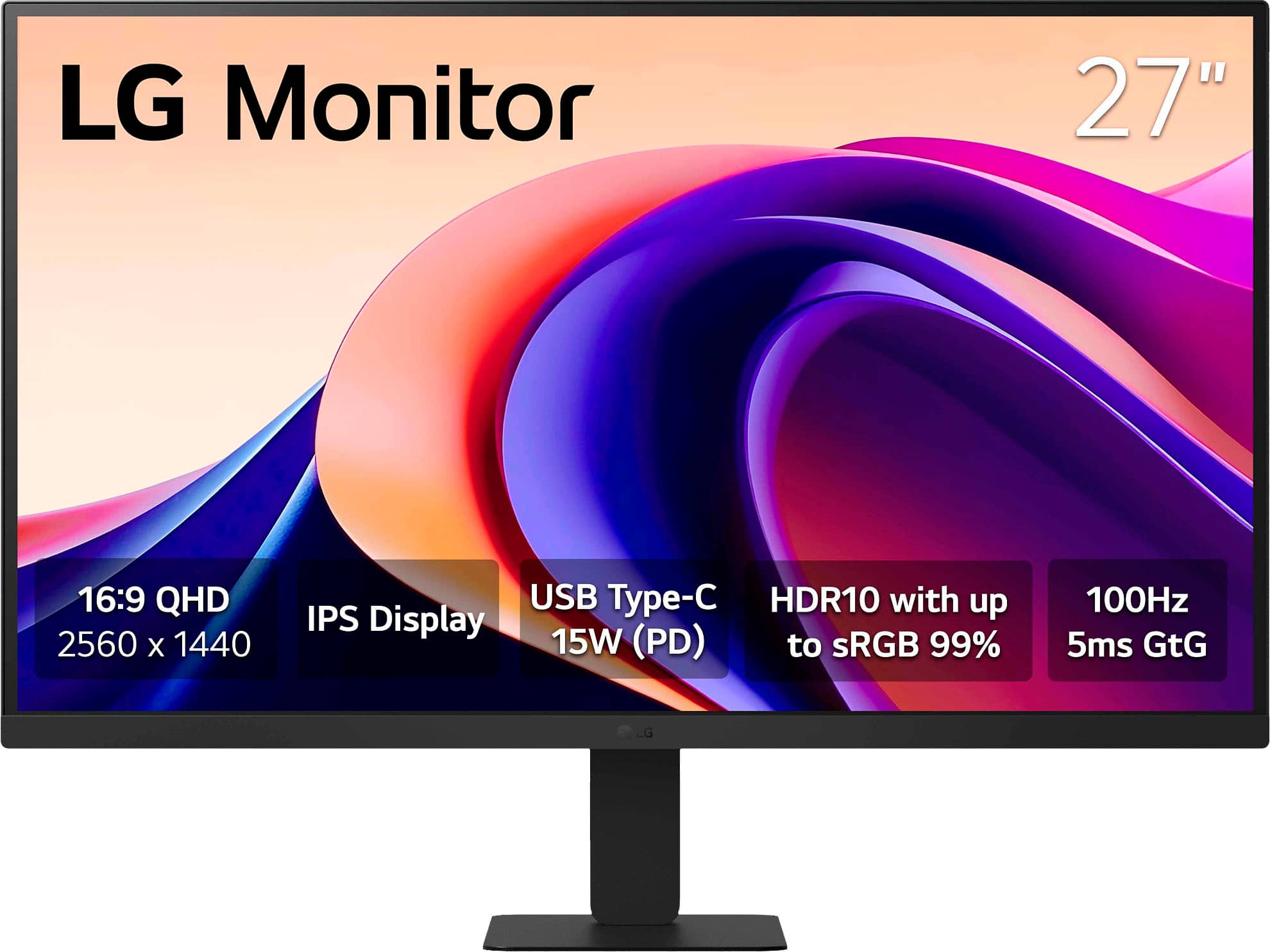
LG - 27" Monitor QHD IPS 100Hz with HDR10 (HDMI USB-C) - Black
SKU: JJ8VPZT5X4great pick upgood price good quality cant beat a deal at best buy...Great monitor...Love the no glare finish. Easy set up. Great monitor.
See all All MonitorsProduct Description
A sleek black QHD IPS monitor with HDR10, 100Hz refresh rate, USB-C connectivity, and vibrant color.$169.99 Your price for this item is $169.99 -
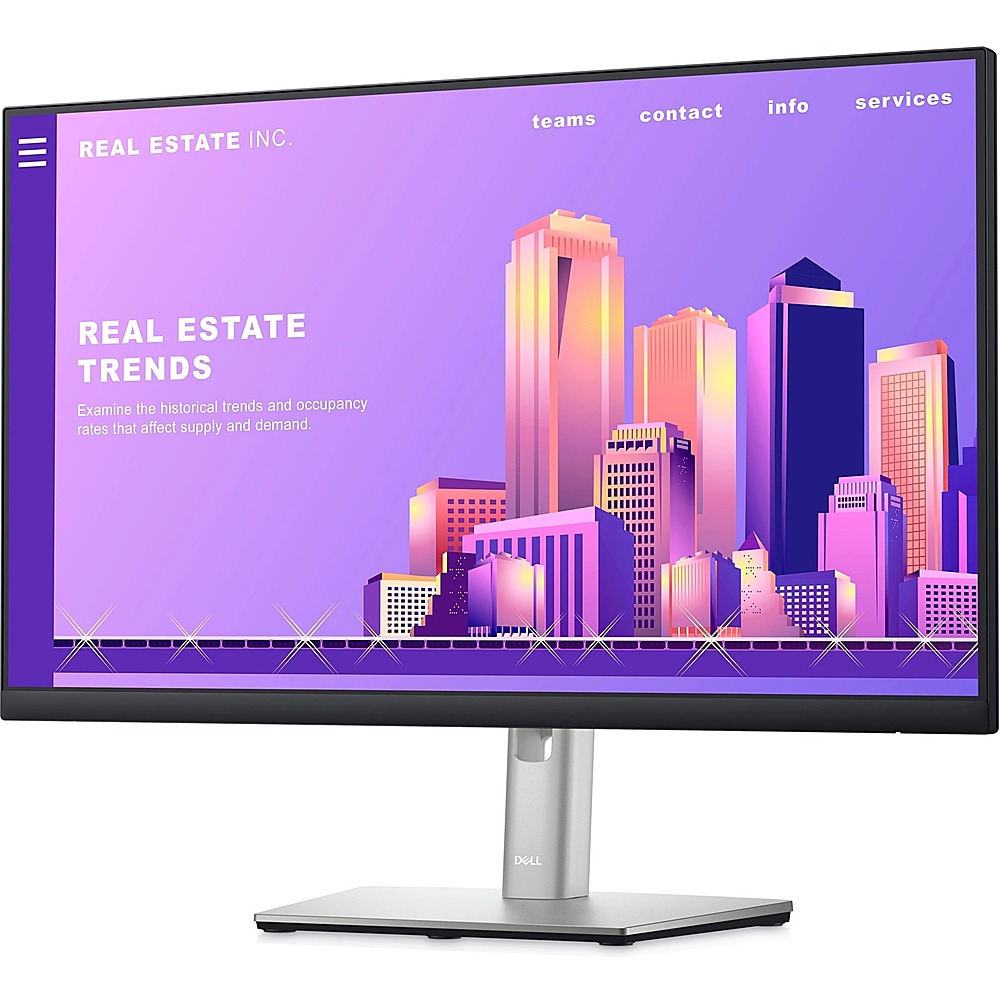
Dell - 23.8" LCD FHD Monitor (DisplayPort,USB, HDMI) - Black/Silver
SKU: J3K4L9VS4PSee all All MonitorsProduct Description
A sleek black and silver FHD monitor with IPS panel, ComfortView Plus, and adjustable stand height.$219.89 Your price for this item is $219.89 -
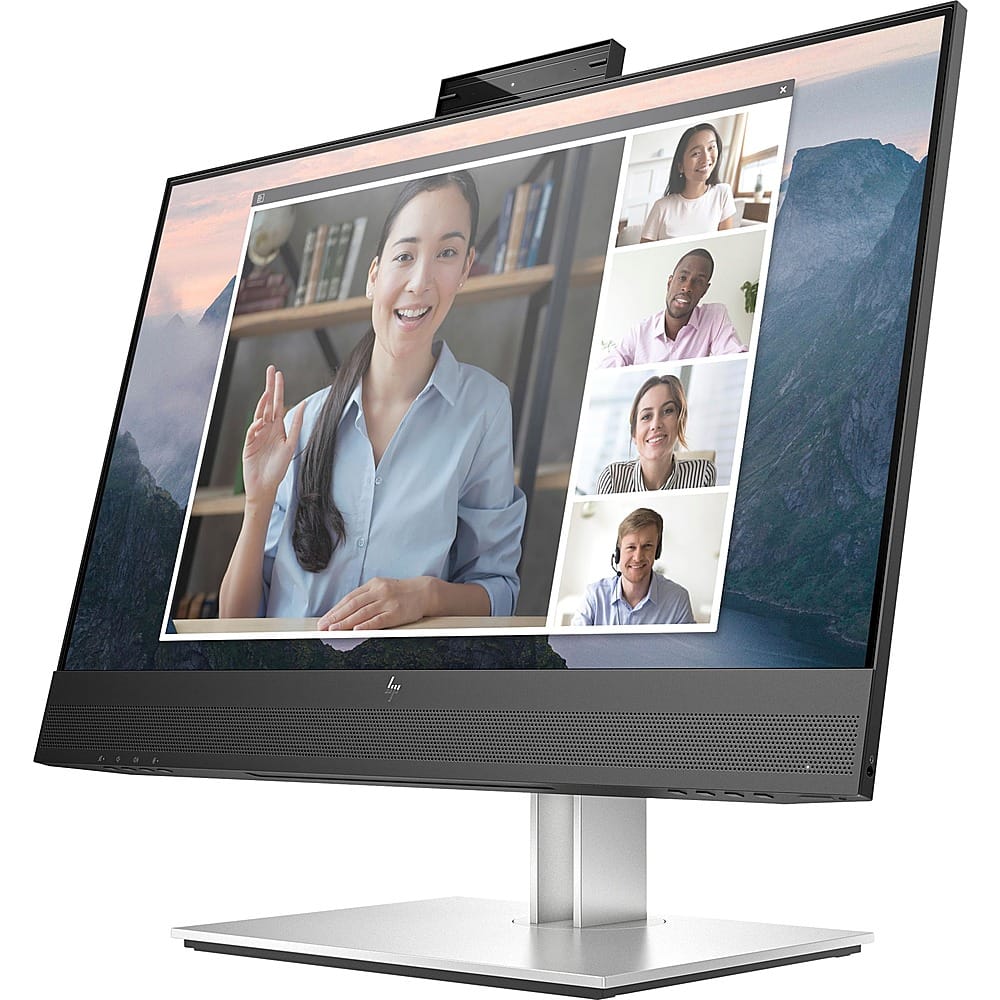
HP - E24mv G4 FHD Conferencing Monitor 23.8 LCD FHD - Black/Silver
SKU: JJ8V39YY5JWorks great. Love the size and clarity. Would recommend....Great Monitor...Nice crisp display and I love the built in mic and speakers. I use for work and home seamlessly.
See all All MonitorsProduct Description
A sleek black and silver conferencing monitor featuring a 23.8" FHD IPS display, pop-up webcam, and speakers.$263.20 Your price for this item is $263.20Save $56Was $319.99The previous price was $319.99 -
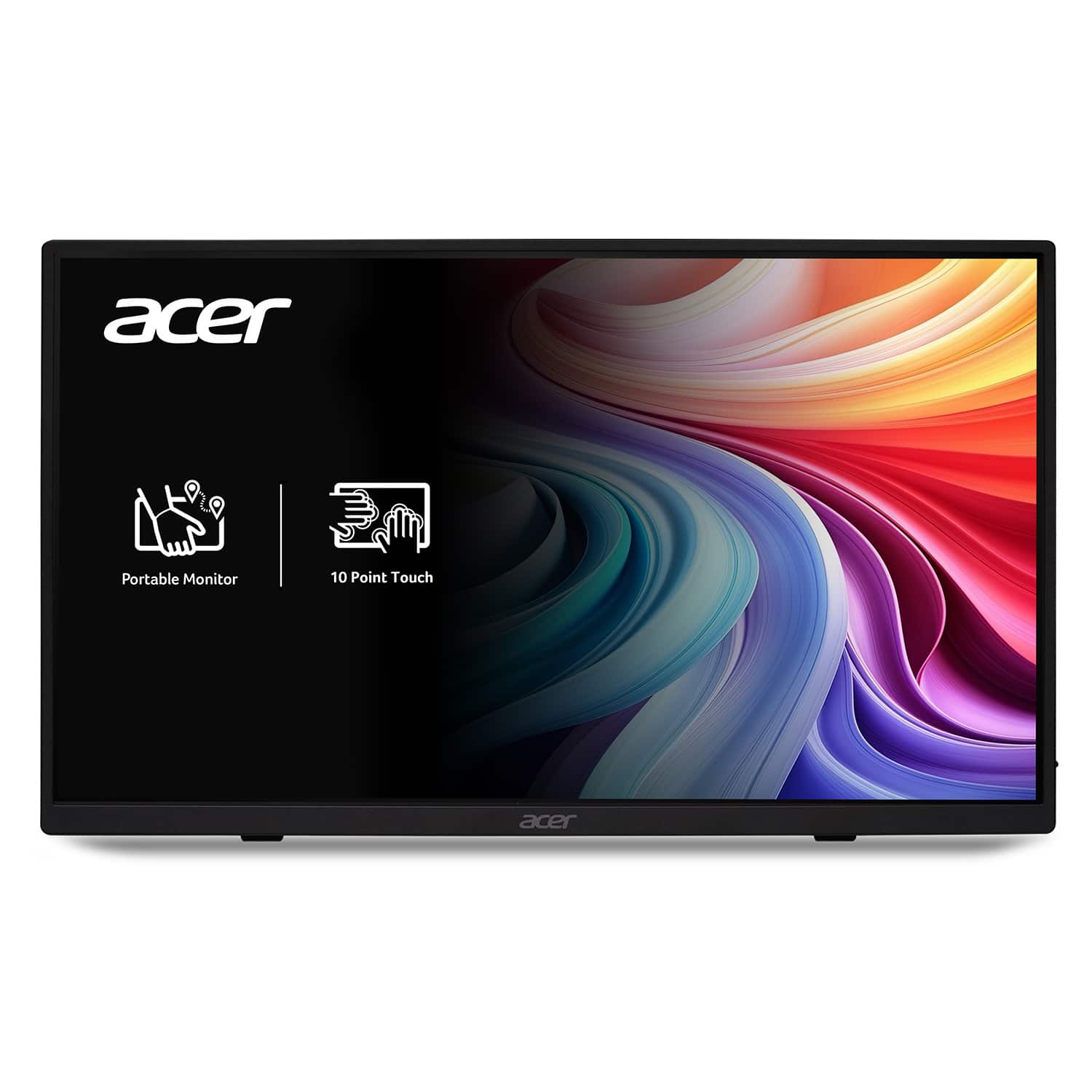
Acer - 15.6" LCD FHD 60Hz Adaptive Sync IPS Portable Touch Monitor (USB Type-C, Mini HDMI & Micro USB) - Black
SKU: JJ8V8HX2VPBest thing i ever used and its versatility is great helps me monitor my gens and has helped during my...I love this monitor! I use it for my textbooks and have never been failed!...I love how portable...
See all All MonitorsProduct Description
A portable black IPS touch monitor with Full HD resolution, Adaptive Sync, and versatile USB Type-C connectivity.$129.99 Your price for this item is $129.99Save $40Was $169.99The previous price was $169.99
- 1
- 2
- ...
- 4
Modern monitors for hybrid work help create a more consistent workspace when your office changes from a dedicated desk to a dining table, guest room, kitchen counter or shared home office. A well-chosen display can make the transition between home and office feel less like rebuilding a workstation every day. Look for a screen that gives documents, spreadsheets, calendars and video calls enough room to remain visible without constant resizing or switching between windows. A 27-inch QHD monitor is a practical middle ground for many workspaces, offering sharper text and more usable desktop space than a standard Full HD display while still fitting comfortably on a typical desk. A 32-inch 4K monitor can be a better match for people who work with large spreadsheets, detailed designs, long timelines or several applications at once. Larger ultrawide and extra-large displays may allow multiple windows to sit side by side, which can be useful for comparing documents, monitoring dashboards or keeping chat and project tools open while working. Resolution is only part of the experience, so consider panel quality, brightness, viewing angles and text clarity as well. IPS-style panels are often valued for consistent color and wide viewing angles, while higher refresh rates can make scrolling, cursor movement and supported video content feel smoother. For video meetings, a display with an integrated camera, microphone or speakers may reduce the number of accessories on a crowded desk, although separate equipment can still be preferred by people who want more control over call quality. During the cooler months, when workdays may begin and end with limited natural light, adjustable brightness and a comfortable viewing mode can also help make long sessions easier on the eyes.
Connectivity is especially important for hybrid work because the monitor can serve as the central connection point for a laptop and the accessories used throughout the day. USB-C connectivity with power delivery can send the image to the display, charge a compatible laptop and connect peripherals through a single cable, helping reduce the familiar tangle of cords behind a desk. Depending on the monitor and computer, power delivery may reach 90 watts or more, but it is important to compare the monitor’s output with the laptop’s charging needs before purchasing. Built-in USB hubs can provide convenient connections for a keyboard, mouse, webcam, storage drive or other accessories, while an Ethernet port can offer a dependable wired network connection for video meetings and large file transfers. A KVM switch is useful for anyone who moves between a work laptop and a personal computer, allowing one keyboard and mouse to control two systems without repeatedly unplugging accessories. People who use a laptop at home and return to an office during the week may also appreciate a monitor that makes setup and pack-up quick: connect one cable, place the computer on a stand or beside the display, and begin working. Check the available ports carefully, including USB-C, HDMI, DisplayPort, audio and network connections, as well as whether the cables needed for your setup are included. Compatibility matters too; not every USB-C port supports video output or laptop charging, and some advanced features require support from the computer’s operating system. Pairing a modern monitor with Modern Laptops For Hybrid Work can help create a more streamlined setup, especially for people who regularly carry their computer between locations.
Comfort and flexibility can make a greater difference over months of use than a specification that looks impressive on a product page. An adjustable stand with height, tilt and swivel options can help position the top of the screen near eye level, reducing the tendency to lean forward or angle the neck during a long work session. A pivot function may be helpful for reading lengthy documents, reviewing code or working with portrait-oriented content, while a VESA-compatible design can provide additional mounting options for compact desks and multi-monitor arrangements. Leave enough space between your eyes and the screen to view the full display without turning your head repeatedly, and place the monitor where windows or overhead lights do not create distracting reflections. People working in smaller rooms may prefer a compact display with a simple stand, whereas a dedicated home office can accommodate a wider screen, monitor arm or two-display setup. These monitors can also be thoughtful gifts for a remote employee, college student, freelancer, small-business owner or family member preparing a more comfortable workspace. A monitor may support remote meetings in the morning, creative projects in the afternoon and entertainment after work, making it useful well beyond a single task. Consider the recipient’s computer connections, desk size, typical applications and comfort preferences before choosing a display, and remember that a monitor intended for hybrid work should fit naturally into both professional and personal routines. Whether it is used for focused writing in a quiet room, collaborative calls while the weather outside turns colder or managing several projects from a shared workspace, the right combination of screen size, resolution, connectivity and adjustability can make everyday computing feel more organized.
Best Sellers
Related Pages
FAQ
When choosing a monitor for hybrid work, consider features like high resolution (such as Full HD or 4K), adjustable stands for ergonomic comfort, built-in speakers or webcams, multiple connectivity options (HDMI, USB-C, DisplayPort), and blue light filtering to reduce eye strain during long work sessions.
A USB-C port allows you to connect your laptop or other devices with a single cable that can transmit video, audio, data, and even power. This simplifies your workspace setup and makes it easy to switch between home and office environments.
Curved monitors can enhance immersion and reduce distortion at the edges of the screen, making them ideal for multitasking and extended use. They are particularly beneficial if you often work with multiple windows or need a wide field of view.
An adjustable stand lets you customize the height, tilt, swivel, and sometimes pivot of your monitor. This helps maintain proper posture and comfort whether you're working from home or in the office, reducing neck and back strain.
A higher refresh rate (such as 75Hz or above) provides smoother visuals when scrolling through documents or participating in video conferences. It can also reduce eye fatigue during prolonged use compared to standard 60Hz monitors.