Best Wfh Monitors
-
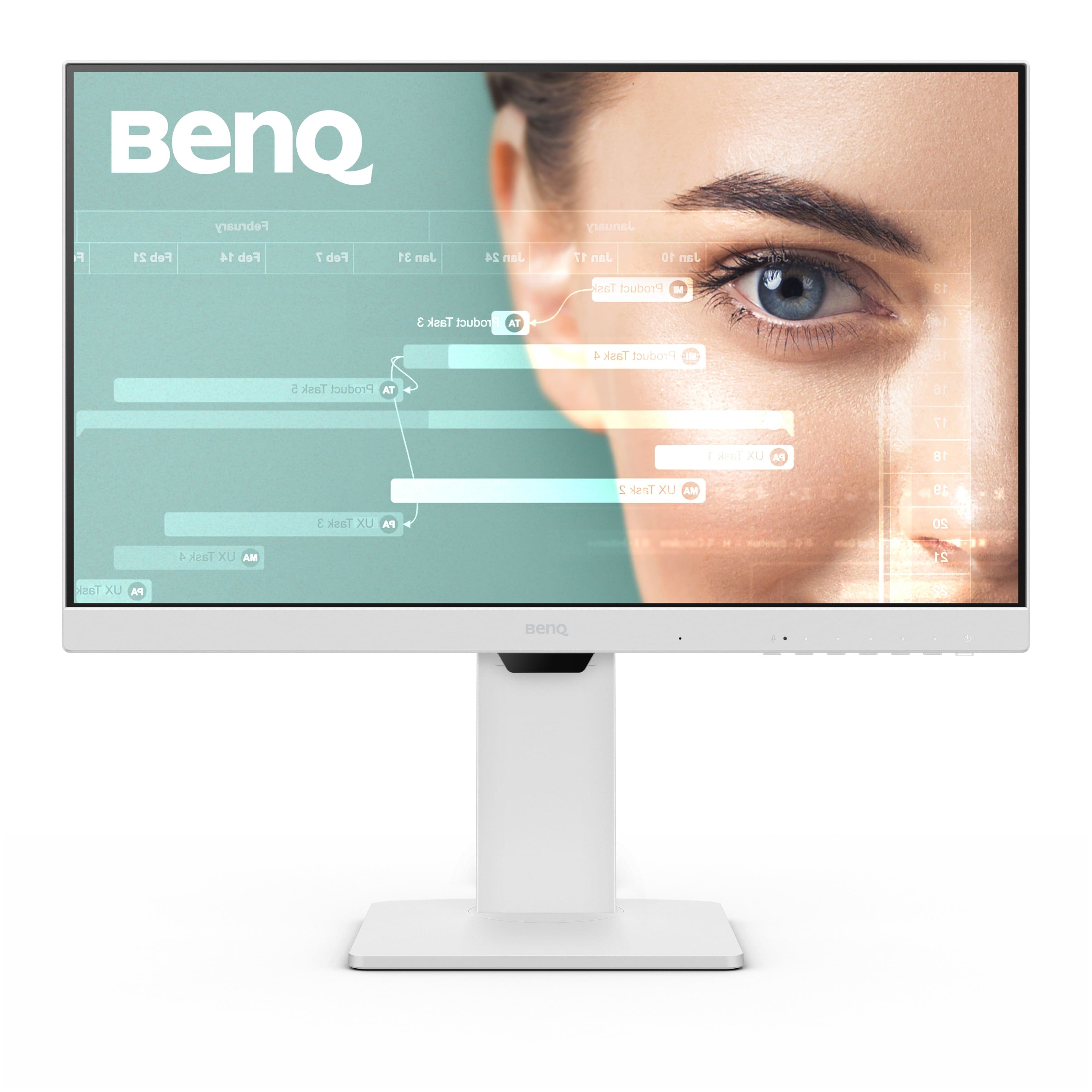
BenQ - GW2486TC 23.8" IPS LED 1080p FHD 100HZ USB-C Monitor (HDMI/DP/USB-C) - White
SKU: J39QZT53WTSee all All MonitorsProduct Description
A white IPS LED monitor with 1080p resolution, 100Hz refresh rate, USB-C, and ergonomic design.Your price for this item is $169.99Save $30The previous price was $199.99 -
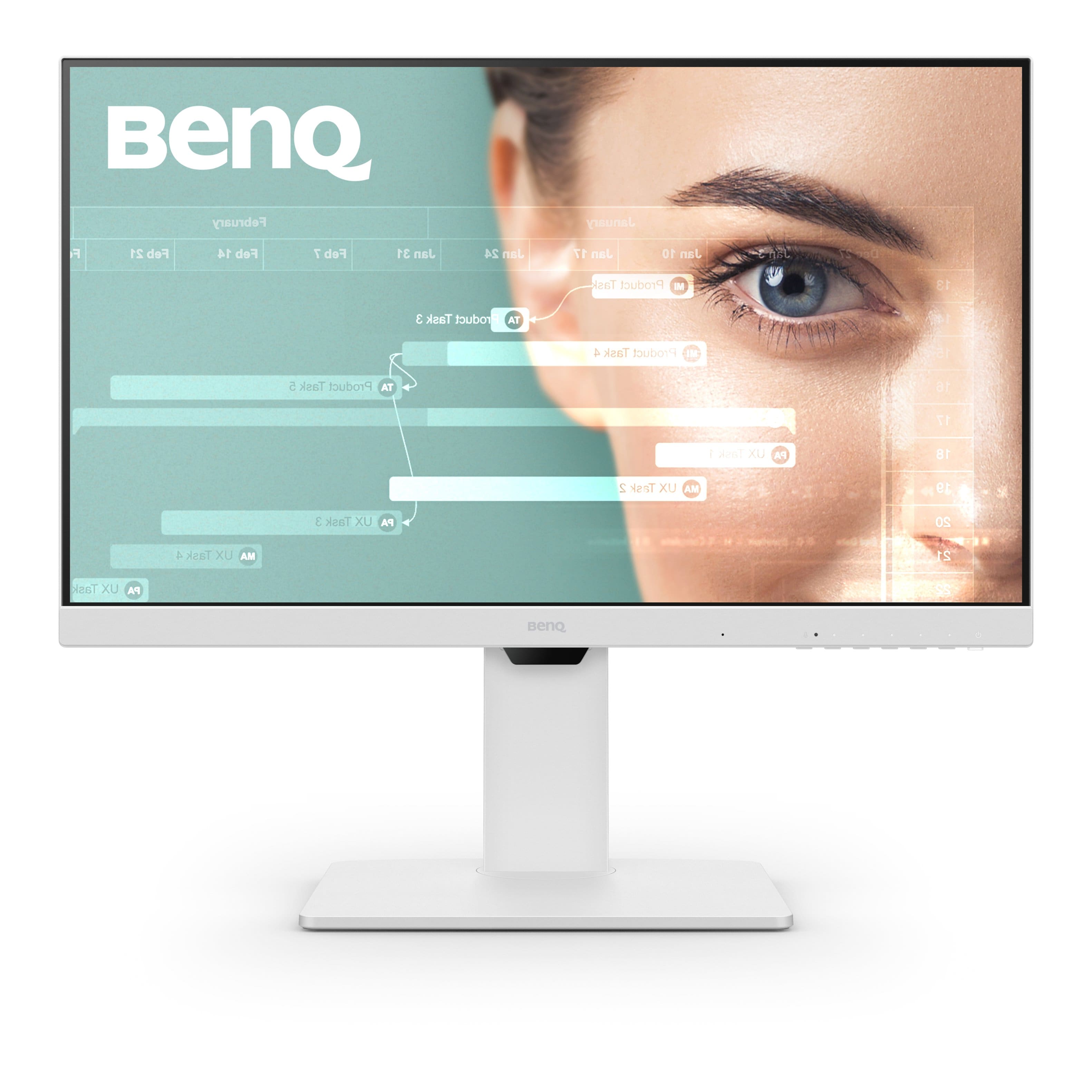
BenQ - GW2786TC 27" IPS LED 1080p FHD 100HZ USB-C Monitor (HDMI/DP/USB-C) - White
SKU: J39QZT53K8This is a great monitor. I was really surprised with how much wew like it. Will get more BenQ
See all All MonitorsProduct Description
A white IPS LED monitor with 1080p resolution, 100Hz refresh rate, USB-C, and integrated speakers.Your price for this item is $209.99Save $40The previous price was $249.99 -
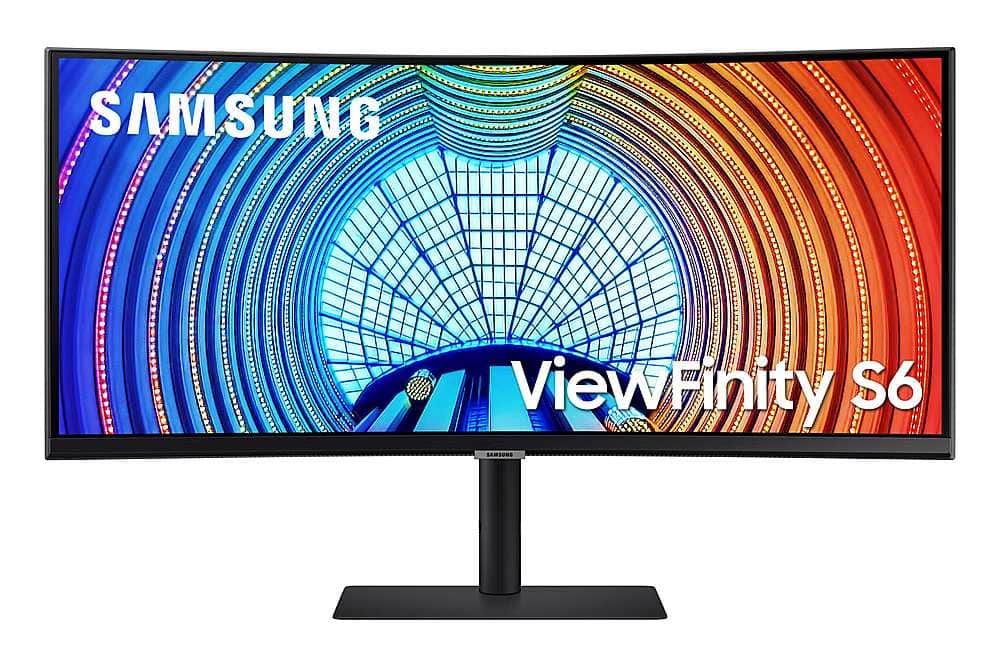
Samsung - ViewFinity S65UA 34" LED Curved Ultra-WQHD FreeSync Monitor with HDR10 (USB Type-C, HDMI, DisplayPort, LAN, USB) - Black
SKU: J3ZYG2YRYHGreat monitor and Best Buy team helped me make sure I selected the best one for me...BEST
See all Curved MonitorsProduct Description
A sleek black curved LED monitor featuring Ultra-WQHD resolution, HDR10, FreeSync, and multiple connectivity options.Your price for this item is $534.99 -
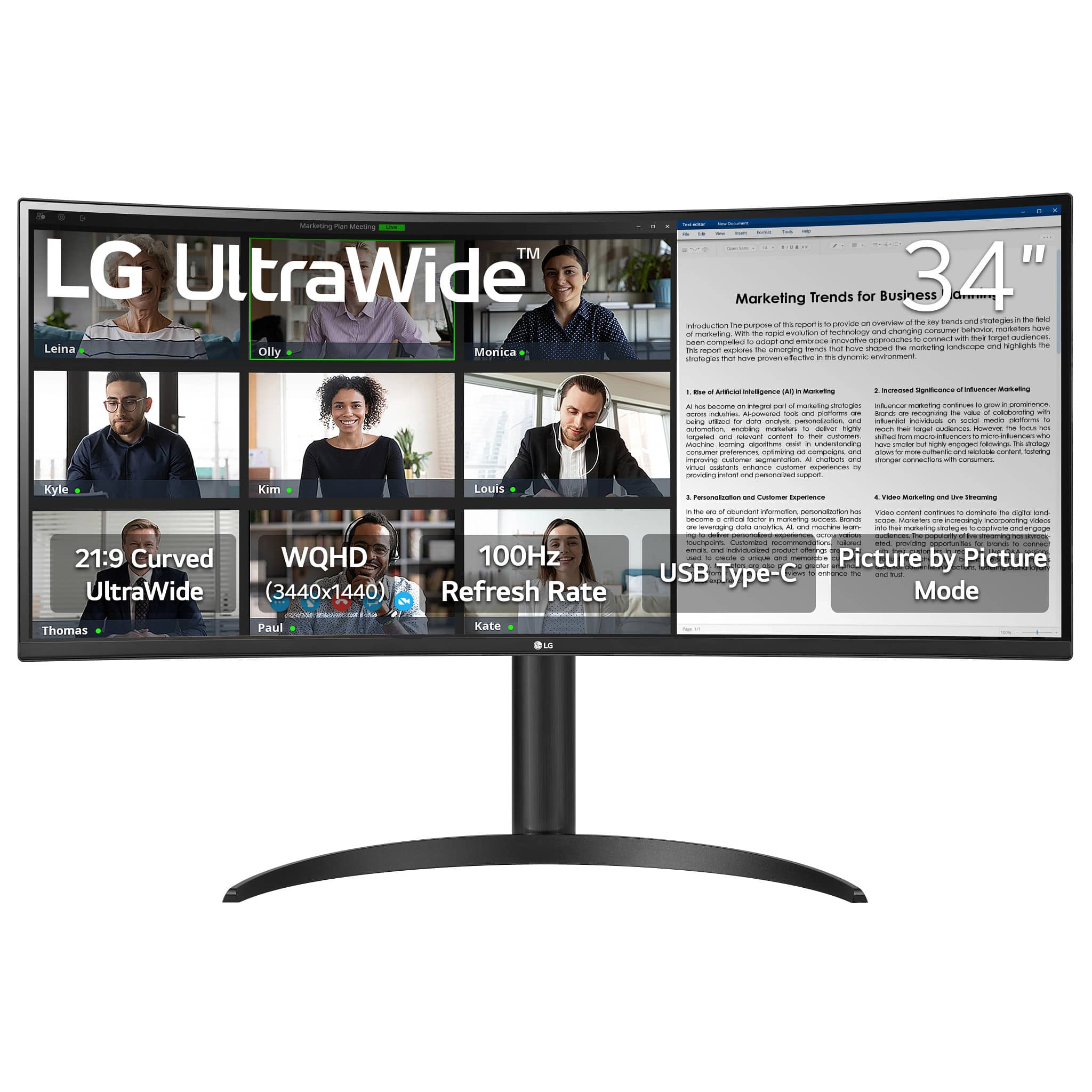
LG - UltraWide 34" VA Curved WQHD 100Hz Monitor with HDR 10 (HDMI, DisplayPort, USB-C) - Black
SKU: JJ8VPZT8JLSee all Curved MonitorsProduct Description
An immersive black curved VA monitor with WQHD resolution, 100Hz refresh rate, HDR 10, and USB-C connectivity.Your price for this item is $349.99Save $50The previous price was $399.99 -
ASUS - 27" FHD IPS 75Hz Monitor with FreeSync (DisplayPort, HDMI, VGA) - Black
SKU: JJ8Q7R9P8YAsus is one of the best 27" monitors I've ever had....I love this monitor!...It’s an ASUS, which is a great brand and it’s blue screen and special features that help with being gentle
See all All MonitorsProduct Description
A black IPS monitor with 75Hz refresh rate, FreeSync, and TÜV-certified Eye Care technology for comfort.Your price for this item is $164.99Save $5The previous price was $169.99 -
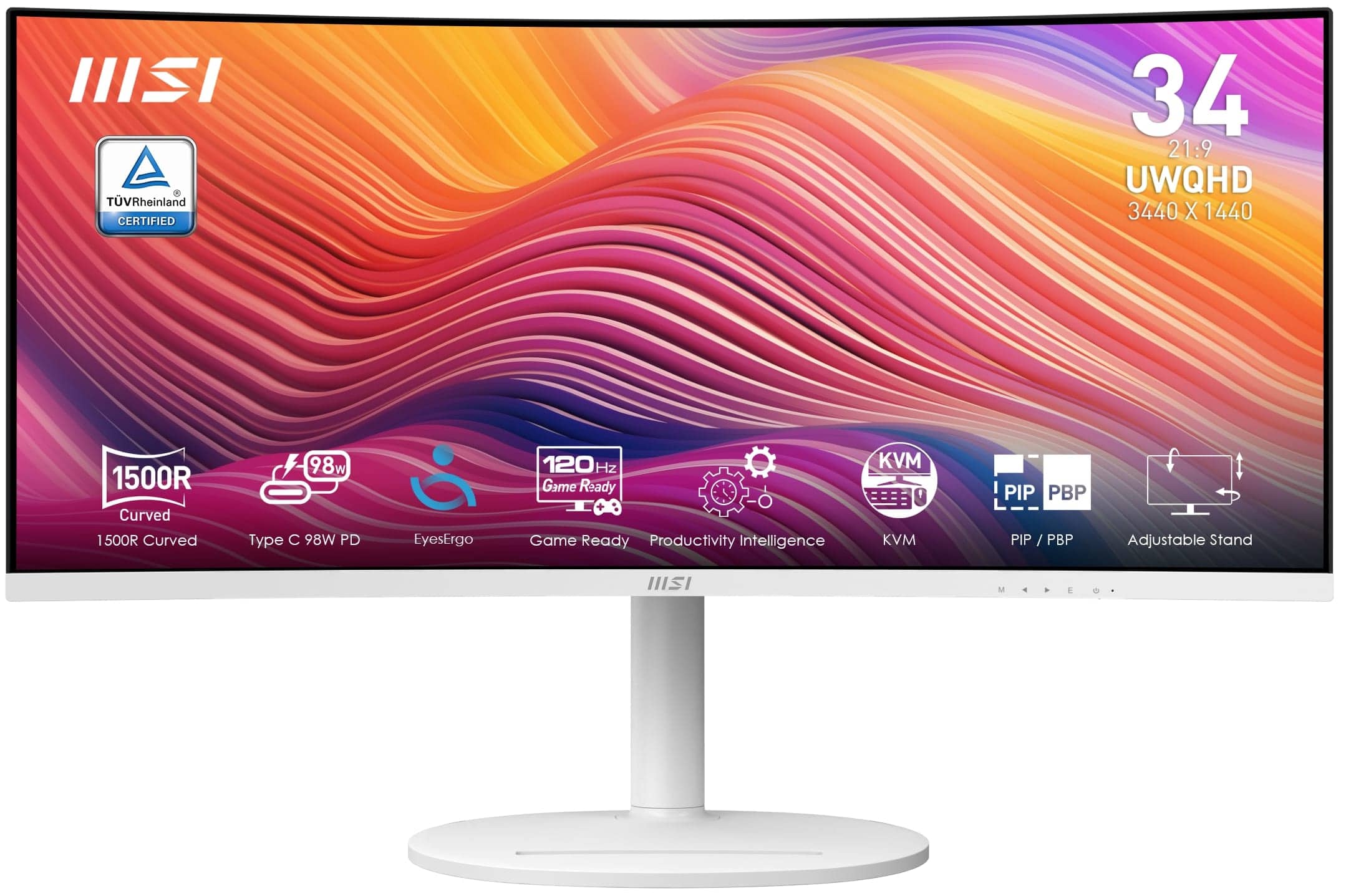
MSI - Modern MD342CQPW 34" LCD UWQHD 120Hz ms Computer Monitor with HDR ready, Built-in Speakers (DisplayPort, HDMI, USB-C ) - Matte White
SKU: J3P7TXY574Love it!...Love this monitor!...One of best curved ultrawide options you can get with so few white options, especially at 34”....It’s been great so far for multitasking work, game, and movie open on diff...
See all All MonitorsProduct Description
A matte white ultrawide monitor with 34" UWQHD VA display, 120Hz refresh rate, HDR, and USB-C.Your price for this item is $369.99 -
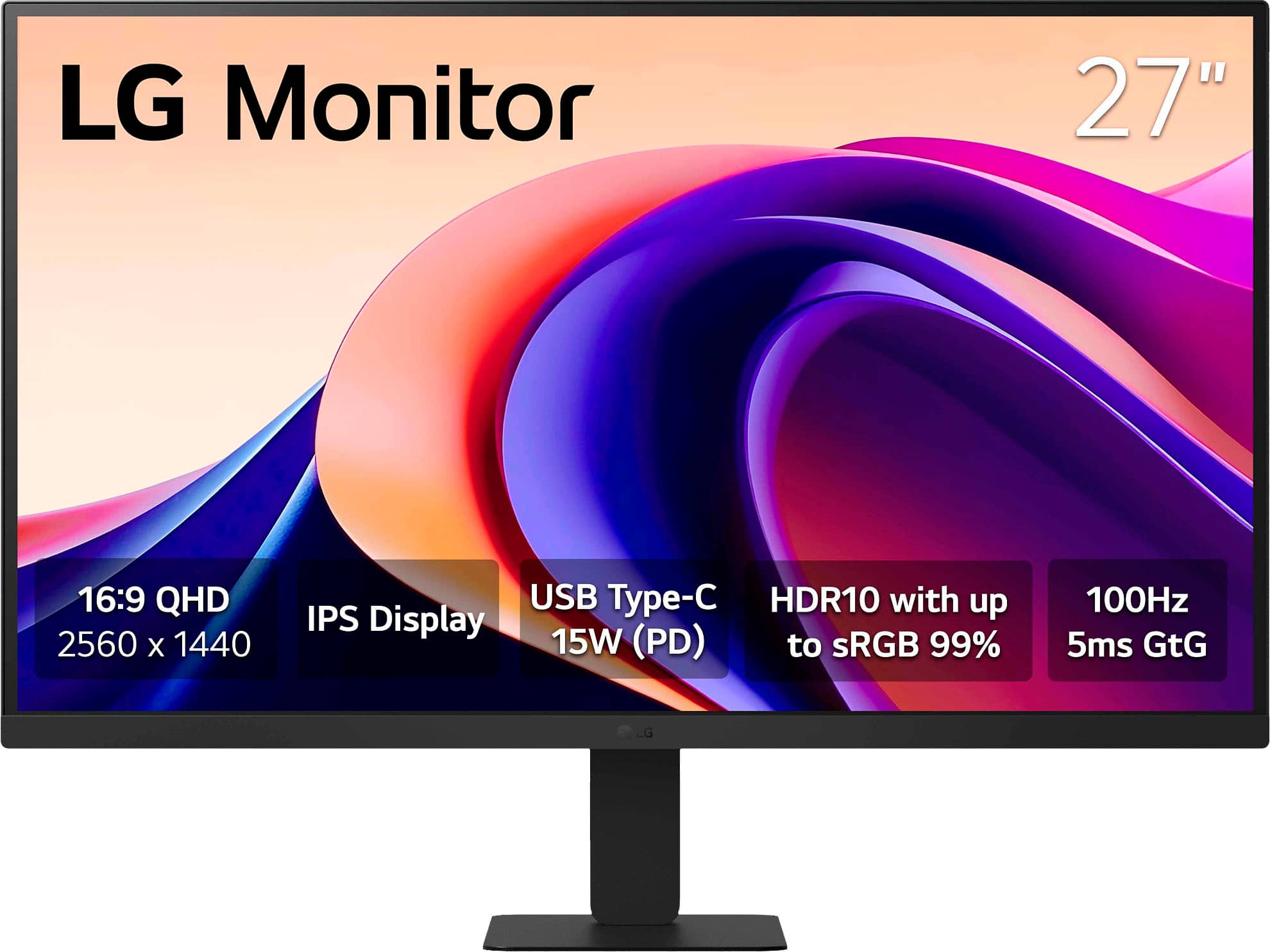
LG - 27" Monitor QHD IPS 100Hz with HDR10 (HDMI USB-C) - Black
SKU: JJ8VPZT5X4great pick upgood price good quality cant beat a deal at best buy...Great monitor...Love the no glare finish. Easy set up. Great monitor.
See all All MonitorsProduct Description
A sleek black QHD IPS monitor with HDR10, 100Hz refresh rate, USB-C connectivity, and vibrant color.Your price for this item is $169.99 -
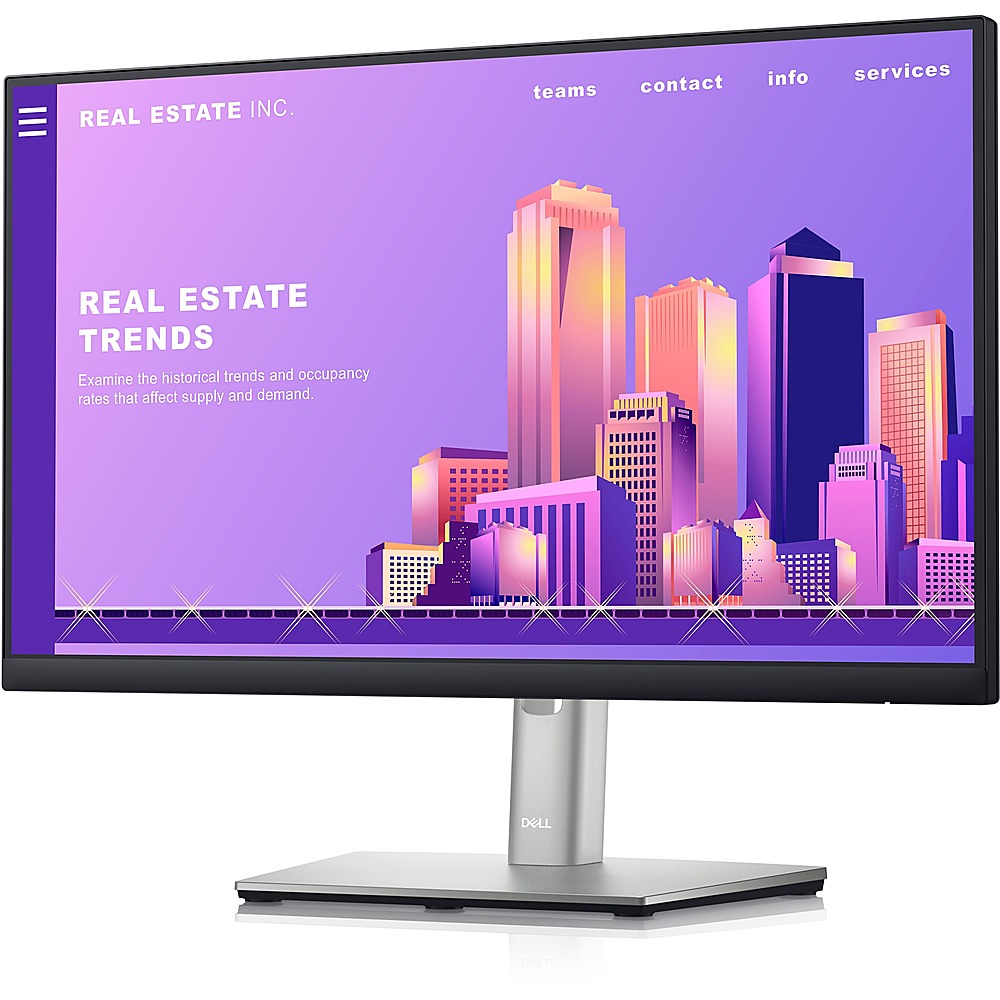
Dell - 21.5" LCD FHD Monitor (DisplayPort, USB, HDMI) - Black/Silver
SKU: J3K4L9VSZXSee all All MonitorsProduct Description
A sleek black and silver FHD monitor with IPS panel, ComfortView Plus, and versatile connectivity options.Your price for this item is $239.89 -
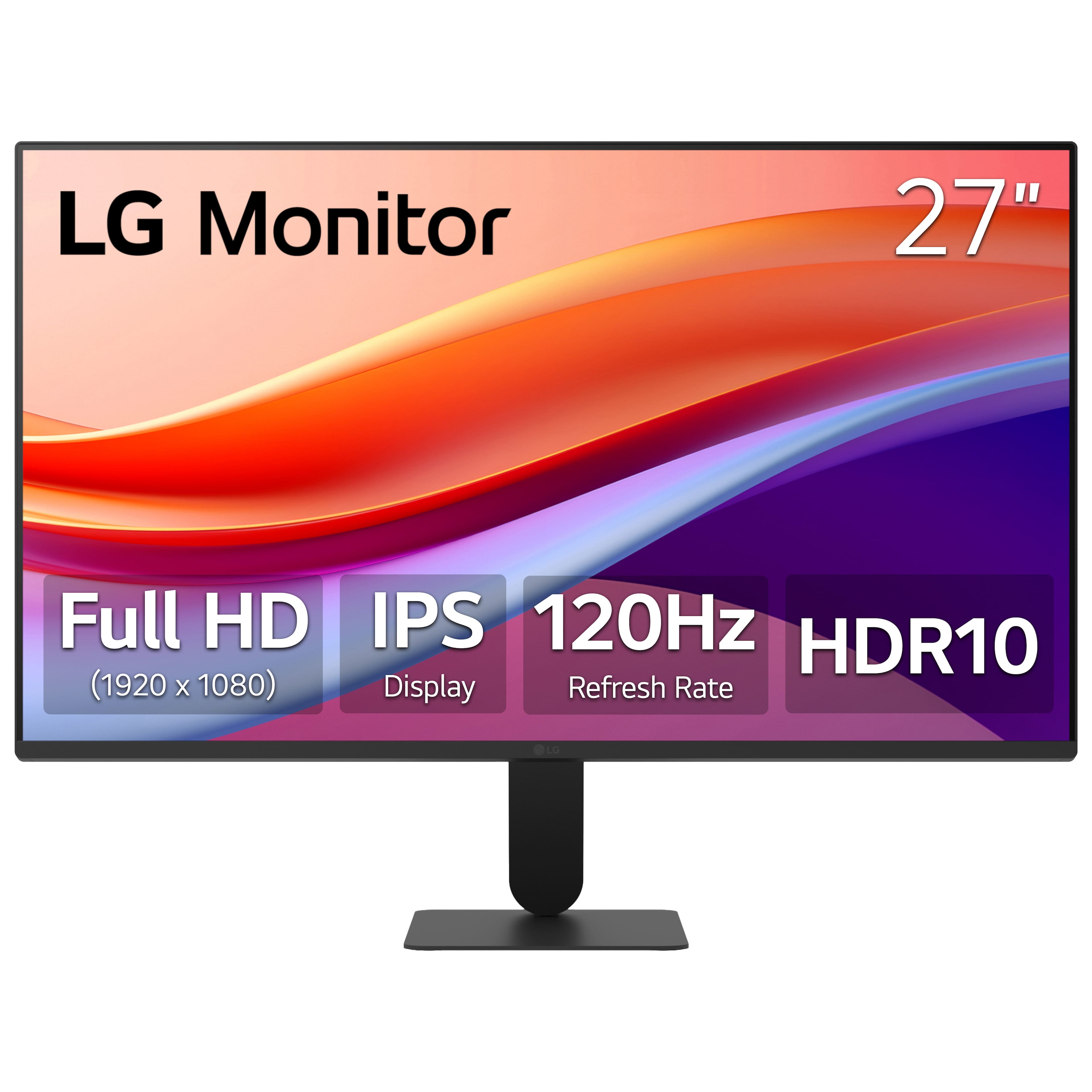
LG - 27" IPS FHD 120Hz Monitor with HDR10 (HDMI) - Black
SKU: JJ8VPZKPZ6Great value...Great value great price great product thank team best buy...Great monitor for gaming and Best Buy helped me pick the rite one
See all All MonitorsProduct Description
A black IPS monitor with 120Hz refresh rate, HDR10 support, and ultra-slim bezels for vibrant visuals.Your price for this item is $249.99

Best Sellers






Related Pages





FAQ
When choosing a WFH monitor, consider features like high resolution for clear visuals, adjustable stands for ergonomic comfort, blue light filters to reduce eye strain, multiple connectivity options, and built-in speakers or webcams for video calls.
Curved monitors can enhance your workspace by offering a more immersive viewing experience, reducing distortion at the edges, and helping with multitasking, especially if you work with wide spreadsheets or multiple windows.
Using multiple monitors can boost productivity by allowing you to view more applications at once, streamline multitasking, and reduce the need to constantly switch between tabs or windows during your workday.
Many monitors designed for remote work include built-in webcams and microphones, making it easier to join video calls and virtual meetings without needing extra accessories.
While a high refresh rate is more crucial for gaming, a standard 60Hz refresh rate is typically sufficient for most work-from-home tasks such as document editing, browsing, and video conferencing.