Omron Wrist Blood Pressure Monitors
-
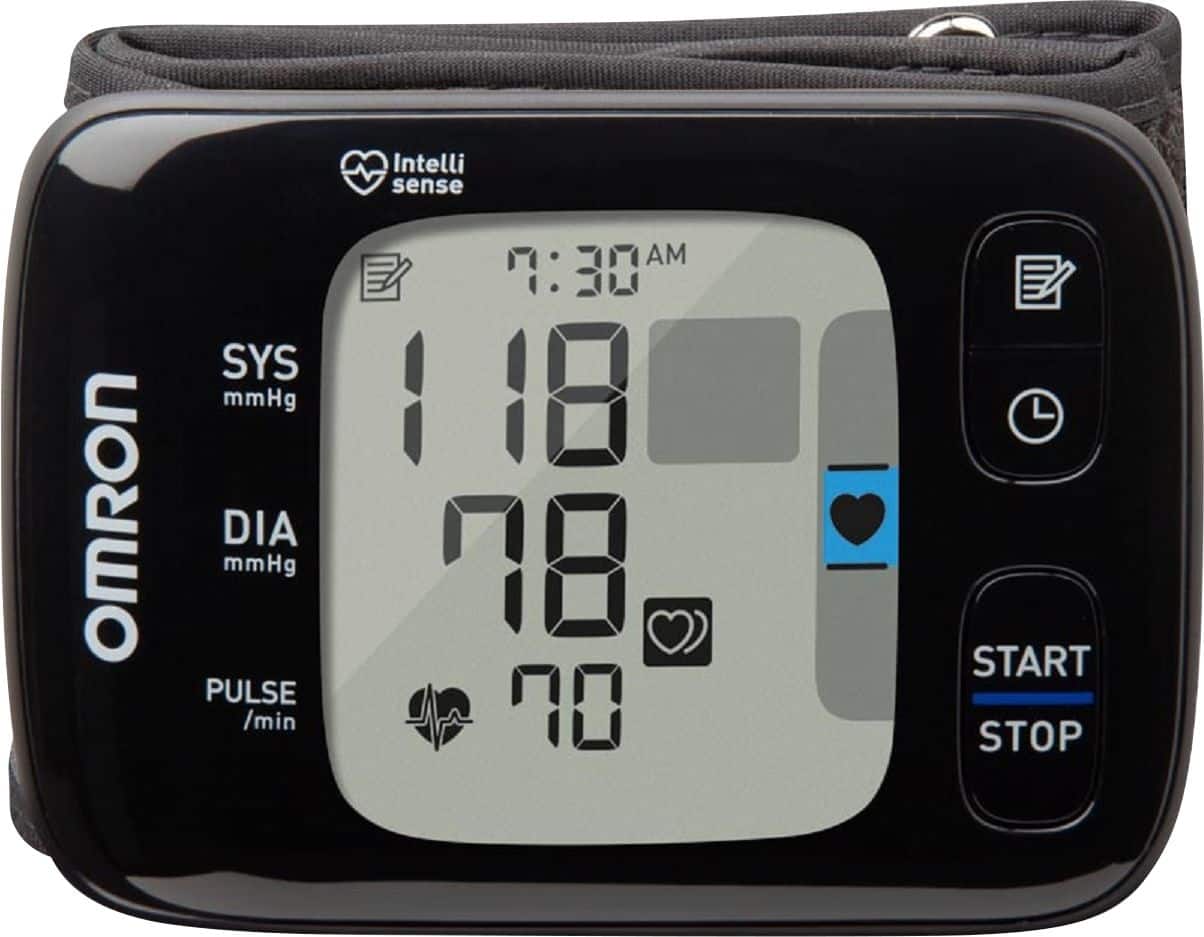
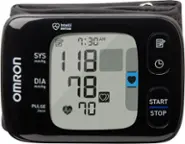
Omron - 7 Series - Wireless Wrist Blood Pressure Monitor - Black/Gray
SKU: J79C8WSJX8See all Blood Pressure MonitorsProduct Description
A portable black and gray wrist monitor with Bluetooth sync, digital display, and Heart Zone Guidance technology.Your price for this item is $62.99Save $33The previous price was $96.47 -
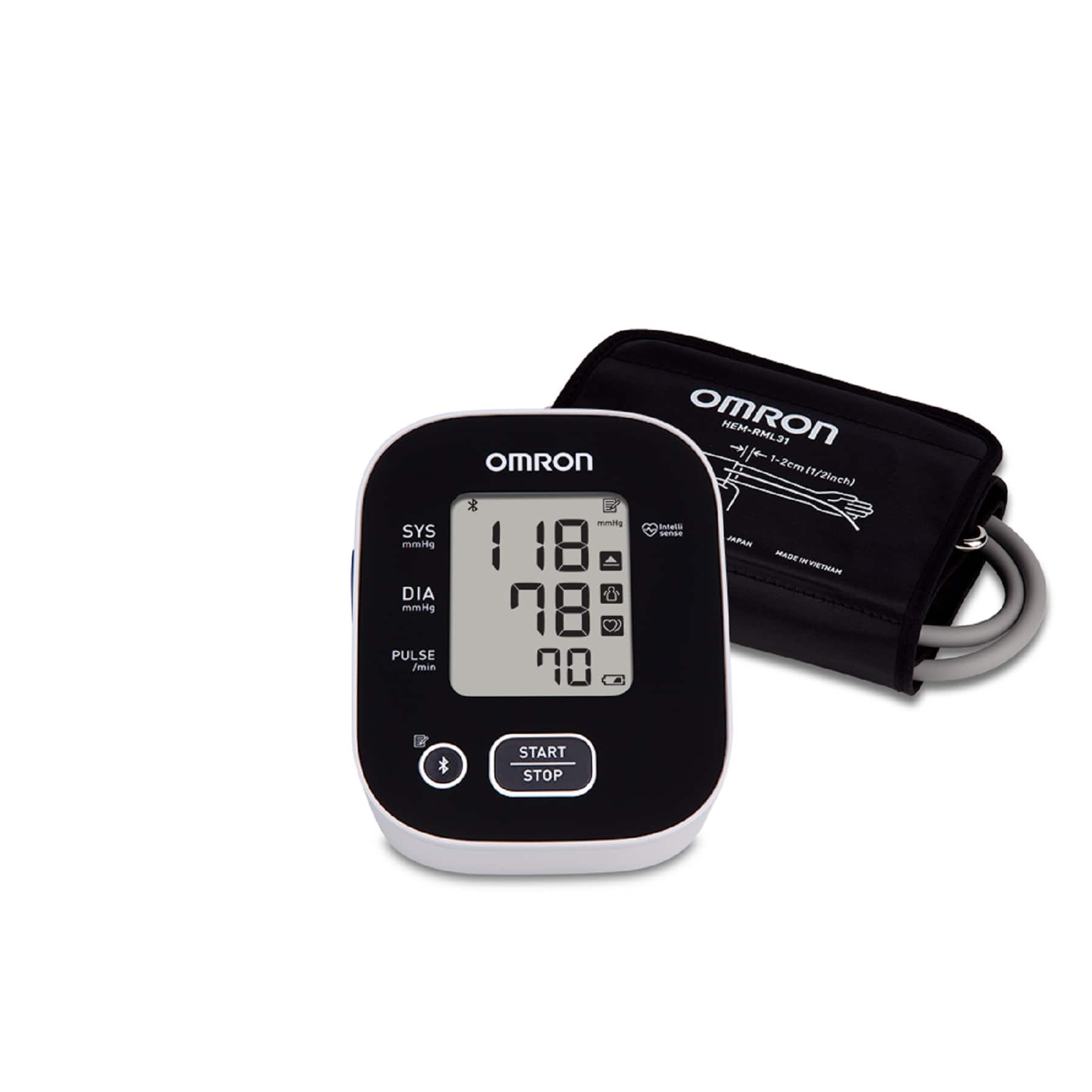
Omron - 3 Series Blood Pressure Monitor, Upper Arm Cuff, Digital Bluetooth Blood Pressure Machine - Black
SKU: J79C8WSYP2See all Blood Pressure MonitorsProduct Description
A digital black blood pressure monitor with Bluetooth, wide-range cuff, and storage for 14 readings.Your price for this item is $32.99Save $26The previous price was $59.94 -
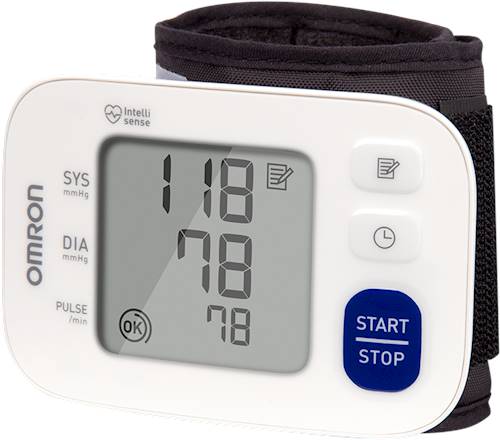
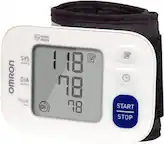
Omron - 3 Series Wrist Blood Pressure Monitor - White
SKU: J79C8WS7K2Great but it has to be accurately placed on the wrist and it can be clumsy to do so.
See all Blood Pressure MonitorsProduct Description
A white digital wrist monitor that stores 60 readings and features auto shut-off and indicator lights.Your price for this item is $65.99 -
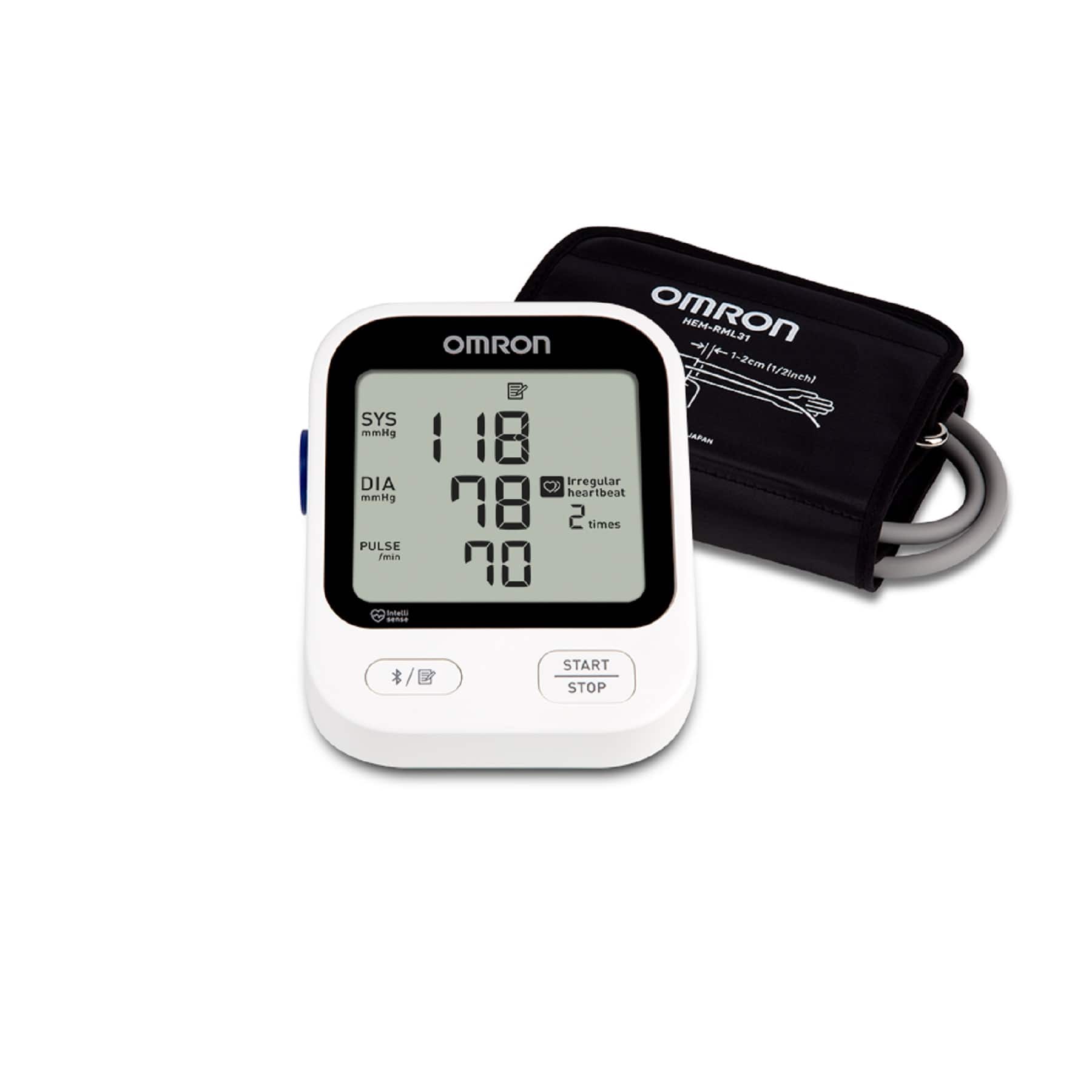
Omron - 5 Series Blood Pressure Monitor (BP7255), Upper Arm Cuff, Digital Bluetooth Blood Pressure Machine - White
SKU: J79C8WSSC3See all Blood Pressure MonitorsProduct Description
A digital white upper arm blood pressure monitor with Bluetooth connectivity and storage for 60 readings.Your price for this item is $56.99Save $26The previous price was $83.70 -
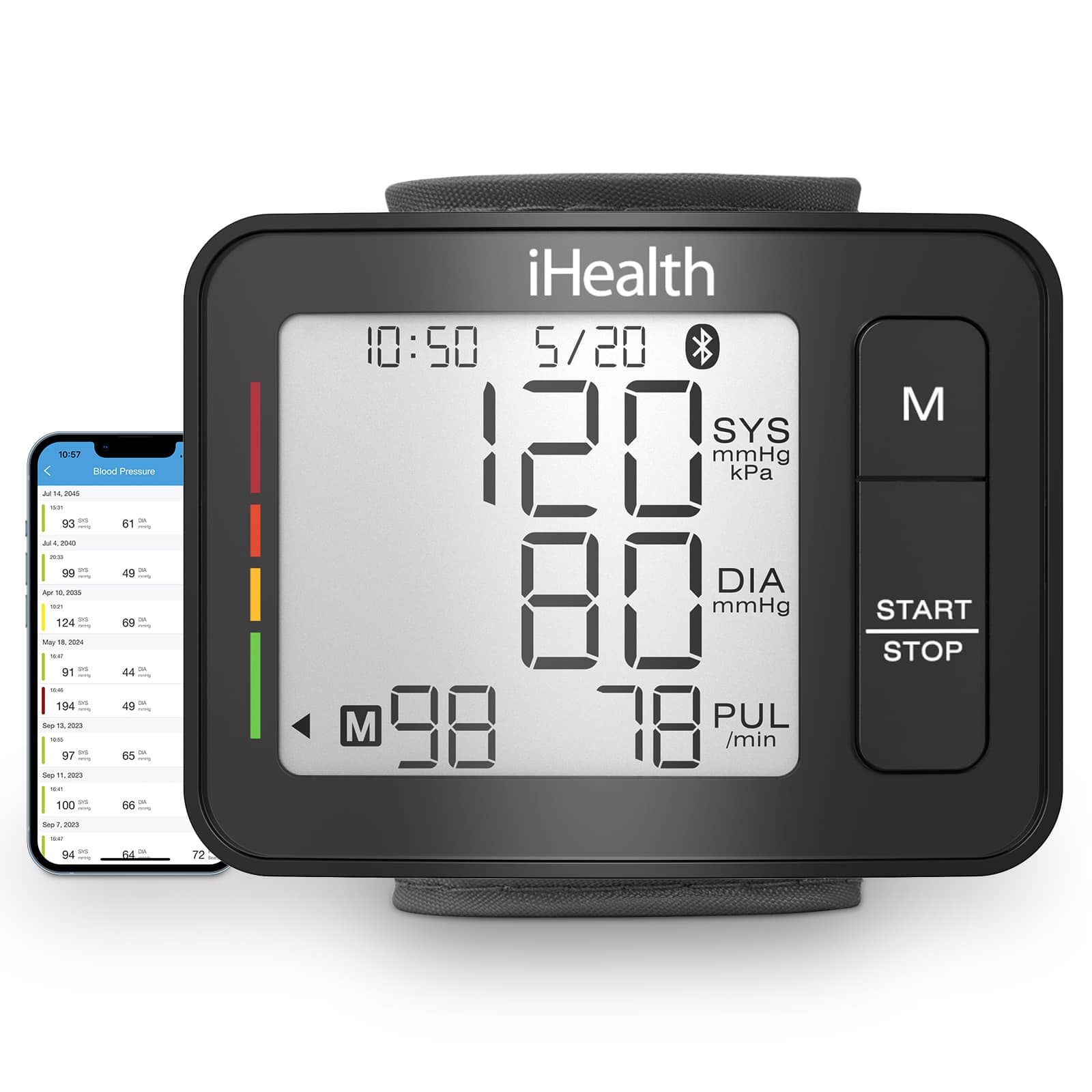
iHealth - Push, Wrist Blood Pressure Monitor, Large Display and Digital Bluetooth, Portable Carrying Case for Home/Travel - Black
SKU: J3R8K9FR59See all Blood Pressure MonitorsProduct Description
A compact black wrist monitor with Bluetooth, large display, and app compatibility for easy blood pressure tracking.Your price for this item is $34.99 -
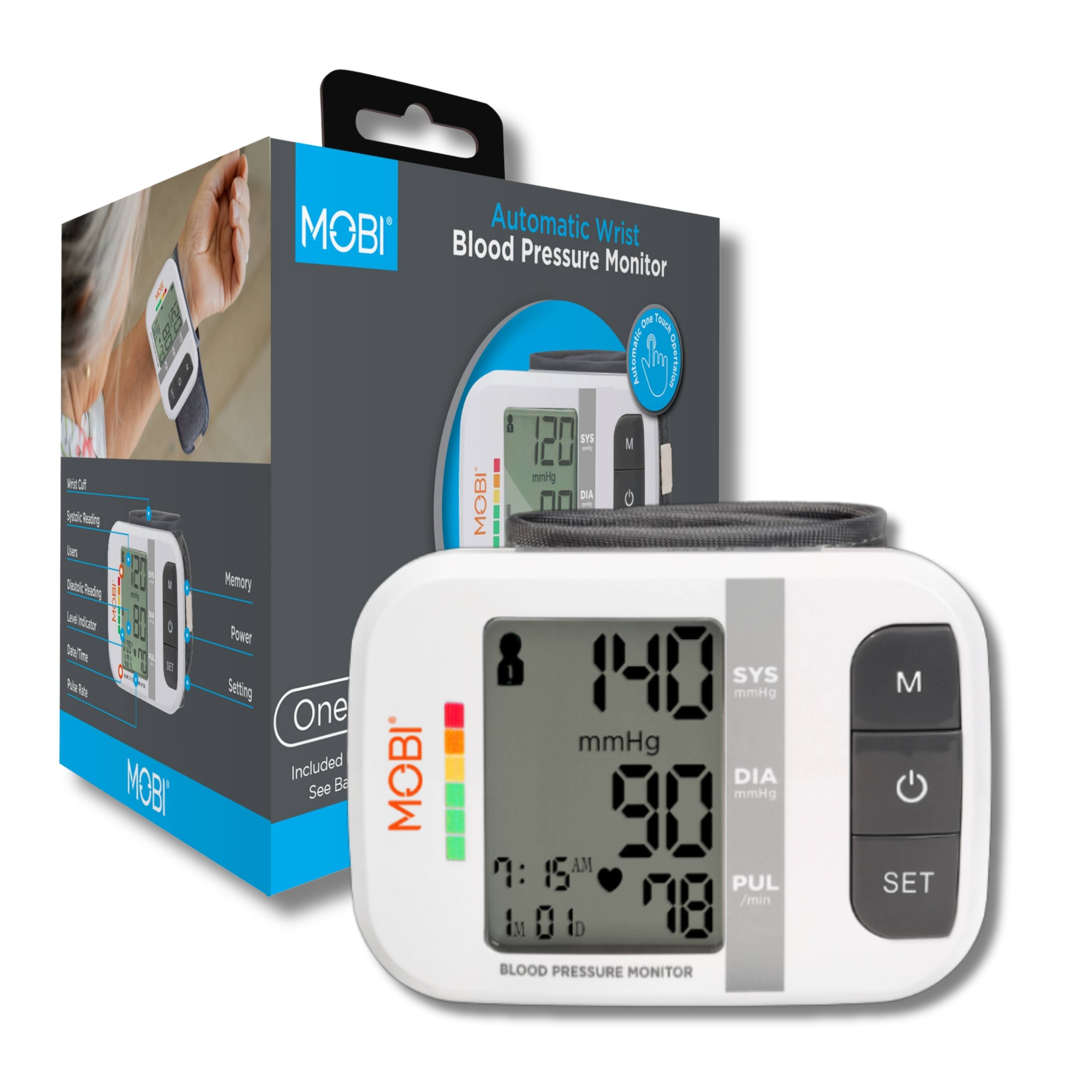
MOBI - Health Automatic Wrist Blood Pressure Monitor - White
SKU: J3ZVTRXVJFSee all Blood Pressure MonitorsProduct Description
A portable white wrist monitor with digital display, hypertension indicator, memory for 120 readings, and case.Your price for this item is $22.99 -
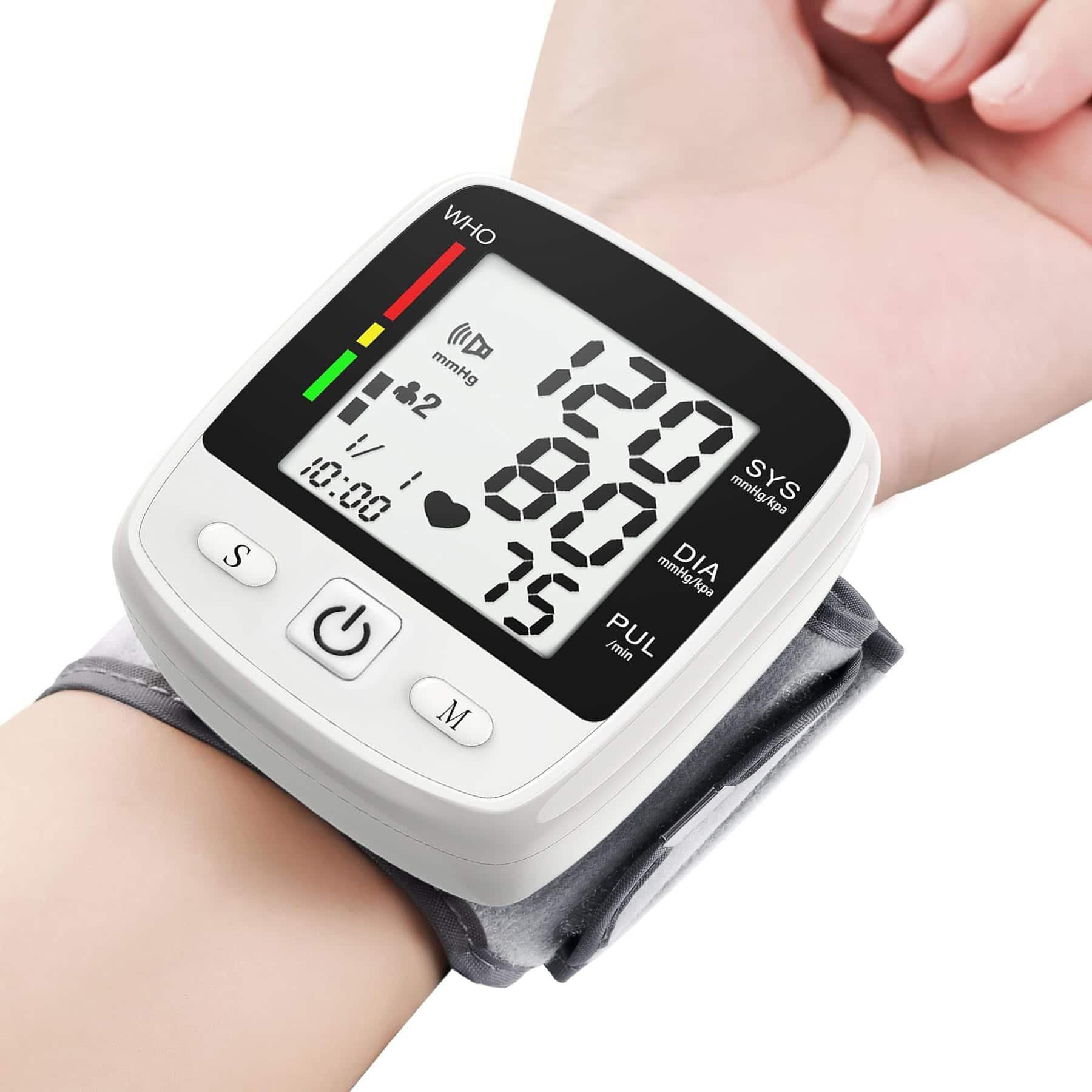
Dazzed Corner - Digital Wrist Blood Pressure Monitor, Automatic Adjustable Cuff 5.3–7.7 - White
SKU: JXKFJT4JTSSee all Blood Pressure MonitorsProduct Description
A rechargeable white wrist monitor with large LCD, voice broadcast, and dual-user memory for easy blood pressure tracking.Your price for this item is $72.81Save $10The previous price was $83.73 -
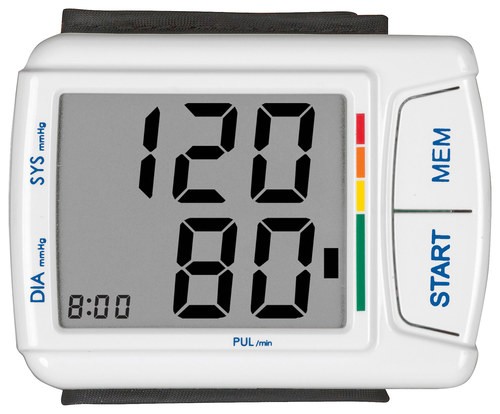
Veridian Healthcare - SmartHeart Automatic Digital Wrist Blood Pressure Monitor - White
SKU: J36RJP68TLSee all Blood Pressure MonitorsProduct Description
A white digital wrist monitor that tracks blood pressure and pulse with memory for 60 readings.Your price for this item is $38.99
Best Sellers

Related Pages

FAQ
To set up your Omron wrist blood pressure monitor, insert the included batteries, set the date and time following the instruction manual, and ensure the wrist cuff is properly positioned before taking your first reading.
Yes, most Omron wrist blood pressure monitors have built-in memory that allows you to store and review previous blood pressure readings for tracking your health over time.
Certain Omron wrist blood pressure monitor models offer Bluetooth connectivity, allowing you to sync your readings with compatible Omron mobile apps for easy data management and sharing.
Clean your Omron wrist blood pressure monitor by gently wiping the cuff and device with a soft, dry cloth. Avoid using water, solvents, or abrasive cleaners to prevent damage.
Omron wrist blood pressure monitors may include features such as irregular heartbeat detection, one-touch operation, large digital displays, memory storage, and Bluetooth connectivity, depending on the model.