Wireless Printer Routers
-
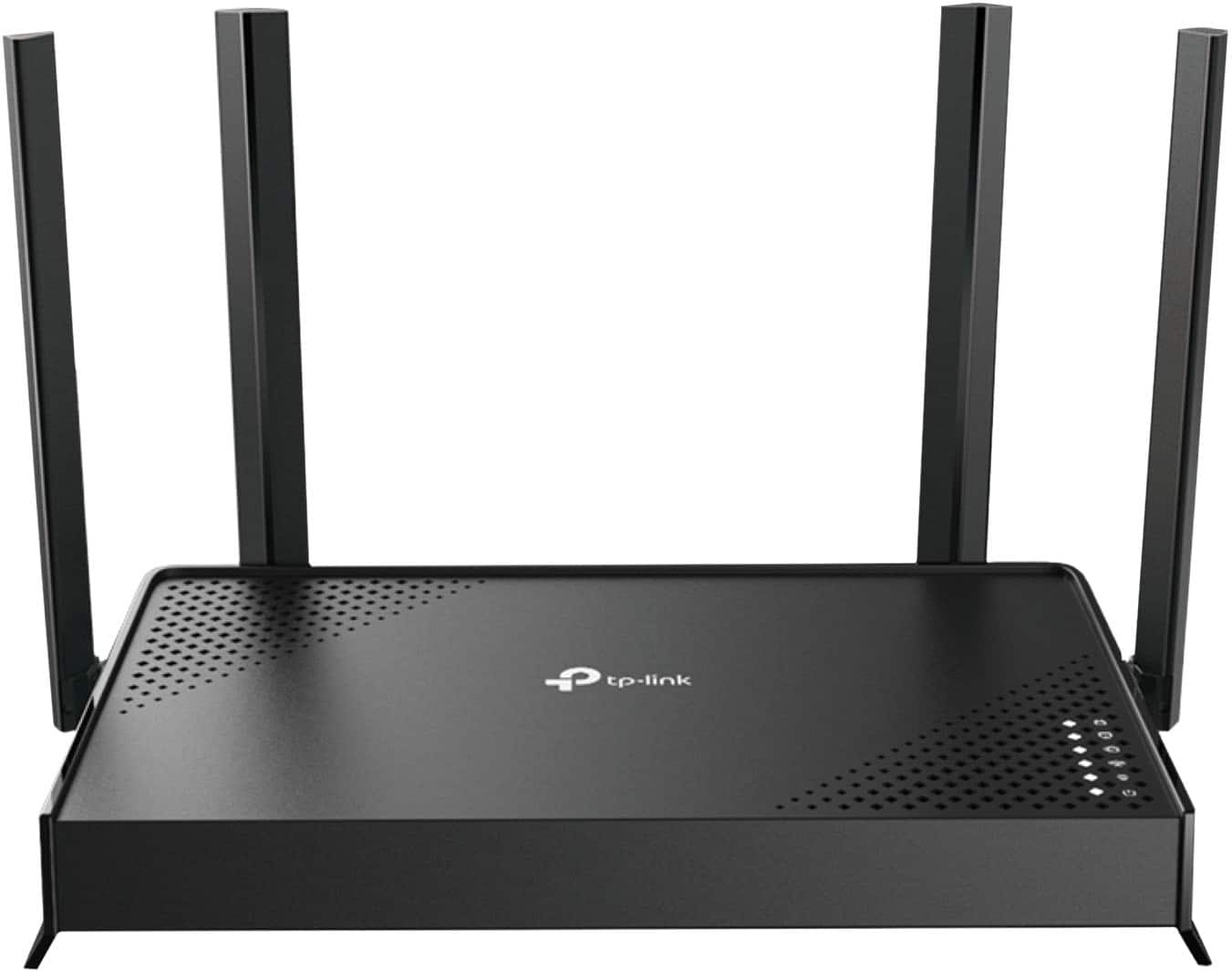
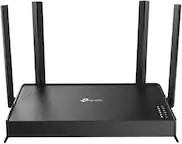
TP-Link - Archer BE3500 Dual-Band Wi-Fi 7 Router - Black
SKU: J39T6X2WTYEasy setup great price...Works great I love it best for the price easy to detup...Great router...works great for the price. easy set up which was the best part.
See all Wi-Fi RoutersProduct Description
A dual-band black Wi-Fi 7 router offering up to 3.5 Gbps speeds and four Gigabit ports.Your price for this item is $99.99 -
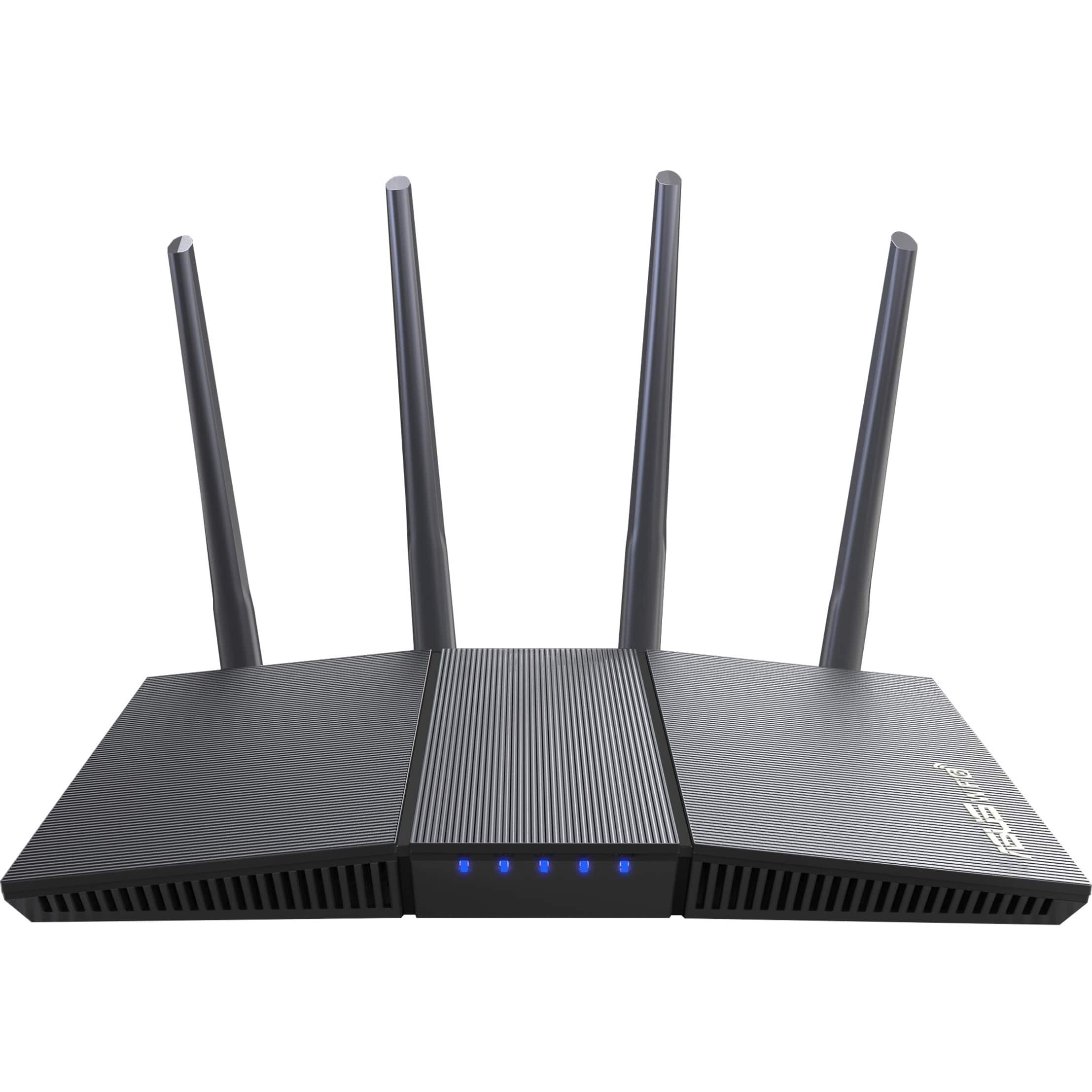
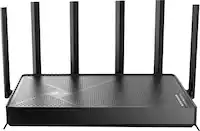
ASUS - AX1800 Dual Band Wi-Fi 6 Router - Black
SKU: JJG7VH3GTTThe Trend Micro AiProtection works great in blocking Malicious Wbsites , The App is one of the best fatures...This is the first Asus 1800s WiFi 6 I have had and it is the very best I have used ....Great...
See all Wi-Fi RoutersProduct Description
A dual-band black Wi-Fi 6 router offering up to 1800Mbps speeds and advanced data encryption.Your price for this item is $65.99Save $24The previous price was $89.99
Best Sellers
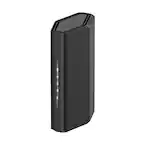
Related Pages
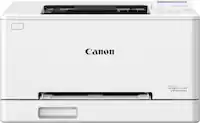
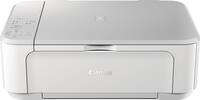
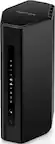

FAQ
A wireless printer router is a networking device that allows your printer to connect to your Wi-Fi network, enabling wireless printing from multiple devices without the need for direct cable connections.
Most wireless printer routers are compatible with a wide range of printers, especially those that have USB or Ethernet ports. However, it's important to check the specifications of both your printer and the router to ensure compatibility.
Using a wireless printer router allows you to print from anywhere within your Wi-Fi network, share your printer with multiple users, and reduce cable clutter in your workspace.
To set up a wireless printer router, connect your printer to the router via USB or Ethernet, follow the manufacturer's setup instructions, and configure your devices to connect to the same Wi-Fi network. Most routers come with a step-by-step guide for easy installation.
Yes, many wireless printer routers support mobile and tablet printing through compatible apps or built-in features like Apple AirPrint or Google Cloud Print, making it easy to print directly from your smartphone or tablet.