PS4 Bluetooth Keyboard
-
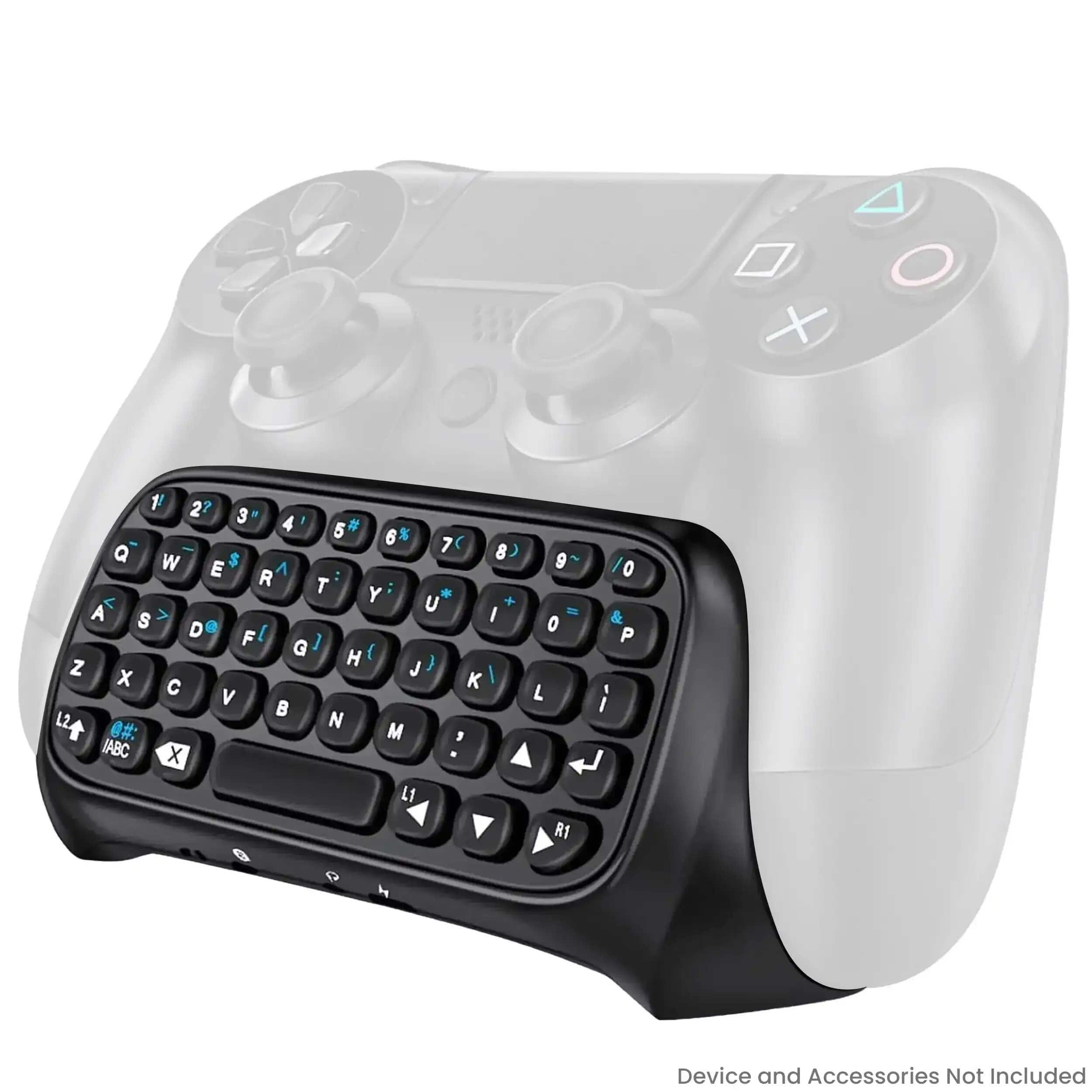
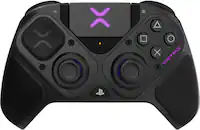
Dobe - Wireless Controller Keyboard Compatible For PlayStation 4 / Slim / Pro (PS4) - Black
SKU: JXJ9WW2KCKSee all Gaming KeyboardsProduct Description
A sleek black wireless keyboard that attaches to your PS4 controller for effortless in-game chatting.Your price for this item is $29.99 -
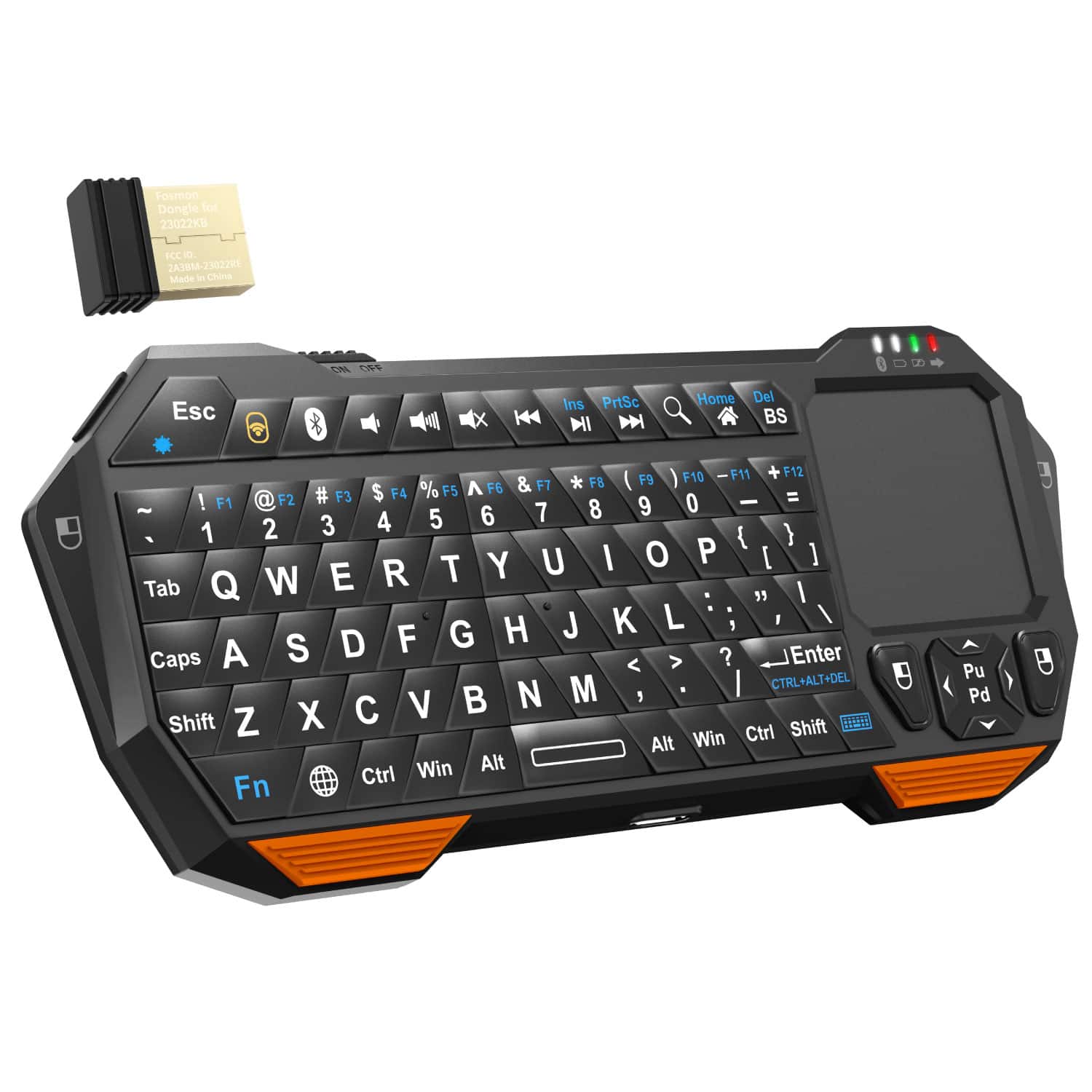
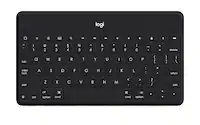
Fosmon - Mini Bluetooth Keyboard, Wireless Portable with Touchpad, Rechargeable QWERTY Keypad - Black
SKU: J3KCTSVWYCGot it yesterday,great quality and comfortable to use.
See all Tablet KeyboardsProduct Description
A compact black plastic wireless QWERTY keyboard with touchpad, Bluetooth 3.0, and convenient backlit keys.Your price for this item is $29.99Save $0The previous price was $30.49 -
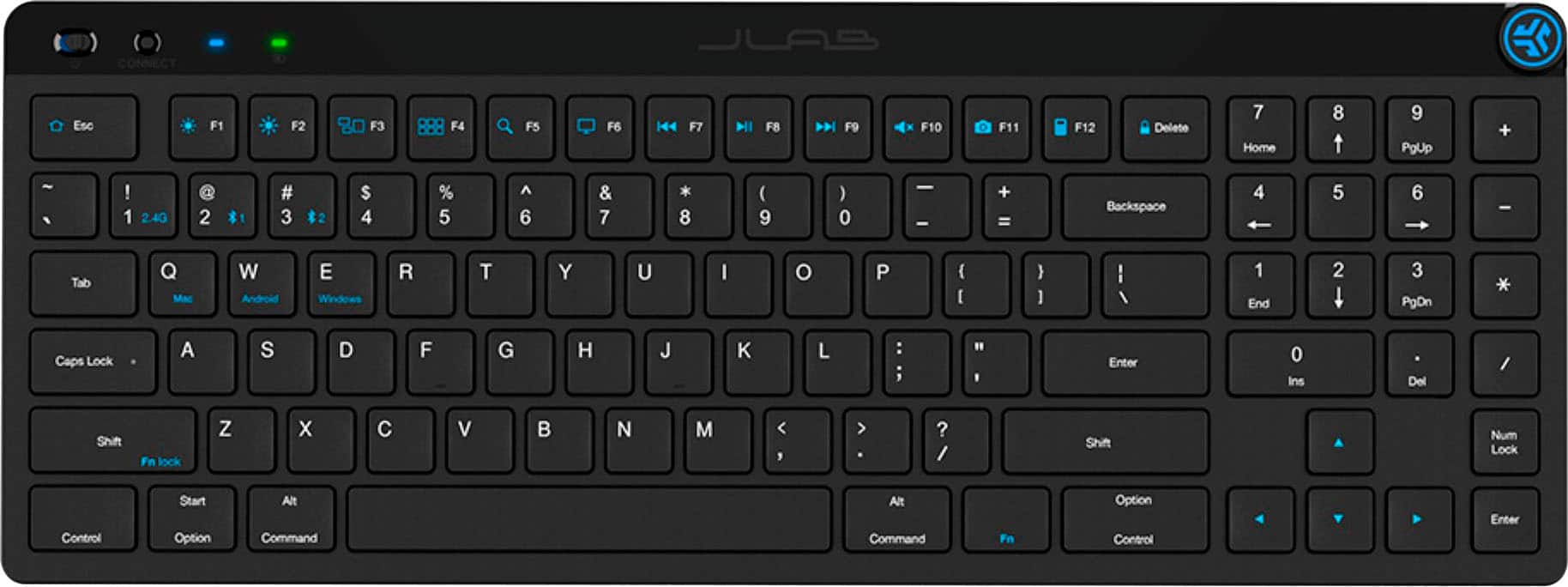
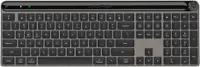
JLab - JBuds Wireless Keyboard - Black
SKU: J3LXRQKCFFGreat keyboard...Great keyboard! Love it. Super responsive, smooth typing, I love everything about it....Great purchase....Best Keyboard for gaming...Great keyboard my nephew really liked it for gaming...
See all Wireless & Bluetooth KeyboardsProduct Description
A wireless black Bluetooth keyboard featuring ergonomic design, programmable shortcuts, numeric keypad, and multi-device connectivity.Your price for this item is $39.99 -
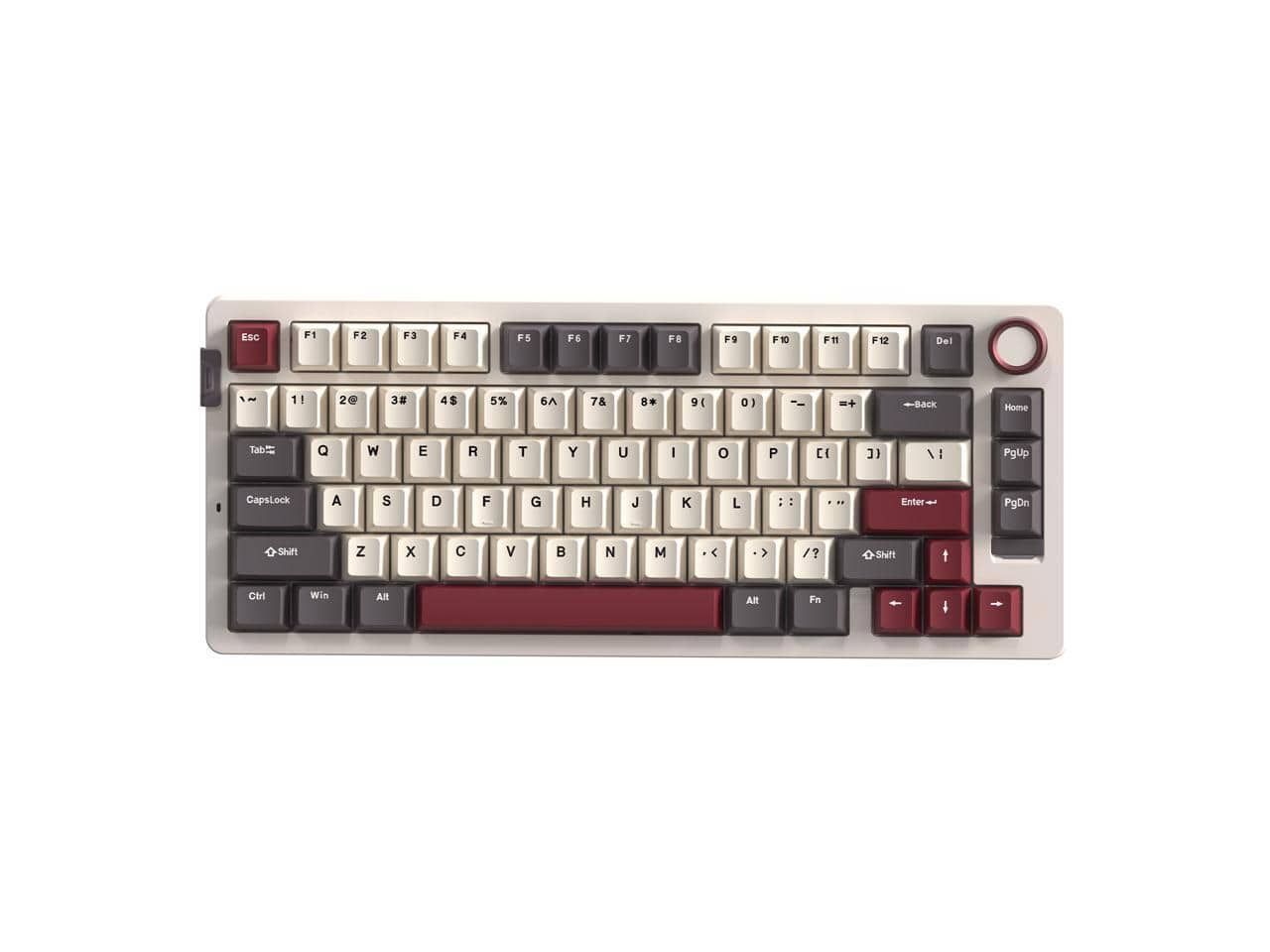
Rosewill - Neon S75 Wireless Mech Keyboard, 80-Key, Blue Switches, RGB, 6000mAh, Bluetooth/USB-C, Windows/macOS - White
SKU: J39K6Y5K9TSee all Wireless & Bluetooth KeyboardsProduct Description
A white wireless mechanical keyboard featuring blue switches, RGB backlighting, Bluetooth/USB-C connectivity, and 6000mAh battery.Your price for this item is $64.49 -
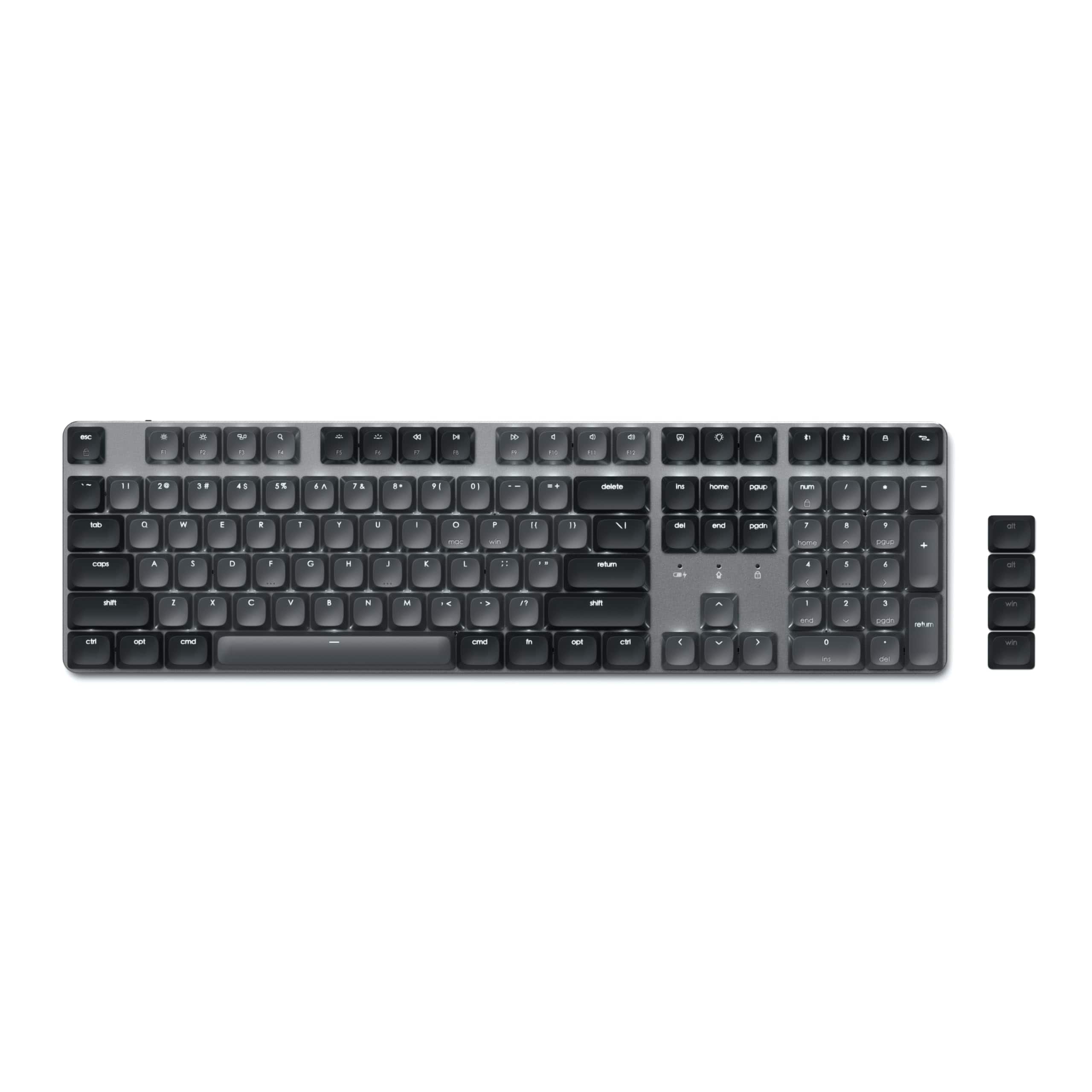
Satechi - SM3 Full-Size Mechanical Keyboard, Backlit Bluetooth/2.4GHz/USB-C, 108 Keys - Dark Gray/Gray
SKU: J3GWC4CXC4Love the keyboard. Loads of great functions. Ergonomically great on the hands/wrists....Love this kbd to the point i look forward to using it. Best kbd I’ve ever owned....Keeps a great charge....Best...
See all Wired & USB KeyboardsProduct Description
A full-size dark gray mechanical keyboard with backlit keys, Bluetooth, USB-C, and aluminum enclosure.Your price for this item is $119.99 -
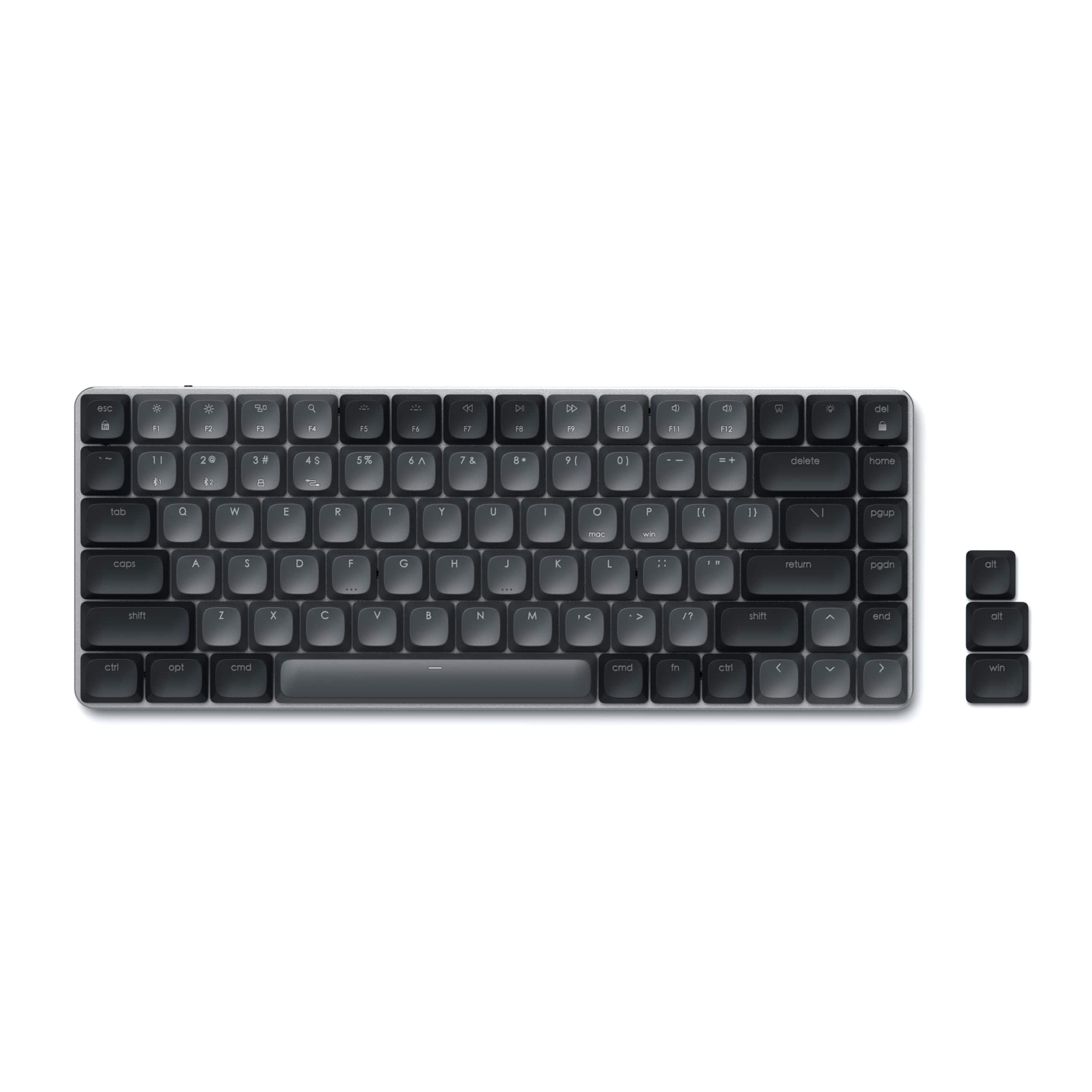
Satechi - SM1 75% Mechanical Keyboard, Backlit Bluetooth/2.4GHz/USB-C, 84 Keys - Dark Gray/Gray
SKU: J3GWC4CCF3Love it...Love the clicky feel of the keys. Very well made keyboard...Clean and great quality keyboard...What I really love about this keyboard is that its clean and minimal design....The build quality...
See all Wired & USB KeyboardsProduct Description
A slim, dark gray mechanical keyboard with 84 keys, customizable backlighting, and multi-device Bluetooth or USB-C connectivity.Your price for this item is $99.99 -
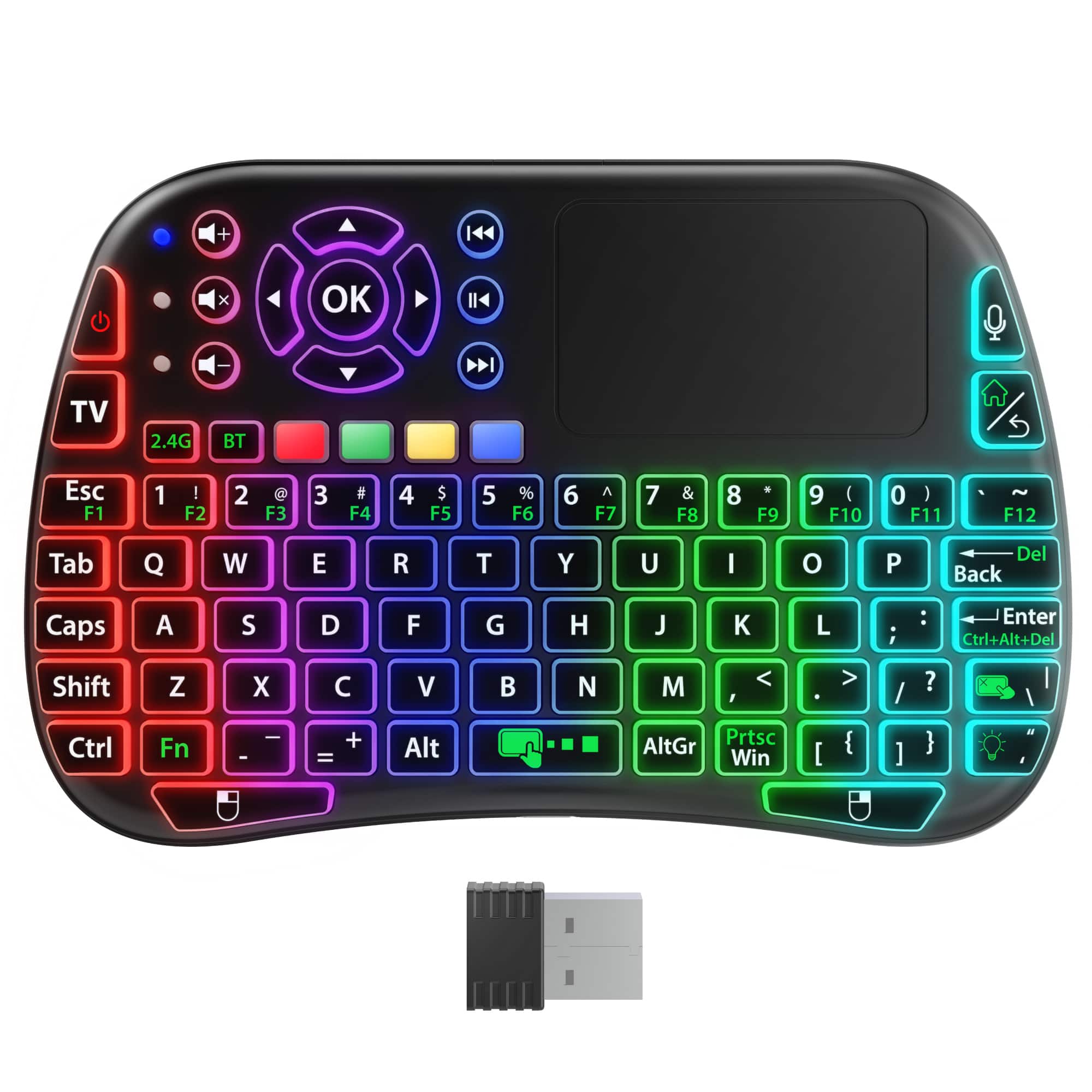
Fosmon - Mini Keyboard with Touchpad, Small Wireless Keyboard Portable Mini Bluetooth Keyboard, Rechargeable QWERTY RGB Backlit - Black
SKU: J3KCTSPS4HSee all Wireless & Bluetooth KeyboardsProduct Description
A compact black wireless keyboard with RGB backlit keys, built-in touchpad, and dual Bluetooth or USB connectivity.Your price for this item is $18.99 -
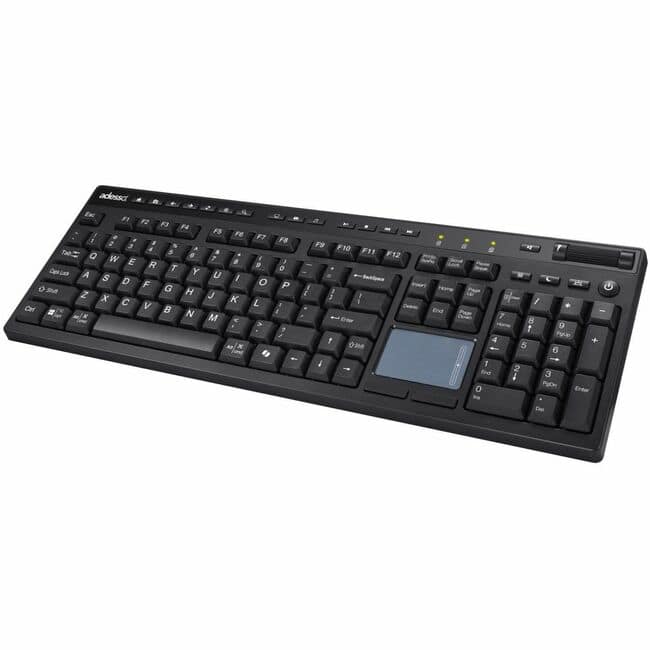
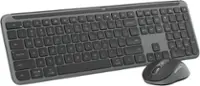
Adesso - WKB-4450UB Keyboard - Wireless Connectivity - RF - Full-size - 2.40 GHz - 104 Key(s) - CoPilot, Desktop - Macaron
SKU: J32P877ZQ8See all Wireless & Bluetooth KeyboardsProduct Description
A full-size wireless keyboard in macaron colors featuring a built-in touchpad, scroll wheel, and AI hotkey.Your price for this item is $86.26Save $0The previous price was $86.54 -
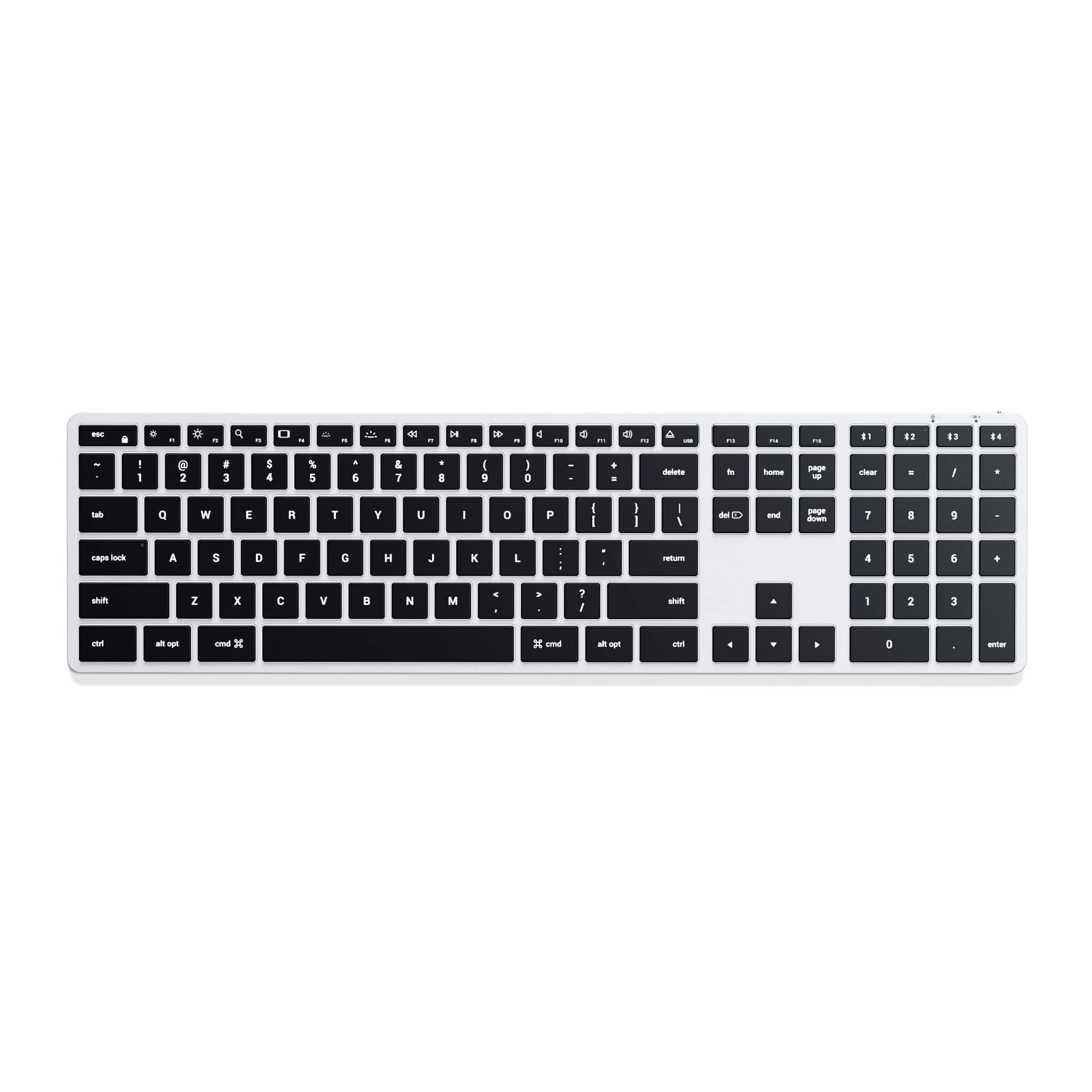
Satechi - Slim X3 Bluetooth Backlit Keyboard with Numeric Keypad, Multi-Device for Mac - Silver
SKU: J3KXL7XR5Slove it...I love this keyboard besides being wireless it's also backlit and allows me to pair it to up to Four...Great looking as well.Thanks Karl
See all Wireless & Bluetooth KeyboardsProduct Description
A slim silver Bluetooth keyboard with numeric keypad, adjustable backlighting, and multi-device support for Mac users.Your price for this item is $89.99 -
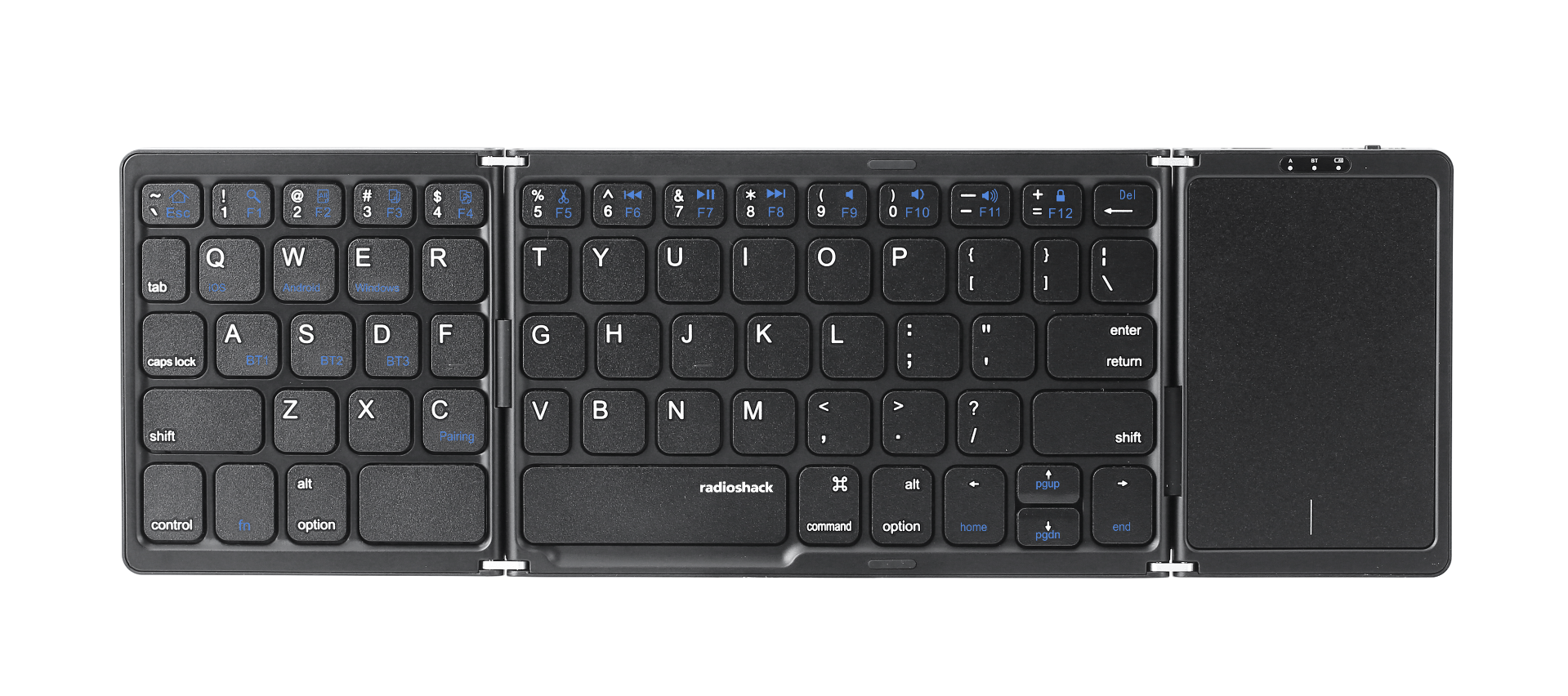
RadioShack - Portable & Foldable Bluetooth Keyboard - Black
SKU: CFRJQSYWZZSee all Wireless & Bluetooth KeyboardsProduct Description
A foldable black Bluetooth keyboard with integrated touchpad, three-device support, and durable ABS construction.Your price for this item is $54.99
Best Sellers
Related Pages

FAQ
Yes, a Bluetooth keyboard can be paired with your PS4 to make typing messages, searching, and navigating menus much easier. Some games may also support keyboard input for gameplay.
To connect a Bluetooth keyboard, go to your PS4's Settings > Devices > Bluetooth Devices, then put your keyboard in pairing mode and select it from the list of available devices.
Most Bluetooth keyboards designed for PS4 can also be used with other Bluetooth-enabled devices such as PCs, tablets, and smartphones, but it's best to check the product specifications for compatibility.
Some standard keyboard shortcuts, like copy and paste, may work on the PS4, but not all PC hotkeys are supported. Functionality may vary depending on the application or game.
No, connecting a Bluetooth keyboard does not interfere with your PS4 controller. Both devices can be used simultaneously for a seamless gaming experience.