Sd Cards For GoPro Hero 3
-
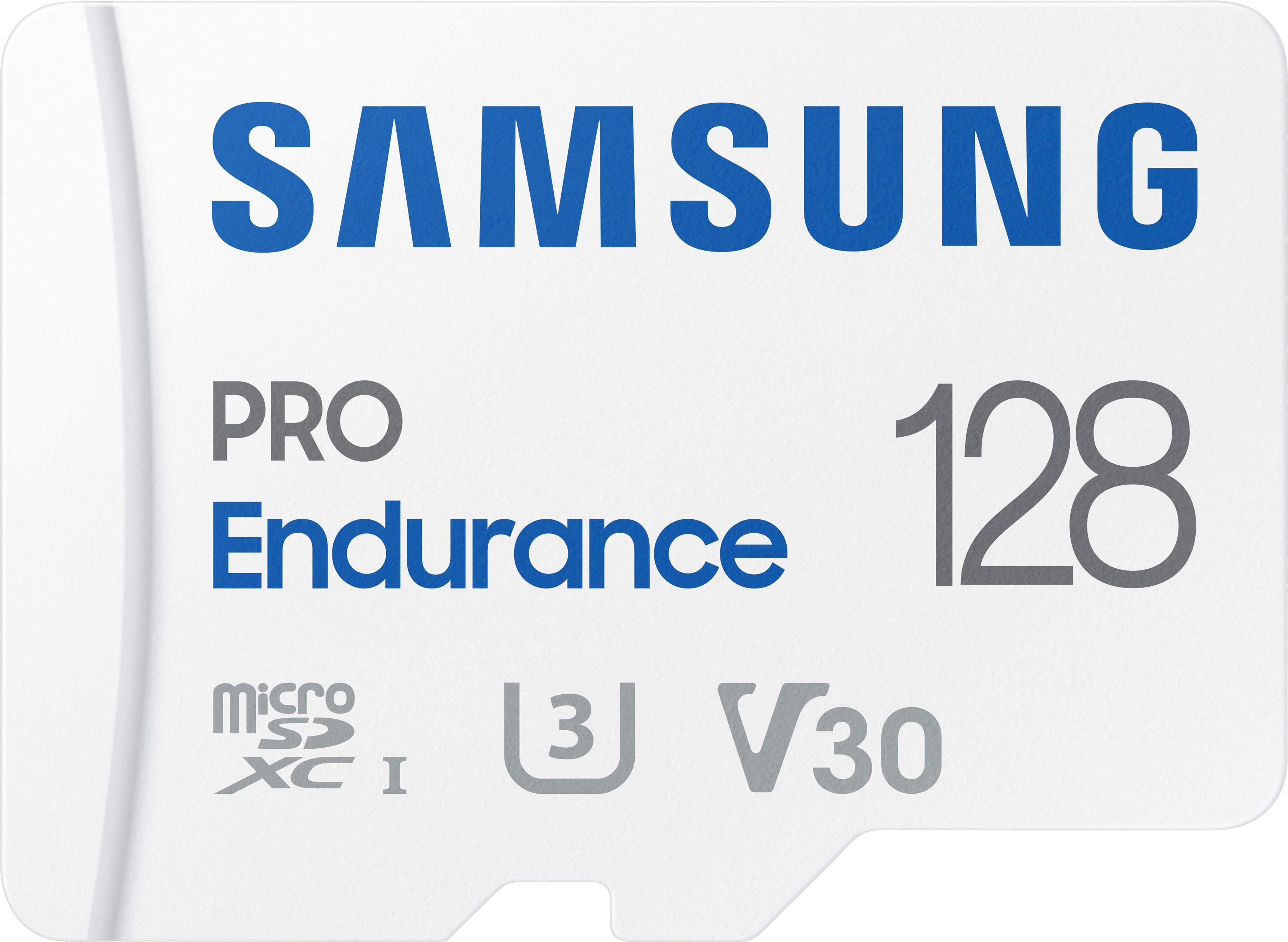
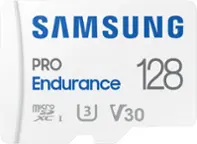
Samsung - PRO Endurance 128GB microSDXC SD Memory Card
SKU: J3ZYG2JZWKCalled Best buy for a reason...Great product, no issues, best price around by far great service...Best quality and price. Great for dash cam and cameras.
See all microSDXCProduct Description
A durable white microSDXC card offering 128GB storage, water resistance, and fast FHD/4K recording performance.Your price for this item is $76.99 -
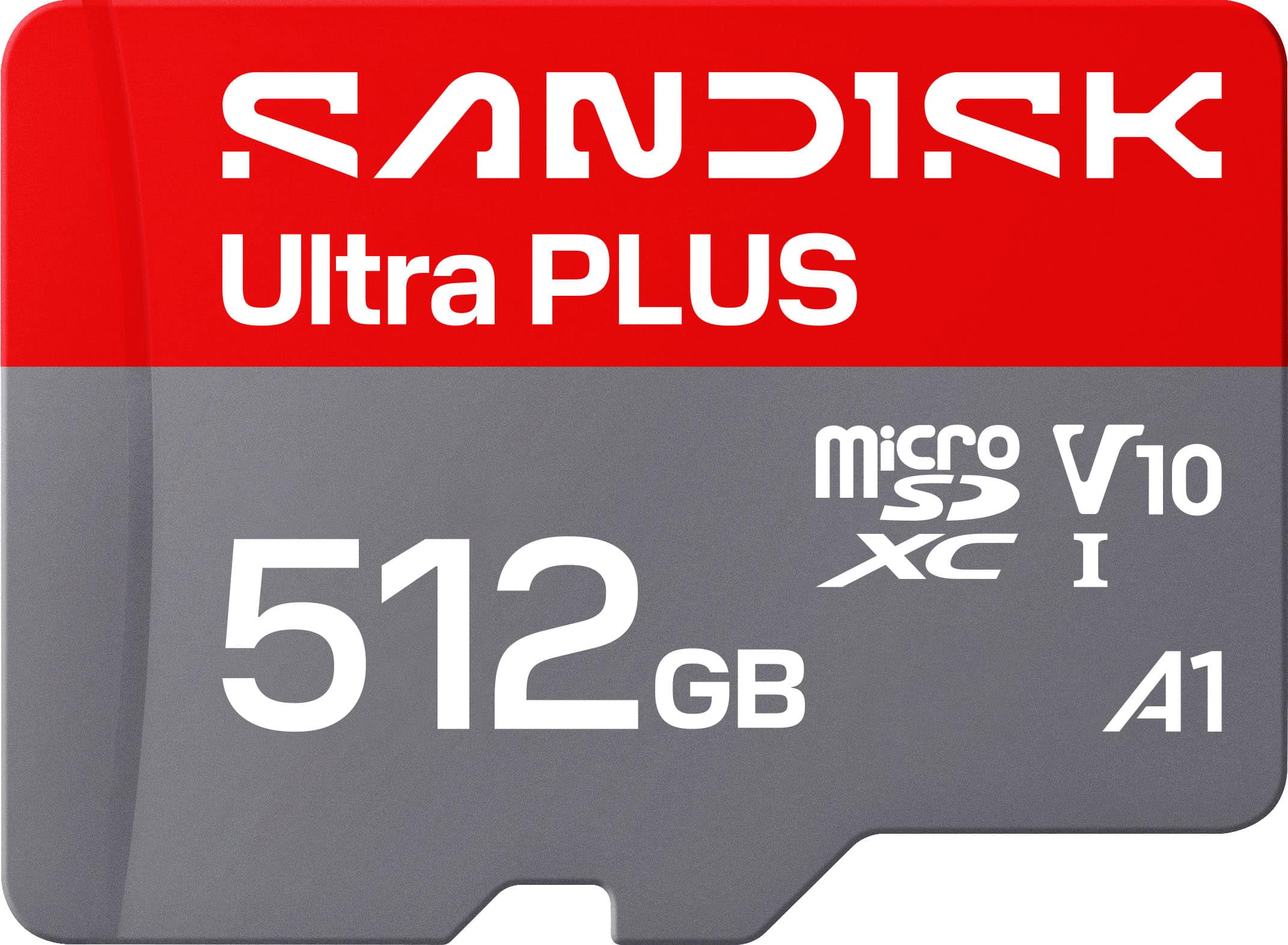
SANDISK - 512GB Ultra PLUS microSD UHS-I Memory Card, Read Speeds up to 200MB/s
SKU: JXJ62CQLG4Great product and holds a good amount of storage would reccomend...Great chips use them all the time reliable inexpensive
See all microSDXCProduct Description
A silver microSD card offering 512GB storage, 200MB/s read speed, and robust water-resistant durability.Your price for this item is $159.99 -
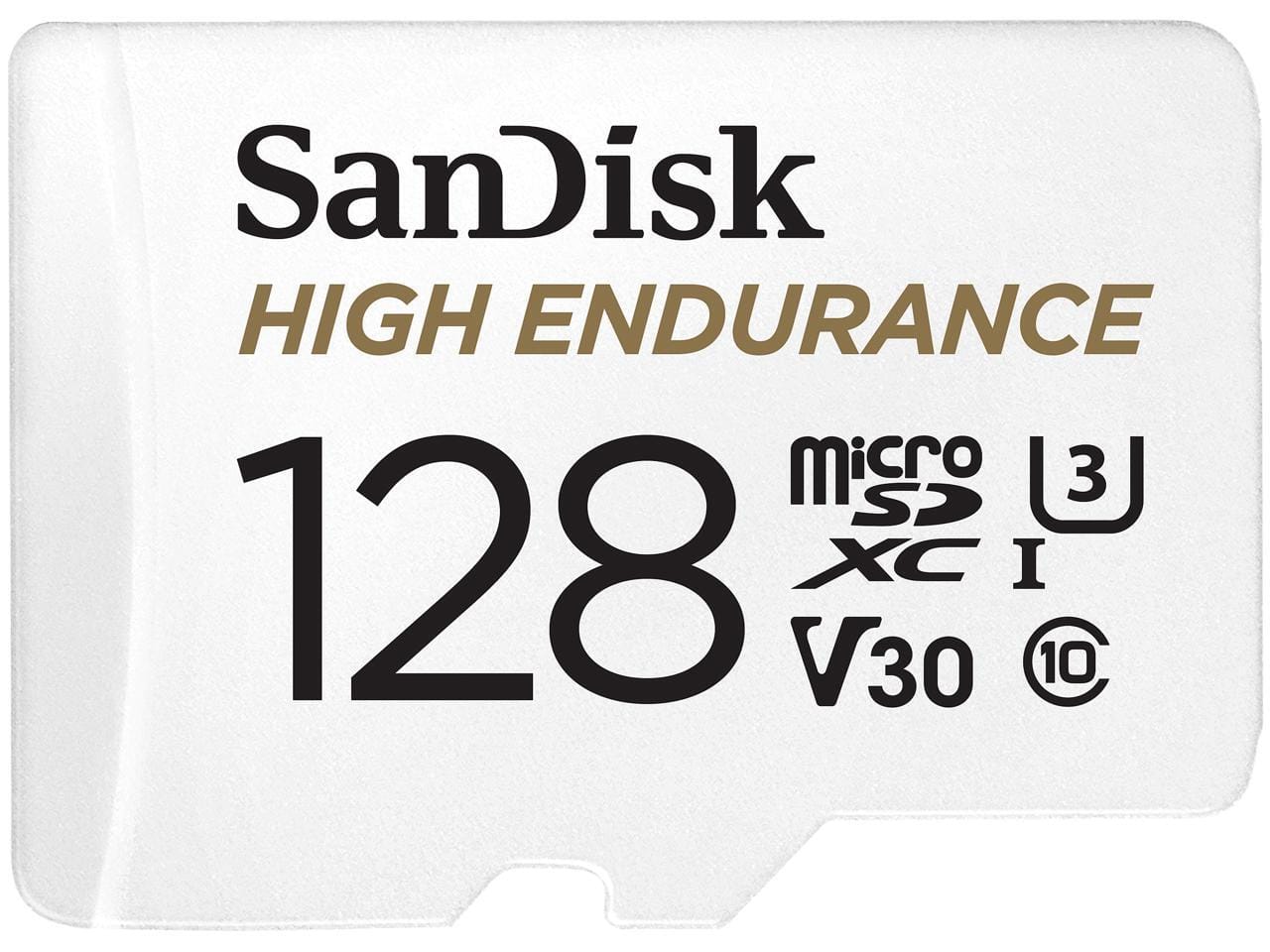
SANDISK - 128GB High Endurance microSDXC C10, U3, V30, 4k UHD Memory Card with Adapter (SDSQQNR-128G-GN6IA)
SKU: JXJ62C9JVXSee all microSDXCProduct Description
A high-endurance 128GB microSDXC card with adapter, supporting C10, U3, V30, and 4K UHD recording.Your price for this item is $42.49Save $41The previous price was $84.36 -
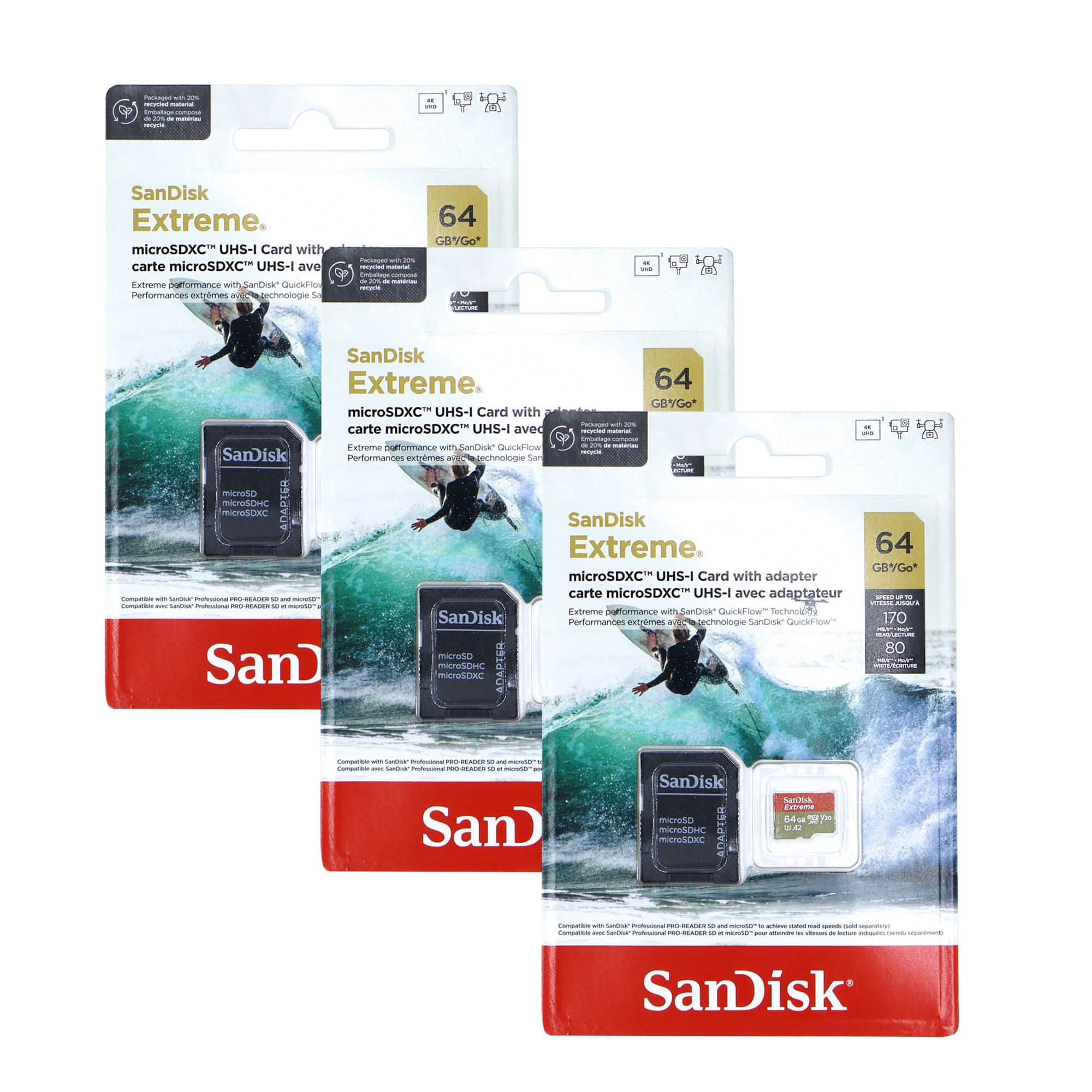
3x SanDisk Micro SD Memory Card for 64GB UHS-I Action Camera with Adapter
SKU: JX7QWF7JVZSee all microSDXCProduct Description
A durable black microSDXC card offering 64GB storage, 100MB/s read speed, and reliable 4K UHD recording.Your price for this item is $92.98 -
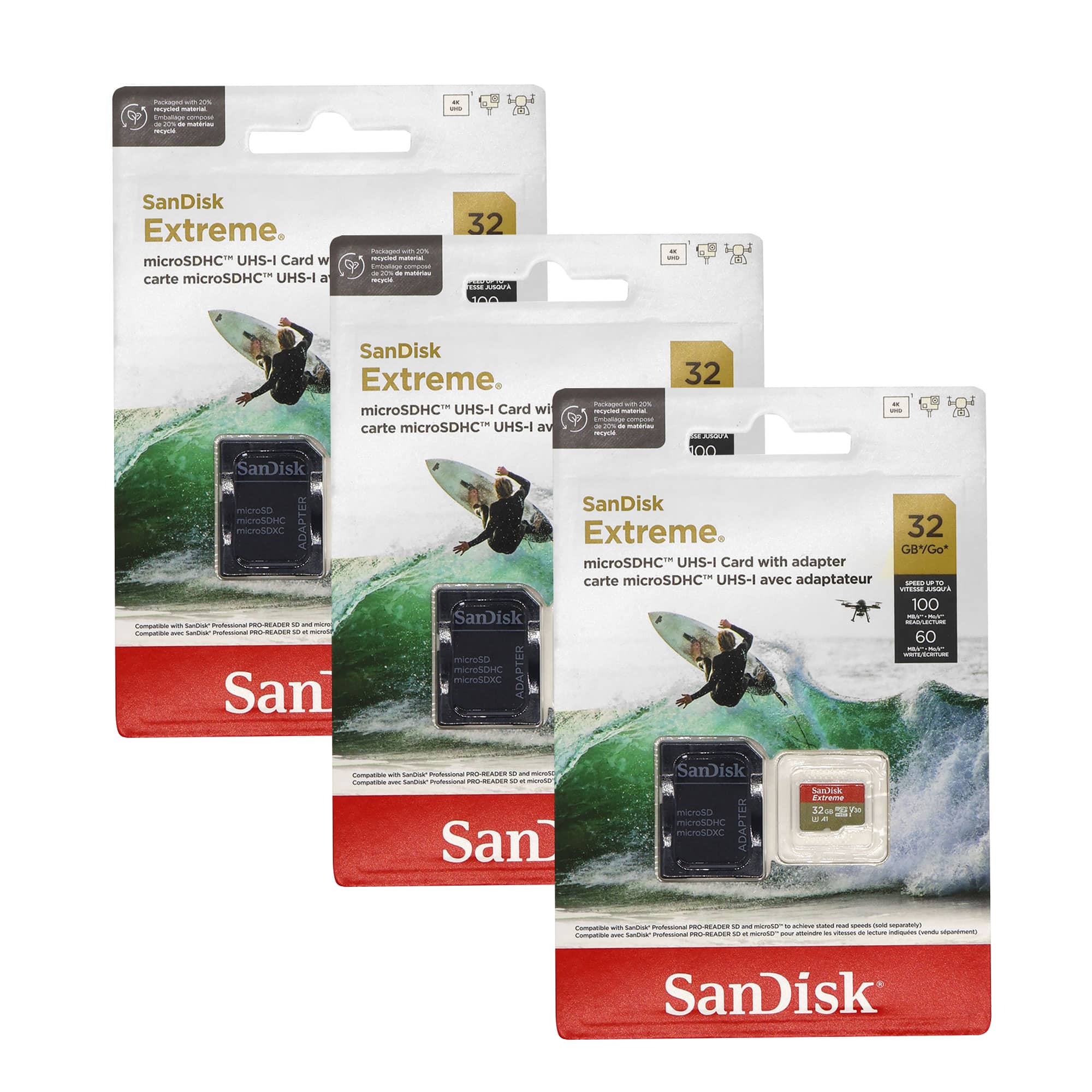
3x SanDisk 32GB Extreme UHS-I microSDHC Memory Card with SD Adapter
SKU: JX7QWF7JFRSee all microSDXCProduct Description
A set of three black microSDHC cards with SD adapters, offering fast 4K video recording and rugged durability.Your price for this item is $76.98 -
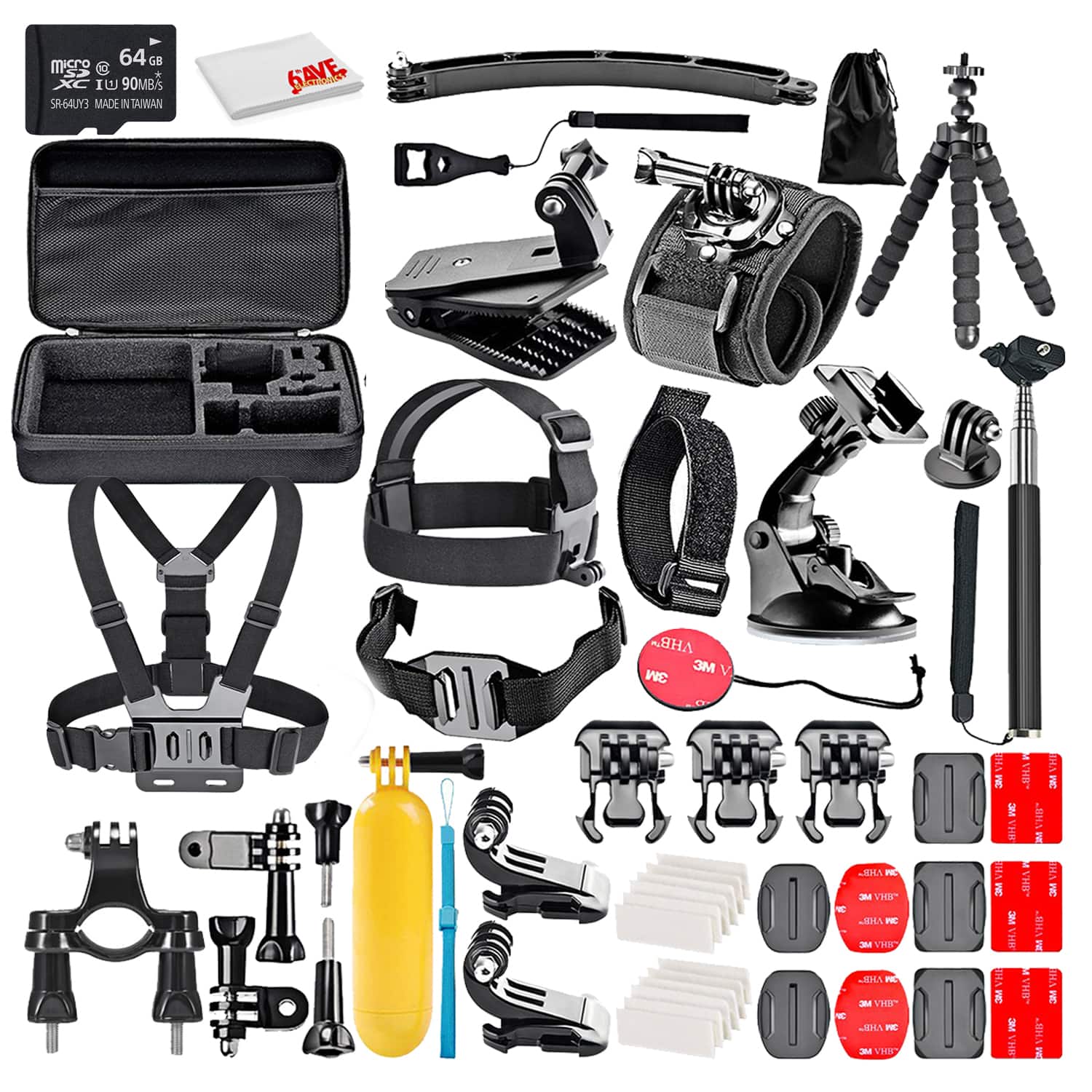
50-In-1 Action Camera Accessory Kit Bundle With - 64GB MICRO SD CARD + Cleaning Cloth - Compatible W/ GoPro Hero 8,7,6
SKU: J7QPQK6X2VSee all Camera Bags & CasesProduct Description
A versatile 50-in-1 waterproof accessory kit with durable polyester fabric, compatible with major action cameras.Your price for this item is $65.95 -
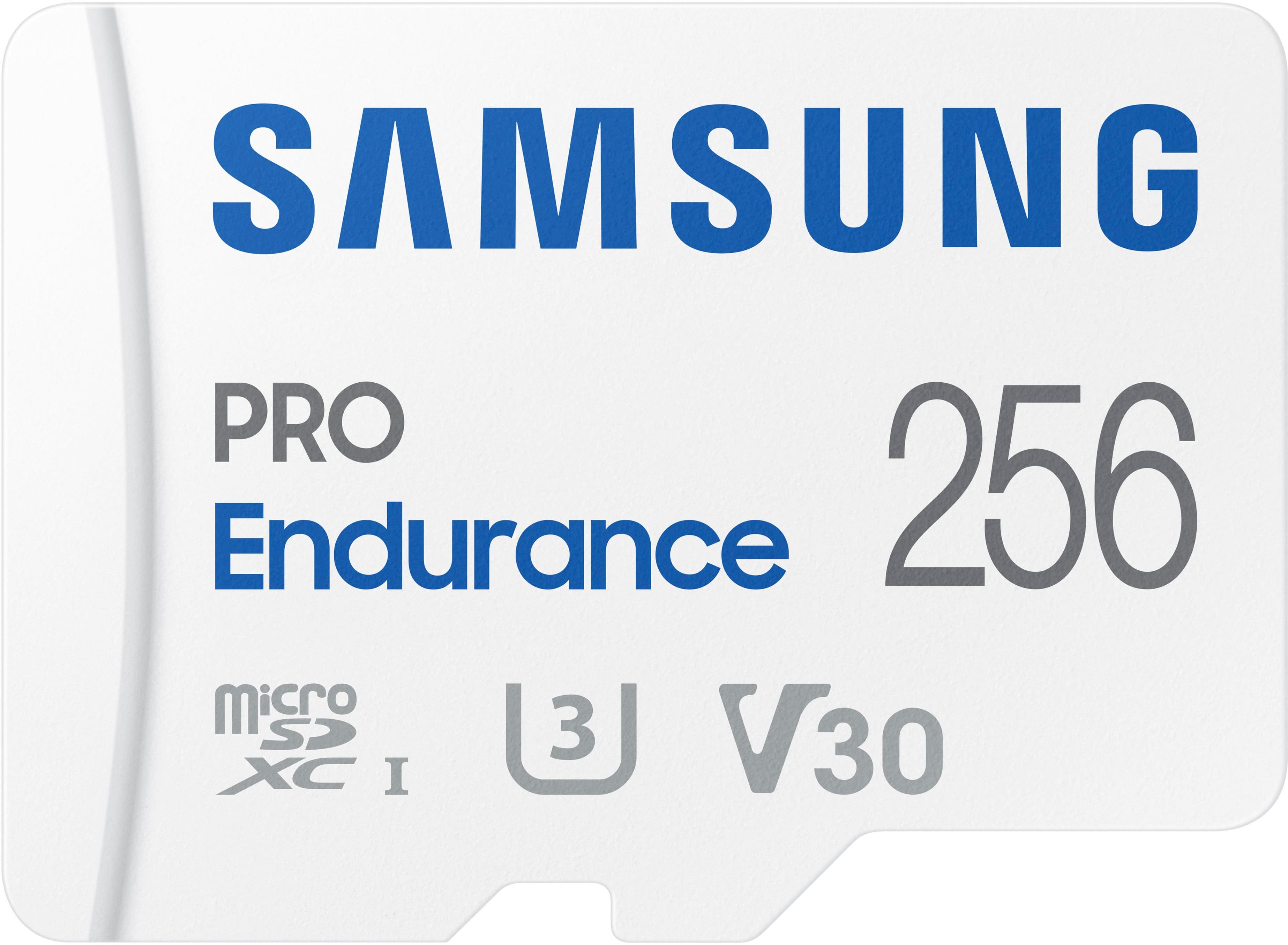
Samsung - PRO Endurance 256GB MicroSDXC Memory Card
SKU: J3ZYG2JZK7I love it best thing I ever bought used for my xbox...It works as advertised no problems, great buy at the bargain price at Best buy.
See all microSDXCProduct Description
A durable white microSDXC card offering 256GB storage, water resistance, and fast FHD/4K recording performance.Your price for this item is $153.99 -
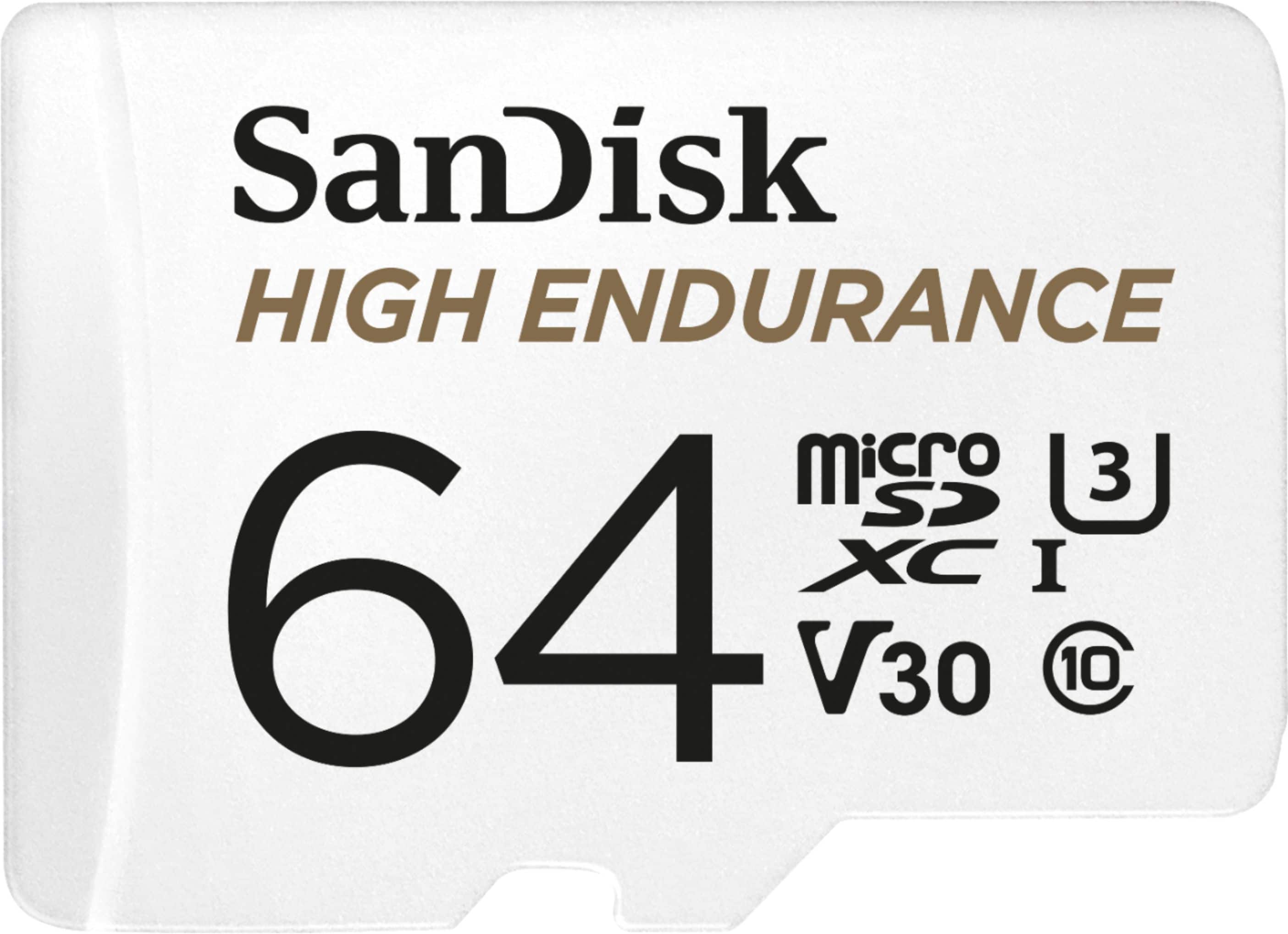
SANDISK - 64GB microSDXC High Endurance UHS-I Memory Card
SKU: JXJ62C9CHFSee all Secure Digital (SDHC, SDXC)Product Description
A durable white microSDXC card offering 64GB storage, Full HD/4K recording, and extreme weather resistance.Your price for this item is $51.36 -
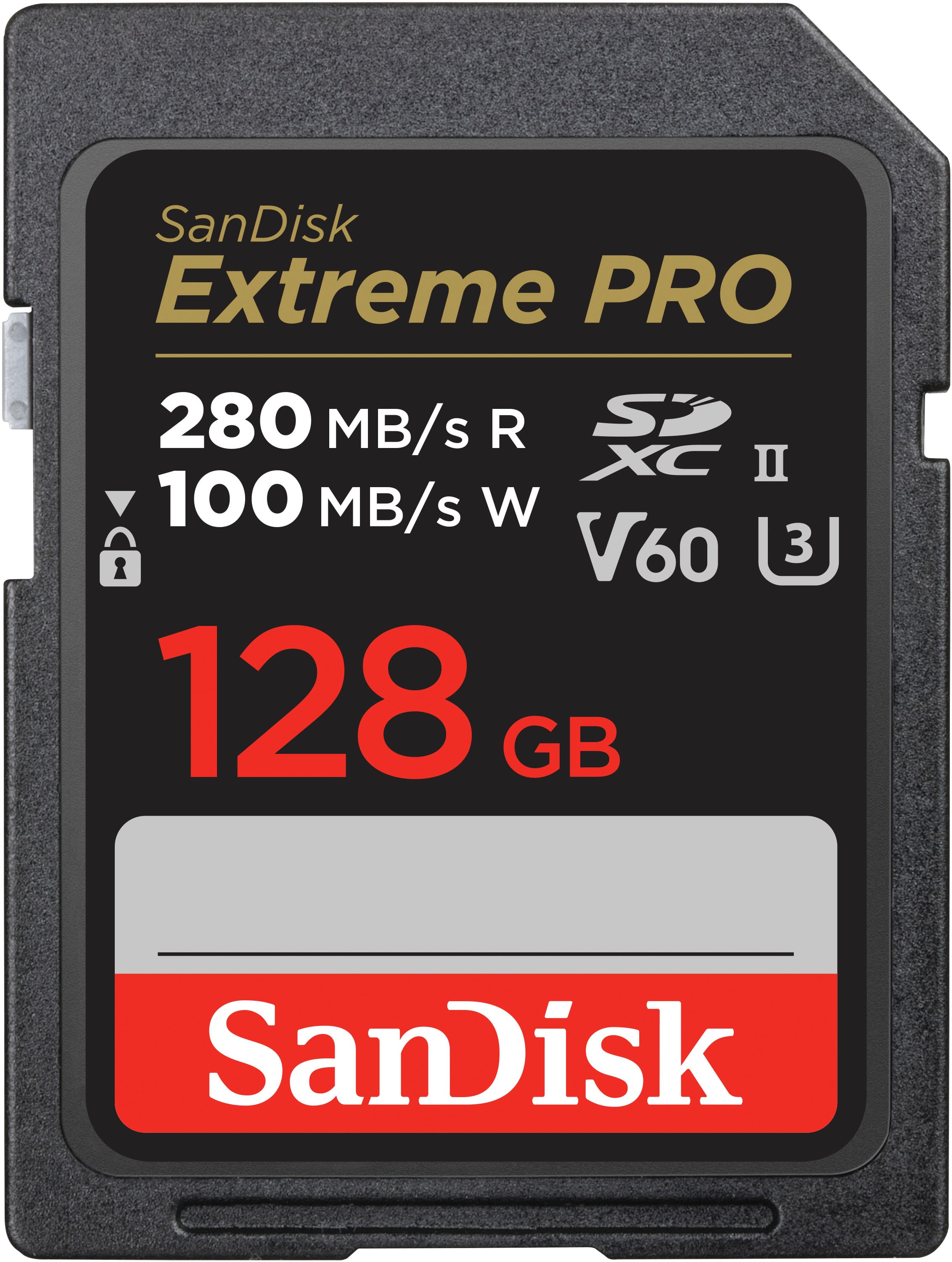
SANDISK - 128GB Extreme PRO SDXC UHS-II V60 Memory Card, R/W up to 280/100MB/s
SKU: JXJ62C6F2WSee all Secure Digital (SDHC, SDXC)Product Description
A high-speed, black SDXC memory card with 128GB capacity, V60 rating, and water resistance for 6K video.Your price for this item is $239.98 -
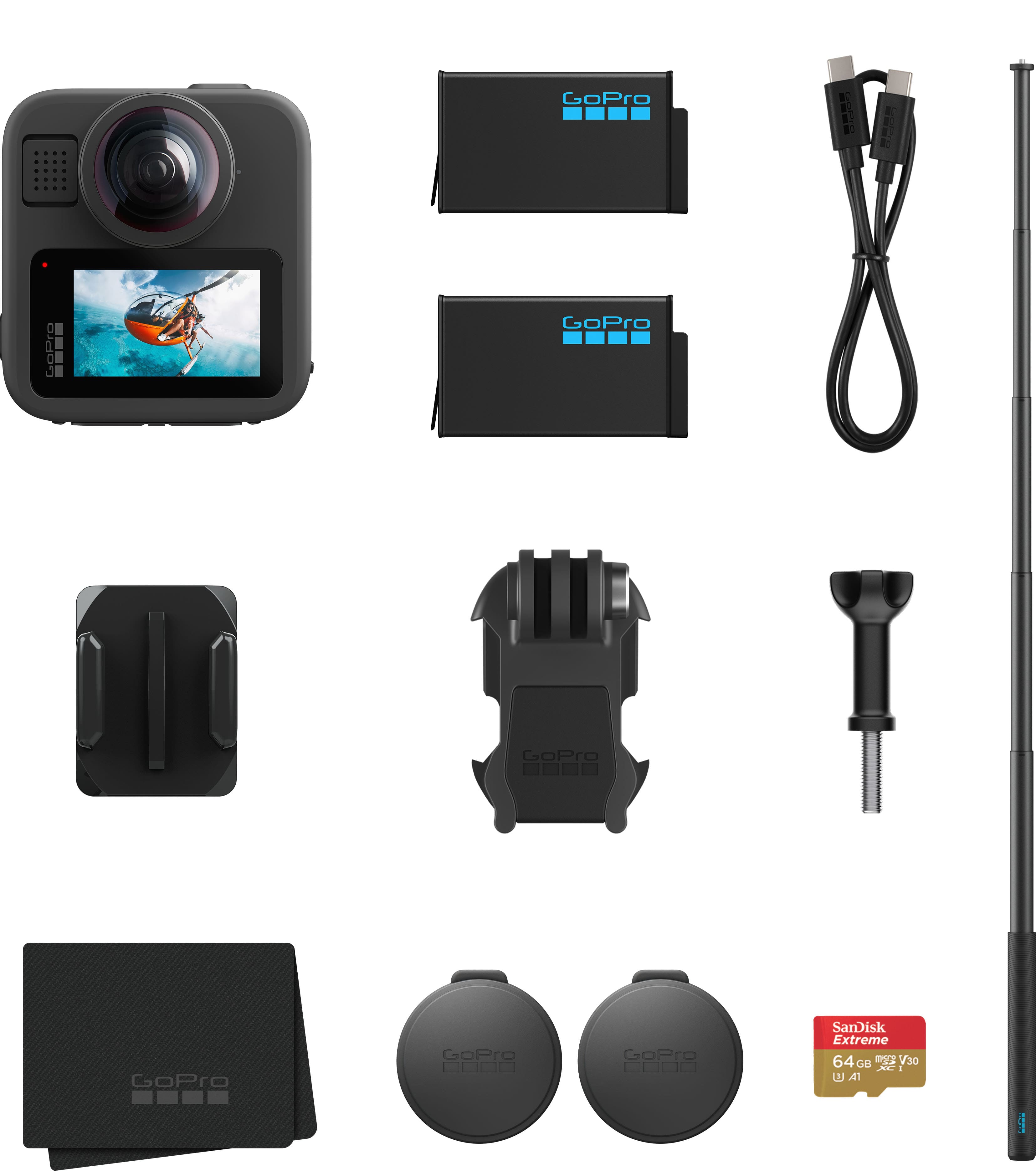
GoPro - MAX2 Action Camera Accessory Bundle - Black
SKU: J3GW35FPSFIf your looking for a great true 360 camera this is what you neeeeeeed best on the market works great...The best
See all Action CamerasProduct Description
A versatile black 360-degree action camera bundle with 8K video, extension pole, extra battery, and SD card.Your price for this item is $569.99
Best Sellers



Related Pages



FAQ
No, not all SD cards are compatible with GoPro Hero 3 cameras. The GoPro Hero 3 requires microSD cards with specific speed ratings to ensure smooth video recording and performance. It's important to choose a card that meets the recommended specifications for your device.
MicroSD refers to the physical size of the card, while microSDHC (High Capacity) and microSDXC (eXtended Capacity) indicate different storage capacities and file system formats. The GoPro Hero 3 supports both microSDHC and microSDXC cards, but always check your camera's firmware for compatibility.
To insert an SD card into your GoPro Hero 3, open the side slot cover, gently push the microSD card into the slot with the label facing up and the gold contacts facing down, until it clicks into place. Ensure the camera is powered off before inserting or removing the card.
Yes, it is recommended to format your SD card in the GoPro Hero 3 before first use. This ensures the card is set up correctly for optimal performance and helps prevent file errors. You can format the card through the camera's settings menu.
Yes, you can use the same SD card to store both photos and videos on your GoPro Hero 3. The camera will automatically organize your media into separate folders for easy access and management.