Secure Laptops For Remote Employees
-
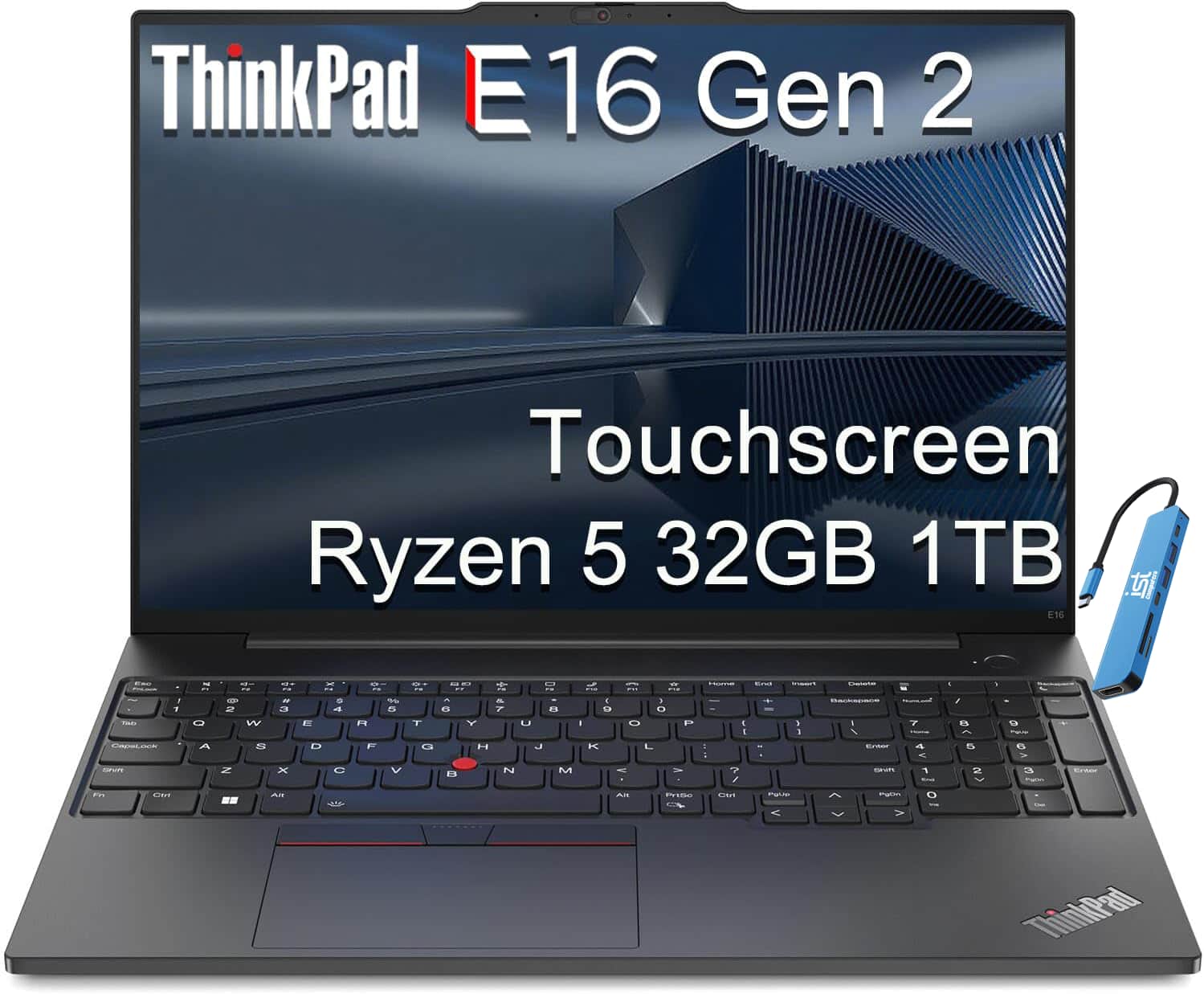
Lenovo - Upgraded - ThinkPad E16 Gen 2 16" FHD+ Touchscreen Business Laptop - AMD Ryzen 5 with 32GB Memory - 1TB SSD - Windows 11 Pro - Touchscreen - Black
SKU: J3GWQRFGJWLove everything about this computer. Just bought a 2nd one for my office administrator!...Great Work PC
See all Windows LaptopsProduct Description
A black touchscreen laptop with AMD Ryzen 5, 32GB RAM, 1TB SSD, and robust security features.Your price for this item is $1,349.99 -
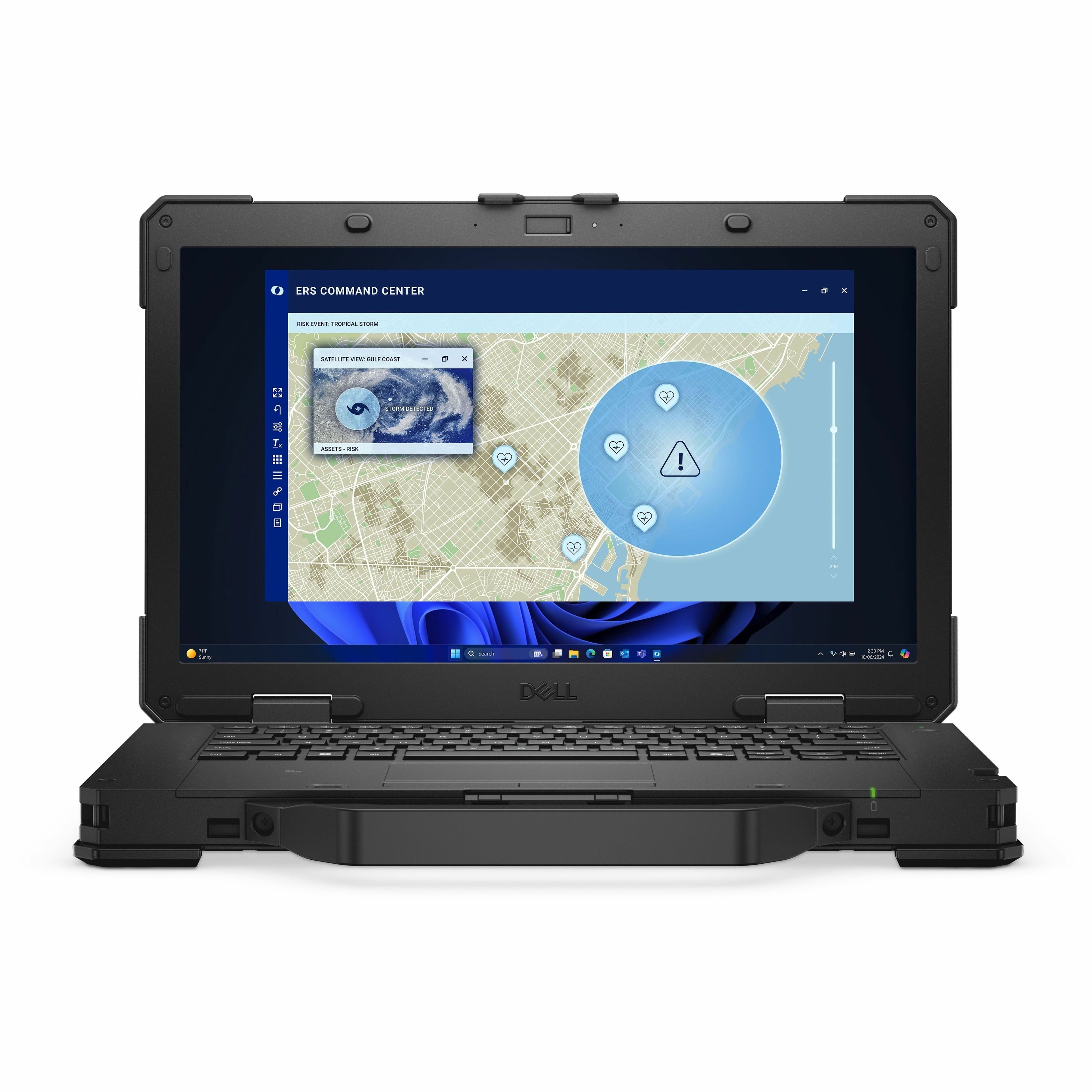
Dell - Pro Rugged 14 RB14250 14" Laptop Intel Core Ultra 7 165U 16GB 512GB SSD - Black
SKU: J3K4L6XZCTSee all Windows LaptopsProduct Description
A rugged black laptop featuring Intel Core Ultra 7, 16GB RAM, 512GB SSD, and Windows 11 Pro.Your price for this item is $2,899.99 -
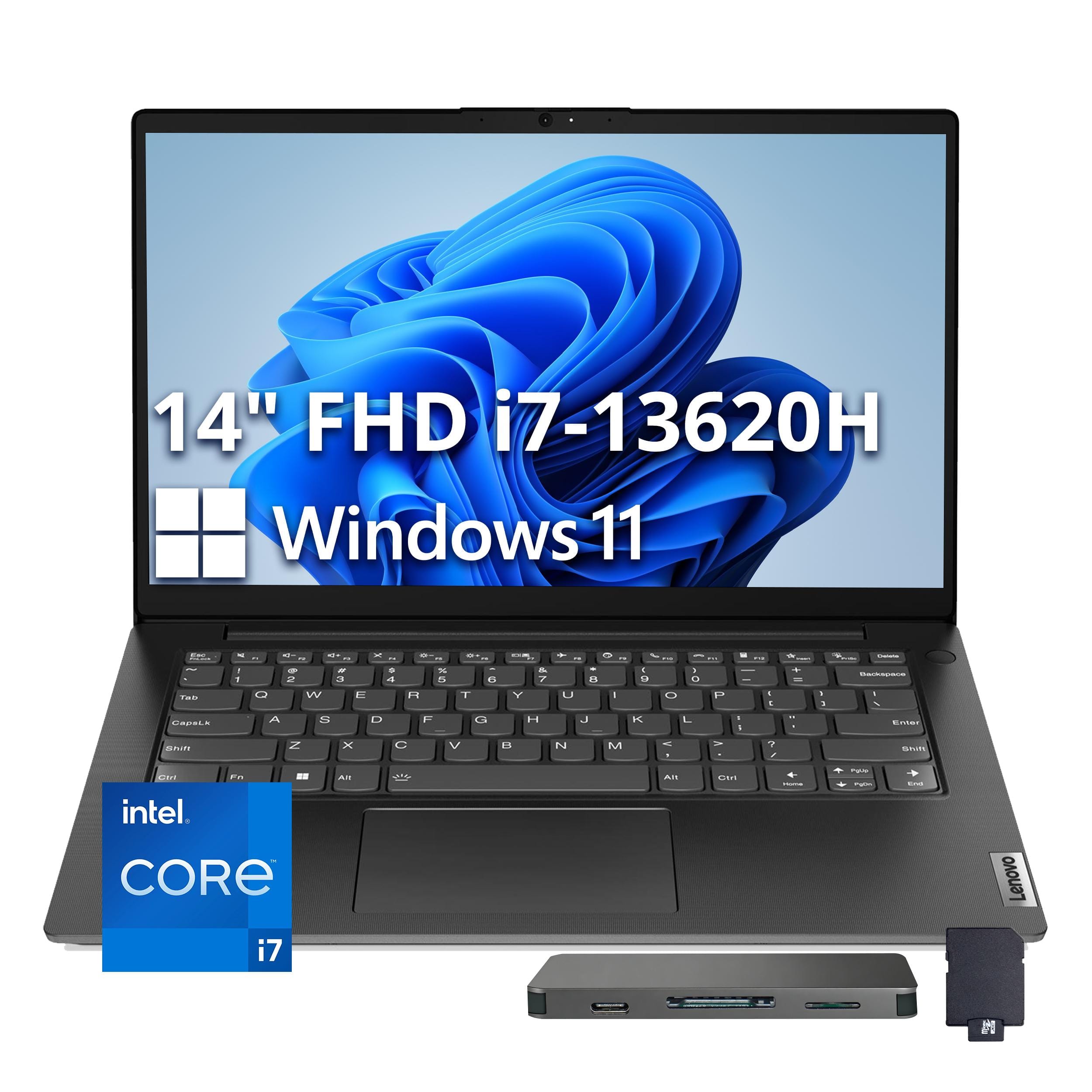
Lenovo - V14 G4 14" FHD 2025 Laptop Intel Core i7-13620H 16GB RAM 512GB SSD for Home and Business - Black
SKU: JJGXY8K8YWSee all Windows LaptopsProduct Description
A sleek black laptop featuring Intel Core i7, 16GB RAM, 512GB SSD, and Wi-Fi 6 connectivity.Your price for this item is $749.00Save $320The previous price was $1,069.00 -
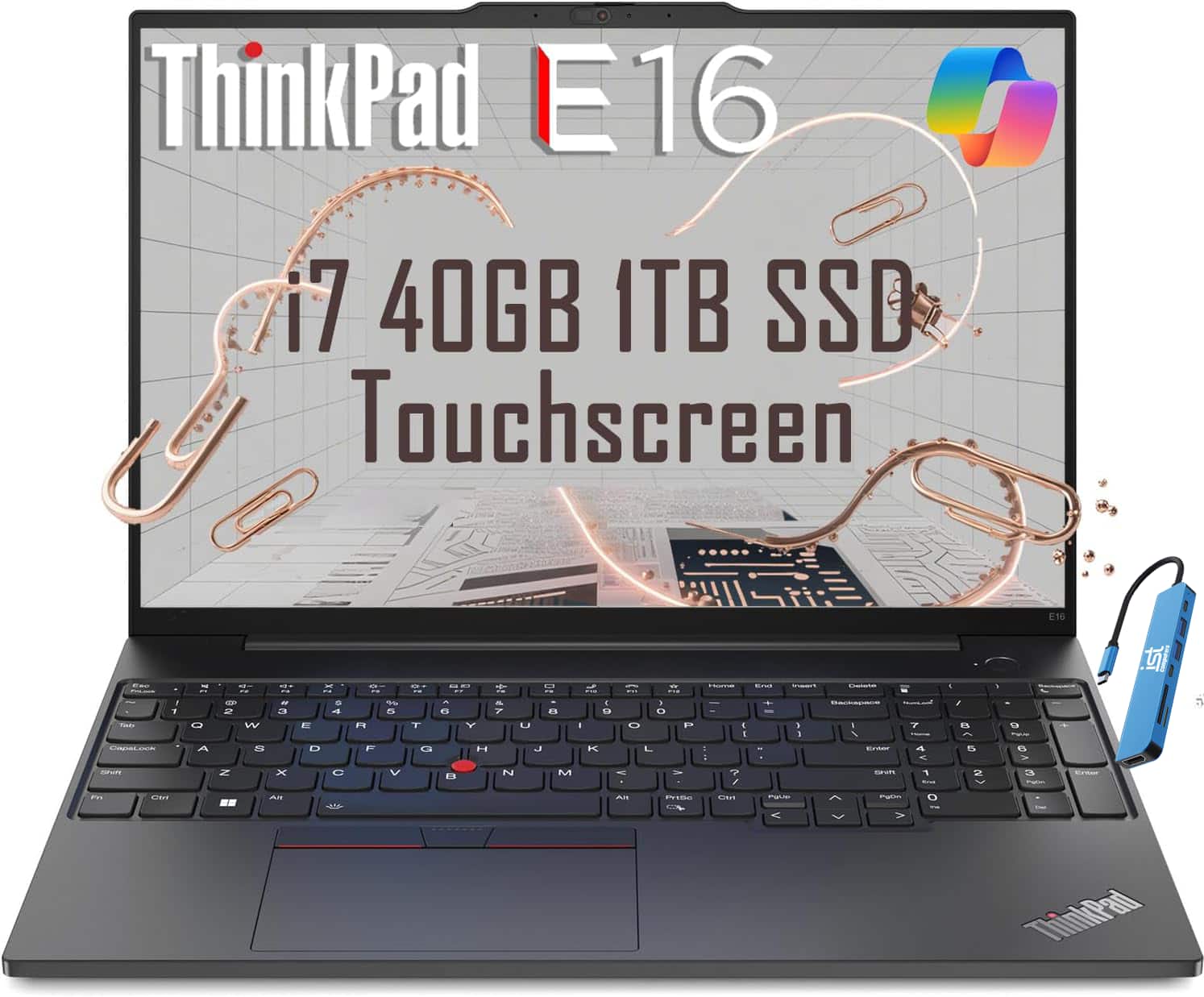
Lenovo - Upgraded - ThinkPad E16 Gen 1 16" Touch-Screen Laptop - Intel Core i7 - 40GB RAM - 1TB SSD - Backlit - Fingerprint - Win11Pro - Black
SKU: J3GWQRFG6LSee all Windows LaptopsProduct Description
A black touchscreen laptop with Intel Core i7, 40GB RAM, 1TB SSD, backlit keyboard, and fingerprint reader.Your price for this item is $1,349.00 -
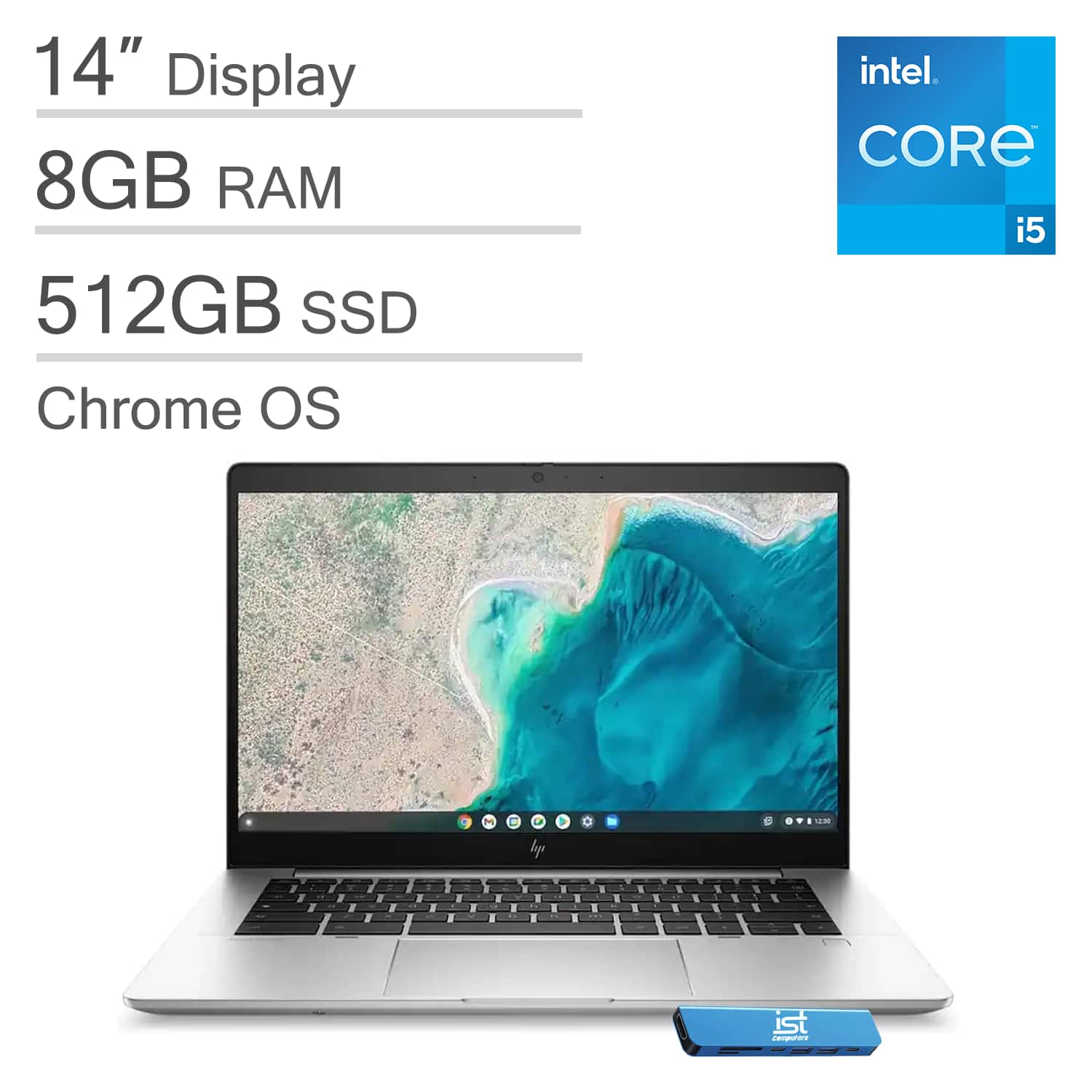
HP - Upgraded - Chromebook 14 14" FHD Laptop - Elite Pro C640 G3 - Intel Core i5 with 8GB Memory - 512GB SSD - Thunderbolt 4 - Chrome OS - Silver
SKU: J3GWQRF8H5See all ChromebooksProduct Description
A slim silver Chromebook with Intel Core i5, 8GB RAM, 512GB SSD, Thunderbolt 4, and Wi-Fi 6E.Your price for this item is $499.99 -
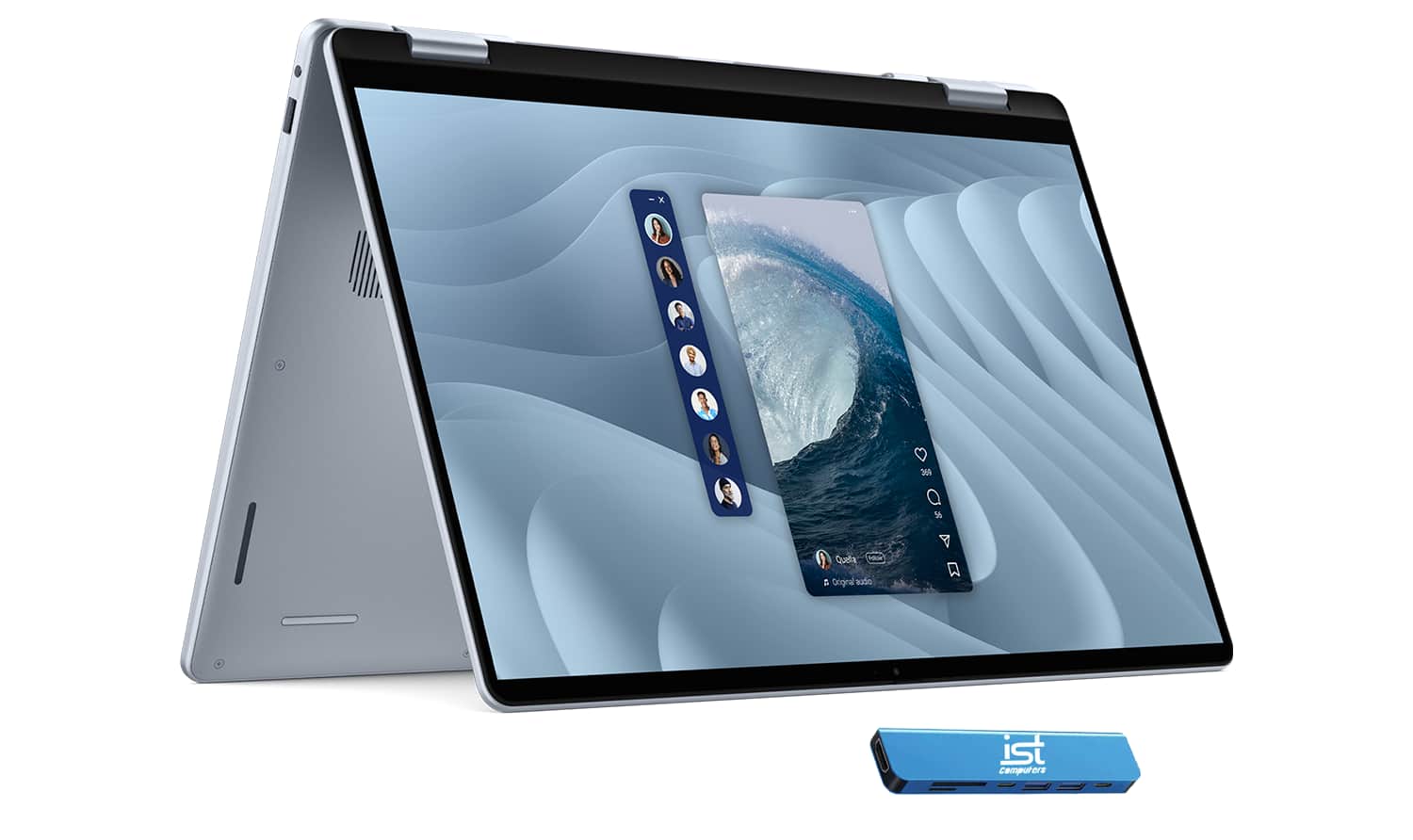
Dell - Upgraded - 16 Plus 16" FHD+ 2-in-1 Touchscreen AI PC Laptop - Copilot+ PC - Intel Core Ultra 7 256V - 16GB RAM - 1TB SSD - IST HUB - Ice Blue
SKU: J3GWQRFPZPSee all Windows LaptopsProduct Description
An AI-powered 2-in-1 touchscreen laptop in Ice Blue with Intel Core Ultra 7, 16GB RAM, and 1TB SSD.Your price for this item is $1,099.99Save $200The previous price was $1,299.99 -
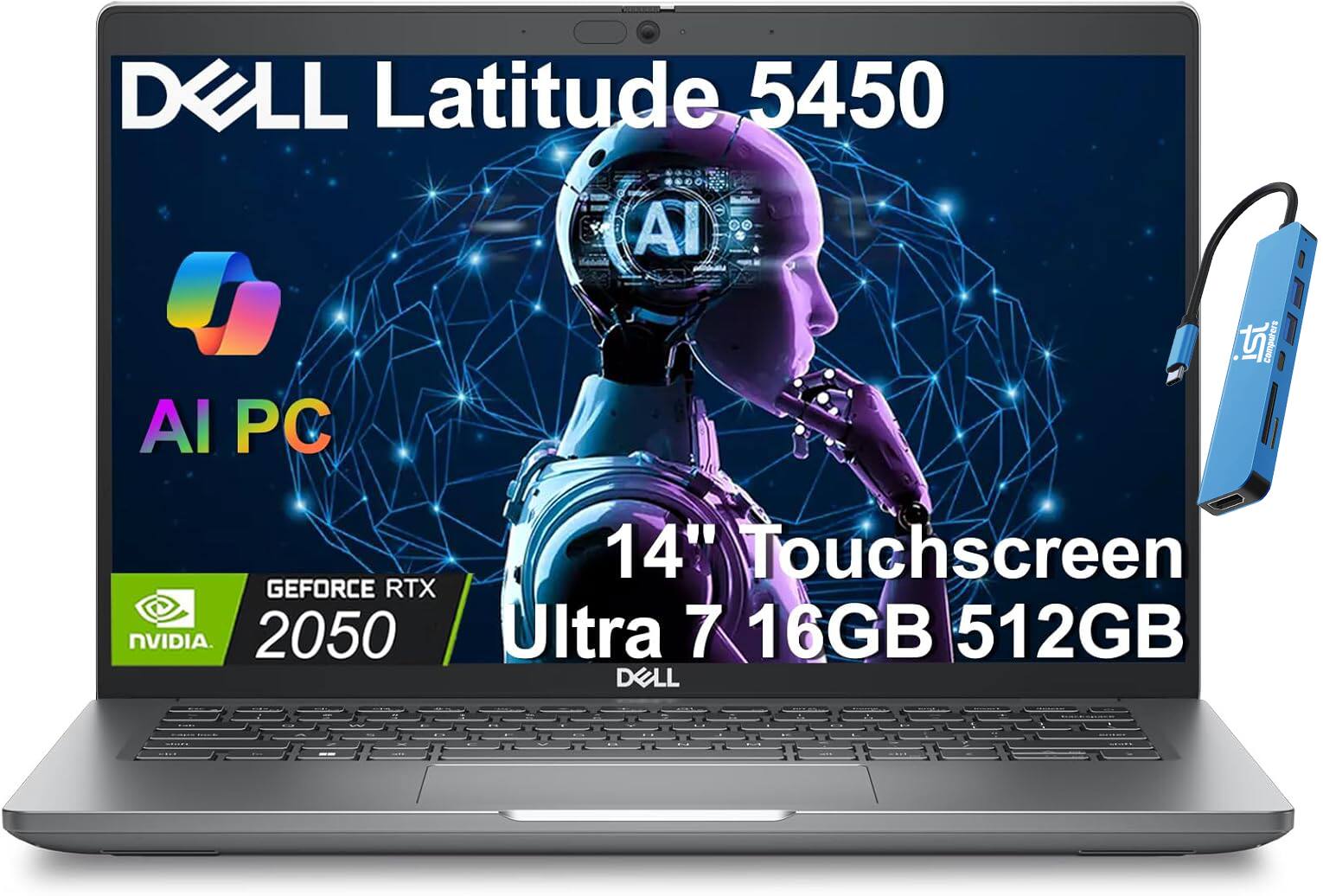
Dell - Upgraded - Latitude 5450 14"FHD Touchscreen AI Business Laptop - Intel Ultra7 - NVIDIA RTX2050 - 16GB RAM - 512GB SSD - Win11Pro - Titans Gray
SKU: J3GWQRFYGJSee all Windows LaptopsProduct Description
A sleek Titans Gray business laptop with Intel Ultra7, RTX 2050, 16GB RAM, and FHD touchscreen.Your price for this item is $1,399.99 -
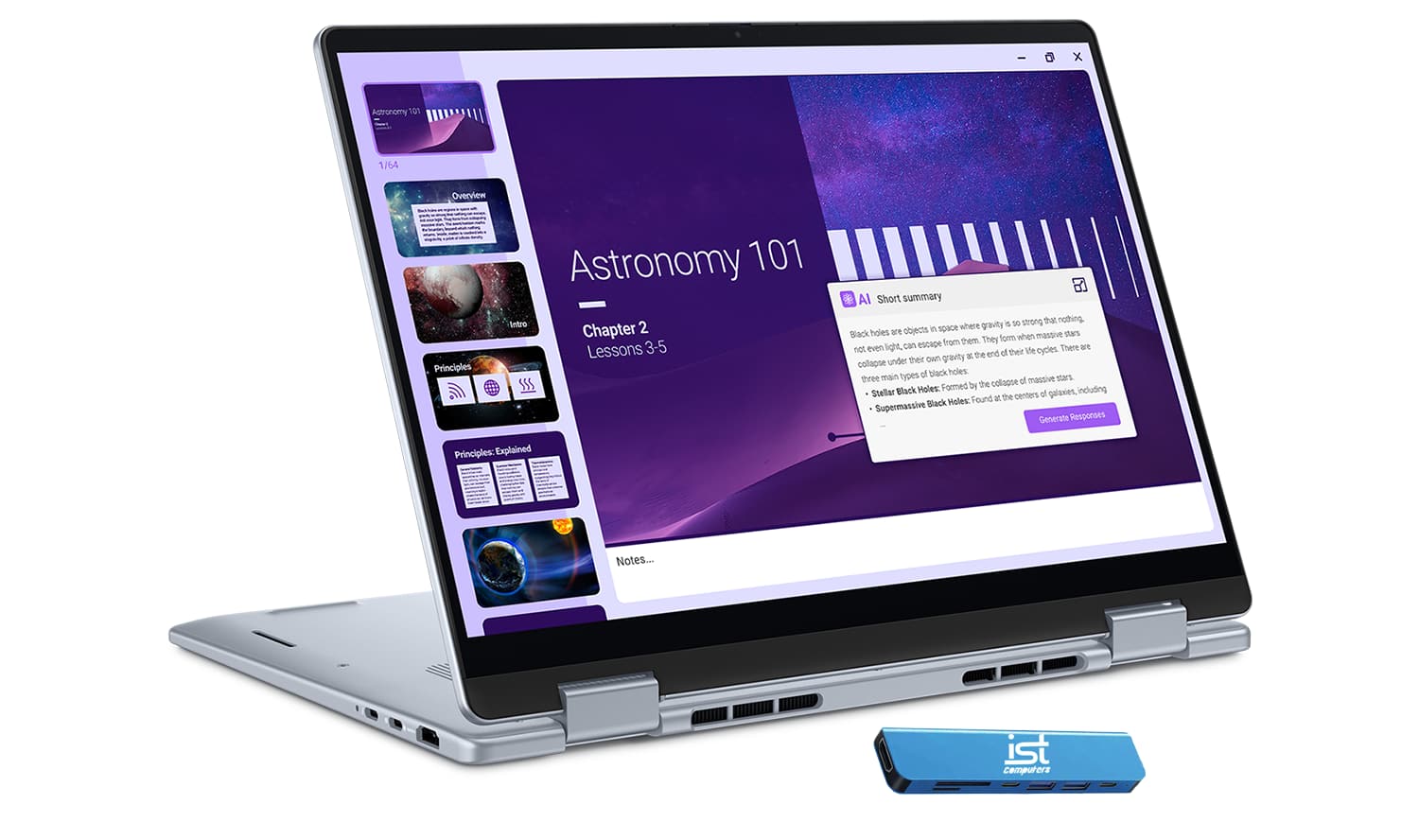
Dell - Upgraded - Plus - 14" FHD+ 2-in-1 Touchscreen Laptop - Intel Core Ultra 7 256V 2024 - 16GB Memory - 1TB Storage - Copilot+ PC - Ice Blue
SKU: J3GWQRF8XWSee all Windows LaptopsProduct Description
An AI-powered 2-in-1 ice blue laptop with Intel Core Ultra 7, 16GB RAM, and 1TB SSD.Your price for this item is $1,099.99Save $50The previous price was $1,149.99 -
HP - EliteBook 16" Touchscreen Laptop - Intel Core Ultra 7 268V with 32GB Memory - 1TB SSD - Glacier Silver
SKU: JJGH2GZ4JPSee all Windows LaptopsProduct Description
A silver touchscreen laptop featuring Intel Core Ultra 7, 32GB memory, 1TB SSD, and AI-powered productivity.Your price for this item is $2,089.99Save $10The previous price was $2,099.99 -
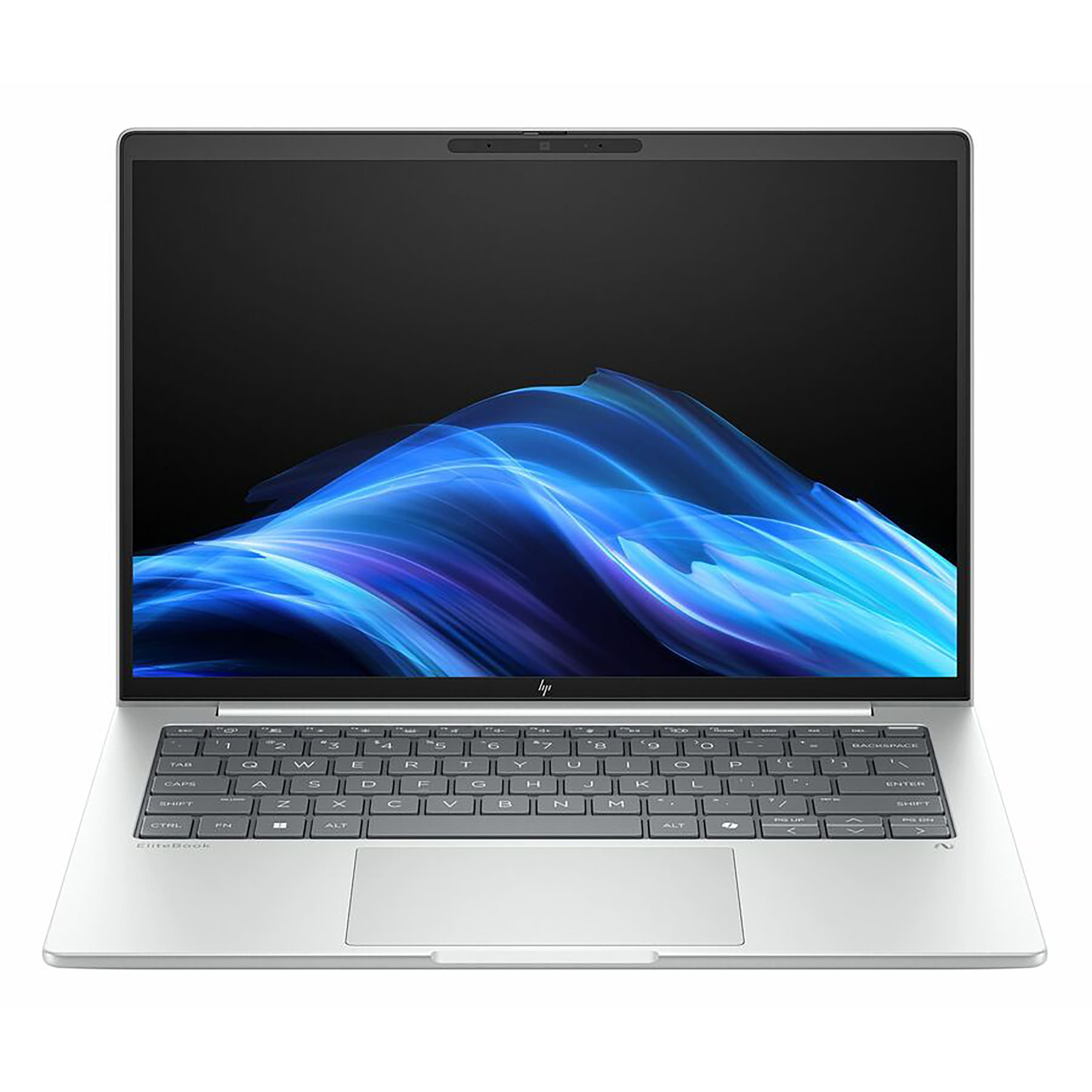
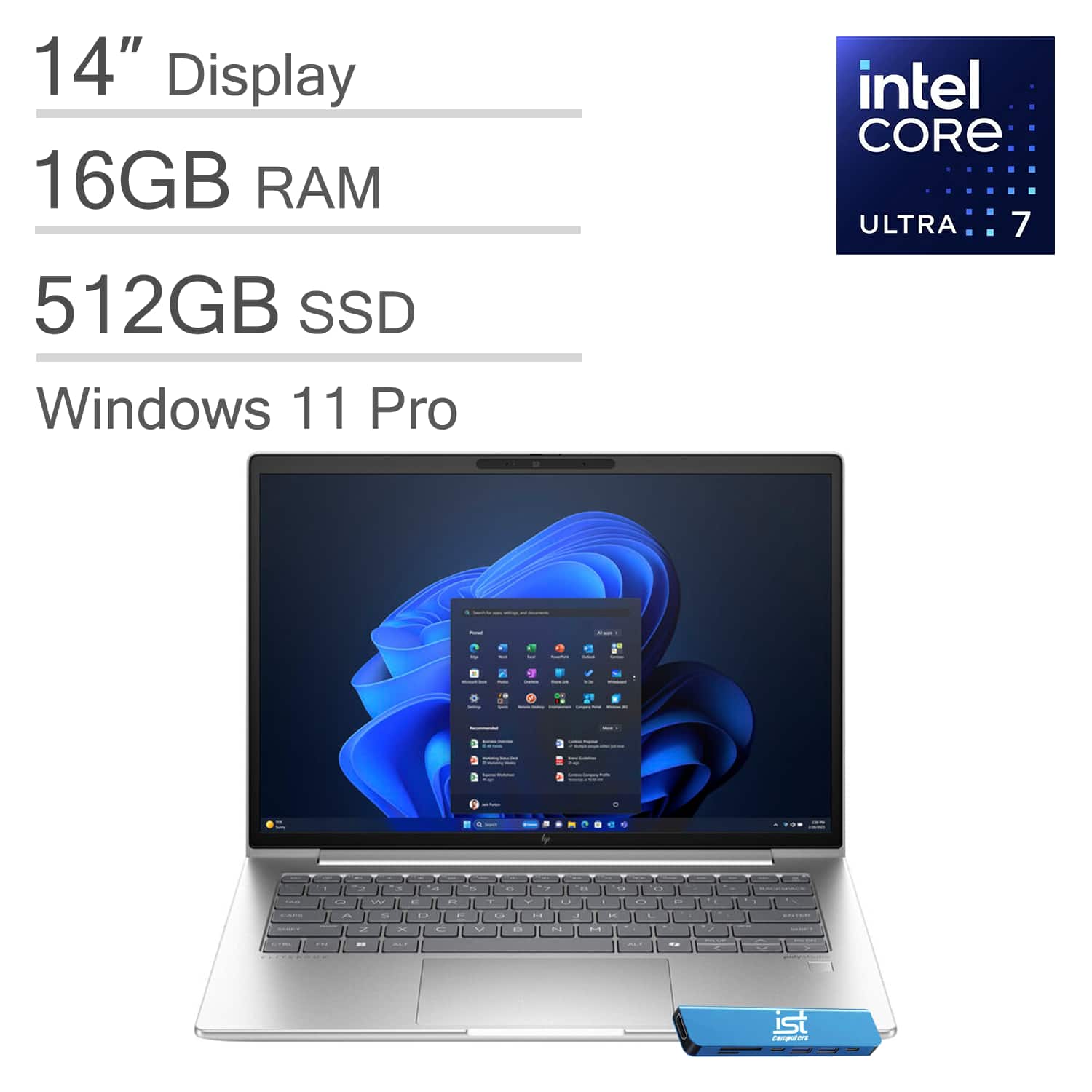
HP - Upgraded - EliteBook 640 G11 14" FHD+ Business Laptop - Intel Core Ultra 7 - 16GB DDR5 - 512GB SSD - Thunderbolt 4 - Win 11Pro - Silver
SKU: J3GWQRFP5QSee all Windows LaptopsProduct Description
A silver business laptop featuring Intel Core Ultra 7, 16GB DDR5 RAM, 512GB SSD, and Thunderbolt 4.Your price for this item is $1,299.00
Best Sellers




Related Pages





FAQ
When choosing a secure laptop for remote employees, look for features such as biometric authentication (fingerprint readers or facial recognition), hardware-based encryption (like TPM chips), pre-installed security software, and support for remote management tools. These features help protect sensitive data and ensure only authorized users can access the device.
Secure laptops use advanced security measures like encrypted storage, secure boot processes, and multi-factor authentication to prevent unauthorized access. They also often support VPNs and endpoint protection software, which safeguard company data even when employees are working from various locations outside the office.
Many secure laptops run on operating systems like Windows with enterprise security features, macOS with built-in privacy controls, or Linux distributions known for their robust security. The best choice depends on your organization's IT infrastructure and compatibility needs.
Yes, many business-class laptops offer remote management capabilities through tools like Microsoft Endpoint Manager or other mobile device management (MDM) solutions. This allows IT teams to update software, enforce security policies, and provide support without needing physical access to the device.
Hardware encryption protects sensitive information by encrypting data at the hardware level, making it much harder for unauthorized users to access files even if the laptop is lost or stolen. Features like self-encrypting drives (SEDs) and Trusted Platform Modules (TPMs) are commonly found in secure laptops designed for remote work.