Stream Computers
-
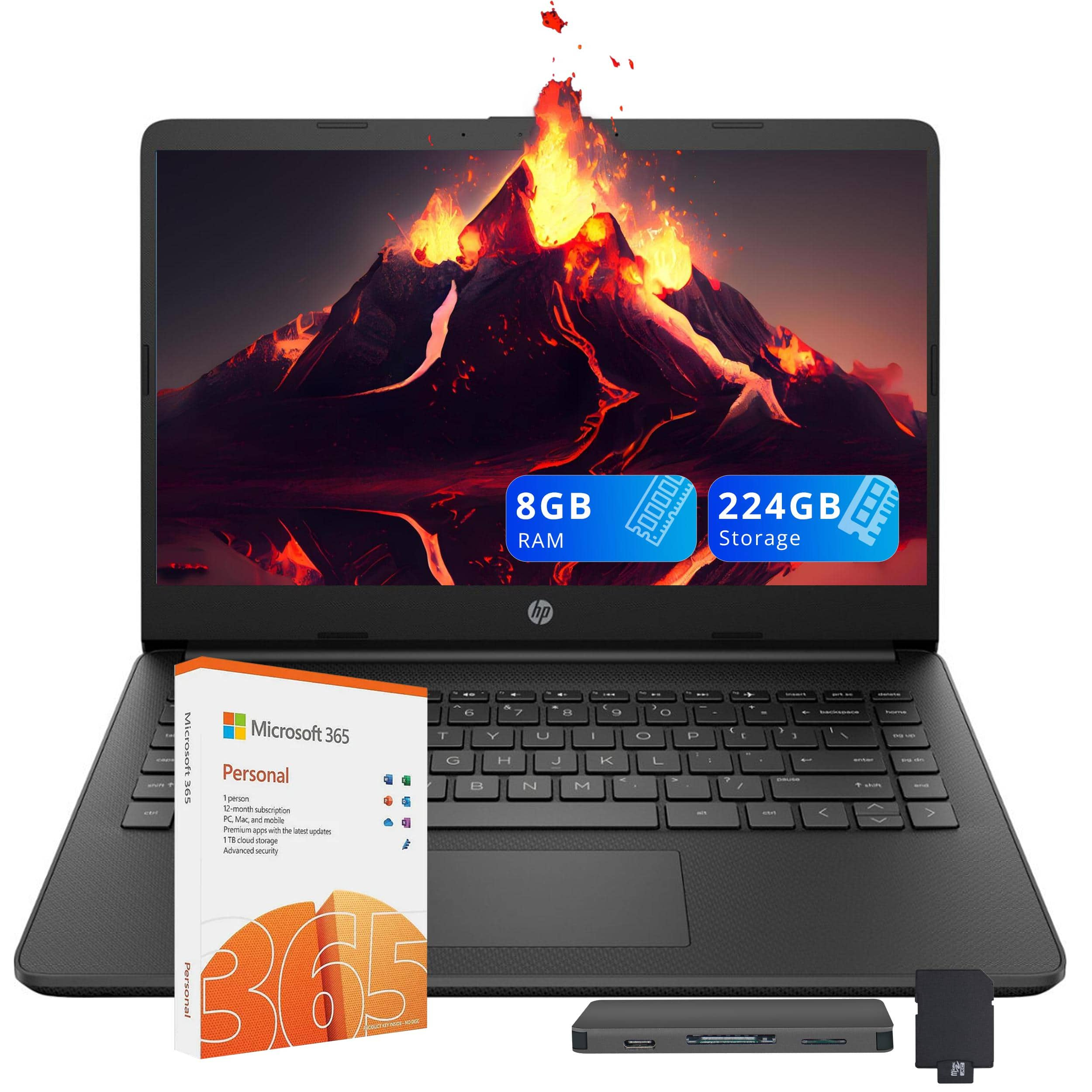
HP - Upgraded - Stream 14" HD Laptop, Intel Celeron N4120, 8GB RAM, 64GB eMMC, Win 11 S,160GB Docking Station - Black
SKU: JJG2RTQ9LRSee all All LaptopsProduct Description
A black laptop with 14" HD display, Intel Celeron processor, 8GB RAM, and Windows 11 S mode.Your price for this item is $359.00 -
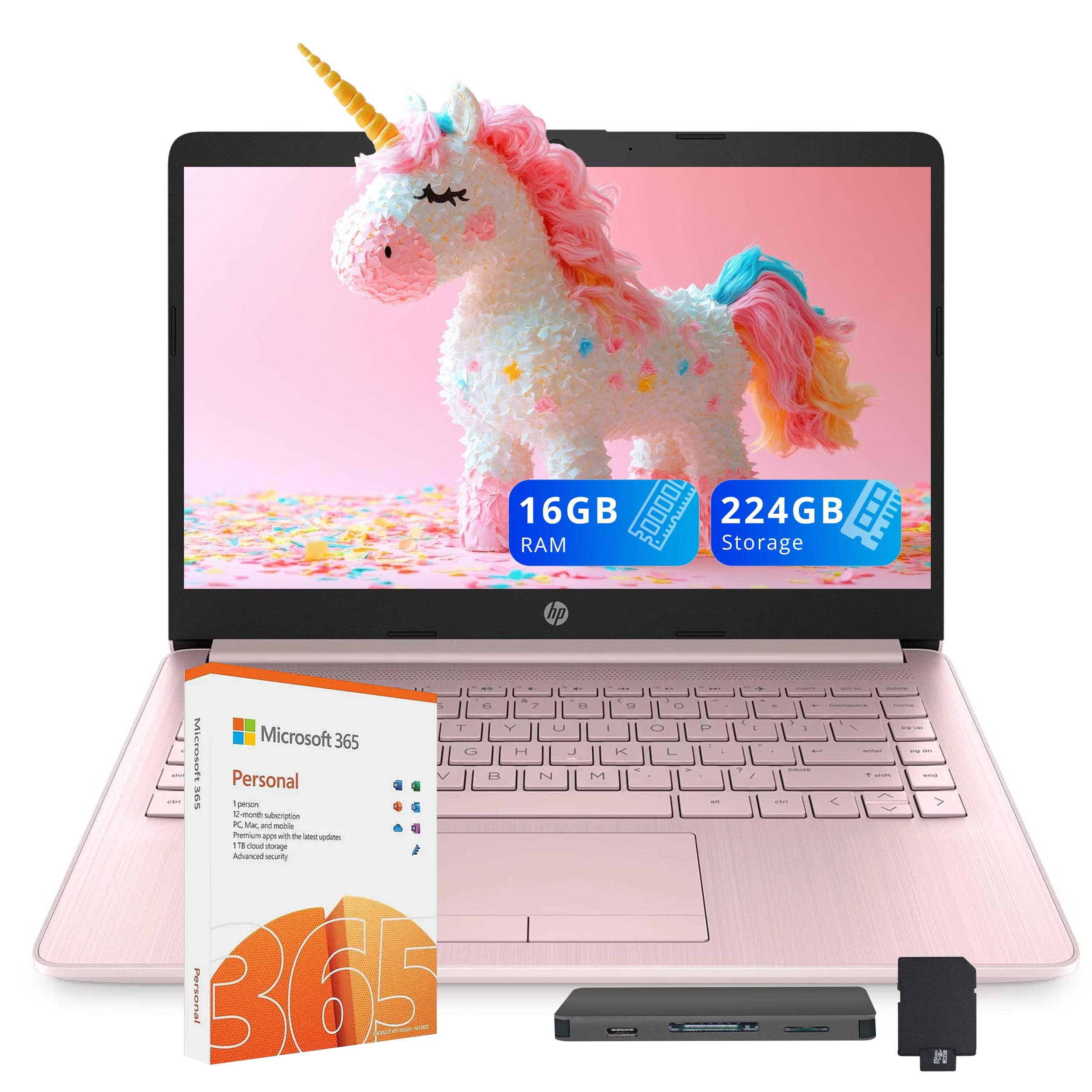
HP - Upgraded - Stream 14" HD Laptop, Intel Celeron N4120, 16GB RAM, 64GB eMMC, Win 11 S,160GB Docking Station - Pink
SKU: JJG2RHG3VVI love everything about my laptop. The color is so pretty PINK. Battery life 100....The best one I have, this is a must have....LOVE IT!!!...Love it
See all All LaptopsProduct Description
A pink laptop with 14" HD display, Intel Celeron processor, 16GB RAM, and Windows 11 S.Your price for this item is $439.00 -
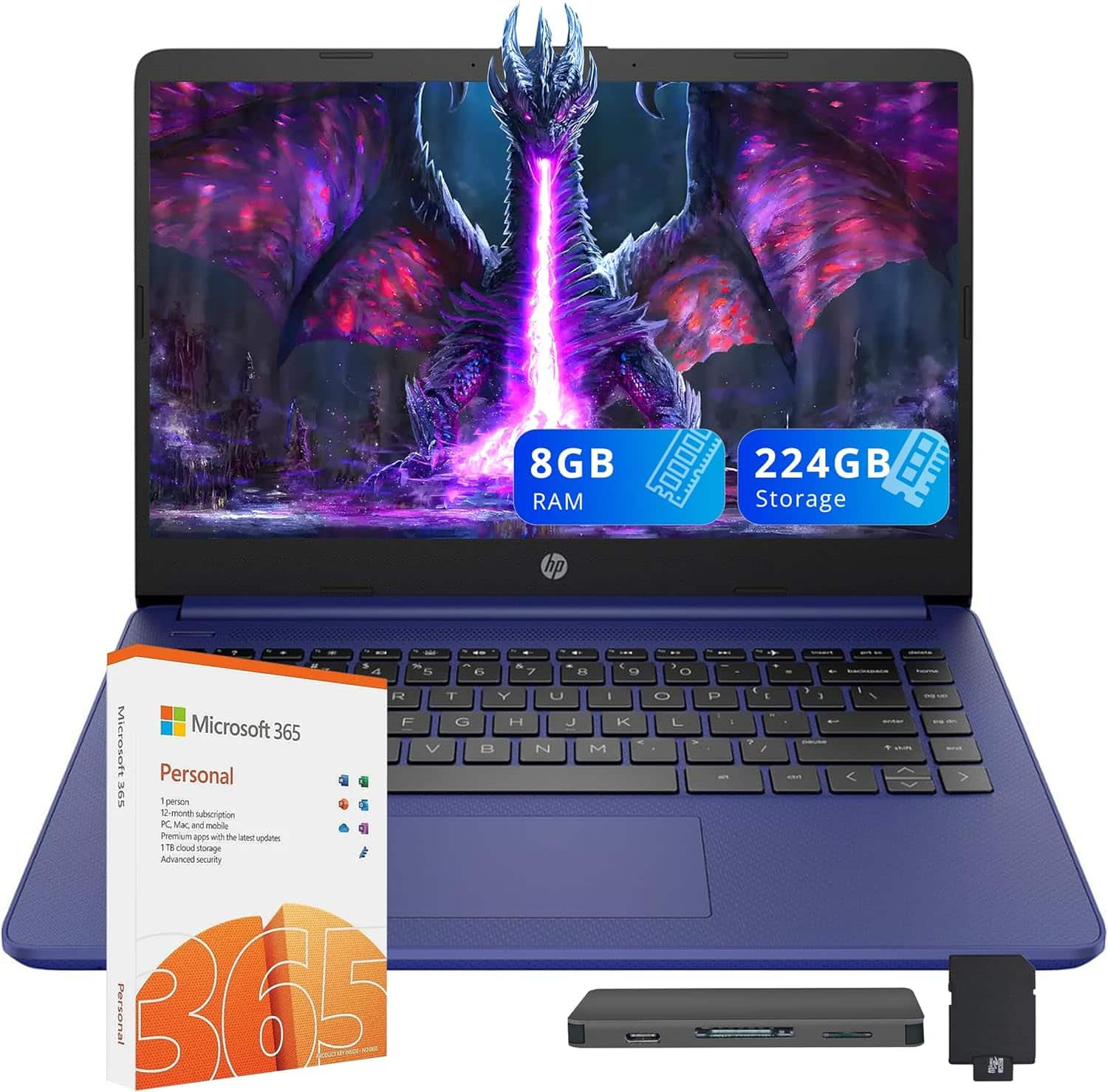
HP - Upgraded - Stream 14" HD Laptop, Intel Celeron N4120, 8GB RAM, 64GB eMMC, Win 11 S,160GB Docking Station - Blue
SKU: JJG2RTXV8TSee all All LaptopsProduct Description
A blue laptop with 14" HD display, Intel Celeron processor, 8GB RAM, and Windows 11 S.Your price for this item is $359.00
Best Sellers



Related Pages



FAQ
When choosing a stream computer, consider features like a powerful multi-core processor, ample RAM (at least 16GB), a dedicated graphics card, fast storage (SSD), and multiple USB ports for peripherals. These components ensure smooth streaming and multitasking.
Yes, many stream computers are equipped with high-performance components that make them suitable for both streaming and gaming. Look for a system with a strong GPU and CPU to handle both tasks simultaneously.
Some stream computers may come with popular streaming software like OBS Studio or XSplit pre-installed, but this varies by manufacturer. You can always download your preferred streaming software after setup.
While it's possible to stream using integrated graphics, a dedicated graphics card provides better performance and higher quality streams, especially if you plan to stream games or resource-intensive content.
A stable and fast internet connection is essential for streaming. For HD streaming, it's recommended to have an upload speed of at least 5 Mbps, though higher speeds will provide better quality and reliability.