Switch Gamecube Controller
-
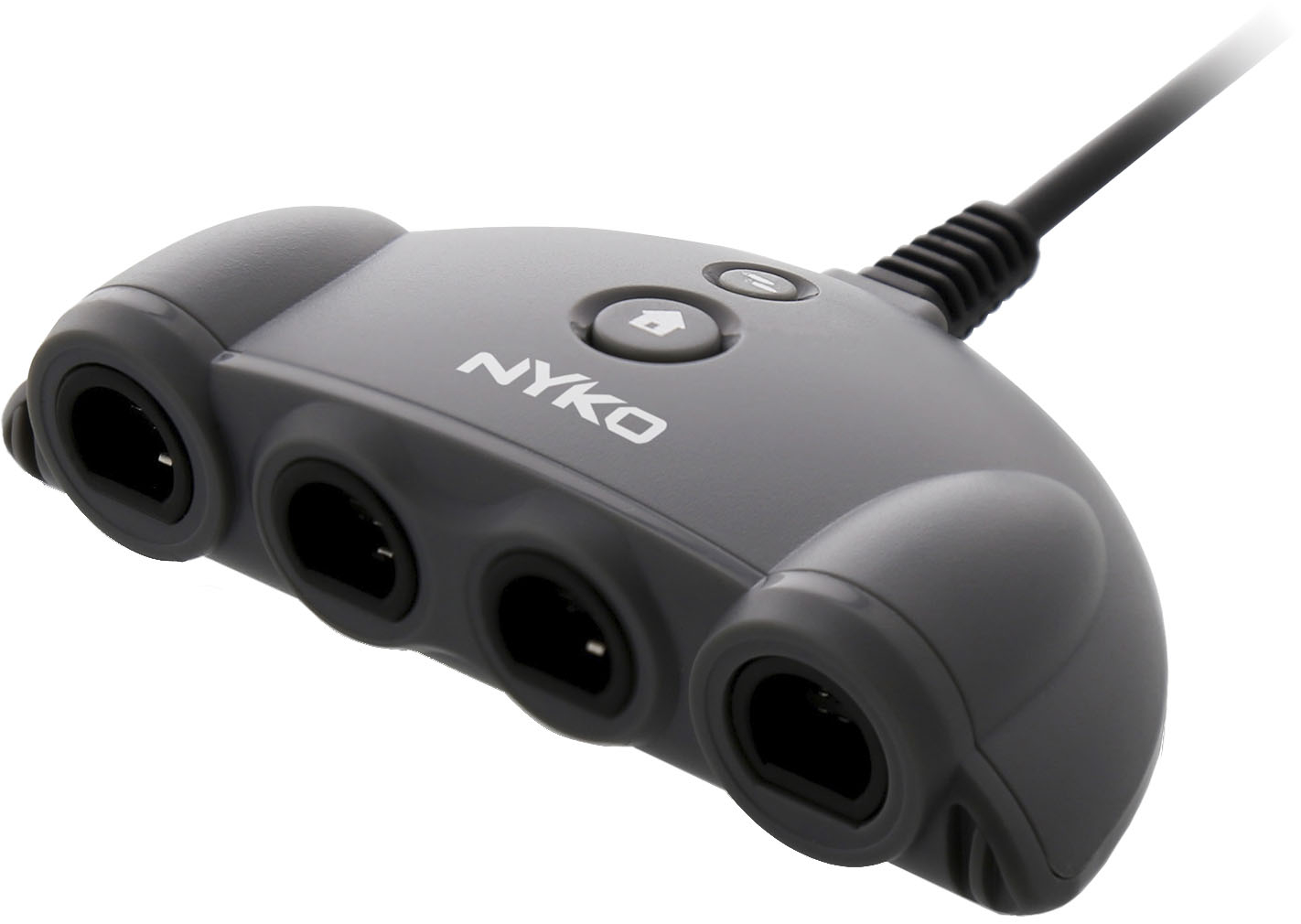
Nyko - Retro Controller Hub Plus - Gray
SKU: JX44KGQ4YQSee all Gaming Controller AccessoriesProduct Description
A black hub that connects up to four GameCube controllers to Nintendo Switch with turbo and home buttons.Your price for this item is $17.24Save $0The previous price was $18.10 -
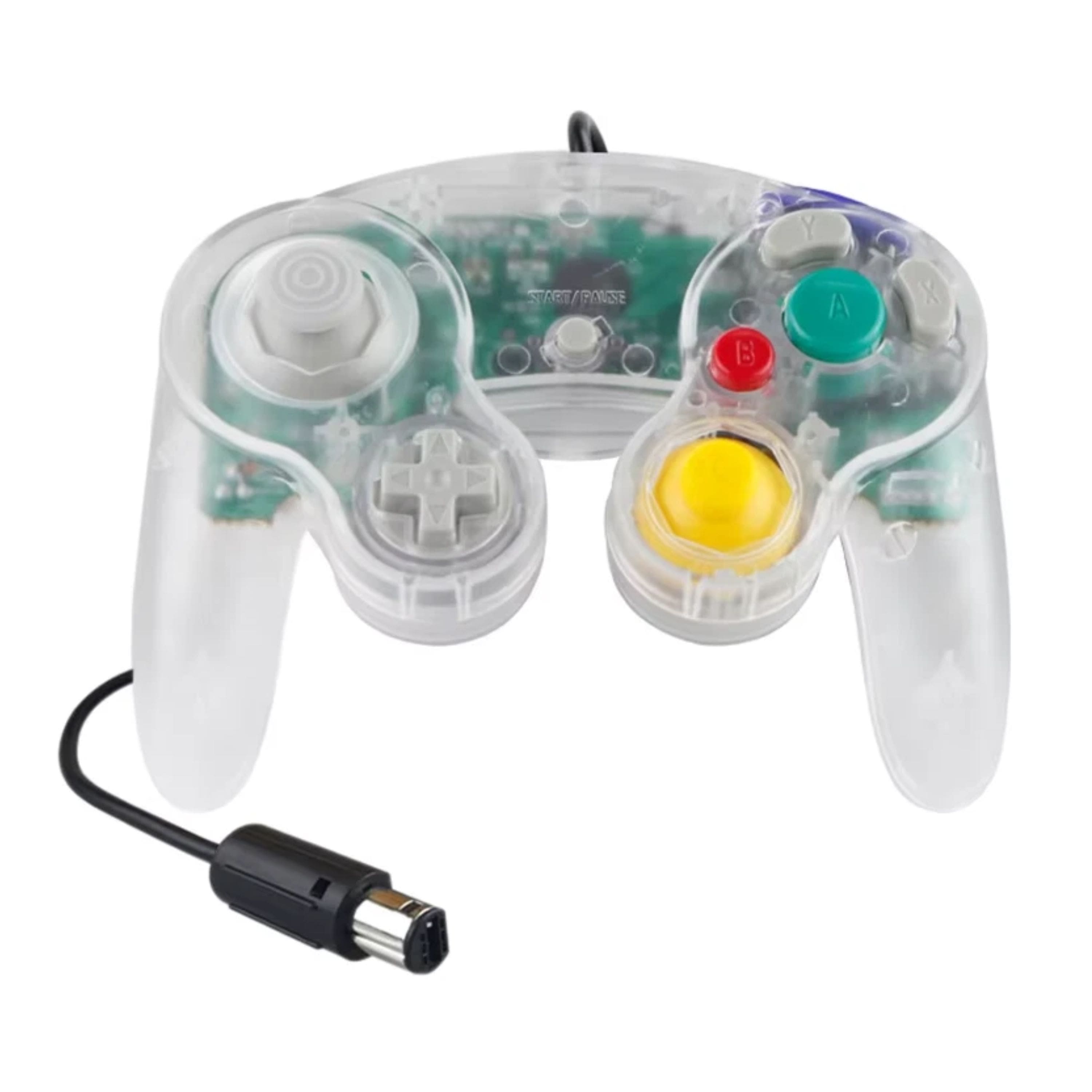
Kitcheniva - Wired NGC Controller Gamepad For Nintendo GameCube GC Wii U Console - Clear
SKU: J5X83G3CS9See all Gaming ControllersProduct Description
A clear wired gamepad offering ergonomic comfort, vibration feedback, and responsive controls for classic Nintendo consoles.Your price for this item is $21.99 -
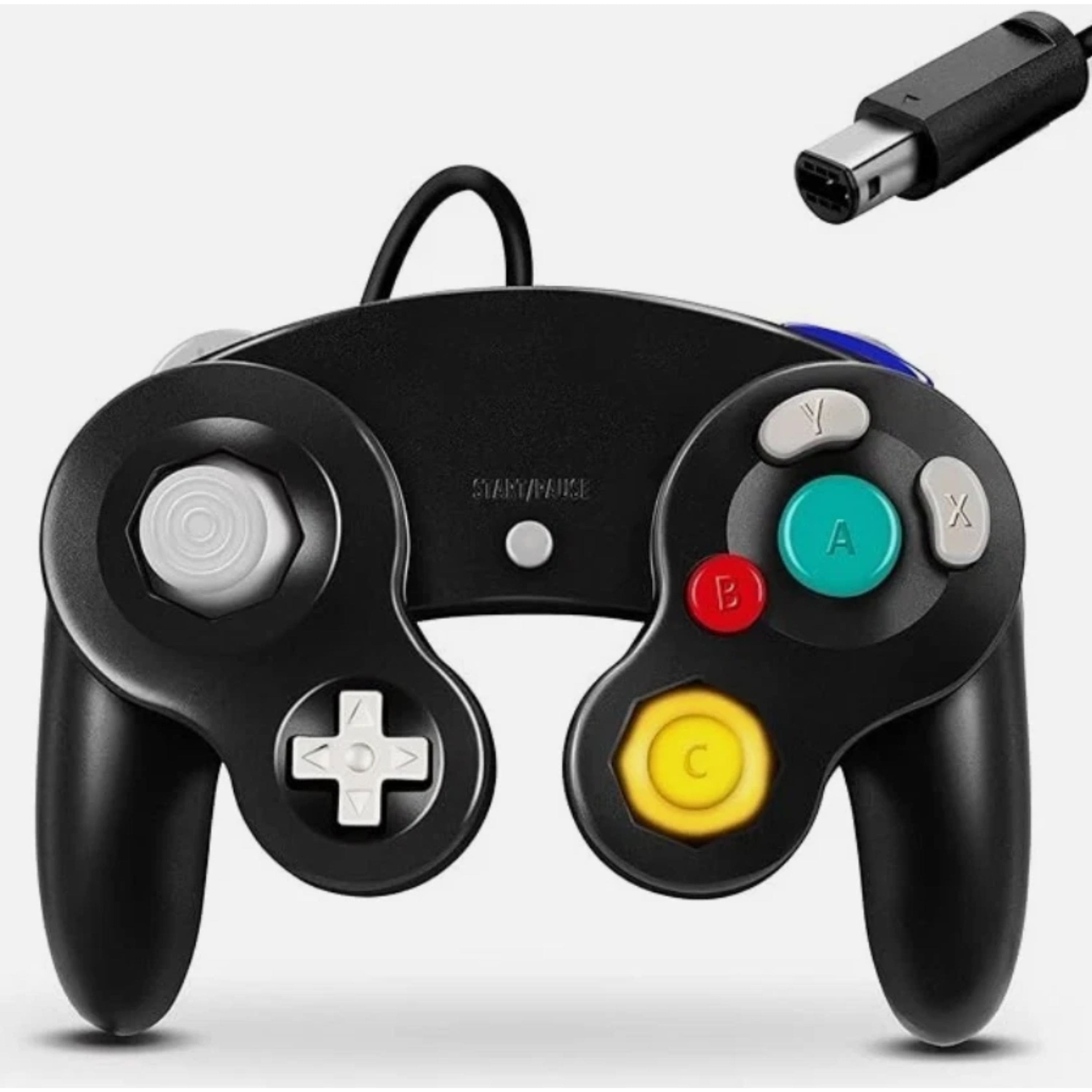
Kitcheniva - Wired NGC Controller Gamepad For Nintendo GameCube GC Wii U Console - Black
SKU: J5X83G3CYVSee all Gaming ControllersProduct Description
A black wired gamepad with ergonomic grip and vibration feedback for classic and modern Nintendo gaming.Your price for this item is $21.99 -
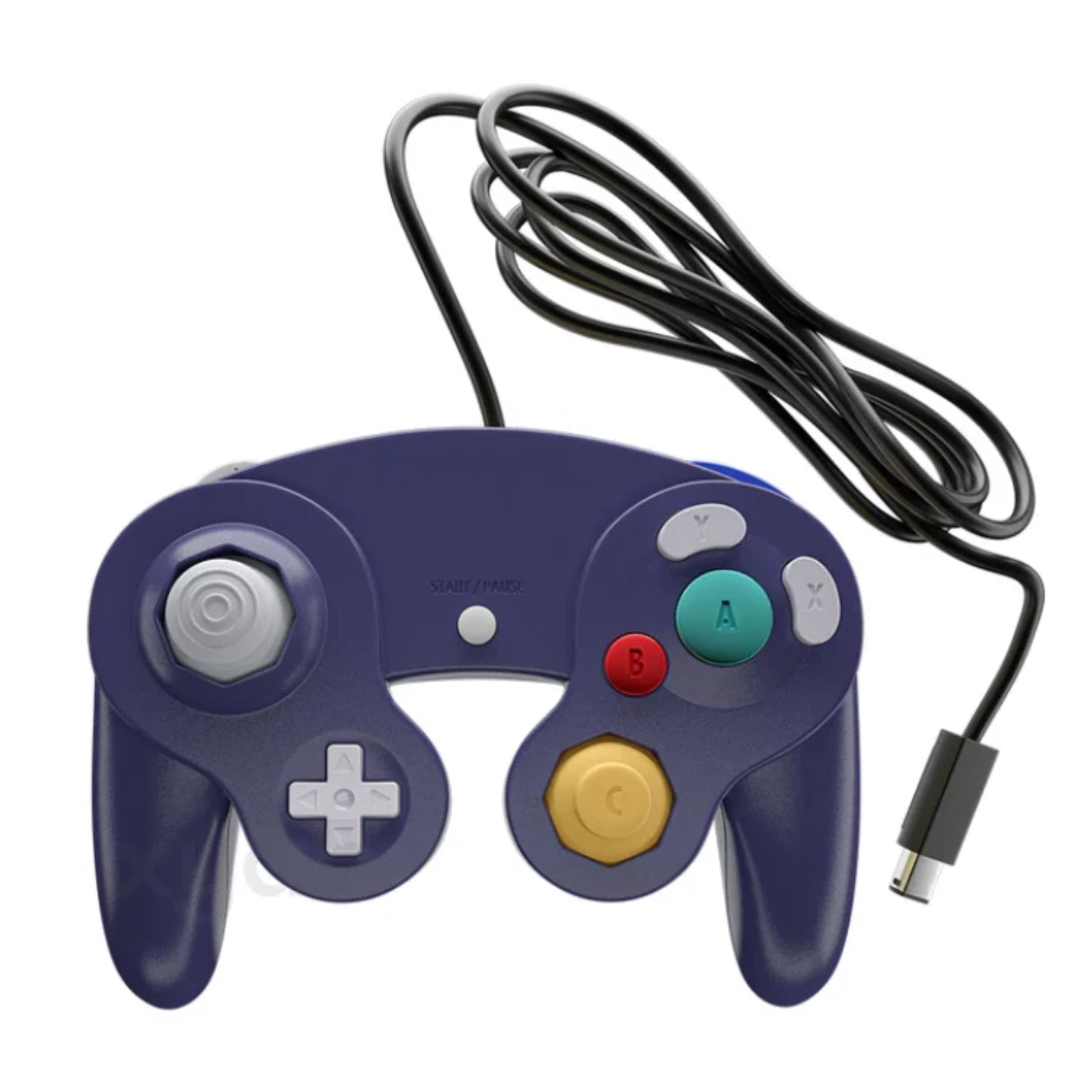
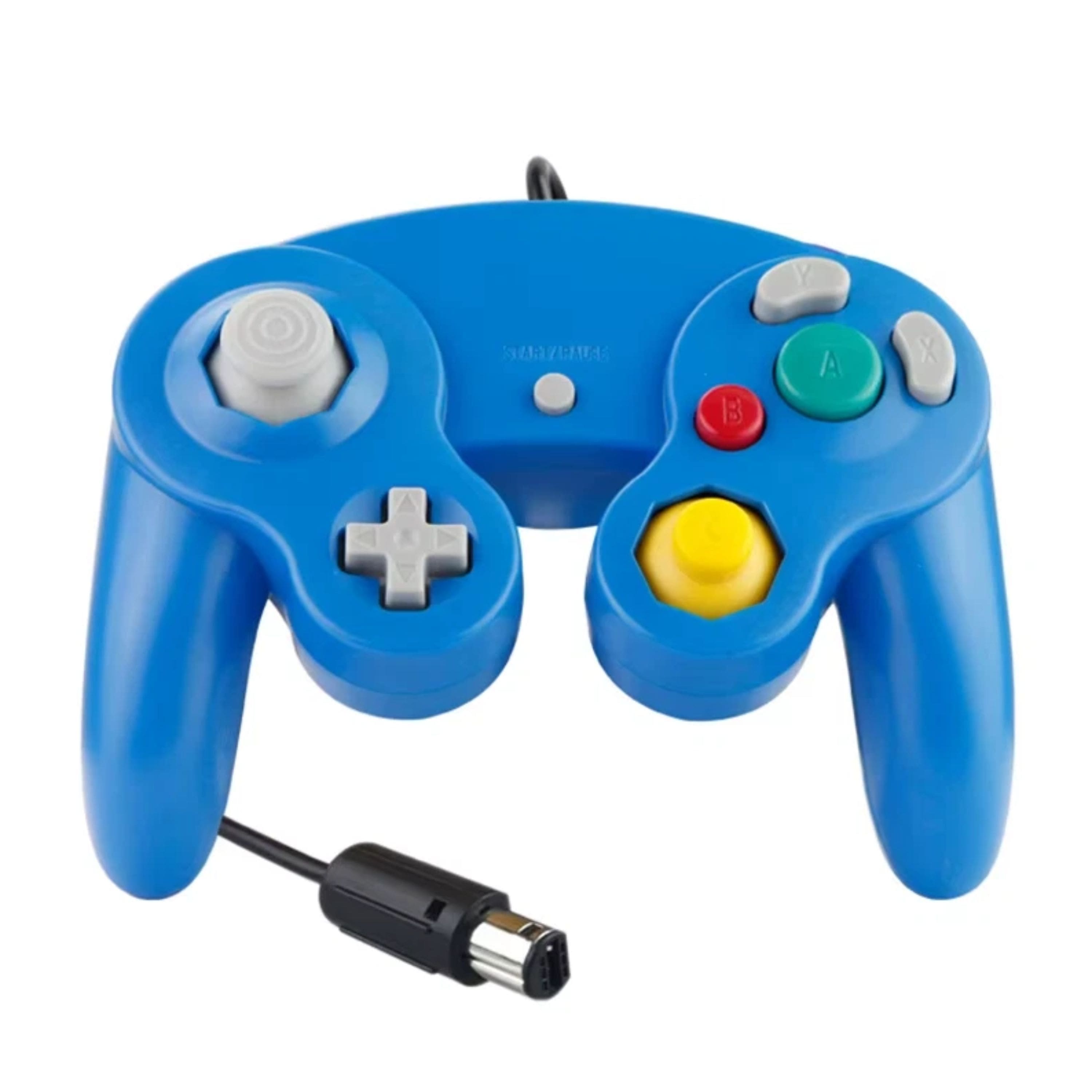
Kitcheniva - Wired NGC Controller Gamepad For Nintendo GameCube GC Wii U Console - Indigo
SKU: J5X83G3CS3See all Gaming ControllersProduct Description
An indigo wired gamepad offering ergonomic comfort, vibration feedback, and responsive controls for Nintendo platforms.Your price for this item is $21.99 -
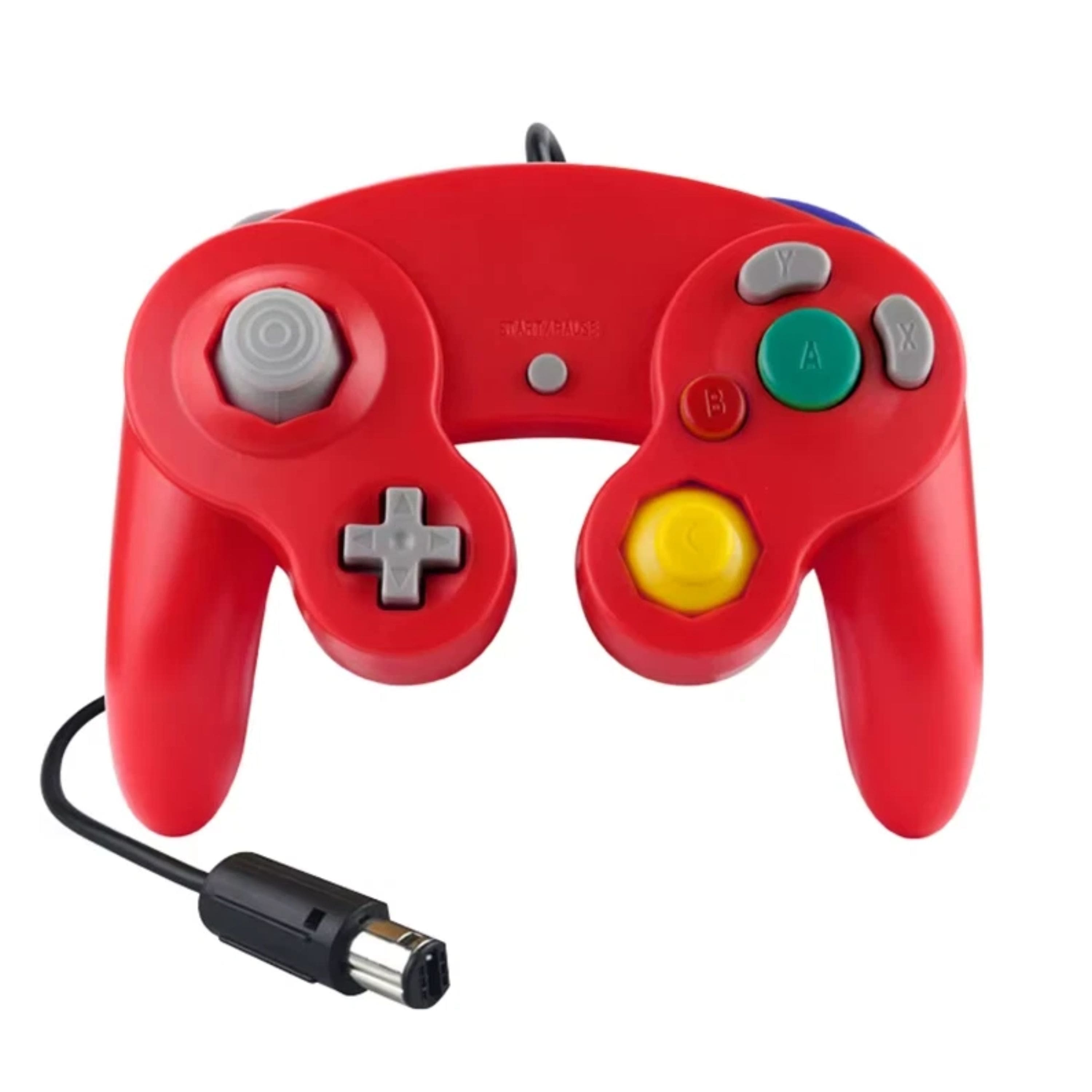
Kitcheniva - Wired NGC Controller Gamepad For Nintendo GameCube GC Wii U Console - Red
SKU: J5X83G3CPFSee all Gaming ControllersProduct Description
A red wired gamepad with ergonomic grip and vibration feedback for classic and modern Nintendo consoles.Your price for this item is $21.99 -
Kitcheniva - Wired NGC Controller Gamepad For Nintendo GameCube GC Wii U Console Blue - Red
SKU: J5X83G3CP8See all Gaming ControllersProduct Description
A wired blue and red gamepad offering ergonomic comfort, responsive controls, and vibration feedback for Nintendo consoles.Your price for this item is $21.99
Best Sellers
Related Pages




FAQ
The Switch Gamecube Controller is primarily designed for games that support controller input similar to the original Gamecube, such as Super Smash Bros. Ultimate. Not all Nintendo Switch games natively support this controller, so it's best to check each game's compatibility before use.
Yes, if you are using an original Gamecube controller, you will need a Gamecube controller adapter to connect it to your Nintendo Switch. Some third-party and officially licensed Switch Gamecube controllers are designed with USB or wireless connectivity and do not require an adapter.
The Switch Gamecube Controller is typically used in docked mode, as it connects via USB to the Nintendo Switch dock. It is not compatible with handheld mode unless you use a compatible USB-C adapter with your console.
Most Switch Gamecube Controllers do not include motion controls or HD rumble features. They are designed to replicate the feel of the classic Gamecube controller, focusing on traditional button and joystick inputs.
Yes, there are wireless versions of the Switch Gamecube Controller available from various brands. These controllers use Bluetooth or dedicated wireless adapters to connect to your Nintendo Switch, offering more flexibility and convenience during gameplay.